About this PowerPoint template
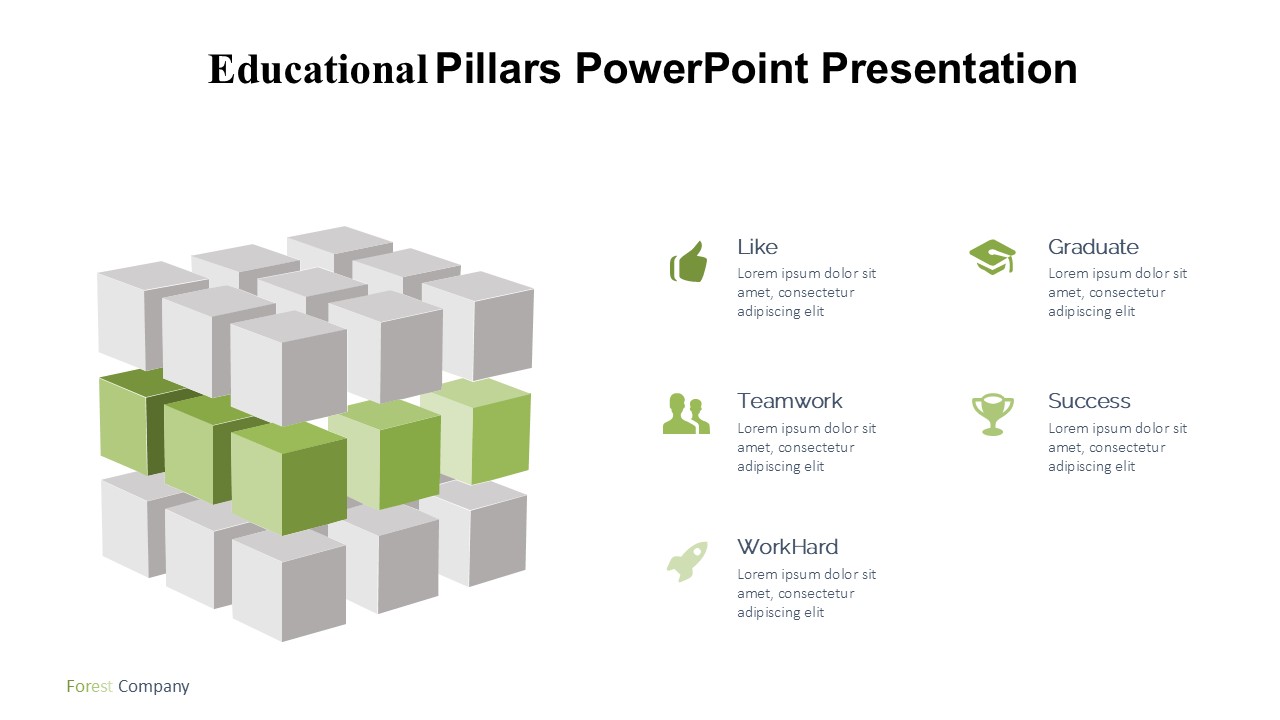
Introducing the Educational Pillars PowerPoint Presentation: A Dynamic Tool for Enlightening Minds
In the ever-evolving landscape of education, the need for tools that not only convey information but also inspire and engage is paramount. The Educational Pillars PowerPoint Presentation is designed to meet these needs, offering a robust and versatile platform for educators, trainers, and speakers to present complex concepts in an accessible manner. Whether you're addressing a room of eager students, a group of seasoned professionals, or an online audience, this presentation template is your ally in delivering impactful and memorable educational experiences.
Engaging Design:
The Educational Pillars PowerPoint Presentation features a sleek and professional design that captures attention without distracting from the core content. Its thematic background, subtle color palette, and high-quality graphics create a visual harmony that enhances the learning experience. Each slide is thoughtfully crafted to balance text, images, and white space, promoting clarity and comprehension.
Comprehensive Content Structure:
This template doesn’t just look good; it’s also structured to support effective learning. It includes a variety of slide types that cover all educational essentials—from introduction slides that set the stage, to detailed diagrams that break down complex theories, and concluding slides that reinforce key takeaways. The thoughtful arrangement helps in scaffolding the information, making it easier for the audience to follow and absorb.
Customizable Features:
Recognizing that every educational scenario is unique, the Educational Pillars PowerPoint Presentation is fully customizable. You can easily adapt it to your specific subject matter, audience level, and branding requirements. Adjust the text, change colors, move elements, and add your own images to tailor it perfectly to your needs.
Interactive Elements:
To keep the audience engaged, the template includes interactive elements like clickable tabs, animated charts, and embedded videos. These features are not only eye-catching but also serve as great tools to illustrate points more vividly and ensure active participation from the audience.
Versatility and Compatibility:
Ideal for a wide range of educational purposes, from academic lectures and business training to workshops and seminars, this PowerPoint presentation is a versatile choice. It is compatible with Microsoft PowerPoint and Google Slides, ensuring that you can work on it from any device and share it easily with others.
Key Features:
- Fully Editable Templates: Every aspect of the presentation can be customized to fit your specific teaching or presentation needs.
- Supports PowerPoint Templates and Google Slides: Whether you prefer working in Microsoft PowerPoint or Google Slides, this template offers seamless compatibility with both platforms, ensuring you can create, edit, and present anywhere, anytime.
- Variety of Slides: Includes a diverse range of slide designs, from introductory slides, detailed content slides, to summary slides, all designed to support various content types and teaching methods.
- Interactive and Engaging: Features such as animations, clickable options, and video integration are available to make your presentation more interactive and engaging.
The Educational Pillars PowerPoint Presentation is more than just a tool; it’s a gateway to effective and impactful education. Whether you are teaching complex scientific concepts, introducing new corporate protocols, or conducting a creative workshop, this template will help you deliver your message with clarity and confidence. Elevate your educational delivery with this professional, adaptable, and engaging presentation template.
Template details
| Template | Educational Pillars PowerPoint Presentation |
|---|---|
| Category | PowerPoint Templates |
| File format | PowerPoint (.pptx) |
| Slide size | 16:9 widescreen |
| Preview images | 1 |
| Editable | Yes: text, colours, shapes, icons and charts |
| Works with | PowerPoint 2010 and later, PowerPoint for Mac, Google Slides |
| Licence | Royalty-free, yours to keep using after your plan ends (terms of use apply) |
| Price | Included in every SlideVilla plan |
| Added | 11 May 2025 |
Questions about this template
Can I edit the Educational Pillars PowerPoint Presentation?
Yes. Every part of the Educational Pillars PowerPoint Presentation is made with native PowerPoint shapes and text boxes, so you can change the wording, colours, fonts and sizes, move or delete elements, and swap icons without losing quality.
Does the Educational Pillars PowerPoint Presentation work in Google Slides?
Yes. Download the .pptx file, upload it to Google Drive and open it with Google Slides. The layout, shapes and text stay editable there too.
Is the Educational Pillars PowerPoint Presentation free?
It is a premium template, included in every SlideVilla plan together with the rest of the library. See plans and pricing.
What size and format is it?
It is a PPTX file in 16:9 widescreen format, with 1 preview image shown above.
How to use this template
- Step 1DownloadClick Download and the .pptx file saves straight to your computer.
- Step 2OpenOpen it in PowerPoint, or upload it to Google Slides from your Drive.
- Step 3Make it yoursChange text, colours, icons and charts. Every element is fully editable.
Categories
Related PowerPoint templates
More designs like this one, ready to edit.