About this PowerPoint template
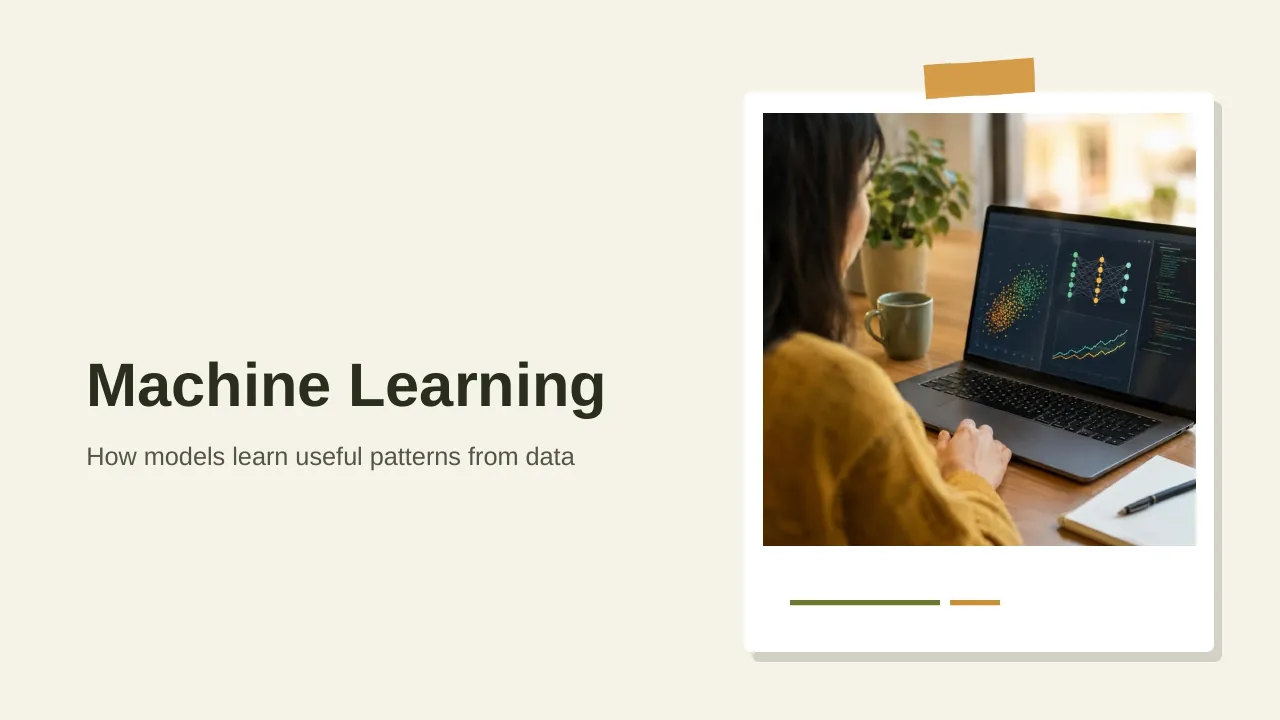
The Machine Learning PowerPoint Presentation is a complete 20-slide presentation: how models learn useful patterns from data. Every slide is fully editable in PowerPoint and Google Slides, so you can change the text, colours, charts and icons to fit your brand in minutes.
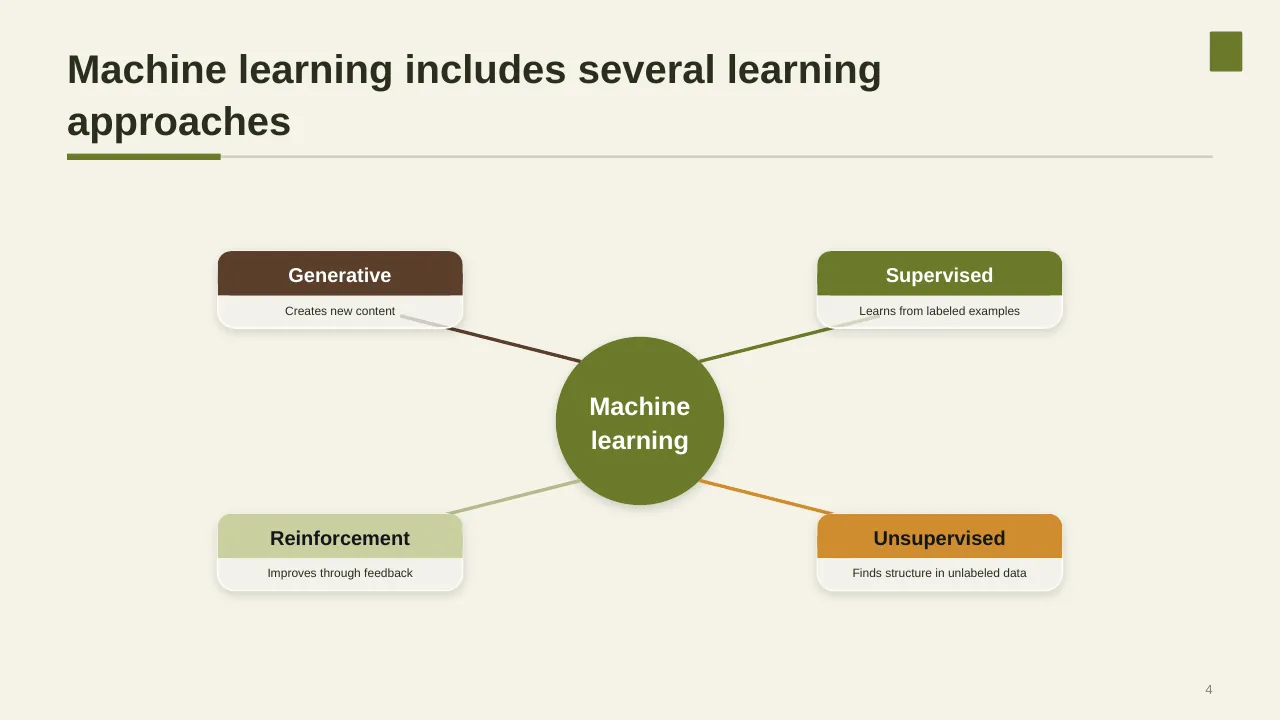
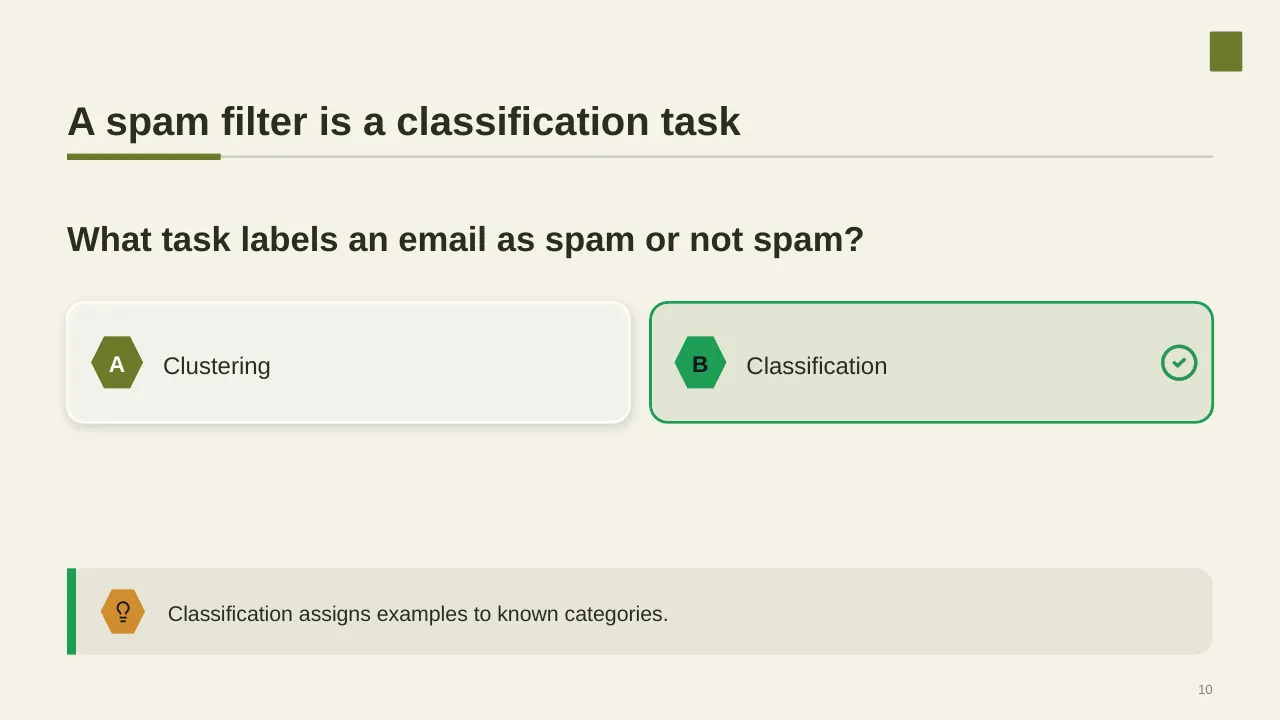
Inside, the slides walk through topics such as “Machine learning includes several learning approaches”, “What task labels an email as spam or not spam?” and “Automation brings benefits and real trade-offs”, with ready-made layouts for each step. It is part of our AI & Technology presentations.
On this page
What's included
- 20 professionally designed 16:9 widescreen slides
- 100% editable text, shapes, icons, tables and charts (no flat images)
- Works in Microsoft PowerPoint (Windows and Mac) and Google Slides
- Clean, consistent layout that follows your theme colours and fonts
- Delivered as a single ZIP file containing the .pptx presentation
What to include in an AI presentation
A simple structure that works for most audiences, mapped to the slides in this deck:
| Part | What goes there | Slide in this deck |
|---|---|---|
| Opportunity | Where AI can create value for your business | Slide 18 |
| Use cases | Prioritised use cases with value and feasibility | Slides 3, 6, 12 |
| Data and technology | Data readiness, platforms and integration | Slides 3, 6, 7 |
| Risks and governance | Accuracy, bias, privacy and controls | Slide 2 |
| Roadmap | Pilots, scaling plan and milestones | Use any content slide |
| Value and KPIs | How you will measure impact | Use any content slide |
Key numbers: Artificial intelligence
Research figures you can quote on your slides. Each one names the study it comes from, so your audience can check it.
| Finding | Figure | Source |
|---|---|---|
| Organisations using AI regularly in at least one business function | 88% (up from 78%) | McKinsey, The State of AI (2025) |
| Organisations at least experimenting with AI agents | 62% | McKinsey, The State of AI (2025) |
| Organisations reporting any enterprise-level EBIT impact from AI | 39% | McKinsey, The State of AI (2025) |
| "AI high performers" (5%+ of EBIT from AI) | about 6% | McKinsey, The State of AI (2025) |
| Organisations that saw at least one negative consequence of AI (most often inaccuracy) | 51% | McKinsey, The State of AI (2025) |
Sources: McKinsey, The State of AI in 2025 · IDM summary of the McKinsey survey. Figures are from the editions named; check for a newer edition before you present.
Slide-by-slide outline
| Slide | What it covers |
|---|---|
| 1 | Title slide: Machine Learning |
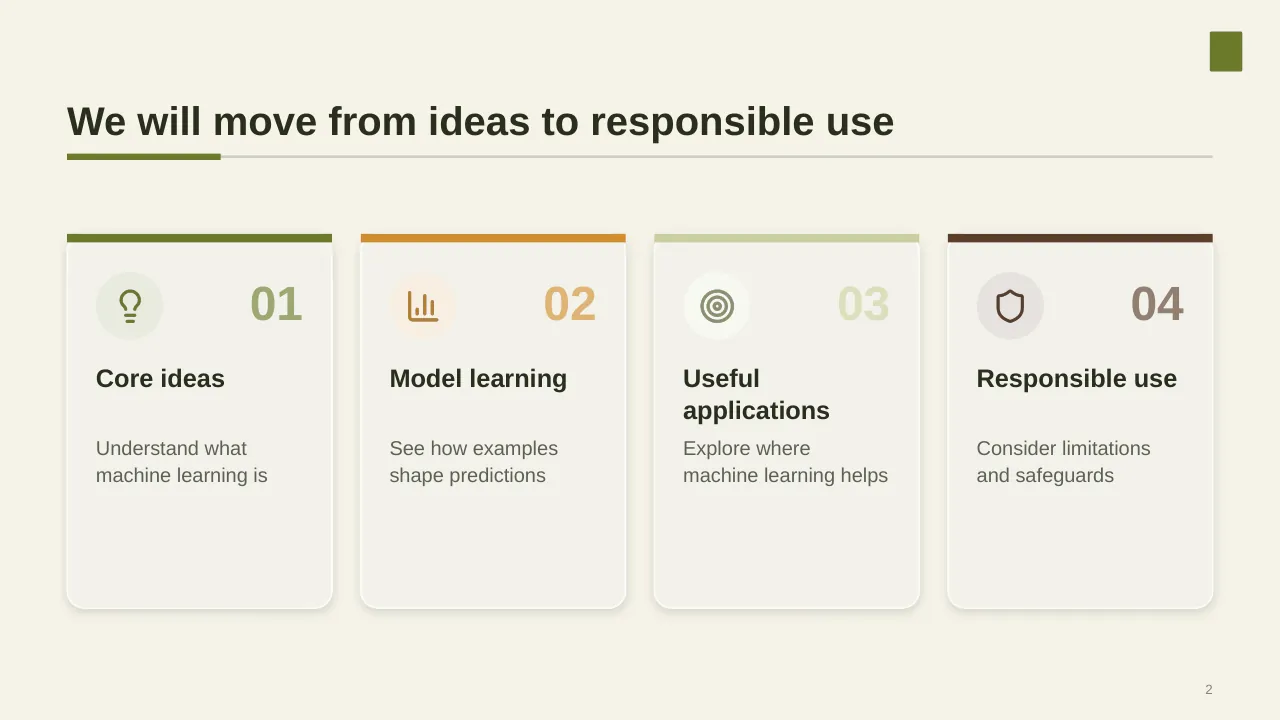
| 2 | We will move from ideas to responsible use |
| 3 | Models adjust their parameters using examples to make useful predictions on new data. |
| 4 | Machine learning includes several learning approaches |
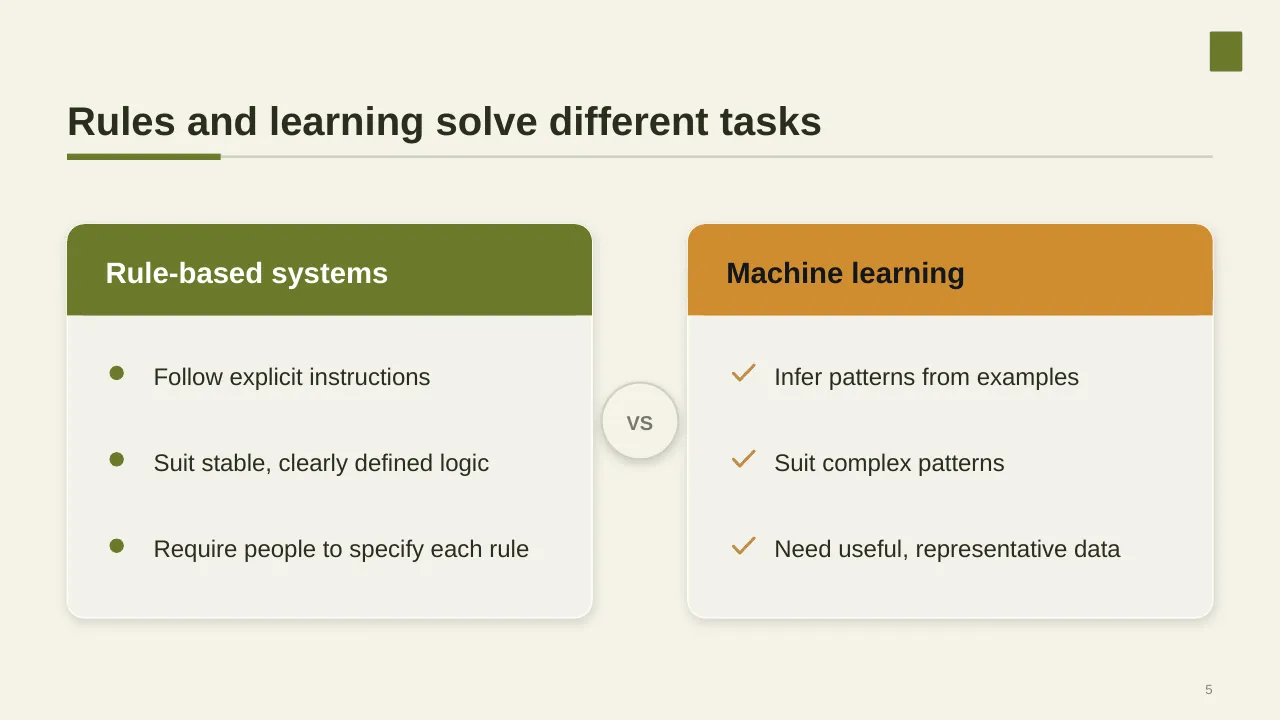
| 5 | Rules and learning solve different tasks |
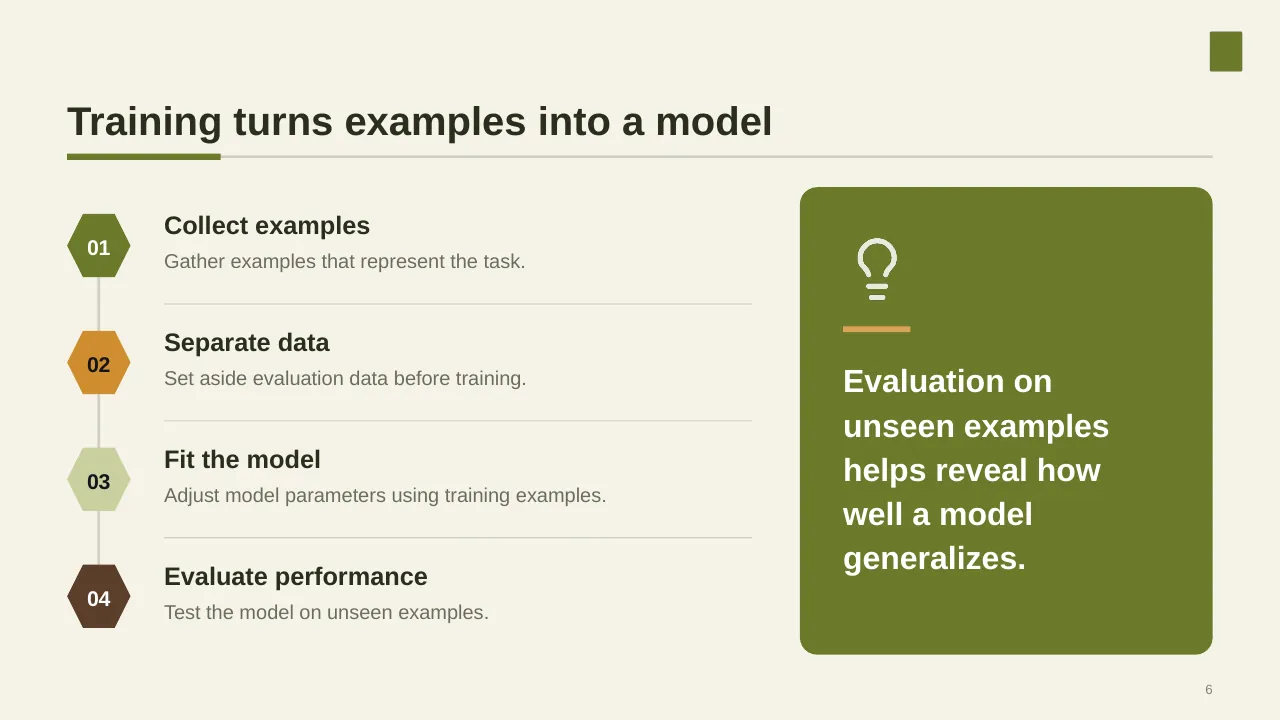
| 6 | Training turns examples into a model |
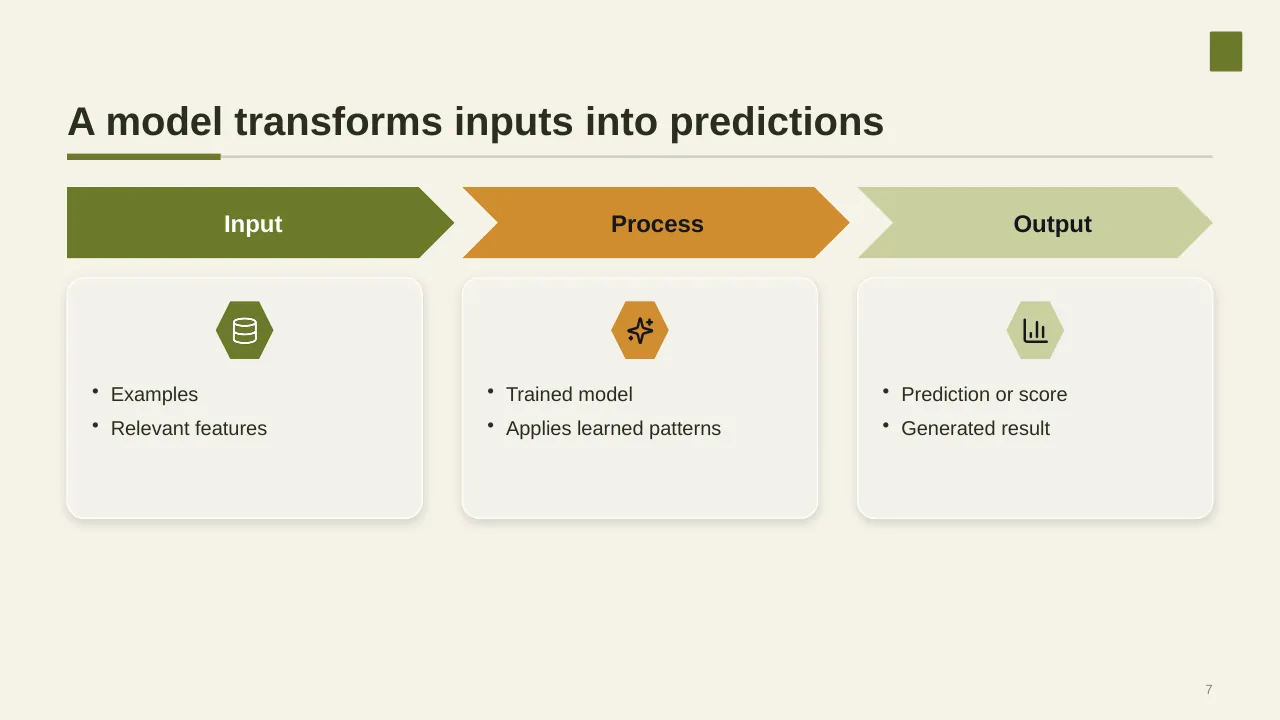
| 7 | A model transforms inputs into predictions |
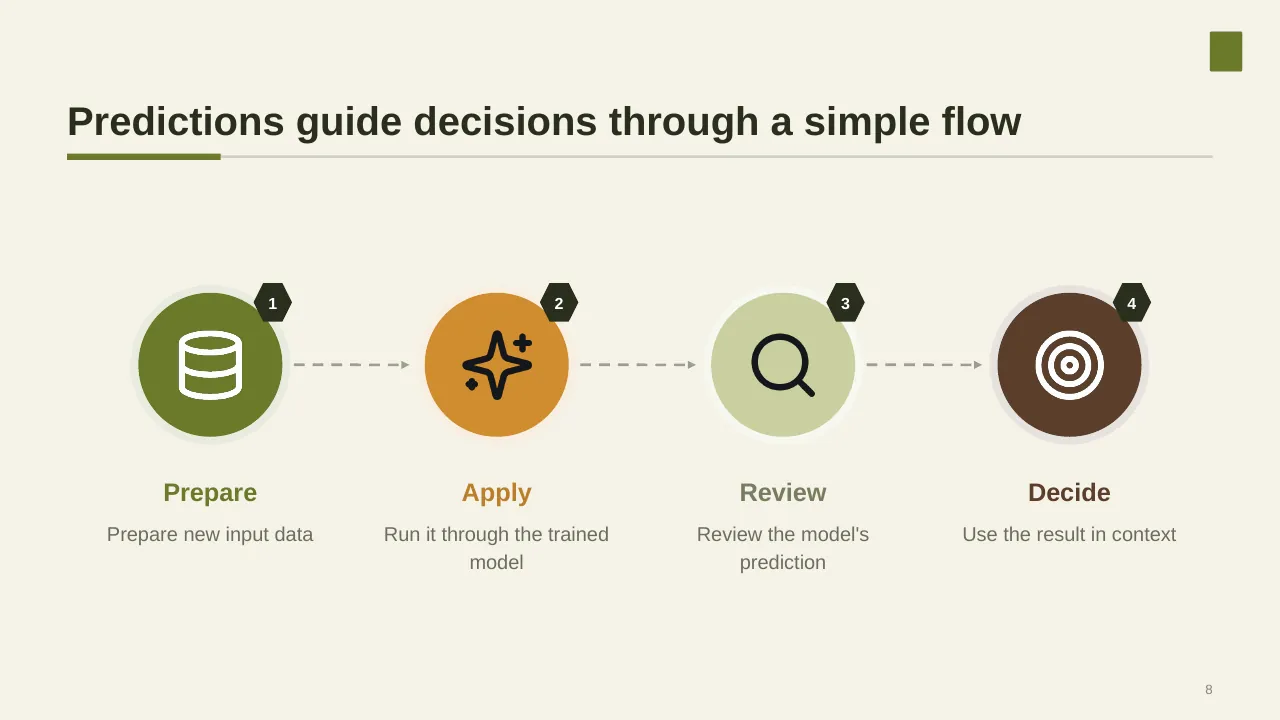
| 8 | Predictions guide decisions through a simple flow |
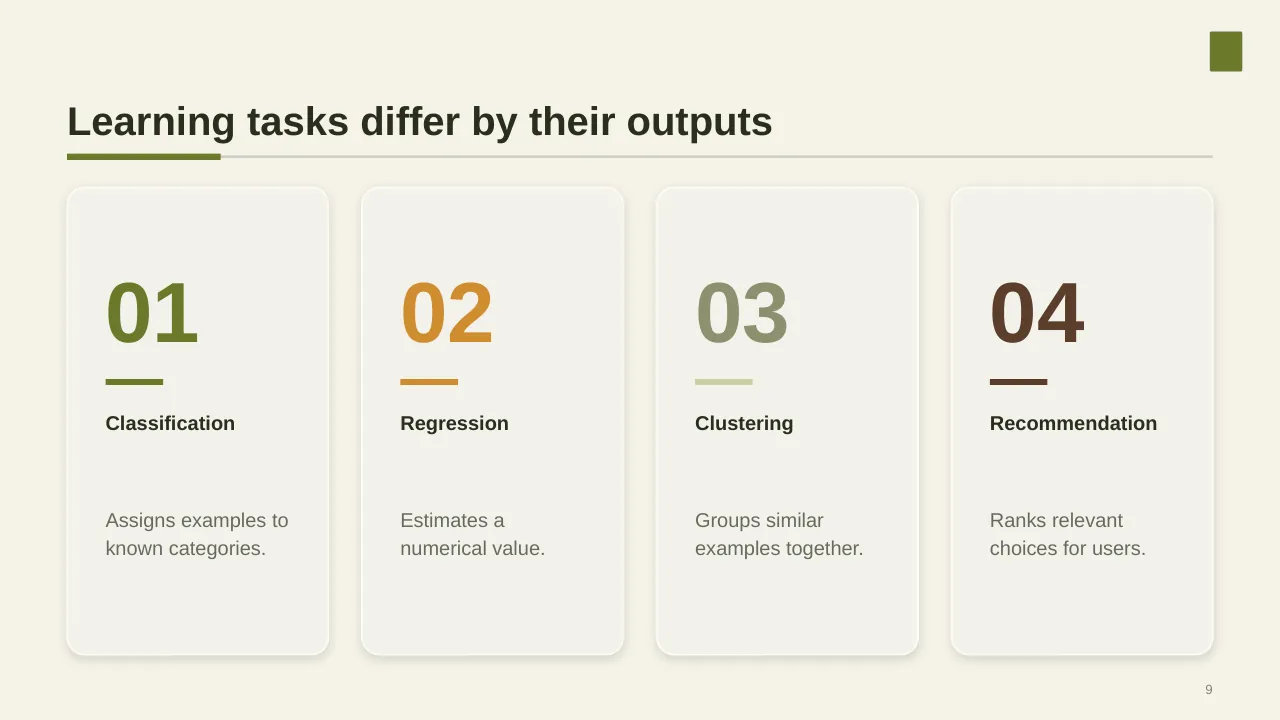
| 9 | Learning tasks differ by their outputs |
| 10 | What task labels an email as spam or not spam? |
| 11 | Explore how machine learning addresses practical needs. |
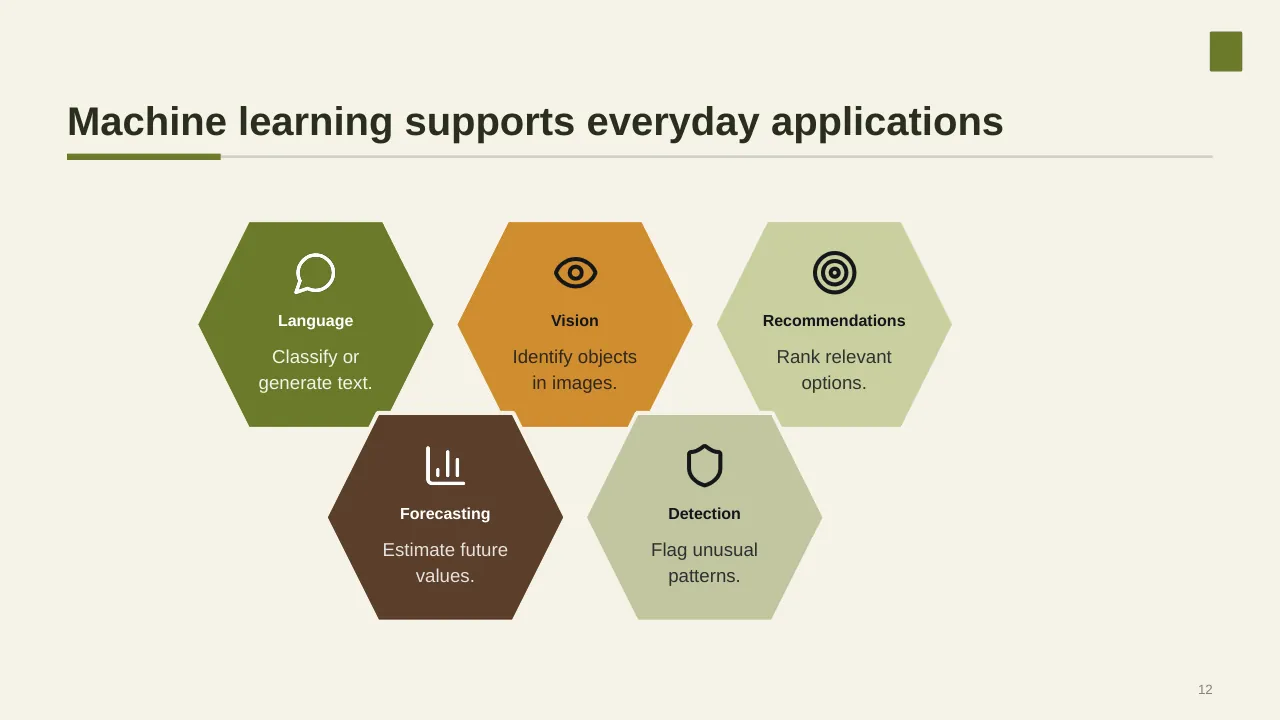
| 12 | Machine learning supports everyday applications |
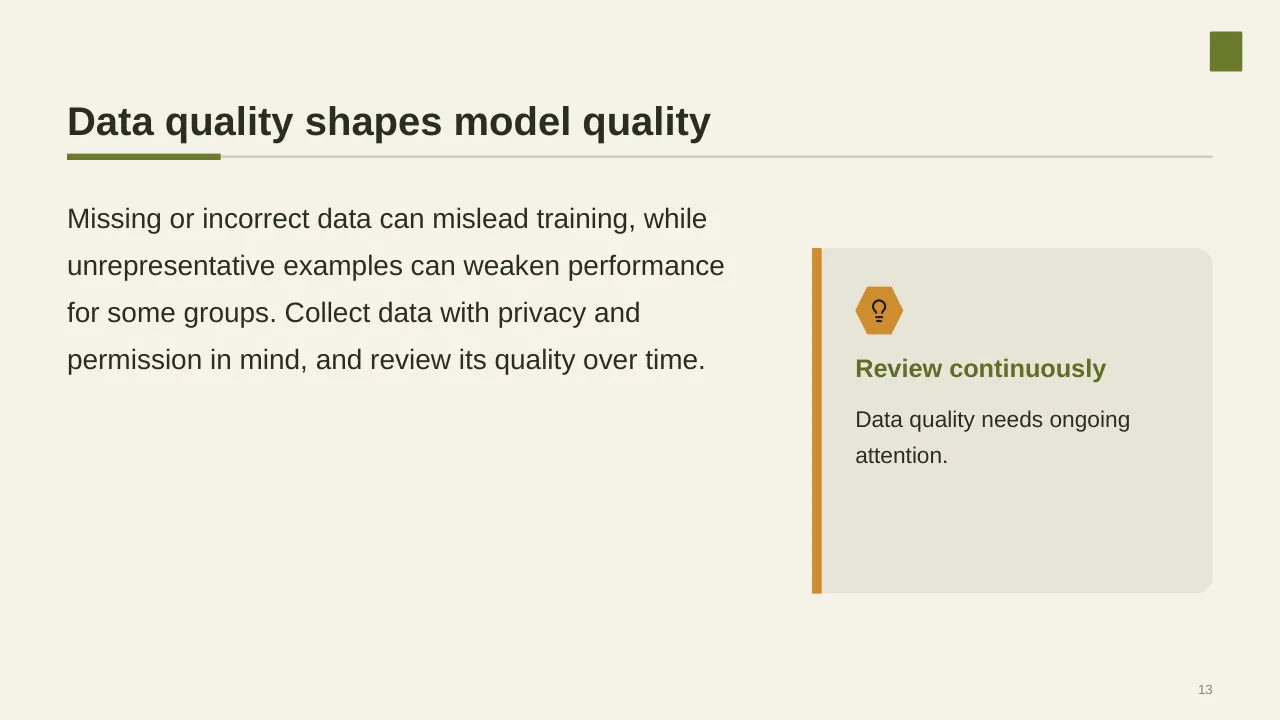
| 13 | Missing or incorrect data can mislead training, while unrepresentative examples can weaken performance for… |
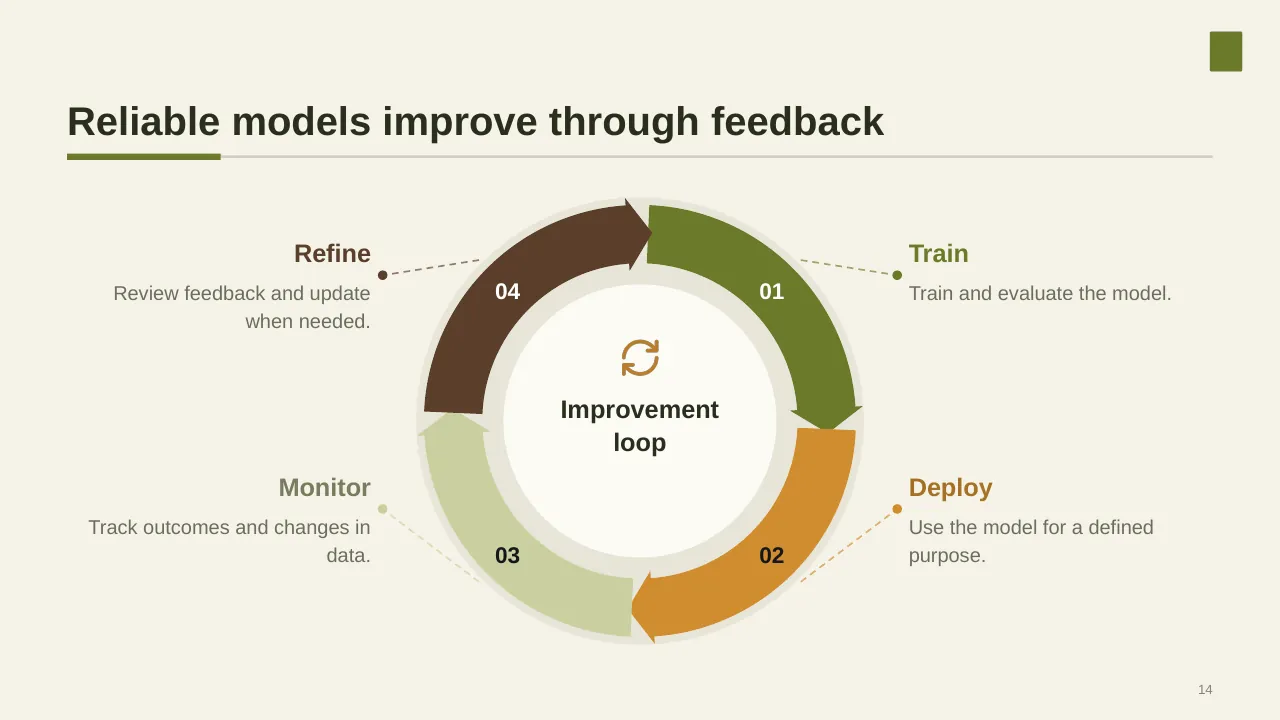
| 14 | Reliable models improve through feedback |
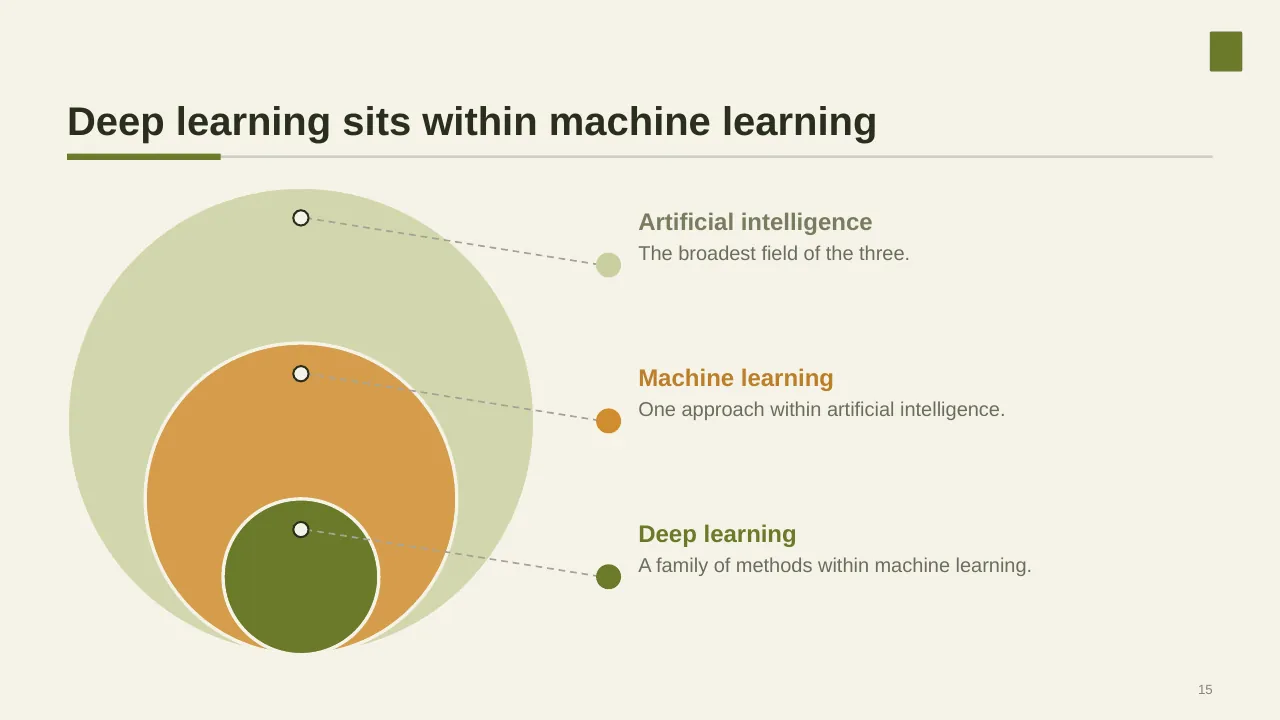
| 15 | A family of methods within machine learning. |
| 16 | Trustworthy use depends on clear limits, oversight, and accountability. |
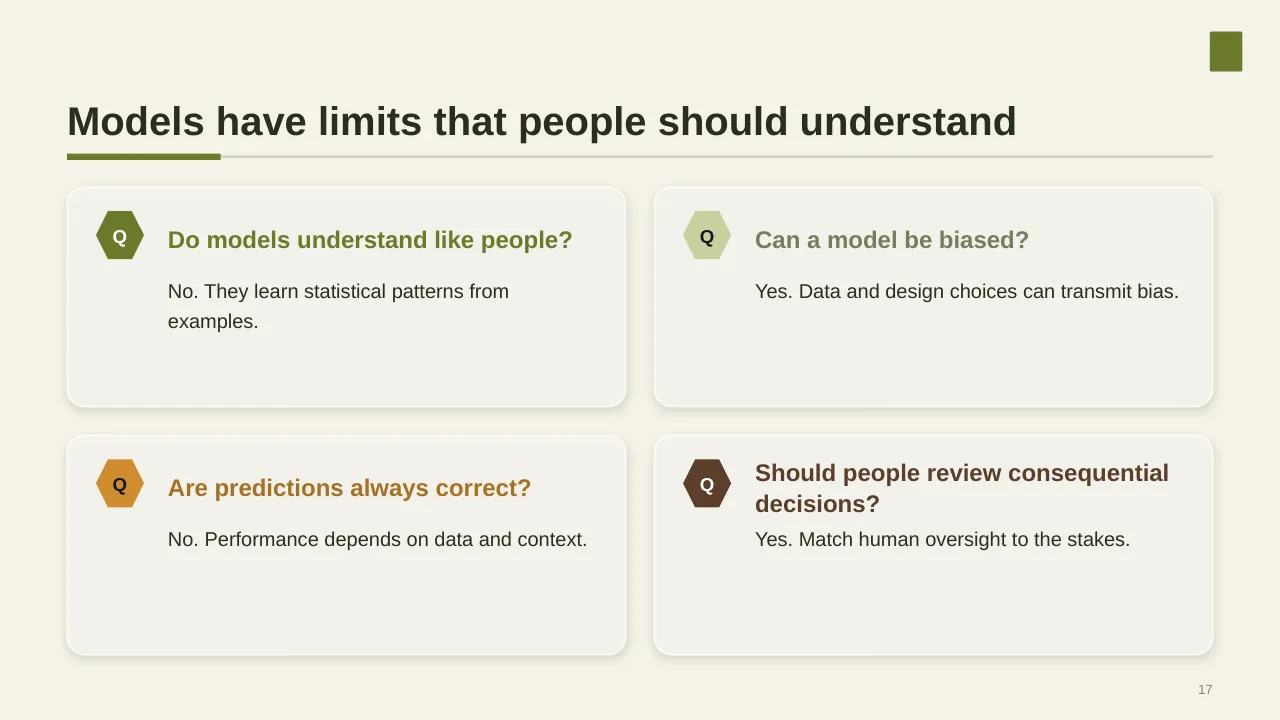
| 17 | Models have limits that people should understand |
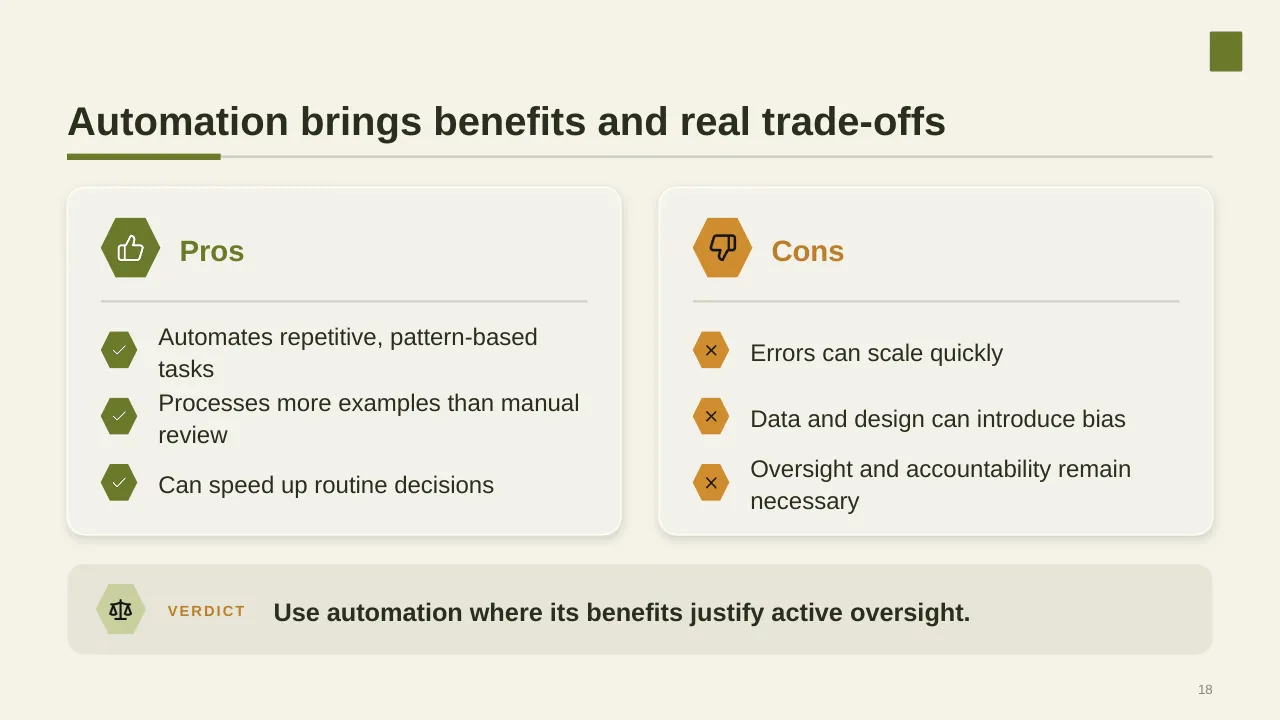
| 18 | Automation brings benefits and real trade-offs |
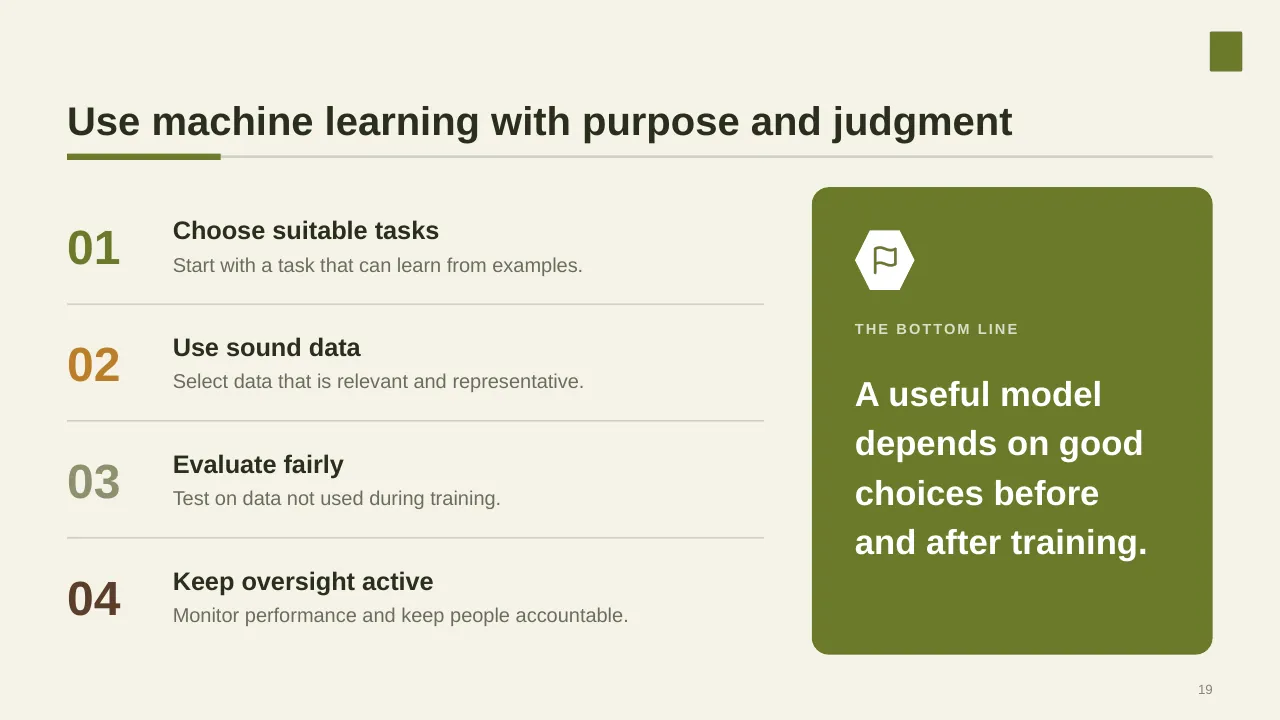
| 19 | Use machine learning with purpose and judgment |
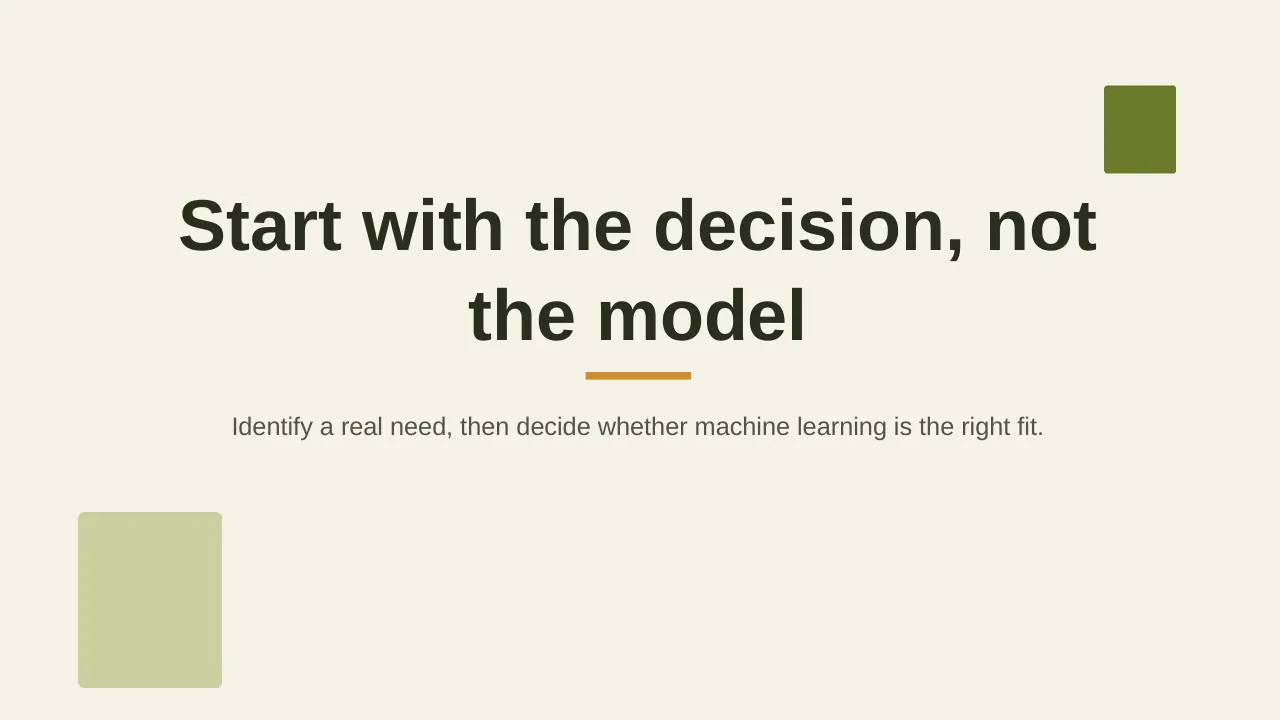
| 20 | Identify a real need, then decide whether machine learning is the right fit. |
Tips for an AI presentation
- Lead with two or three use cases tied to a real business metric.
- Show the path from pilot to scale; McKinsey found most companies are still not seeing enterprise-level EBIT impact.
- Give governance its own slide; inaccuracy is the most reported AI risk.
- Keep model jargon in the appendix.
Mistakes to avoid
- Use cases with no owner or metric
- Ignoring data readiness
- No plan for errors and human review
Checklist before you present
- Is each use case tied to a metric?
- Is data readiness assessed?
- Are risks and controls covered?
- Is there a pilot-to-scale plan?
- Are owners named?
Great for
- AI strategy and adoption plans
- Technology briefings for leaders
- Training sessions on AI and data
- Innovation and digital talks
How to customise it
- Download the ZIP file and unzip it to get the .pptx presentation.
- Open it in PowerPoint, or upload it to Google Drive and open it with Google Slides.
- Replace the sample text and numbers with your own; charts update from their data sheets.
- Change the theme colours once to recolour the whole deck, then delete any slides you don't need.
Questions about an AI presentation
How do I prioritise AI use cases?
Score each one on business value and feasibility (data, technology, risk) and start with the high-value, high-feasibility quadrant.
What is the difference between AI and machine learning?
AI is the broad field of systems that perform tasks needing human-like intelligence; machine learning is the subset where systems learn patterns from data.
Related presentations
- Augmented Intelligence PowerPoint Presentation
- Data Strategy House PowerPoint Presentation
- Corporate Software Development Training Timeline PowerPoint Presentation
- AI Strategy PowerPoint Presentation
Browse all AI & Technology presentations or more technology templates.
Template details
| Template | Machine Learning PowerPoint Presentation |
|---|---|
| Categories | Technology, AI & Technology |
| File format | PowerPoint (.pptx), delivered as a .zip file |
| Number of slides | 20 fully editable slides |
| File size | 2.5 MB |
| Slide size | 16:9 widescreen |
| Preview images | 20 |
| Editable | Yes: text, colours, shapes, icons and charts |
| Works with | PowerPoint 2010 and later, PowerPoint for Mac, Google Slides |
| Licence | Royalty-free, yours to keep using after your plan ends (terms of use apply) |
| Price | Included in every SlideVilla plan |
| Added | 8 Oct 2025 |
Questions about this template
Can I edit the Machine Learning PowerPoint Presentation?
Yes. Every part of the Machine Learning PowerPoint Presentation is made with native PowerPoint shapes and text boxes, so you can change the wording, colours, fonts and sizes, move or delete elements, and swap icons without losing quality.
Does the Machine Learning PowerPoint Presentation work in Google Slides?
Yes. Download the .zip file, unzip it to get the .pptx, upload it to Google Drive and open it with Google Slides. The layout, shapes and text stay editable there too.
Is the Machine Learning PowerPoint Presentation free?
It is a premium template, included in every SlideVilla plan together with the rest of the library. See plans and pricing.
What size and format is it?
It is a PPTX file in 16:9 widescreen format with 20 slides, 2.5 MB (downloaded as a .zip; unzip it to get the presentation), with 20 preview images shown above.
How to use this template
- Step 1DownloadClick Download, then unzip the .zip file to get the .pptx presentation.
- Step 2OpenOpen it in PowerPoint, or upload it to Google Slides from your Drive.
- Step 3Make it yoursChange text, colours, icons and charts. Every element is fully editable.
Categories
Related PowerPoint templates
More designs like this one, ready to edit.