About this PowerPoint template
Product Description:
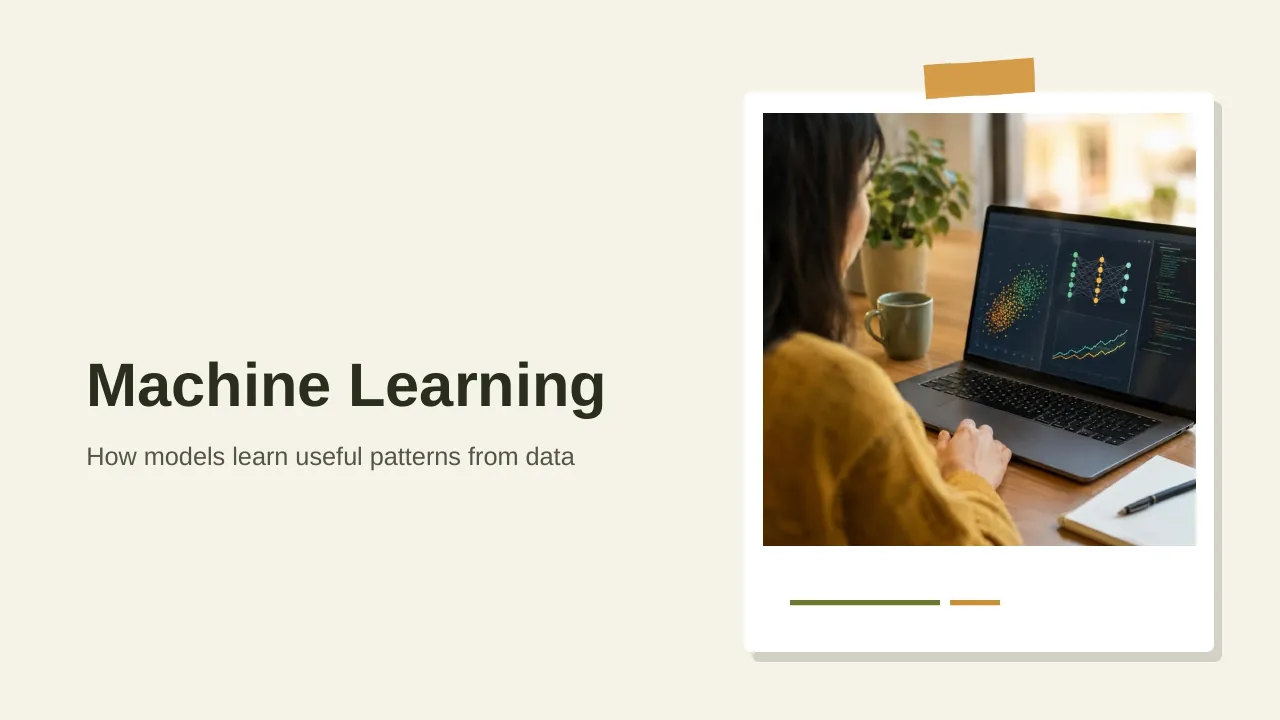
Introducing the Transfer Learning PowerPoint Presentation, the ultimate resource designed to facilitate a deep understanding of one of the most influential techniques in the world of artificial intelligence and machine learning. This comprehensive PowerPoint presentation is meticulously crafted to cater to educators, technology professionals, and students aiming to explore and explain the concepts of transfer learning effectively.
Transfer learning, as a revolutionary approach, allows models developed for a particular task to be reused as the starting point for a model on a second task, enhancing learning efficiency and reducing the time to develop high-performance models. Our Transfer Learning PowerPoint Presentation not only breaks down complex ideas into digestible pieces but also guides the audience through practical applications and case studies, illuminating how this technique is transforming industries.
Features:
- Fully Editable Templates:
- The PowerPoint presentation comes with fully editable templates, ensuring that you can customize each slide according to your specific needs and preferences. Whether you need to adjust the text, change colors, or modify backgrounds, our templates provide flexibility to create a tailored educational experience.
- Compatibility with Multiple Platforms:
- Designed for versatility, this presentation supports both PowerPoint templates and Google Slides. This feature allows users to access and present the material using their preferred platform without compatibility issues, ensuring a seamless user experience whether in the classroom, a webinar, or a conference.
- Comprehensive Content Layout:
- Our presentation includes a well-structured content layout that covers the essentials of transfer learning, including its definition, methodology, advantages, and real-world applications. Each section is thoughtfully designed to facilitate learning and retention.
- Engaging Visuals and Diagrams:
- With a focus on engagement and clarity, our presentation incorporates high-quality visuals and diagrams. These elements are crucial in explaining the intricate concepts and workflows of transfer learning, making them accessible to all audience levels.
- Case Studies and Examples:
- Practical application is key to understanding advanced concepts. Our PowerPoint includes various case studies and real-world examples where transfer learning has been successfully implemented. This approach not only illustrates the effectiveness of transfer learning but also inspires innovative applications in different sectors.
- User Guide and Instructions:
- To help you make the most out of this educational tool, the presentation comes with a detailed user guide and clear instructions. This additional resource is designed to assist presenters in delivering compelling and informative sessions on transfer learning.
In conclusion, the Transfer Learning PowerPoint Presentation is an indispensable tool for anyone looking to delve into or teach the nuanced world of machine learning. Whether you are a seasoned AI practitioner or a newcomer to the field, this presentation package promises not only to enlighten but also to inspire innovative applications of transfer learning in various domains. Equip yourself with this powerful educational resource and lead the way in technological education.
Template details
| Template | Transfer Learning PowerPoint Presentation |
|---|---|
| Category | PowerPoint Templates |
| File format | PowerPoint (.pptx) |
| Slide size | 16:9 widescreen |
| Preview images | 1 |
| Editable | Yes: text, colours, shapes, icons and charts |
| Works with | PowerPoint 2010 and later, PowerPoint for Mac, Google Slides |
| Licence | Royalty-free, yours to keep using after your plan ends (terms of use apply) |
| Price | Included in every SlideVilla plan |
| Added | 11 May 2025 |
Questions about this template
Can I edit the Transfer Learning PowerPoint Presentation?
Yes. Every part of the Transfer Learning PowerPoint Presentation is made with native PowerPoint shapes and text boxes, so you can change the wording, colours, fonts and sizes, move or delete elements, and swap icons without losing quality.
Does the Transfer Learning PowerPoint Presentation work in Google Slides?
Yes. Download the .pptx file, upload it to Google Drive and open it with Google Slides. The layout, shapes and text stay editable there too.
Is the Transfer Learning PowerPoint Presentation free?
It is a premium template, included in every SlideVilla plan together with the rest of the library. See plans and pricing.
What size and format is it?
It is a PPTX file in 16:9 widescreen format, with 1 preview image shown above.
How to use this template
- Step 1DownloadClick Download and the .pptx file saves straight to your computer.
- Step 2OpenOpen it in PowerPoint, or upload it to Google Slides from your Drive.
- Step 3Make it yoursChange text, colours, icons and charts. Every element is fully editable.
Categories
Related PowerPoint templates
More designs like this one, ready to edit.