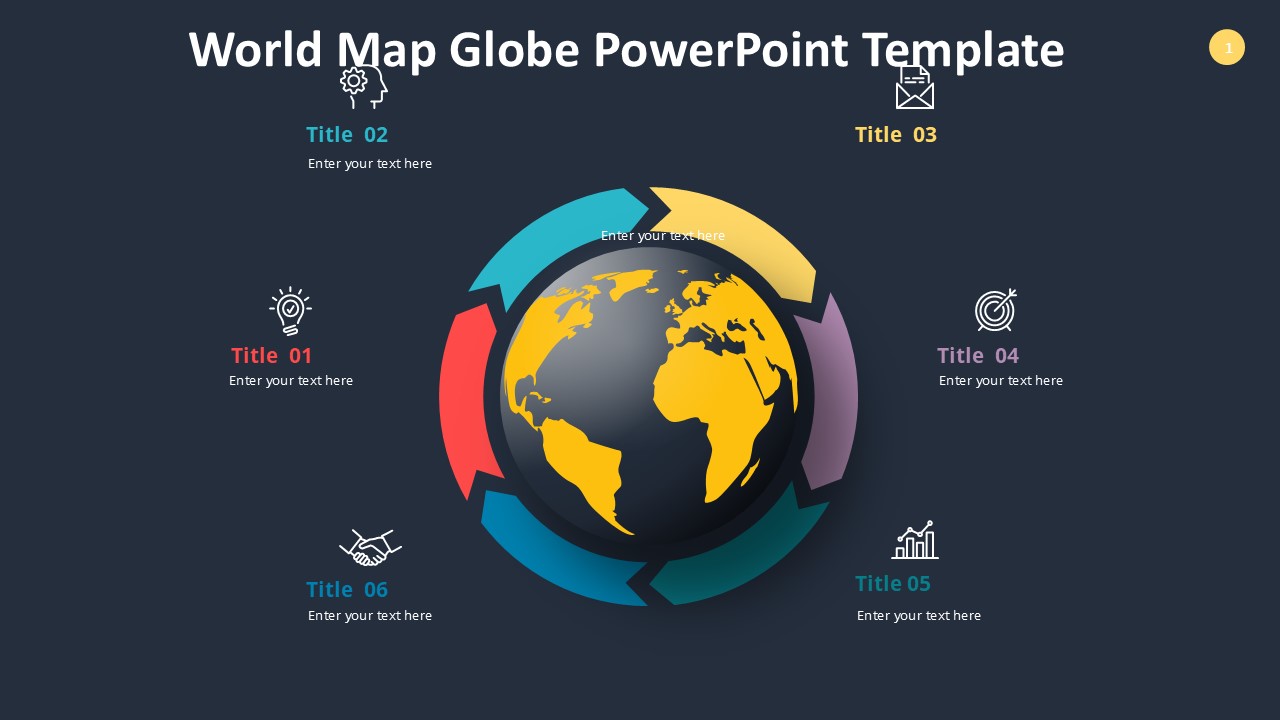
About this PowerPoint template
Introducing the Education Project PowerPoint Presentation Template
Unlock the potential of your educational presentations with our Education Project PowerPoint Presentation Template. Designed meticulously for educators, administrators, students, and educational consultants, this template is a game-changer for conveying educational concepts, project outlines, or research findings in a clear and engaging way.
Versatile and User-Friendly Design
Our template boasts a sleek, professional design that is not only eye-catching but also incredibly easy to use. It caters to a wide range of educational topics, from academic research presentations to school project proposals. The layout has been crafted to facilitate information delivery in a structured manner, allowing you to present complex data in an easy-to-understand format. Whether you are delivering a critical analysis, a developmental framework, or sharing innovative educational techniques, this template provides the perfect backdrop.
Engaging Visual Elements
Visual impact is paramount in educational presentations. Our template includes a variety of graphs, charts, and infographics that are customizable to demonstrate your data effectively. It also features educational-themed icons and high-quality images that can be adjusted to suit your specific needs. These elements are designed to capture and retain the audience's attention, making your presentation more memorable.
Fully Editable Templates
Flexibility is key in creating presentations that truly resonate with your audience. That's why our education project template is fully editable. Each slide is built to be adjusted according to your specific requirements. You can easily change colors, text, and images, allowing for a personalized presentation that aligns perfectly with your educational message or branding.
Supports PowerPoint and Google Slides
To ensure that our template is accessible and convenient for everyone, it supports both Microsoft PowerPoint and Google Slides. This dual compatibility allows you to work in your preferred platform without worrying about file conversions. Whether you are working from a laptop, a desktop, or even on the go, you can access and edit your presentation with ease.
Feature Highlights:
- Comprehensive Slide Range: The template includes a diverse array of slides, each designed for specific types of information, including introductions, objectives, methodologies, results, and conclusions.
- Customizable Visuals: From diagrams to pie charts, every visual element can be tailored to fit your data and presentation style.
- Interactive Elements: Engage your audience with clickable tabs and transitions that make navigating through your presentation a seamless experience.
- Educational Icon Set: Enhance your slides with icons that are specifically designed for educational purposes, adding an extra layer of relevance and appeal.
- High Compatibility: Seamlessly switch between PowerPoint and Google Slides, depending on your needs and preferences.
- Easy to Use: Even with little to no technical expertise, you can easily modify the template to suit your presentation needs.
Conclusion
The Education Project PowerPoint Presentation Template is more than just a tool; it's a comprehensive solution for anyone looking to create impactful and persuasive educational presentations. With its professional design, customizable features, and user-friendly interface, it empowers you to deliver your message with clarity and confidence. Elevate your educational presentations to the next level with this exceptional template!
Template details
| Template | Education Project PowerPoint Presentation |
|---|---|
| Category | PowerPoint Templates |
| File format | PowerPoint (.pptx) |
| Slide size | 16:9 widescreen |
| Preview images | 1 |
| Editable | Yes: text, colours, shapes, icons and charts |
| Works with | PowerPoint 2010 and later, PowerPoint for Mac, Google Slides |
| Licence | Royalty-free, yours to keep using after your plan ends (terms of use apply) |
| Price | Included in every SlideVilla plan |
| Added | 11 May 2025 |
Questions about this template
Can I edit the Education Project PowerPoint Presentation?
Yes. Every part of the Education Project PowerPoint Presentation is made with native PowerPoint shapes and text boxes, so you can change the wording, colours, fonts and sizes, move or delete elements, and swap icons without losing quality.
Does the Education Project PowerPoint Presentation work in Google Slides?
Yes. Download the .pptx file, upload it to Google Drive and open it with Google Slides. The layout, shapes and text stay editable there too.
Is the Education Project PowerPoint Presentation free?
It is a premium template, included in every SlideVilla plan together with the rest of the library. See plans and pricing.
What size and format is it?
It is a PPTX file in 16:9 widescreen format, with 1 preview image shown above.
How to use this template
- Step 1DownloadClick Download and the .pptx file saves straight to your computer.
- Step 2OpenOpen it in PowerPoint, or upload it to Google Slides from your Drive.
- Step 3Make it yoursChange text, colours, icons and charts. Every element is fully editable.
Categories
Related PowerPoint templates
More designs like this one, ready to edit.