About this PowerPoint template
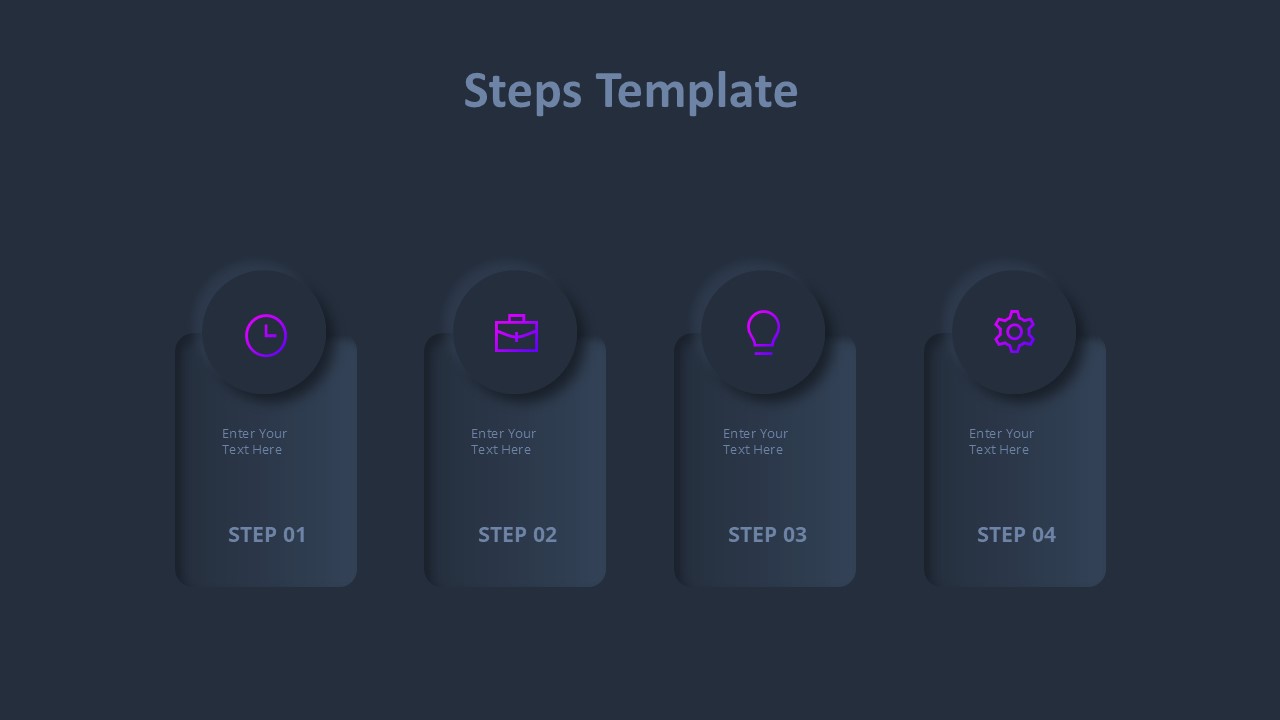
Introducing the Steps Template, the ultimate solution for organizing information in a clear and visually appealing manner. This versatile template is designed to help you create step-by-step guides, instructional materials, process flows, and much more with ease.
With the Steps Template, you can easily lay out each individual step in a logical sequence, complete with descriptive text, images, and icons. This allows you to break down complex procedures into simple, easy-to-follow instructions that are perfect for training materials, tutorials, and how-to guides.
The template features a clean and modern design that is fully customizable to suit your specific needs. You can easily change the colors, fonts, and layout to match your brand or project requirements. Additionally, the template is available in multiple file formats, making it compatible with popular design software such as Adobe Illustrator, Photoshop, and Microsoft Word.
Whether you're a teacher looking to create engaging lesson plans, a business professional in need of process documentation, or a blogger wanting to share DIY tutorials, the Steps Template is the perfect tool to streamline your content creation process.
Key Features:
1. Fully editable design elements
2. Multiple file formats for compatibility
3. Clean and modern layout
4. Easy-to-customize colors, fonts, and layout
5. Suitable for a wide range of content types
Take your content creation to the next level with the Steps Template and start organizing your information in a visually appealing and easy-to-understand format today.
Template details
| Template | Steps Template |
|---|---|
| Category | PowerPoint Templates |
| File format | PowerPoint (.pptx) |
| Slide size | 16:9 widescreen |
| Preview images | 1 |
| Editable | Yes: text, colours, shapes, icons and charts |
| Works with | PowerPoint 2010 and later, PowerPoint for Mac, Google Slides |
| Licence | Royalty-free, yours to keep using after your plan ends (terms of use apply) |
| Price | Included in every SlideVilla plan |
| Added | 12 Nov 2024 |
Questions about this template
Can I edit the Steps Template?
Yes. Every part of the Steps Template is made with native PowerPoint shapes and text boxes, so you can change the wording, colours, fonts and sizes, move or delete elements, and swap icons without losing quality.
Does the Steps Template work in Google Slides?
Yes. Download the .pptx file, upload it to Google Drive and open it with Google Slides. The layout, shapes and text stay editable there too.
Is the Steps Template free?
It is a premium template, included in every SlideVilla plan together with the rest of the library. See plans and pricing.
What size and format is it?
It is a PPTX file in 16:9 widescreen format, with 1 preview image shown above.
How to use this template
- Step 1DownloadClick Download and the .pptx file saves straight to your computer.
- Step 2OpenOpen it in PowerPoint, or upload it to Google Slides from your Drive.
- Step 3Make it yoursChange text, colours, icons and charts. Every element is fully editable.
Categories
Related PowerPoint templates
More designs like this one, ready to edit.