About this PowerPoint template
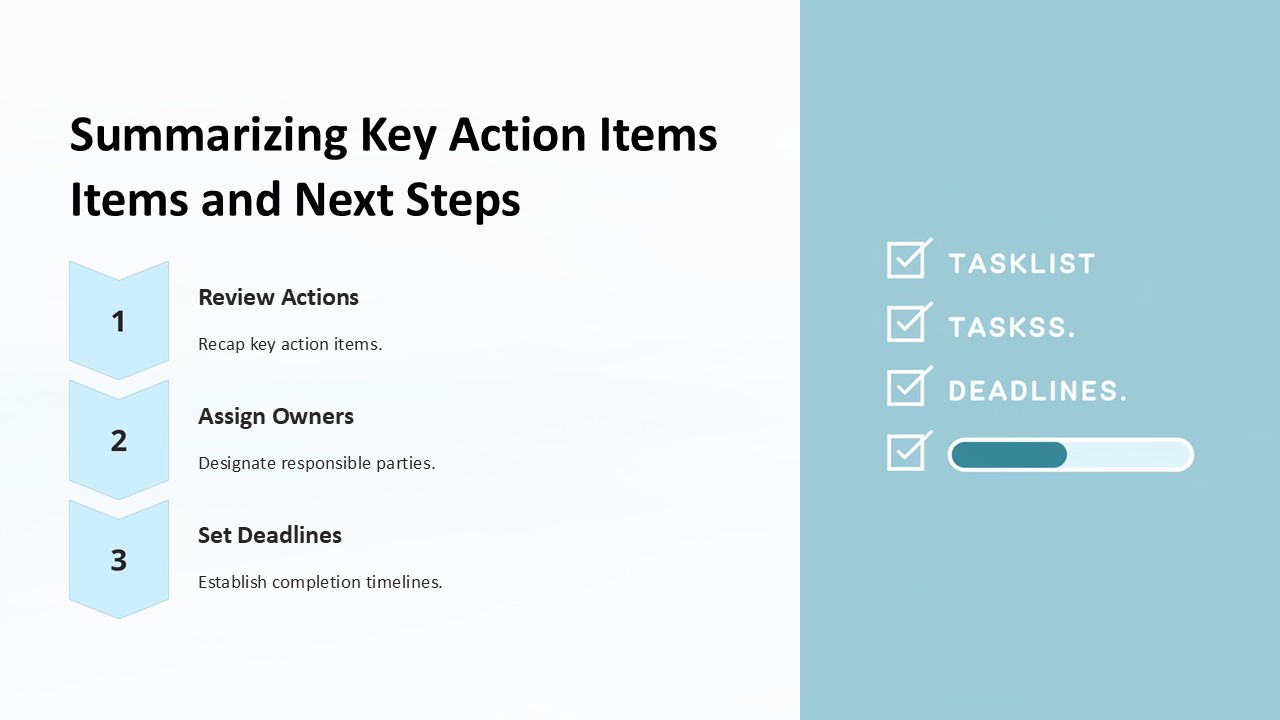
Unlock the potential of your presentations with the "Conclusion Key Takeaways and Next Steps PowerPoint Presentation" template. Designed meticulously for professionals across industries, this template set is an indispensable tool for wrapping up your presentations with clarity and impact. Whether you're delivering business results, academic research findings, or project updates, this template ensures your conclusions are not only heard but remembered.
At the heart of every effective presentation is the ability to summarize and inspire action. This presentation template is crafted to help you achieve precisely that. It guides your audience through the journey of your presentation to a logical and impactful close. The set includes a range of slides specifically designed to highlight key points, encapsulate the takeaways, and outline the next steps in a clear, engaging manner.
The design of each slide in the "Conclusion Key Takeaways and Next Steps" template is clean and professional, with a focus on readability and audience engagement. Use it to reiterate crucial facts, figures, and statements, ensuring they stick with your audience long after the presentation is over. The next steps slides are particularly valuable, providing a clear call to action and paving the way for future engagement and decision-making.
Whether you are a startup entrepreneur, a seasoned CEO, or a dedicated educator, this template adapts to your unique needs. It serves as a powerful conclusion tool that can be tailored to fit the tone and style of any presentation. Its versatility makes it suitable for virtual conferences, in-person meetings, educational courses, and more.
Features of the Conclusion Key Takeaways and Next Steps PowerPoint Presentation:
Fully Editable Templates:
Every slide in the template is fully editable, allowing you to customize the look and feel according to your branding or personal preference. Change colors, modify text, or adjust layouts with just a few clicks.
Supports PowerPoint and Google Slides:
Designed to be compatible with both PowerPoint and Google Slides, this template offers flexibility regardless of your preferred presentation software. Seamlessly integrate it into your workflow without needing to convert or adjust file formats.
Professional Design:
Each slide is crafted with a professional design aesthetic, ensuring your presentation looks polished and authoritative. The thoughtful layout and strategic use of space enhance readability and viewer engagement.
Versatile Use:
Ideal for summarizing a wide range of presentations, from business proposals and annual reports to academic lectures and workshop summaries. It's built to make your conclusions impactful across various contexts.
Action-Oriented Slides:
Includes slides specifically designed to prompt action, making it easier for you to guide your audience towards the next steps, whether that involves decision-making, further research, or another call to action.
Enhance your presentations with the "Conclusion Key Takeaways and Next Steps PowerPoint Presentation" template and leave a lasting impression on your audience. Make every conclusion clear, memorable, and actionable.
Template details
| Template | Conclusion Key Takeaways and Next Steps PowerPoint Presentation |
|---|---|
| Category | PowerPoint Presentations |
| File format | PowerPoint (.pptx) |
| Slide size | 16:9 widescreen |
| Preview images | 1 |
| Editable | Yes: text, colours, shapes, icons and charts |
| Works with | PowerPoint 2010 and later, PowerPoint for Mac, Google Slides |
| Licence | Royalty-free, yours to keep using after your plan ends (terms of use apply) |
| Price | Included in every SlideVilla plan |
| Added | 27 Apr 2025 |
| Last updated | 14 Aug 2025 |
Questions about this template
Can I edit the Conclusion Key Takeaways and Next Steps PowerPoint Presentation?
Yes. Every part of the Conclusion Key Takeaways and Next Steps PowerPoint Presentation is made with native PowerPoint shapes and text boxes, so you can change the wording, colours, fonts and sizes, move or delete elements, and swap icons without losing quality.
Does the Conclusion Key Takeaways and Next Steps PowerPoint Presentation work in Google Slides?
Yes. Download the .pptx file, upload it to Google Drive and open it with Google Slides. The layout, shapes and text stay editable there too.
Is the Conclusion Key Takeaways and Next Steps PowerPoint Presentation free?
It is a premium template, included in every SlideVilla plan together with the rest of the library. See plans and pricing.
What size and format is it?
It is a PPTX file in 16:9 widescreen format, with 1 preview image shown above.
How to use this template
- Step 1DownloadClick Download and the .pptx file saves straight to your computer.
- Step 2OpenOpen it in PowerPoint, or upload it to Google Slides from your Drive.
- Step 3Make it yoursChange text, colours, icons and charts. Every element is fully editable.
Categories
Related PowerPoint templates
More designs like this one, ready to edit.