About this PowerPoint template
Introducing the Summarizing Key Action Items and Next Steps PowerPoint Presentation
In today's fast-paced business environment, effective communication and clear action plans are pivotal for the success of any project or meeting. The Summarizing Key Action Items and Next Steps PowerPoint Presentation is designed to help professionals encapsulate and convey pivotal decisions and future tasks efficiently and effectively. This comprehensive PowerPoint template is an essential tool for managers, team leaders, project coordinators, and professionals looking to streamline their meeting outcomes and ensure everyone is aligned with the next steps.
Detailed and Organized Content Structure
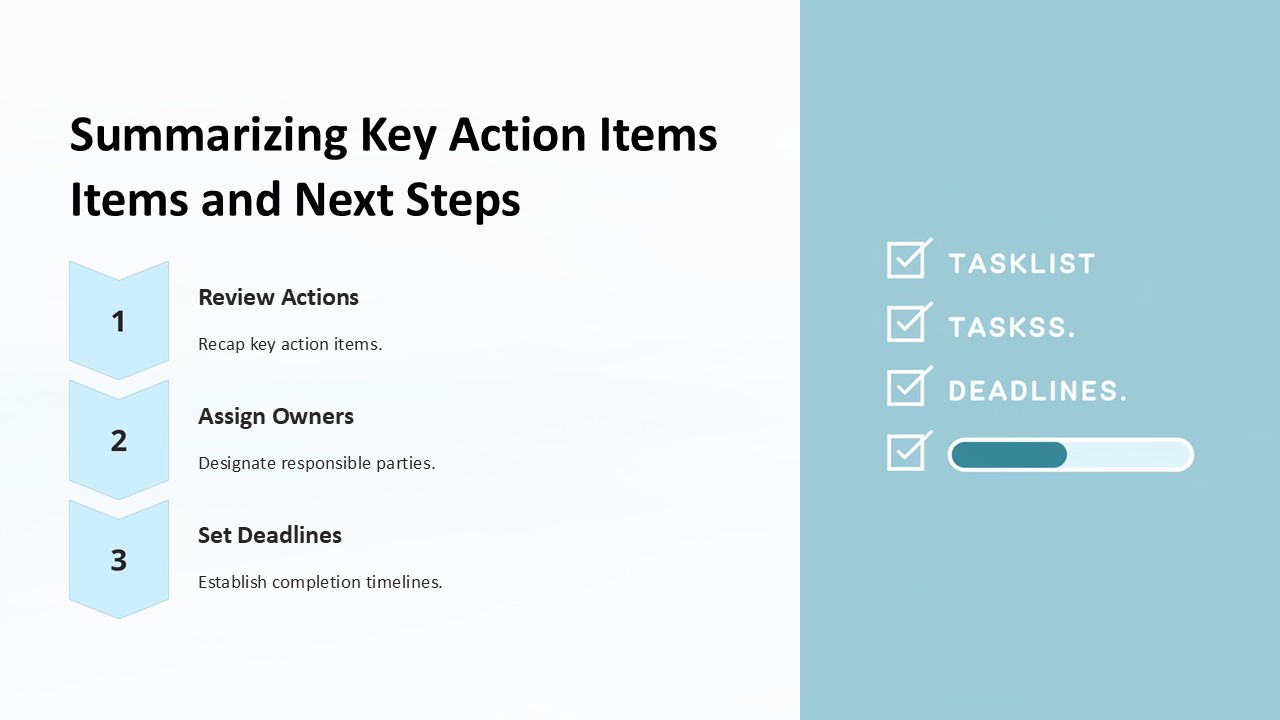
This presentation template is meticulously crafted to guide you through summarizing crucial meeting points, key action items, responsible parties, and deadlines. It starts with an introductory slide to set the context of the discussion, followed by detailed slides where you can list action items, assign roles, and set timelines. The concluding slides provide a space to outline follow-up meetings and additional notes, ensuring nothing falls through the cracks.
Each slide is structured to encourage clarity and conciseness, making it easier for your audience to absorb and remember the key takeaways. By using this presentation, you ensure that every participant leaves the room with a clear understanding of their responsibilities and the future direction of the project.
Engaging and Professional Design
The design of the Summarizing Key Action Items and Next Steps PowerPoint Presentation is both professional and engaging. It uses a clean, modern aesthetic that fits well into corporate environments while still being interesting enough to keep your audience engaged. The layout is intuitive, facilitating a smooth flow of information that enhances comprehension and retention.
Features and Flexibility
- Fully Editable Templates: Each slide is fully editable, allowing you to customize the content to fit your specific needs. Whether it’s changing the text, adjusting the layout, or modifying the color scheme, this template gives you the flexibility to create a presentation that aligns perfectly with your company's branding and the meeting's objectives.
- Supports PowerPoint and Google Slides: Designed to be compatible with both PowerPoint and Google Slides, this template offers versatility regardless of your preferred presentation software. This compatibility ensures that you can create, edit, and present from various devices and platforms, enhancing accessibility and convenience.
- Easy to Use: The template is designed with the user in mind. It is straightforward enough for beginners to use while also providing the depth needed by more experienced professionals. This ease of use saves time and effort, allowing you to focus more on content than on design intricacies.
- Visual Elements: With an array of charts, graphs, and icons, the template enables you to add visual elements to your summaries, making the data more digestible and engaging. These visual aids are crucial for emphasizing key points and ensuring they stand out in your audience's mind.
The Summarizing Key Action Items and Next Steps PowerPoint Presentation is more than just a template; it’s a powerful tool that aids in the clear communication of meeting outcomes and future plans. It's an investment in efficiency, ensuring that every meeting is productive and every participant is clear on the next steps. Equip your team with this essential tool to enhance meeting productivity and drive successful project execution.
Template details
| Template | Summarizing Key Action Items and Next Steps PowerPoint Presentation |
|---|---|
| Category | PowerPoint Presentations |
| File format | PowerPoint (.pptx) |
| Slide size | 16:9 widescreen |
| Preview images | 1 |
| Editable | Yes: text, colours, shapes, icons and charts |
| Works with | PowerPoint 2010 and later, PowerPoint for Mac, Google Slides |
| Licence | Royalty-free, yours to keep using after your plan ends (terms of use apply) |
| Price | Included in every SlideVilla plan |
| Added | 27 Apr 2025 |
Questions about this template
Can I edit the Summarizing Key Action Items and Next Steps PowerPoint Presentation?
Yes. Every part of the Summarizing Key Action Items and Next Steps PowerPoint Presentation is made with native PowerPoint shapes and text boxes, so you can change the wording, colours, fonts and sizes, move or delete elements, and swap icons without losing quality.
Does the Summarizing Key Action Items and Next Steps PowerPoint Presentation work in Google Slides?
Yes. Download the .pptx file, upload it to Google Drive and open it with Google Slides. The layout, shapes and text stay editable there too.
Is the Summarizing Key Action Items and Next Steps PowerPoint Presentation free?
It is a premium template, included in every SlideVilla plan together with the rest of the library. See plans and pricing.
What size and format is it?
It is a PPTX file in 16:9 widescreen format, with 1 preview image shown above.
How to use this template
- Step 1DownloadClick Download and the .pptx file saves straight to your computer.
- Step 2OpenOpen it in PowerPoint, or upload it to Google Slides from your Drive.
- Step 3Make it yoursChange text, colours, icons and charts. Every element is fully editable.
Categories
Related PowerPoint templates
More designs like this one, ready to edit.


