About this PowerPoint template
Online Education Template:
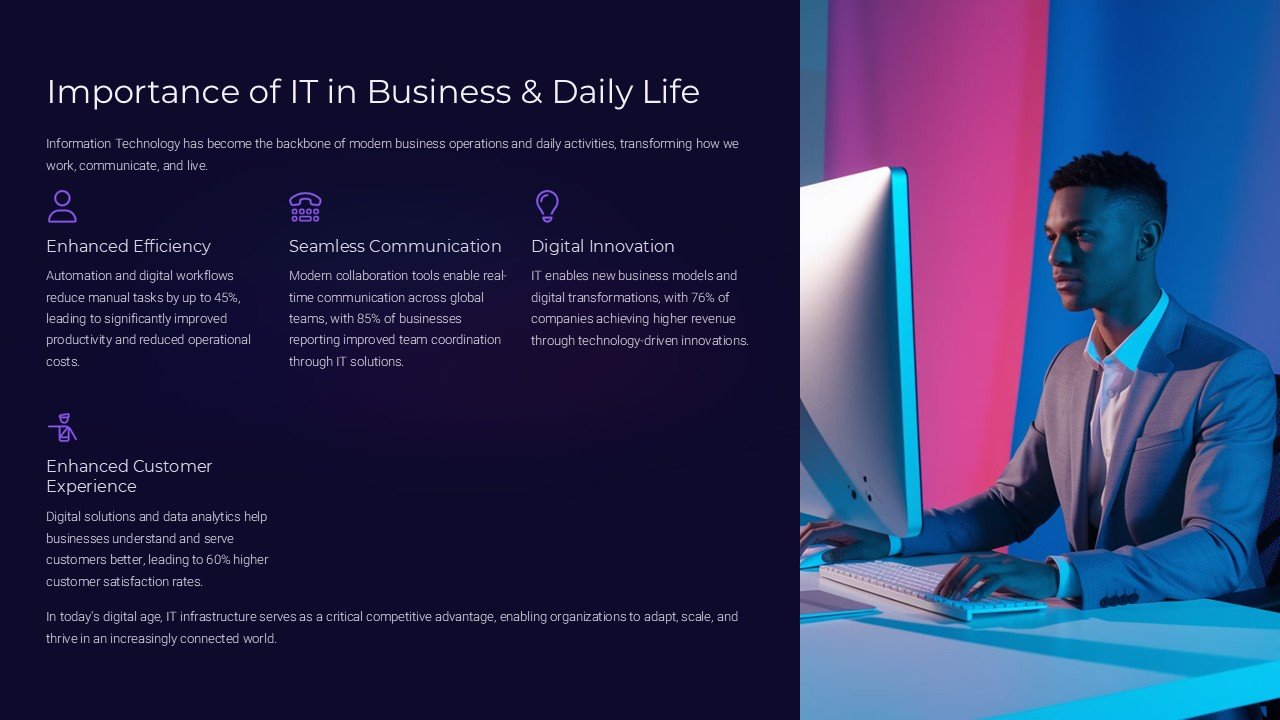
Are you looking to elevate your online education platform with a professional and user-friendly design? Look no further than our Online Education Template. This versatile and modern template is specially designed for educational websites, online courses, e-learning platforms, and tutoring services.
With its clean and dynamic layout, the Online Education Template provides a seamless user experience for both students and educators. The intuitive navigation structure allows easy access to courses, webinars, resources, and other important information. The responsive design ensures that your website looks great on any device, whether it's a desktop, tablet, or smartphone.
Features of the Online Education Template:
- Fully Editable Templates - Customize every aspect of your website, from colors and fonts to layouts and images, to reflect your brand identity and vision. With our fully editable templates, you have full control over the design and functionality of your online education platform.
- Interactive Course Catalog - Showcase your courses in a visually appealing and organized manner. The Online Education Template allows you to create a detailed course catalog with filters, search options, and course descriptions to help students find the right program for their needs.
- Student Progress Tracking - Keep track of your students' progress and performance with built-in tracking tools. Monitor course completion rates, quiz scores, and time spent on assignments to provide personalized feedback and support.
- Seamless Integration - Integrate popular e-learning tools and platforms seamlessly into your website. Whether you use Learning Management Systems (LMS) like Moodle or video conferencing tools like Zoom, the Online Education Template can easily accommodate these integrations.
- Multi-Language Support - Reach a global audience by offering your website in multiple languages. The Online Education Template supports multilingual content, allowing you to provide a localized experience for international students.
Upgrade your online education platform with our Online Education Template and take your e-learning business to the next level. With its powerful features and customizable design, this template is the perfect solution for educators, trainers, and institutions looking to create a professional and engaging online learning environment.
Template details
| Template | Online Education Template |
|---|---|
| Categories | PowerPoint Templates, Recycle |
| File format | PowerPoint (.pptx) |
| Slide size | 16:9 widescreen |
| Preview images | 1 |
| Editable | Yes: text, colours, shapes, icons and charts |
| Works with | PowerPoint 2010 and later, PowerPoint for Mac, Google Slides |
| Licence | Royalty-free, yours to keep using after your plan ends (terms of use apply) |
| Price | Included in every SlideVilla plan |
| Added | 18 Sept 2024 |
| Last updated | 18 Oct 2024 |
Questions about this template
Can I edit the Online Education Template?
Yes. Every part of the Online Education Template is made with native PowerPoint shapes and text boxes, so you can change the wording, colours, fonts and sizes, move or delete elements, and swap icons without losing quality.
Does the Online Education Template work in Google Slides?
Yes. Download the .pptx file, upload it to Google Drive and open it with Google Slides. The layout, shapes and text stay editable there too.
Is the Online Education Template free?
It is a premium template, included in every SlideVilla plan together with the rest of the library. See plans and pricing.
What size and format is it?
It is a PPTX file in 16:9 widescreen format, with 1 preview image shown above.
How to use this template
- Step 1DownloadClick Download and the .pptx file saves straight to your computer.
- Step 2OpenOpen it in PowerPoint, or upload it to Google Slides from your Drive.
- Step 3Make it yoursChange text, colours, icons and charts. Every element is fully editable.
Categories
Related PowerPoint templates
More designs like this one, ready to edit.