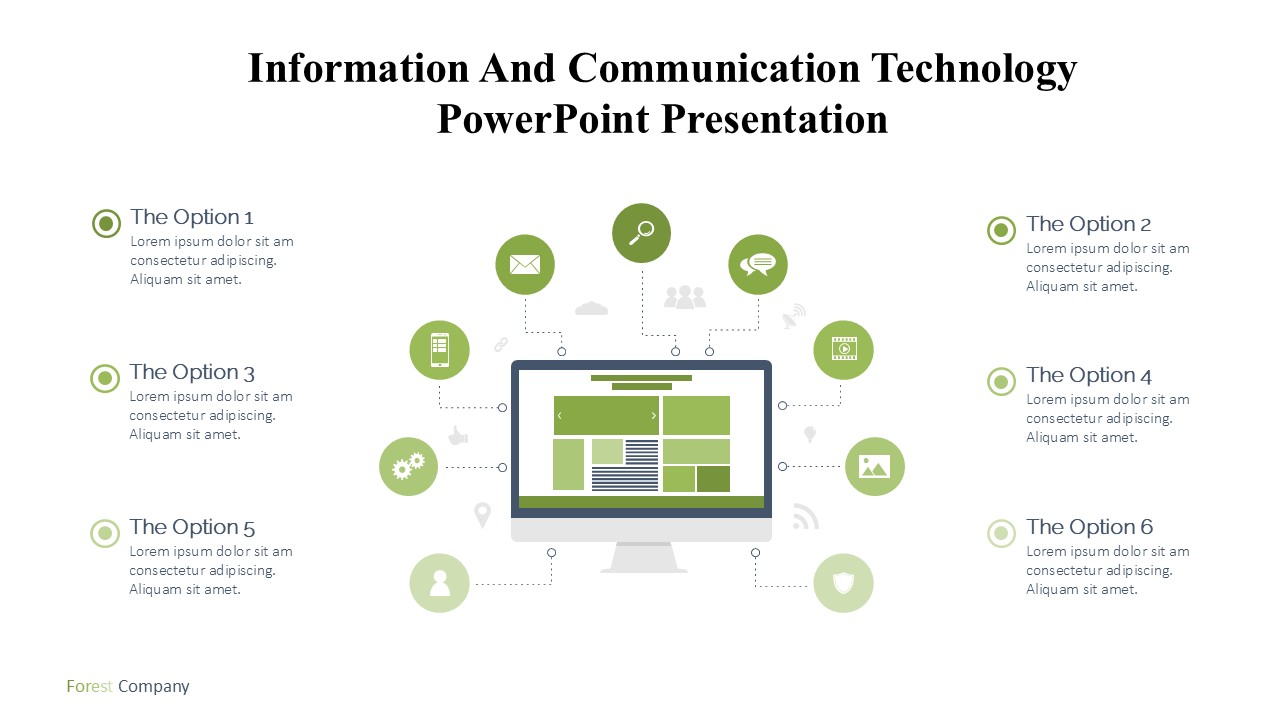
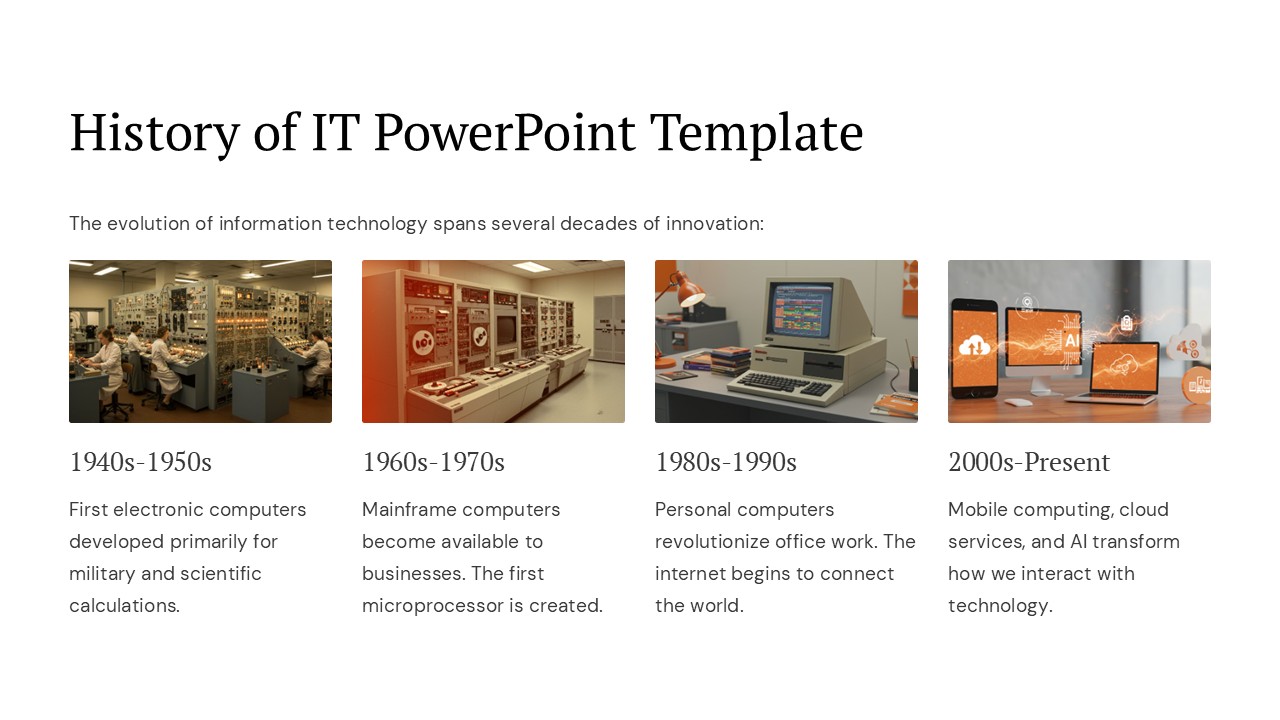
About this PowerPoint template
Technology in education has revolutionized the way students learn and teachers teach. With the integration of innovative tech tools in the classroom, educational experiences have become more engaging, interactive, and effective.
From interactive whiteboards and educational apps to virtual reality and online learning platforms, technology has opened up a world of possibilities for educators and students alike. These tools not only make learning more fun and accessible but also cater to different learning styles and abilities.
One of the key advantages of technology in education is its ability to personalize learning experiences. With adaptive learning software and AI-driven platforms, students can receive customized lessons and feedback based on their individual strengths and weaknesses. This tailored approach helps students learn at their own pace and in a way that suits their unique needs.
Moreover, technology in education has also made collaboration and communication easier than ever. With tools like Google Classroom and Microsoft Teams, students can collaborate on projects, share resources, and communicate with their peers and teachers in real-time. This promotes teamwork, social interaction, and enhances the overall learning experience.
Features related to fully editable templates:
1. Customization: Fully editable templates allow users to customize the content according to their specific needs and preferences. This means teachers can tailor lesson plans, assignments, and presentations to suit the learning objectives and interests of their students.
- Flexibility: With fully editable templates, users have the flexibility to modify the layout, design, and content of educational materials. This allows for easy updates and revisions to keep the learning resources relevant and up-to-date.
- Consistency: Using fully editable templates ensures consistency in branding, formatting, and messaging across different educational materials. This results in a professional and cohesive look for all digital assets used in the classroom.
- Time-saving: By using fully editable templates, educators can save time on creating new materials from scratch. They can simply customize the existing templates to suit their needs, thus saving time and effort in lesson planning and content creation.
In conclusion, technology in education, coupled with fully editable templates, offers a vast array of benefits for both educators and students. It enhances learning experiences, promotes collaboration, and provides a more personalized and engaging approach to education. By leveraging the power of technology and editable templates, the future of education is undoubtedly bright and promising.
Template details
| Template | Technology In Education |
|---|---|
| Category | PowerPoint Templates |
| File format | PowerPoint (.pptx) |
| Slide size | 16:9 widescreen |
| Preview images | 1 |
| Editable | Yes: text, colours, shapes, icons and charts |
| Works with | PowerPoint 2010 and later, PowerPoint for Mac, Google Slides |
| Licence | Royalty-free, yours to keep using after your plan ends (terms of use apply) |
| Price | Included in every SlideVilla plan |
| Added | 2 Nov 2024 |
Questions about this template
Can I edit the Technology In Education?
Yes. Every part of the Technology In Education is made with native PowerPoint shapes and text boxes, so you can change the wording, colours, fonts and sizes, move or delete elements, and swap icons without losing quality.
Does the Technology In Education work in Google Slides?
Yes. Download the .pptx file, upload it to Google Drive and open it with Google Slides. The layout, shapes and text stay editable there too.
Is the Technology In Education free?
It is a premium template, included in every SlideVilla plan together with the rest of the library. See plans and pricing.
What size and format is it?
It is a PPTX file in 16:9 widescreen format, with 1 preview image shown above.
How to use this template
- Step 1DownloadClick Download and the .pptx file saves straight to your computer.
- Step 2OpenOpen it in PowerPoint, or upload it to Google Slides from your Drive.
- Step 3Make it yoursChange text, colours, icons and charts. Every element is fully editable.
Categories
Related PowerPoint templates
More designs like this one, ready to edit.