About this PowerPoint template
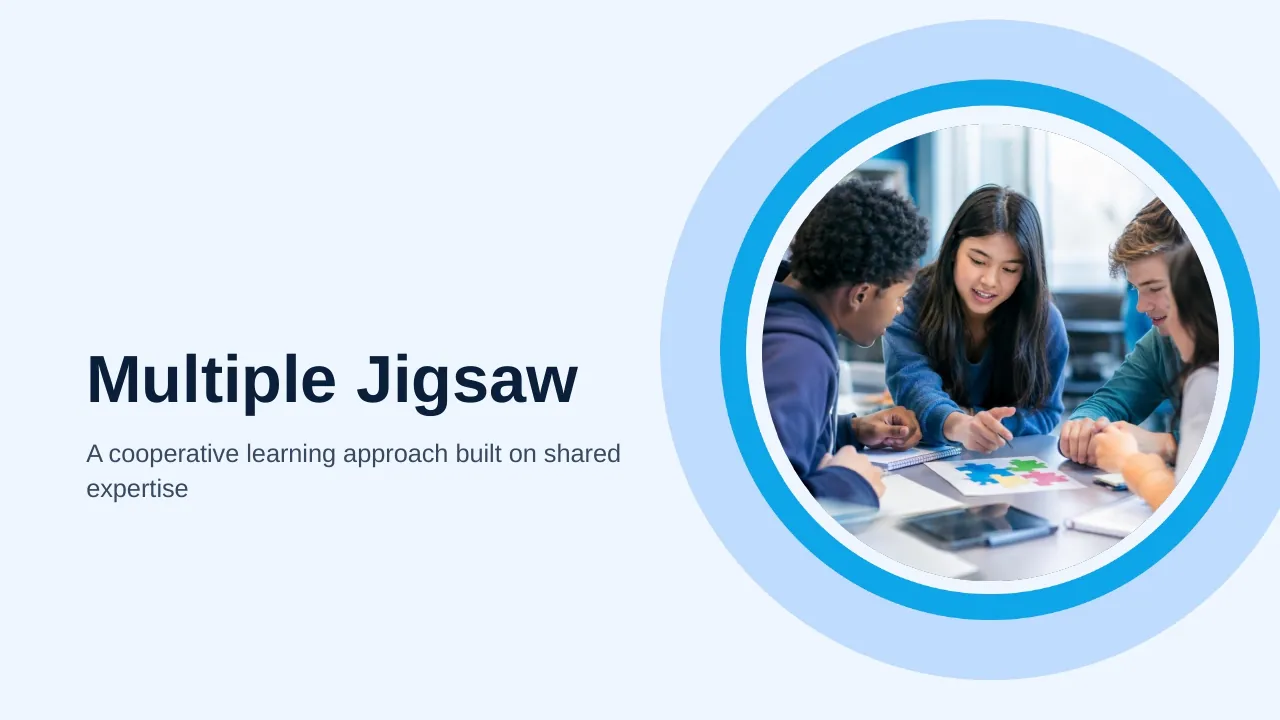
The Multiple Jigsaw Learning PPT Template is a complete 25-slide presentation: a cooperative learning approach built on shared expertise. Every slide is fully editable in PowerPoint and Google Slides, so you can change the text, colours, charts and icons to fit your brand in minutes.
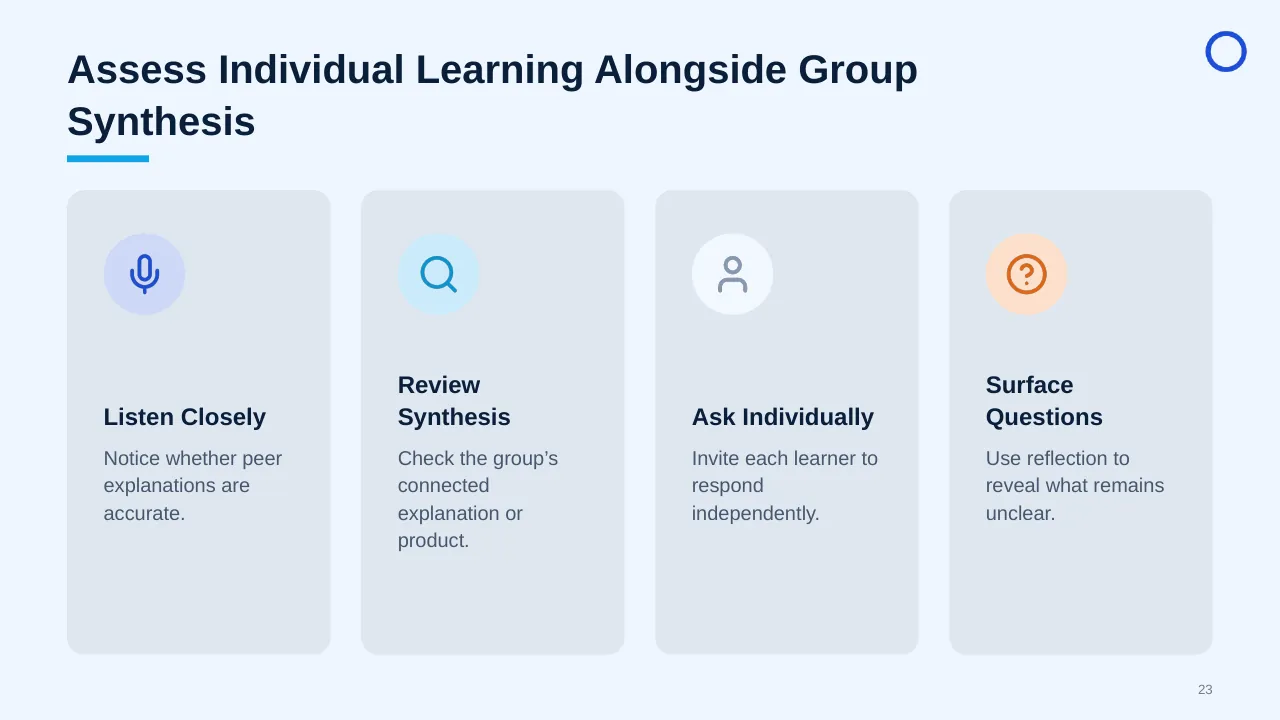
Inside, the slides walk through topics such as “The learner’s original team for learning and sharing”, “The Teacher Guides Without Replacing Peer Teaching” and “Assess Individual Learning Alongside Group Synthesis”, with ready-made layouts for each step. It is part of our HR & People Management presentations.
On this page
What's included
- 25 professionally designed 16:9 widescreen slides
- 100% editable text, shapes, icons, tables and charts (no flat images)
- Works in Microsoft PowerPoint (Windows and Mac) and Google Slides
- Clean, consistent layout that follows your theme colours and fonts
- Delivered as a single ZIP file containing the .pptx presentation
What to include in an HR presentation
A simple structure that works for most audiences, mapped to the slides in this deck:
| Part | What goes there | Slide in this deck |
|---|---|---|
| Context and goals | The people challenge and what you want to change | Slide 12 |
| Data and insights | Survey results, headcount, turnover or engagement | Use any content slide |
| Programmes | The initiatives, policies or training planned | Slides 8, 9, 10 |
| Roles and teams | Who owns what across HR and managers | Slides 7, 8, 25 |
| Measures | Engagement, retention and other KPIs | Use any content slide |
Key numbers: People and engagement
Research figures you can quote on your slides. Each one names the study it comes from, so your audience can check it.
| Finding | Figure | Source |
|---|---|---|
| Employees engaged at work worldwide, 2025 | 20% (peak 23% in 2022) | Gallup, State of the Global Workplace (2026) |
| Manager engagement, 2025 | 22% (from 27%) | Gallup, State of the Global Workplace (2026) |
| Cost of low engagement to the global economy | about $10 trillion (9% of GDP) | Gallup, State of the Global Workplace (2026) |
| Share of a team's engagement linked to its manager | 70% | Gallup, State of the Global Workplace (2025) |
Sources: Gallup press release, April 2026 · Gallup, State of the Global Workplace · Allwork.Space on the 2025 report. Figures are from the editions named; check for a newer edition before you present.
Slide-by-slide outline
| Slide | What it covers |
|---|---|
| 1 | Title slide: Multiple Jigsaw Learning |
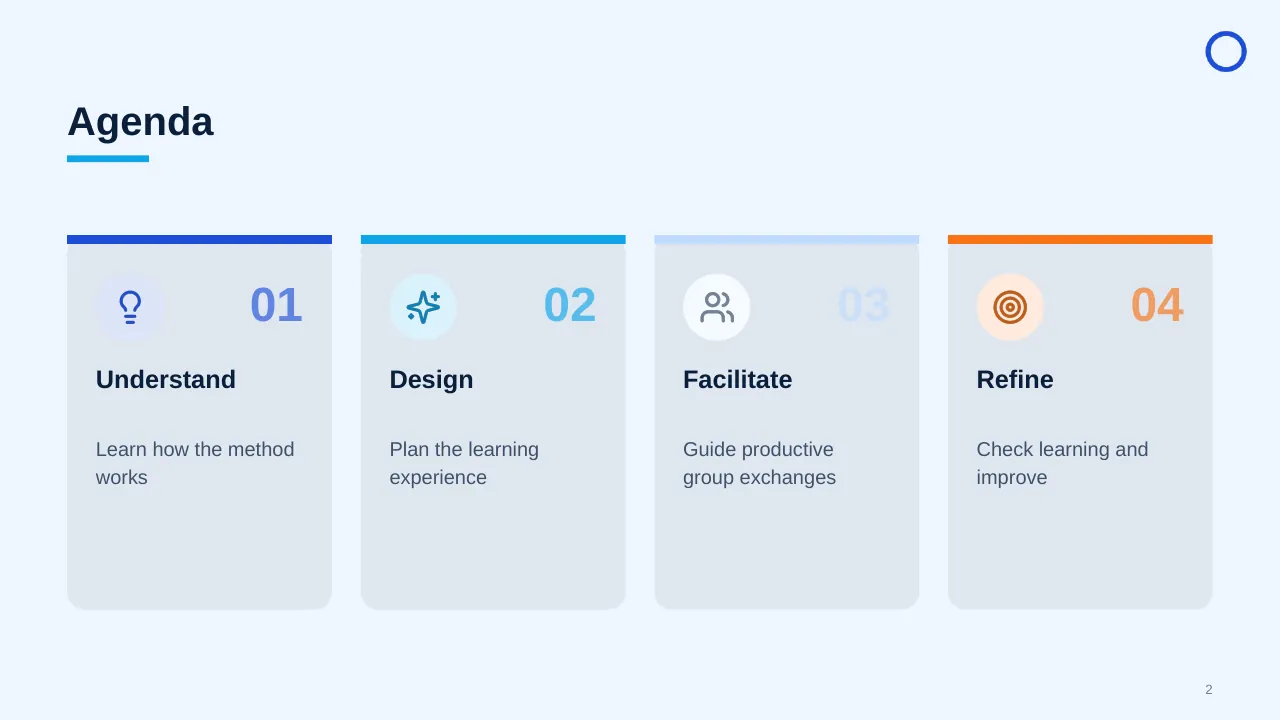
| 2 | Understand |
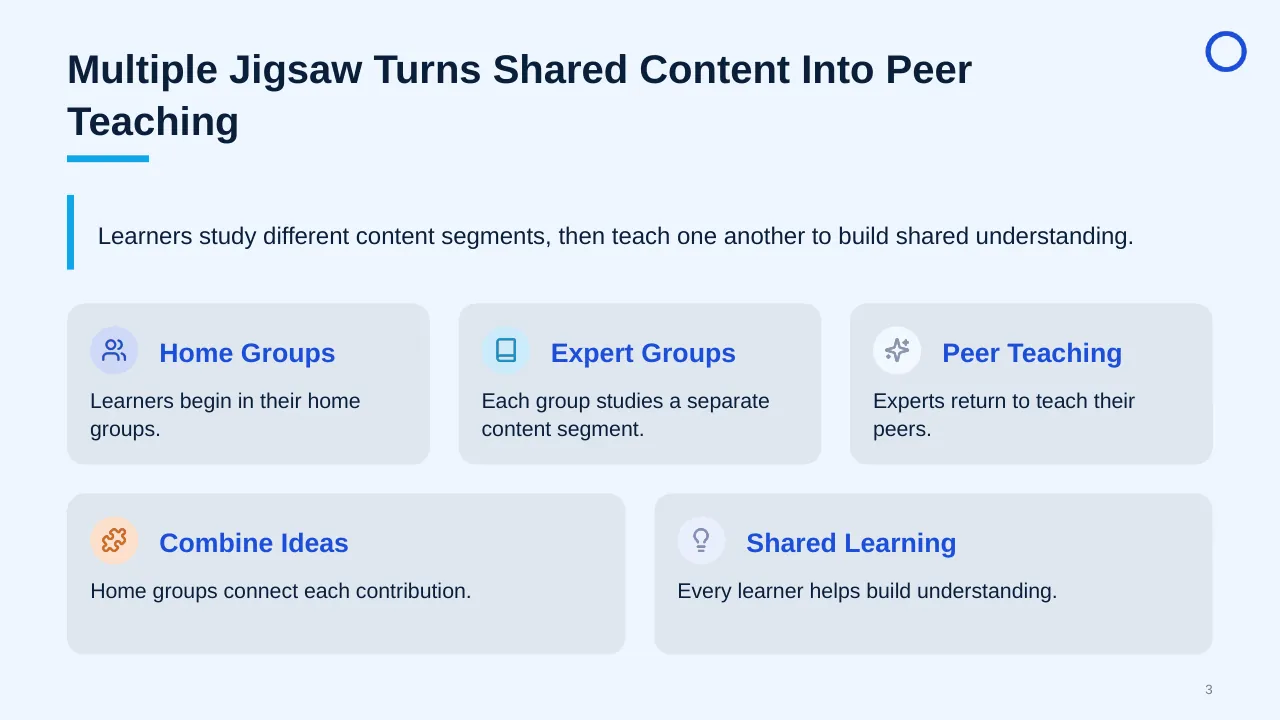
| 3 | Learners study different content segments, then teach one another to build shared understanding. |
| 4 | Expertise is distributed, so listening and peer teaching connect contributions into a complete understanding. |
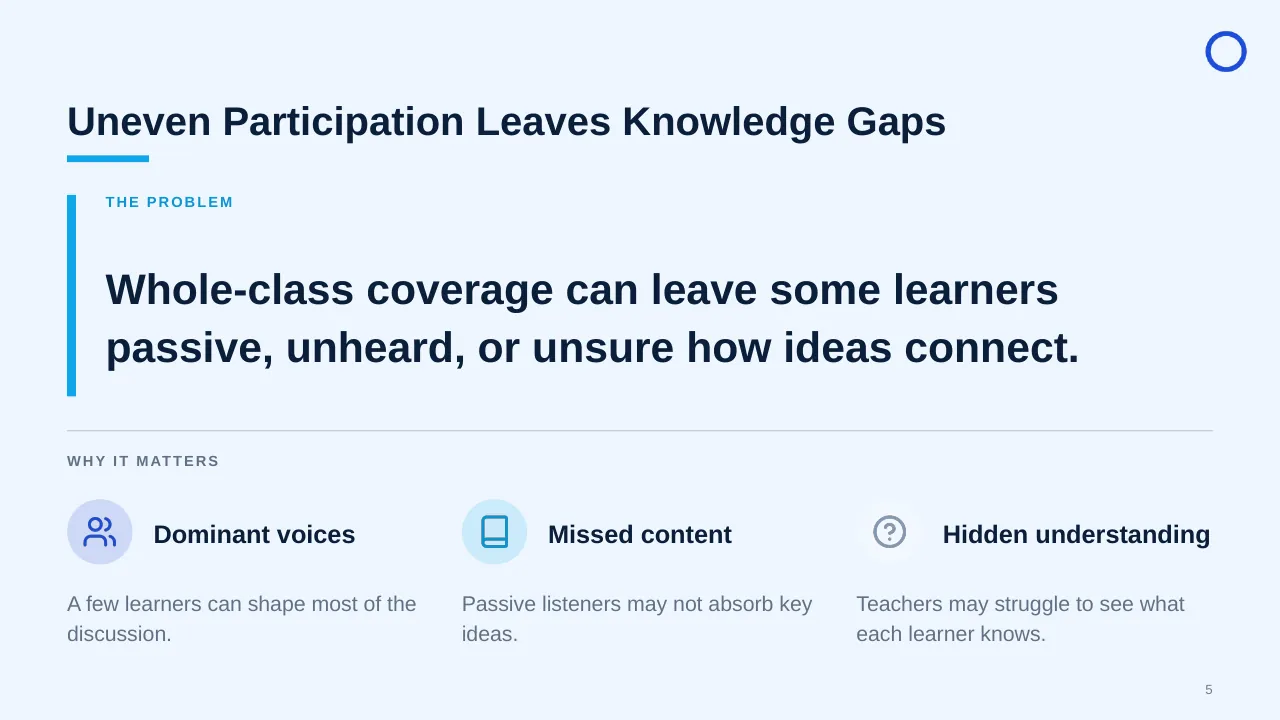
| 5 | Whole-class coverage can leave some learners passive, unheard, or unsure how ideas connect. |
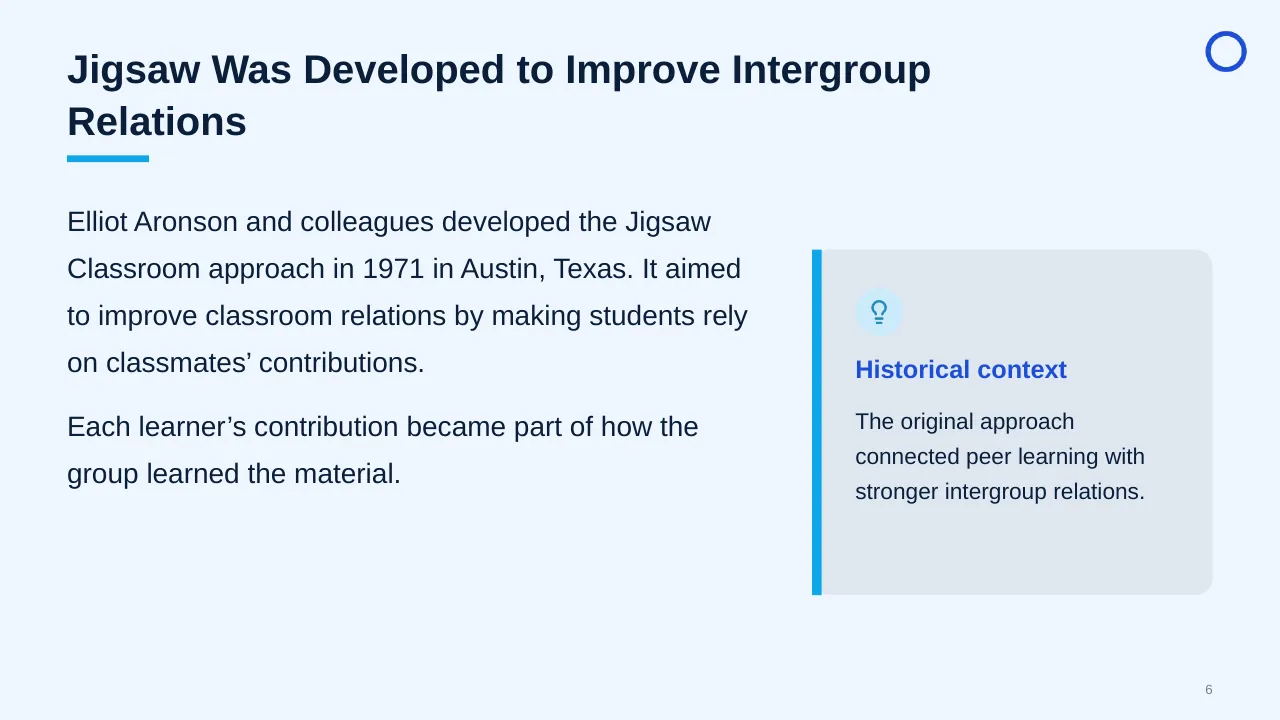
| 6 | Elliot Aronson and colleagues developed the Jigsaw Classroom approach in 1971 in Austin, Texas. It aimed… |
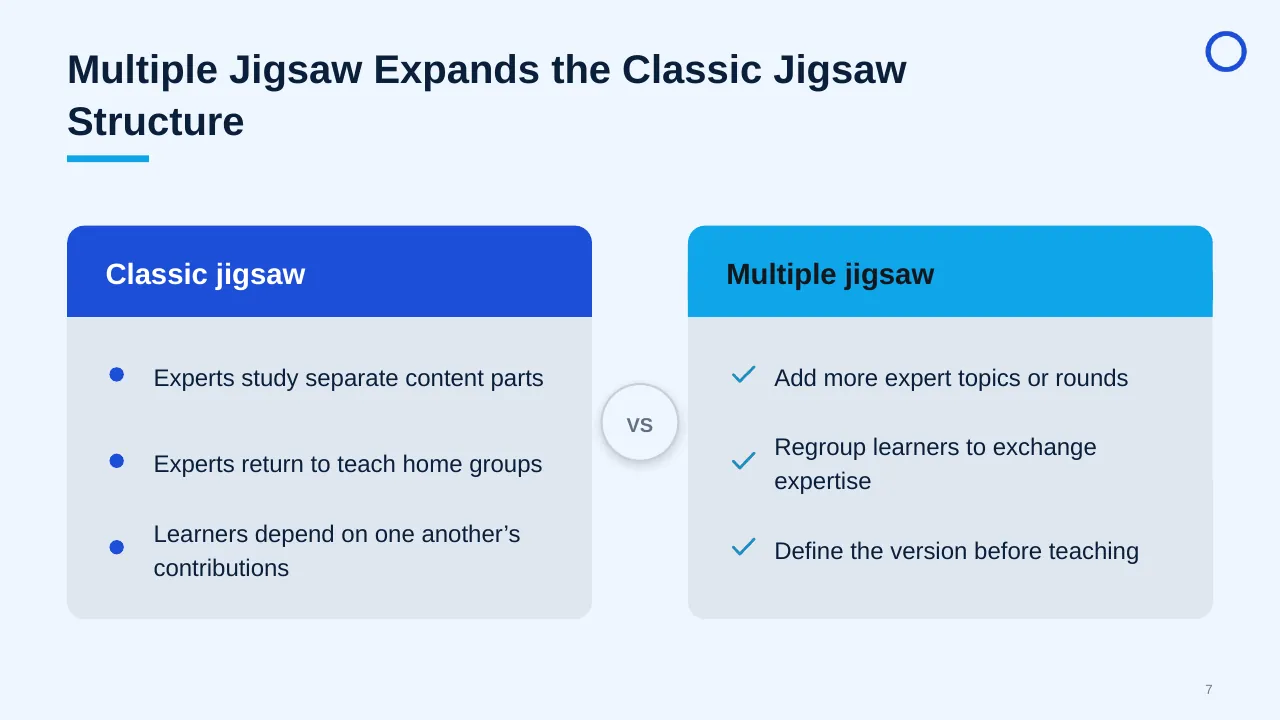
| 7 | Multiple Jigsaw Expands the Classic Jigsaw Structure |
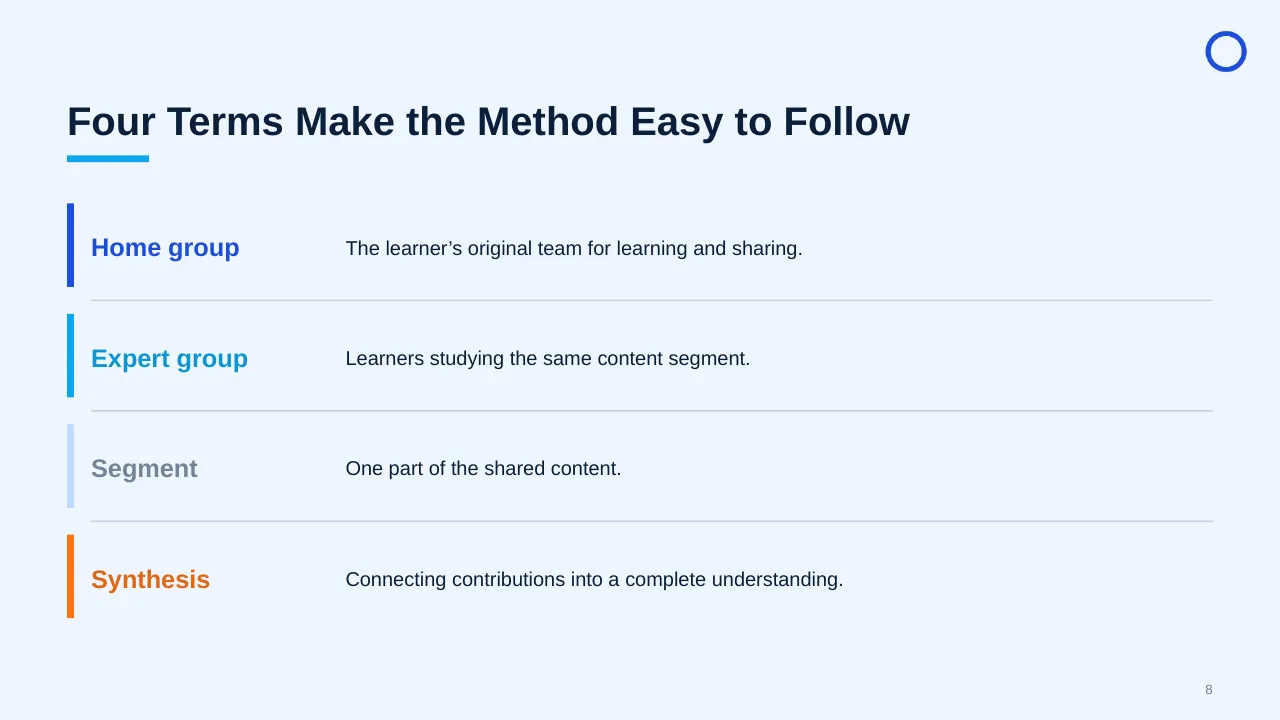
| 8 | The learner’s original team for learning and sharing. |
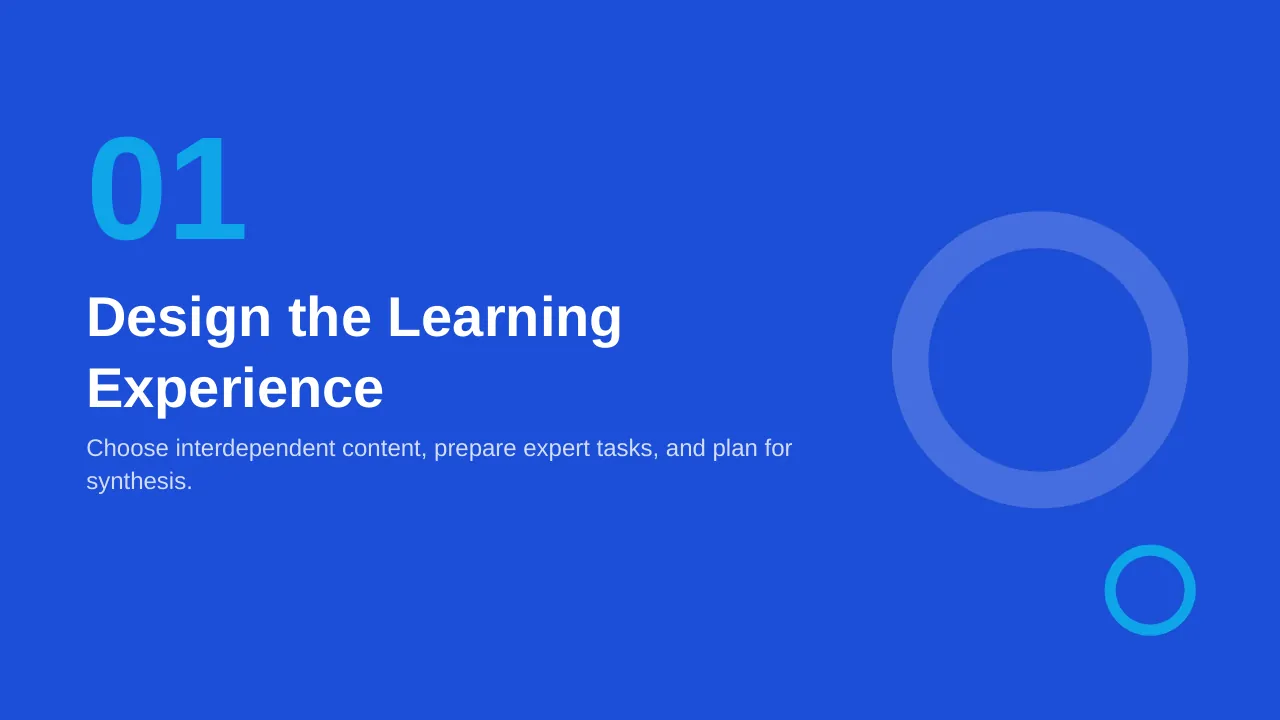
| 9 | Choose interdependent content, prepare expert tasks, and plan for synthesis. |
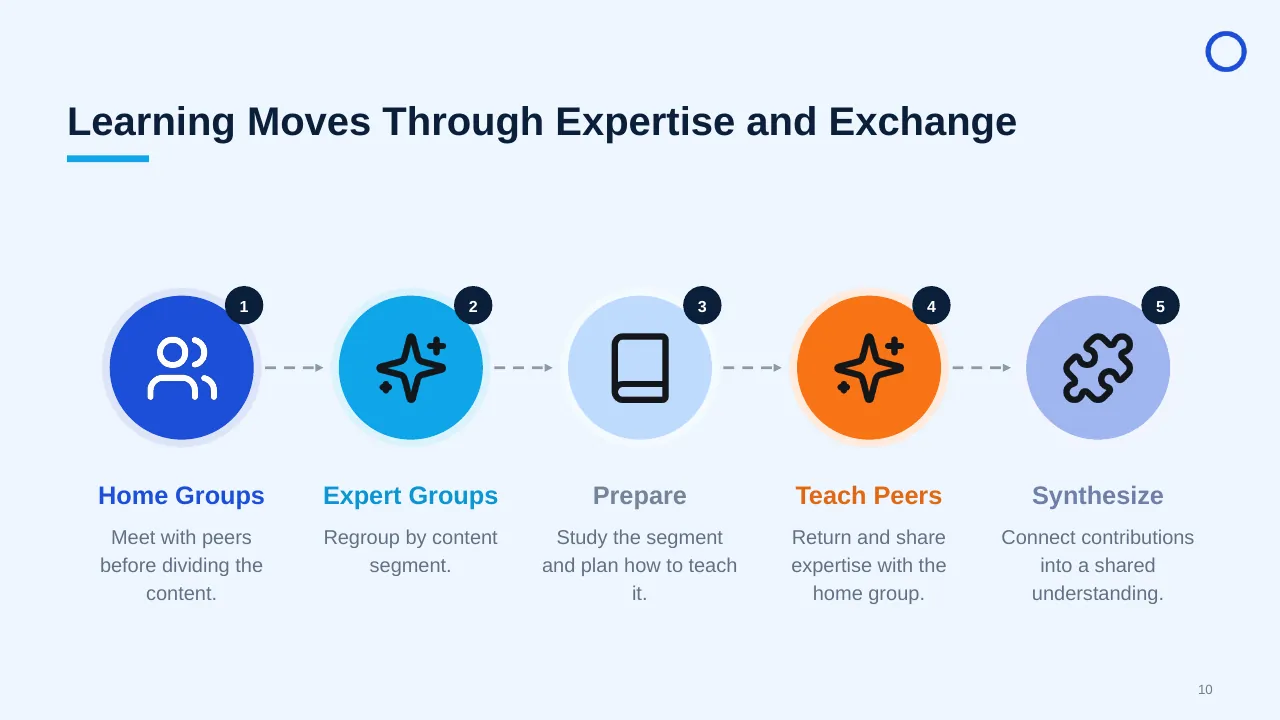
| 10 | Learning Moves Through Expertise and Exchange |
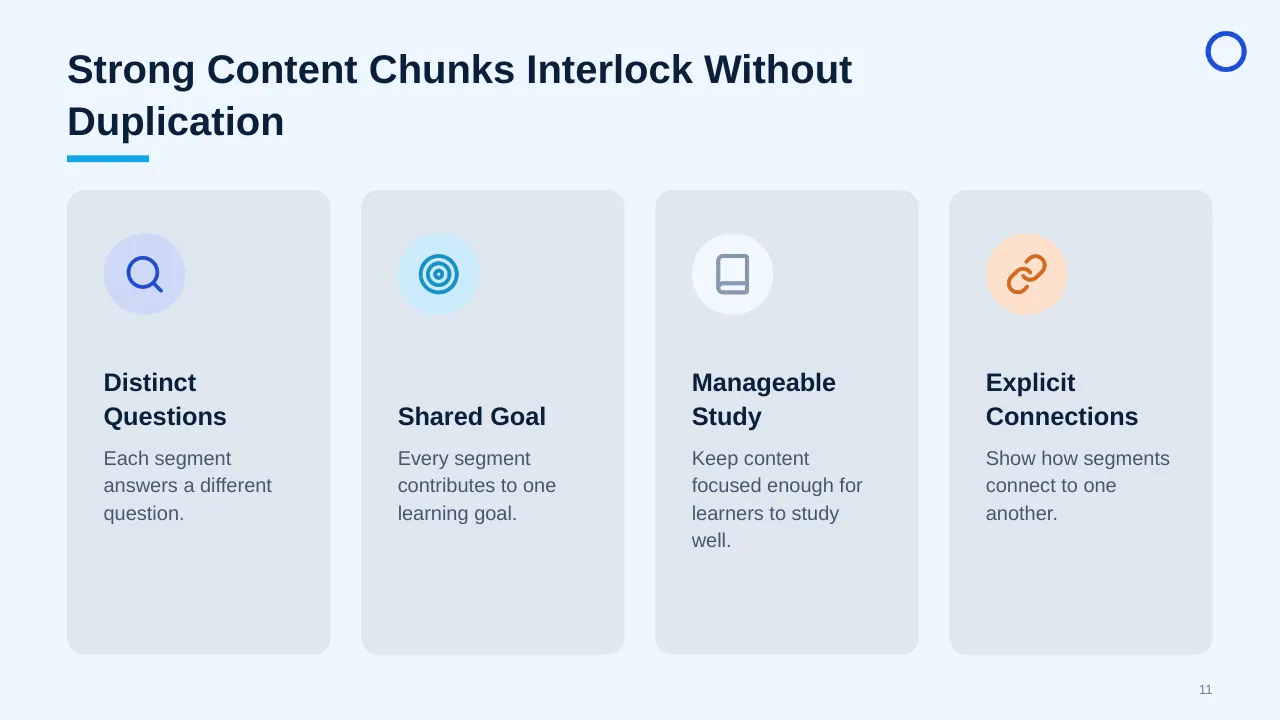
| 11 | Strong Content Chunks Interlock Without Duplication |
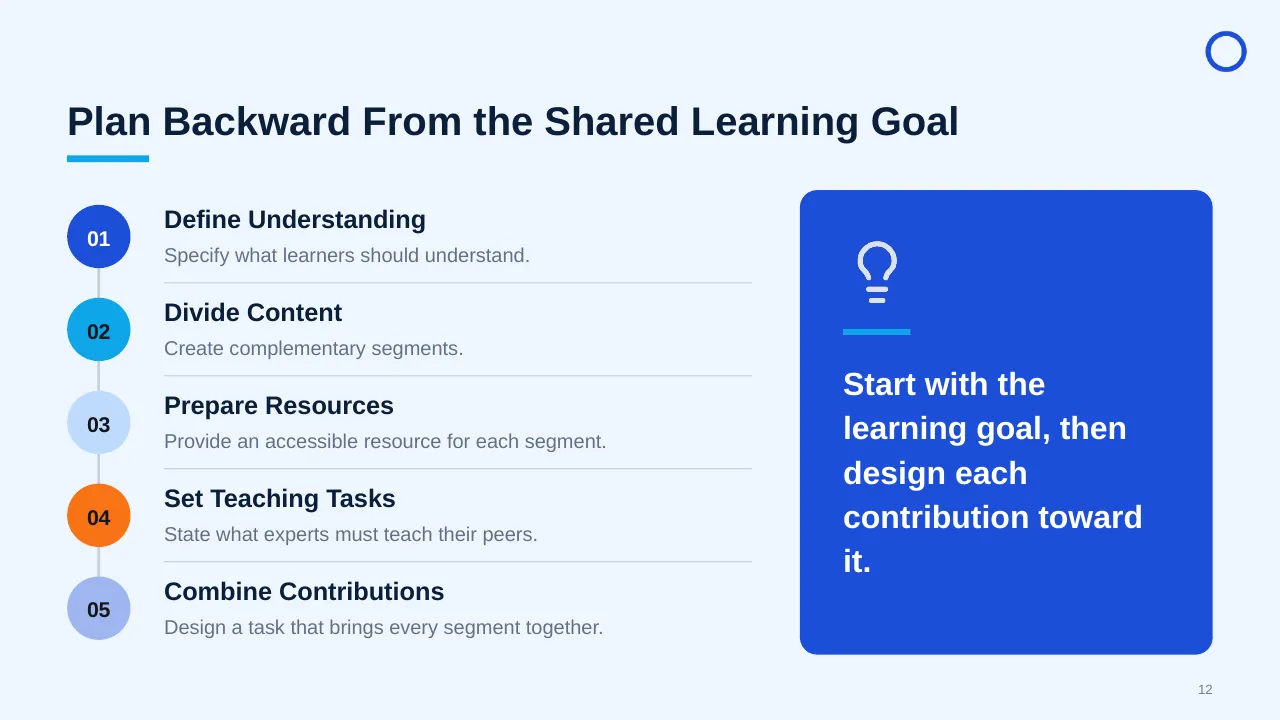
| 12 | Plan Backward From the Shared Learning Goal |
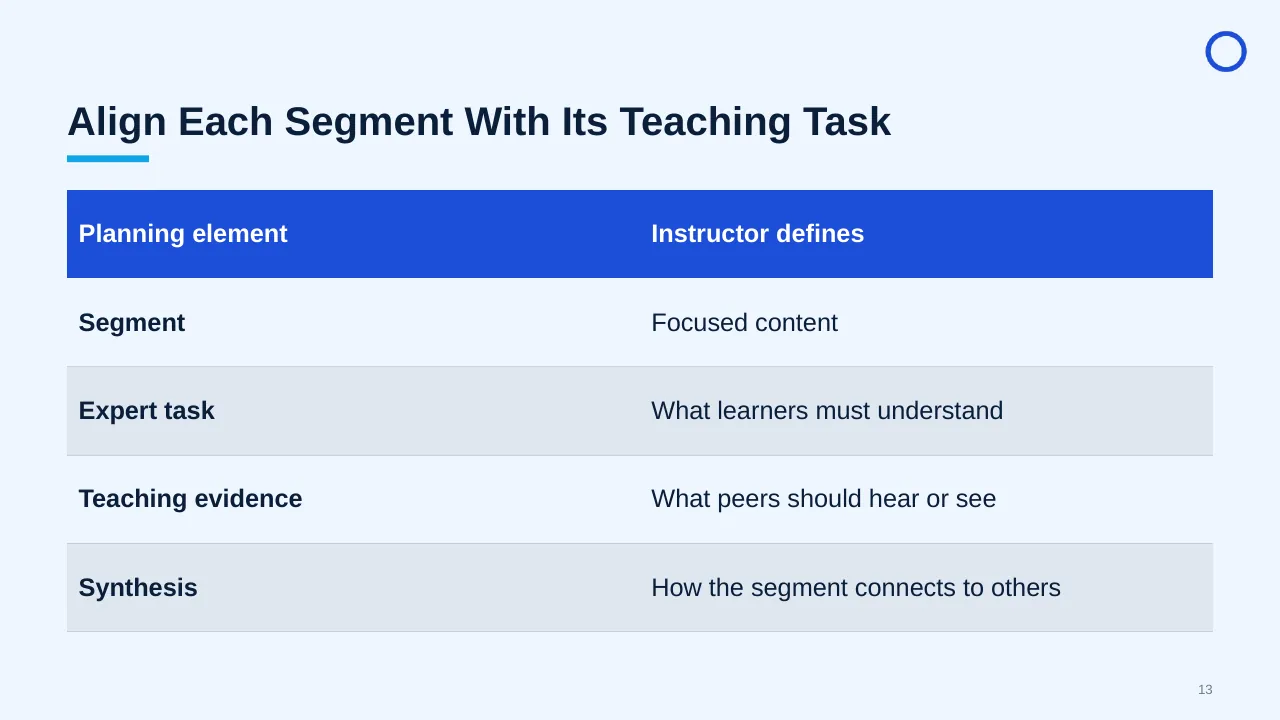
| 13 | Align Each Segment With Its Teaching Task |
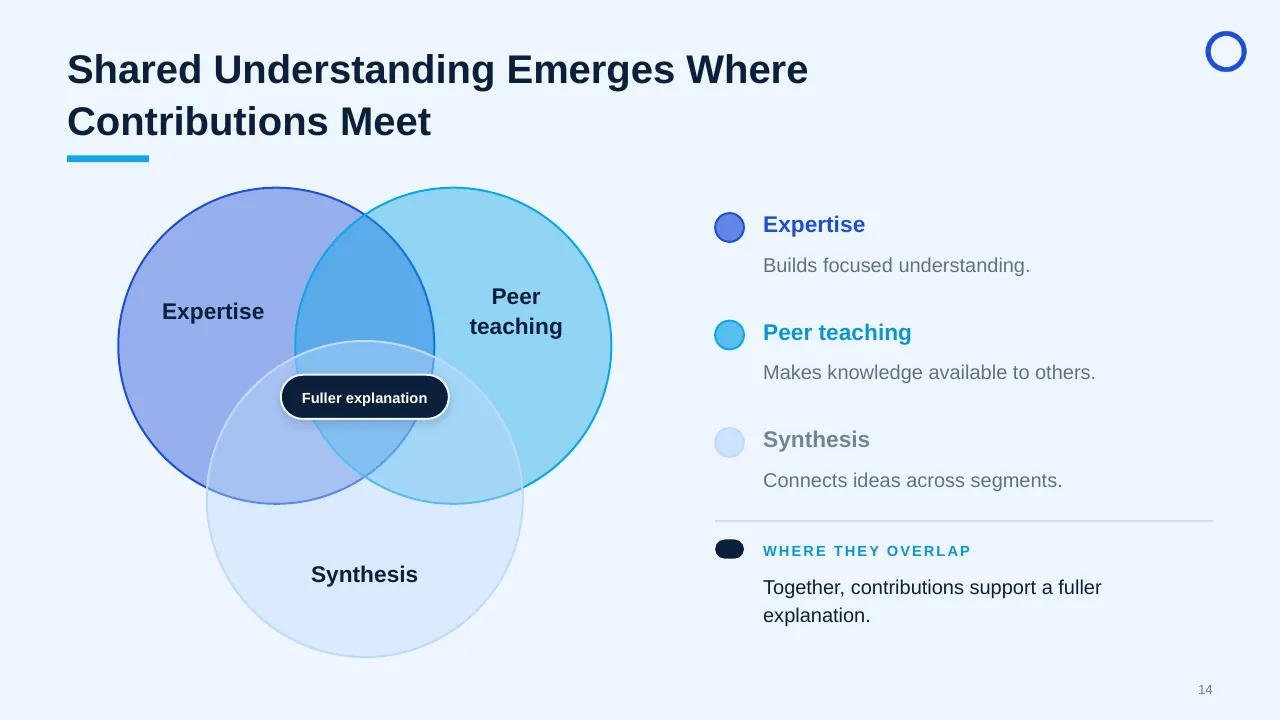
| 14 | Shared Understanding Emerges Where Contributions Meet |
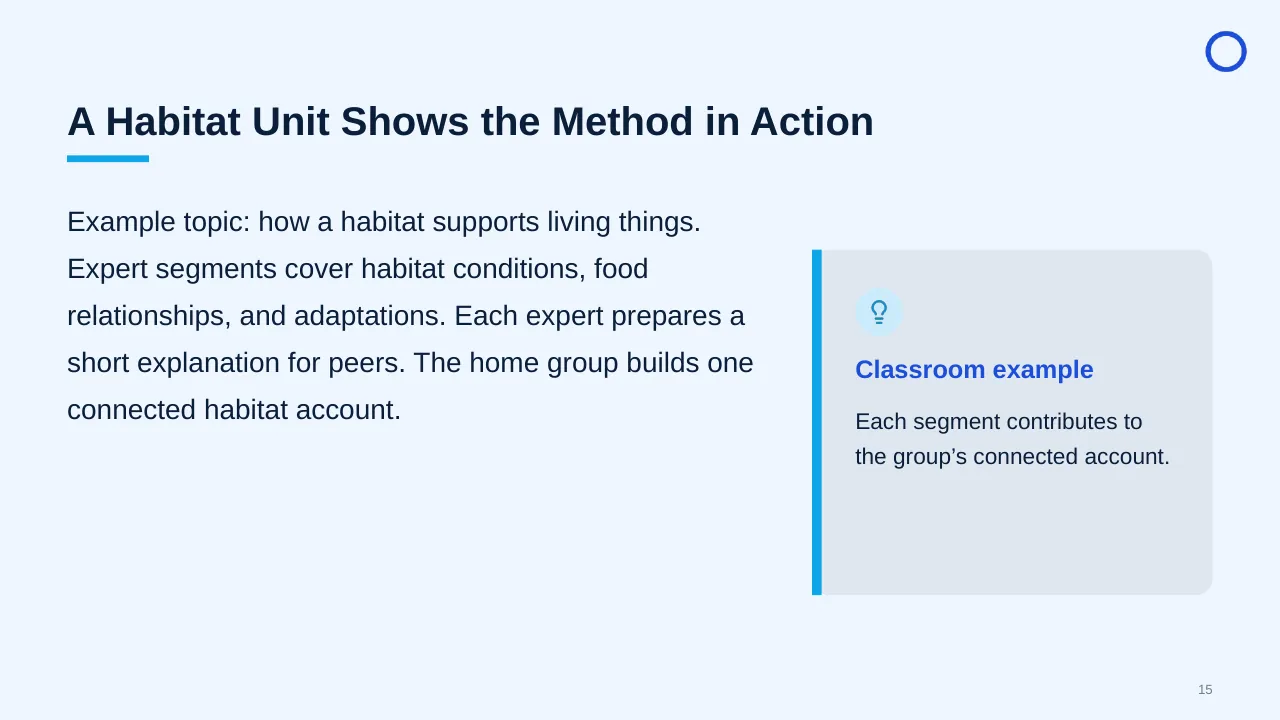
| 15 | Example topic: how a habitat supports living things. Expert segments cover habitat conditions, food… |
| 16 | Launch clearly, support equitable participation, and gather evidence of learning. |
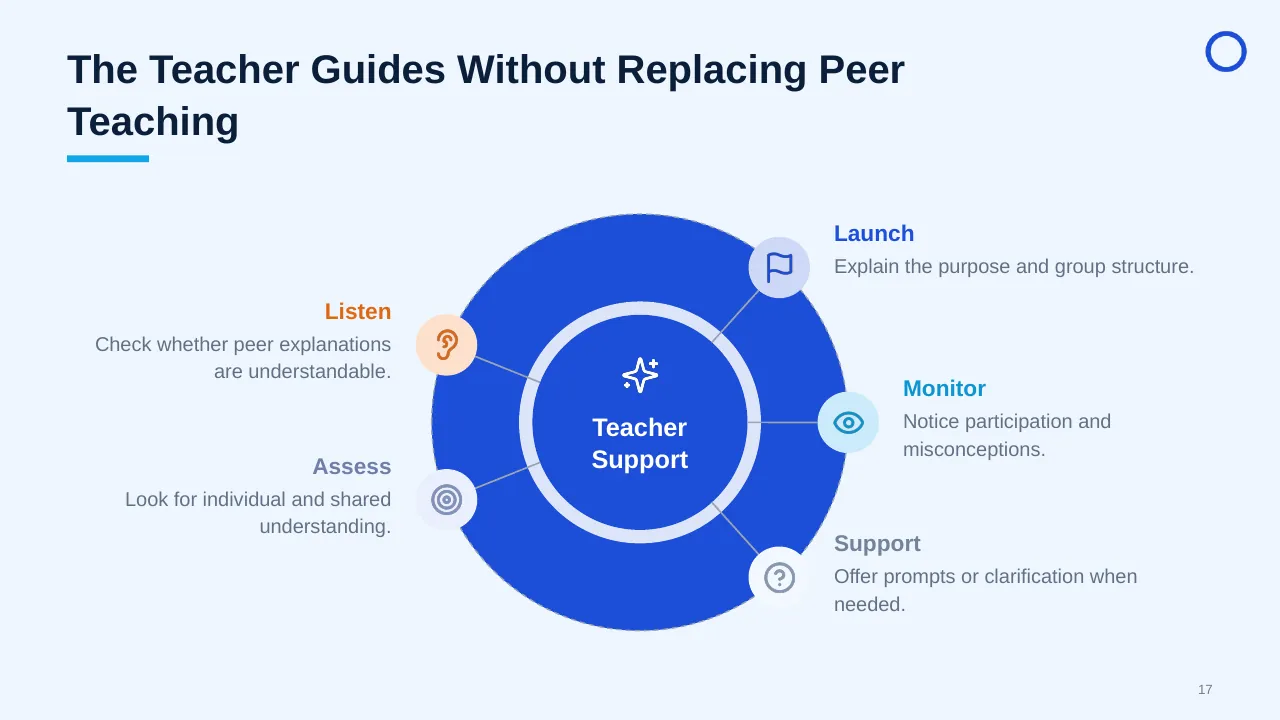
| 17 | The Teacher Guides Without Replacing Peer Teaching |
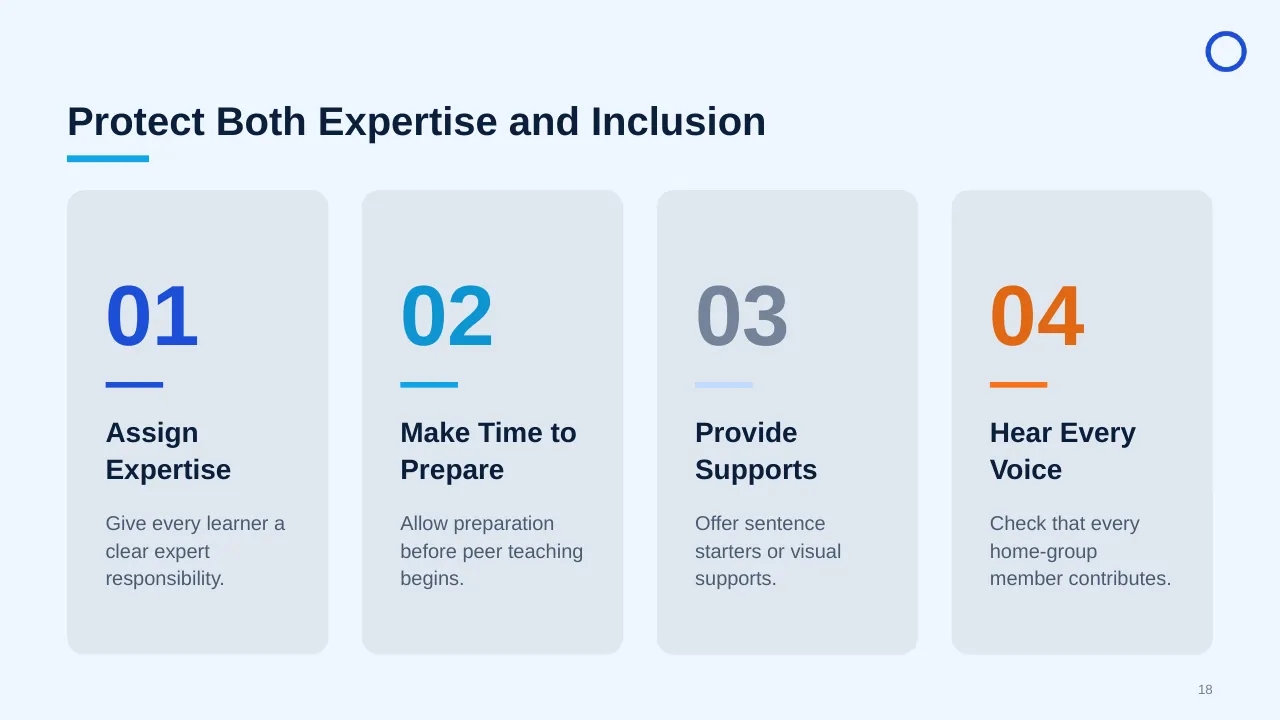
| 18 | Protect Both Expertise and Inclusion |
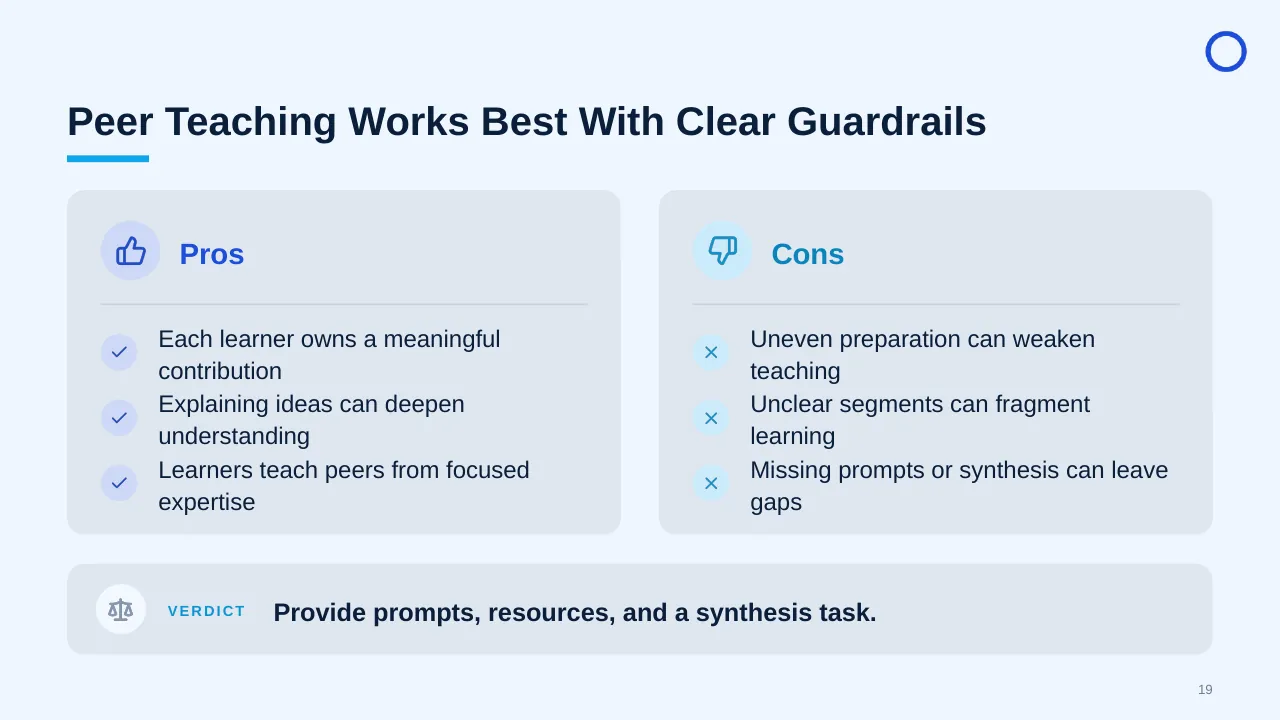
| 19 | Peer Teaching Works Best With Clear Guardrails |
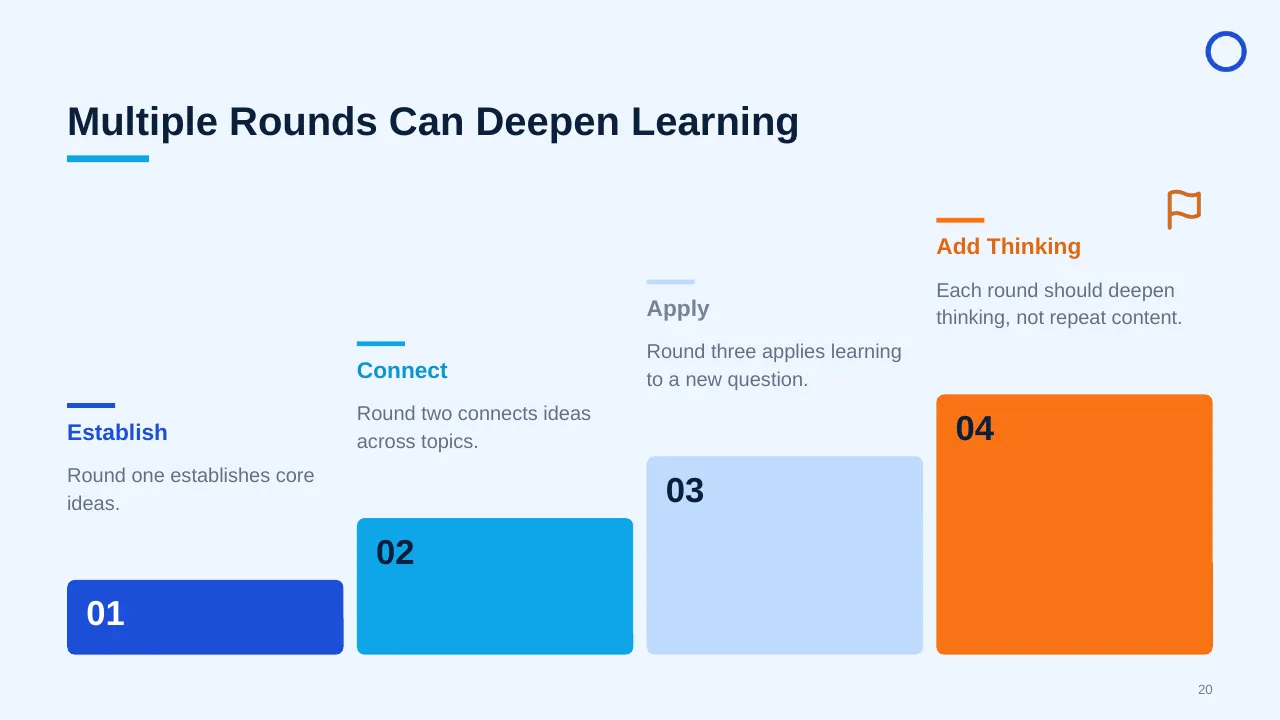
| 20 | Multiple Rounds Can Deepen Learning |
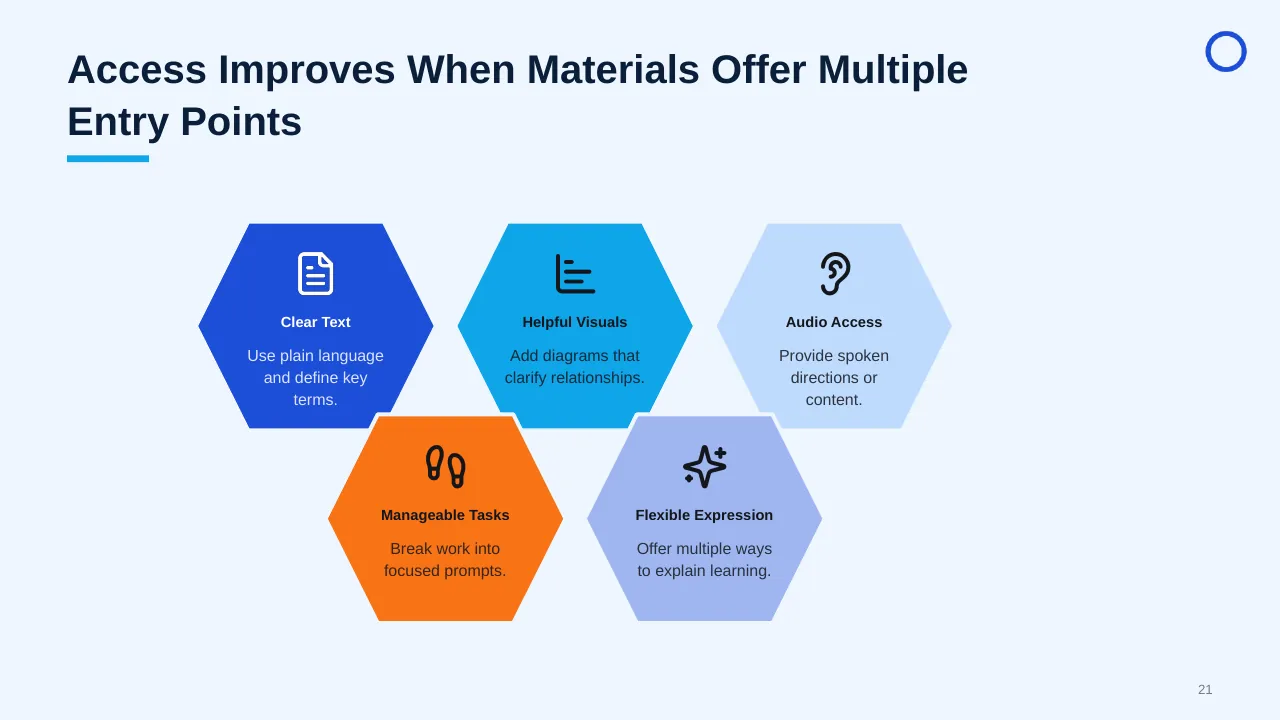
| 21 | Access Improves When Materials Offer Multiple Entry Points |
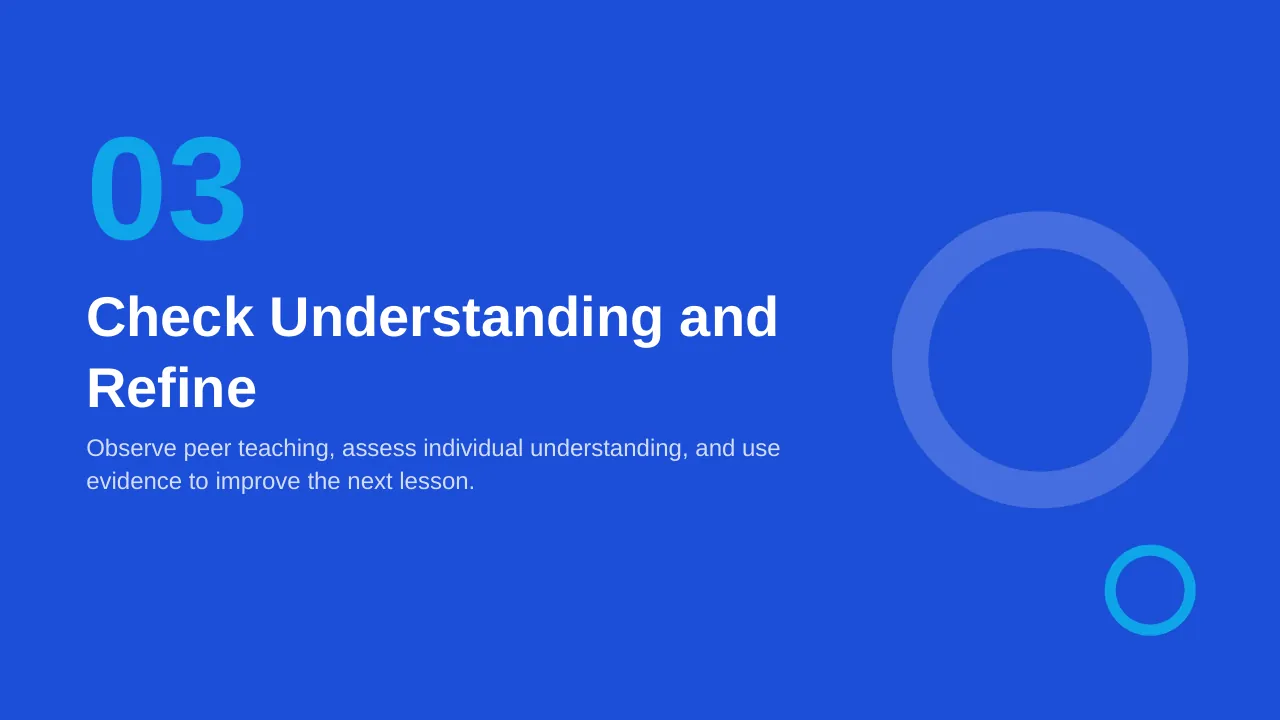
| 22 | Observe peer teaching, assess individual understanding, and use evidence to improve the next lesson. |
| 23 | Assess Individual Learning Alongside Group Synthesis |
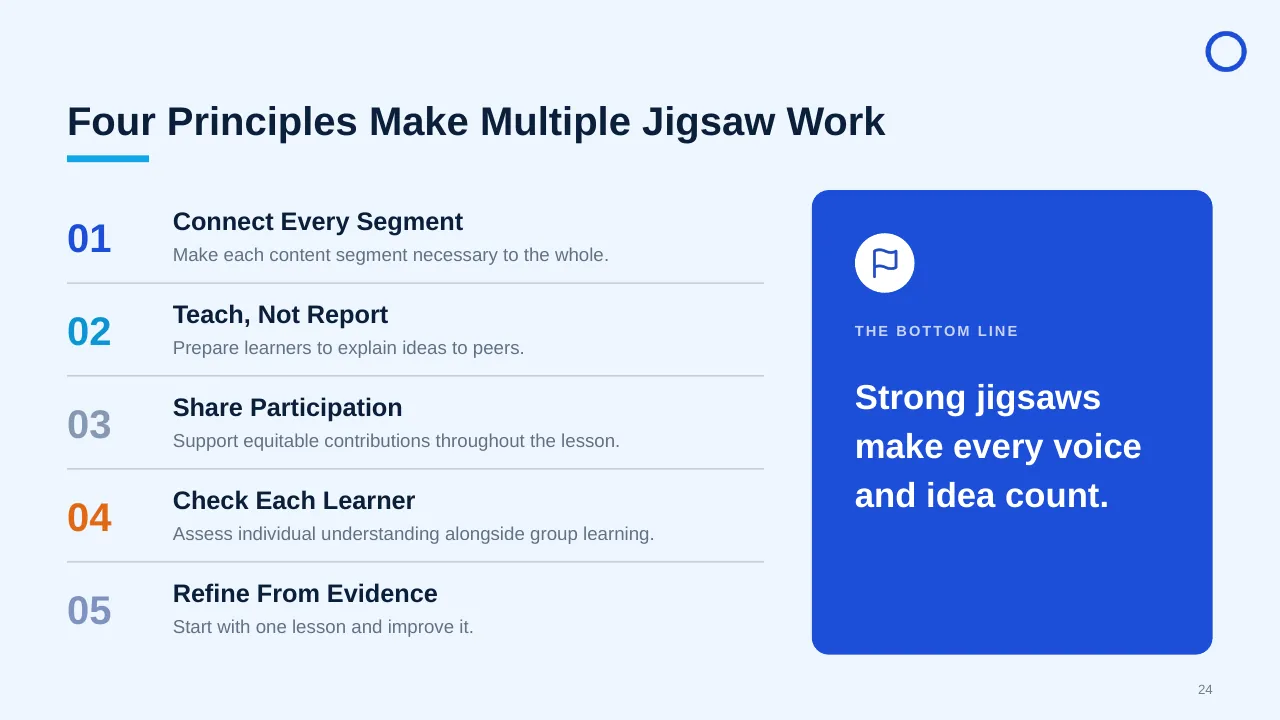
| 24 | Four Principles Make Multiple Jigsaw Work |
| 25 | Select connected content, plan expert tasks and synthesis, and give every learner a meaningful role. |
Tips for an HR presentation
- Start with one people metric that matters to the business, such as regretted attrition.
- Managers drive about 70% of team engagement, so show what managers will do differently.
- Use anonymised quotes from surveys next to the numbers.
- Close with clear owners and dates.
Mistakes to avoid
- Too many initiatives at once
- Survey results with no action plan
- No manager involvement
Checklist before you present
- Is the people problem stated clearly?
- Are data sources and dates shown?
- Does each programme have an owner?
- Are managers' actions spelled out?
- Are KPIs and review dates set?
Great for
- HR strategy and policy updates
- Onboarding and employee handbooks
- Team introductions and org charts
- Training and leadership programmes
How to customise it
- Download the ZIP file and unzip it to get the .pptx presentation.
- Open it in PowerPoint, or upload it to Google Drive and open it with Google Slides.
- Replace the sample text and numbers with your own; charts update from their data sheets.
- Change the theme colours once to recolour the whole deck, then delete any slides you don't need.
Questions about an HR presentation
What should an HR strategy presentation include?
Business context, people priorities, key programmes, the operating model, a budget, and the KPIs you will report.
How do I present employee survey results?
Show response rate, top strengths, top gaps, and two or three actions with owners, then report back on progress.
Related presentations
- Employee Satisfaction Survey Results PPT Template
- Human Resource Monthly Report PPT Template
- People and Teamwork Strategy PPT Template
- Business Team Composition PPT Template
Browse all HR & People Management presentations or more business PowerPoint templates.
Template details
| Template | Multiple Jigsaw Learning PPT Template |
|---|---|
| Categories | Business PowerPoint Templates, HR & People Management |
| File format | PowerPoint (.pptx), delivered as a .zip file |
| Number of slides | 25 fully editable slides |
| File size | 2.9 MB |
| Slide size | 16:9 widescreen |
| Preview images | 25 |
| Editable | Yes: text, colours, shapes, icons and charts |
| Works with | PowerPoint 2010 and later, PowerPoint for Mac, Google Slides |
| Licence | Royalty-free, yours to keep using after your plan ends (terms of use apply) |
| Price | Included in every SlideVilla plan |
| Added | 7 Oct 2025 |
Questions about this template
Can I edit the Multiple Jigsaw Learning PPT Template?
Yes. Every part of the Multiple Jigsaw Learning PPT Template is made with native PowerPoint shapes and text boxes, so you can change the wording, colours, fonts and sizes, move or delete elements, and swap icons without losing quality.
Does the Multiple Jigsaw Learning PPT Template work in Google Slides?
Yes. Download the .zip file, unzip it to get the .pptx, upload it to Google Drive and open it with Google Slides. The layout, shapes and text stay editable there too.
Is the Multiple Jigsaw Learning PPT Template free?
It is a premium template, included in every SlideVilla plan together with the rest of the library. See plans and pricing.
What size and format is it?
It is a PPTX file in 16:9 widescreen format with 25 slides, 2.9 MB (downloaded as a .zip; unzip it to get the presentation), with 25 preview images shown above.
How to use this template
- Step 1DownloadClick Download, then unzip the .zip file to get the .pptx presentation.
- Step 2OpenOpen it in PowerPoint, or upload it to Google Slides from your Drive.
- Step 3Make it yoursChange text, colours, icons and charts. Every element is fully editable.
Tags
Related PowerPoint templates
More designs like this one, ready to edit.