About this PowerPoint template
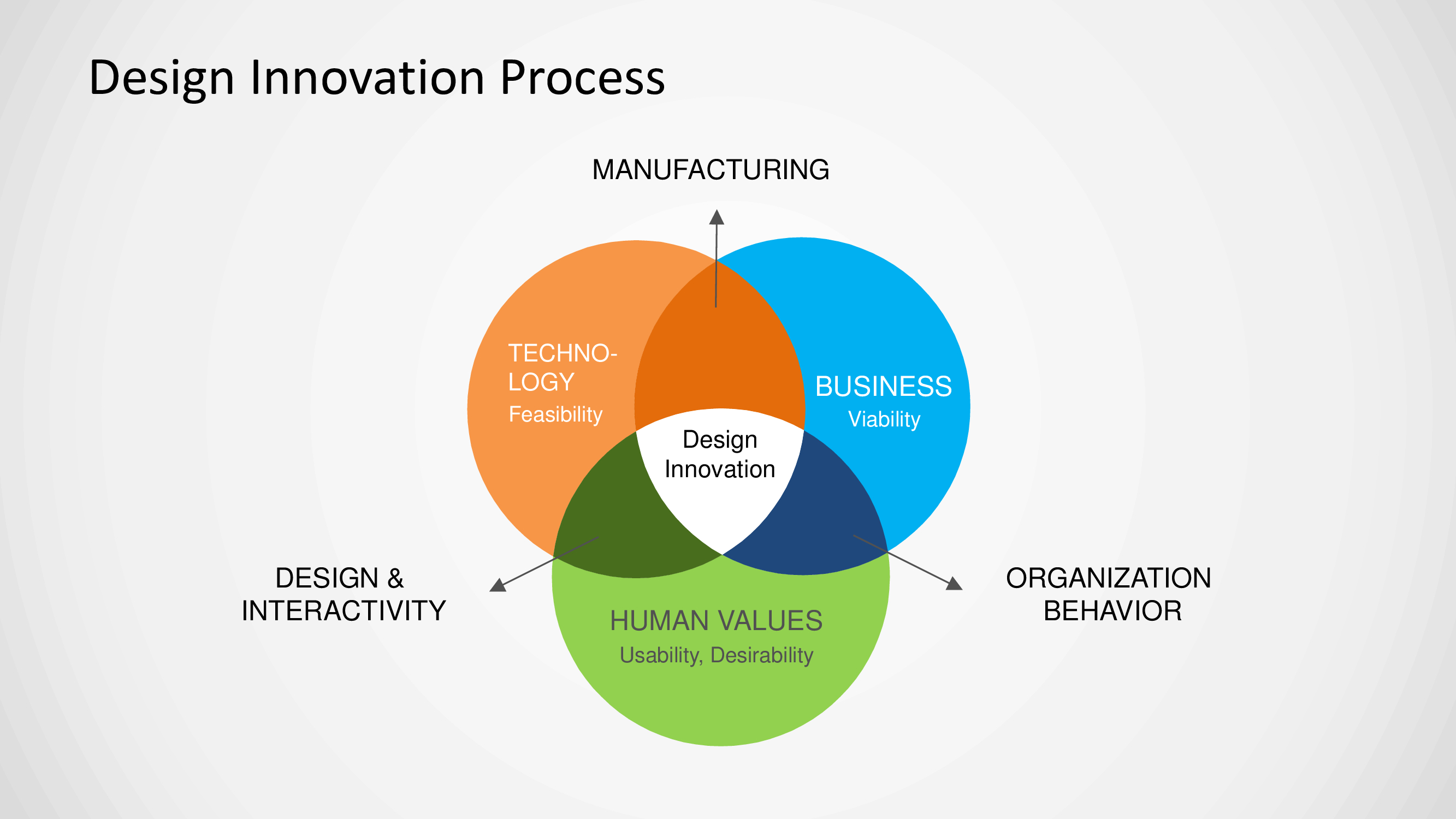
The Innovation Process PPT Template is a complete 30-slide presentation: start with unmet needs, test with evidence, and scale what creates value. Every slide is fully editable in PowerPoint and Google Slides, so you can change the text, colours, charts and icons to fit your brand in minutes.
Inside, the slides walk through topics such as “Strong innovation balances three kinds of value”, “Generate options before choosing a favorite” and “Solve meaningful needs through continuous learning”, with ready-made layouts for each step. It is part of our Digital Transformation & Change presentations.
On this page
What's included
- 30 professionally designed 16:9 widescreen slides
- 100% editable text, shapes, icons, tables and charts (no flat images)
- Works in Microsoft PowerPoint (Windows and Mac) and Google Slides
- Clean, consistent layout that follows your theme colours and fonts
- Delivered as a single ZIP file containing the .pptx presentation
What to include in an innovation presentation
A simple structure that works for most audiences, mapped to the slides in this deck:
| Part | What goes there | Slide in this deck |
|---|---|---|
| Innovation goals | What innovation must deliver for the business | Slide 11 |
| Process | From ideas to launch: stages and gates | Use any content slide |
| Portfolio | Ideas and projects by horizon or risk | Slides 4, 7, 16 |
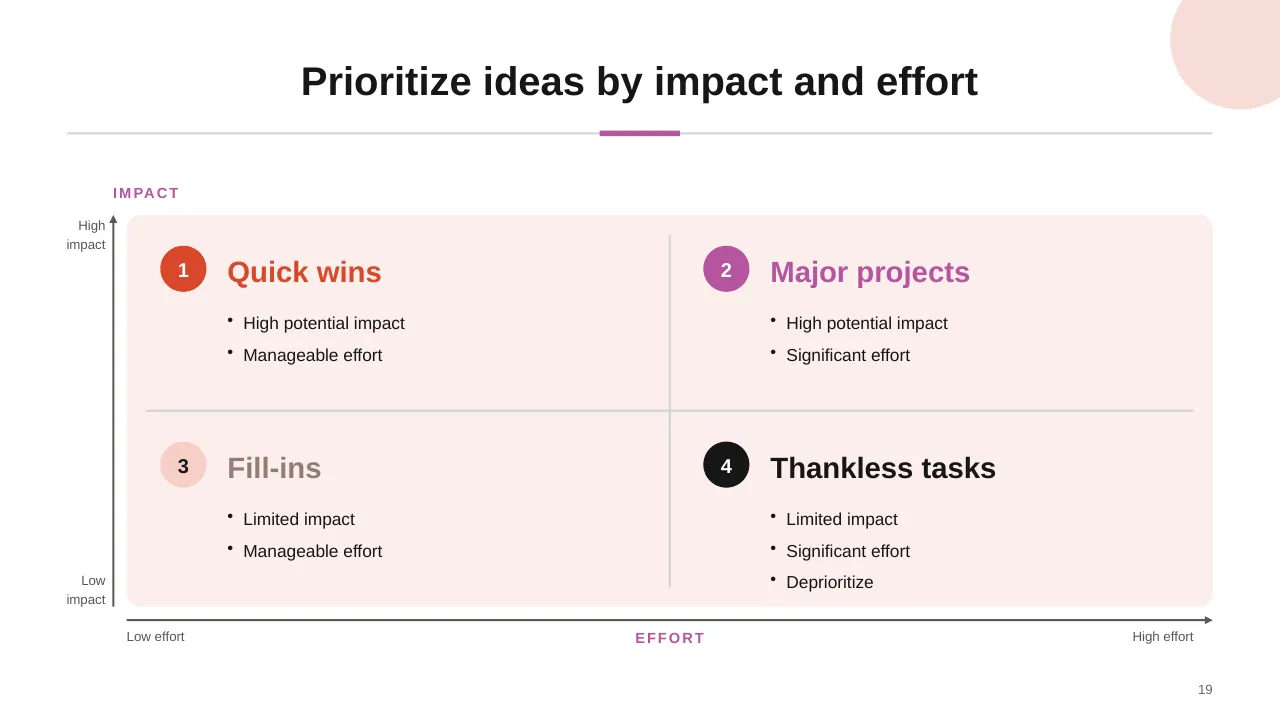
| Selection criteria | How ideas are scored and stopped | Slide 19 |
| Measures | Metrics for the whole process | Use any content slide |
Key numbers: Innovation
Research figures you can quote on your slides. Each one names the study it comes from, so your audience can check it.
| Finding | Figure | Source |
|---|---|---|
| Executives who say innovation is very or extremely important to growth | 84% | McKinsey Global Survey |
| Executives satisfied with their innovation performance | 6% | McKinsey Global Innovation Survey |
| Executives who say people and culture are the top drivers of innovation | 94% | McKinsey Quarterly |
| Executives good at stopping ideas at the right time | 26% | McKinsey Global Survey (2010) |
Sources: McKinsey, Innovation and commercialization 2010 · McKinsey, Leadership and innovation. Figures are from the editions named; check for a newer edition before you present.
Slide-by-slide outline
| Slide | What it covers |
|---|---|
| 1 | Title slide: Innovation Process |
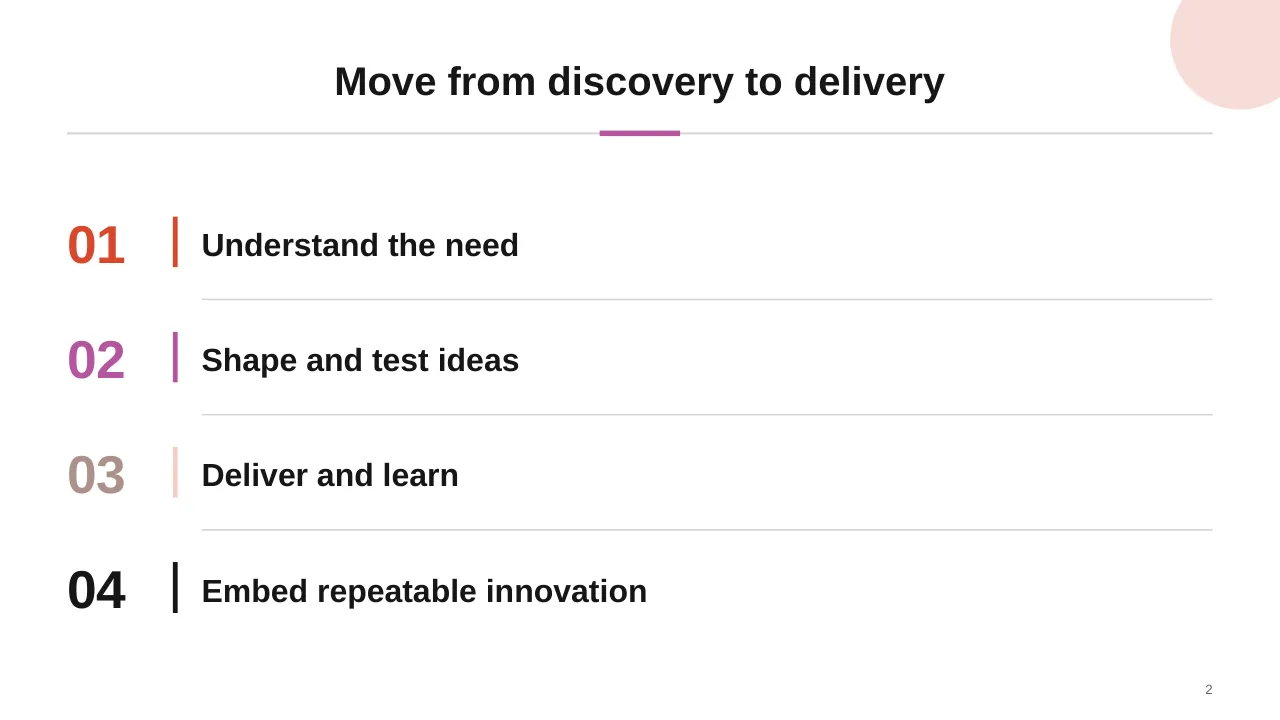
| 2 | Move from discovery to delivery |
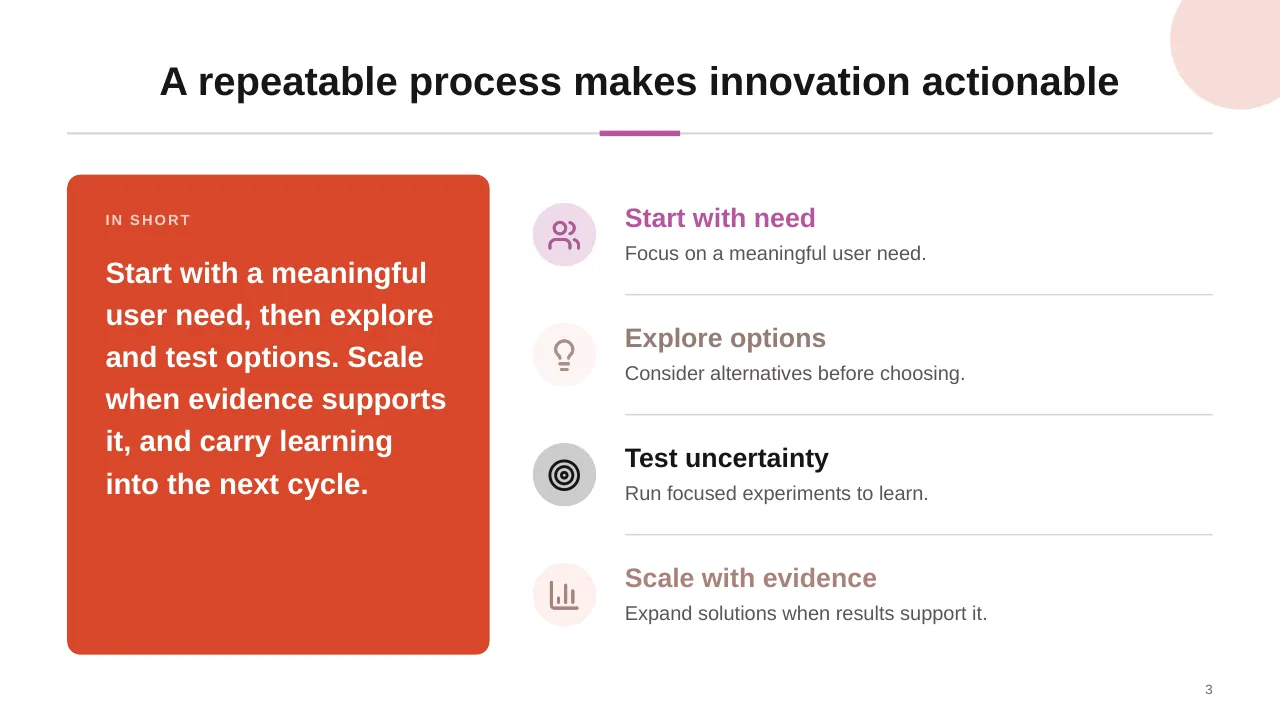
| 3 | Start with a meaningful user need, then explore and test options. Scale when evidence supports it, and… |
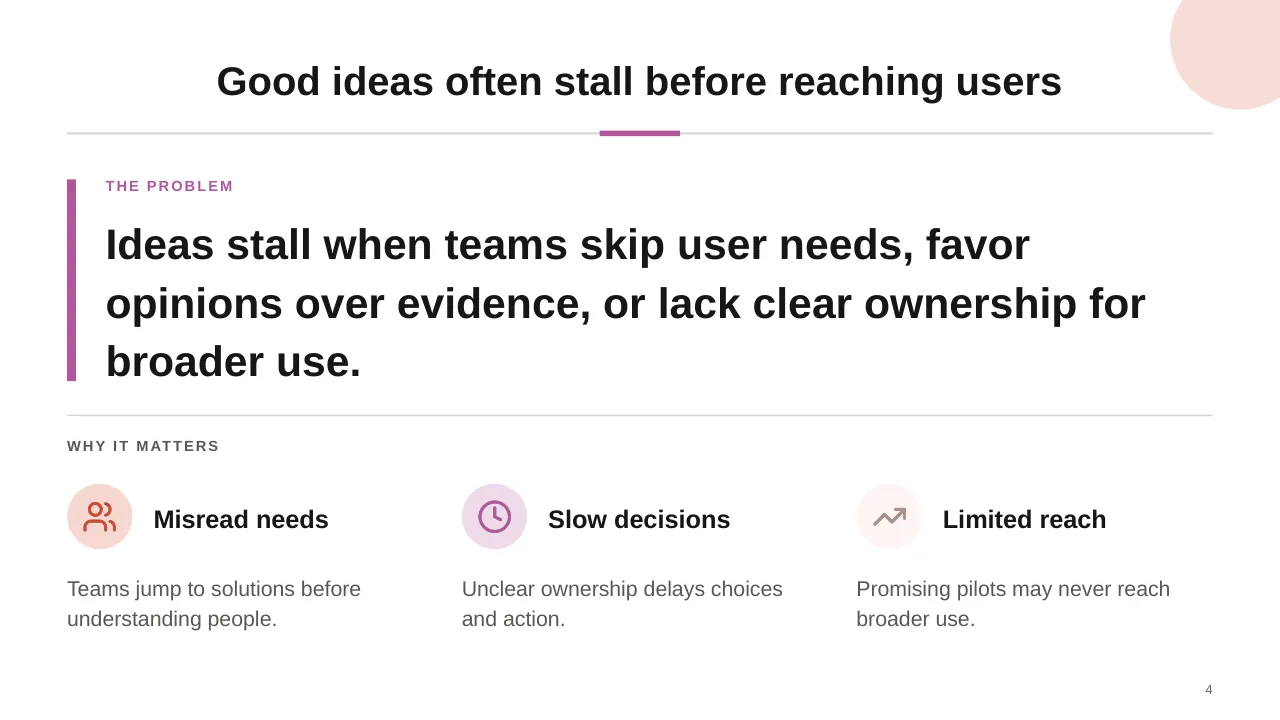
| 4 | Ideas stall when teams skip user needs, favor opinions over evidence, or lack clear ownership for broader use. |
| 5 | Test assumptions early; use evidence to decide what deserves investment. |
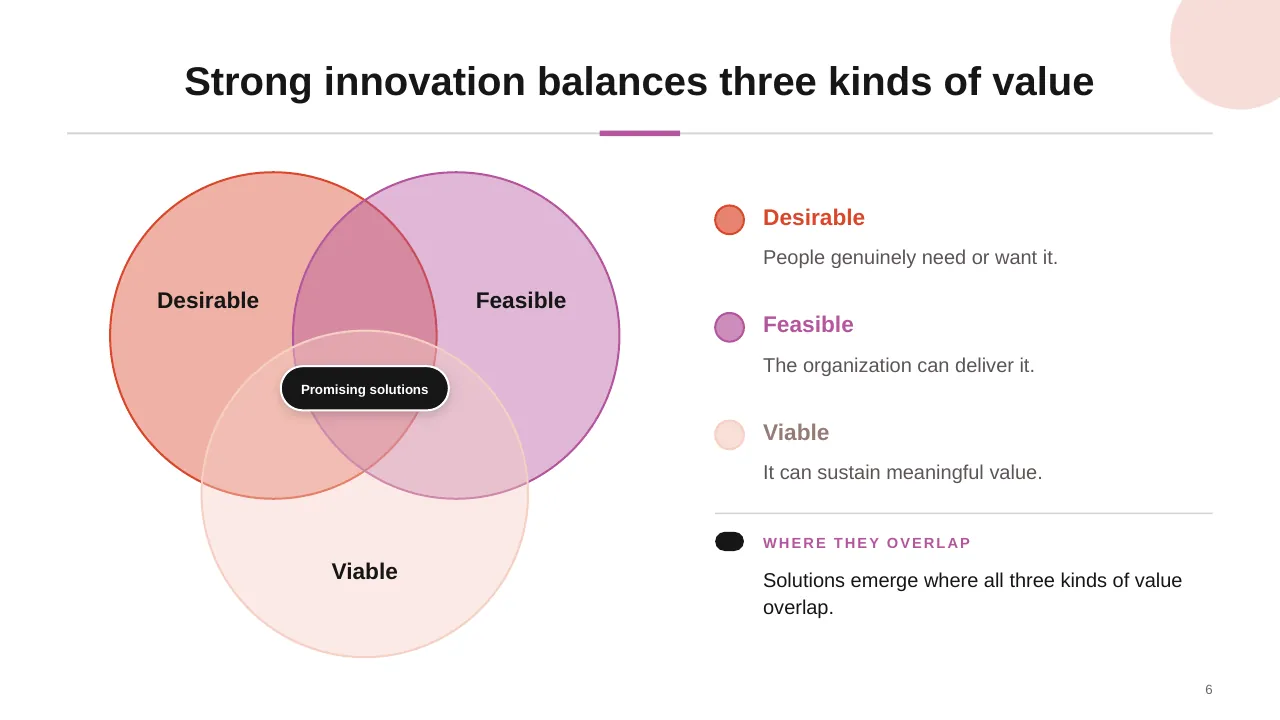
| 6 | Strong innovation balances three kinds of value |
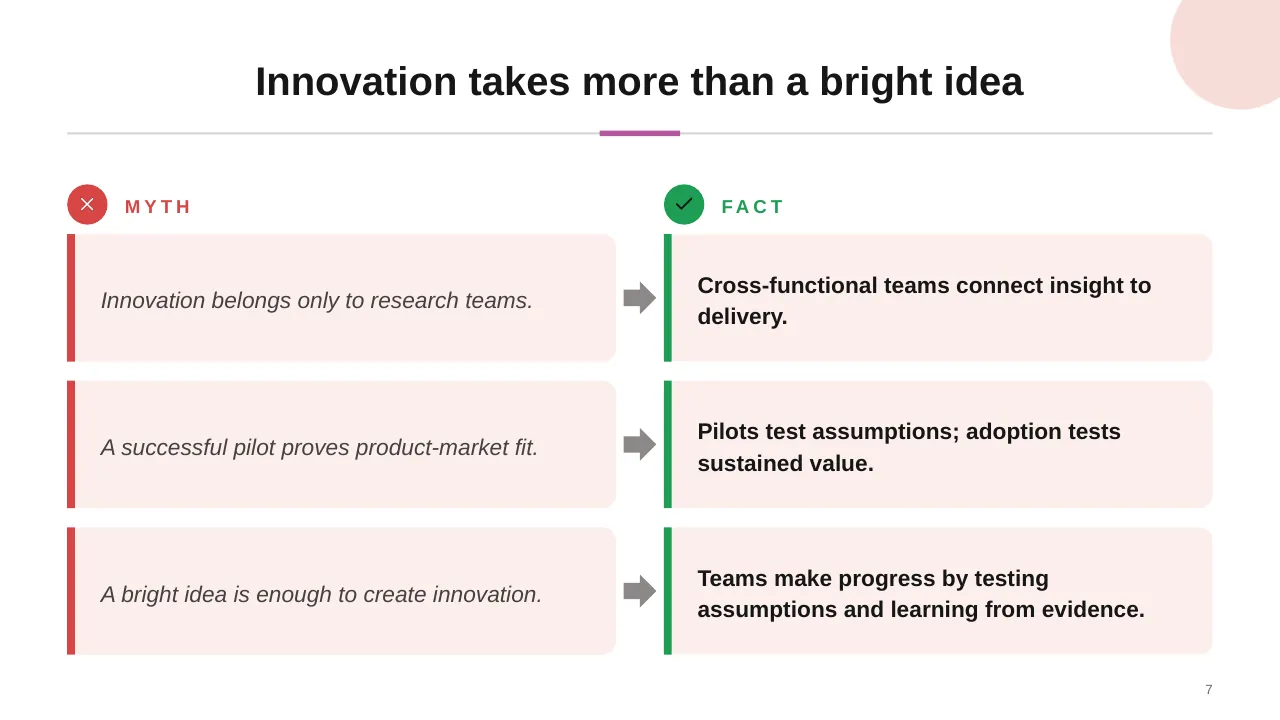
| 7 | Innovation takes more than a bright idea |
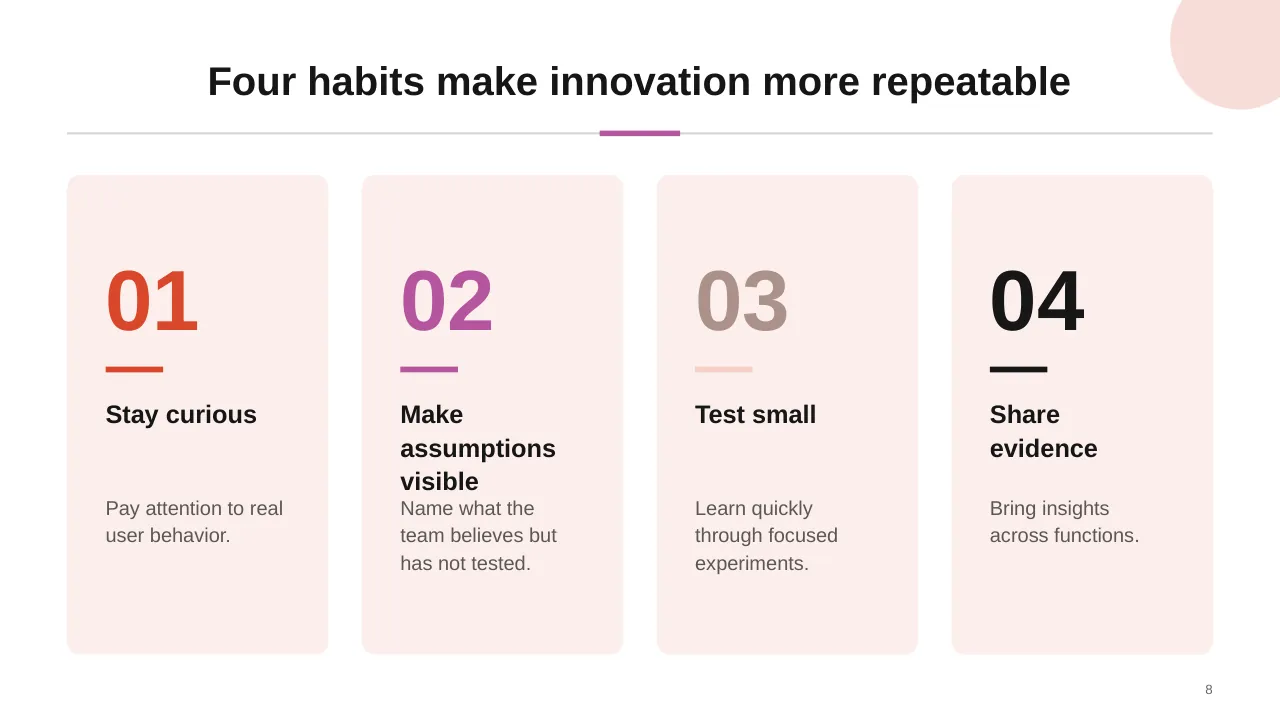
| 8 | Four habits make innovation more repeatable |
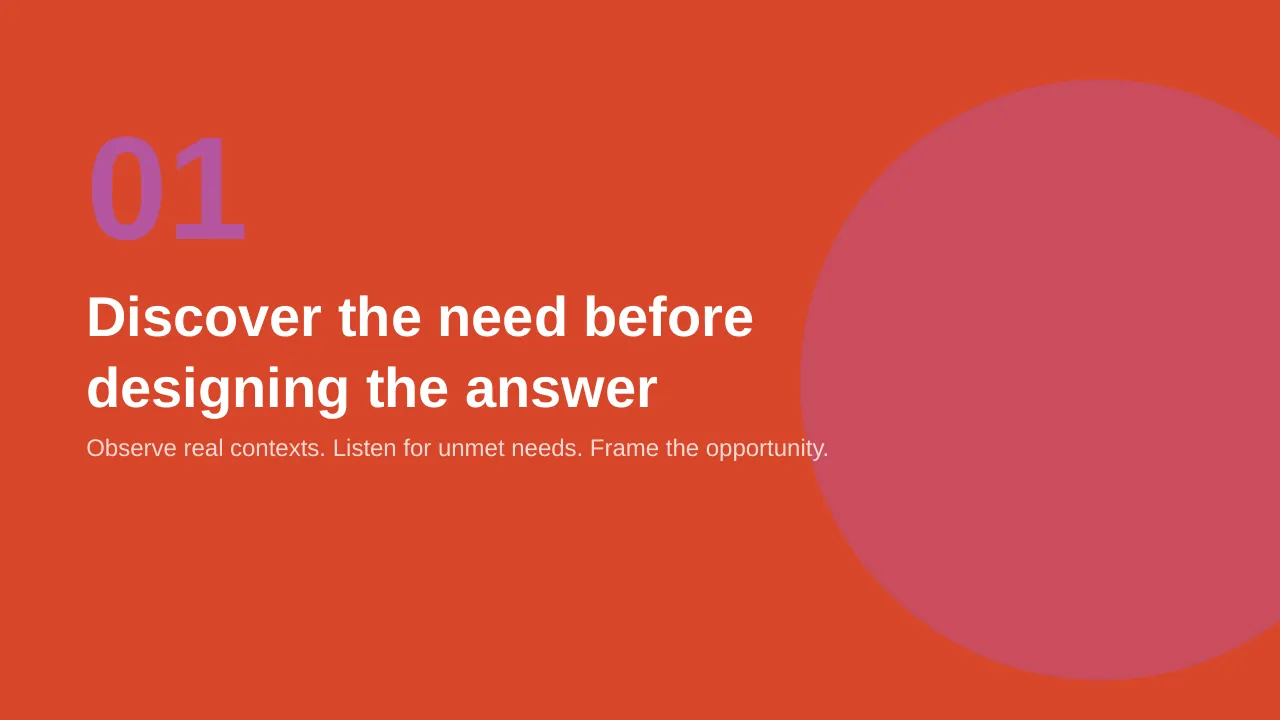
| 9 | Observe real contexts. Listen for unmet needs. Frame the opportunity. |
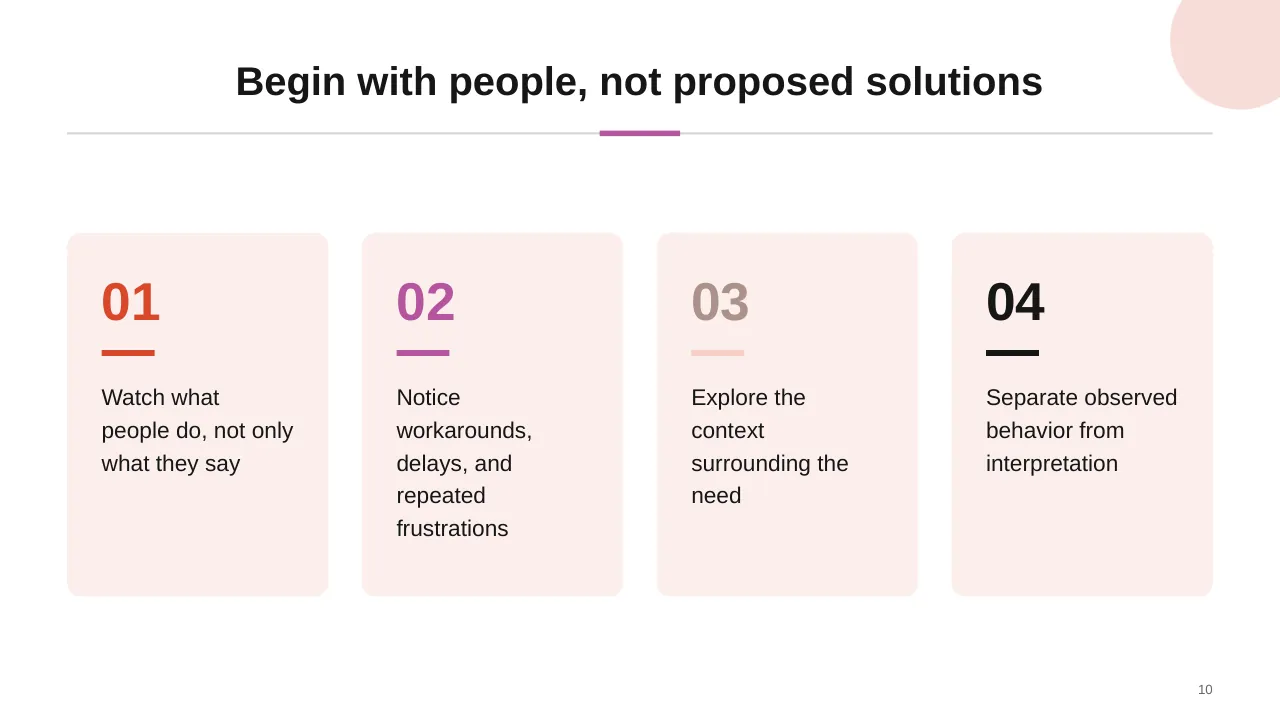
| 10 | Watch what people do, not only what they say |
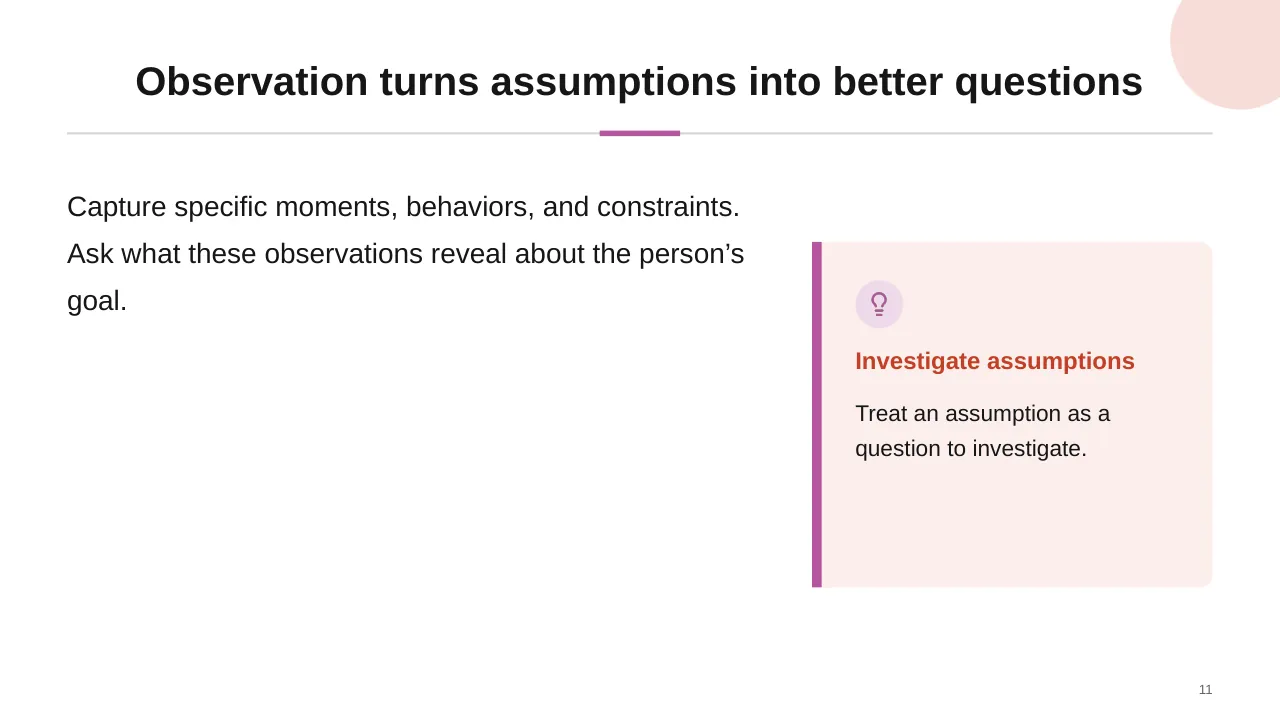
| 11 | Capture specific moments, behaviors, and constraints. Ask what these observations reveal about the… |
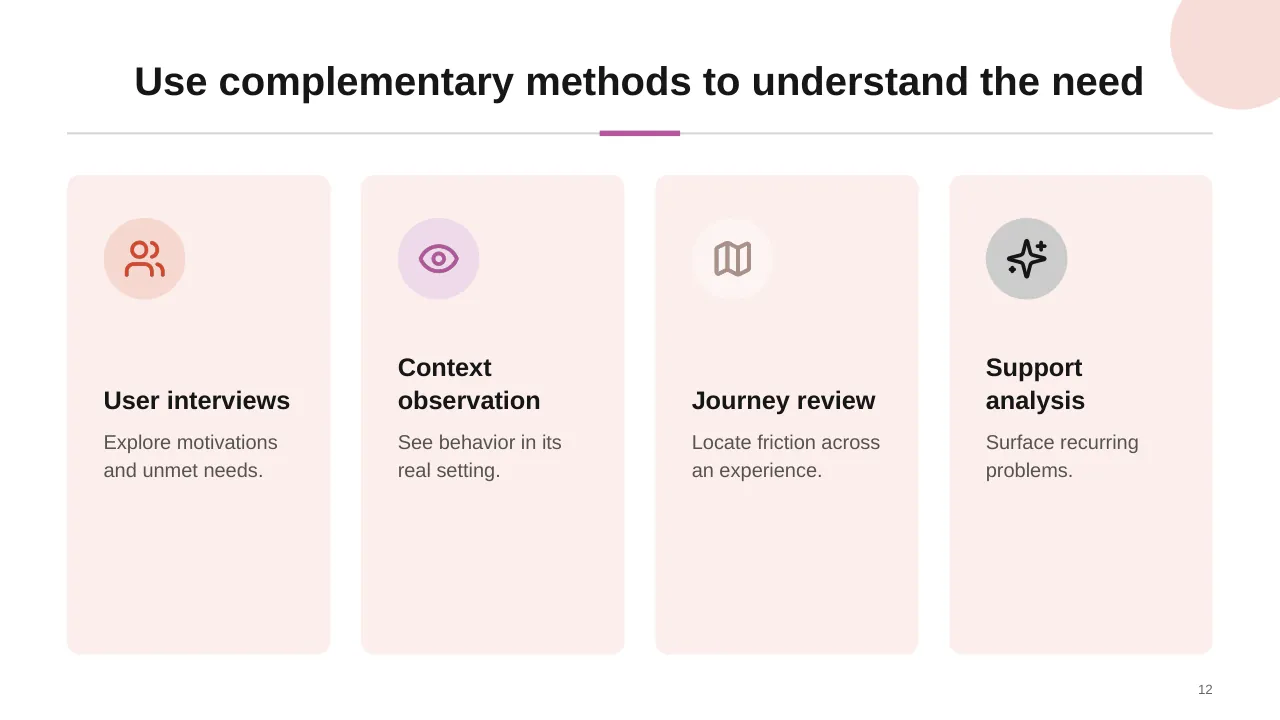
| 12 | Use complementary methods to understand the need |
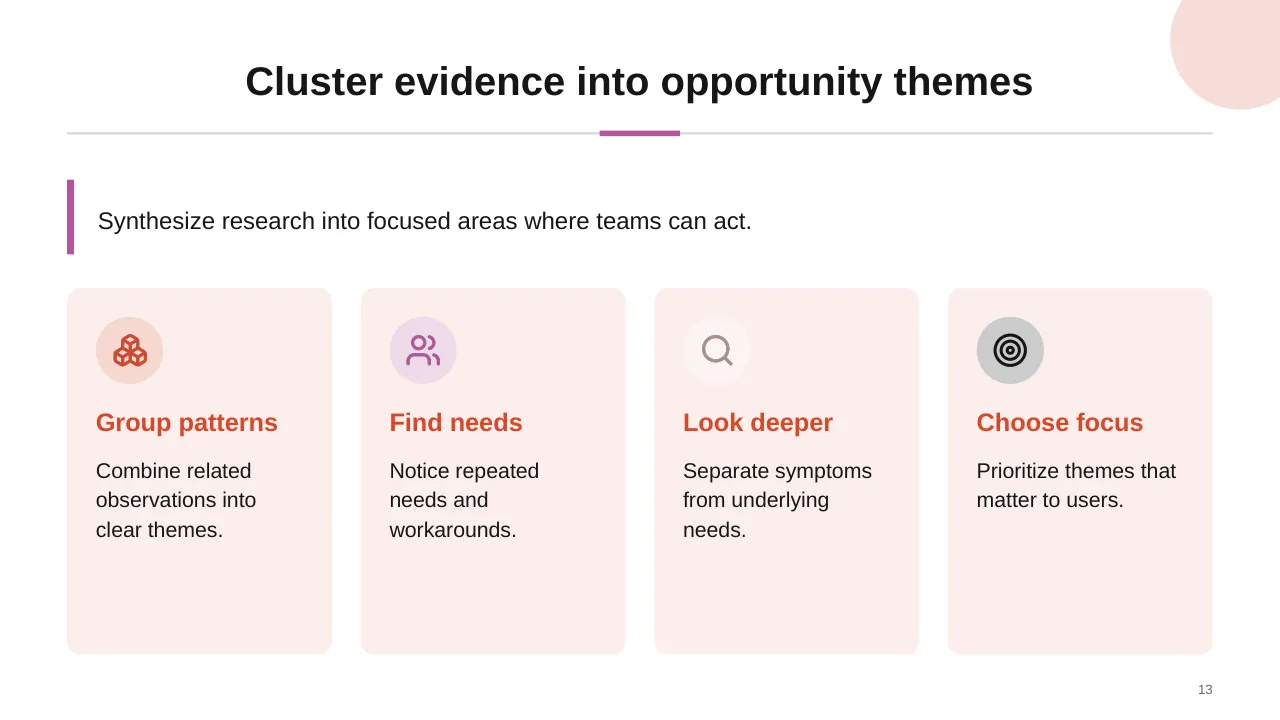
| 13 | Synthesize research into focused areas where teams can act. |
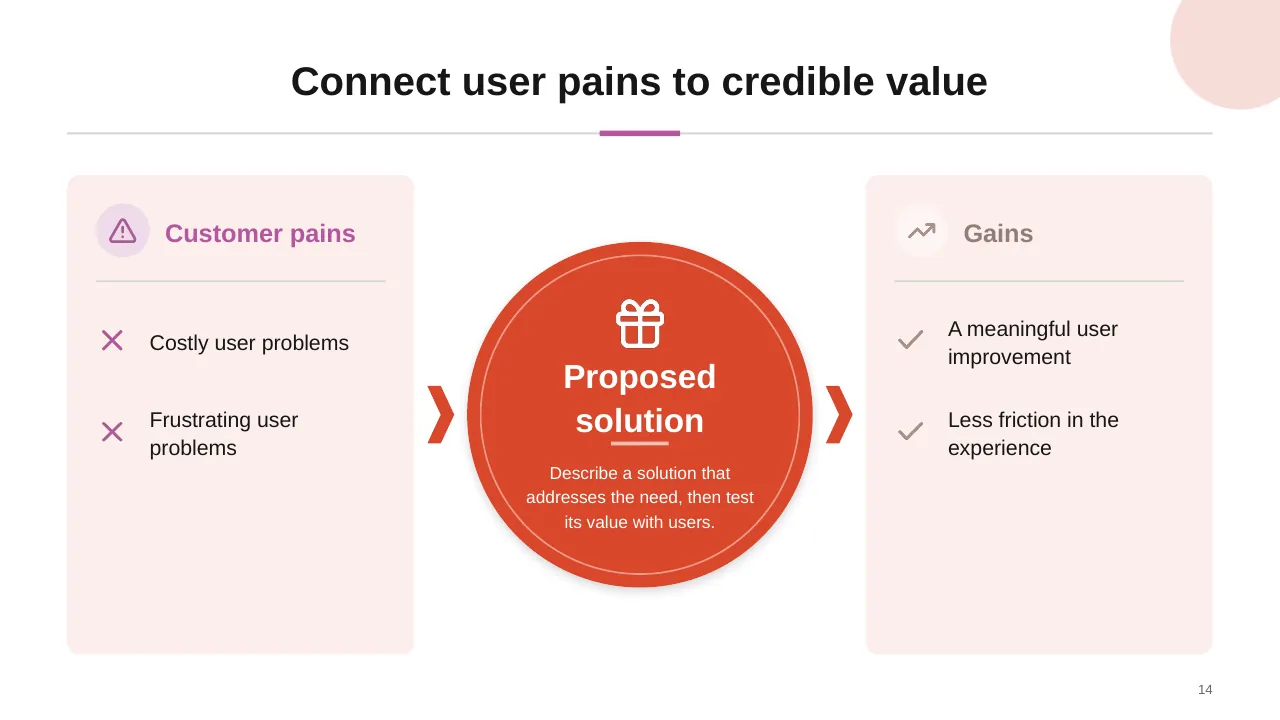
| 14 | Connect user pains to credible value |
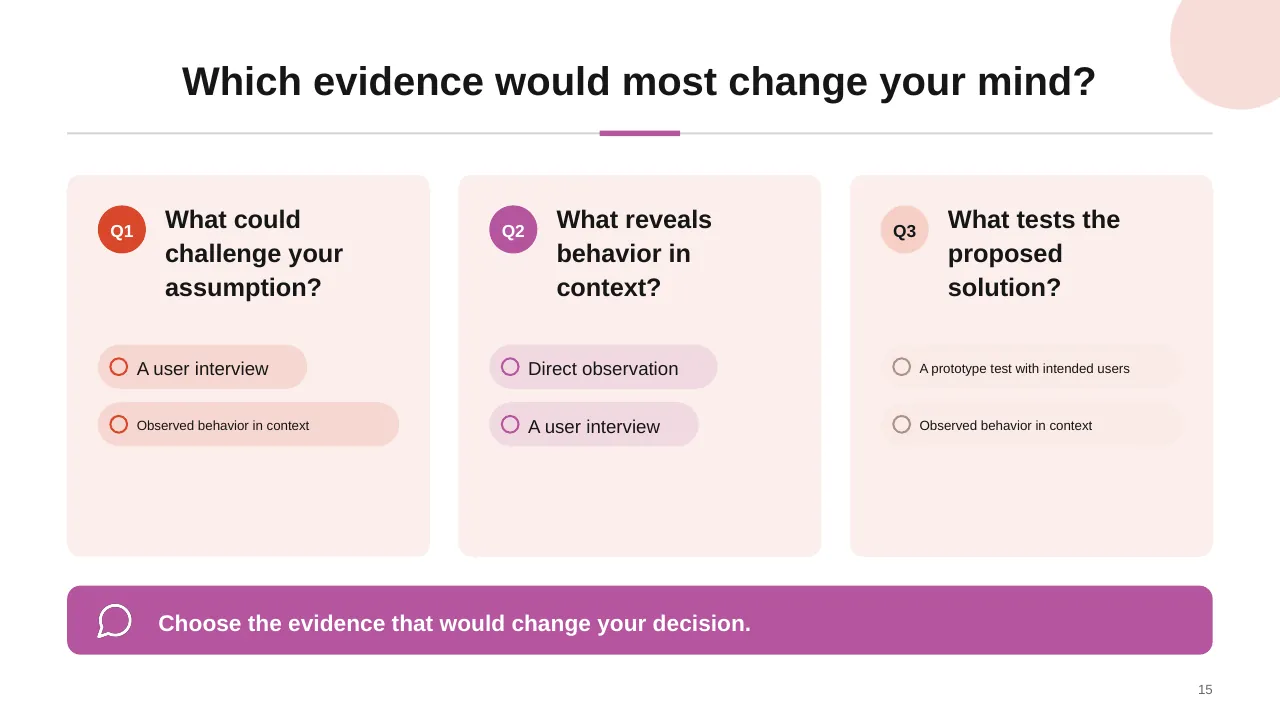
| 15 | Which evidence would most change your mind? |
| 16 | Generate alternatives, make ideas tangible, and test the riskiest assumptions. |
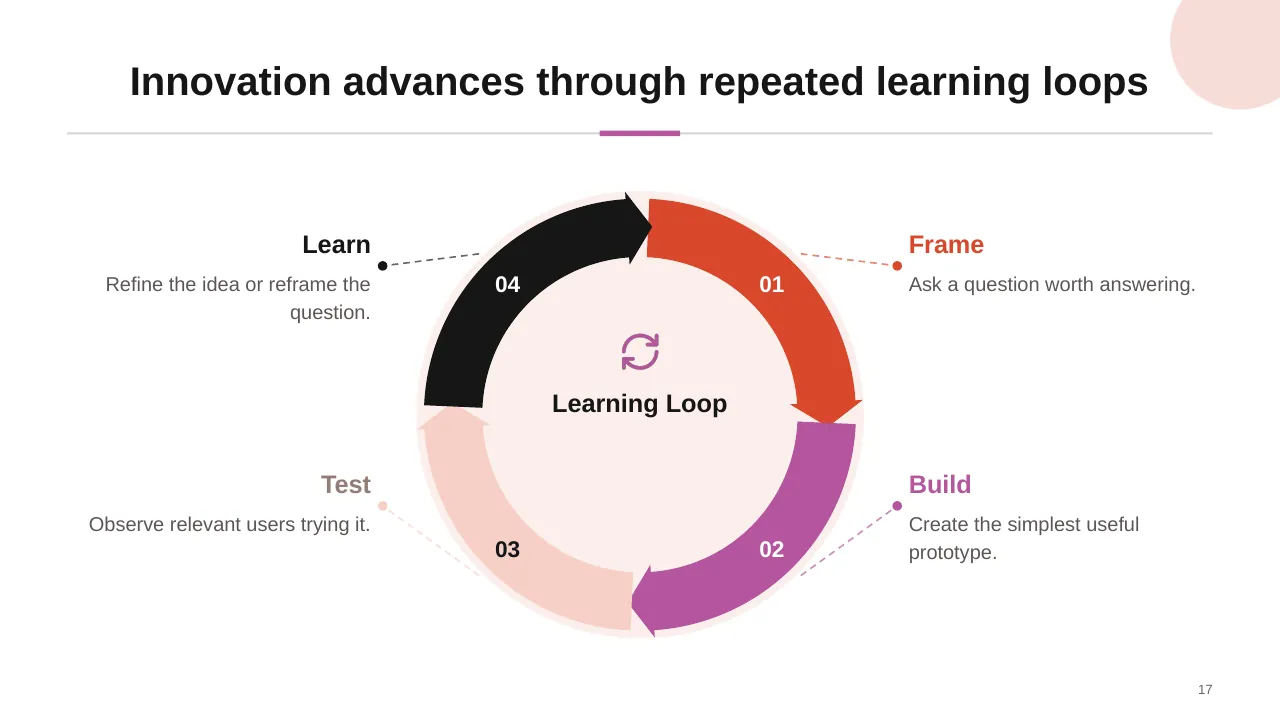
| 17 | Innovation advances through repeated learning loops |
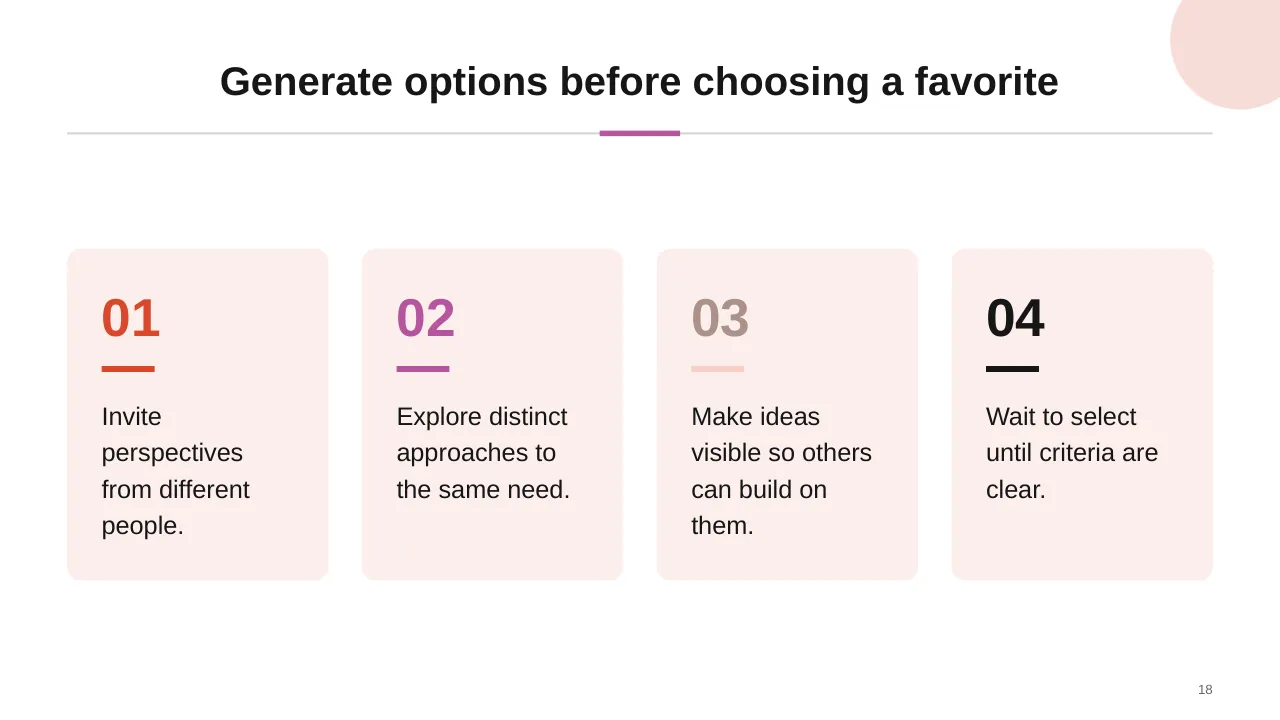
| 18 | Generate options before choosing a favorite |
| 19 | Prioritize ideas by impact and effort |
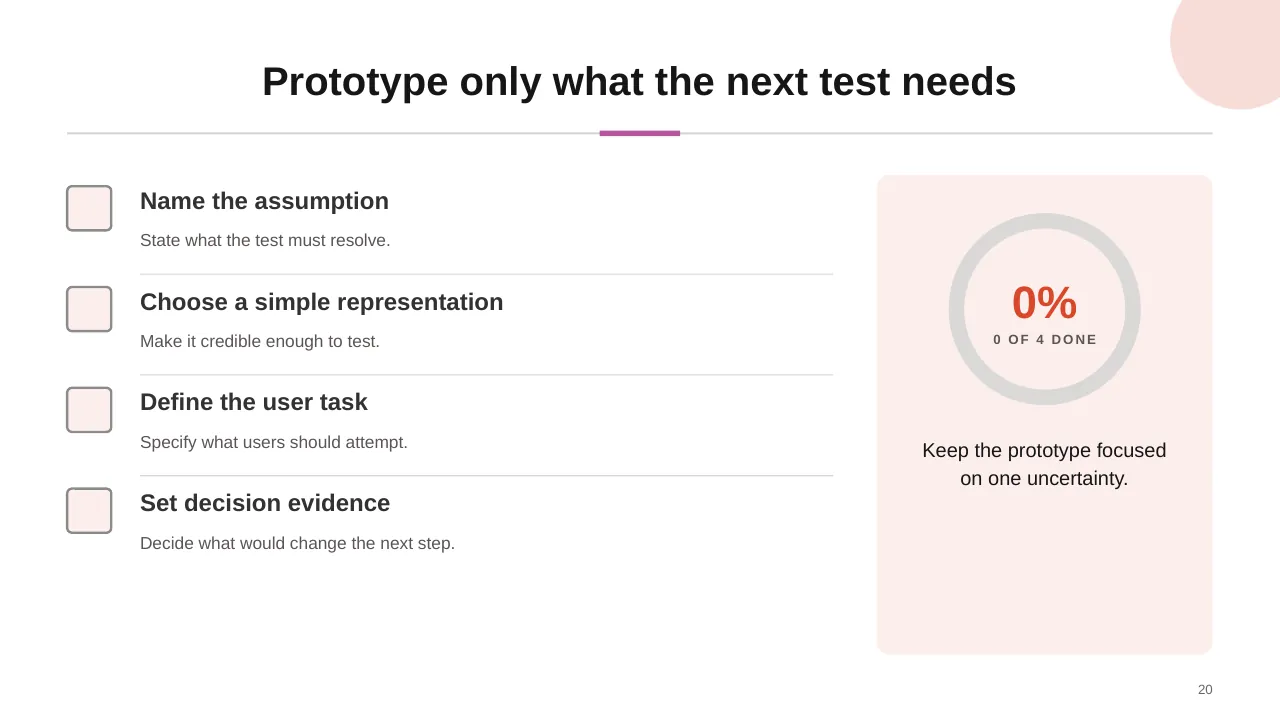
| 20 | Prototype only what the next test needs |
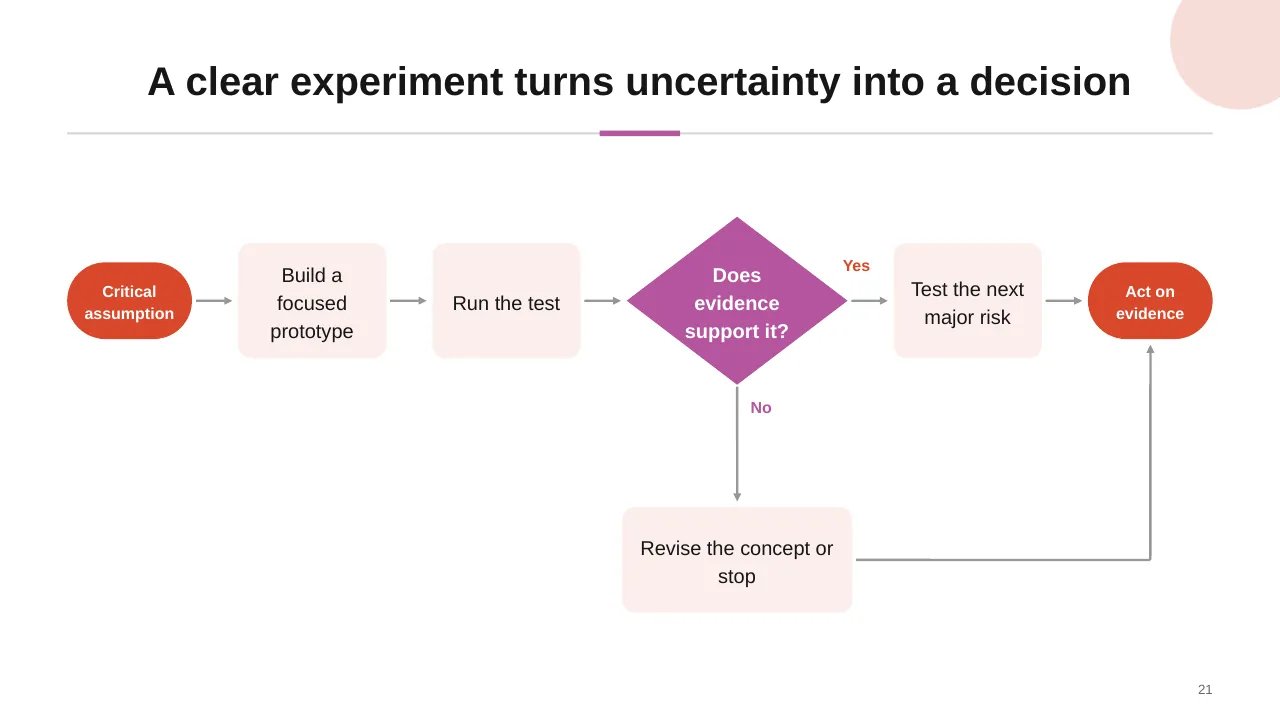
| 21 | A clear experiment turns uncertainty into a decision |
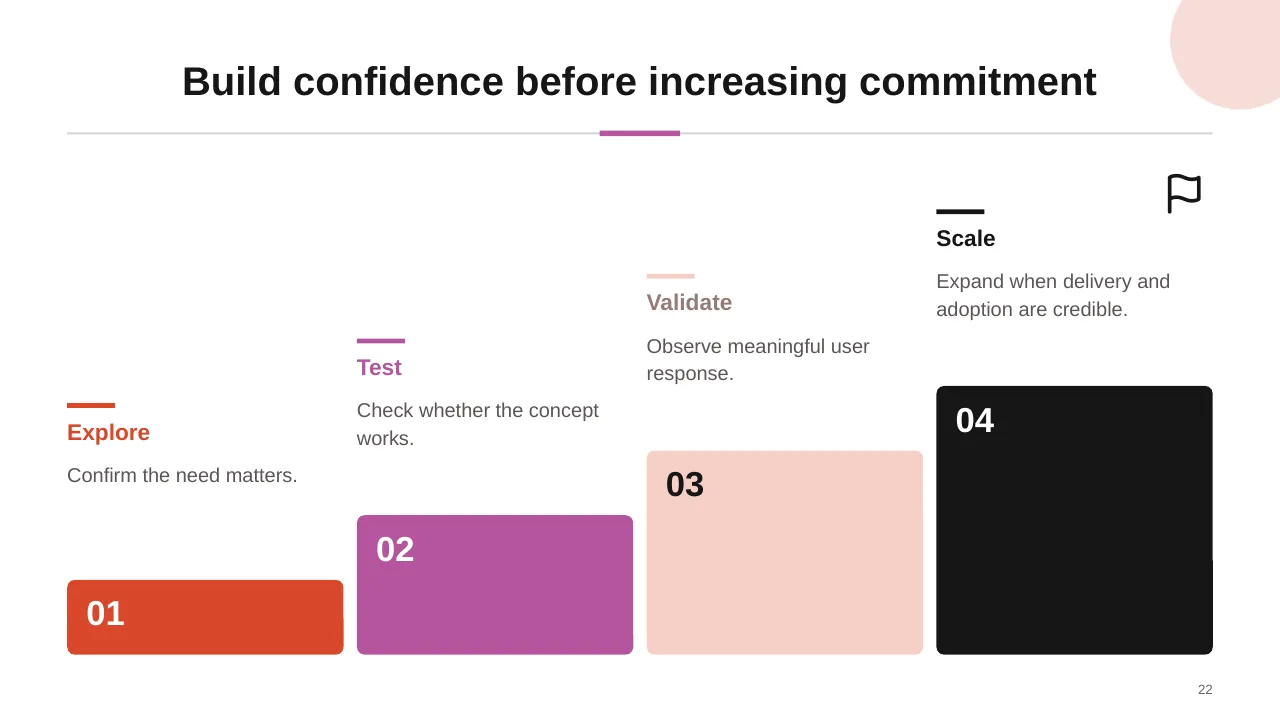
| 22 | Build confidence before increasing commitment |
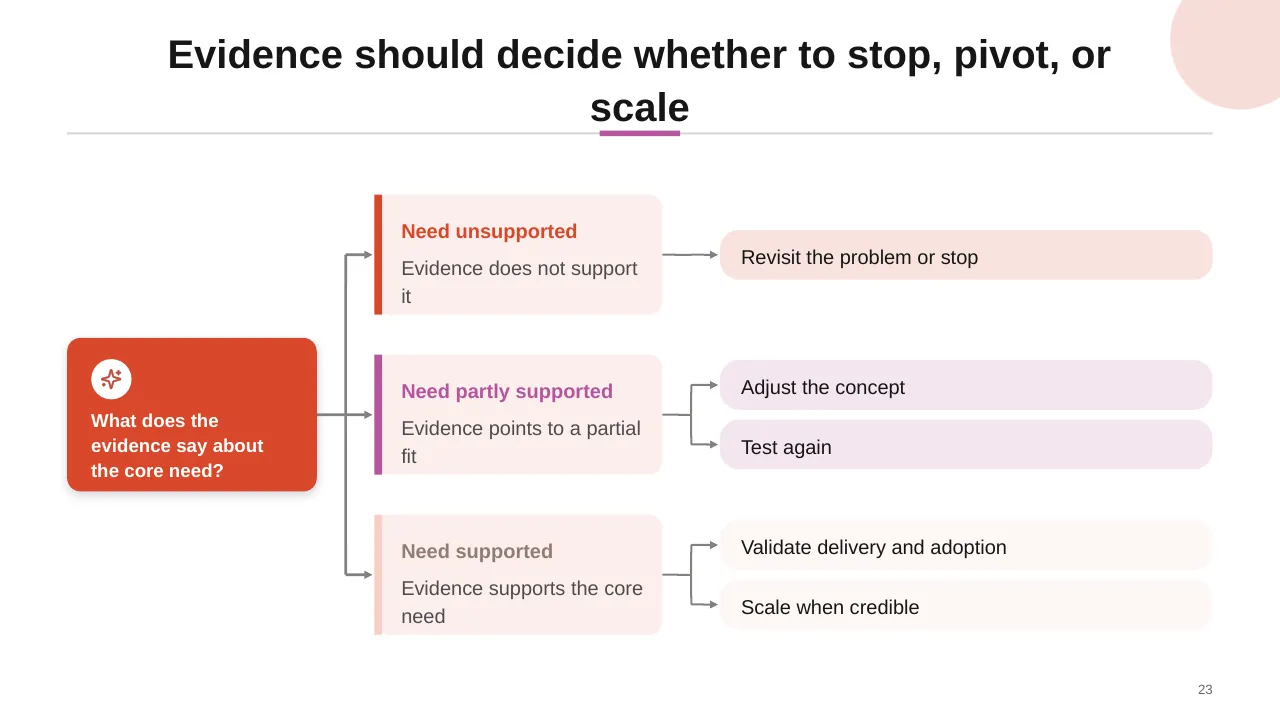
| 23 | Evidence should decide whether to stop, pivot, or scale |
| 24 | Turn validated ideas into outcomes teams can sustain. |
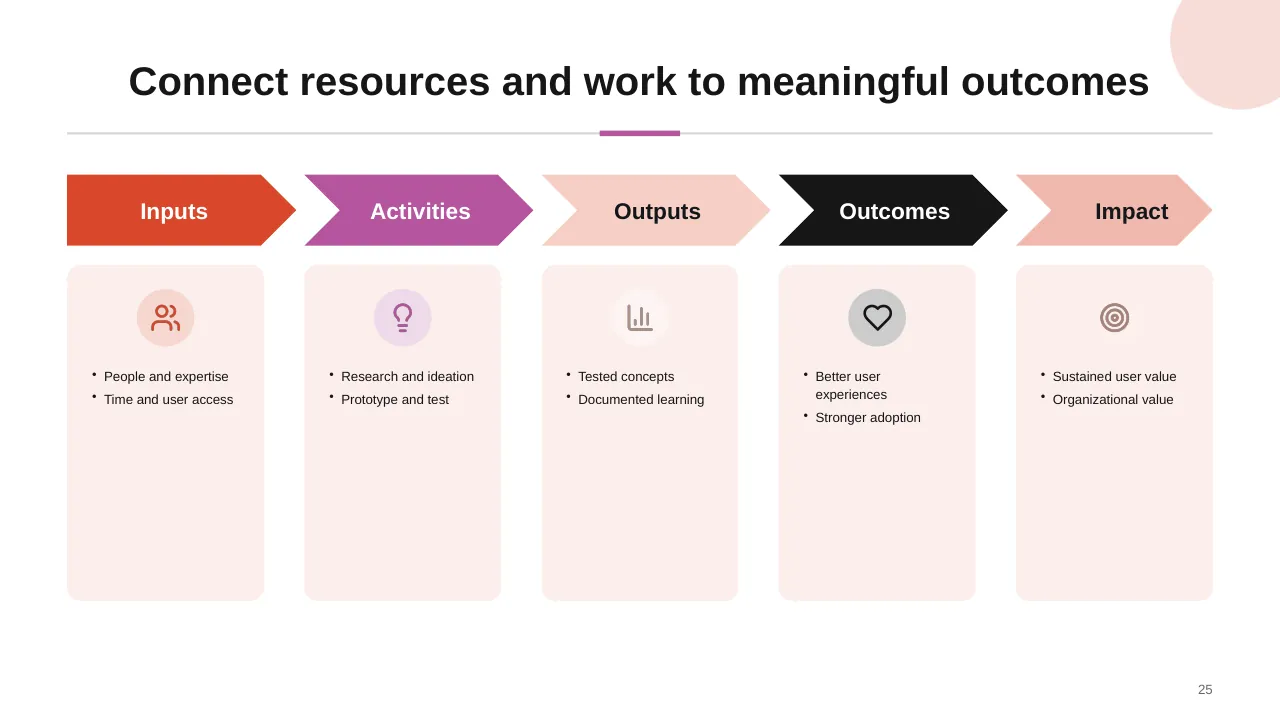
| 25 | Connect resources and work to meaningful outcomes |
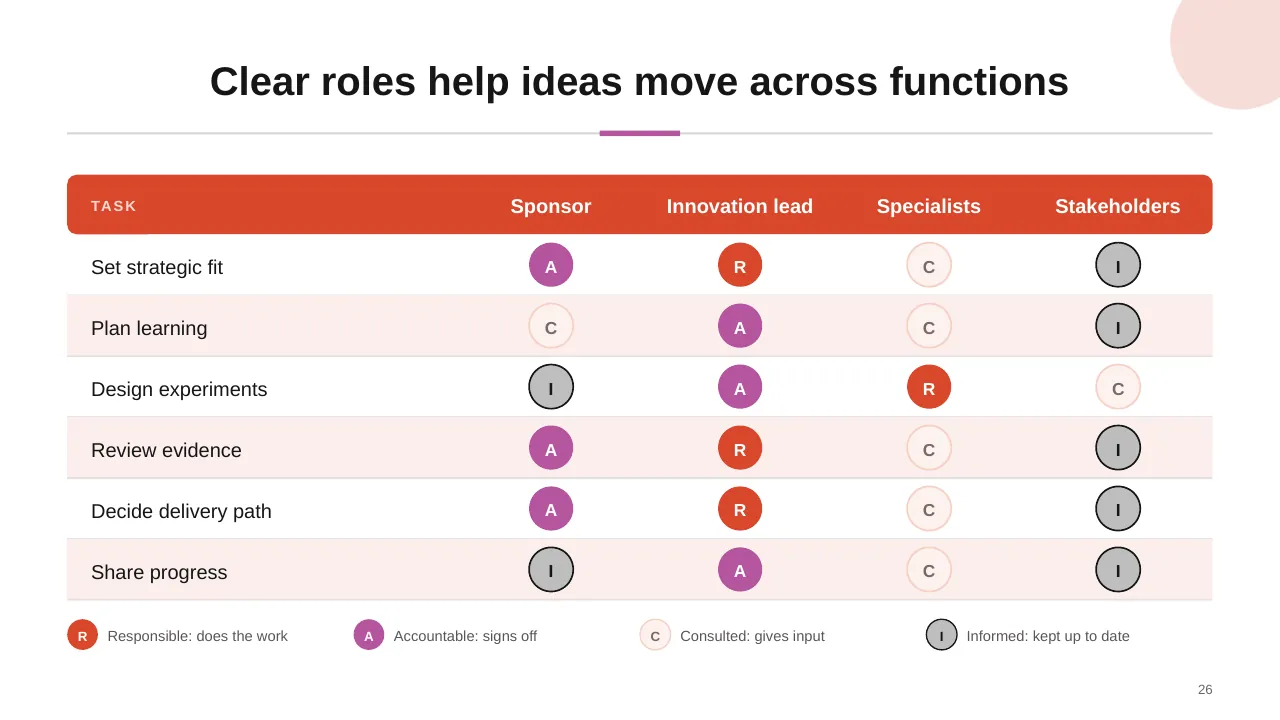
| 26 | Clear roles help ideas move across functions |
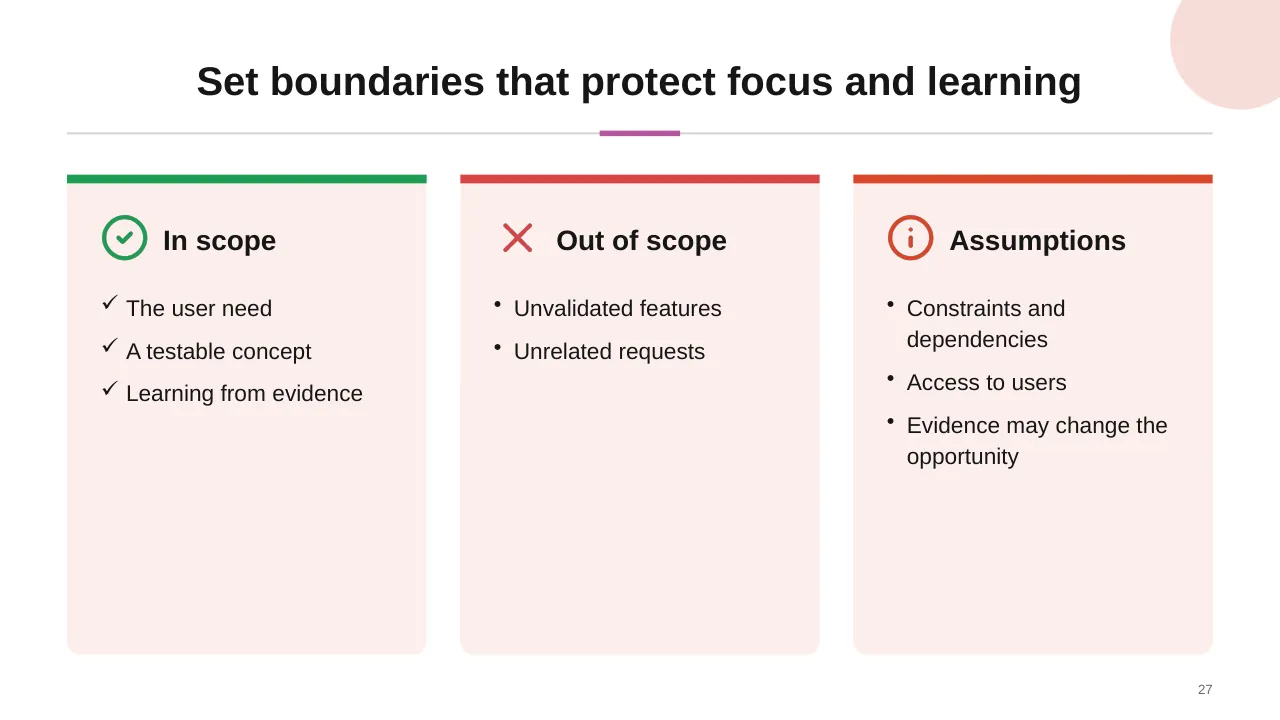
| 27 | The user need A testable concept Learning from evidence |
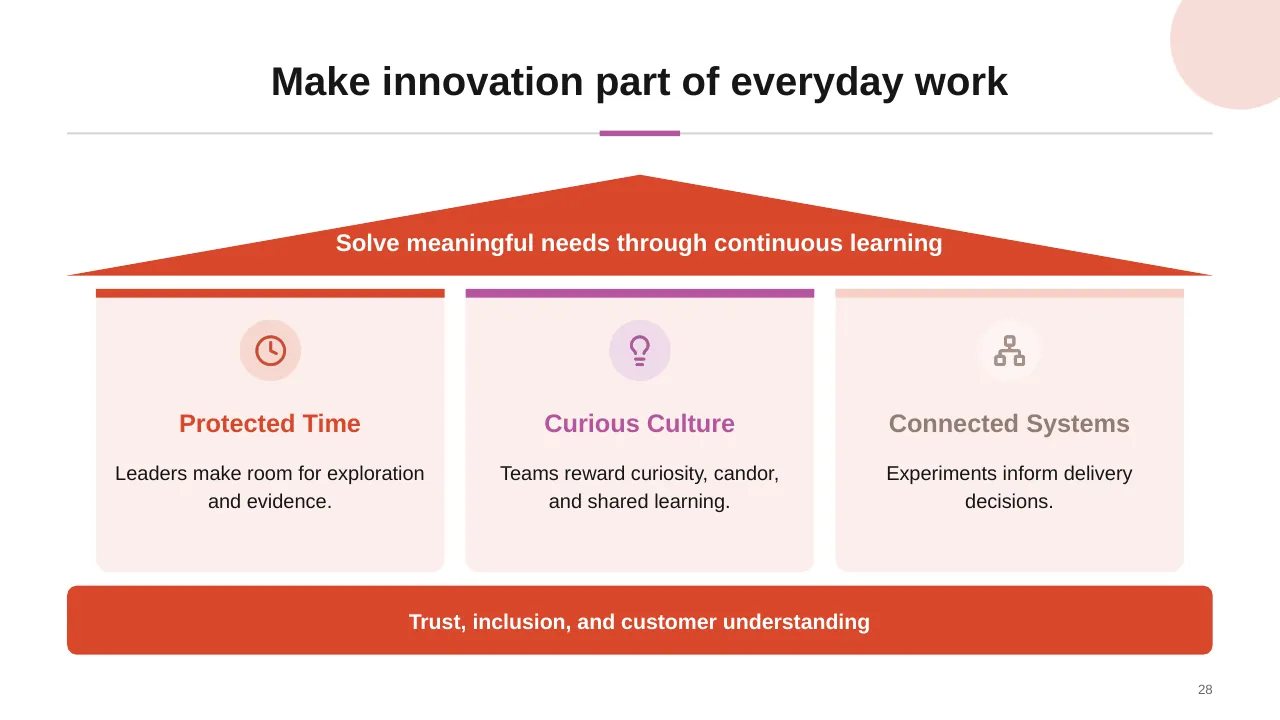
| 28 | Solve meaningful needs through continuous learning |
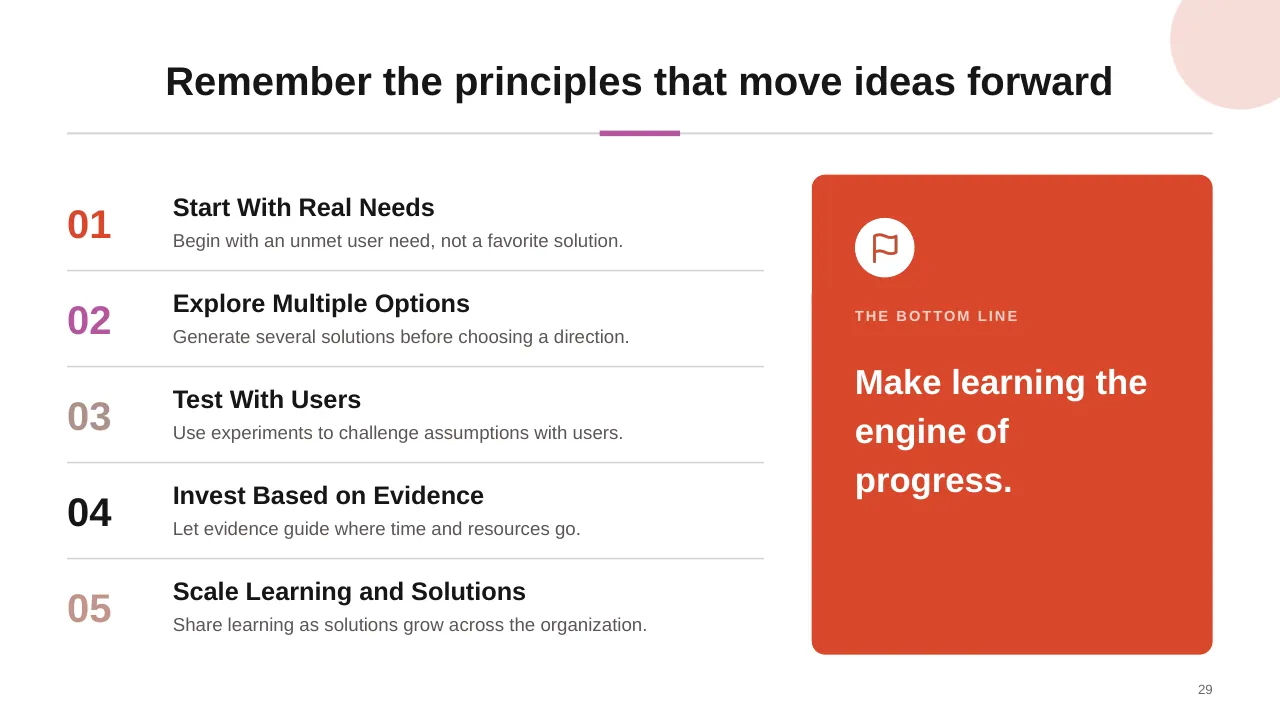
| 29 | Remember the principles that move ideas forward |
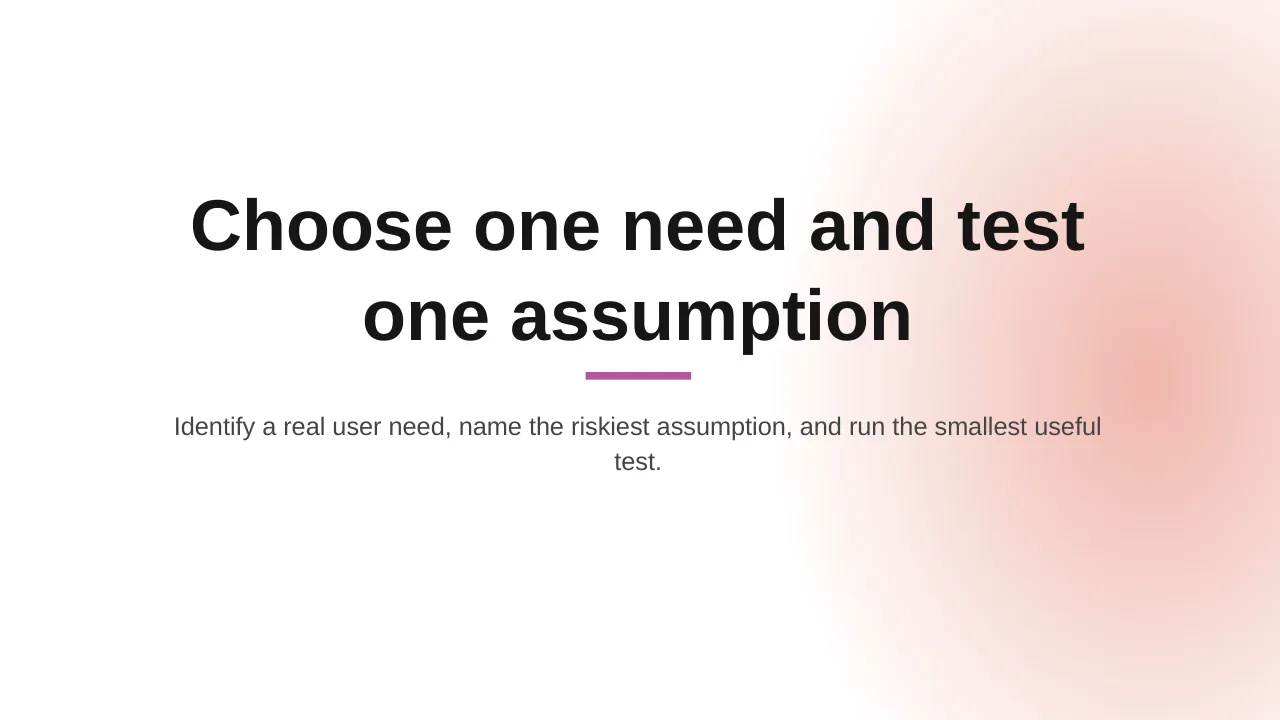
| 30 | Identify a real user need, name the riskiest assumption, and run the smallest useful test. |
Tips for an innovation presentation
- Tie innovation to growth goals; most executives say it matters but few are satisfied.
- Show clear stage gates, including when to stop an idea.
- Balance the portfolio across short and long-term bets.
- Measure the whole process, not just launches.
Mistakes to avoid
- Idea collection with no selection
- No kill criteria
- Only measuring outputs
Checklist before you present
- Are goals linked to growth?
- Is the process clear?
- Are selection criteria defined?
- Is the portfolio balanced?
- Are measures in place?
Great for
- Change management programmes
- Digital transformation strategy
- Innovation workshops
- Future-state and improvement planning
How to customise it
- Download the ZIP file and unzip it to get the .pptx presentation.
- Open it in PowerPoint, or upload it to Google Drive and open it with Google Slides.
- Replace the sample text and numbers with your own; charts update from their data sheets.
- Change the theme colours once to recolour the whole deck, then delete any slides you don't need.
Questions about an innovation presentation
What is a stage-gate process?
A method that splits innovation into stages separated by decision points (gates), where ideas are continued, changed or stopped.
How do I present an innovation portfolio?
Plot ideas by risk and time horizon (or value and feasibility) and show how budget is split across them.
Related presentations
- Business Digital Transformation PPT Template
- Change Management Framework PPT Template
- Digital Transformation and Maturity PPT Template
- Digital Transformation PPT Template
Browse all Digital Transformation & Change presentations or more strategy templates.
Template details
| Template | Innovation Process PPT Template |
|---|---|
| Categories | Strategy, Digital Transformation & Change |
| File format | PowerPoint (.pptx), delivered as a .zip file |
| Number of slides | 30 fully editable slides |
| File size | 3.3 MB |
| Slide size | 16:9 widescreen |
| Preview images | 30 |
| Editable | Yes: text, colours, shapes, icons and charts |
| Works with | PowerPoint 2010 and later, PowerPoint for Mac, Google Slides |
| Licence | Royalty-free, yours to keep using after your plan ends (terms of use apply) |
| Price | Included in every SlideVilla plan |
| Added | 5 Apr 2025 |
Questions about this template
Can I edit the Innovation Process PPT Template?
Yes. Every part of the Innovation Process PPT Template is made with native PowerPoint shapes and text boxes, so you can change the wording, colours, fonts and sizes, move or delete elements, and swap icons without losing quality.
Does the Innovation Process PPT Template work in Google Slides?
Yes. Download the .zip file, unzip it to get the .pptx, upload it to Google Drive and open it with Google Slides. The layout, shapes and text stay editable there too.
Is the Innovation Process PPT Template free?
It is a premium template, included in every SlideVilla plan together with the rest of the library. See plans and pricing.
What size and format is it?
It is a PPTX file in 16:9 widescreen format with 30 slides, 3.3 MB (downloaded as a .zip; unzip it to get the presentation), with 30 preview images shown above.
How to use this template
- Step 1DownloadClick Download, then unzip the .zip file to get the .pptx presentation.
- Step 2OpenOpen it in PowerPoint, or upload it to Google Slides from your Drive.
- Step 3Make it yoursChange text, colours, icons and charts. Every element is fully editable.
Categories
Related PowerPoint templates
More designs like this one, ready to edit.