About this PowerPoint template
The Digital Transformation PPT Template is a complete 20-slide presentation: changing how organizations serve customers, make decisions, and deliver value. Every slide is fully editable in PowerPoint and Google Slides, so you can change the text, colours, charts and icons to fit your brand in minutes.
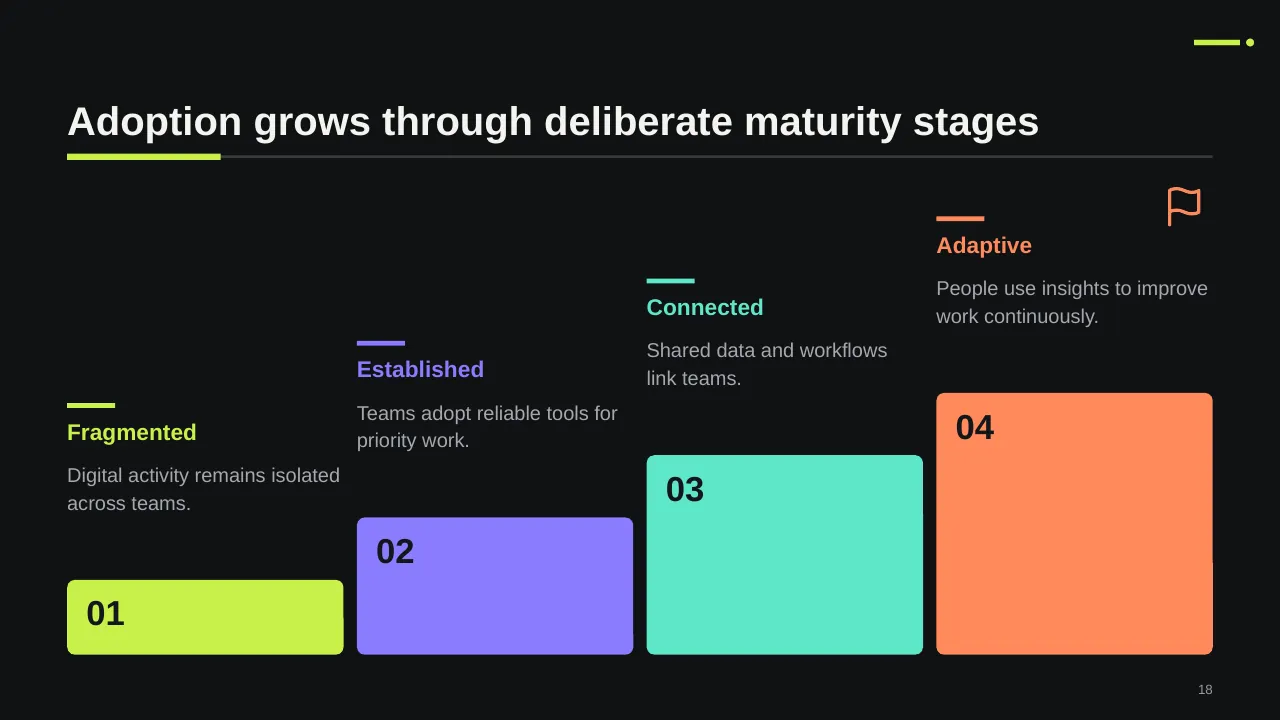
Inside, the slides walk through topics such as “Converting analog information into digital formats”, “Deliver better outcomes through digital change” and “Adoption grows through deliberate maturity stages”, with ready-made layouts for each step. It is part of our Digital Transformation & Change presentations.
On this page
What's included
- 20 professionally designed 16:9 widescreen slides
- 100% editable text, shapes, icons, tables and charts (no flat images)
- Works in Microsoft PowerPoint (Windows and Mac) and Google Slides
- Clean, consistent layout that follows your theme colours and fonts
- Delivered as a single ZIP file containing the .pptx presentation
What to include in a digital transformation presentation
A simple structure that works for most audiences, mapped to the slides in this deck:
| Part | What goes there | Slide in this deck |
|---|---|---|
| Vision and goals | The future state and the value you expect, in numbers | Use any content slide |
| Current state | Where you are today: maturity, systems, pain points | Slide 18 |
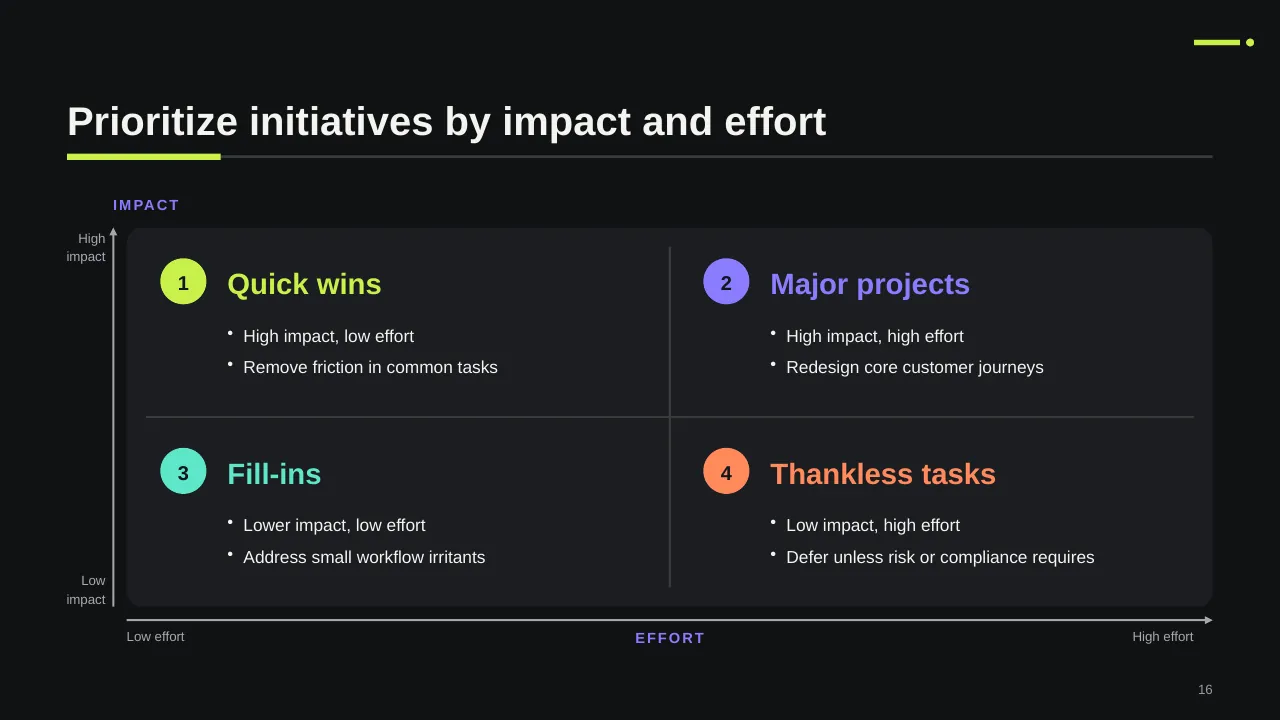
| Initiatives | The few programmes that move you from today to the target | Slide 16 |
| Roadmap | Sequence, phases and dependencies over time | Use any content slide |
| People and capability | Skills, roles and the change effort needed | Slides 9, 12, 13 |
| Value tracking | KPIs and how value will be reported | Slides 3, 10, 11 |
Key numbers: Digital transformation
Research figures you can quote on your slides. Each one names the study it comes from, so your audience can check it.
| Finding | Figure | Source |
|---|---|---|
| Digital transformations that met or exceeded their target value and produced sustainable change | 30% | BCG (2020), survey of 825 senior executives |
| Transformations that created some value but missed targets | 44% | BCG (2020) |
| Success rate when all six of BCG's success factors are in place | 80% | BCG (2020) |
| Organisations using AI in at least one business function | 88% | McKinsey, The State of AI (2025) |
Sources: BCG, Flipping the Odds of Digital Transformation Success · McKinsey, The State of AI in 2025. Figures are from the editions named; check for a newer edition before you present.
BCG's six factors include an integrated strategy with clear goals, leadership commitment from the CEO through middle management, and the best people freed up to run the programme.
Slide-by-slide outline
| Slide | What it covers |
|---|---|
| 1 | Title slide: Digital Transformation |
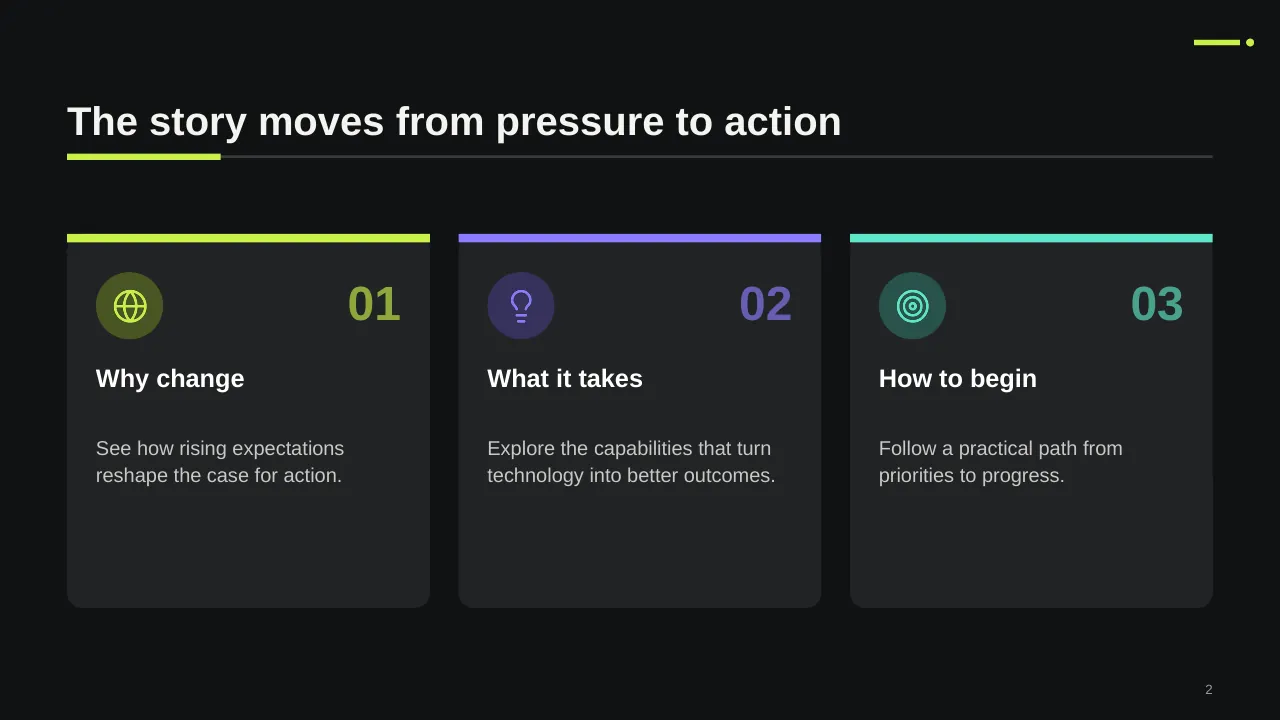
| 2 | The story moves from pressure to action |
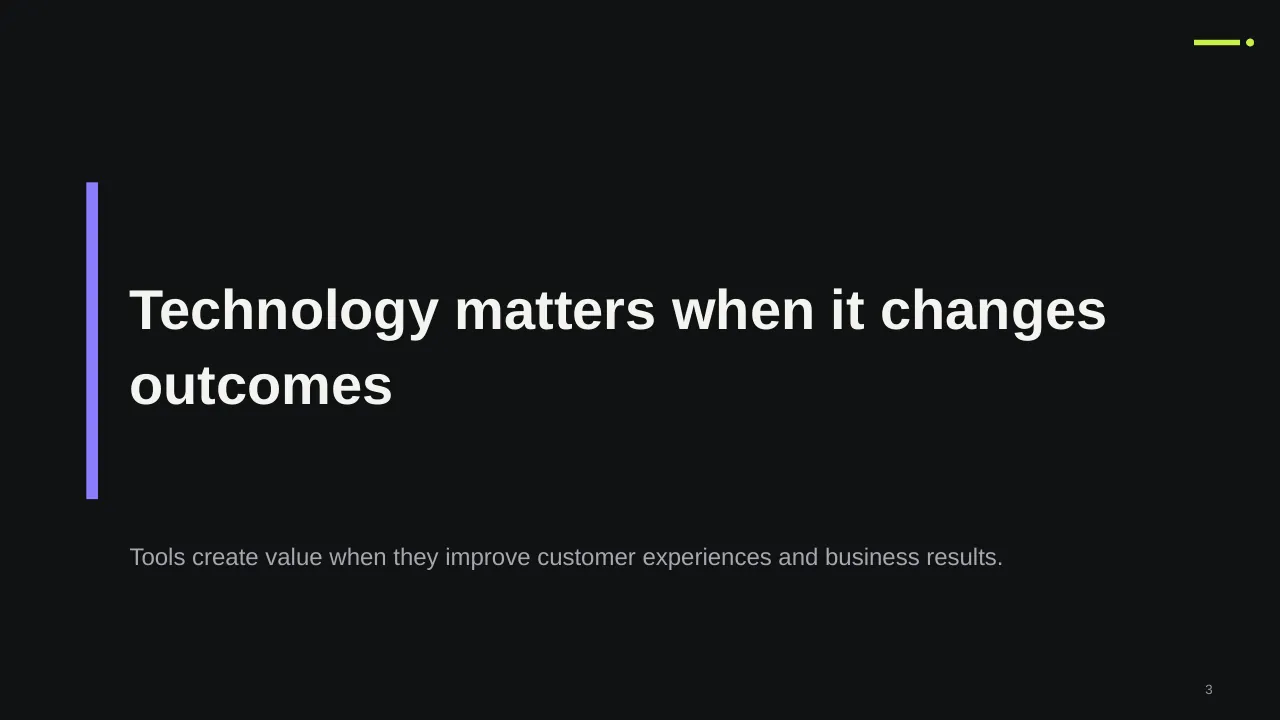
| 3 | Tools create value when they improve customer experiences and business results. |
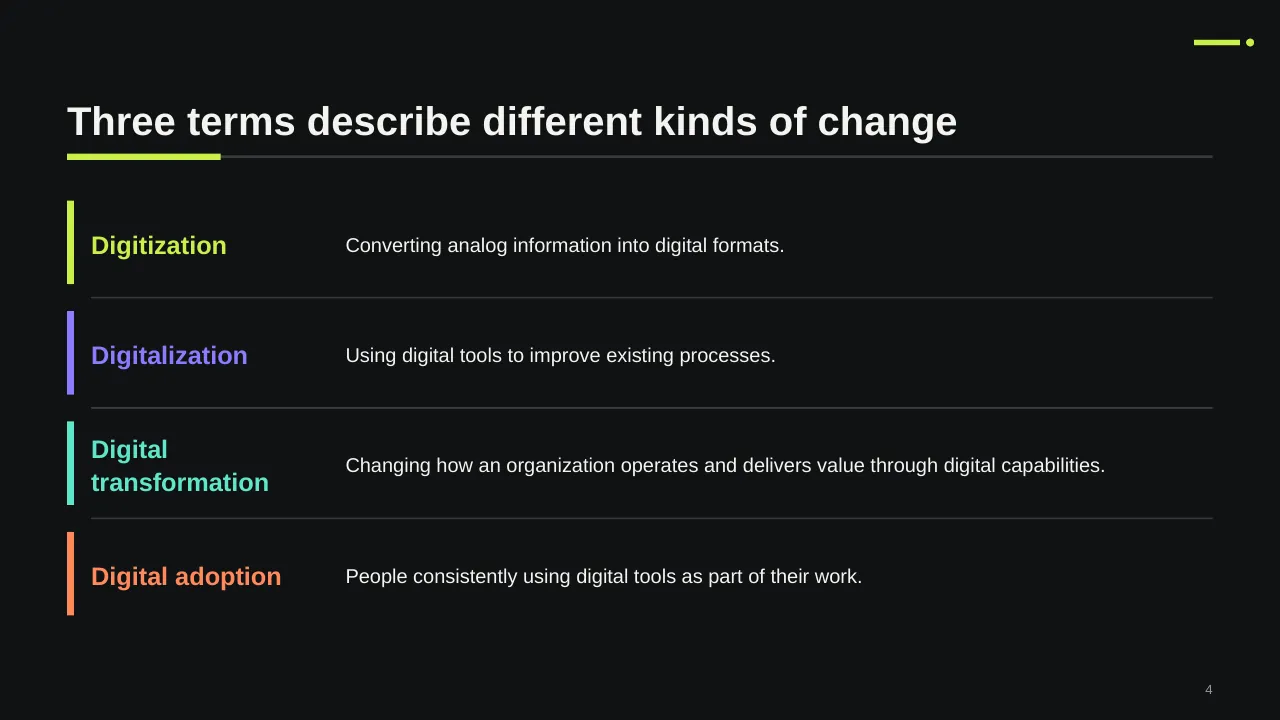
| 4 | Converting analog information into digital formats. |
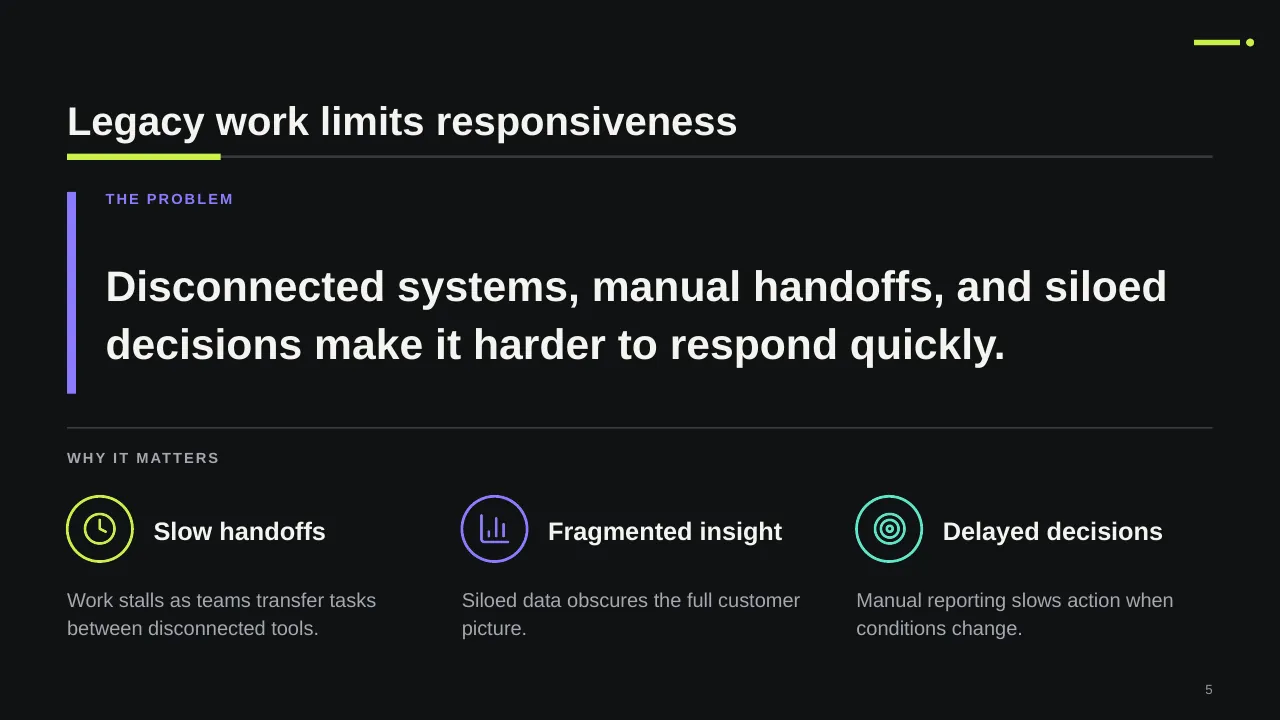
| 5 | Disconnected systems, manual handoffs, and siloed decisions make it harder to respond quickly. |
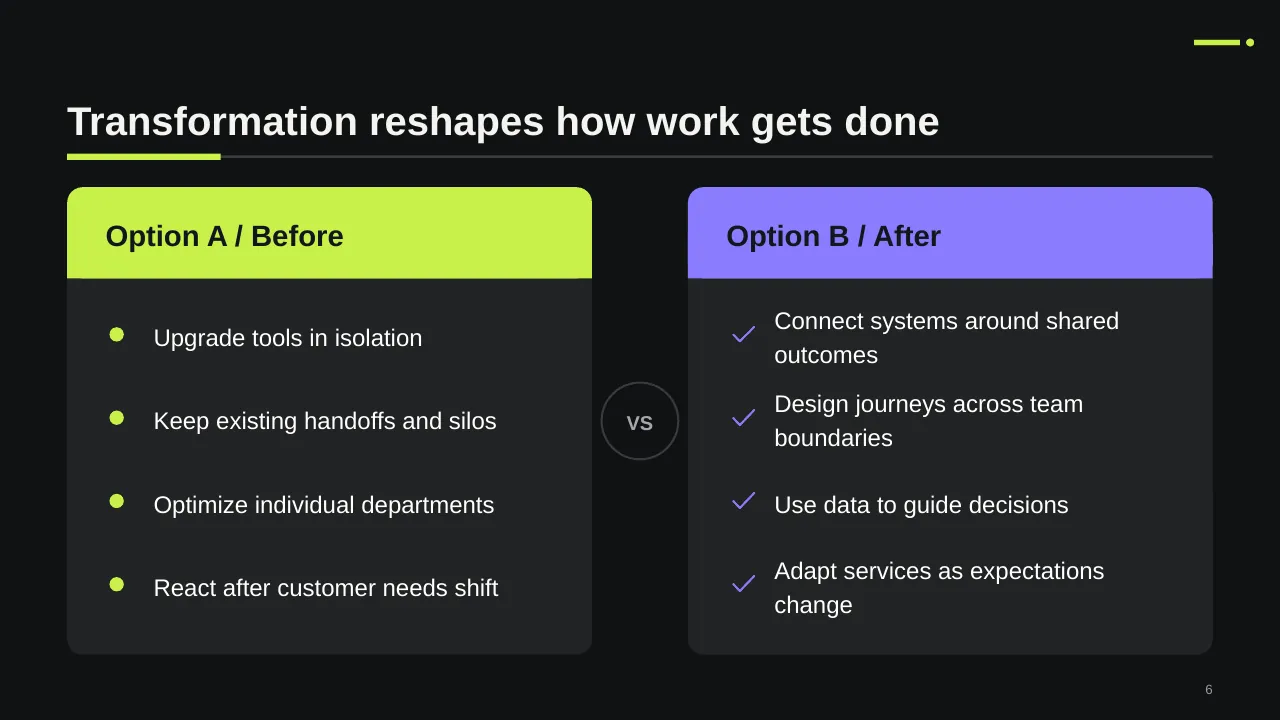
| 6 | Transformation reshapes how work gets done |
| 7 | Shifting needs and market conditions call for an enterprise response, not isolated technology upgrades. |
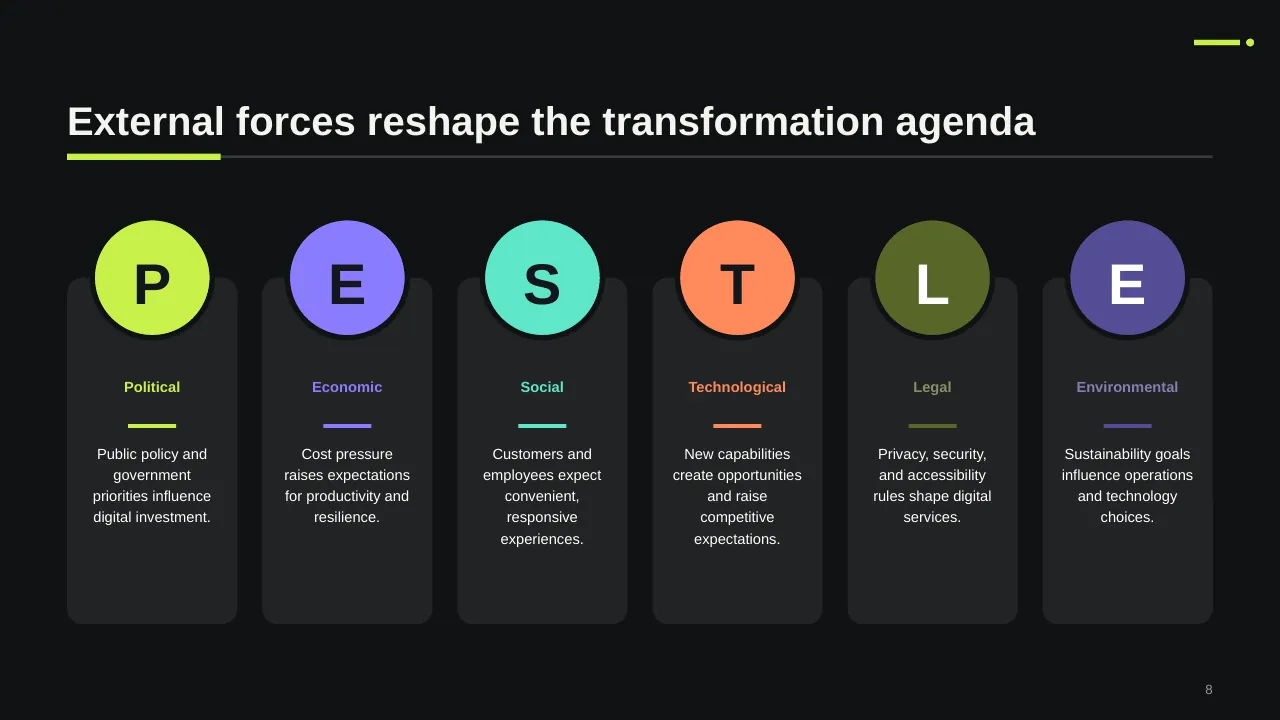
| 8 | External forces reshape the transformation agenda |
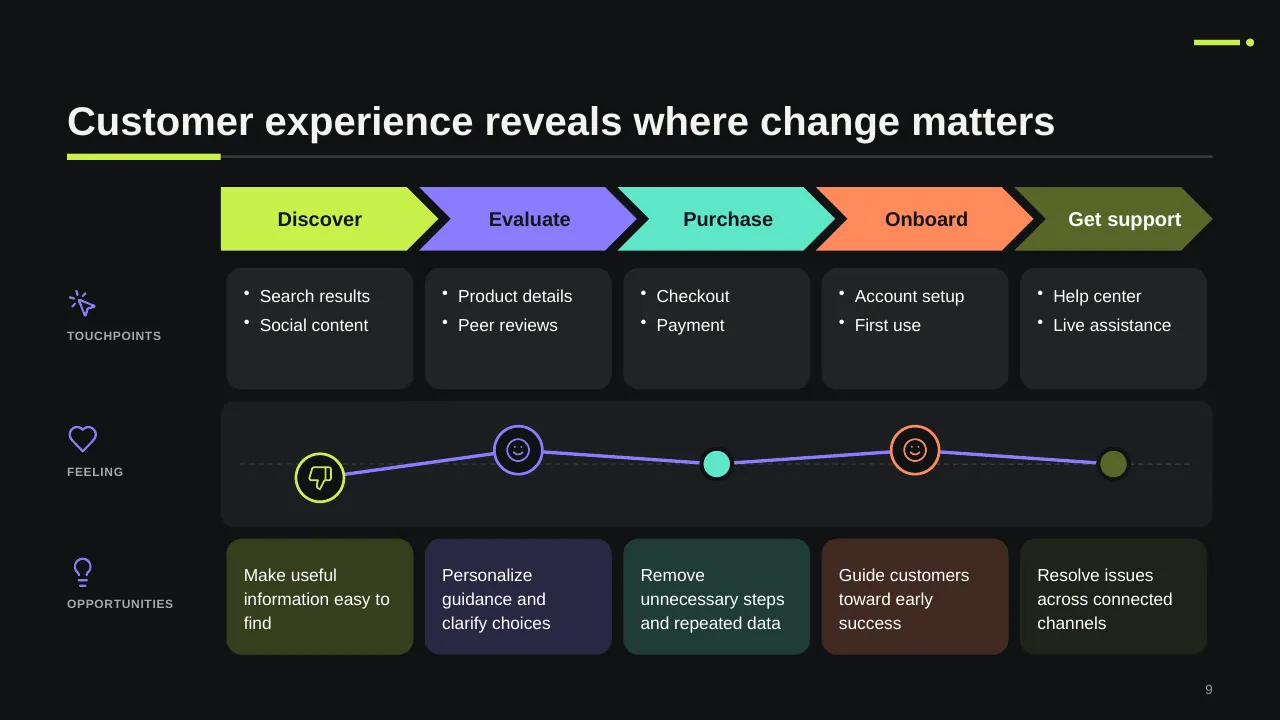
| 9 | Customer experience reveals where change matters |
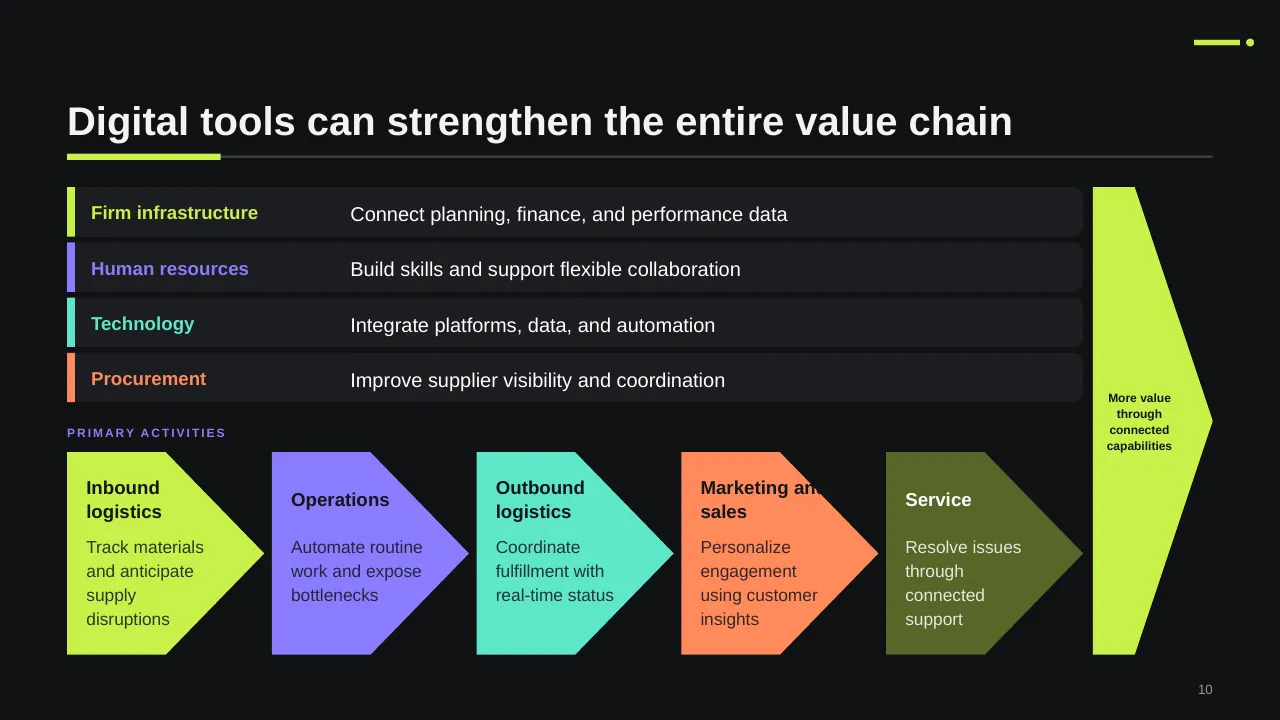
| 10 | Digital tools can strengthen the entire value chain |
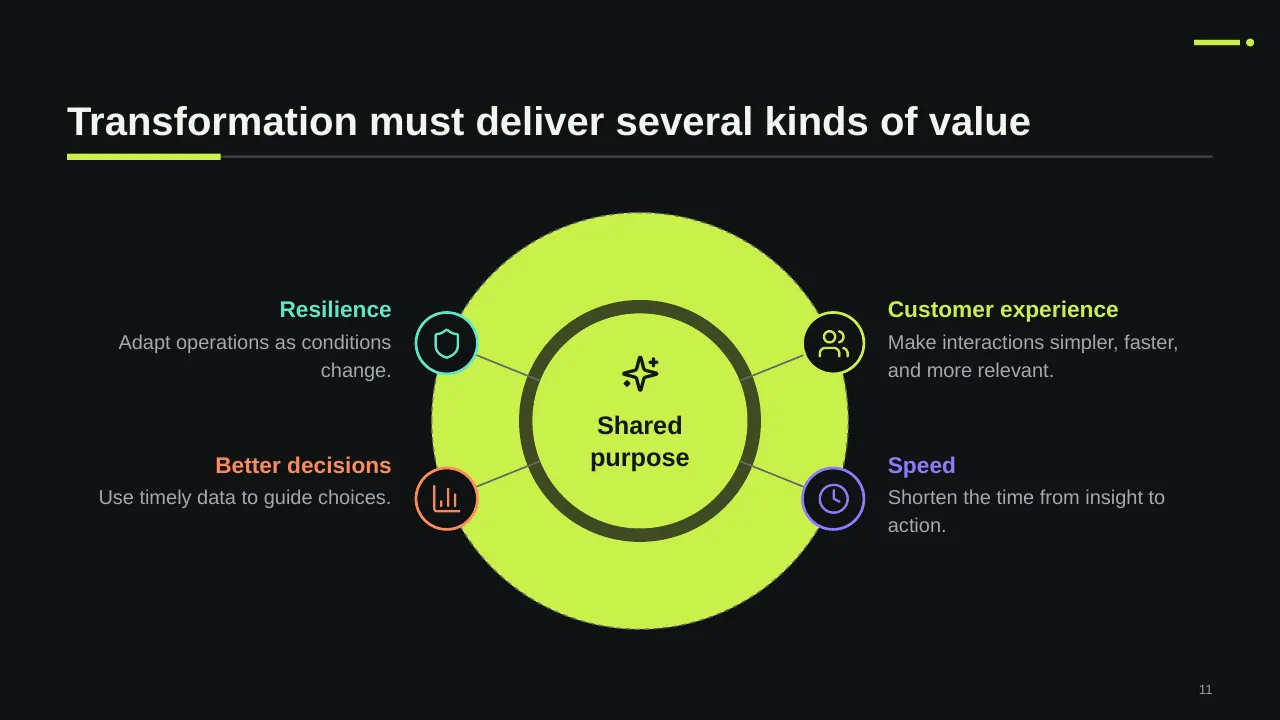
| 11 | Transformation must deliver several kinds of value |
| 12 | Coordinate capabilities, operating changes, and people around outcomes. |
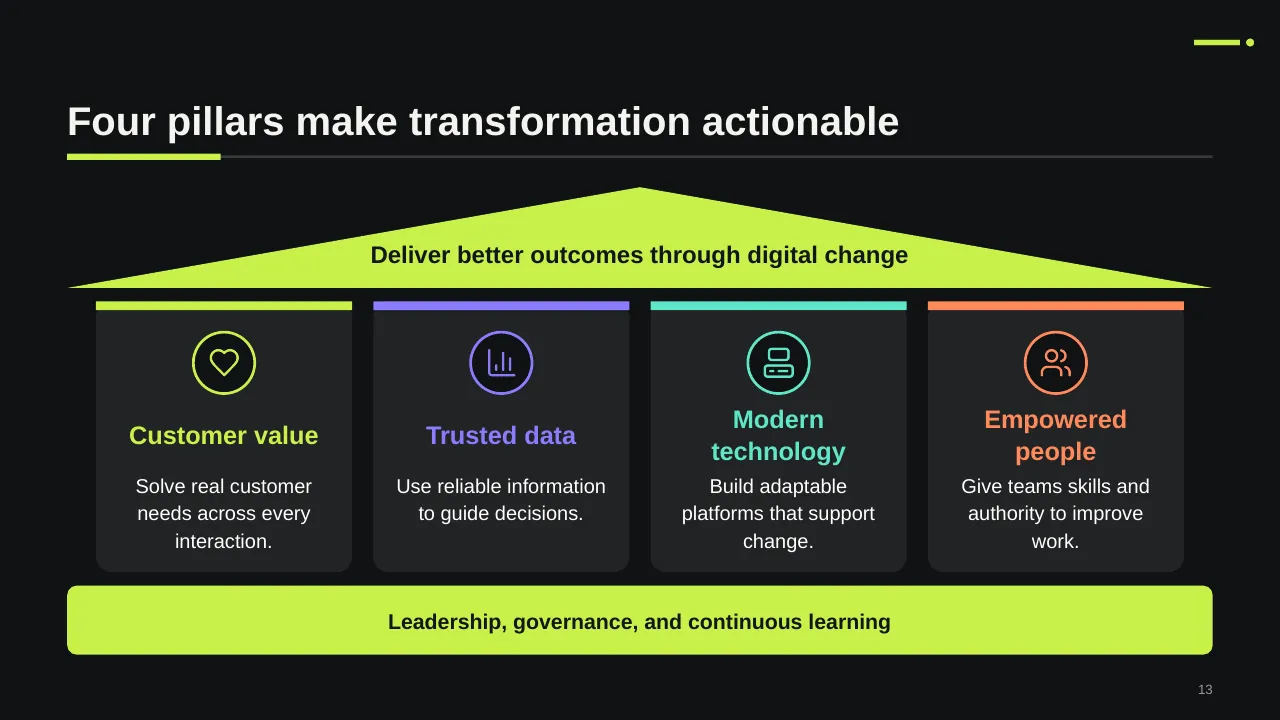
| 13 | Deliver better outcomes through digital change |
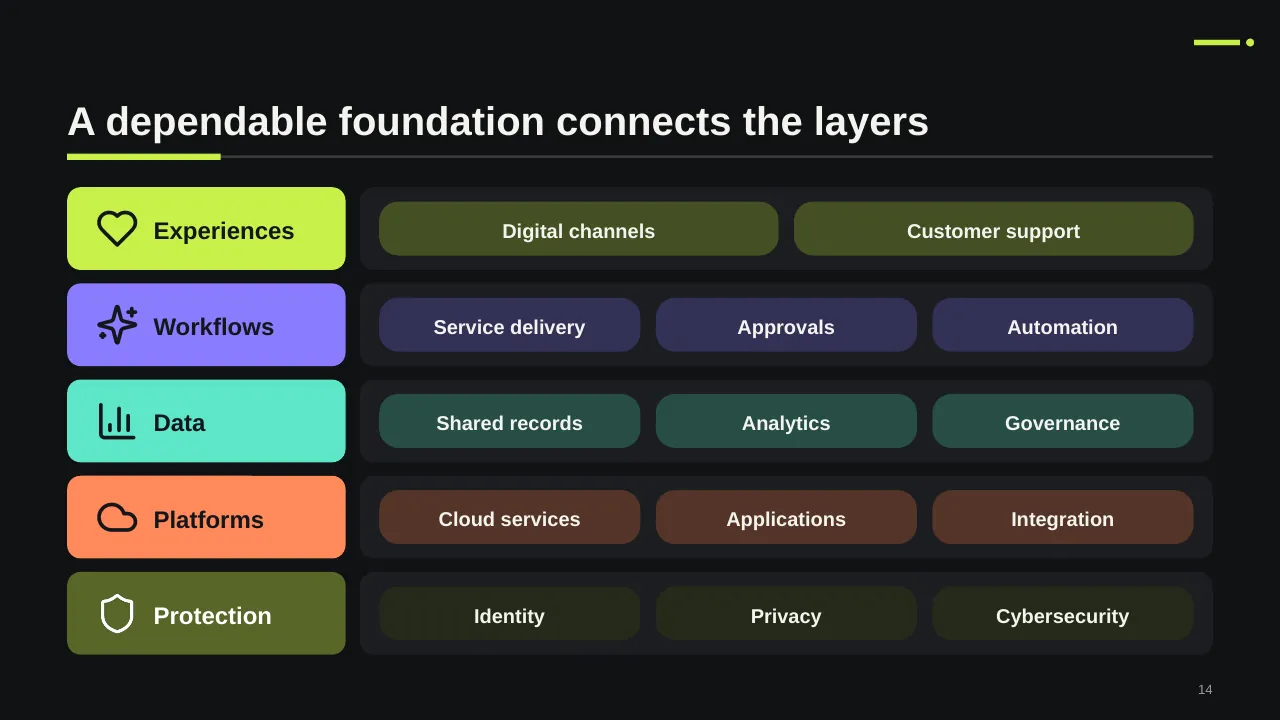
| 14 | A dependable foundation connects the layers |
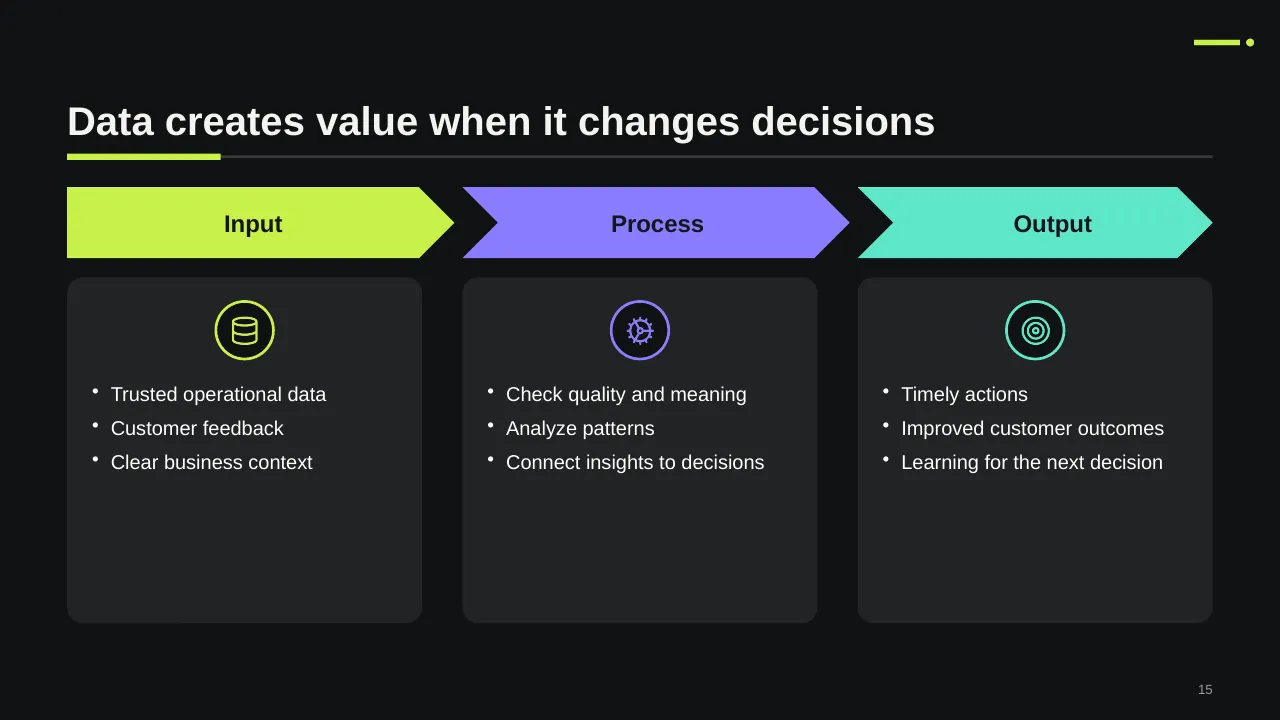
| 15 | Trusted operational data Customer feedback Clear business context |
| 16 | Prioritize initiatives by impact and effort |
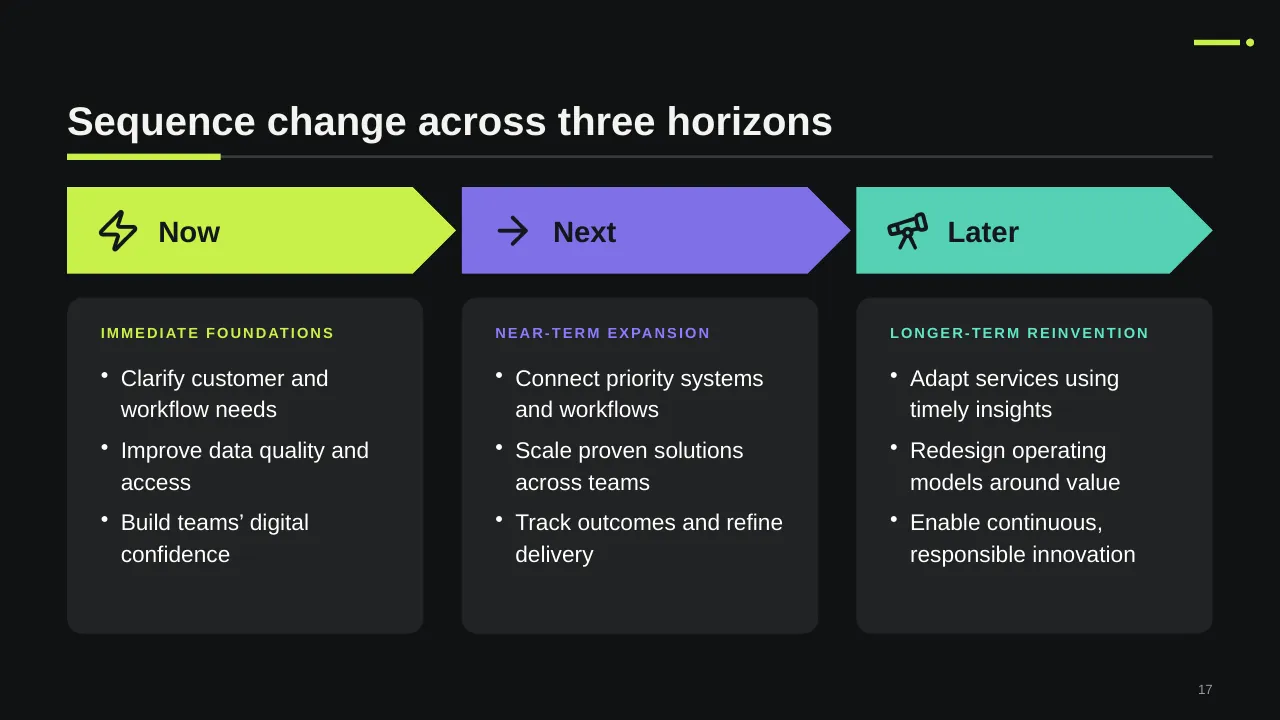
| 17 | Sequence change across three horizons |
| 18 | Adoption grows through deliberate maturity stages |
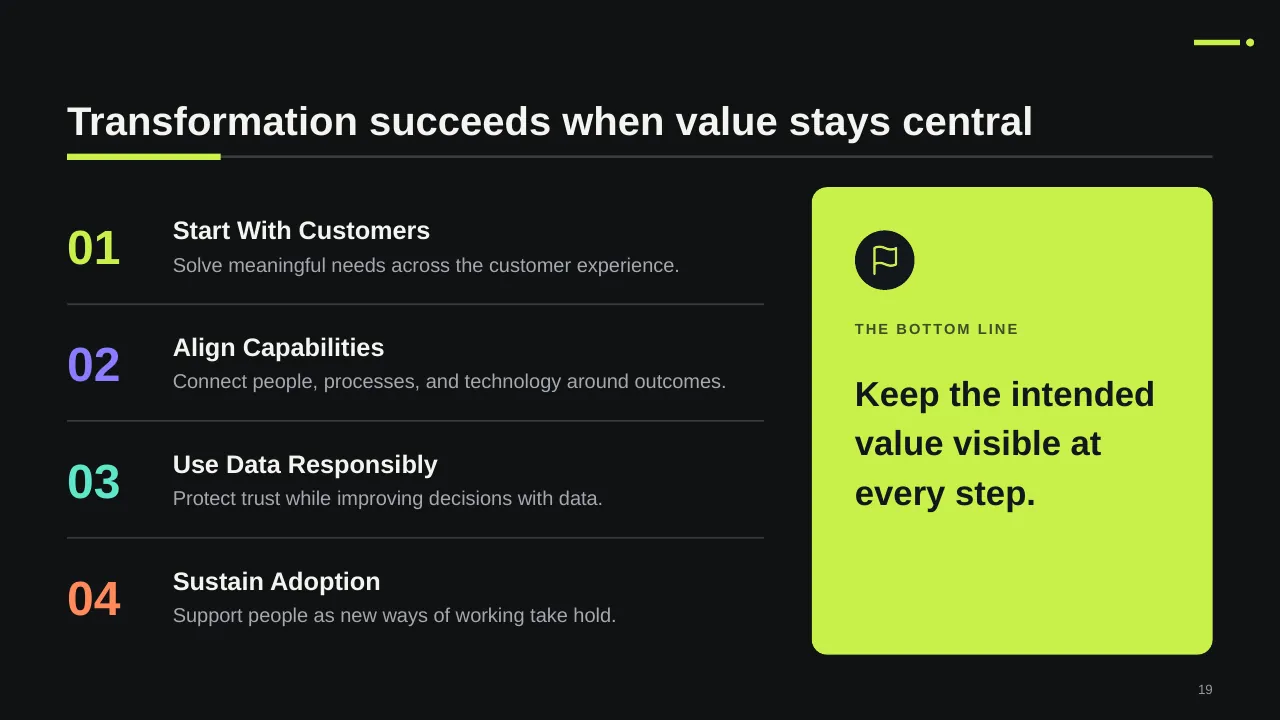
| 19 | Transformation succeeds when value stays central |
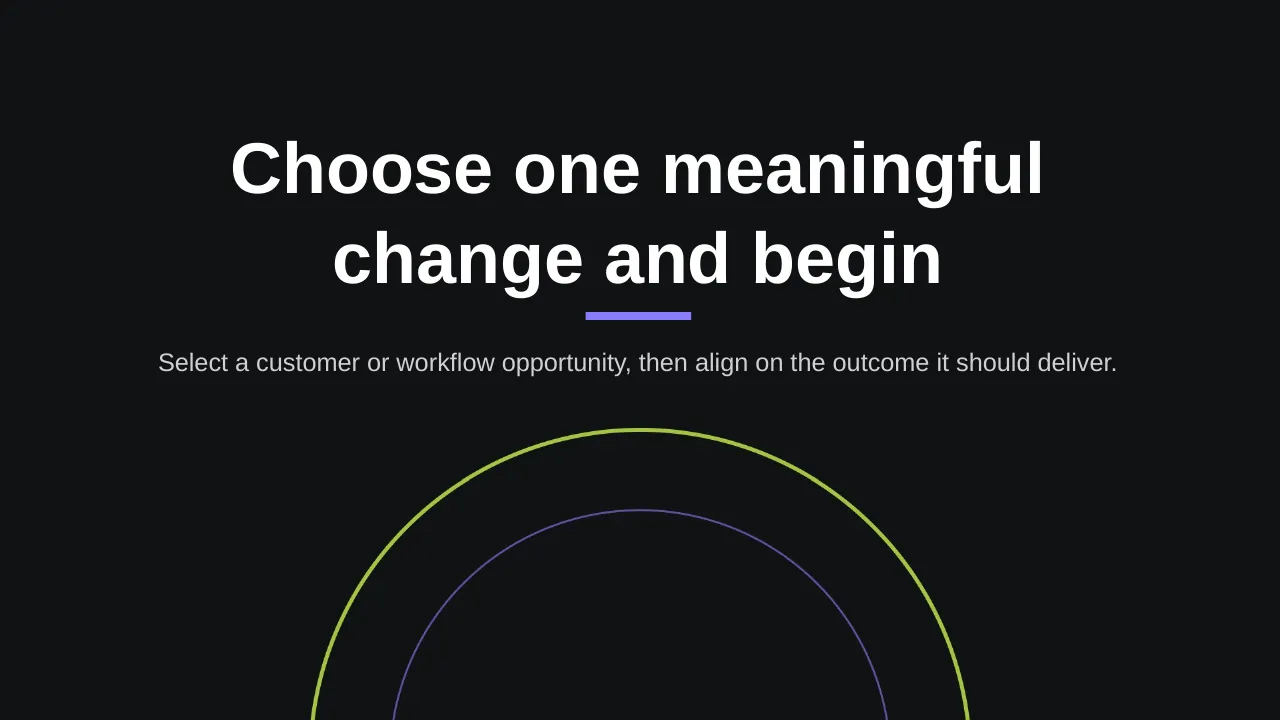
| 20 | Select a customer or workflow opportunity, then align on the outcome it should deliver. |
Tips for a digital transformation presentation
- Lead with the business outcome, not the technology.
- Keep the number of initiatives small; BCG found success depends on focus and the best people being freed up.
- Show the maturity gap visually: today vs target on the same scale.
- Put value tracking in the plan from day one, so results can be shown each quarter.
Mistakes to avoid
- Listing tools instead of outcomes
- A roadmap with no owners
- No plan for the people side of the change
Checklist before you present
- Is the target value stated in numbers?
- Does each initiative have an owner?
- Are dependencies shown on the roadmap?
- Is there a skills or hiring plan?
- Are value KPIs and reporting dates set?
Great for
- Change management programmes
- Digital transformation strategy
- Innovation workshops
- Future-state and improvement planning
How to customise it
- Download the ZIP file and unzip it to get the .pptx presentation.
- Open it in PowerPoint, or upload it to Google Drive and open it with Google Slides.
- Replace the sample text and numbers with your own; charts update from their data sheets.
- Change the theme colours once to recolour the whole deck, then delete any slides you don't need.
Questions about a digital transformation presentation
How long should a digital transformation roadmap cover?
Most roadmaps show 18 to 36 months, with the first two quarters in detail and later phases at a higher level.
What is a digital maturity assessment?
It scores your organisation on areas like strategy, data, technology, processes and skills, so you can show the gap between today and the target.
Related presentations
- Business Strategy Innovation PowerPoint Template
- Change Management Framework PPT Template
- Innovation Process PPT Template
- Change Management PPT Template
Browse all Digital Transformation & Change presentations or more strategy templates.
Template details
| Template | Digital Transformation PPT Template |
|---|---|
| Categories | Strategy, Digital Transformation & Change |
| File format | PowerPoint (.pptx), delivered as a .zip file |
| Number of slides | 20 fully editable slides |
| File size | 3.0 MB |
| Slide size | 16:9 widescreen |
| Preview images | 20 |
| Editable | Yes: text, colours, shapes, icons and charts |
| Works with | PowerPoint 2010 and later, PowerPoint for Mac, Google Slides |
| Licence | Royalty-free, yours to keep using after your plan ends (terms of use apply) |
| Price | Included in every SlideVilla plan |
| Added | 31 Oct 2025 |
Questions about this template
Can I edit the Digital Transformation PPT Template?
Yes. Every part of the Digital Transformation PPT Template is made with native PowerPoint shapes and text boxes, so you can change the wording, colours, fonts and sizes, move or delete elements, and swap icons without losing quality.
Does the Digital Transformation PPT Template work in Google Slides?
Yes. Download the .zip file, unzip it to get the .pptx, upload it to Google Drive and open it with Google Slides. The layout, shapes and text stay editable there too.
Is the Digital Transformation PPT Template free?
It is a premium template, included in every SlideVilla plan together with the rest of the library. See plans and pricing.
What size and format is it?
It is a PPTX file in 16:9 widescreen format with 20 slides, 3.0 MB (downloaded as a .zip; unzip it to get the presentation), with 20 preview images shown above.
How to use this template
- Step 1DownloadClick Download, then unzip the .zip file to get the .pptx presentation.
- Step 2OpenOpen it in PowerPoint, or upload it to Google Slides from your Drive.
- Step 3Make it yoursChange text, colours, icons and charts. Every element is fully editable.
Categories
Related PowerPoint templates
More designs like this one, ready to edit.