
About this PowerPoint template
The Change Management Framework PPT Template is a complete 24-slide presentation: a practical guide to preparing people, enabling adoption, and sustaining outcomes. Every slide is fully editable in PowerPoint and Google Slides, so you can change the text, colours, charts and icons to fit your brand in minutes.
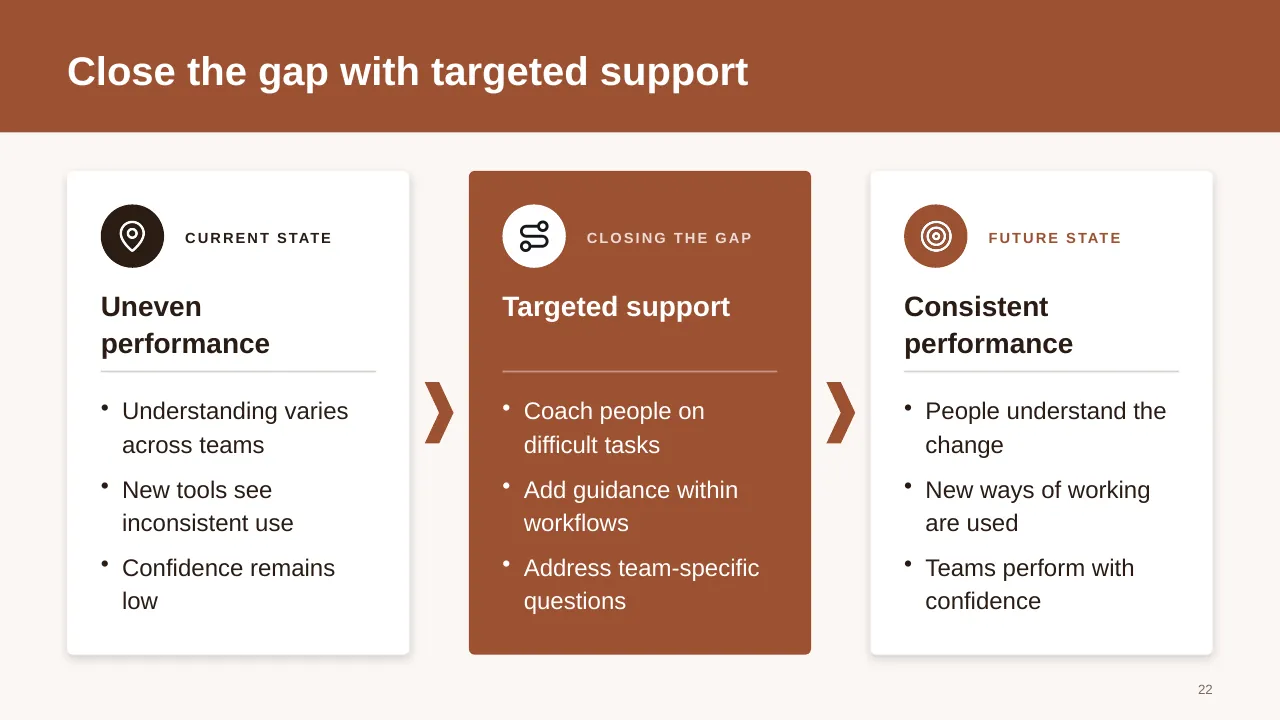
Inside, the slides walk through topics such as “Change succeeds when people adopt new ways of working”, “Visible sponsorship anchors the change effort” and “Close the gap with targeted support”, with ready-made layouts for each step. It is part of our Digital Transformation & Change presentations.
On this page
What's included
- 24 professionally designed 16:9 widescreen slides
- 100% editable text, shapes, icons, tables and charts (no flat images)
- Works in Microsoft PowerPoint (Windows and Mac) and Google Slides
- Clean, consistent layout that follows your theme colours and fonts
- Delivered as a single ZIP file containing the .pptx presentation
What to include in a change management presentation
A simple structure that works for most audiences, mapped to the slides in this deck:
| Part | What goes there | Slide in this deck |
|---|---|---|
| Case for change | Why now, what happens if nothing changes, and the goal in one sentence | Slides 6, 7, 16 |
| Impact and stakeholders | Who is affected, how much, and who sponsors the change | Slides 7, 9, 14 |
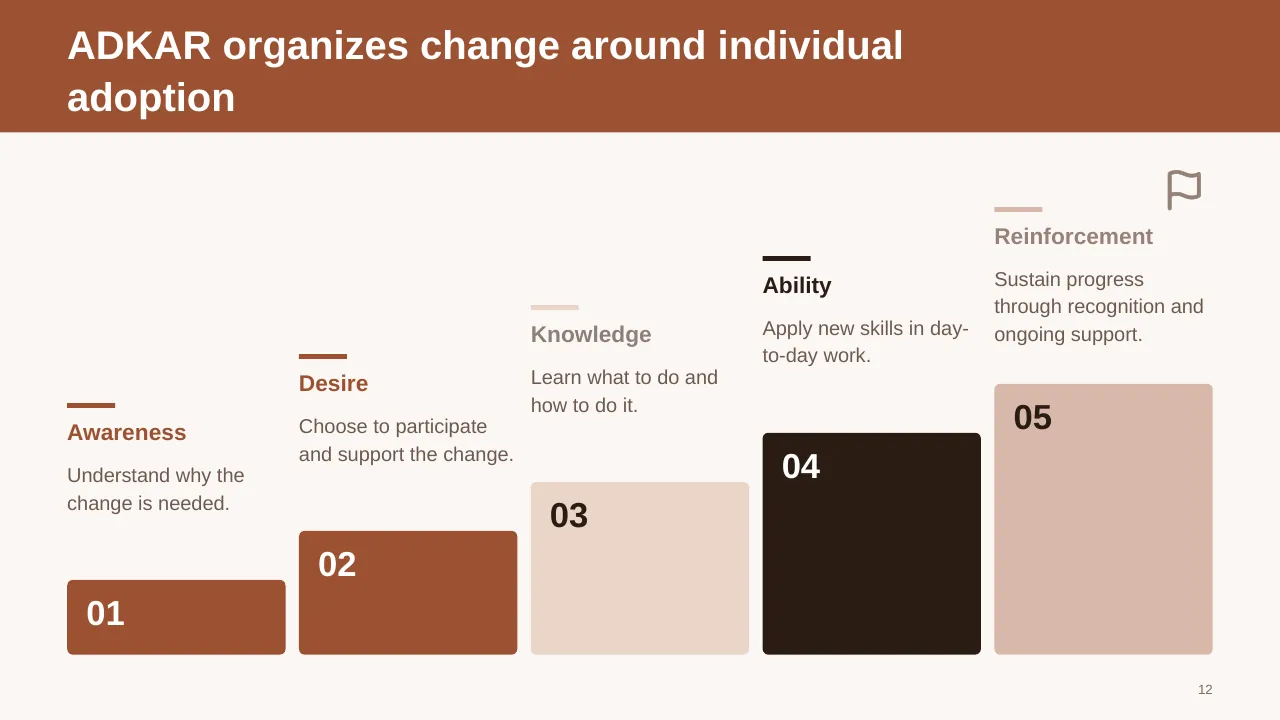
| Model or approach | The framework you will follow, such as ADKAR or Kotter's 8 steps | Slides 2, 12 |
| Plan and timeline | Phases, milestones, communications and training | Slide 18 |
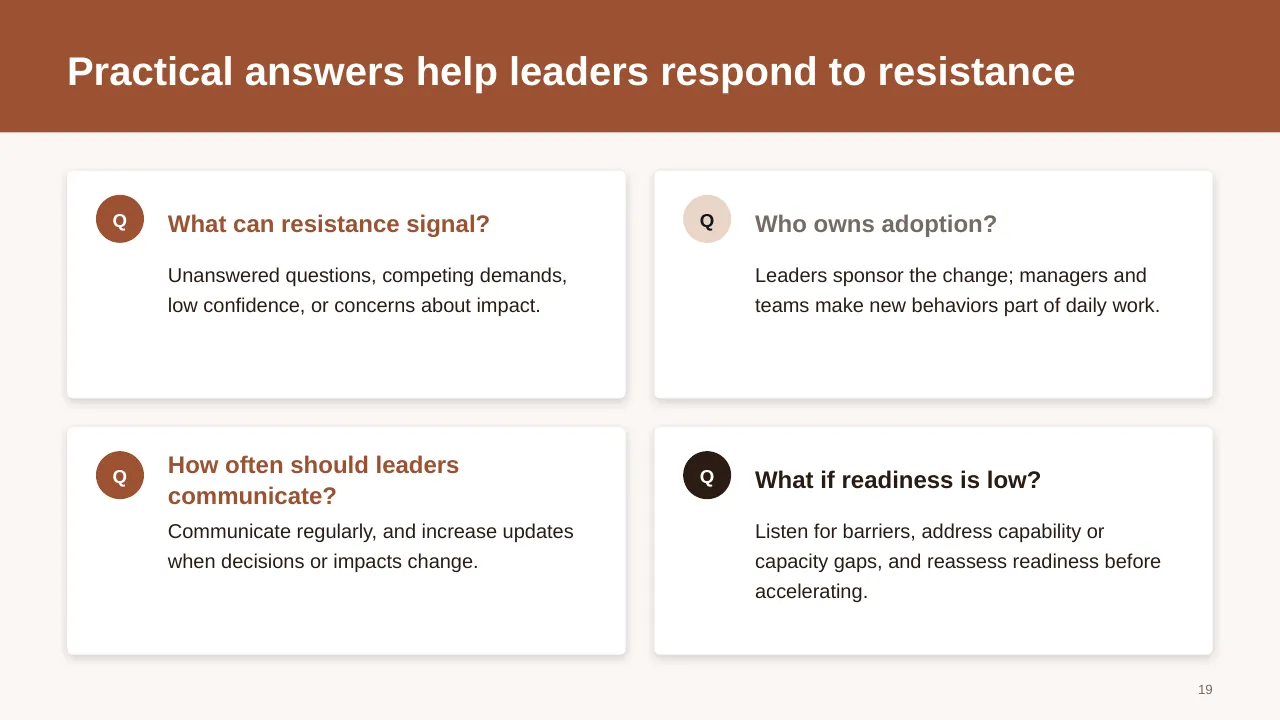
| Resistance and risks | Expected pushback and how you will handle it | Slide 19 |
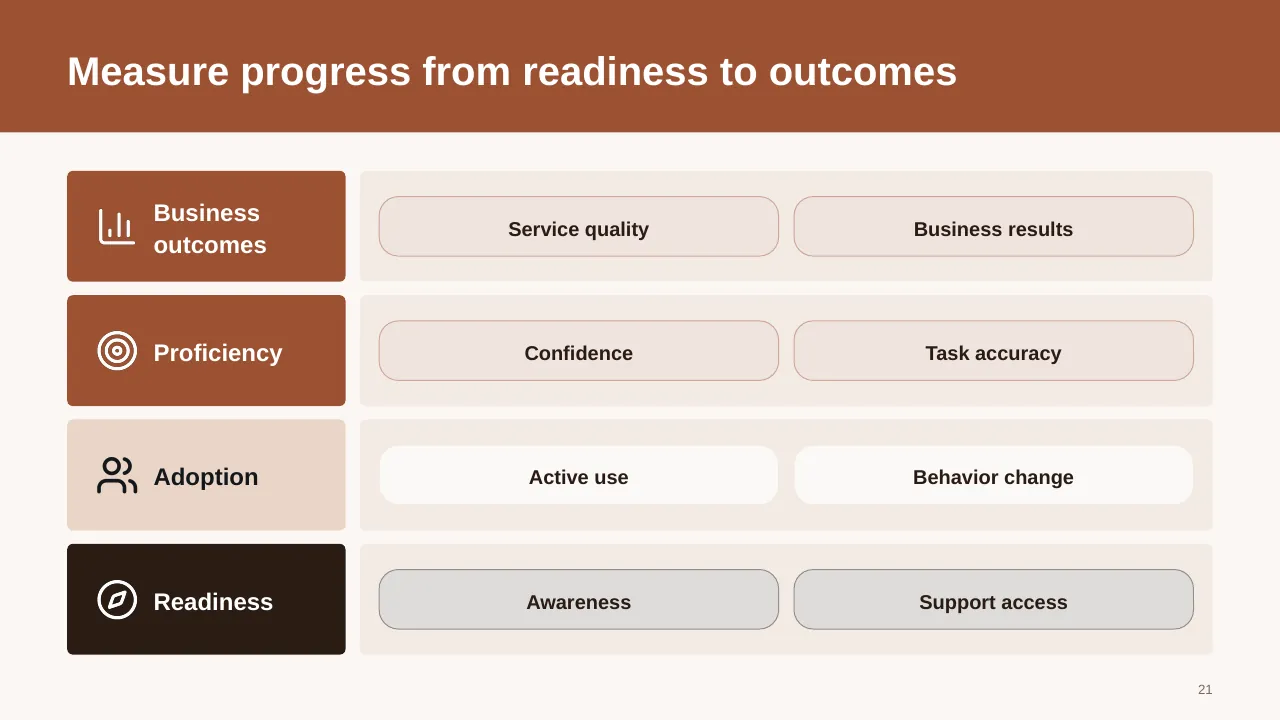
| Measures of success | Adoption, usage and the business results you will track | Slide 21 |
Key numbers: Change management
Research figures you can quote on your slides. Each one names the study it comes from, so your audience can check it.
| Finding | Figure | Source |
|---|---|---|
| Projects with excellent change management that met or exceeded objectives | 88% (vs 13% with poor) | Prosci, Best Practices in Change Management |
| Likelihood of meeting objectives, excellent vs poor change management | about 7× | Prosci, Best Practices in Change Management |
| Projects meeting objectives with a very effective vs a very ineffective sponsor | 79% vs 27% | Prosci, Best Practices in Change Management |
| Projects meeting objectives when change and project management are integrated vs not | 47% vs 30% | Prosci, Best Practices in Change Management |
| Employees engaged at work worldwide in 2025 | 20% | Gallup, State of the Global Workplace (2026) |
Sources: Prosci, change management and project results · Prosci, Best Practices in Change Management · Prosci, 6 things we know about results · Gallup, State of the Global Workplace · WalkMe, change management statistics. Figures are from the editions named; check for a newer edition before you present.
Careful with "70% of change initiatives fail": it is widely repeated, but there is no peer-reviewed study behind it. The Prosci figures above are a safer choice for a slide.
Slide-by-slide outline
| Slide | What it covers |
|---|---|
| 1 | Title slide: Change Management Framework |
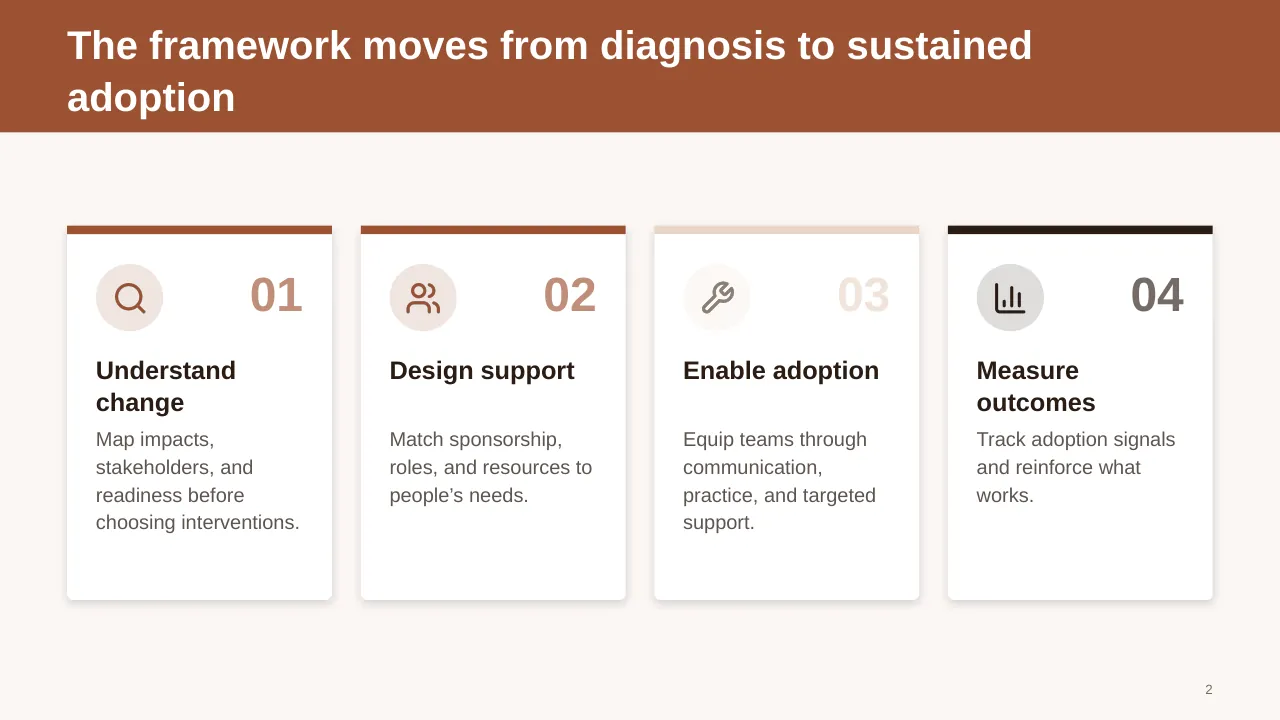
| 2 | The framework moves from diagnosis to sustained adoption |
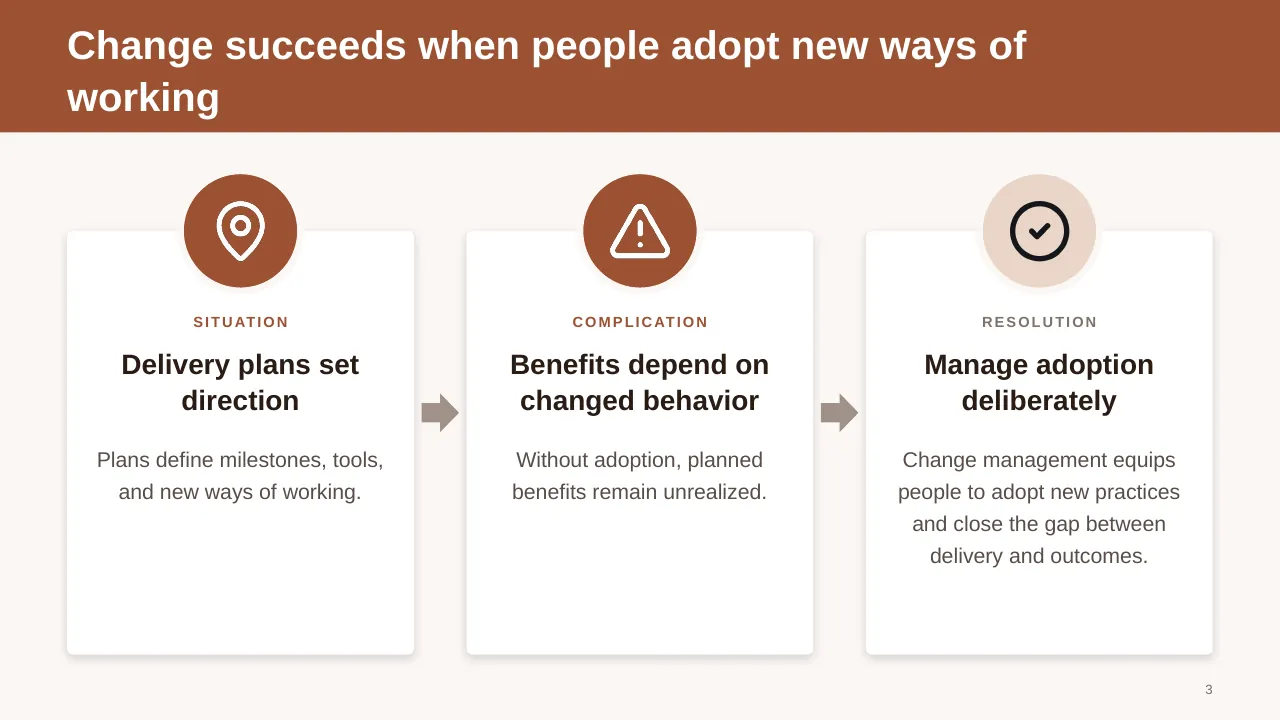
| 3 | Change succeeds when people adopt new ways of working |
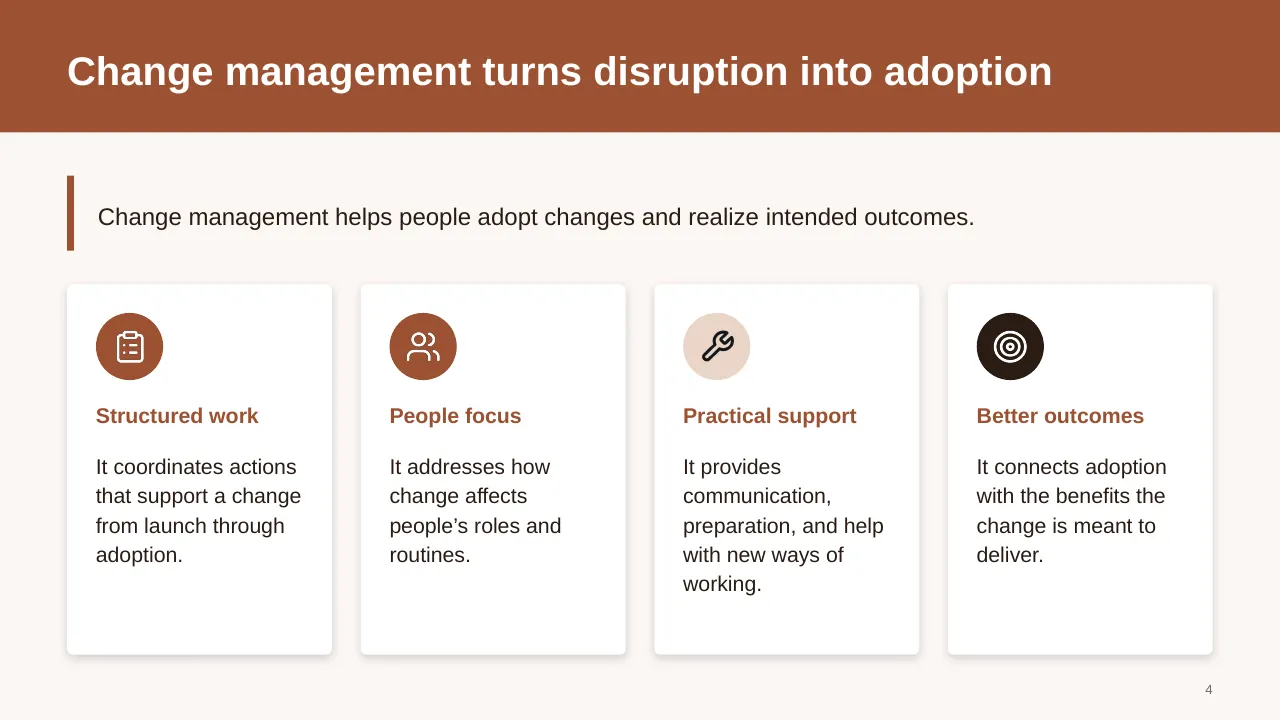
| 4 | Change management helps people adopt changes and realize intended outcomes. |
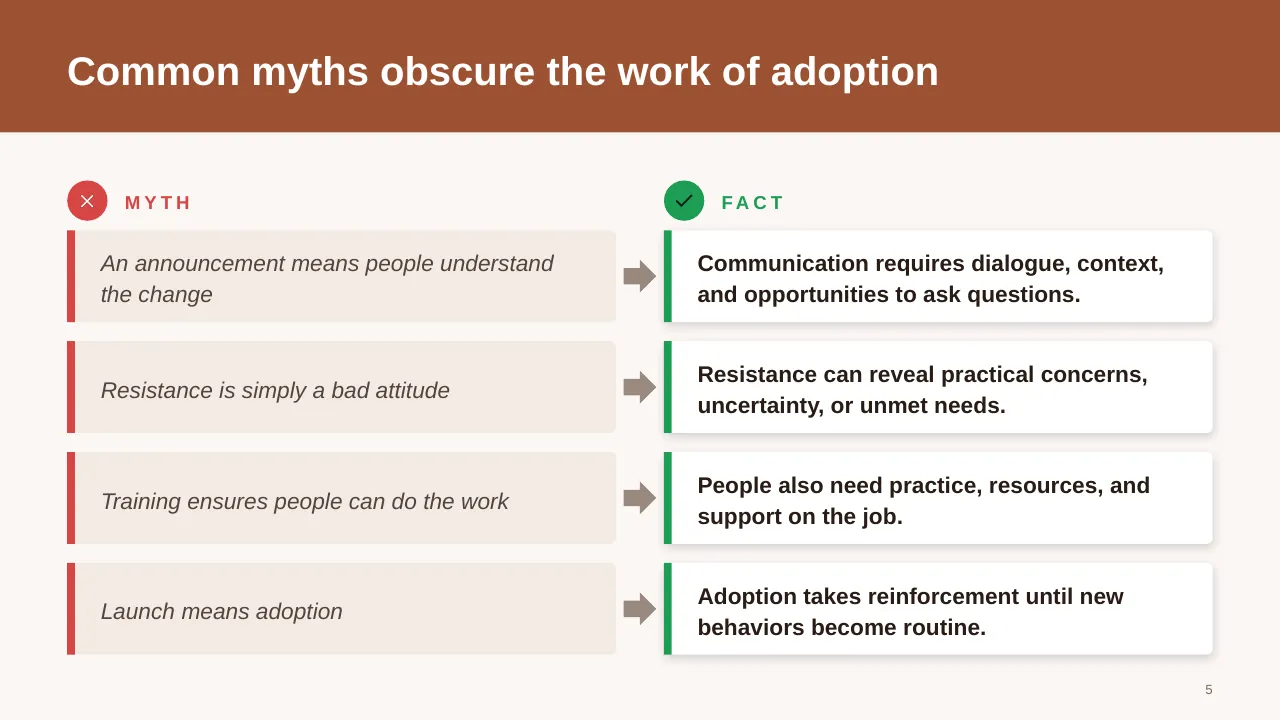
| 5 | Common myths obscure the work of adoption |
| 6 | Identify who is affected, how work shifts, and where support is needed most. |
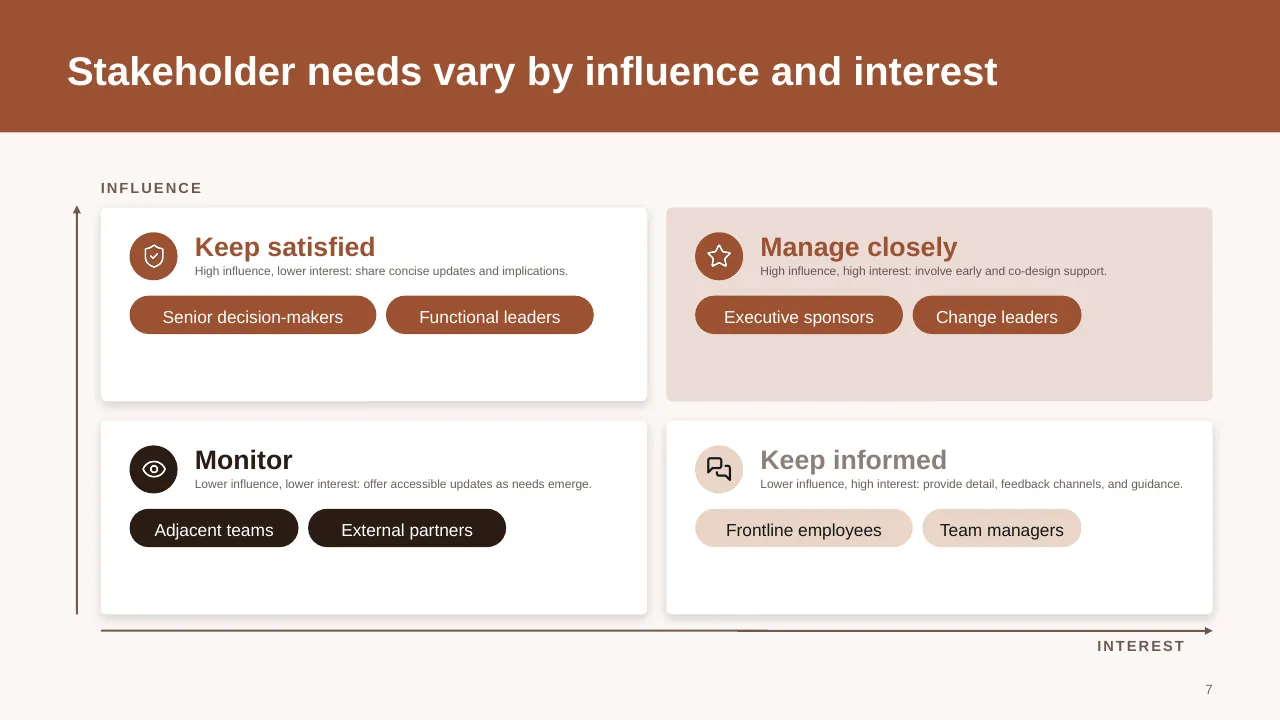
| 7 | Stakeholder needs vary by influence and interest |
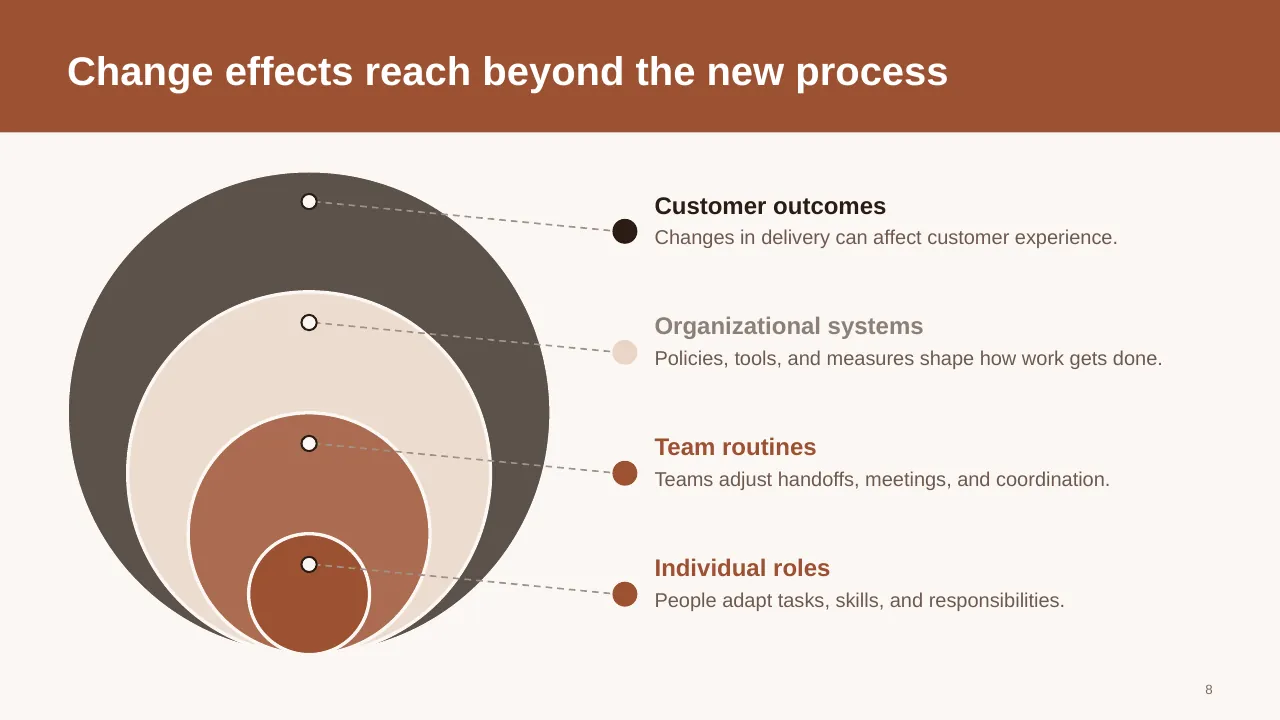
| 8 | People adapt tasks, skills, and responsibilities. |
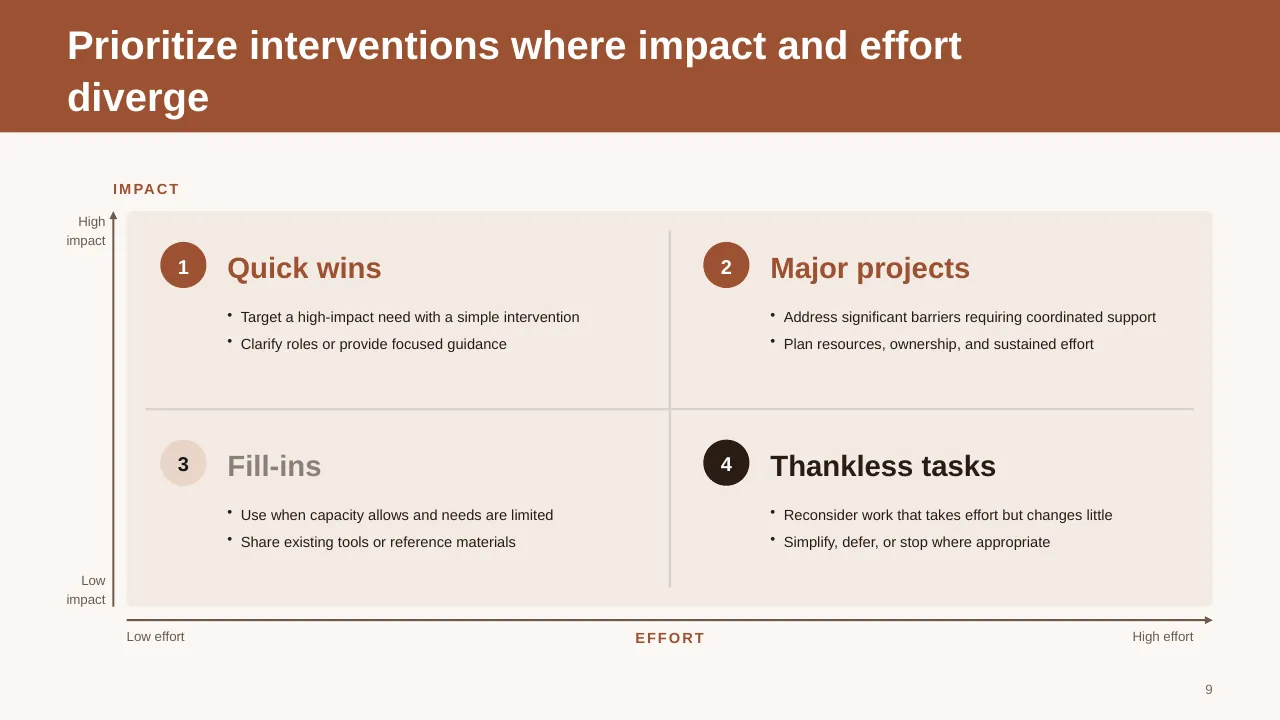
| 9 | Prioritize interventions where impact and effort diverge |
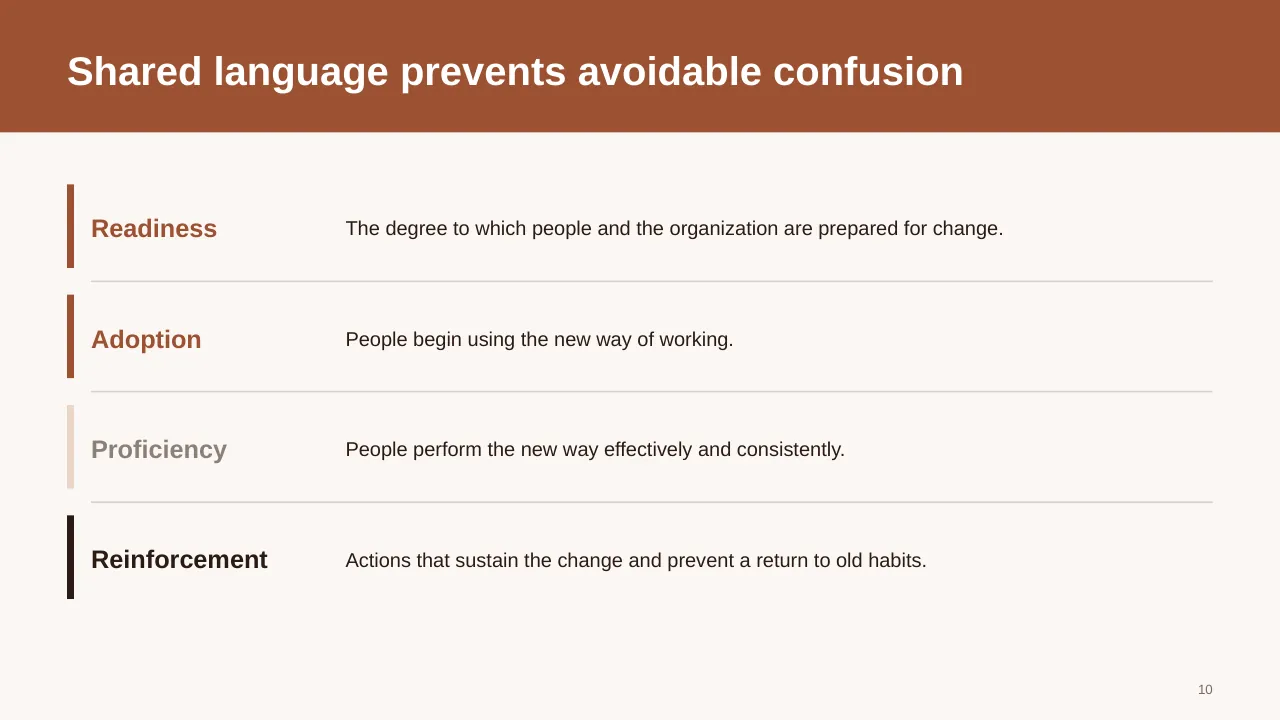
| 10 | The degree to which people and the organization are prepared for change. |
| 11 | Connect individual adoption with organizational alignment, visible leadership, and clear accountability. |
| 12 | ADKAR organizes change around individual adoption |
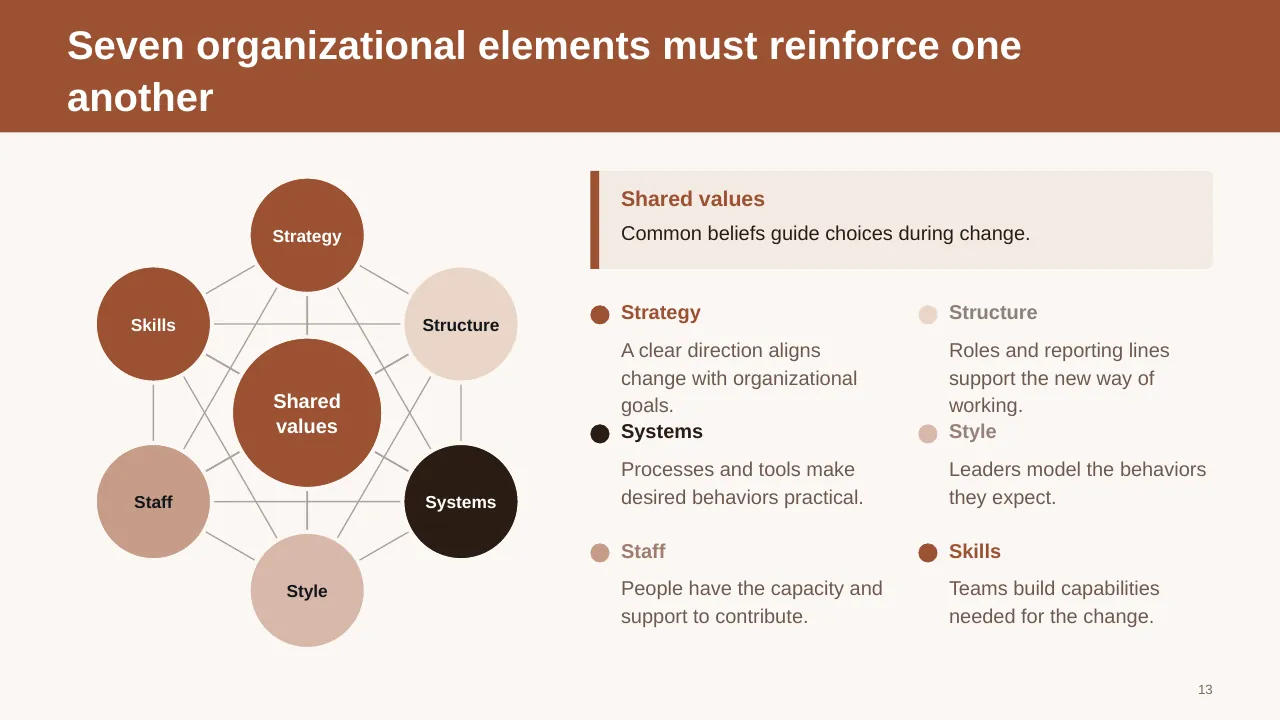
| 13 | Seven organizational elements must reinforce one another |
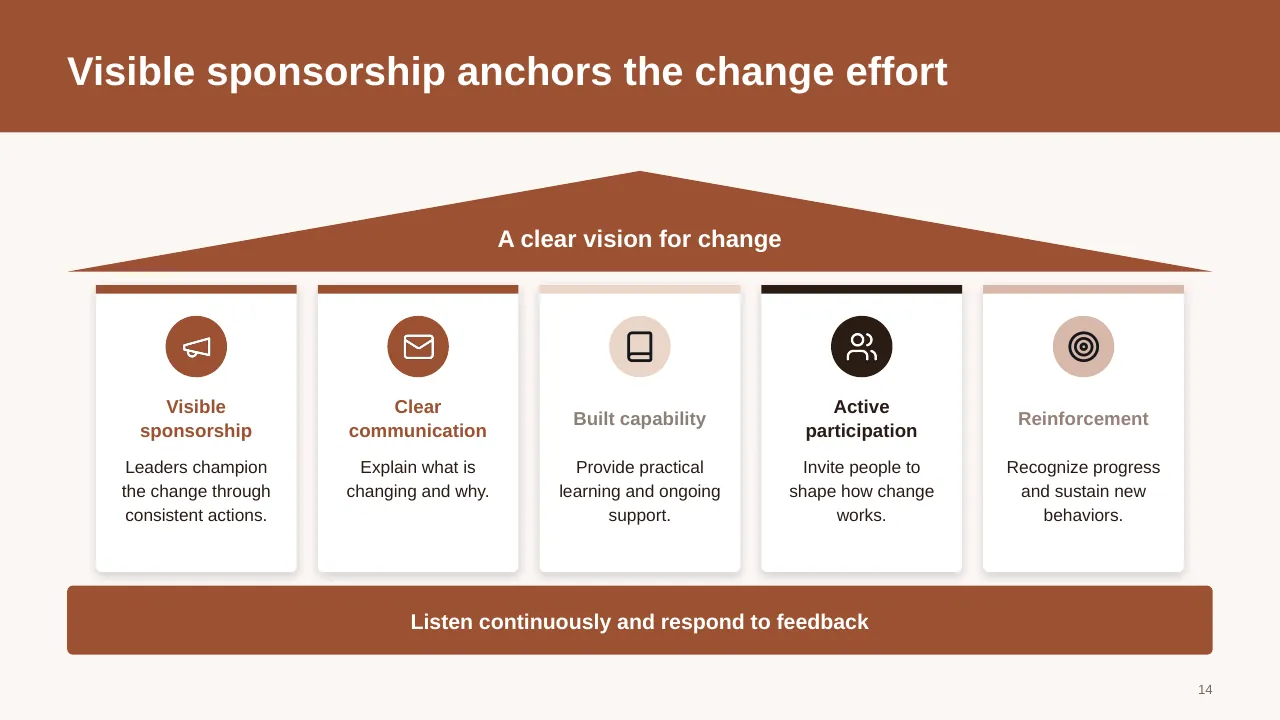
| 14 | Visible sponsorship anchors the change effort |
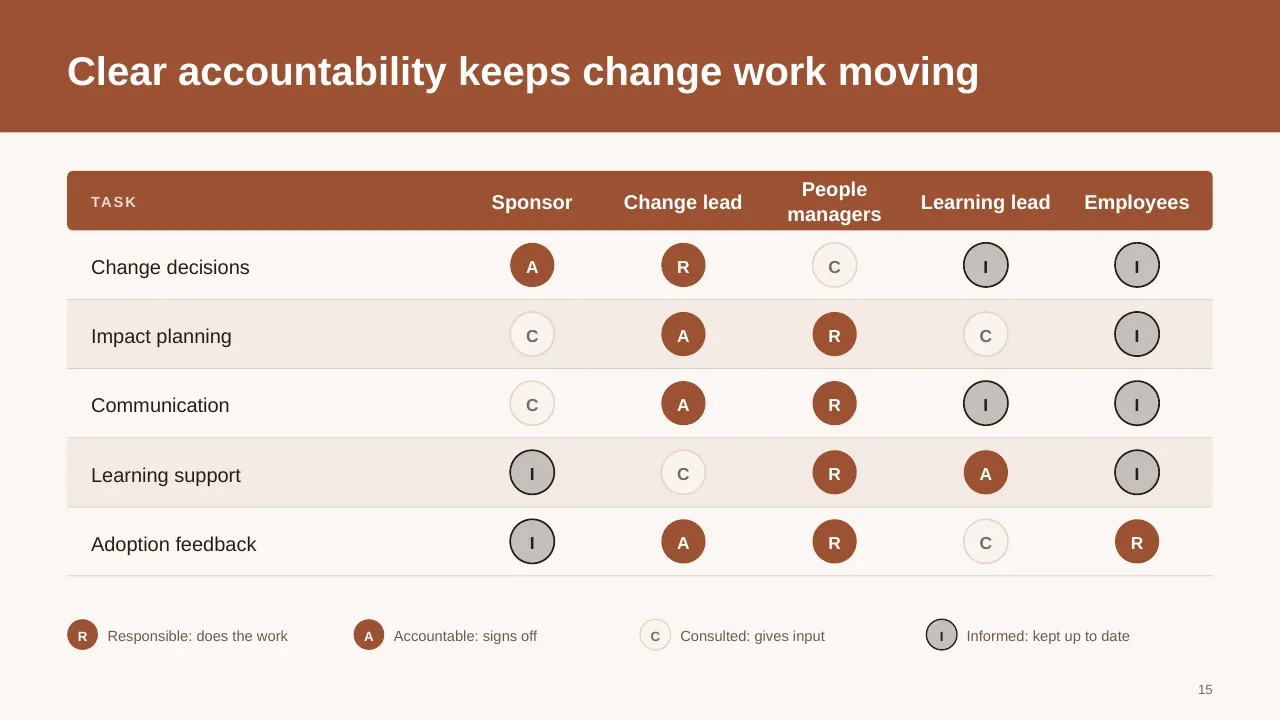
| 15 | Clear accountability keeps change work moving |
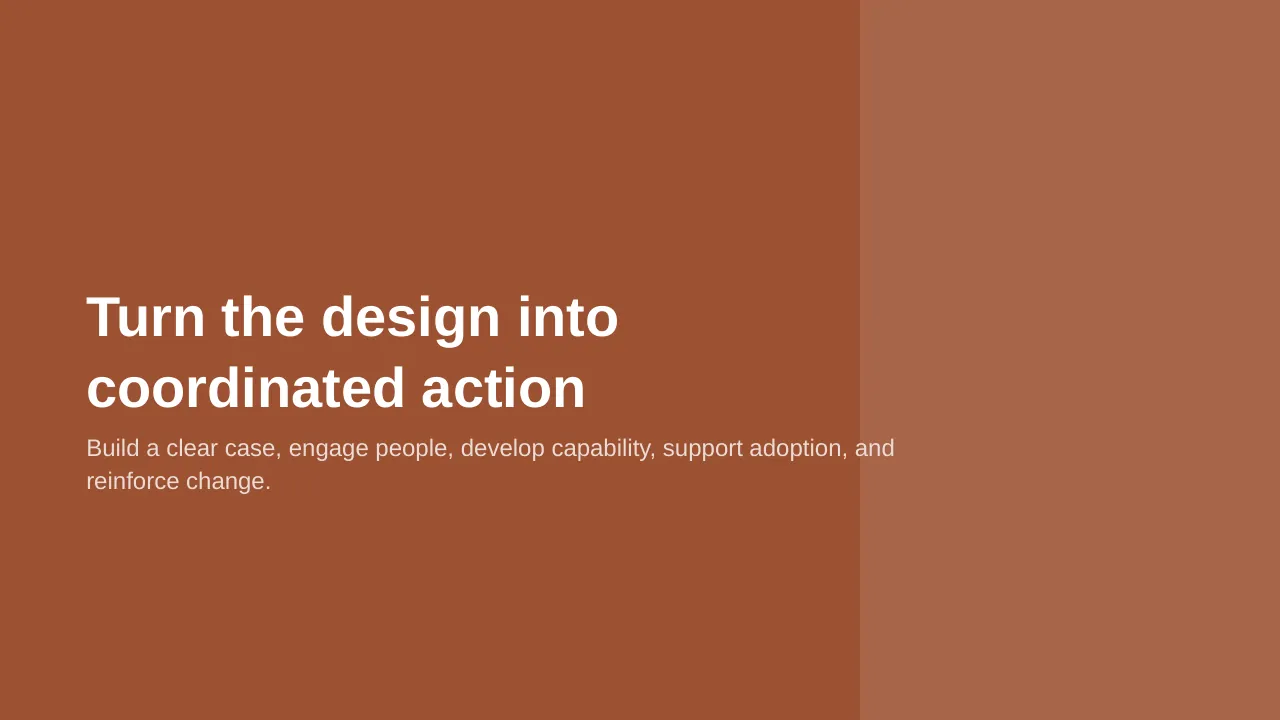
| 16 | Build a clear case, engage people, develop capability, support adoption, and reinforce change. |
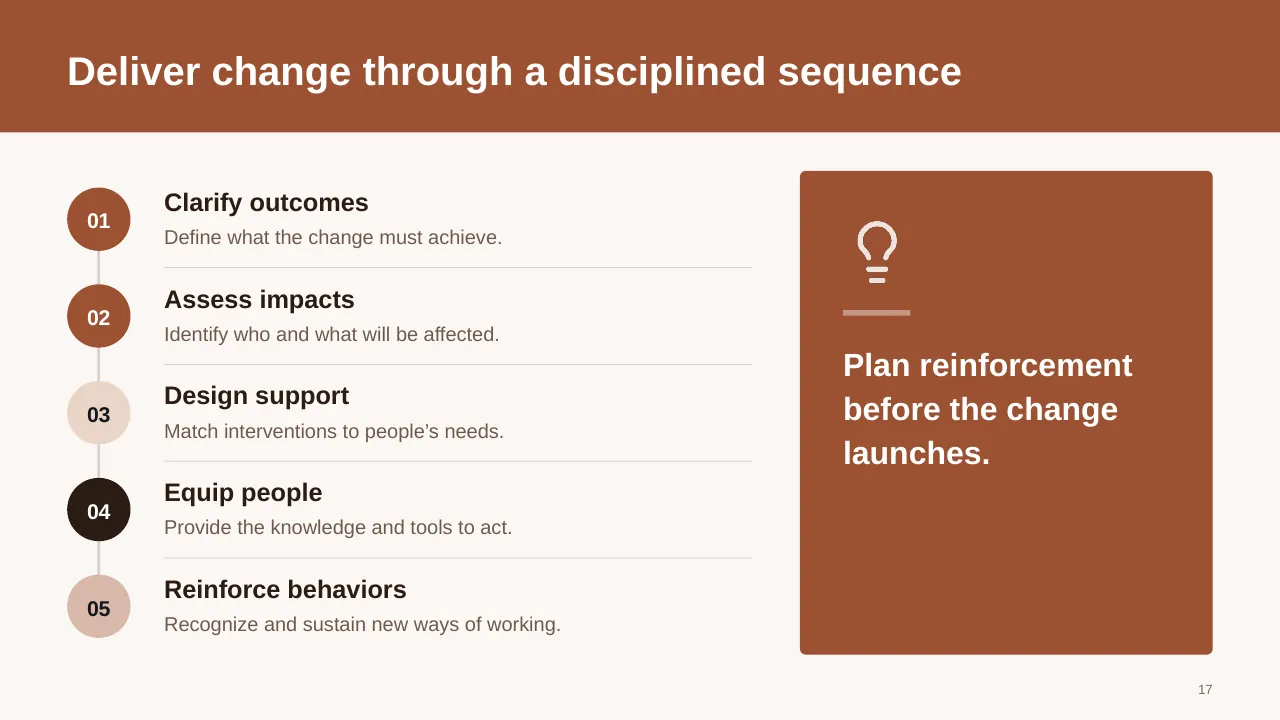
| 17 | Deliver change through a disciplined sequence |
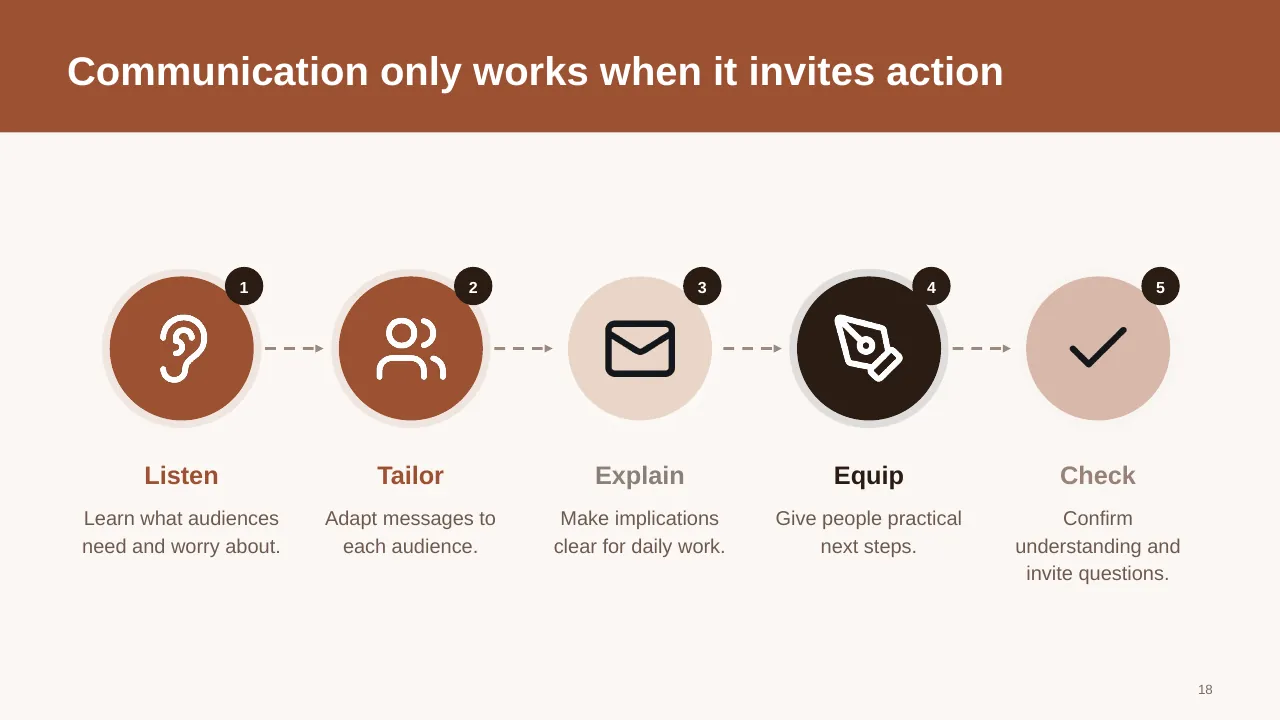
| 18 | Communication only works when it invites action |
| 19 | Practical answers help leaders respond to resistance |
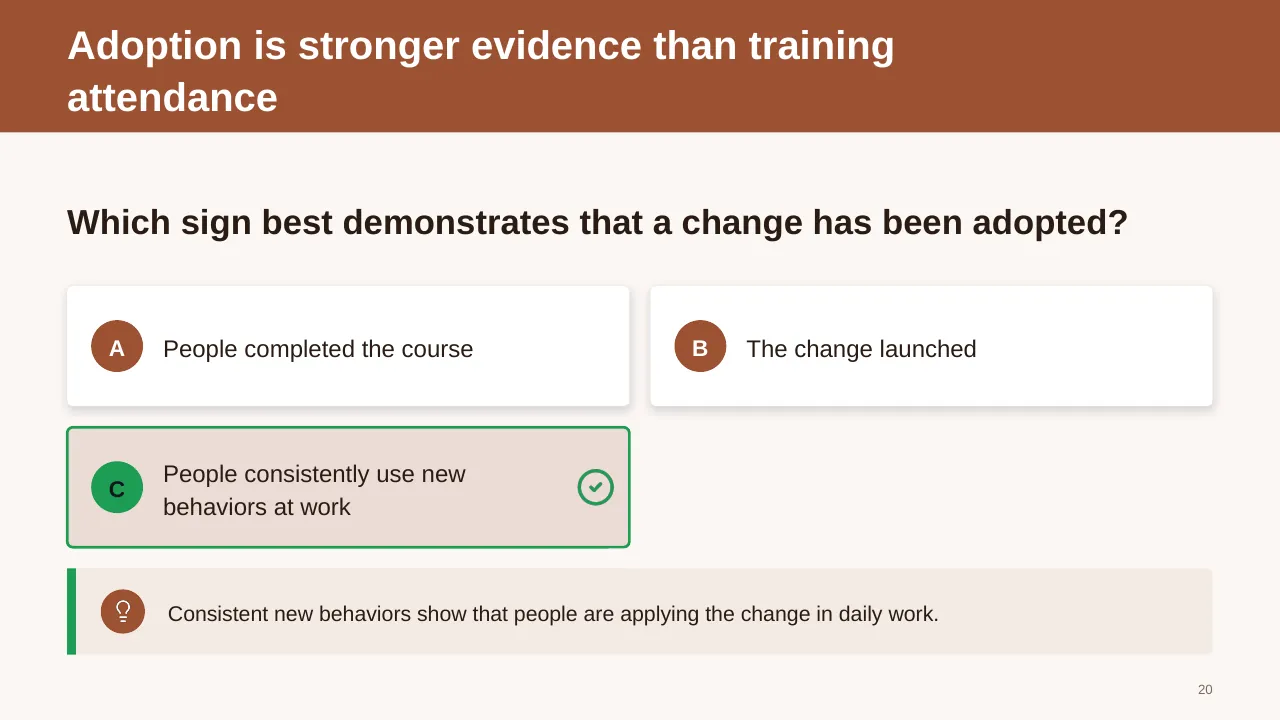
| 20 | Which sign best demonstrates that a change has been adopted? |
| 21 | Measure progress from readiness to outcomes |
| 22 | Close the gap with targeted support |
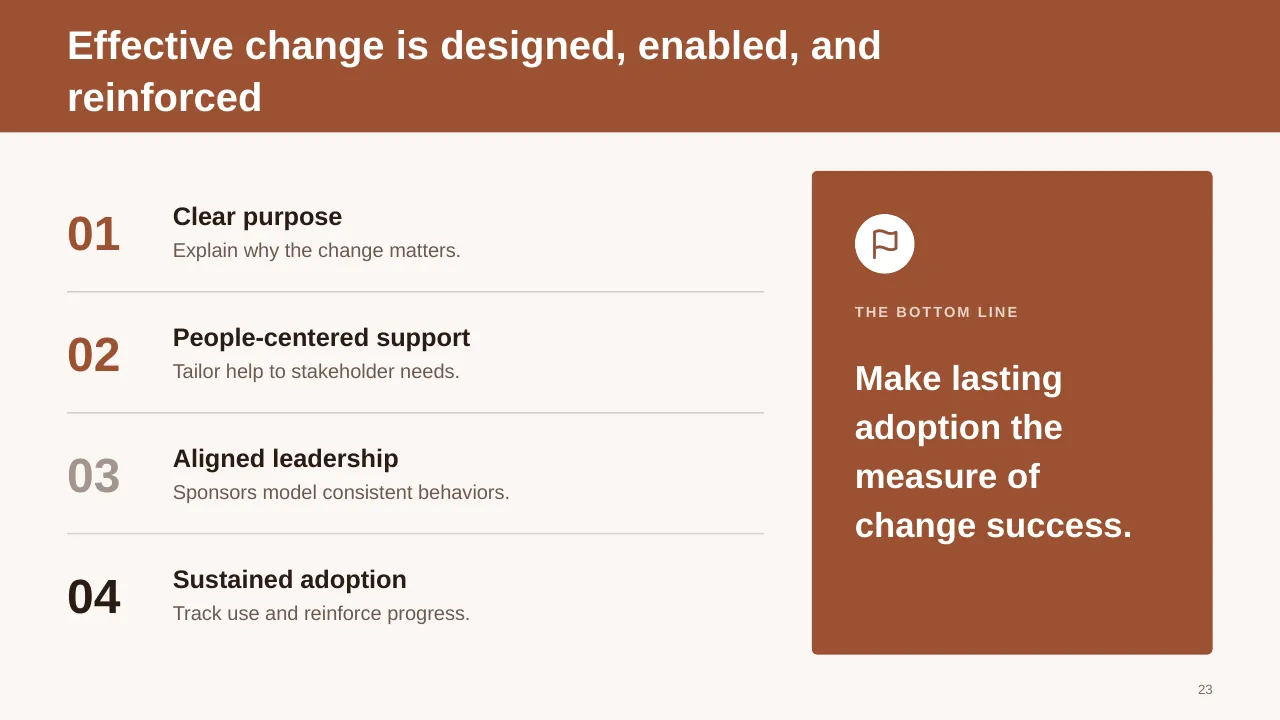
| 23 | Effective change is designed, enabled, and reinforced |
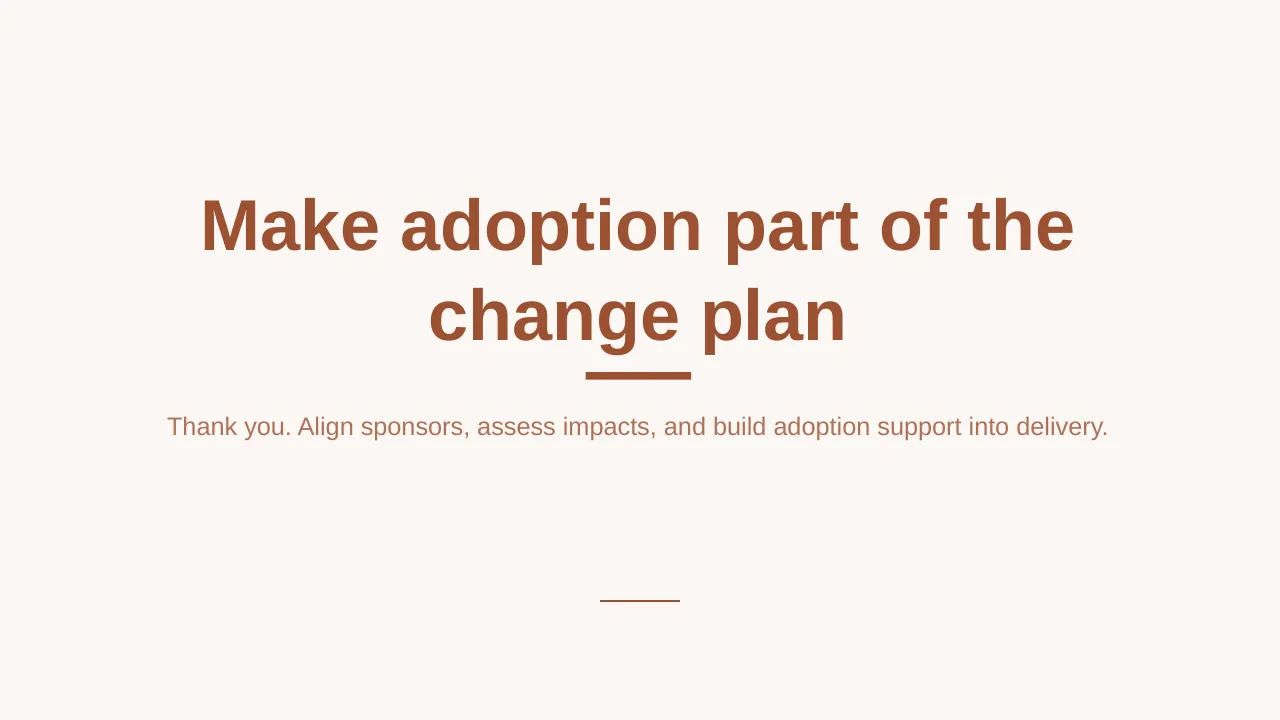
| 24 | Thank you. Align sponsors, assess impacts, and build adoption support into delivery. |
Tips for a change management presentation
- Name the sponsor on the slide. Prosci's research ties sponsor effectiveness to results more strongly than almost anything else.
- Show the change from the employee's side: what changes for them on Monday morning.
- Plan communications as a sequence (announce, explain, train, reinforce), not a single email.
- Track adoption (people actually using the new way) separately from go-live.
Mistakes to avoid
- Treating go-live as the finish line
- Quoting the unsourced "70% of changes fail" figure
- Skipping middle managers, who carry most of the conversations
Checklist before you present
- Is the reason for change clear in one sentence?
- Is a named sponsor visible and committed?
- Are impacted groups and their concerns listed?
- Is there a plan for resistance?
- Are success measures agreed with the business?
Great for
- Change management programmes
- Digital transformation strategy
- Innovation workshops
- Future-state and improvement planning
How to customise it
- Download the ZIP file and unzip it to get the .pptx presentation.
- Open it in PowerPoint, or upload it to Google Drive and open it with Google Slides.
- Replace the sample text and numbers with your own; charts update from their data sheets.
- Change the theme colours once to recolour the whole deck, then delete any slides you don't need.
Questions about a change management presentation
Which change model should I put in the deck?
Pick one your audience will recognise. ADKAR works well for individual adoption and Kotter's 8 steps for organisation-wide change. Use the model slide to show where you are today.
How do I show progress on a change programme?
Combine activity measures (training completed, communications sent) with adoption measures (usage, proficiency) and the business outcome you promised.
Related presentations
- Innovation Process PPT Template
- Change Management PPT Template
- Digital Transformation Strategy PPT Template
- Digital Transformation and Maturity PPT Template
Browse all Digital Transformation & Change presentations or more strategy templates.
Template details
| Template | Change Management Framework PPT Template |
|---|---|
| Categories | Strategy, Digital Transformation & Change |
| File format | PowerPoint (.pptx), delivered as a .zip file |
| Number of slides | 24 fully editable slides |
| File size | 2.2 MB |
| Slide size | 16:9 widescreen |
| Preview images | 24 |
| Editable | Yes: text, colours, shapes, icons and charts |
| Works with | PowerPoint 2010 and later, PowerPoint for Mac, Google Slides |
| Licence | Royalty-free, yours to keep using after your plan ends (terms of use apply) |
| Price | Included in every SlideVilla plan |
| Added | 16 Mar 2025 |
Questions about this template
Can I edit the Change Management Framework PPT Template?
Yes. Every part of the Change Management Framework PPT Template is made with native PowerPoint shapes and text boxes, so you can change the wording, colours, fonts and sizes, move or delete elements, and swap icons without losing quality.
Does the Change Management Framework PPT Template work in Google Slides?
Yes. Download the .zip file, unzip it to get the .pptx, upload it to Google Drive and open it with Google Slides. The layout, shapes and text stay editable there too.
Is the Change Management Framework PPT Template free?
It is a premium template, included in every SlideVilla plan together with the rest of the library. See plans and pricing.
What size and format is it?
It is a PPTX file in 16:9 widescreen format with 24 slides, 2.2 MB (downloaded as a .zip; unzip it to get the presentation), with 24 preview images shown above.
How to use this template
- Step 1DownloadClick Download, then unzip the .zip file to get the .pptx presentation.
- Step 2OpenOpen it in PowerPoint, or upload it to Google Slides from your Drive.
- Step 3Make it yoursChange text, colours, icons and charts. Every element is fully editable.
Categories
Related PowerPoint templates
More designs like this one, ready to edit.