About this PowerPoint template
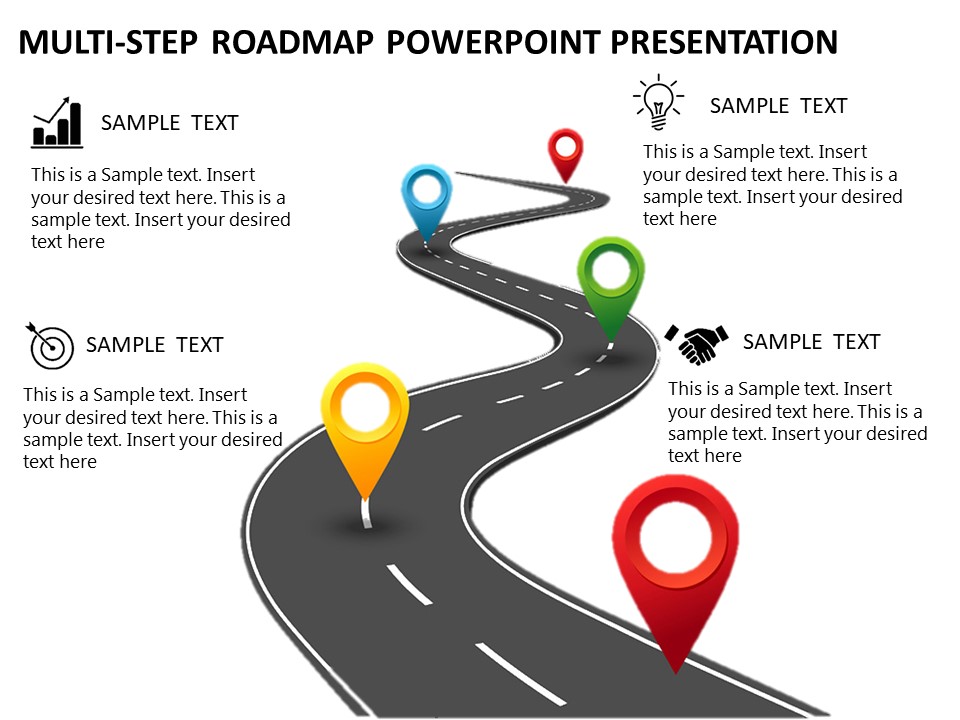
The Employee Journey Map PowerPoint Template is the perfect tool for visualizing and analyzing the various stages of an employee's experience within an organization. This professionally designed template allows HR professionals and managers to chart out the entire employee journey from onboarding to ongoing development and possible offboarding.
The template features a clean and modern layout with easy-to-read text placeholders and customizable graphics. You can easily add or remove stages and milestones to tailor the employee journey map to your organization's specific needs. Use this template to identify key touchpoints where employees interact with the company, highlight areas for improvement, and track progress over time.
Features of the Employee Journey Map PowerPoint Template include:
1. Fully editable slides: Customize the colors, fonts, and layout to match your brand's guidelines.
2. Multiple layout options: Choose from different slide designs to best represent the employee journey at your organization.
3. Data-driven charts and graphs: Visualize key metrics and data points to provide a comprehensive overview of the employee experience.
4. Icons and illustrations: Enhance the visual appeal of your employee journey map with a library of icons and illustrations.
5. Easy to use: Simply download the template, insert your content, and present your employee journey map to stakeholders with confidence.
Overall, the Employee Journey Map PowerPoint Template is an invaluable resource for HR professionals looking to gain insights into their organization's employee experience and make data-driven decisions to improve retention, engagement, and overall satisfaction.
Template details
| Template | Employee Journey Map PowerPoint Template |
|---|---|
| Category | PowerPoint Templates |
| File format | PowerPoint (.pptx) |
| Slide size | 16:9 widescreen |
| Preview images | 1 |
| Editable | Yes: text, colours, shapes, icons and charts |
| Works with | PowerPoint 2010 and later, PowerPoint for Mac, Google Slides |
| Licence | Royalty-free, yours to keep using after your plan ends (terms of use apply) |
| Price | Included in every SlideVilla plan |
| Added | 2 Nov 2024 |
Questions about this template
Can I edit the Employee Journey Map PowerPoint Template?
Yes. Every part of the Employee Journey Map PowerPoint Template is made with native PowerPoint shapes and text boxes, so you can change the wording, colours, fonts and sizes, move or delete elements, and swap icons without losing quality.
Does the Employee Journey Map PowerPoint Template work in Google Slides?
Yes. Download the .pptx file, upload it to Google Drive and open it with Google Slides. The layout, shapes and text stay editable there too.
Is the Employee Journey Map PowerPoint Template free?
It is a premium template, included in every SlideVilla plan together with the rest of the library. See plans and pricing.
What size and format is it?
It is a PPTX file in 16:9 widescreen format, with 1 preview image shown above.
How to use this template
- Step 1DownloadClick Download and the .pptx file saves straight to your computer.
- Step 2OpenOpen it in PowerPoint, or upload it to Google Slides from your Drive.
- Step 3Make it yoursChange text, colours, icons and charts. Every element is fully editable.
Categories
Related PowerPoint templates
More designs like this one, ready to edit.