About this PowerPoint template
Product Description:
Embark on a visually stunning and informative journey through the heart of Egypt with our meticulously designed Egypt Map Key Regional Options PowerPoint Presentation. This comprehensive presentation template is an invaluable resource for educators, business professionals, and travelers looking to showcase the rich regional diversity and strategic importance of Egypt. Whether you're presenting to a classroom, a boardroom, or at a conference, this template provides a clear and engaging way to communicate geographic and demographic insights.
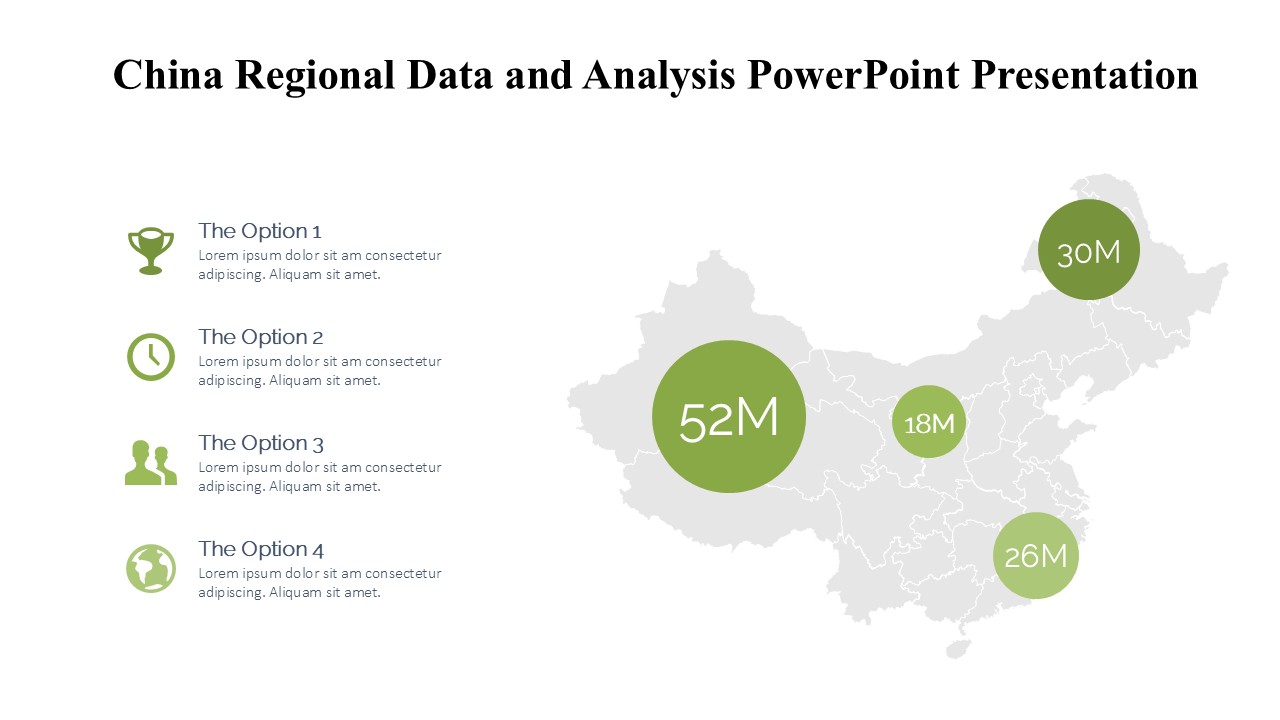
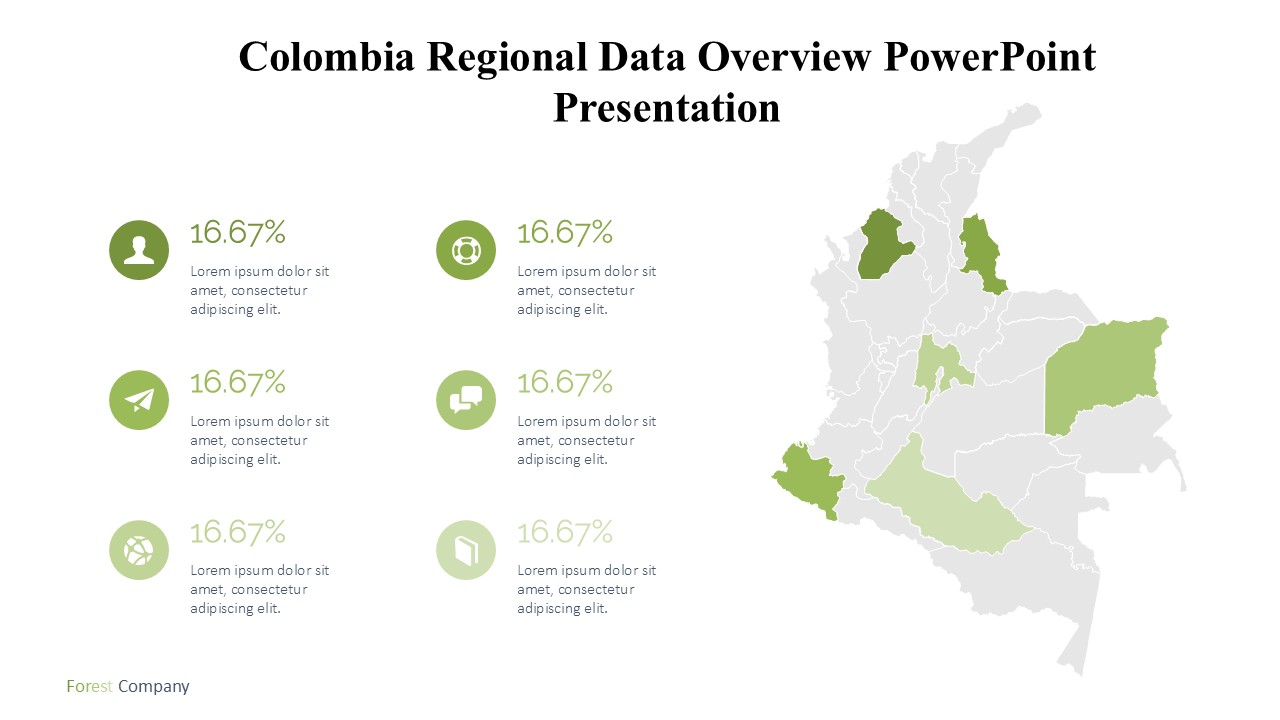
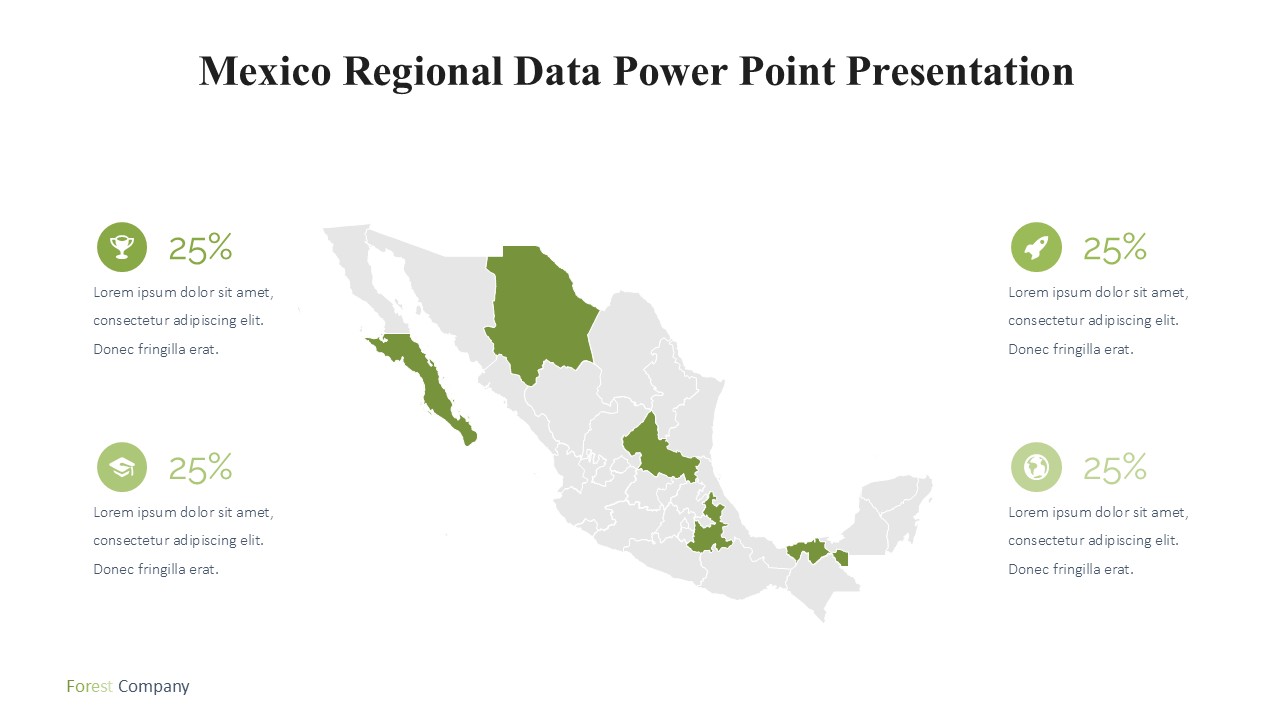
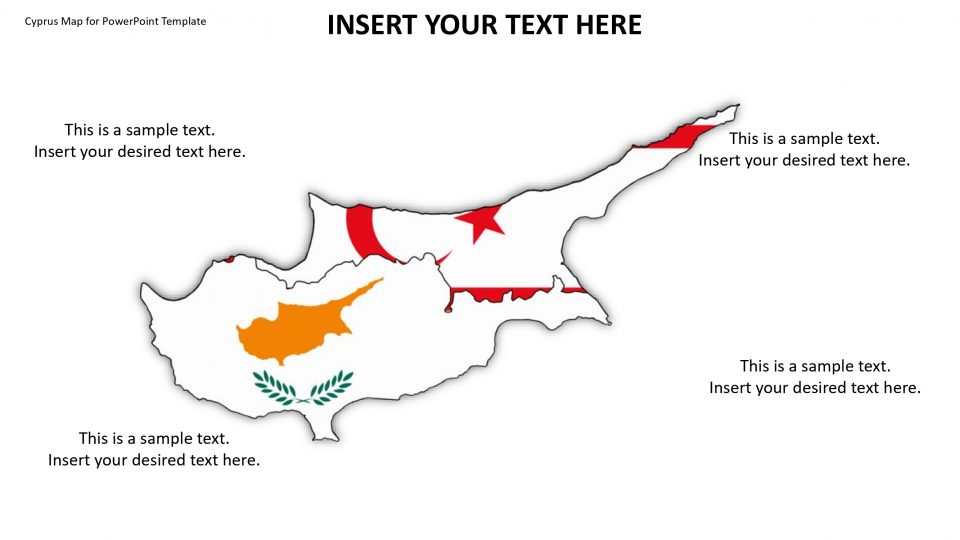
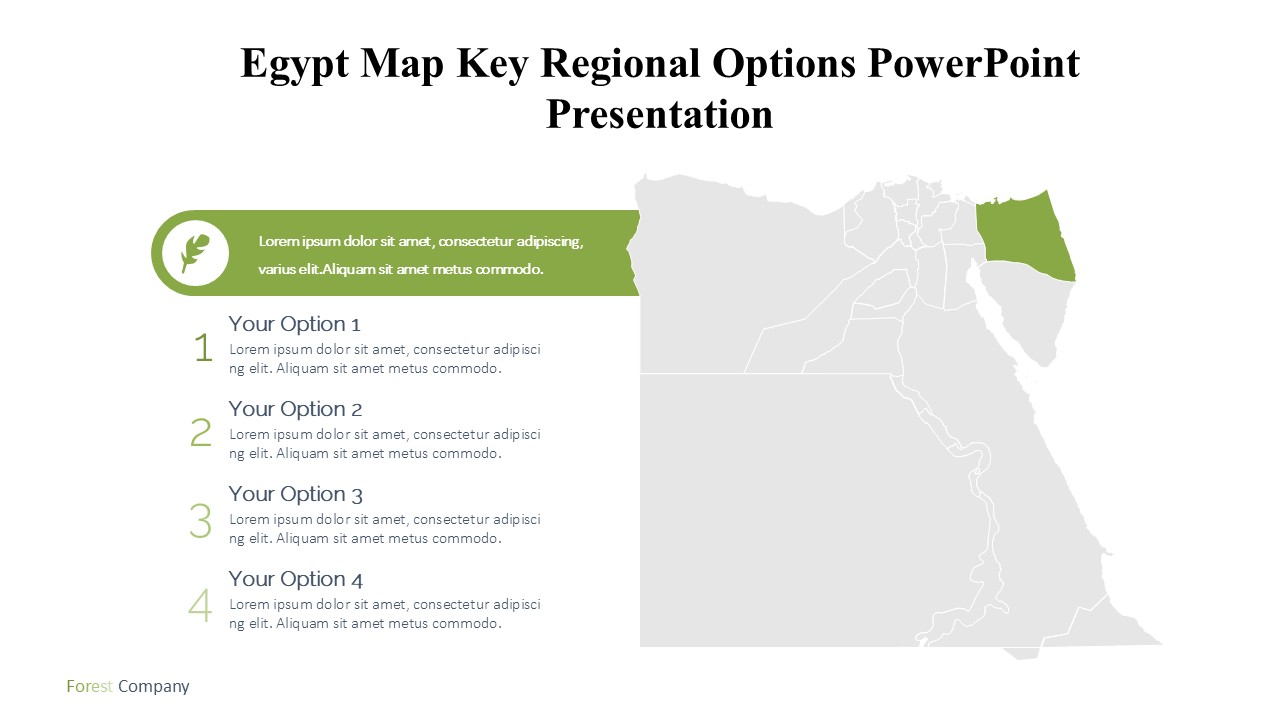
Our Egypt Map Key Regional Options PowerPoint Presentation stands out with its high-resolution maps that are both accurate and aesthetically pleasing. The template features detailed maps of Egypt's key regions, including Cairo, Alexandria, Giza, and the Suez Canal area, among others. Each map is carefully crafted to provide a deep dive into individual regions, highlighting major cities, infrastructure, and geographical landmarks.
This versatile template is not just a collection of maps, but a dynamic educational tool. It includes customizable slides where you can add your data, insights, and analysis. The presentation is structured to help viewers grasp complex information through easy-to-understand visuals and layouts. Whether detailing population statistics, economic data, or historical facts, this PowerPoint presentation makes data accessible and engaging.
Ideal for market analysts, educators, and tour operators, the Egypt Map Key Regional Options PowerPoint Presentation allows users to tailor their message for different audiences. The template's intuitive design ensures that even those with minimal experience in PowerPoint can easily modify content to fit their needs, making it perfect for professional and educational settings alike.
Key Features:
Fully Editable Templates: The Egypt Map Key Regional Options PowerPoint Presentation comes with fully editable templates, ensuring you can customize every aspect according to your needs. Whether it's changing colors, adjusting layouts, or adding new elements, the power of customization is at your fingertips.
Supports PowerPoint and Google Slides: Flexibility is key in today’s dynamic presentation environments. This template supports both Microsoft PowerPoint and Google Slides, offering versatility regardless of your preferred platform. Seamlessly import the template into Google Slides for easy access or use it directly in PowerPoint; the choice is yours.
High-Quality, Scalable Maps: Each map within the presentation is designed to be scalable. This means no matter how much you zoom in, the clarity and quality of the visual detail remain intact, ensuring that your audience can see even the finest details without losing fidelity.
User-Friendly Design: The template features a user-friendly design that makes it accessible for users of all proficiency levels. With drag-and-drop placeholders and easy-to-edit features, creating a professional-looking presentation is straightforward and stress-free.
Comprehensive Coverage: Cover all key aspects of Egypt’s geography, including political divisions, major cities, and significant landmarks. Each region's map is detailed and labeled for easy identification and discussion.
Dynamic Layouts: Engage your audience with dynamic slide layouts that are designed not just for aesthetic appeal but also for educational effectiveness. Utilize various chart types, infographics, and text layouts to convey your message clearly and memorably.
In conclusion, the Egypt Map Key Regional Options PowerPoint Presentation is the perfect tool for anyone needing to present detailed, location-based information about Egypt in a clear, visually engaging manner. It’s an essential resource for bringing the vibrant regions of Egypt to life on the big screen.
Template details
| Template | Egypt Map Key Regional Options PowerPoint Presentation |
|---|---|
| Category | PowerPoint Templates |
| File format | PowerPoint (.pptx) |
| Slide size | 16:9 widescreen |
| Preview images | 1 |
| Editable | Yes: text, colours, shapes, icons and charts |
| Works with | PowerPoint 2010 and later, PowerPoint for Mac, Google Slides |
| Licence | Royalty-free, yours to keep using after your plan ends (terms of use apply) |
| Price | Included in every SlideVilla plan |
| Added | 11 May 2025 |
Questions about this template
Can I edit the Egypt Map Key Regional Options PowerPoint Presentation?
Yes. Every part of the Egypt Map Key Regional Options PowerPoint Presentation is made with native PowerPoint shapes and text boxes, so you can change the wording, colours, fonts and sizes, move or delete elements, and swap icons without losing quality.
Does the Egypt Map Key Regional Options PowerPoint Presentation work in Google Slides?
Yes. Download the .pptx file, upload it to Google Drive and open it with Google Slides. The layout, shapes and text stay editable there too.
Is the Egypt Map Key Regional Options PowerPoint Presentation free?
It is a premium template, included in every SlideVilla plan together with the rest of the library. See plans and pricing.
What size and format is it?
It is a PPTX file in 16:9 widescreen format, with 1 preview image shown above.
How to use this template
- Step 1DownloadClick Download and the .pptx file saves straight to your computer.
- Step 2OpenOpen it in PowerPoint, or upload it to Google Slides from your Drive.
- Step 3Make it yoursChange text, colours, icons and charts. Every element is fully editable.
Categories
Related PowerPoint templates
More designs like this one, ready to edit.