About this PowerPoint template
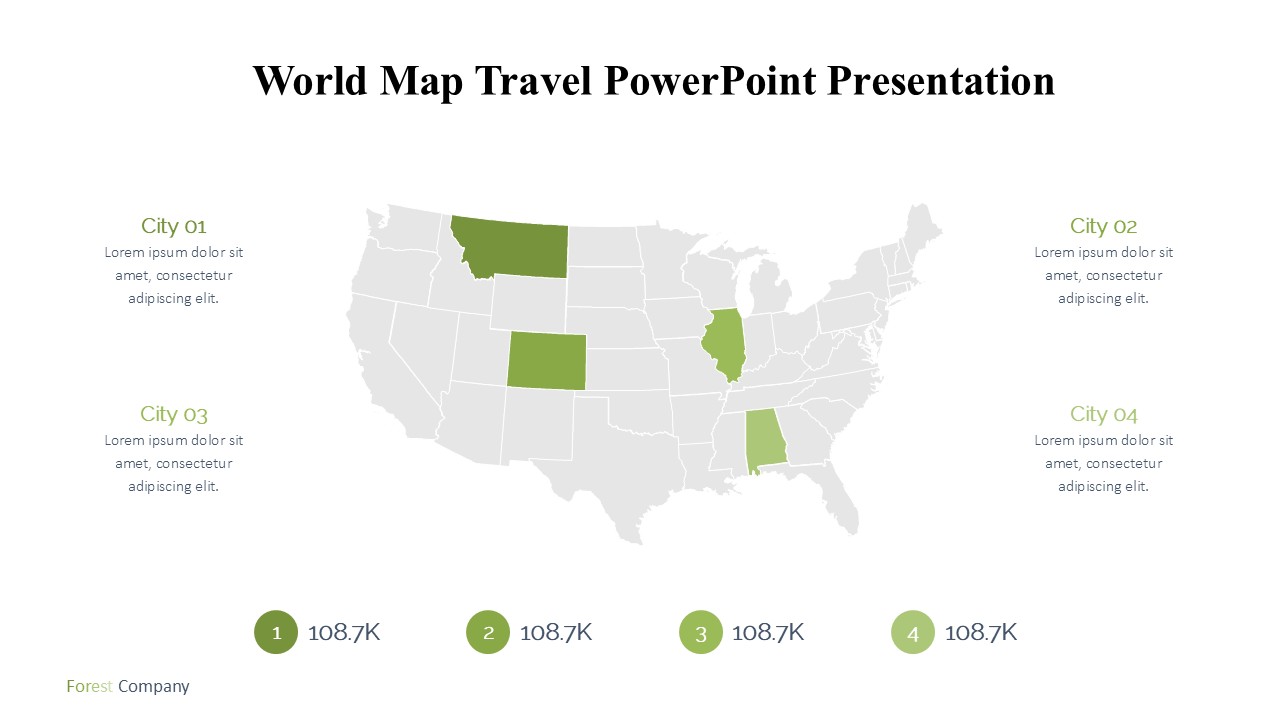
World Map Travel PowerPoint Presentation
Embark on a captivating journey with our World Map Travel PowerPoint Presentation, the ultimate tool designed for globetrotters, travel agencies, educators, and business professionals who need to showcase global locations with style and precision. Whether you are presenting a travel itinerary, global market analysis, or educational content on world geography, this PowerPoint template is versatile enough to suit all your needs.
This presentation template is crafted with high-quality, visually appealing graphics that feature a comprehensive and detailed world map. The map is designed to help you pinpoint specific countries, cities, or regions, making it easier for your audience to follow along with geographic data and insights. The clean, professional layout ensures that your data stands out, while the thematic consistency maintains your audience’s focus on your narrative.
The World Map Travel PowerPoint Presentation includes a variety of slide designs that are both functional and artistic. From detailed map outlines to infographic elements like charts, timelines, and icons, each component is tailored to enhance your storytelling. This makes it an ideal choice for creating compelling travel stories, business presentations that span multiple countries, or educational lectures that require a geographical backdrop.
The sleek, modern design is not only pleasing to the eye but also enhances the readability of your content. With a harmonious color palette that evokes a sense of adventure and discovery, your presentation will captivate and engage your audience from start to finish. Each slide is thoughtfully laid out to ensure that your content is the star of the show, supported by the design rather than overwhelmed by it.
Features
Fully Editable Templates: Every element of the World Map Travel PowerPoint Presentation can be customized to fit your specific needs. Whether you need to change colors, text, or graphics, the templates are fully editable, allowing for complete control over the look and feel of your presentation.
Supports PowerPoint and Google Slides: Flexibility is key in today’s dynamic world, and this template supports both PowerPoint and Google Slides. This means you can easily work from your preferred platform without worrying about compatibility issues. Whether you are editing your slides on a PC or collaborating online via Google Slides, this template ensures a seamless experience.
User-Friendly Design: Designed with the user in mind, this template is easy to navigate and edit, even for those with minimal experience in PowerPoint. The intuitive setup allows you to quickly add your content and customize it without needing extensive technical skills.
Versatile Usage: The World Map Travel PowerPoint Presentation is not limited to travel-related topics alone. Its versatility makes it an excellent choice for businesses that operate internationally, educators teaching world geography, or even students presenting on global issues.
High-Quality Visuals: The map and graphical elements are of high resolution, ensuring that your presentation looks sharp and professional on any screen, be it a computer monitor, a projector, or a tablet.
Ready-to-Use Layouts: Save time with ready-to-use slide layouts that are pre-designed for various types of content. Whether you're showing location-based statistics, cultural information, or travel plans, the layouts help you organize your information clearly and effectively.
Elevate your presentations with the World Map Travel PowerPoint Presentation, where functionality meets aesthetics to help you deliver your message around the globe with impact and ease.
Template details
| Template | World Map Travel PowerPoint Presentation |
|---|---|
| Category | PowerPoint Templates |
| File format | PowerPoint (.pptx) |
| Slide size | 16:9 widescreen |
| Preview images | 1 |
| Editable | Yes: text, colours, shapes, icons and charts |
| Works with | PowerPoint 2010 and later, PowerPoint for Mac, Google Slides |
| Licence | Royalty-free, yours to keep using after your plan ends (terms of use apply) |
| Price | Included in every SlideVilla plan |
| Added | 11 May 2025 |
| Last updated | 26 Dec 2025 |
Questions about this template
Can I edit the World Map Travel PowerPoint Presentation?
Yes. Every part of the World Map Travel PowerPoint Presentation is made with native PowerPoint shapes and text boxes, so you can change the wording, colours, fonts and sizes, move or delete elements, and swap icons without losing quality.
Does the World Map Travel PowerPoint Presentation work in Google Slides?
Yes. Download the .pptx file, upload it to Google Drive and open it with Google Slides. The layout, shapes and text stay editable there too.
Is the World Map Travel PowerPoint Presentation free?
It is a premium template, included in every SlideVilla plan together with the rest of the library. See plans and pricing.
What size and format is it?
It is a PPTX file in 16:9 widescreen format, with 1 preview image shown above.
How to use this template
- Step 1DownloadClick Download and the .pptx file saves straight to your computer.
- Step 2OpenOpen it in PowerPoint, or upload it to Google Slides from your Drive.
- Step 3Make it yoursChange text, colours, icons and charts. Every element is fully editable.
Categories
Related PowerPoint templates
More designs like this one, ready to edit.