About this PowerPoint template
Introducing the Edge Computing PowerPoint Template Presentation — a comprehensive, meticulously designed toolkit tailored to professionals eager to present the cutting-edge of technology in a clear and impactful way. Whether you're a tech innovator, a business strategist, or an academic, this PowerPoint template set is crafted to help you convey the complex concepts of edge computing with ease and precision.
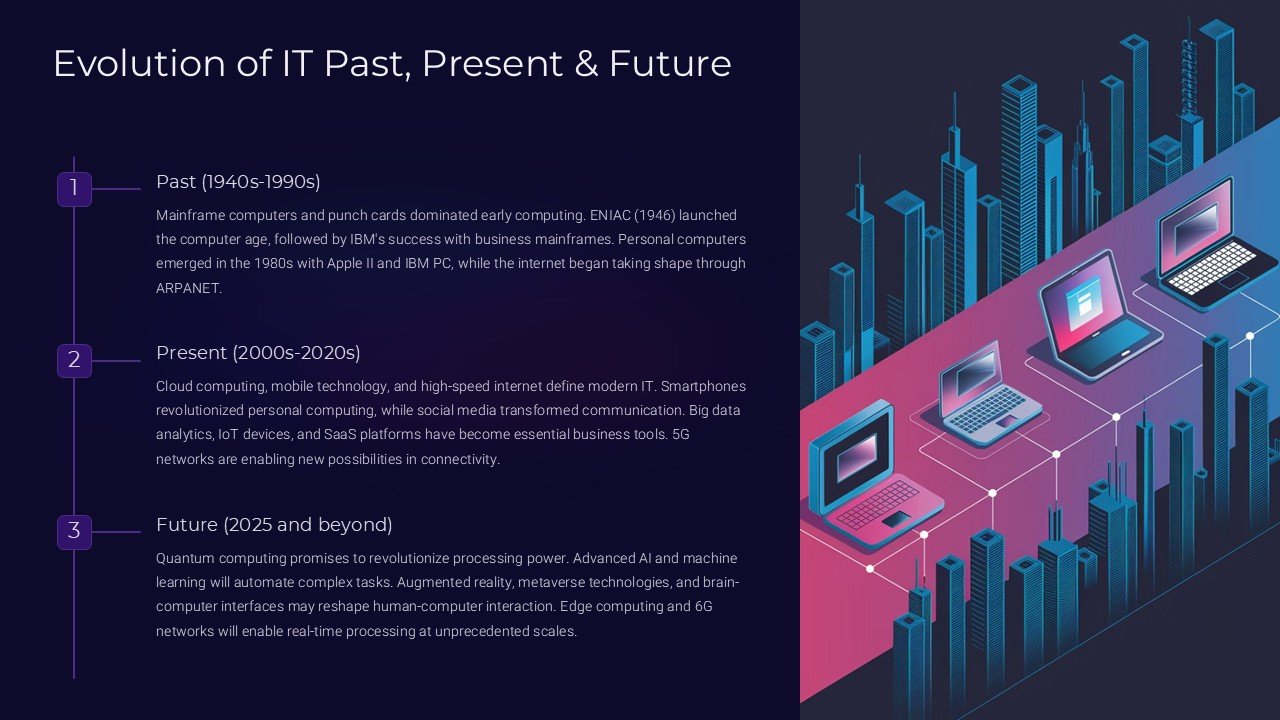
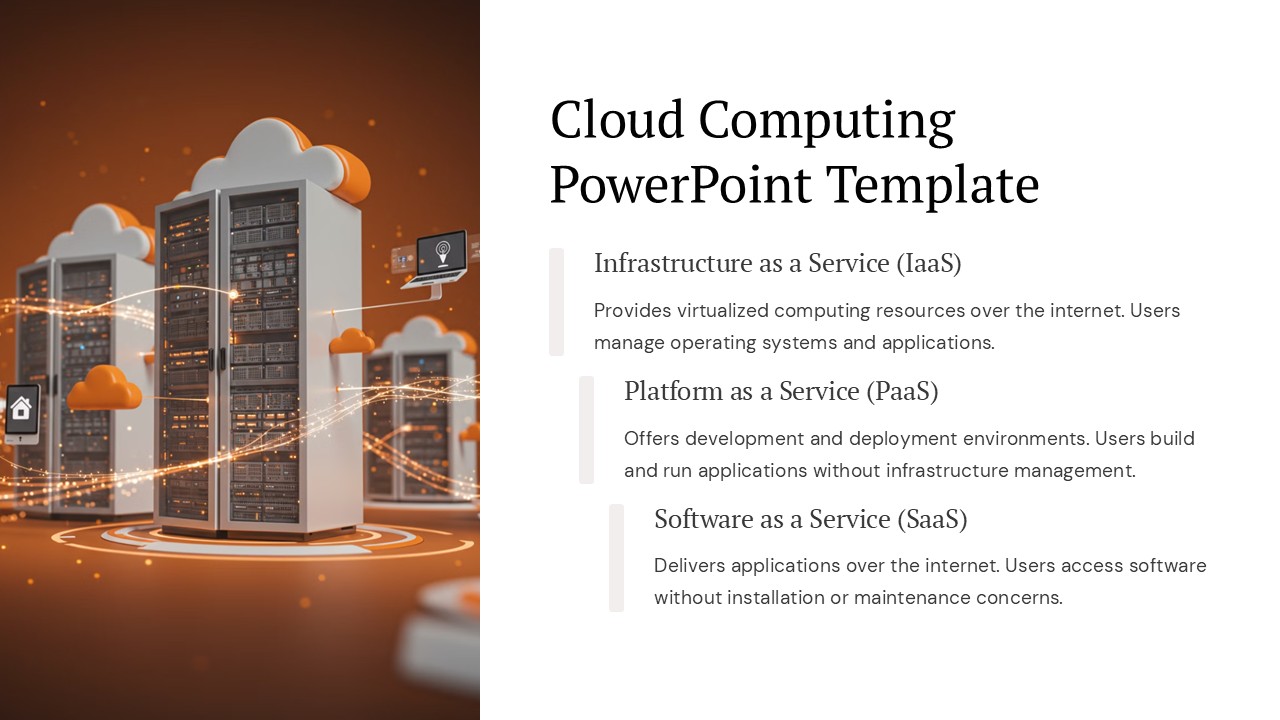
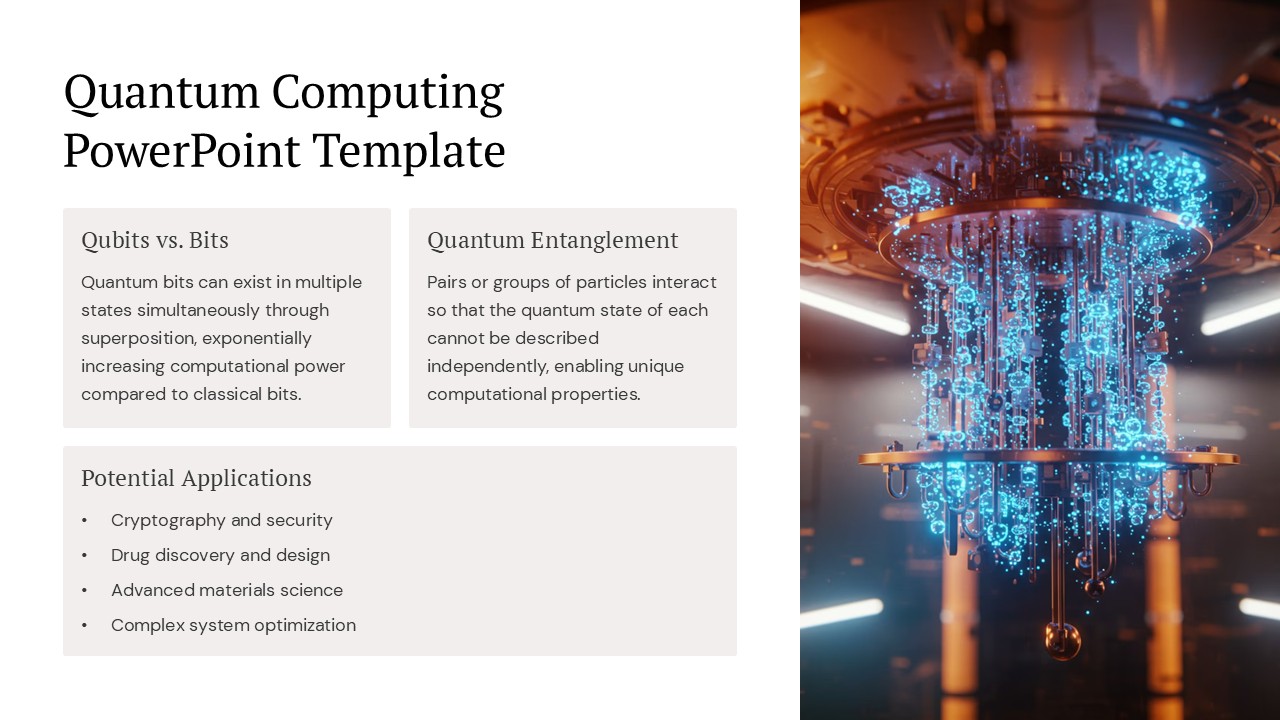
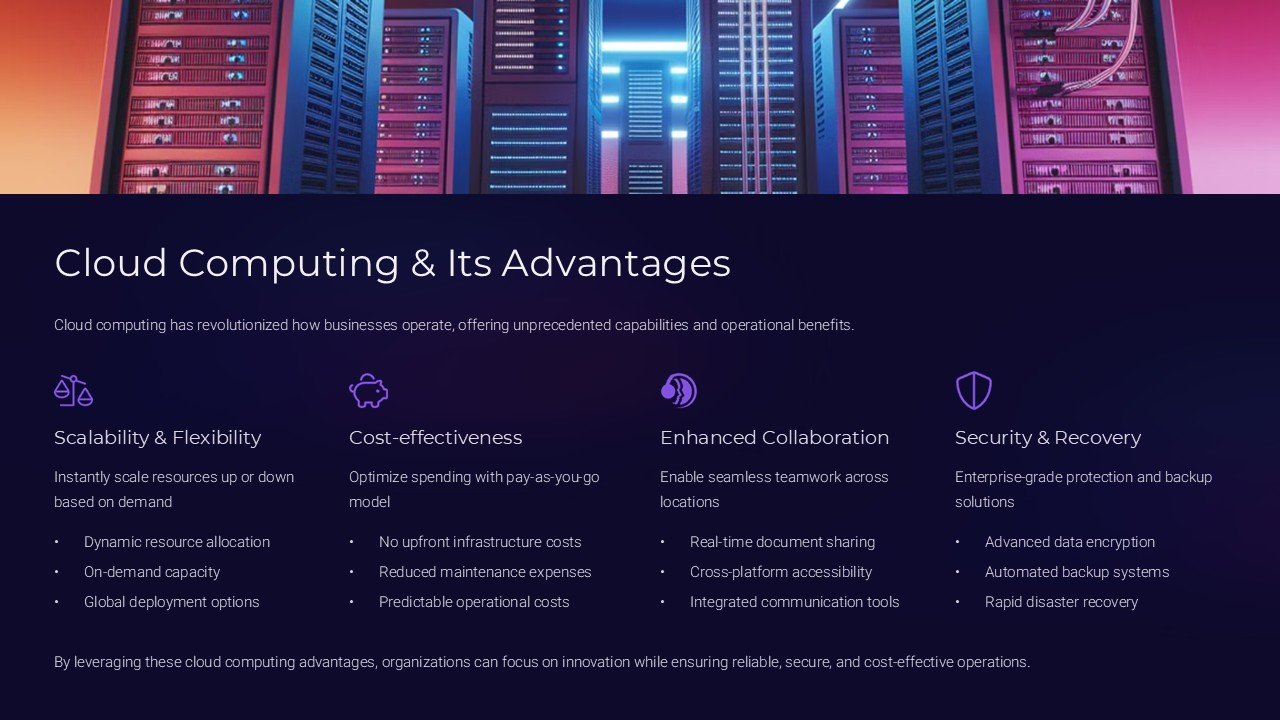
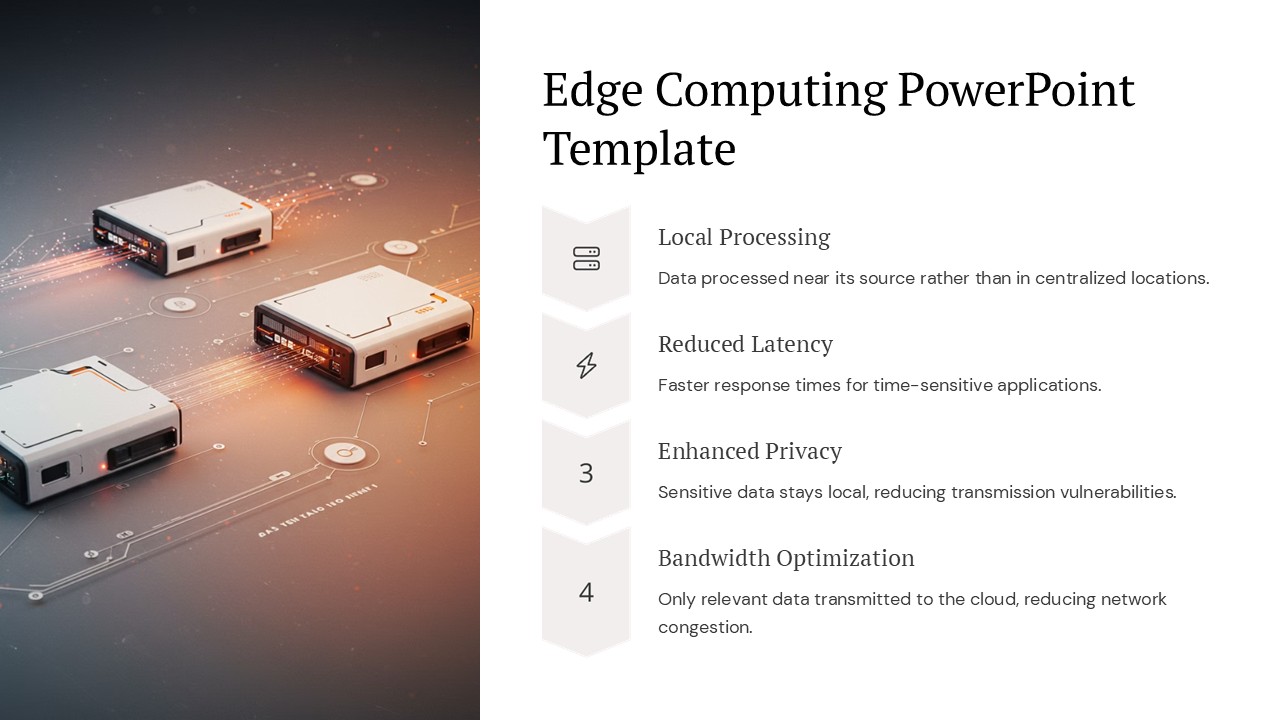
Edge computing is transforming industries by bringing data processing closer to the source of data generation, thus enhancing processing speeds and reducing latency. The Edge Computing PowerPoint Template captures this revolutionary technology through a series of dynamic slides designed for maximum engagement and understanding. Each slide incorporates sleek, professional graphics themed around technology and innovation, which not only captivate your audience but also bolster the delivery of your message.
This set includes a variety of slide types to cover every aspect of your presentation needs. From introduction slides that set the stage for your discussion, to diagrams that explain the technicalities, and infographics that break down data-heavy information into digestible visuals. The template also includes comparative slides to showcase the advantages of edge computing over traditional cloud computing frameworks, and future trend slides to discuss where this technology is headed.
The design aesthetic is modern and professional, utilizing a palette that reflects technology and innovation with blues, grays, and occasional accents to draw attention. Custom icons and high-quality vector graphics ensure that your presentation stands out not just for its content but also for its visual appeal.
Features:
1. Fully Editable Templates: Every element in the Edge Computing PowerPoint Template can be edited to suit your specific needs. From resizing graphics without loss of quality to changing background colors and text, you have full control to customize your presentation.
- Compatibility with PowerPoint and Google Slides: Flexibility is key in today’s dynamic work environments. This template is designed to be compatible not only with Microsoft PowerPoint but also with Google Slides, giving you the versatility to present and edit on your preferred platform.
- Diverse Slide Range: With slides dedicated to introduction, technology explanation, data comparison, and future predictions, you are equipped to cover all bases of your presentation without needing additional resources.
- Professional Design: Designed by experts with an understanding of the needs of professionals, the template maintains a high standard of design aesthetics suitable for corporate, academic, and technology sectors.
- Easy Customization: Tailor your presentation without needing extensive design skills. The template is user-friendly, allowing you to modify it easily, whether it's adjusting the text, changing colors, or adding your own data.
The Edge Computing PowerPoint Template is more than just a presentation tool; it's a strategic asset that aligns with your goal to inform, persuade, and inspire your audience about the potentials of edge computing. Equip yourself with this powerful presentation tool and make a lasting impact in your professional discussions.
Template details
| Template | Edge Computing PowerPoint Template PowerPoint Presentation |
|---|---|
| Category | PowerPoint Presentations |
| File format | PowerPoint (.pptx) |
| Slide size | 16:9 widescreen |
| Preview images | 1 |
| Editable | Yes: text, colours, shapes, icons and charts |
| Works with | PowerPoint 2010 and later, PowerPoint for Mac, Google Slides |
| Licence | Royalty-free, yours to keep using after your plan ends (terms of use apply) |
| Price | Included in every SlideVilla plan |
| Added | 27 Apr 2025 |
Questions about this template
Can I edit the Edge Computing PowerPoint Template PowerPoint Presentation?
Yes. Every part of the Edge Computing PowerPoint Template PowerPoint Presentation is made with native PowerPoint shapes and text boxes, so you can change the wording, colours, fonts and sizes, move or delete elements, and swap icons without losing quality.
Does the Edge Computing PowerPoint Template PowerPoint Presentation work in Google Slides?
Yes. Download the .pptx file, upload it to Google Drive and open it with Google Slides. The layout, shapes and text stay editable there too.
Is the Edge Computing PowerPoint Template PowerPoint Presentation free?
It is a premium template, included in every SlideVilla plan together with the rest of the library. See plans and pricing.
What size and format is it?
It is a PPTX file in 16:9 widescreen format, with 1 preview image shown above.
How to use this template
- Step 1DownloadClick Download and the .pptx file saves straight to your computer.
- Step 2OpenOpen it in PowerPoint, or upload it to Google Slides from your Drive.
- Step 3Make it yoursChange text, colours, icons and charts. Every element is fully editable.
Categories
Related PowerPoint templates
More designs like this one, ready to edit.