About this PowerPoint template
The Evolution of IT Past Present & Future PowerPoint Presentation takes a deep dive into the history, current state, and future trends of Information Technology (IT). This professionally designed presentation is perfect for IT professionals, businesses, and students looking to understand the journey of IT over the years.
The presentation begins with an insightful analysis of the evolution of IT, starting from its humble beginnings to the rapid advancements seen in recent years. It covers key milestones, breakthrough technologies, and the impact of IT on various industries. The Past section provides a solid foundation for understanding how IT has shaped the modern world we live in today.
Moving on to the Present, the presentation delves into the current trends and technologies dominating the IT landscape. From cloud computing and big data to artificial intelligence and cybersecurity, this section offers a comprehensive overview of the cutting-edge tools and concepts driving innovation in IT today.
Finally, the Future section explores the exciting possibilities and emerging trends that are set to revolutionize the IT industry in the years to come. Topics such as quantum computing, Internet of Things (IoT), and machine learning are discussed, giving audiences a glimpse into what the future holds for IT.
Features:
- Fully Editable Slides: The presentation comes with fully editable slides, allowing users to customize the content, colors, and layouts to suit their specific needs.
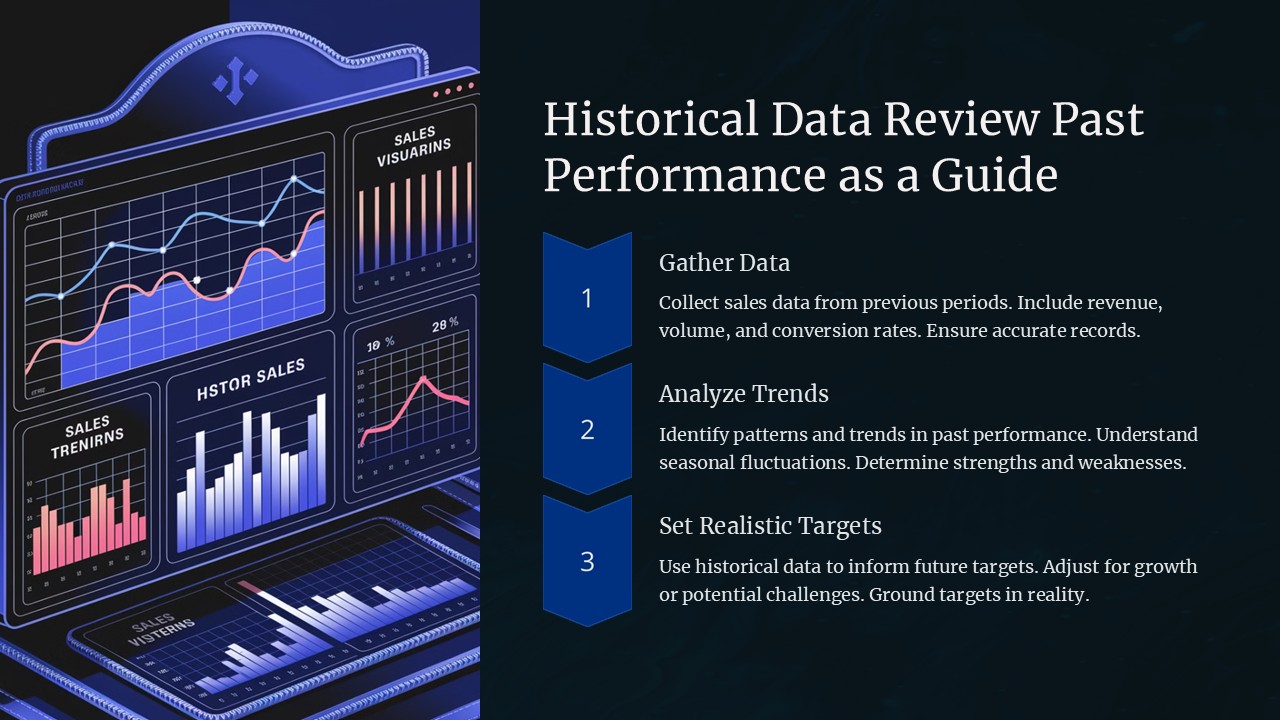
- High-Quality Graphics: The Evolution of IT Past Present & Future PowerPoint Presentation features high-quality graphics and visuals to engage and captivate audiences.
- Comprehensive Content: With detailed information on the past, present, and future of IT, this presentation covers all the essential aspects of IT evolution.
- Easy to Use: The user-friendly design of the presentation makes it easy for users to navigate through the slides and present information effectively.
Overall, the Evolution of IT Past Present & Future PowerPoint Presentation is a valuable resource for anyone looking to gain a deeper understanding of the evolution of Information Technology. Whether you're a seasoned IT professional or a student just starting out in the field, this presentation will surely enlighten and inspire you.
Template details
| Template | Evolution of IT Past Present & Future PowerPoint Presentation |
|---|---|
| Category | PowerPoint Presentations |
| File format | PowerPoint (.pptx) |
| Slide size | 16:9 widescreen |
| Preview images | 1 |
| Editable | Yes: text, colours, shapes, icons and charts |
| Works with | PowerPoint 2010 and later, PowerPoint for Mac, Google Slides |
| Licence | Royalty-free, yours to keep using after your plan ends (terms of use apply) |
| Price | Included in every SlideVilla plan |
| Added | 9 Feb 2025 |
Questions about this template
Can I edit the Evolution of IT Past Present & Future PowerPoint Presentation?
Yes. Every part of the Evolution of IT Past Present & Future PowerPoint Presentation is made with native PowerPoint shapes and text boxes, so you can change the wording, colours, fonts and sizes, move or delete elements, and swap icons without losing quality.
Does the Evolution of IT Past Present & Future PowerPoint Presentation work in Google Slides?
Yes. Download the .pptx file, upload it to Google Drive and open it with Google Slides. The layout, shapes and text stay editable there too.
Is the Evolution of IT Past Present & Future PowerPoint Presentation free?
It is a premium template, included in every SlideVilla plan together with the rest of the library. See plans and pricing.
What size and format is it?
It is a PPTX file in 16:9 widescreen format, with 1 preview image shown above.
How to use this template
- Step 1DownloadClick Download and the .pptx file saves straight to your computer.
- Step 2OpenOpen it in PowerPoint, or upload it to Google Slides from your Drive.
- Step 3Make it yoursChange text, colours, icons and charts. Every element is fully editable.
Categories
Related PowerPoint templates
More designs like this one, ready to edit.