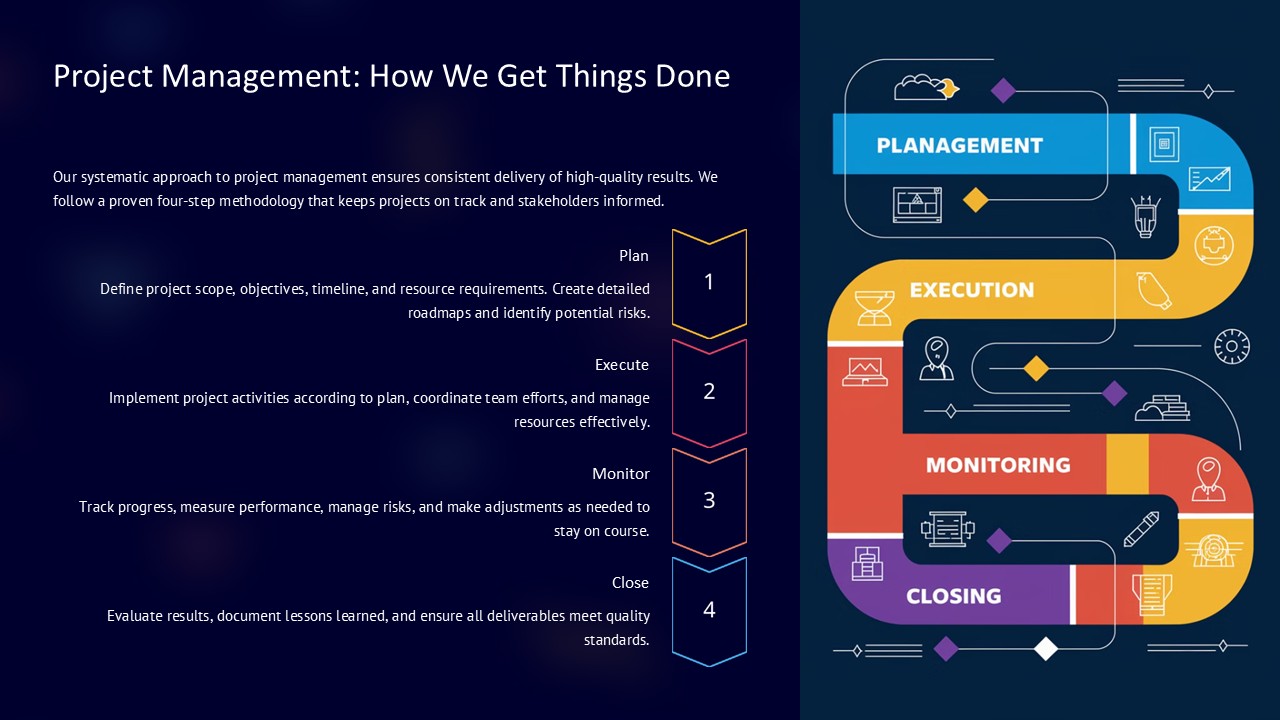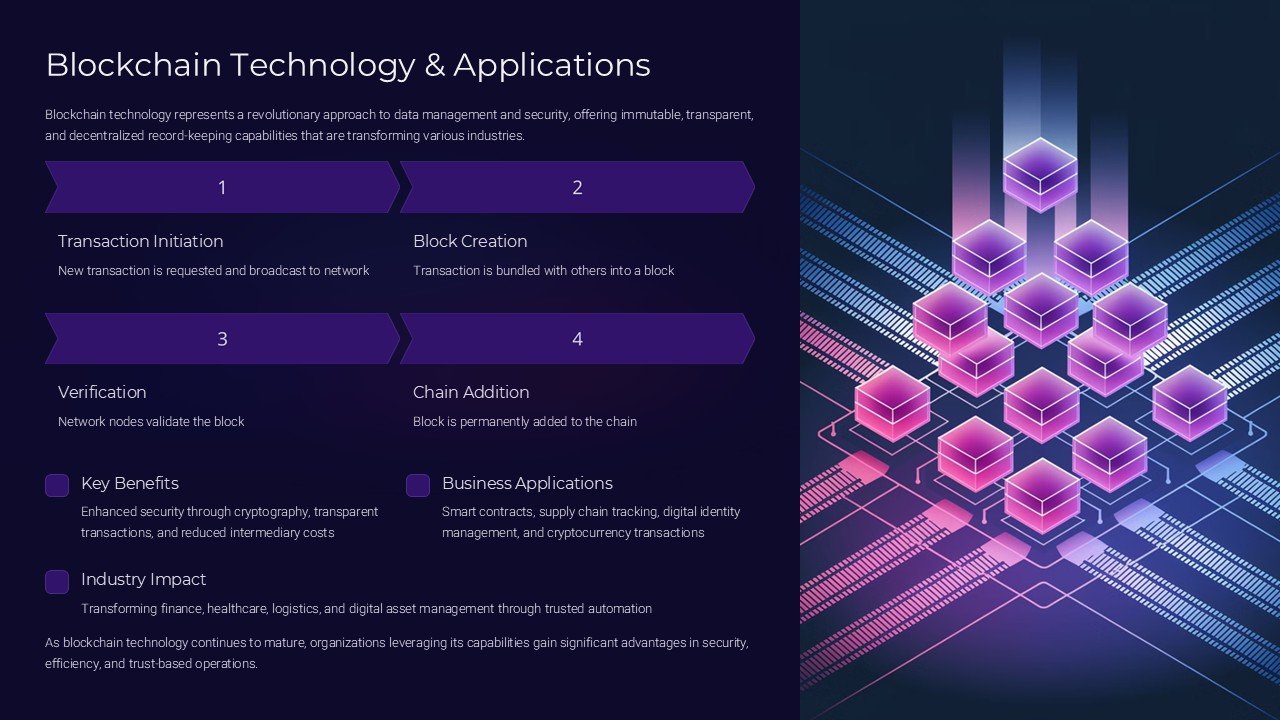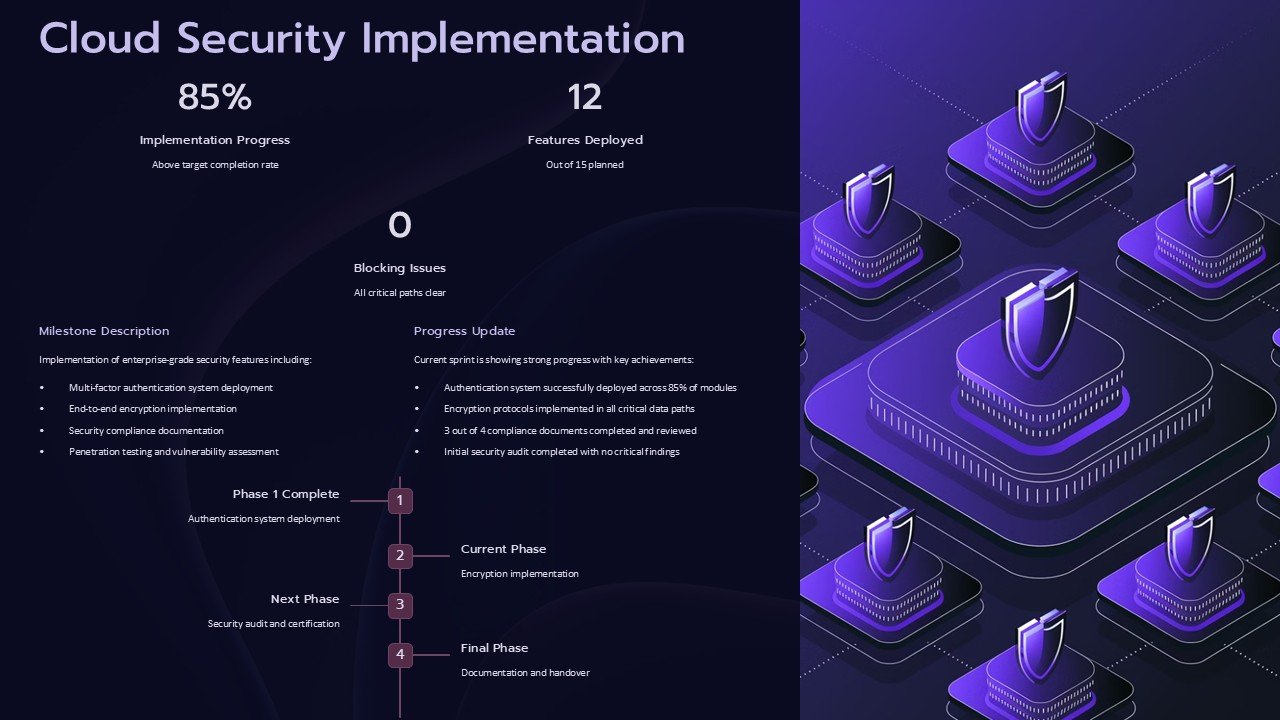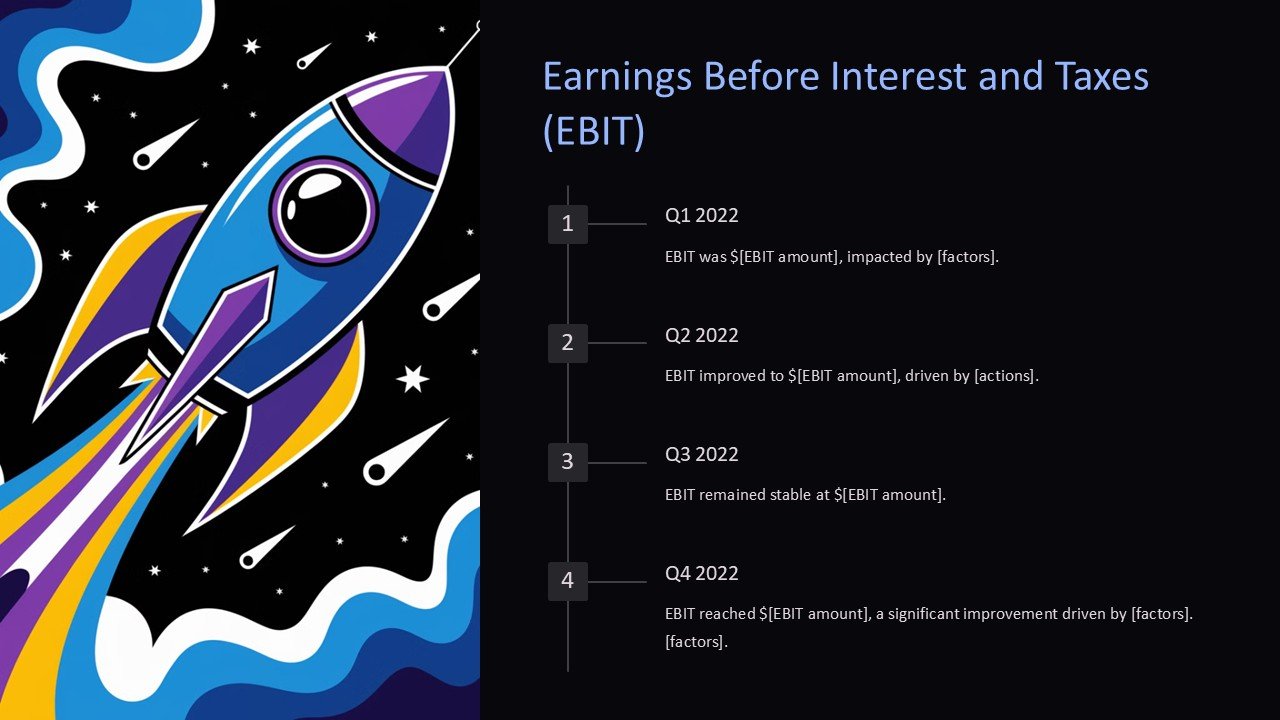
About this PowerPoint template
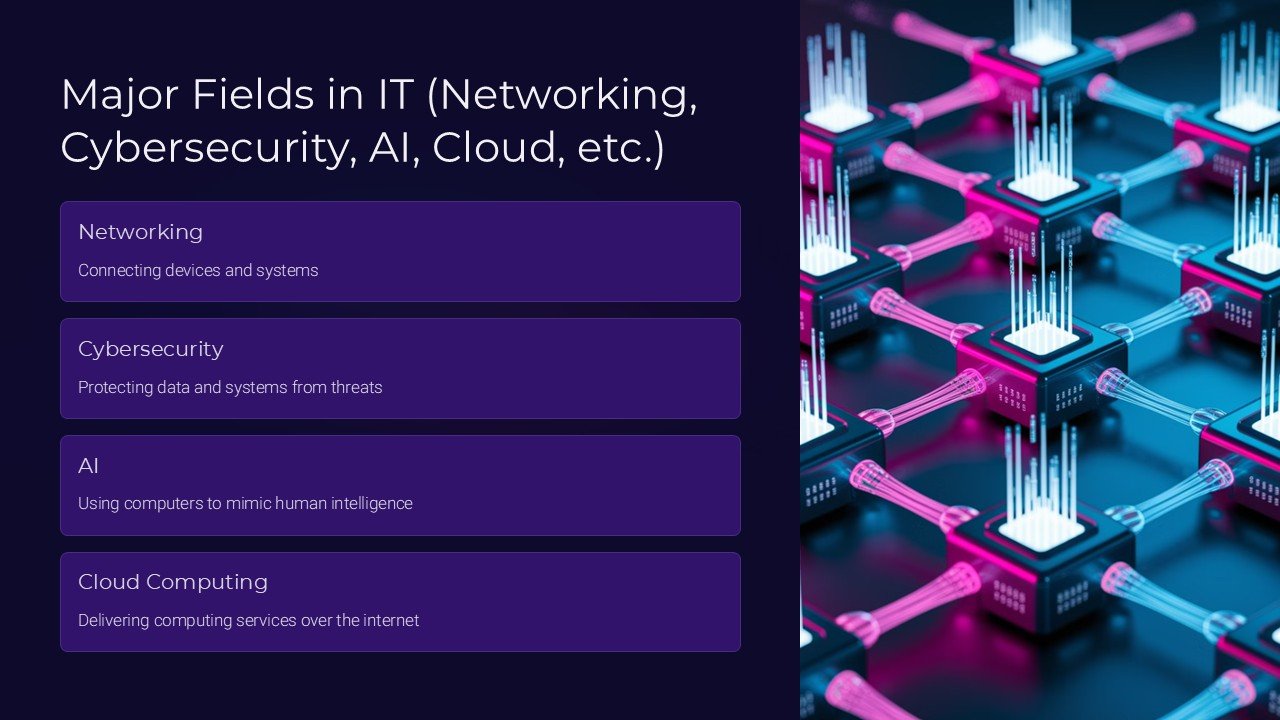
IT networking, cybersecurity, AI, cloud computing - these are some of the major fields in the vast and rapidly evolving world of information technology. Each of these fields plays a crucial role in shaping the digital landscape and ensuring the security and efficiency of our online interactions.
In IT networking, professionals work to design, implement, and manage the infrastructure that allows computers and other devices to communicate with each other. This includes setting up networks, troubleshooting issues, and ensuring that data can be transferred securely and efficiently. With the increasing reliance on digital technology, the demand for skilled IT networking professionals is higher than ever.
Cybersecurity is another critical field that focuses on protecting digital systems, networks, and data from cyber threats. As cyber attacks become more sophisticated and prevalent, cybersecurity experts are needed to develop and implement robust security measures to safeguard sensitive information and prevent data breaches.
Artificial Intelligence (AI) is revolutionizing various industries by enabling machines to perform tasks that typically require human intelligence, such as speech recognition, decision-making, and problem-solving. From self-driving cars to virtual assistants, AI technology is reshaping the way we interact with machines and enhancing automation and efficiency in countless applications.
Cloud computing is a model that allows users to access and store data and applications over the internet, rather than on local hardware. Cloud services offer scalability, flexibility, and cost-effectiveness, making it an attractive option for businesses looking to streamline their operations and improve accessibility.
When it comes to creating PowerPoint presentations on these topics, having fully editable templates can save you time and effort by providing a professional and visually appealing design that can be customized to suit your specific needs. These templates often feature modern layouts, graphics, and color schemes that are relevant to IT networking, cybersecurity, AI, and cloud computing, making it easy to create engaging and informative presentations that resonate with your audience.
By using fully editable templates, you can easily insert your content, adjust the design elements, and tailor the presentation to convey your message effectively. Whether you are giving a training session, presenting a project proposal, or sharing insights on the latest trends in technology, having access to customizable templates can help you create polished and professional presentations that captivate your audience.
Template details
| Template | Major Fields in IT Networking Cybersecurity AI Cloud PowerPoint Presentation |
|---|---|
| Category | PowerPoint Presentations |
| File format | PowerPoint (.pptx) |
| Slide size | 16:9 widescreen |
| Preview images | 1 |
| Editable | Yes: text, colours, shapes, icons and charts |
| Works with | PowerPoint 2010 and later, PowerPoint for Mac, Google Slides |
| Licence | Royalty-free, yours to keep using after your plan ends (terms of use apply) |
| Price | Included in every SlideVilla plan |
| Added | 9 Feb 2025 |
Questions about this template
Can I edit the Major Fields in IT Networking Cybersecurity AI Cloud PowerPoint Presentation?
Yes. Every part of the Major Fields in IT Networking Cybersecurity AI Cloud PowerPoint Presentation is made with native PowerPoint shapes and text boxes, so you can change the wording, colours, fonts and sizes, move or delete elements, and swap icons without losing quality.
Does the Major Fields in IT Networking Cybersecurity AI Cloud PowerPoint Presentation work in Google Slides?
Yes. Download the .pptx file, upload it to Google Drive and open it with Google Slides. The layout, shapes and text stay editable there too.
Is the Major Fields in IT Networking Cybersecurity AI Cloud PowerPoint Presentation free?
It is a premium template, included in every SlideVilla plan together with the rest of the library. See plans and pricing.
What size and format is it?
It is a PPTX file in 16:9 widescreen format, with 1 preview image shown above.
How to use this template
- Step 1DownloadClick Download and the .pptx file saves straight to your computer.
- Step 2OpenOpen it in PowerPoint, or upload it to Google Slides from your Drive.
- Step 3Make it yoursChange text, colours, icons and charts. Every element is fully editable.
Categories
Related PowerPoint templates
More designs like this one, ready to edit.