About this PowerPoint template
The Customer Segmentation PowerPoint Presentation is a complete 25-slide presentation: turn customer differences into more relevant decisions. Every slide is fully editable in PowerPoint and Google Slides, so you can change the text, colours, charts and icons to fit your brand in minutes.
Inside, the slides walk through topics such as “Four lenses reveal different customer patterns”, “Translate each segment into a clear value proposition” and “Test segment assumptions before expanding”, with ready-made layouts for each step. It is part of our Sales, Marketing & Customer presentations.
On this page
What's included
- 25 professionally designed 16:9 widescreen slides
- 100% editable text, shapes, icons, tables and charts (no flat images)
- Works in Microsoft PowerPoint (Windows and Mac) and Google Slides
- Clean, consistent layout that follows your theme colours and fonts
- Delivered as a single ZIP file containing the .pptx presentation
What to include in a customer experience presentation
A simple structure that works for most audiences, mapped to the slides in this deck:
| Part | What goes there | Slide in this deck |
|---|---|---|
| Customer view | Who the customers are and what they expect | Slides 3, 4, 5 |
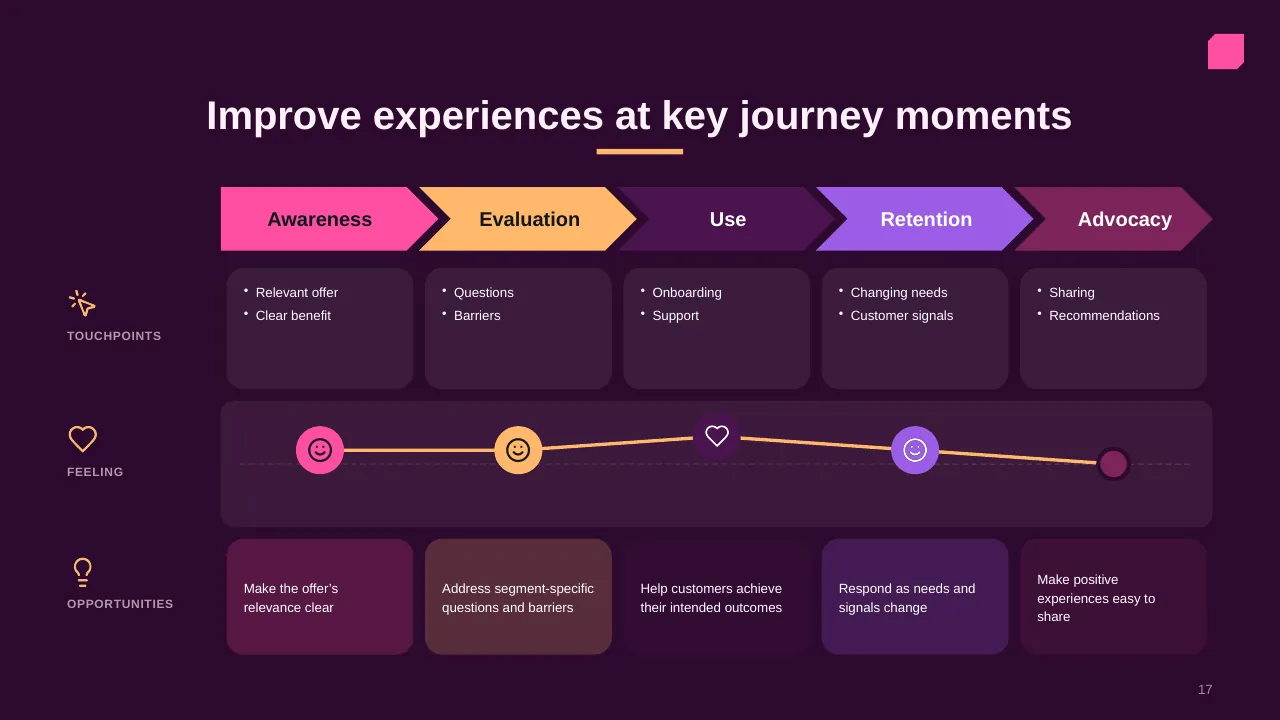
| Journey | Key stages and moments that matter | Slide 17 |
| Pain points | Where the experience breaks down | Use any content slide |
| Improvements | Initiatives and quick wins | Slides 15, 17 |
| Measures | NPS, CSAT, effort, retention | Use any content slide |
Key numbers: Customer experience
Research figures you can quote on your slides. Each one names the study it comes from, so your audience can check it.
| Finding | Figure | Source |
|---|---|---|
| Customers who would leave a brand they love after one bad experience | 32% (17% in the US) | PwC, Future of Customer Experience (2018) |
| US customers who would leave after several bad experiences | 59% | PwC, Future of Customer Experience (2018) |
| US consumers who stopped buying from a business in the past year | 26% | PwC Customer Loyalty Survey (2022) |
Sources: PwC, Future of Customer Experience · PwC Customer Loyalty Survey 2022 · MarketingCharts on the PwC survey. Figures are from the editions named; check for a newer edition before you present.
The well-known "32%" is a 12-country average; for US customers PwC found 17%. Quote the figure that matches your audience.
Slide-by-slide outline
| Slide | What it covers |
|---|---|
| 1 | Title slide: Customer Segmentation |
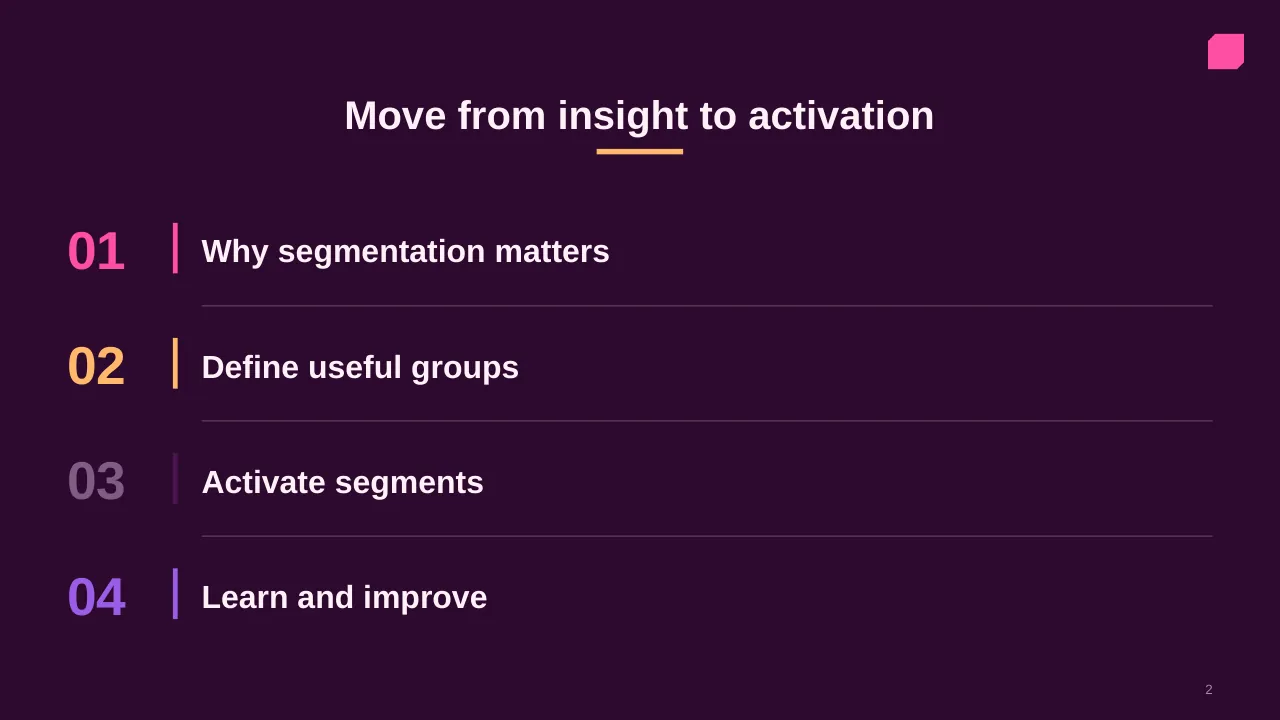
| 2 | Move from insight to activation |
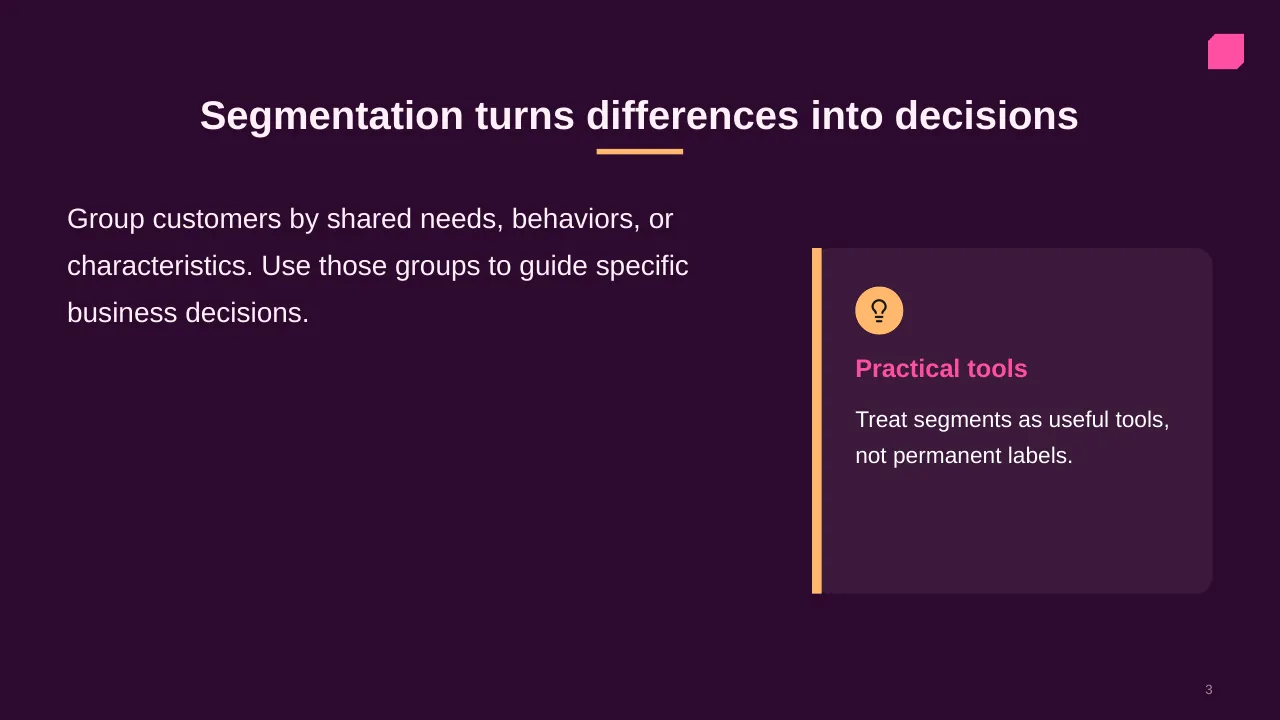
| 3 | Group customers by shared needs, behaviors, or characteristics. Use those groups to guide specific… |
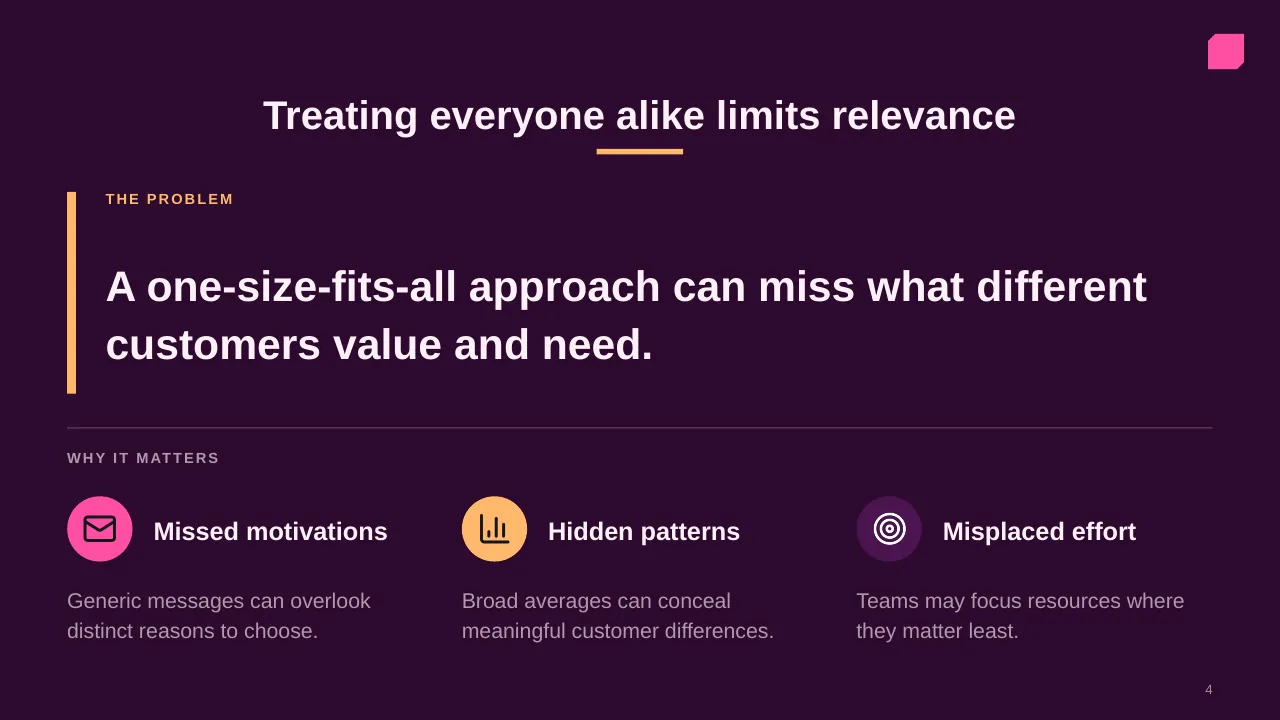
| 4 | A one-size-fits-all approach can miss what different customers value and need. |
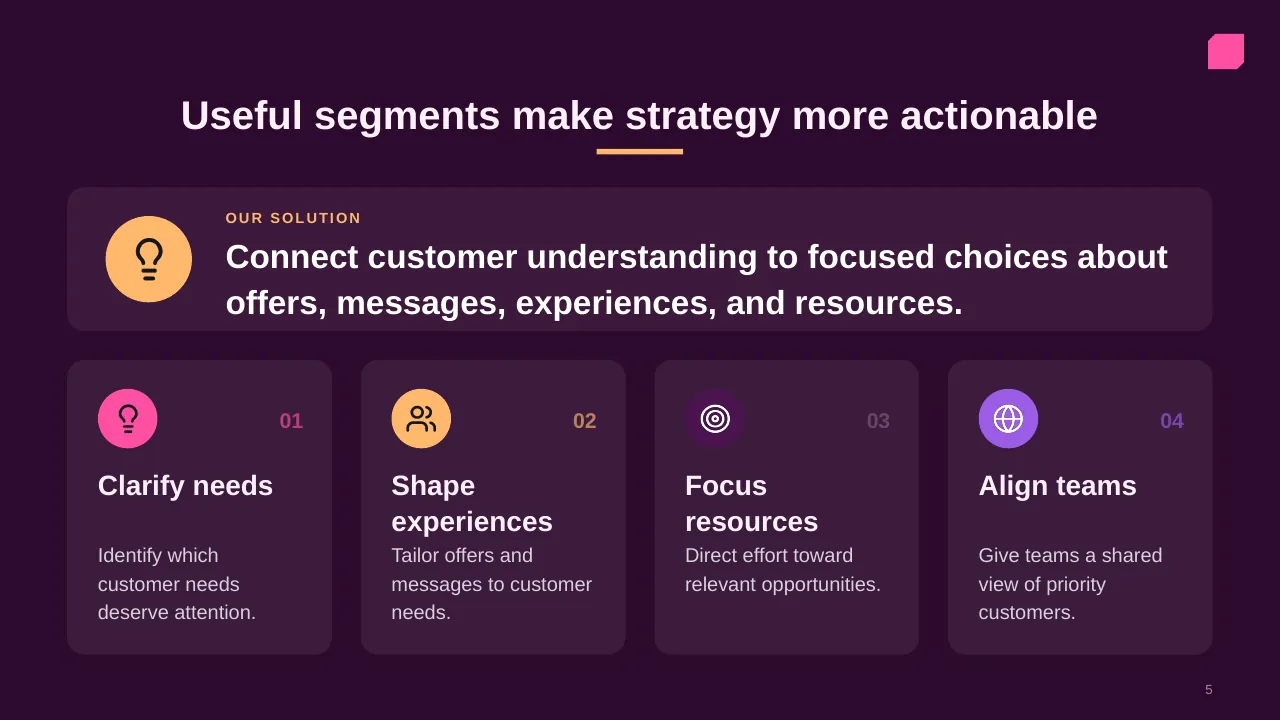
| 5 | Connect customer understanding to focused choices about offers, messages, experiences, and resources. |
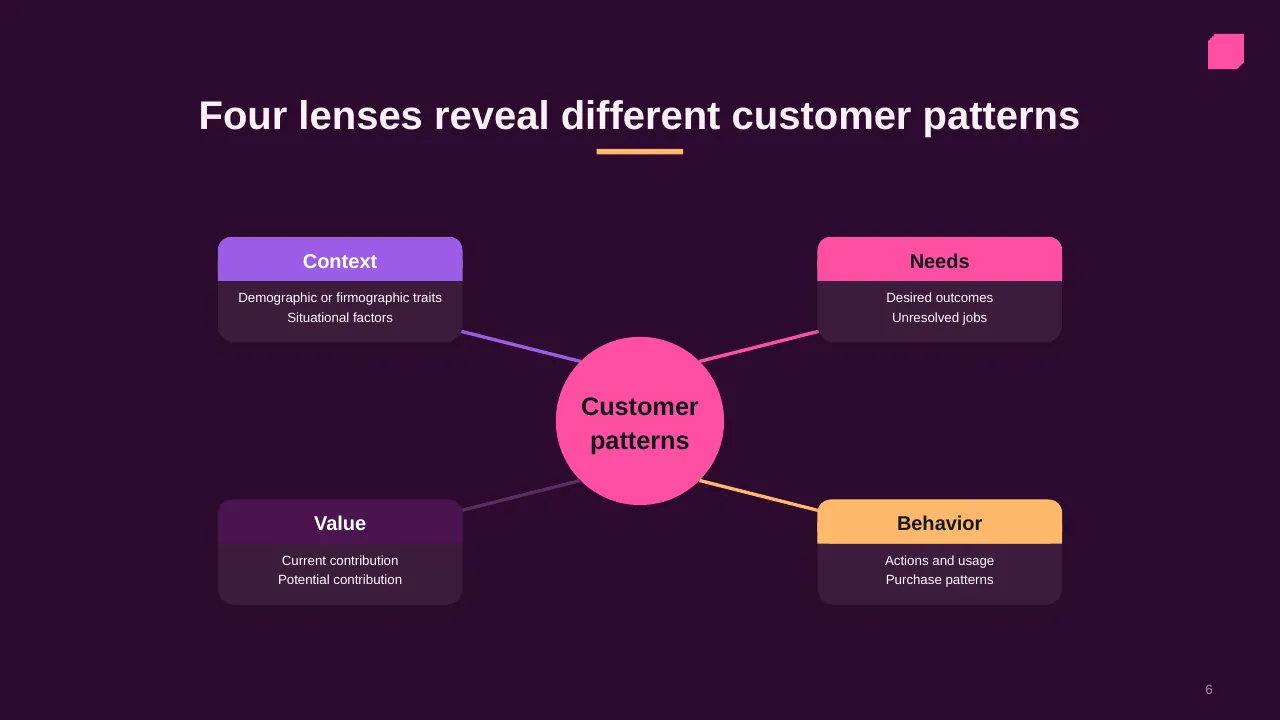
| 6 | Four lenses reveal different customer patterns |
| 7 | Name the decision first, then choose variables that distinguish groups and change what you do. |
| 8 | Choose a useful lens, define clear group boundaries, and check that each group supports action. |
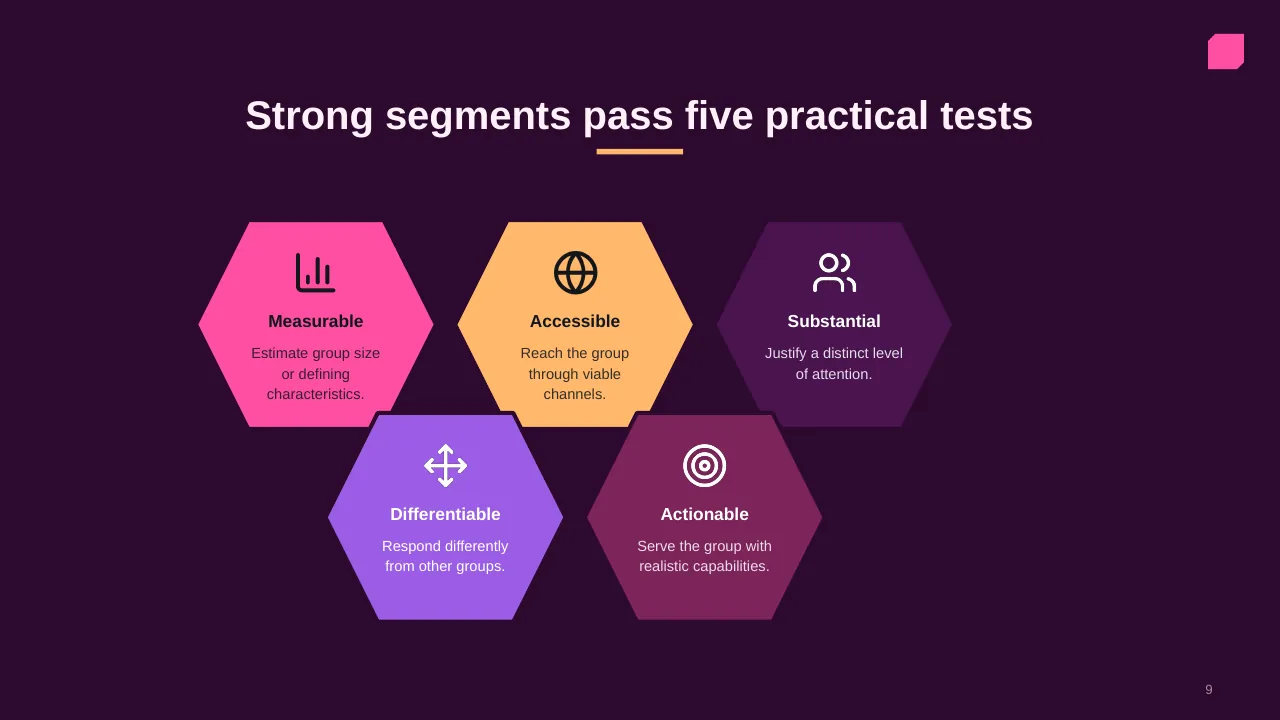
| 9 | Estimate group size or defining characteristics. |
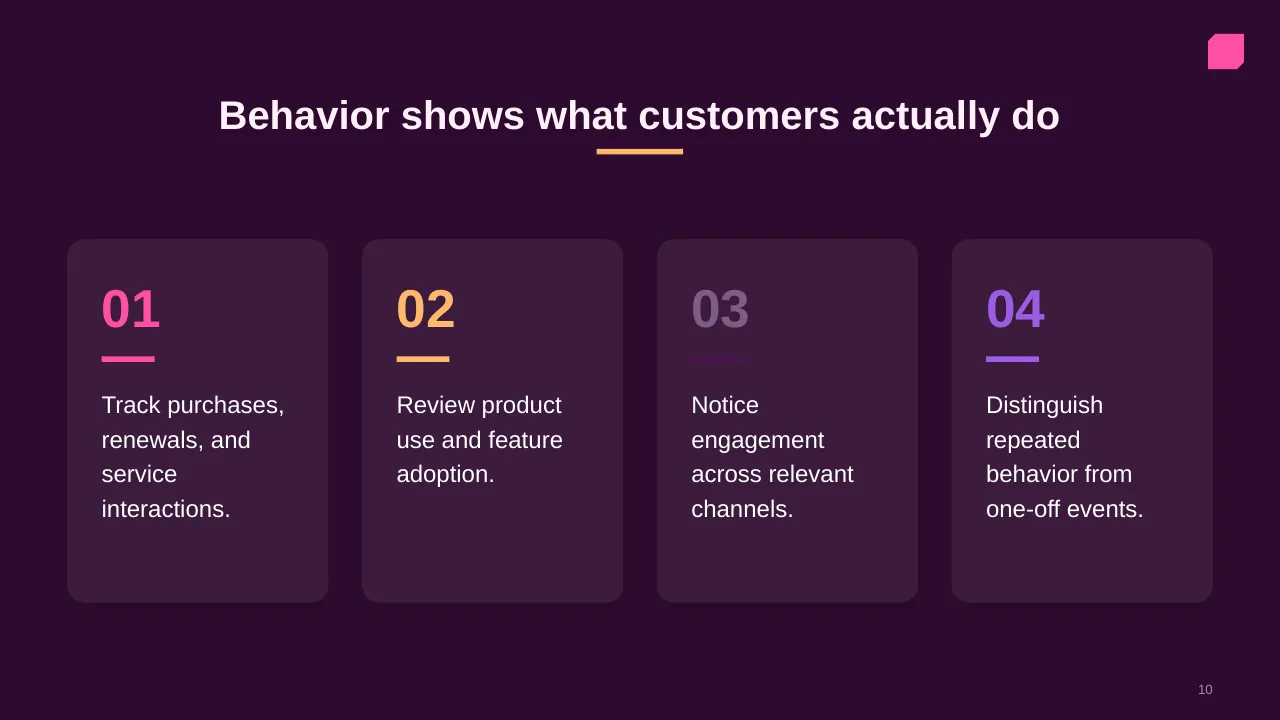
| 10 | Track purchases, renewals, and service interactions. |
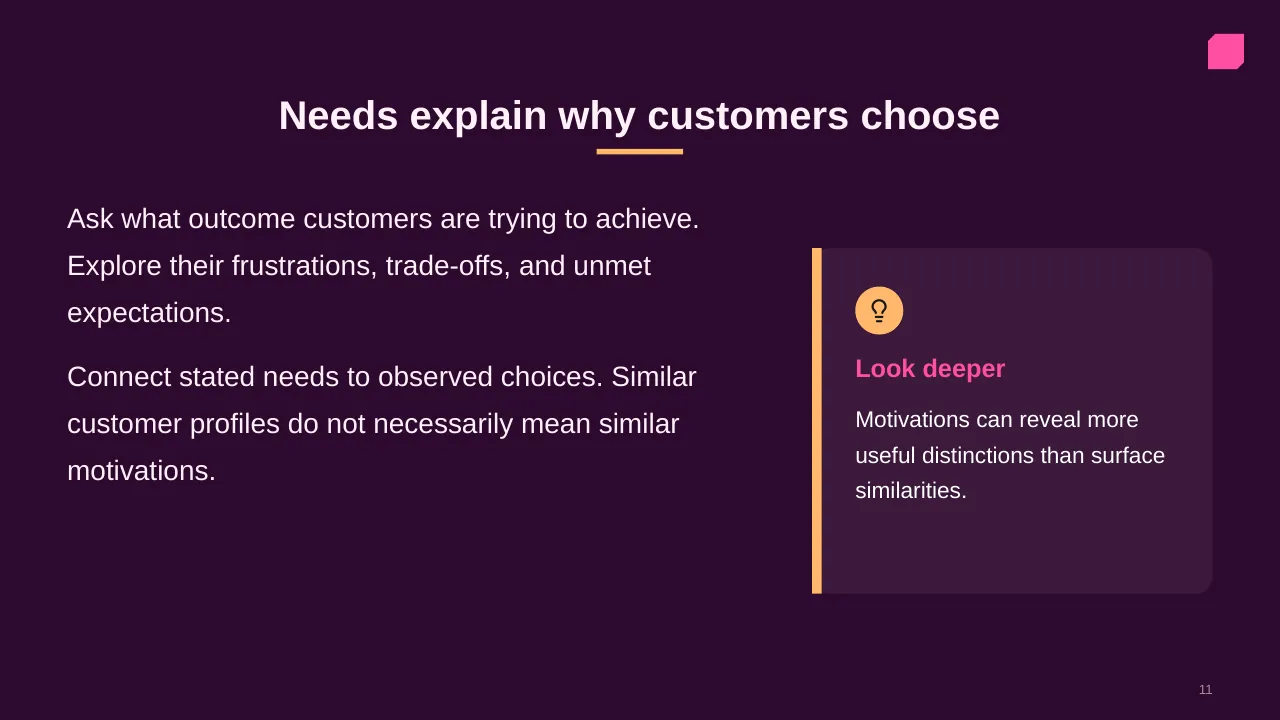
| 11 | Ask what outcome customers are trying to achieve. Explore their frustrations, trade-offs, and unmet… |
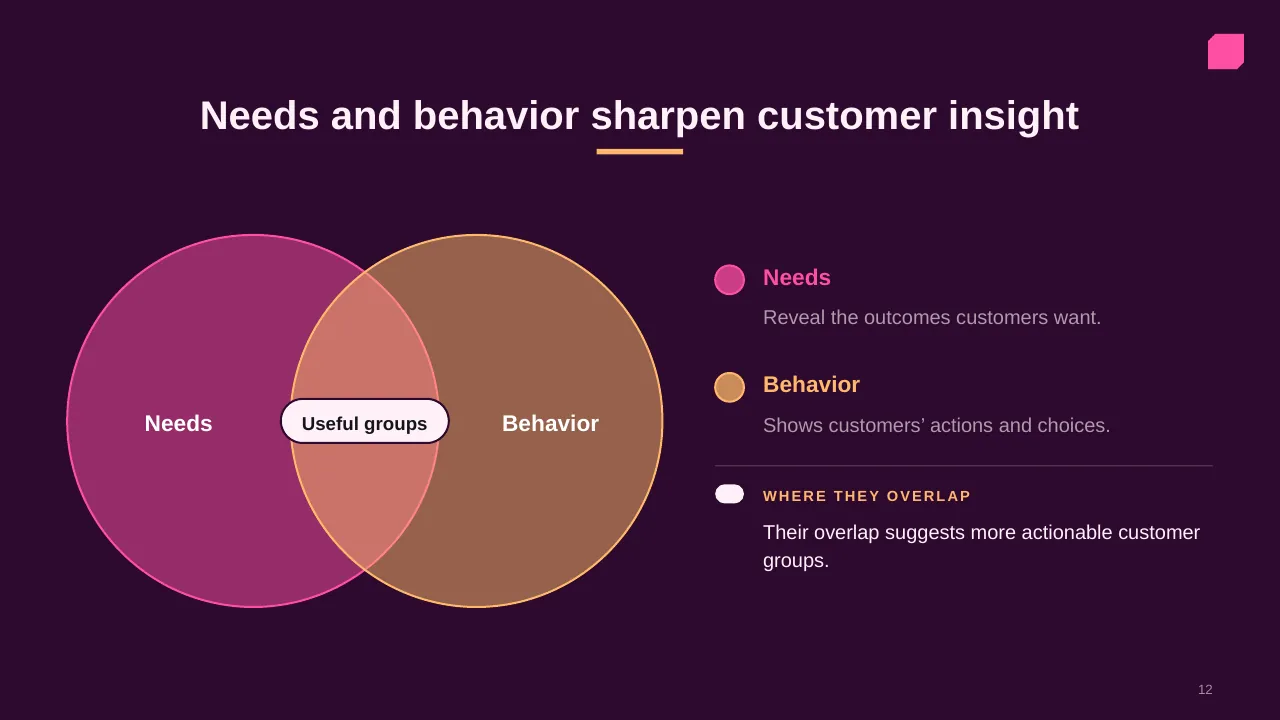
| 12 | Needs and behavior sharpen customer insight |
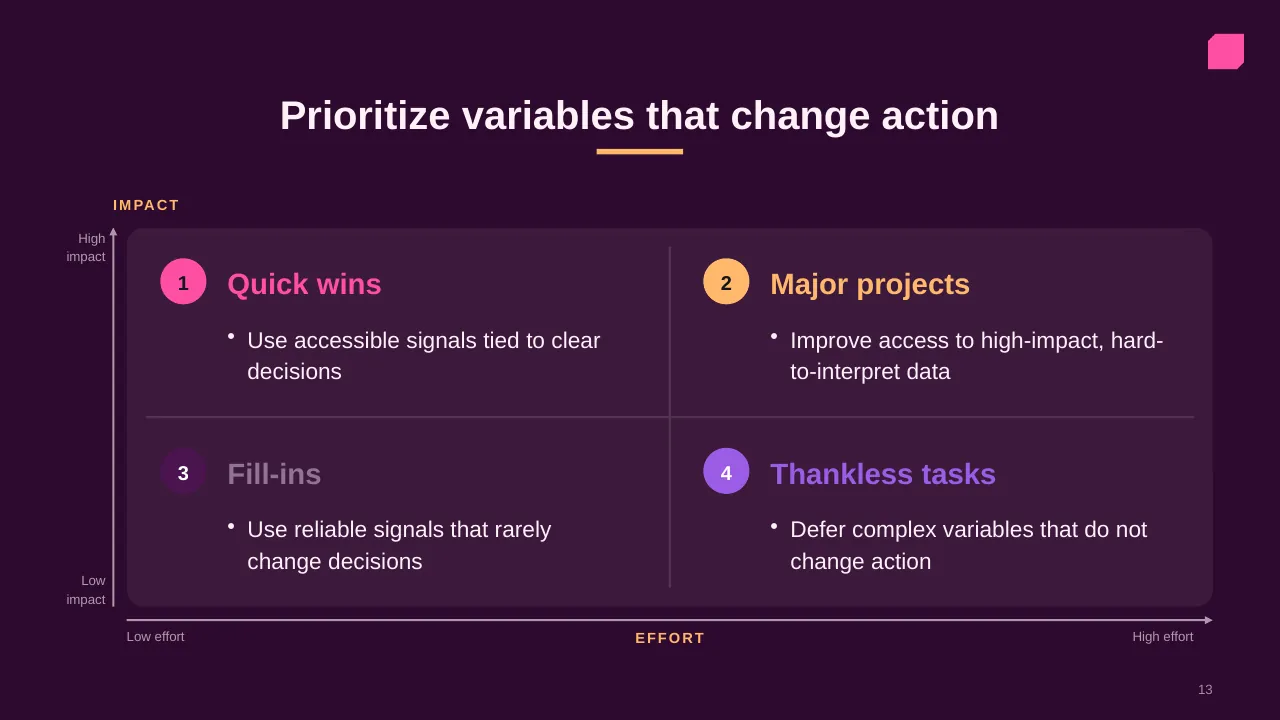
| 13 | Prioritize variables that change action |
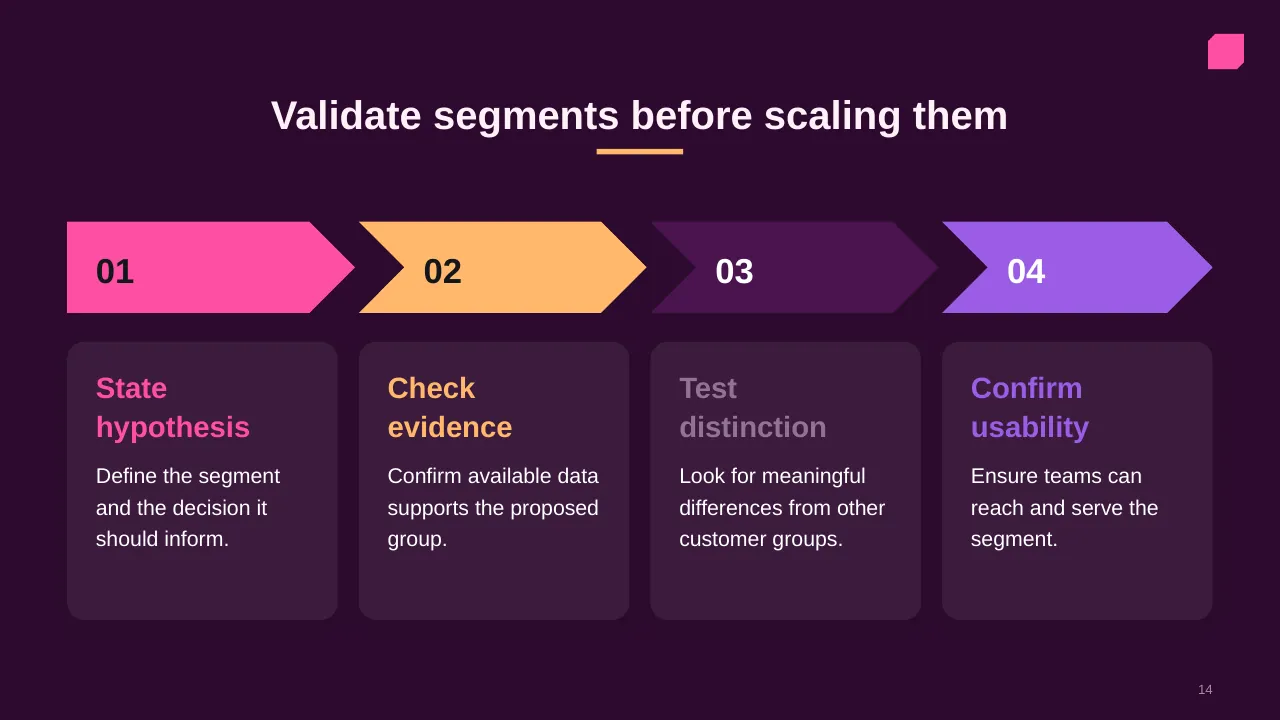
| 14 | Validate segments before scaling them |
| 15 | Translate customer differences into relevant value, coordinated action, and measurable improvement. |
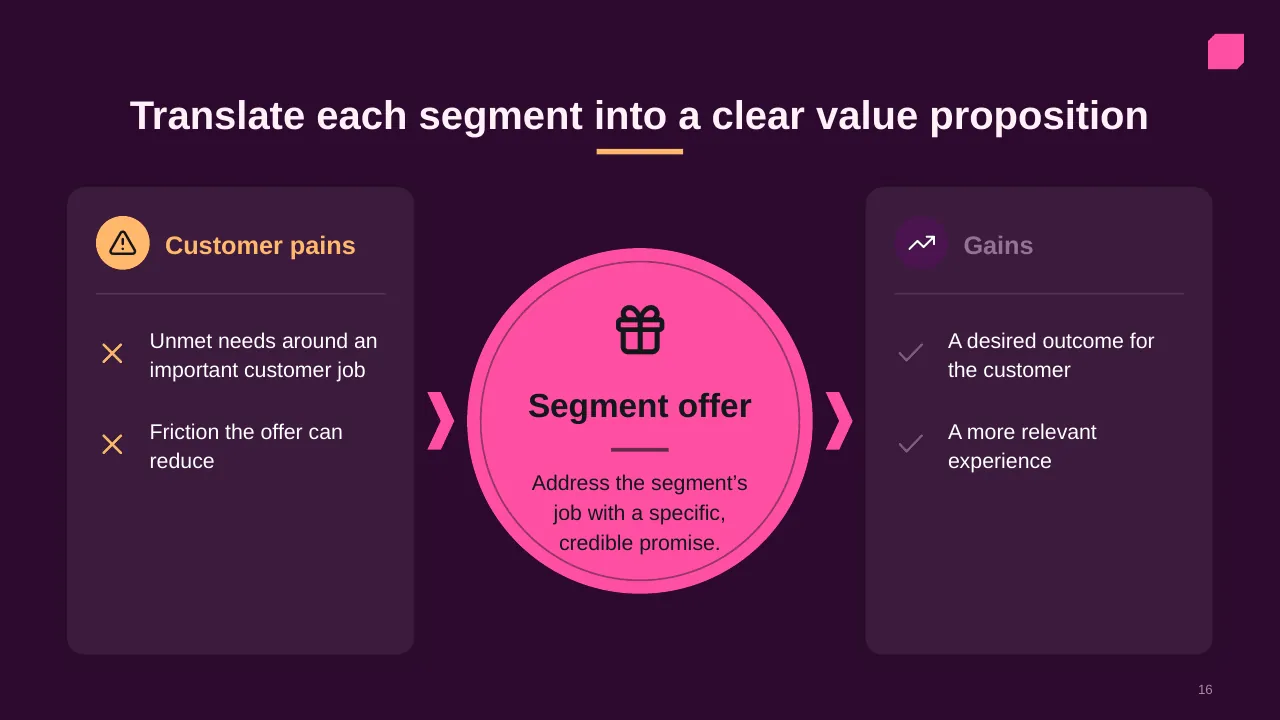
| 16 | Translate each segment into a clear value proposition |
| 17 | Improve experiences at key journey moments |
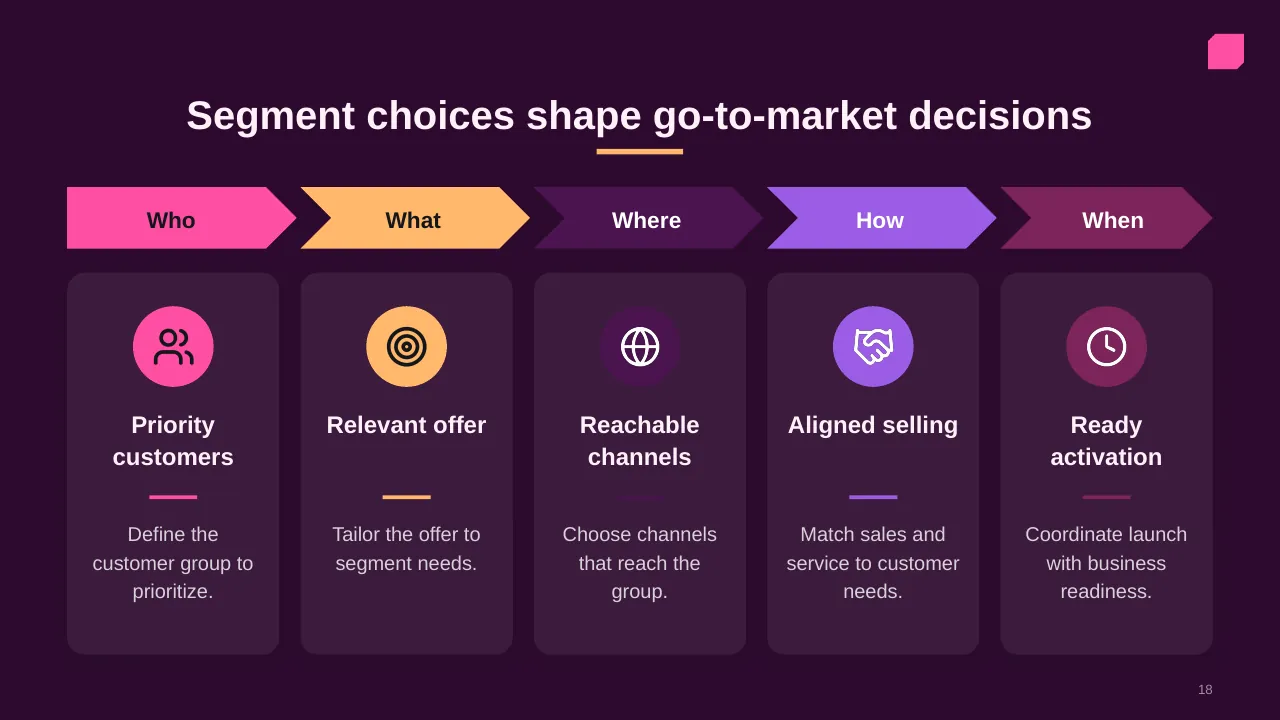
| 18 | Segment choices shape go-to-market decisions |
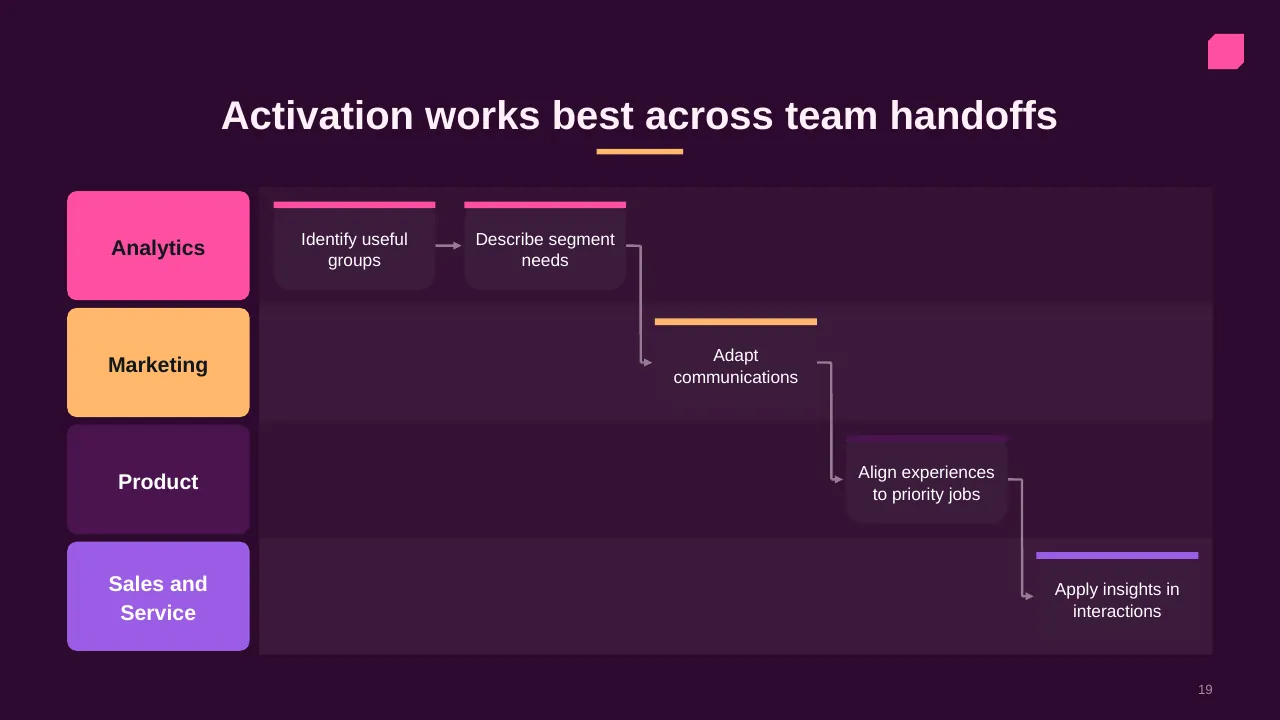
| 19 | Activation works best across team handoffs |
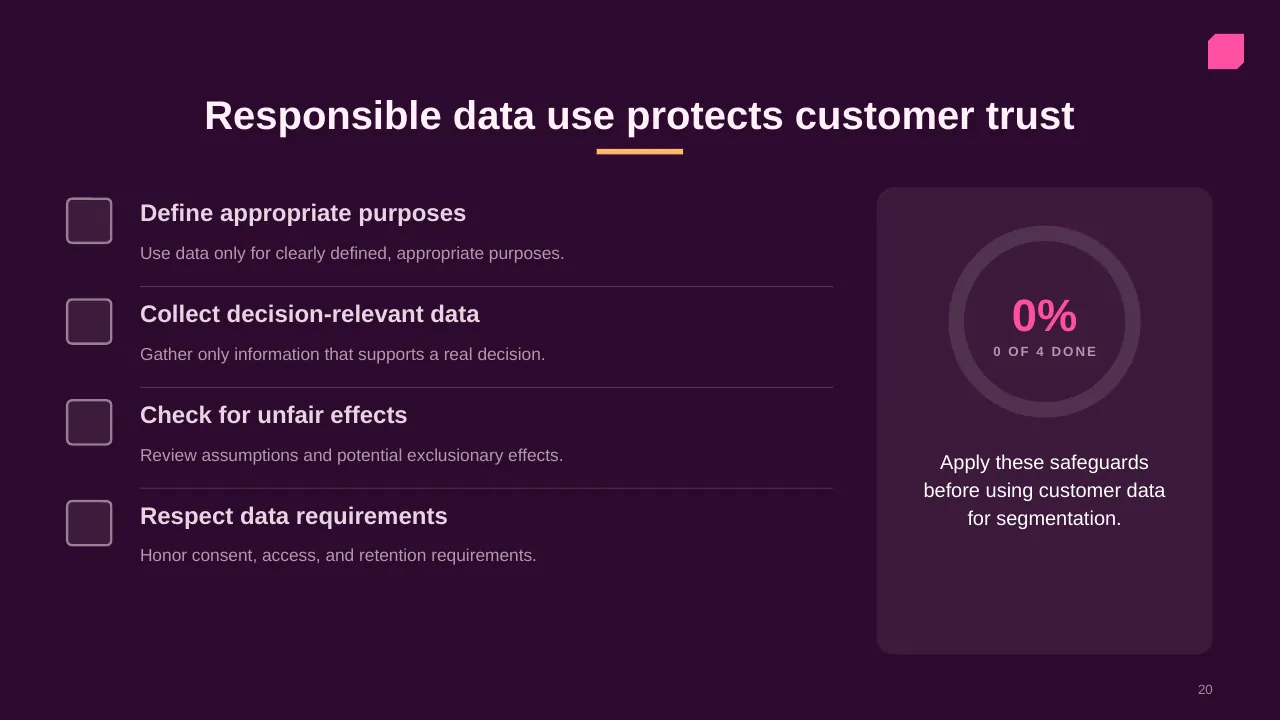
| 20 | Use data only for clearly defined, appropriate purposes. |
| 21 | Track distinctiveness, outcomes, and feedback; refine definitions as evidence changes. |
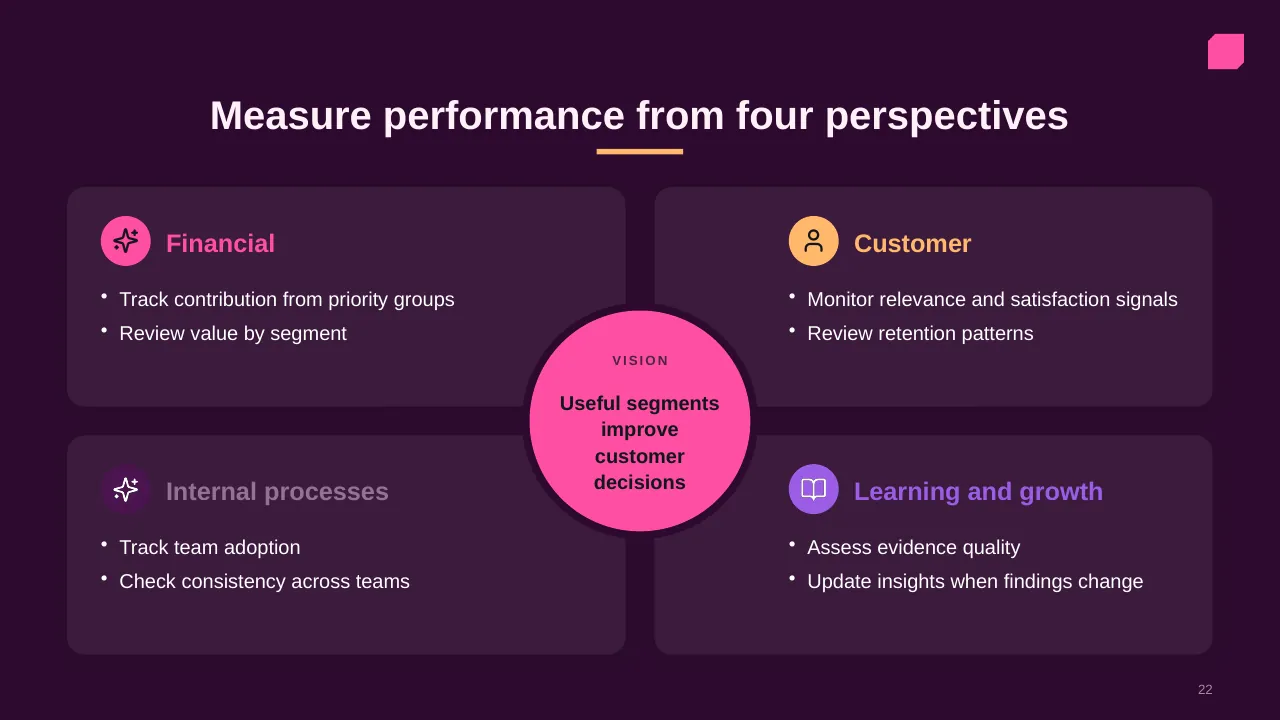
| 22 | Track contribution from priority groups Review value by segment |
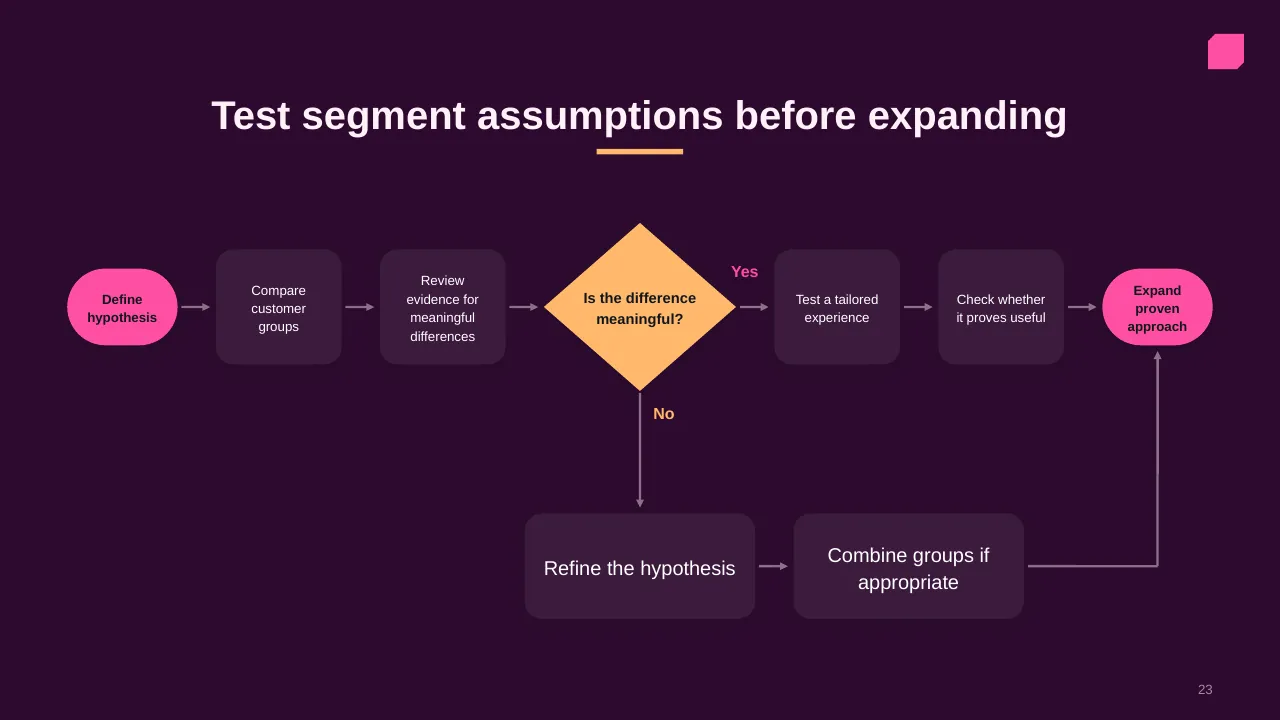
| 23 | Test segment assumptions before expanding |
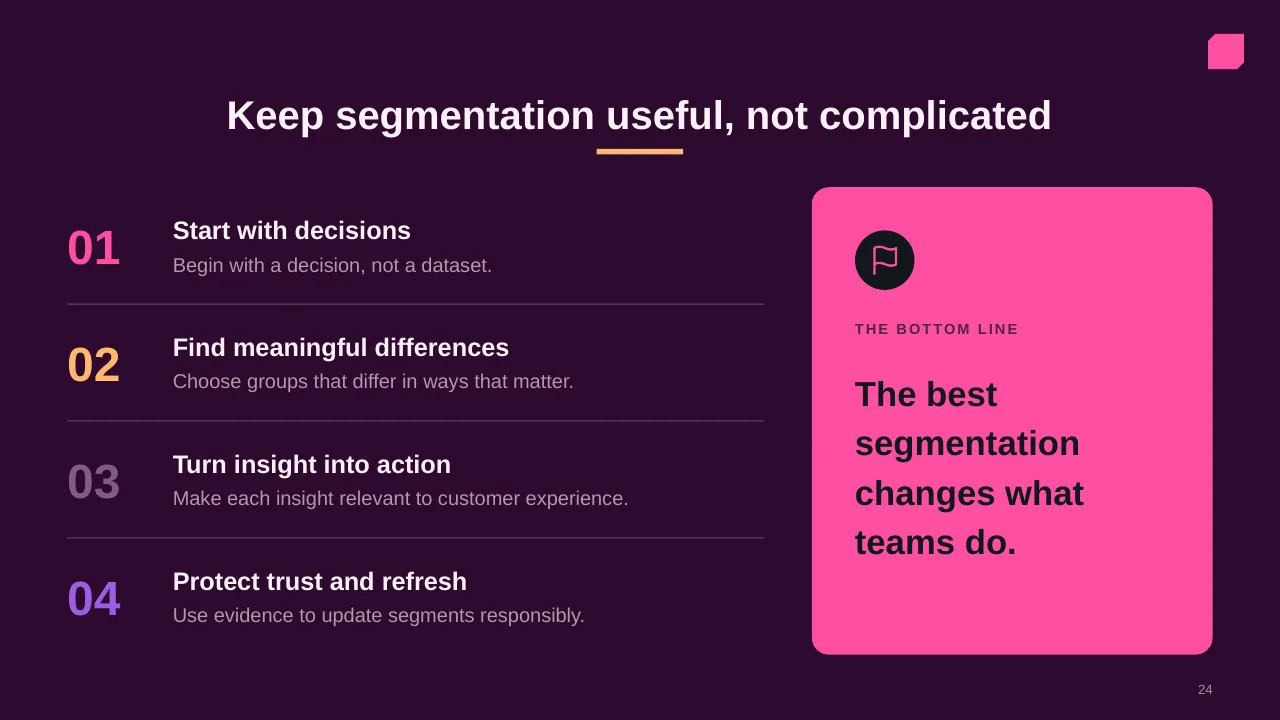
| 24 | Keep segmentation useful, not complicated |
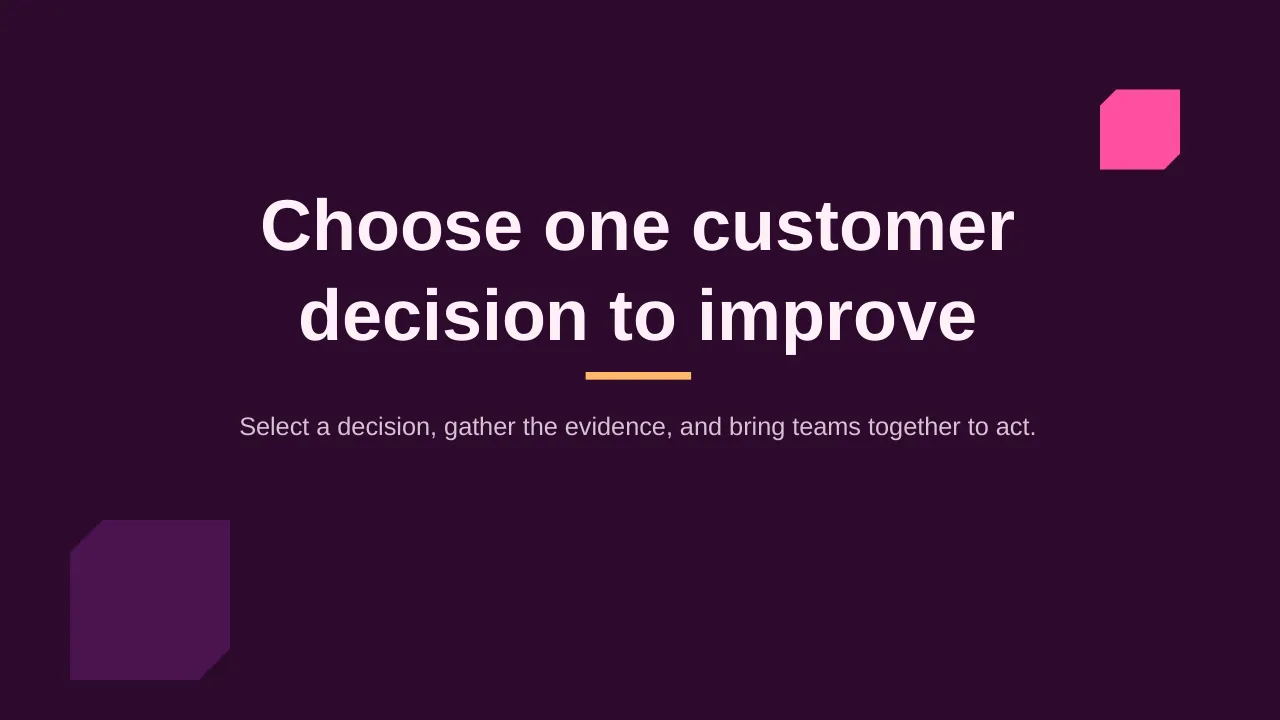
| 25 | Select a decision, gather the evidence, and bring teams together to act. |
Tips for a customer experience presentation
- Show one bad experience in detail; PwC found a single one makes many customers leave.
- Map the journey from the customer's side, not your org chart.
- Tie each improvement to a measure such as retention or effort.
- Quote real customer feedback.
Mistakes to avoid
- Internal process maps labelled as journeys
- Only tracking satisfaction, not retention
- No owner for each pain point
Checklist before you present
- Is the target customer defined?
- Are moments that matter highlighted?
- Are pain points backed by data?
- Does each fix have an owner and measure?
- Is there a feedback loop?
Great for
- Sales reviews and forecasts
- Marketing and launch plans
- Customer experience programmes
- Competitive and market analysis
How to customise it
- Download the ZIP file and unzip it to get the .pptx presentation.
- Open it in PowerPoint, or upload it to Google Drive and open it with Google Slides.
- Replace the sample text and numbers with your own; charts update from their data sheets.
- Change the theme colours once to recolour the whole deck, then delete any slides you don't need.
Questions about a customer experience presentation
What is the difference between NPS and CSAT?
NPS asks how likely a customer is to recommend you (loyalty); CSAT asks how satisfied they were with a specific interaction.
How do I create a customer journey map?
List the stages a customer goes through, then for each stage note their goal, touchpoints, emotions and pain points.
Related presentations
- Building an Actionable Sales Plan PowerPoint Presentation
- Four Building Blocks of Customer Success PowerPoint Presentation
- Annual Sales Review PowerPoint Presentation
- Competitive Analysis PowerPoint Presentation
Browse all Sales, Marketing & Customer presentations or more business PowerPoint templates.
Template details
| Template | Customer Segmentation PowerPoint Presentation |
|---|---|
| Categories | Business PowerPoint Templates, Sales, Marketing & Customer |
| File format | PowerPoint (.pptx), delivered as a .zip file |
| Number of slides | 25 fully editable slides |
| File size | 2.8 MB |
| Slide size | 16:9 widescreen |
| Preview images | 25 |
| Editable | Yes: text, colours, shapes, icons and charts |
| Works with | PowerPoint 2010 and later, PowerPoint for Mac, Google Slides |
| Licence | Royalty-free, yours to keep using after your plan ends (terms of use apply) |
| Price | Included in every SlideVilla plan |
| Added | 29 Oct 2025 |
Questions about this template
Can I edit the Customer Segmentation PowerPoint Presentation?
Yes. Every part of the Customer Segmentation PowerPoint Presentation is made with native PowerPoint shapes and text boxes, so you can change the wording, colours, fonts and sizes, move or delete elements, and swap icons without losing quality.
Does the Customer Segmentation PowerPoint Presentation work in Google Slides?
Yes. Download the .zip file, unzip it to get the .pptx, upload it to Google Drive and open it with Google Slides. The layout, shapes and text stay editable there too.
Is the Customer Segmentation PowerPoint Presentation free?
It is a premium template, included in every SlideVilla plan together with the rest of the library. See plans and pricing.
What size and format is it?
It is a PPTX file in 16:9 widescreen format with 25 slides, 2.8 MB (downloaded as a .zip; unzip it to get the presentation), with 25 preview images shown above.
How to use this template
- Step 1DownloadClick Download, then unzip the .zip file to get the .pptx presentation.
- Step 2OpenOpen it in PowerPoint, or upload it to Google Slides from your Drive.
- Step 3Make it yoursChange text, colours, icons and charts. Every element is fully editable.
Related PowerPoint templates
More designs like this one, ready to edit.