
About this PowerPoint template
The Competitive Analysis PowerPoint Presentation is a complete 25-slide presentation: a practical field guide to turning competitor insight into strategic choices. Every slide is fully editable in PowerPoint and Google Slides, so you can change the text, colours, charts and icons to fit your brand in minutes.
Inside, the slides walk through topics such as “Markets change faster than assumptions”, “A polished claim is not proof of performance” and “A disciplined review turns research into action”, with ready-made layouts for each step. It is part of our Sales, Marketing & Customer presentations.
On this page
What's included
- 25 professionally designed 16:9 widescreen slides
- 100% editable text, shapes, icons, tables and charts (no flat images)
- Works in Microsoft PowerPoint (Windows and Mac) and Google Slides
- Clean, consistent layout that follows your theme colours and fonts
- Delivered as a single ZIP file containing the .pptx presentation
What to include in a marketing or go-to-market presentation
A simple structure that works for most audiences, mapped to the slides in this deck:
| Part | What goes there | Slide in this deck |
|---|---|---|
| Goals | Revenue, pipeline or awareness goals | Use any content slide |
| Market and audience | Segments, personas and competitors | Slides 2, 3, 4 |
| Positioning | Value proposition and messages | Slides 9, 16, 18 |
| Channels and plan | Channel mix, campaigns and timeline | Slides 21, 22 |
| Budget | Spend by channel and expected return | Use any content slide |
| Measures | KPIs and reporting | Slide 22 |
Key numbers: Marketing
Research figures you can quote on your slides. Each one names the study it comes from, so your audience can check it.
| Finding | Figure | Source |
|---|---|---|
| Average marketing budget as a share of company revenue | 7.7% (same as 2024) | Gartner CMO Spend Survey (2025) |
| CMOs saying they lack the budget to execute their strategy | 59% | Gartner CMO Spend Survey (2025) |
| Share of the marketing budget going to paid media | 30.6% | Gartner CMO Spend Survey (2025) |
| CMOs who say marketing is seen as a profit centre | 61% (from 54%) | Gartner CMO Spend Survey (2025) |
Sources: Gartner 2025 CMO Spend Survey press release · Gartner Marketing Symposium Day 1 highlights · Campaign Asia on the survey. Figures are from the editions named; check for a newer edition before you present.
Slide-by-slide outline
| Slide | What it covers |
|---|---|
| 1 | Title slide: Competitive Analysis |
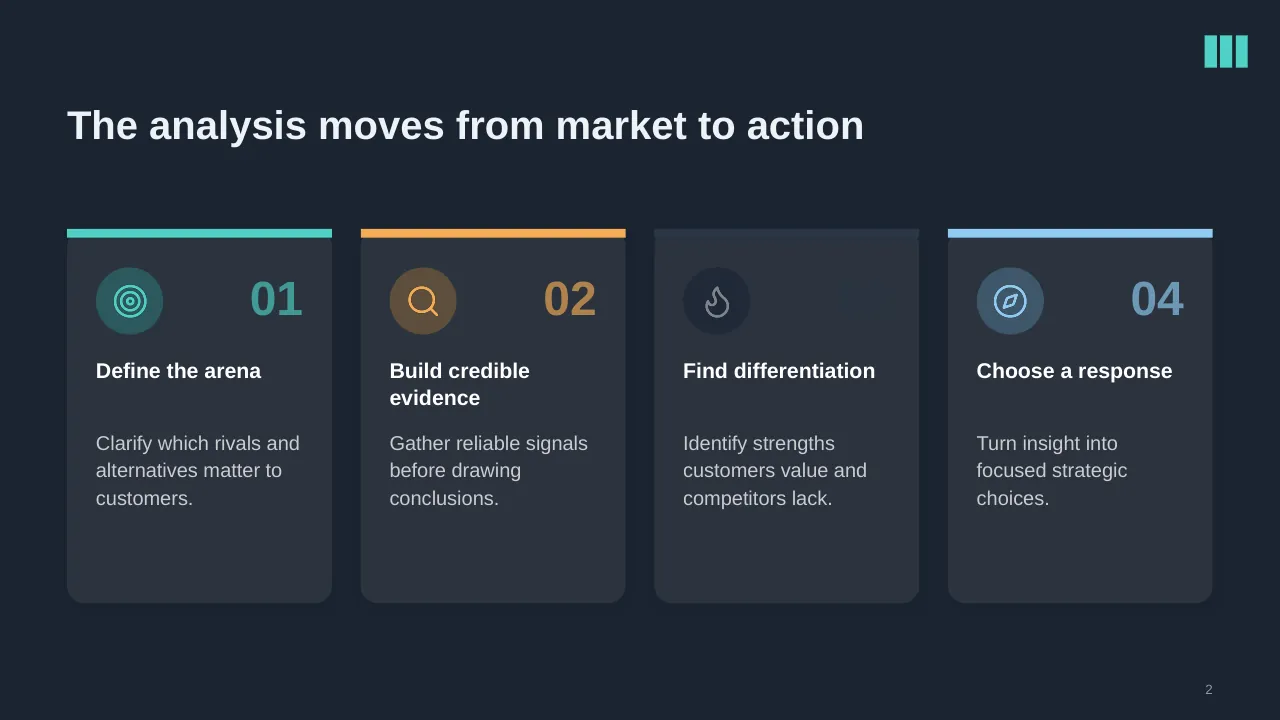
| 2 | The analysis moves from market to action |
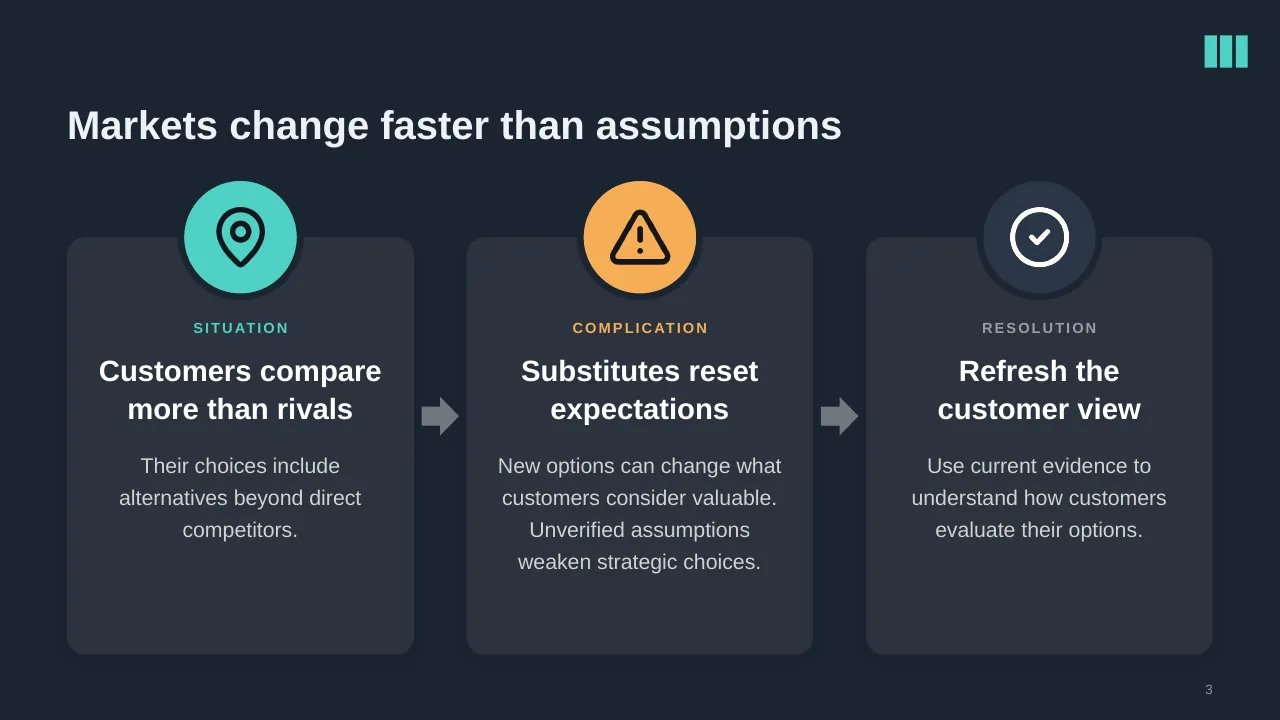
| 3 | Markets change faster than assumptions |
| 4 | Start with a decision, assess alternatives through the customer’s eyes, and translate insight into a… |
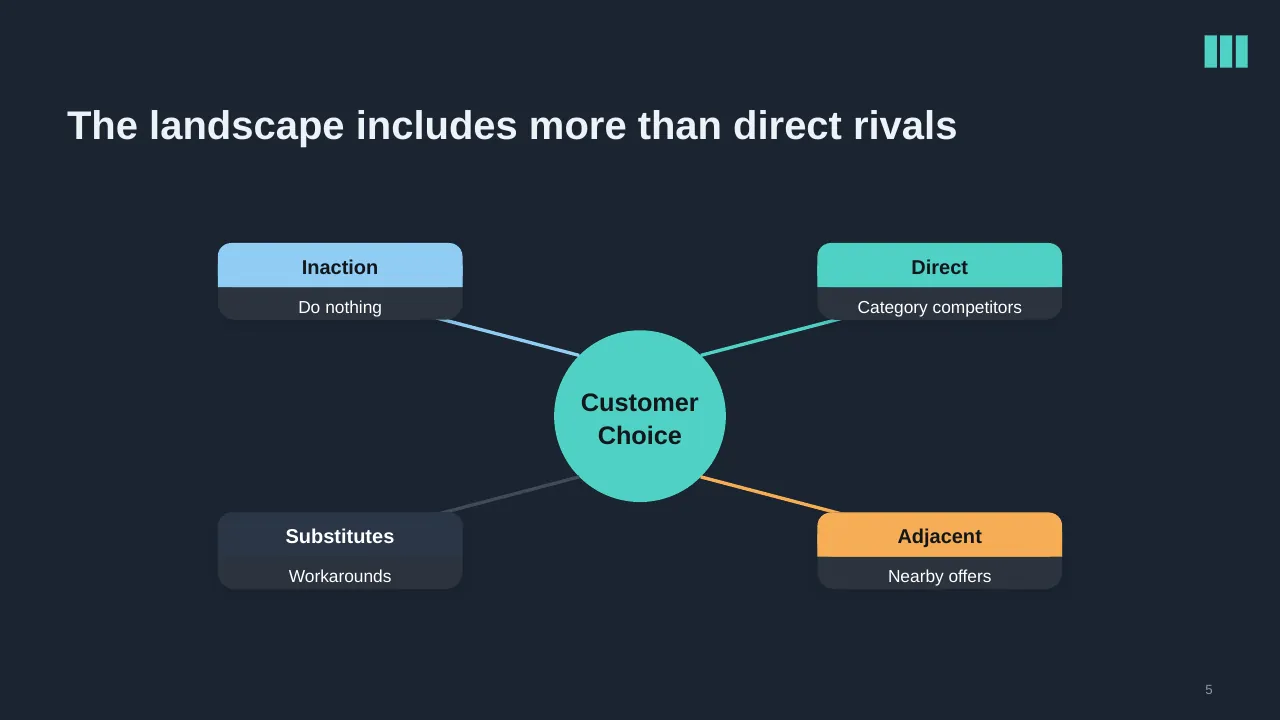
| 5 | The landscape includes more than direct rivals |
| 6 | Set useful boundaries before gathering evidence |
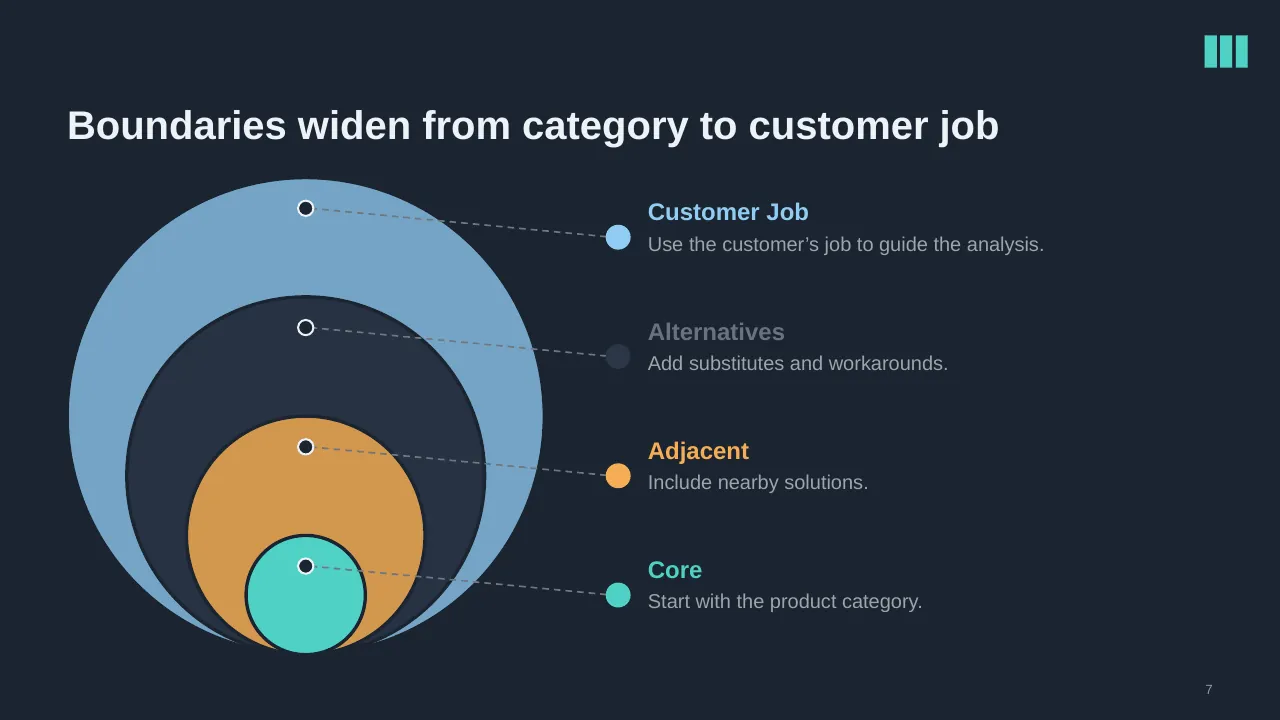
| 7 | Boundaries widen from category to customer job |
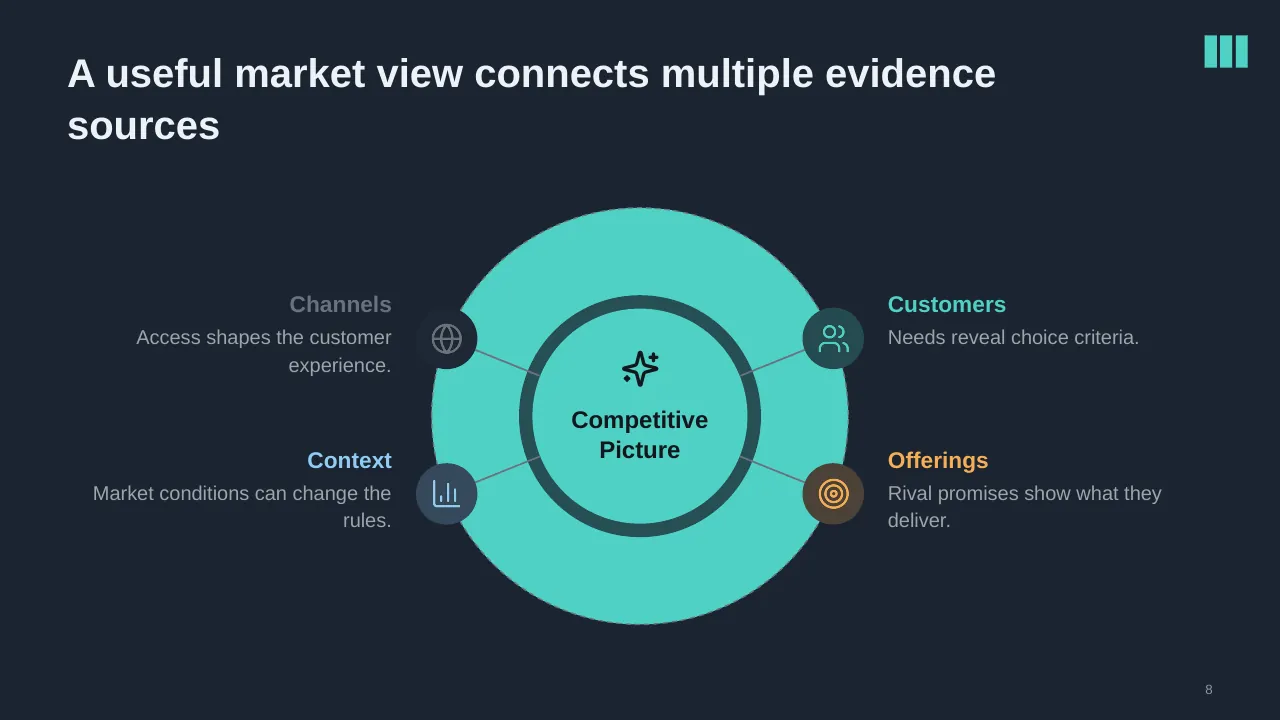
| 8 | A useful market view connects multiple evidence sources |
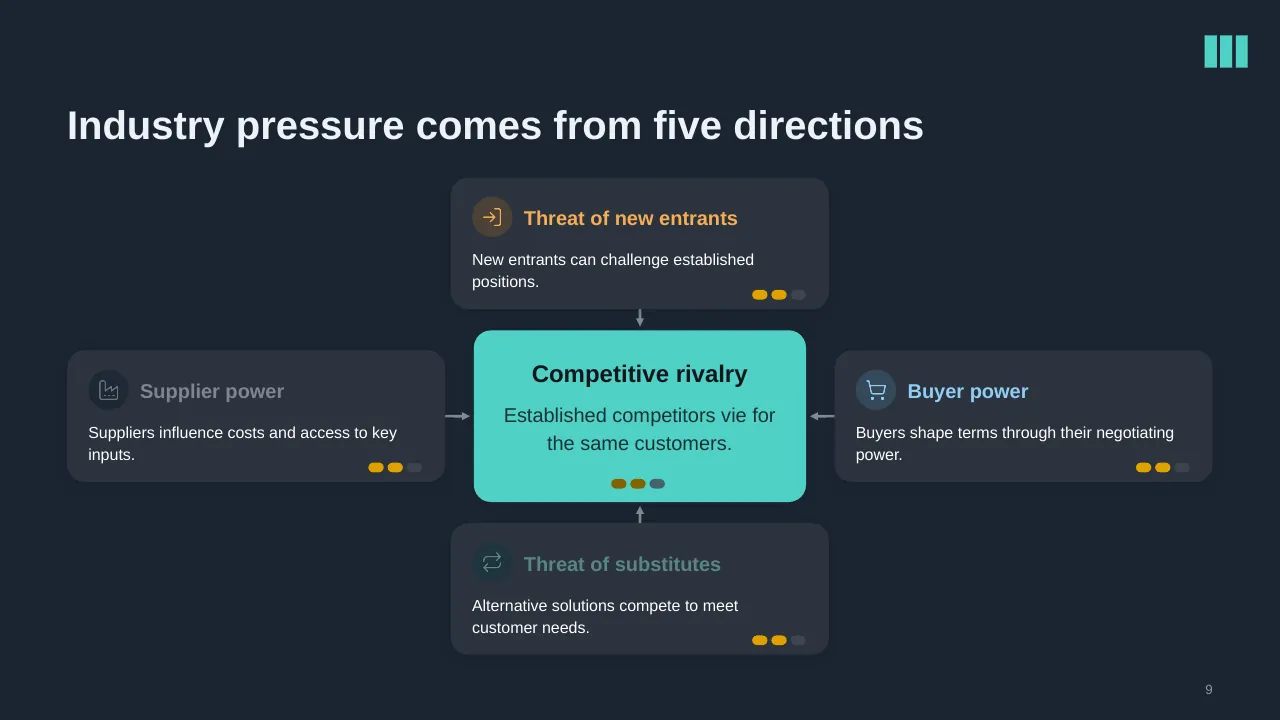
| 9 | New entrants can challenge established positions. |
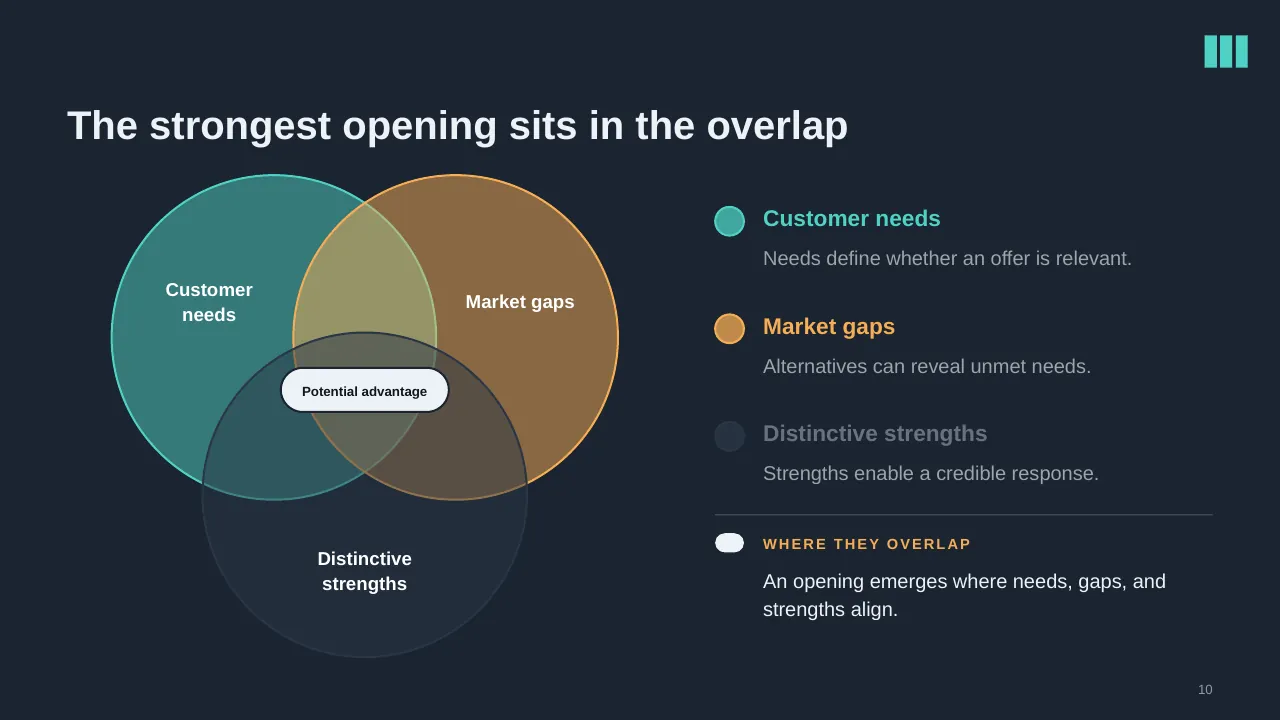
| 10 | The strongest opening sits in the overlap |
| 11 | Research competitors, verify claims, and assess evidence quality. |
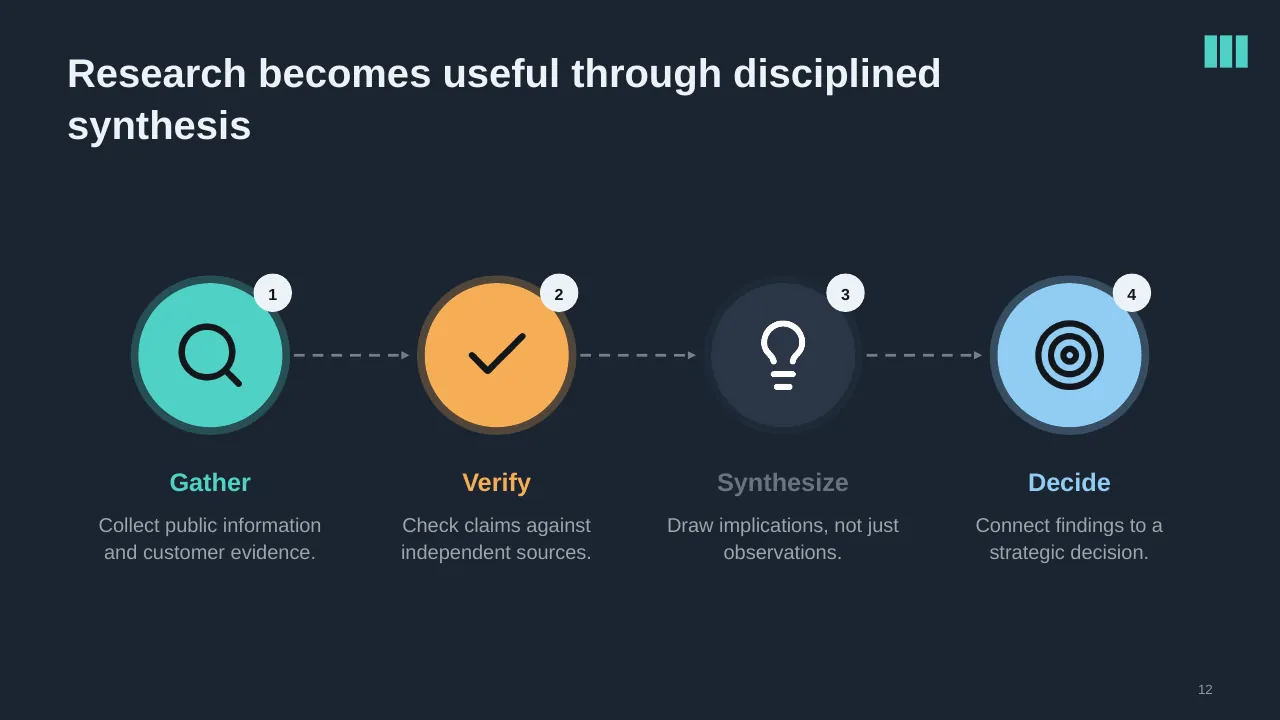
| 12 | Research becomes useful through disciplined synthesis |
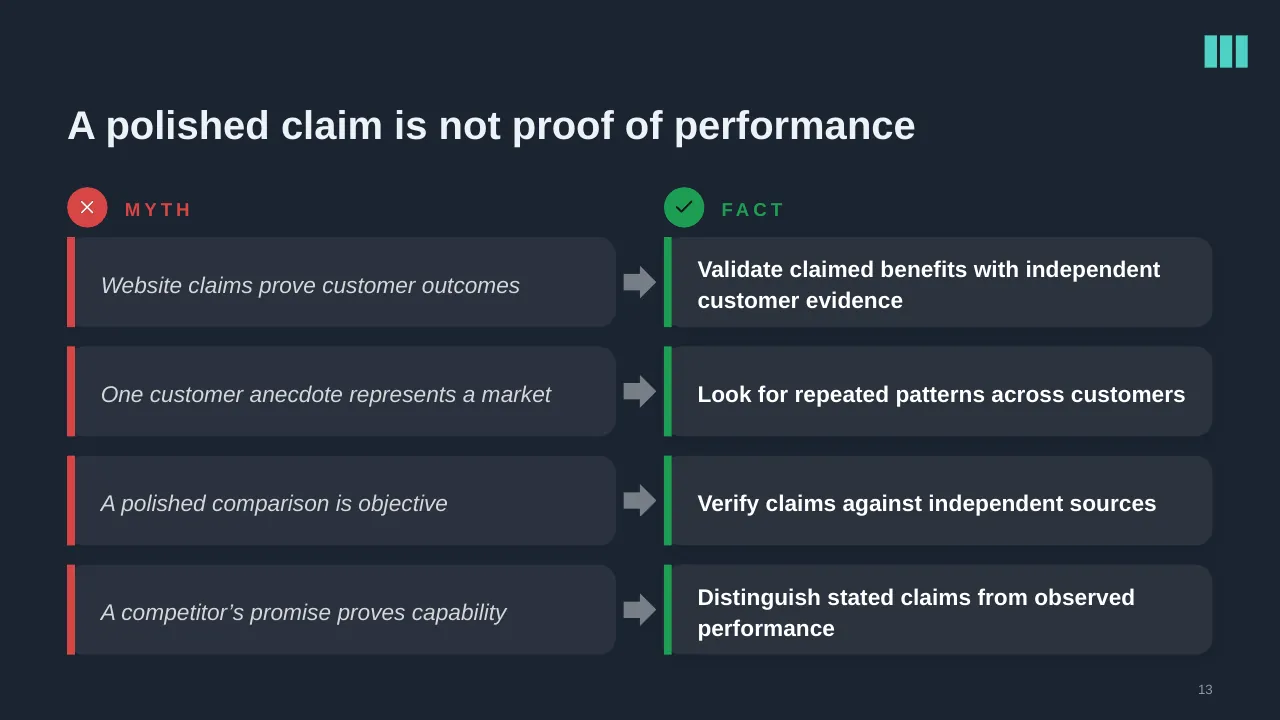
| 13 | A polished claim is not proof of performance |
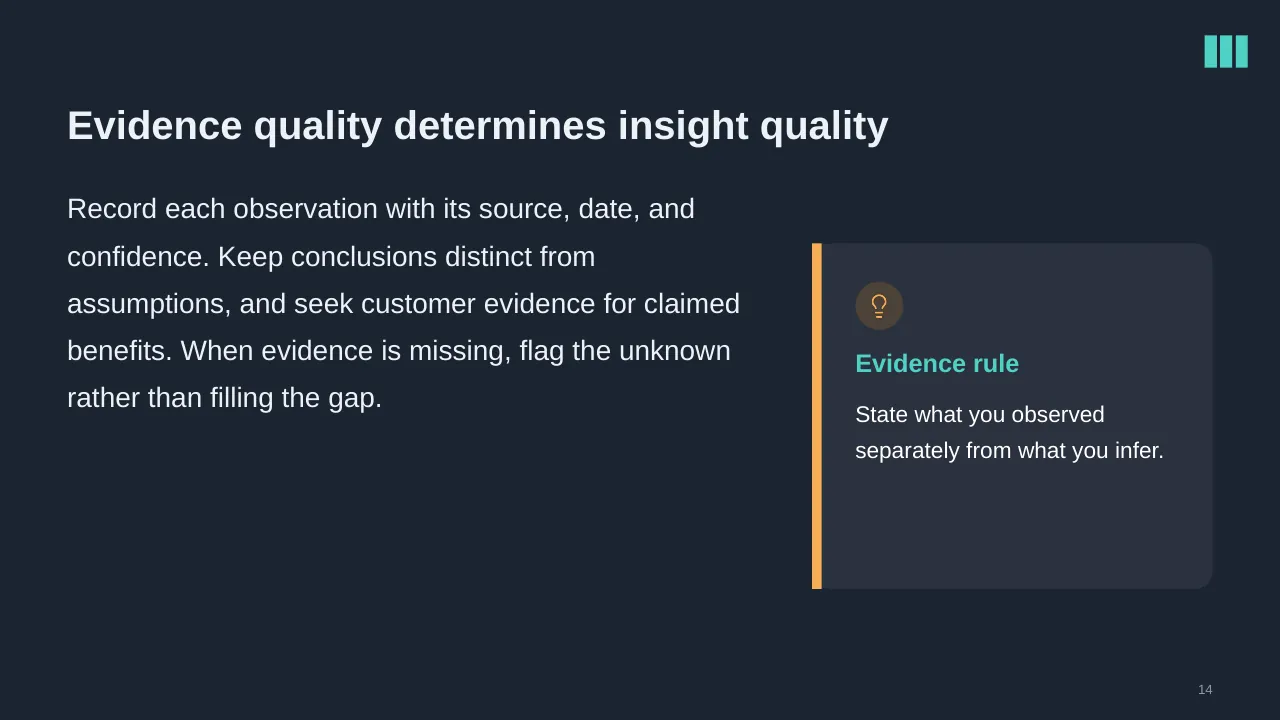
| 14 | Record each observation with its source, date, and confidence. Keep conclusions distinct from assumptions,… |
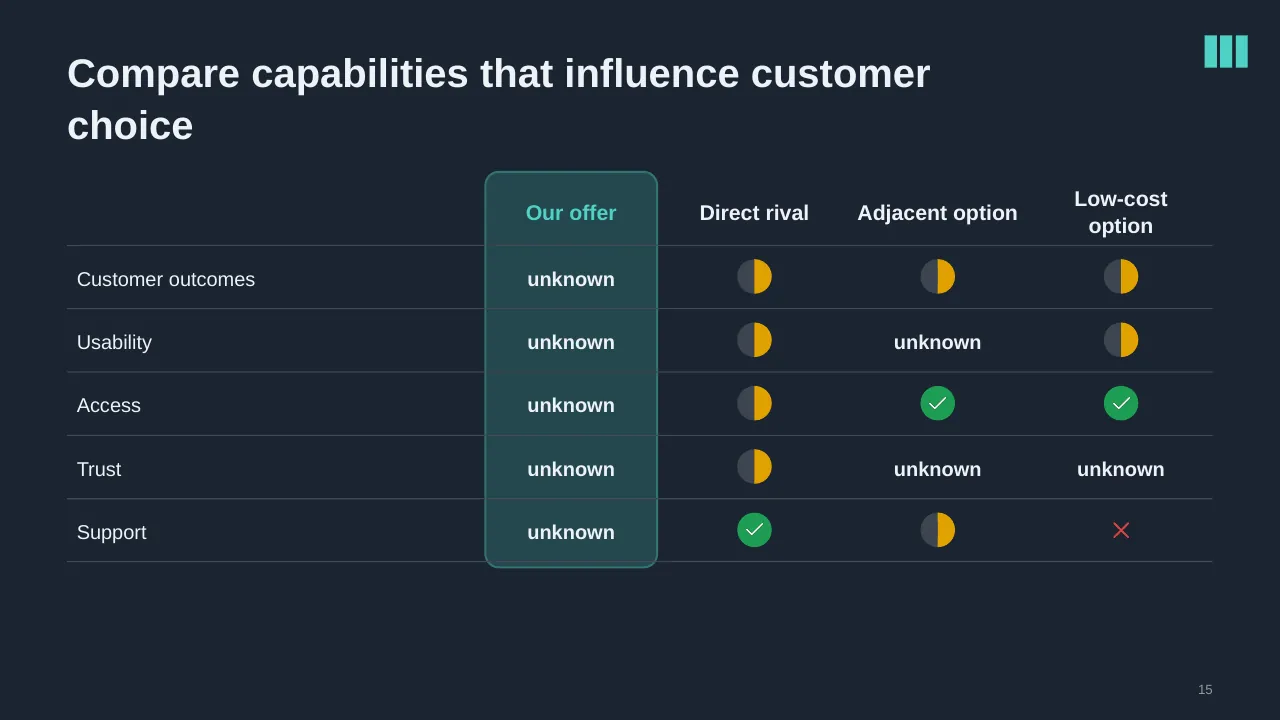
| 15 | Compare capabilities that influence customer choice |
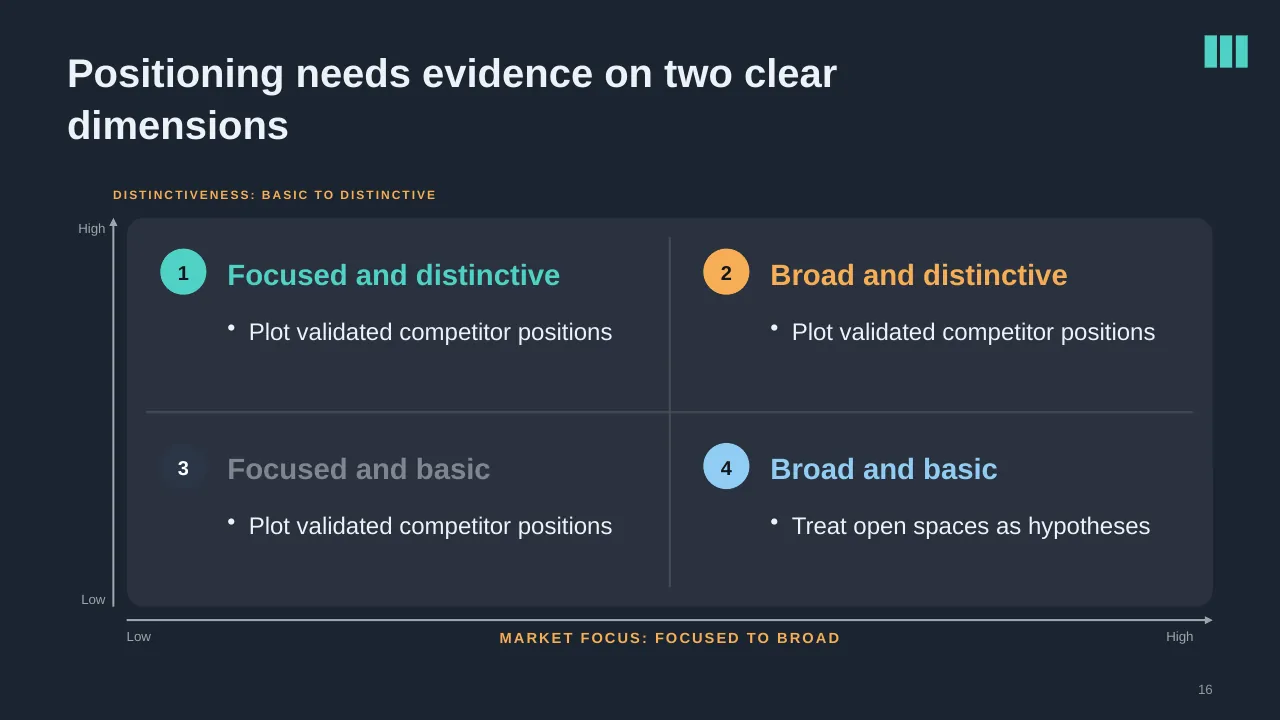
| 16 | Positioning needs evidence on two clear dimensions |
| 17 | Translate competitive understanding into differentiated action. |
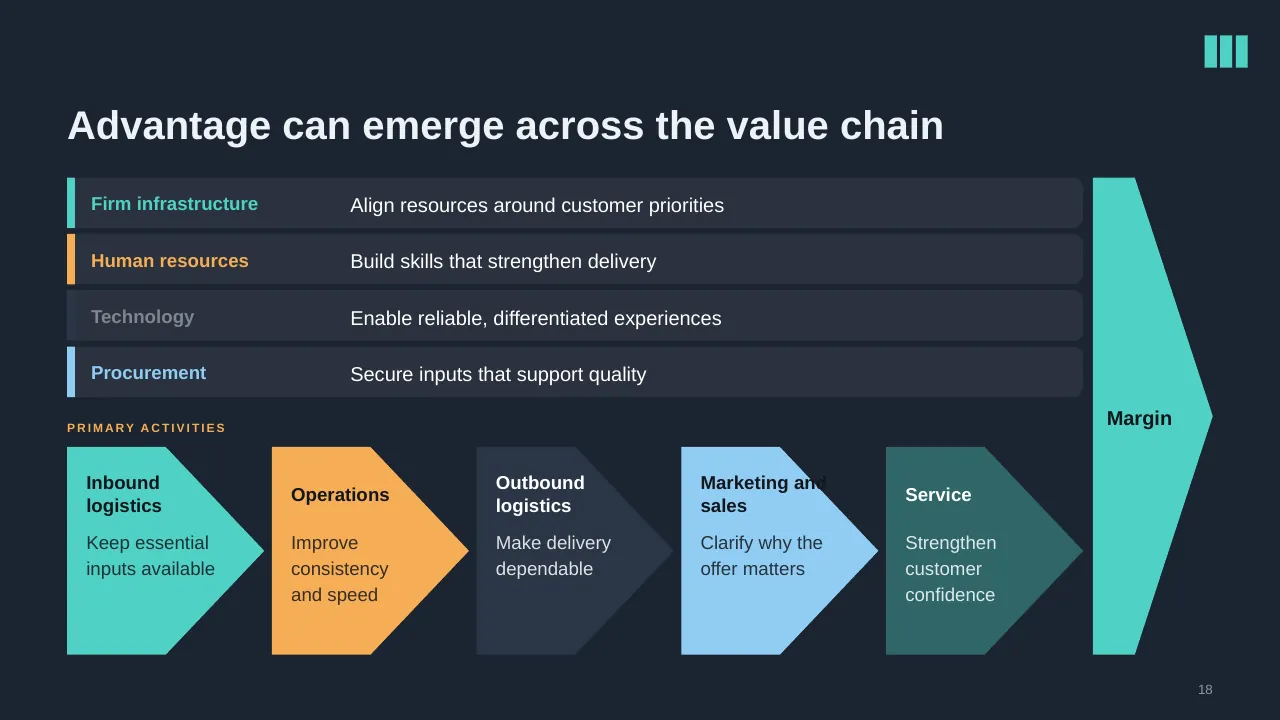
| 18 | Advantage can emerge across the value chain |
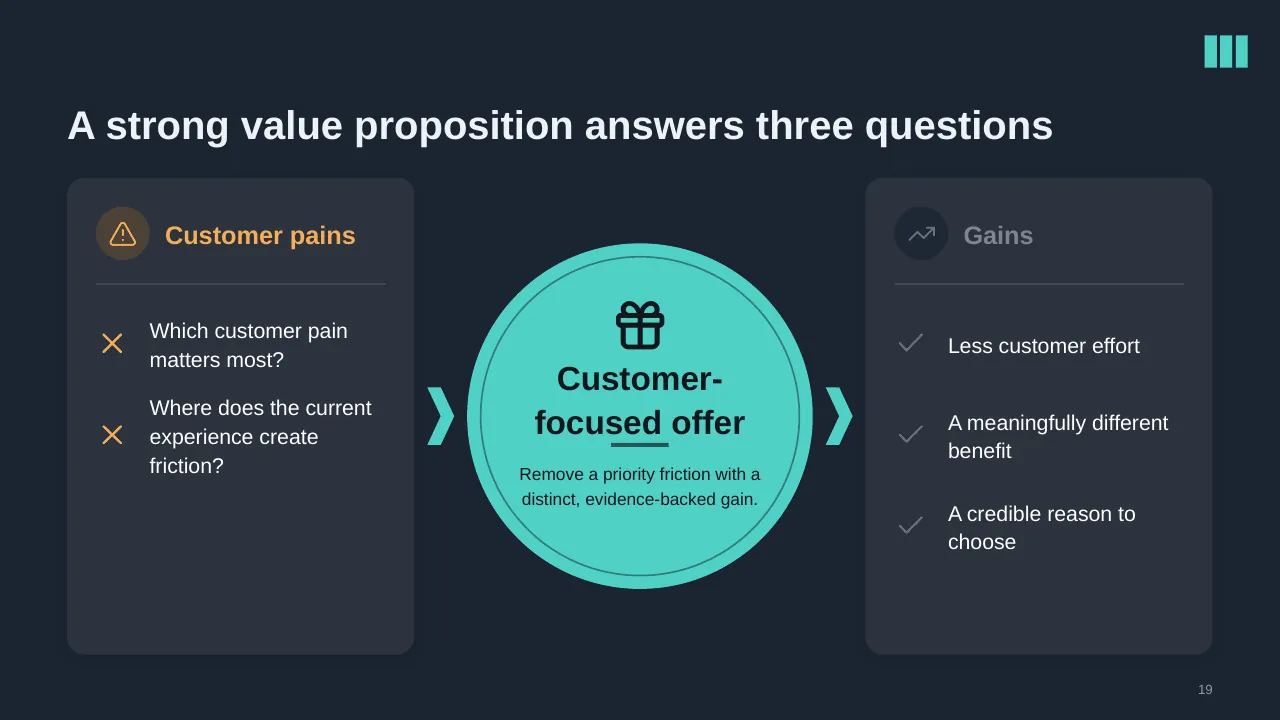
| 19 | A strong value proposition answers three questions |
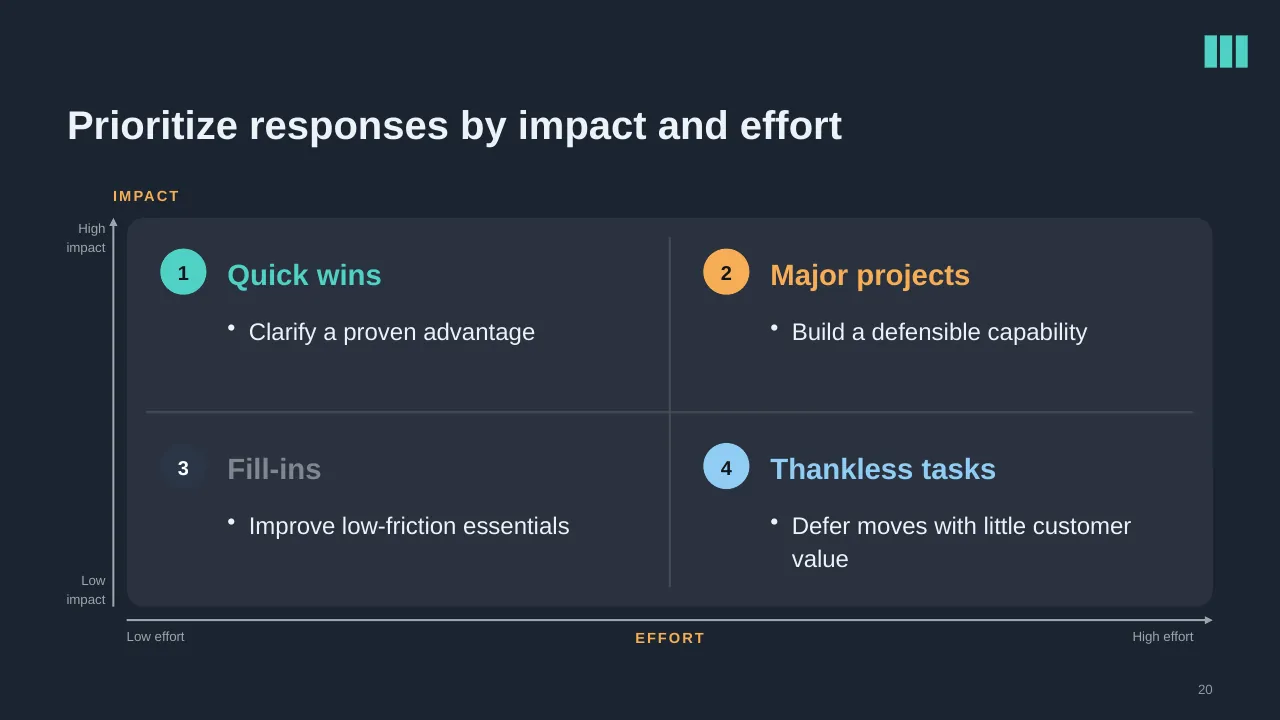
| 20 | Prioritize responses by impact and effort |
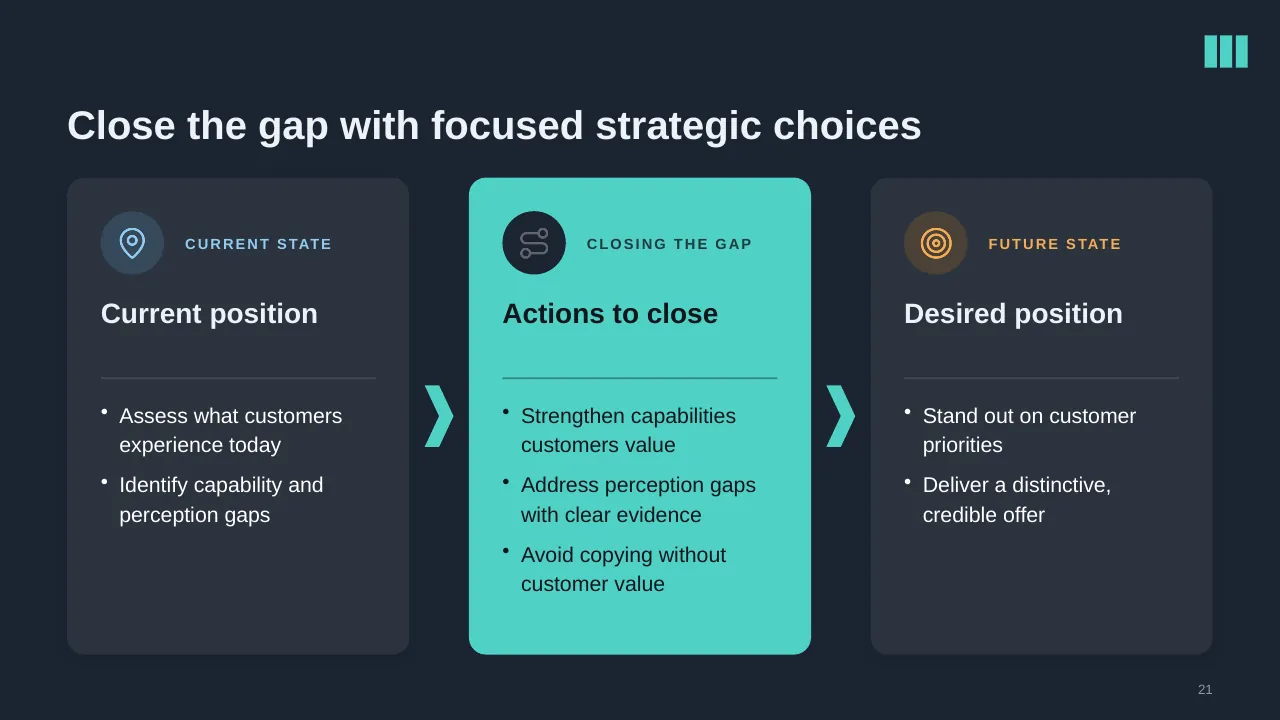
| 21 | Close the gap with focused strategic choices |
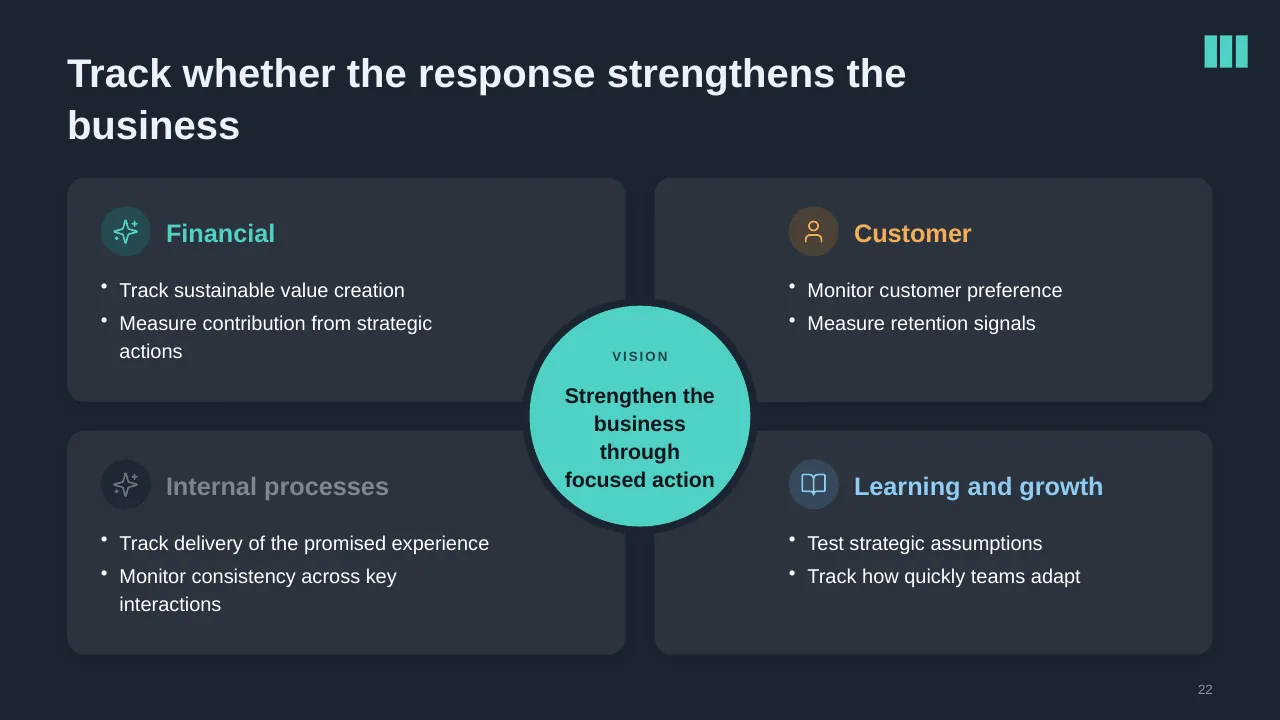
| 22 | Track sustainable value creation Measure contribution from strategic actions |
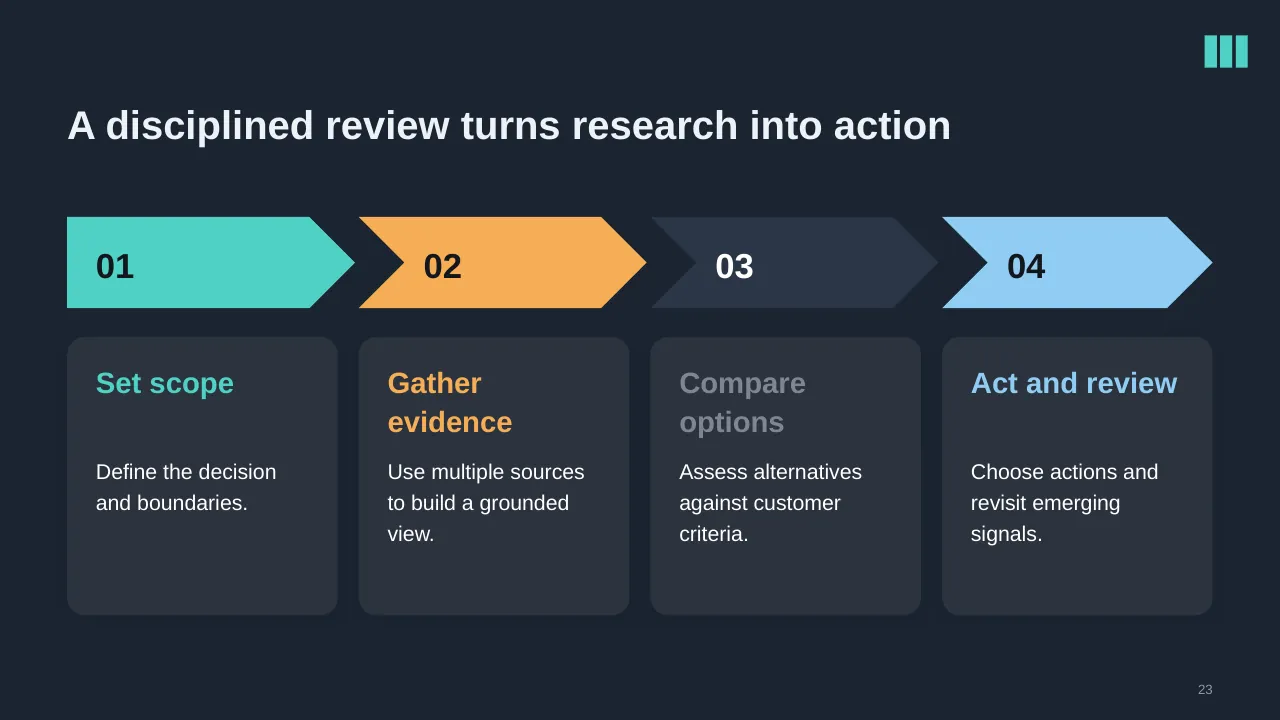
| 23 | A disciplined review turns research into action |
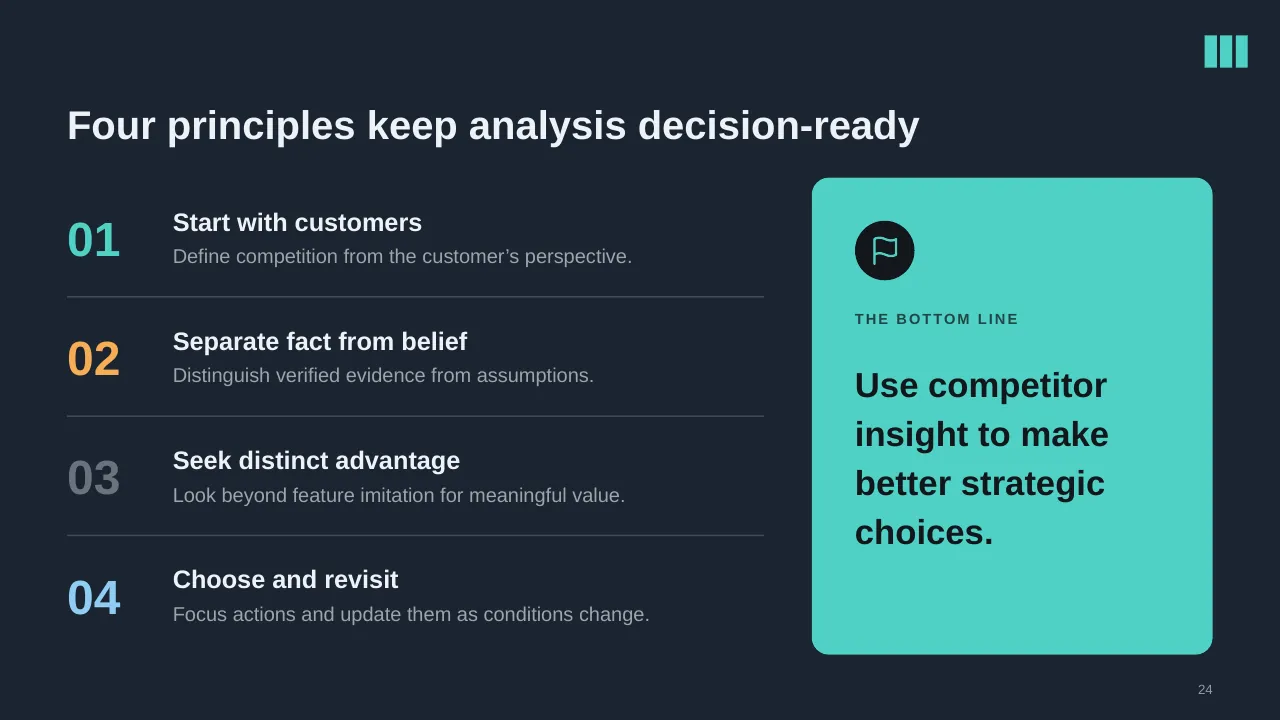
| 24 | Four principles keep analysis decision-ready |
| 25 | Choose one live decision, identify customer alternatives, and turn evidence into focused action. |
Tips for a marketing or go-to-market presentation
- Benchmark your budget: Gartner's CMO survey puts the average at 7.7% of revenue.
- Link every channel to a funnel stage and a KPI.
- Show the competitor view on one slide.
- Keep one clear message per audience.
Mistakes to avoid
- Channel lists with no goals
- No budget split
- Vanity metrics only
Checklist before you present
- Are goals measurable?
- Is the target audience defined?
- Is the positioning clear in one line?
- Is the budget split by channel?
- Are KPIs and reporting cadence set?
Great for
- Sales reviews and forecasts
- Marketing and launch plans
- Customer experience programmes
- Competitive and market analysis
How to customise it
- Download the ZIP file and unzip it to get the .pptx presentation.
- Open it in PowerPoint, or upload it to Google Drive and open it with Google Slides.
- Replace the sample text and numbers with your own; charts update from their data sheets.
- Change the theme colours once to recolour the whole deck, then delete any slides you don't need.
Questions about a marketing or go-to-market presentation
What is a go-to-market strategy?
A plan for how you bring a product to a specific market: target customers, value proposition, pricing, channels and sales approach.
How should I split a marketing budget?
Start from goals and funnel gaps. Gartner reports paid media at about 31% of budgets on average, but the right mix depends on your market.
Related presentations
- Product Feature Comparison Table PowerPoint Presentation
- Monthly Sales Review PowerPoint Presentation
- Business Product Launch PowerPoint Presentation
- Four Building Blocks of Customer Success PowerPoint Presentation
Browse all Sales, Marketing & Customer presentations or more business PowerPoint templates.
Template details
| Template | Competitive Analysis PowerPoint Presentation |
|---|---|
| Categories | Business PowerPoint Templates, Sales, Marketing & Customer |
| File format | PowerPoint (.pptx), delivered as a .zip file |
| Number of slides | 25 fully editable slides |
| File size | 2.6 MB |
| Slide size | 16:9 widescreen |
| Preview images | 25 |
| Editable | Yes: text, colours, shapes, icons and charts |
| Works with | PowerPoint 2010 and later, PowerPoint for Mac, Google Slides |
| Licence | Royalty-free, yours to keep using after your plan ends (terms of use apply) |
| Price | Included in every SlideVilla plan |
| Added | 22 Jun 2025 |
Questions about this template
Can I edit the Competitive Analysis PowerPoint Presentation?
Yes. Every part of the Competitive Analysis PowerPoint Presentation is made with native PowerPoint shapes and text boxes, so you can change the wording, colours, fonts and sizes, move or delete elements, and swap icons without losing quality.
Does the Competitive Analysis PowerPoint Presentation work in Google Slides?
Yes. Download the .zip file, unzip it to get the .pptx, upload it to Google Drive and open it with Google Slides. The layout, shapes and text stay editable there too.
Is the Competitive Analysis PowerPoint Presentation free?
It is a premium template, included in every SlideVilla plan together with the rest of the library. See plans and pricing.
What size and format is it?
It is a PPTX file in 16:9 widescreen format with 25 slides, 2.6 MB (downloaded as a .zip; unzip it to get the presentation), with 25 preview images shown above.
How to use this template
- Step 1DownloadClick Download, then unzip the .zip file to get the .pptx presentation.
- Step 2OpenOpen it in PowerPoint, or upload it to Google Slides from your Drive.
- Step 3Make it yoursChange text, colours, icons and charts. Every element is fully editable.
Tags
Related PowerPoint templates
More designs like this one, ready to edit.