

About this PowerPoint template
The Annual Sales Review PowerPoint Presentation is a complete 20-slide presentation: results, the forces behind them, and priorities ahead. Every slide is fully editable in PowerPoint and Google Slides, so you can change the text, colours, charts and icons to fit your brand in minutes.
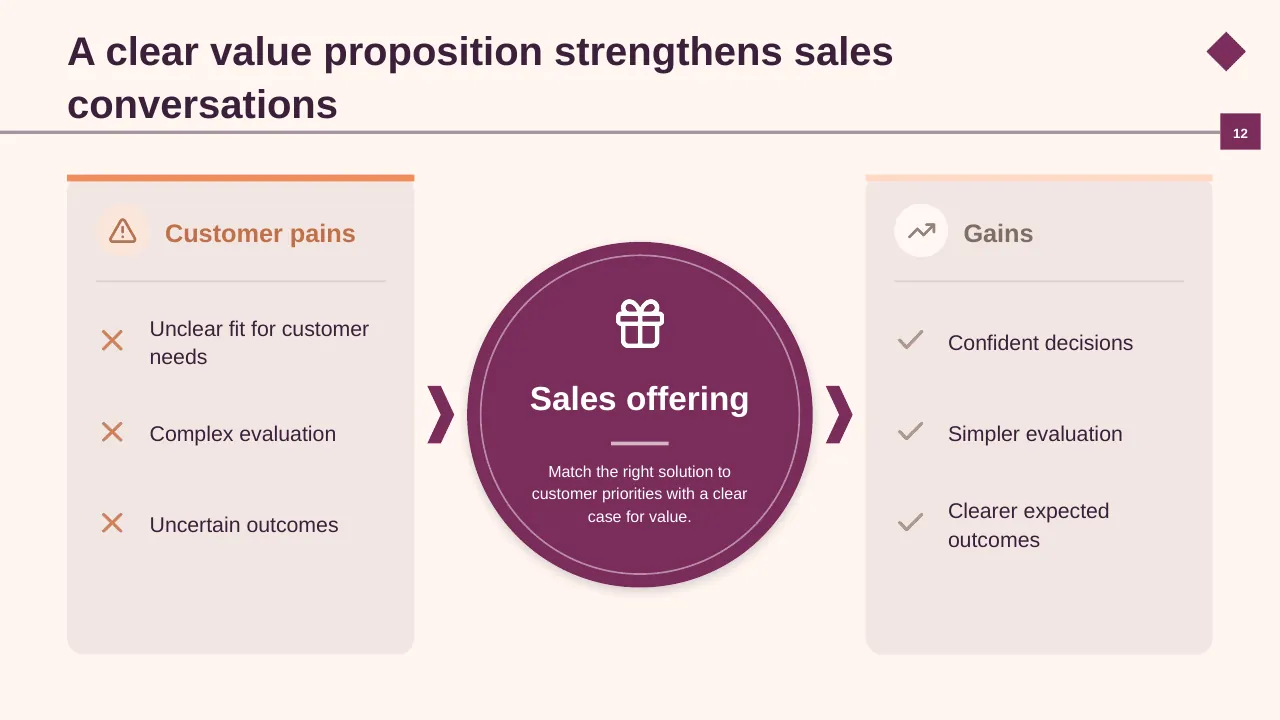
Inside, the slides walk through topics such as “Sample revenue reached $10.0 million”, “A clear value proposition strengthens sales conversations” and “Focus the sales agenda on a few pillars”, with ready-made layouts for each step. It is part of our Sales, Marketing & Customer presentations.
On this page
What's included
- 20 professionally designed 16:9 widescreen slides
- 100% editable text, shapes, icons, tables and charts (no flat images)
- Works in Microsoft PowerPoint (Windows and Mac) and Google Slides
- Clean, consistent layout that follows your theme colours and fonts
- Delivered as a single ZIP file containing the .pptx presentation
What to include in a sales presentation
A simple structure that works for most audiences, mapped to the slides in this deck:
| Part | What goes there | Slide in this deck |
|---|---|---|
| Results summary | Revenue vs target, growth and key wins | Slides 2, 3, 4 |
| Pipeline | Stage-by-stage pipeline and coverage | Slide 8 |
| By segment | Region, product or customer breakdown | Slides 3, 9, 10 |
| What worked and what didn't | Wins, losses and lessons | Slides 3, 9 |
| Plan and actions | Targets, plays and support needed | Slides 2, 3, 16 |
Key numbers: Sales
Research figures you can quote on your slides. Each one names the study it comes from, so your audience can check it.
| Finding | Figure | Source |
|---|---|---|
| Share of a sales rep's week spent actually selling | 28% | Salesforce, State of Sales, 5th ed. |
| Reps who say selling is harder now | 69% | Salesforce, State of Sales, 5th ed. |
| Reps who don't expect to meet quota this year | 67% | Salesforce, State of Sales, 6th ed. |
| Reps who missed quota last year | 84% | Salesforce, State of Sales, 6th ed. |
Sources: Salesforce, State of Sales snapshot · Salesforce, 6th State of Sales. Figures are from the editions named; check for a newer edition before you present.
Slide-by-slide outline
| Slide | What it covers |
|---|---|
| 1 | Title slide: Annual Sales Review |
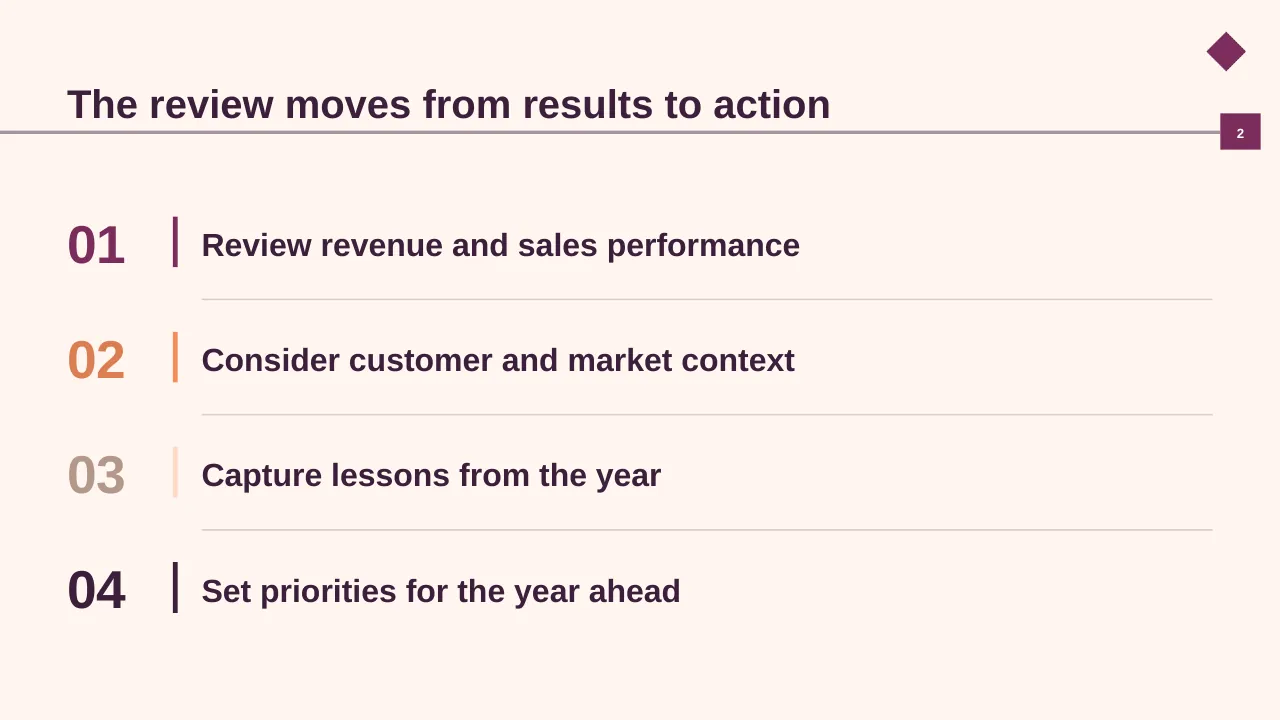
| 2 | The review moves from results to action |
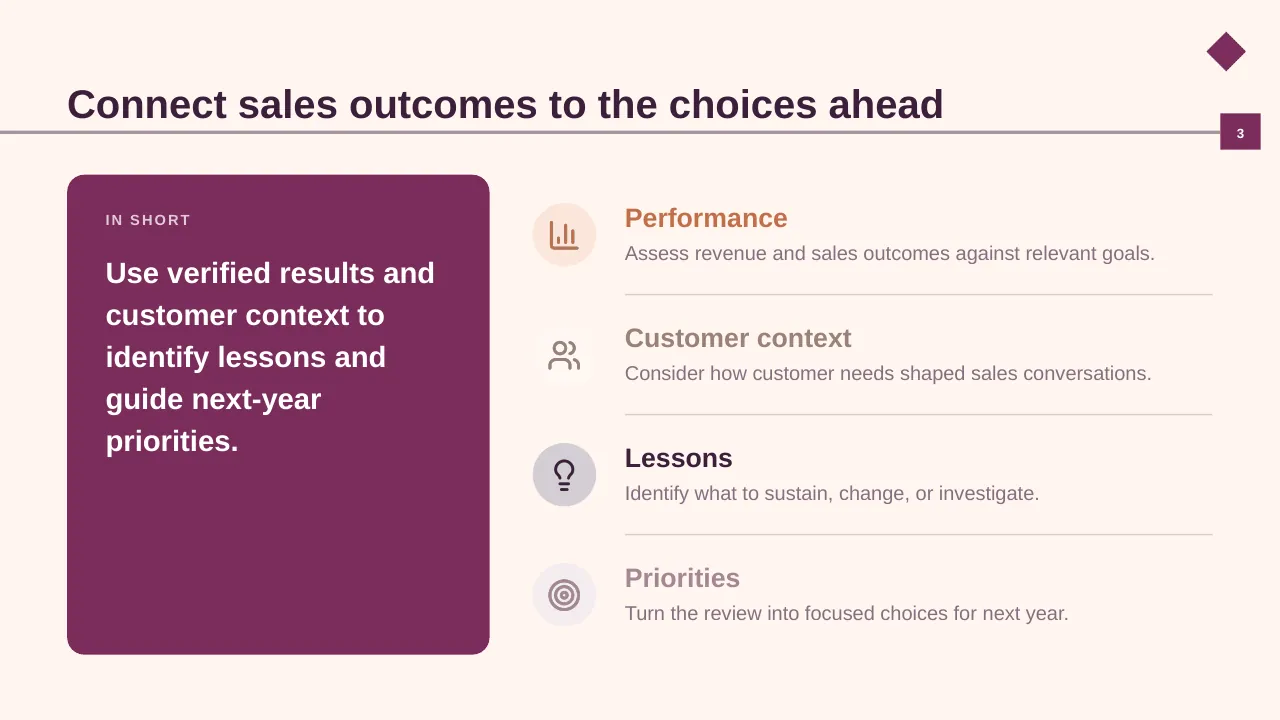
| 3 | Use verified results and customer context to identify lessons and guide next-year priorities. |
| 4 | Use verified company results; label any sample figures as illustrative. |
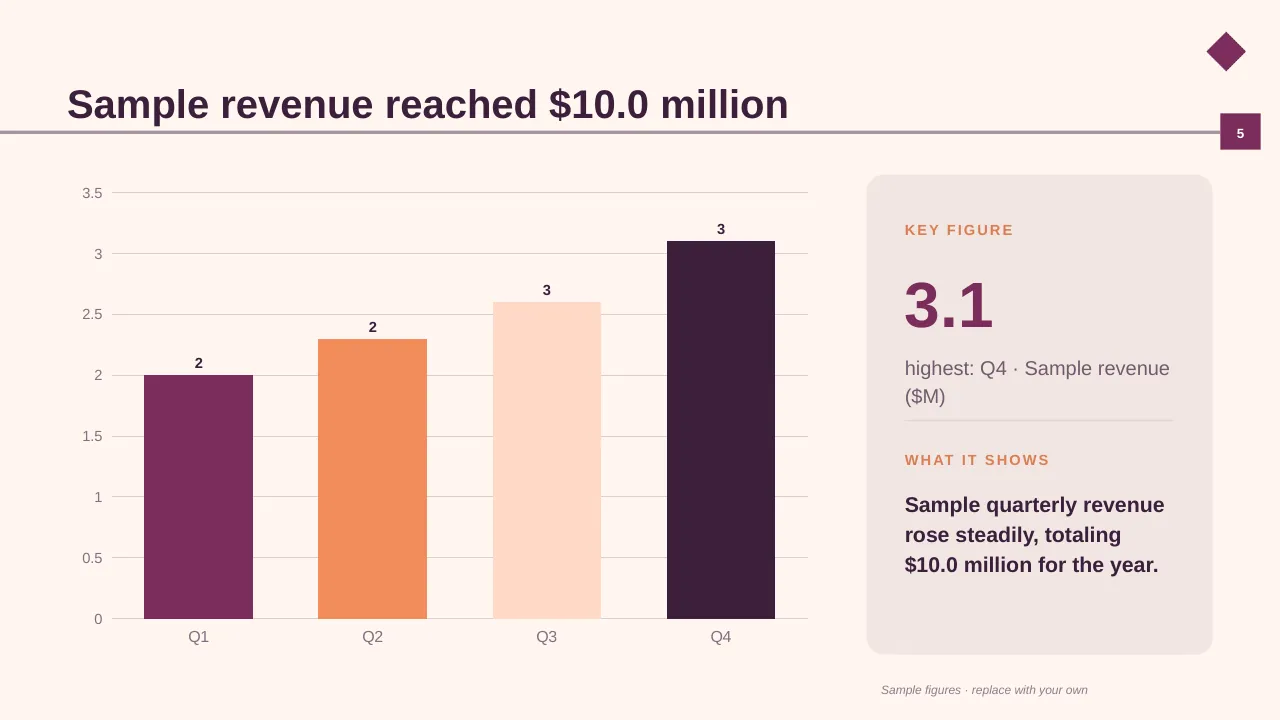
| 5 | Sample revenue reached $10.0 million |
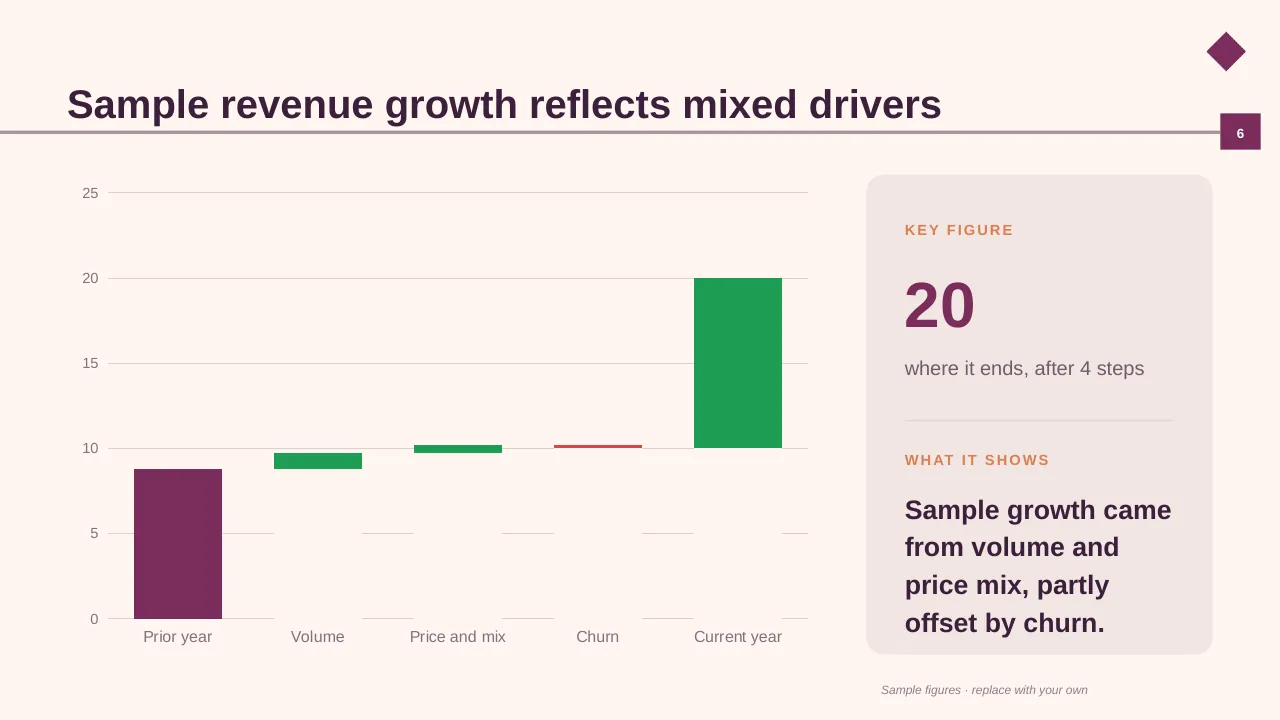
| 6 | Sample revenue growth reflects mixed drivers |
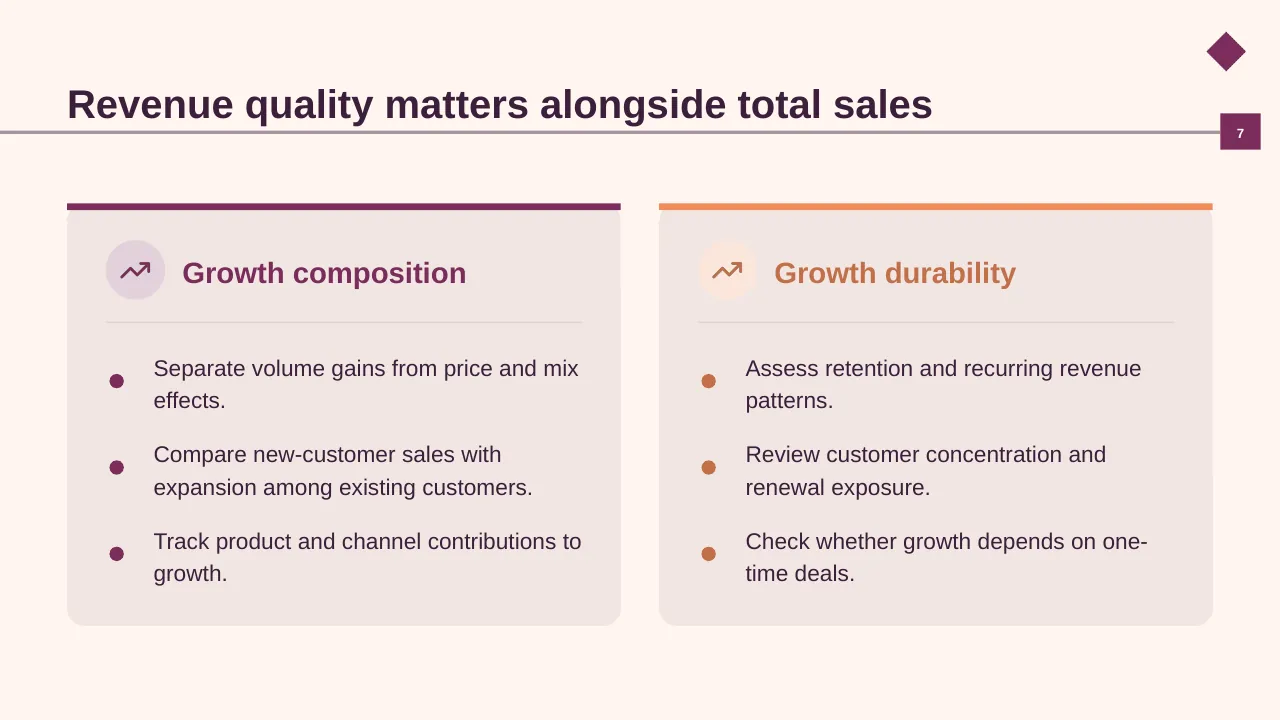
| 7 | Separate volume gains from price and mix effects. |
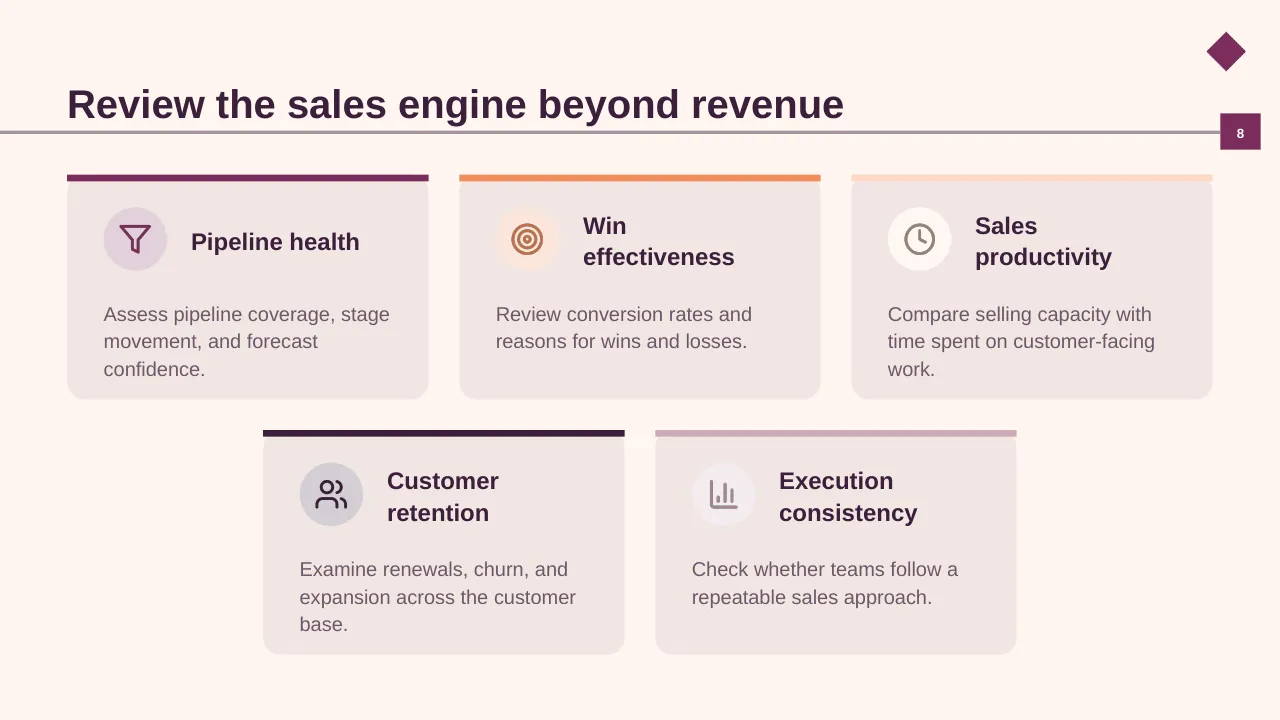
| 8 | Assess pipeline coverage, stage movement, and forecast confidence. |
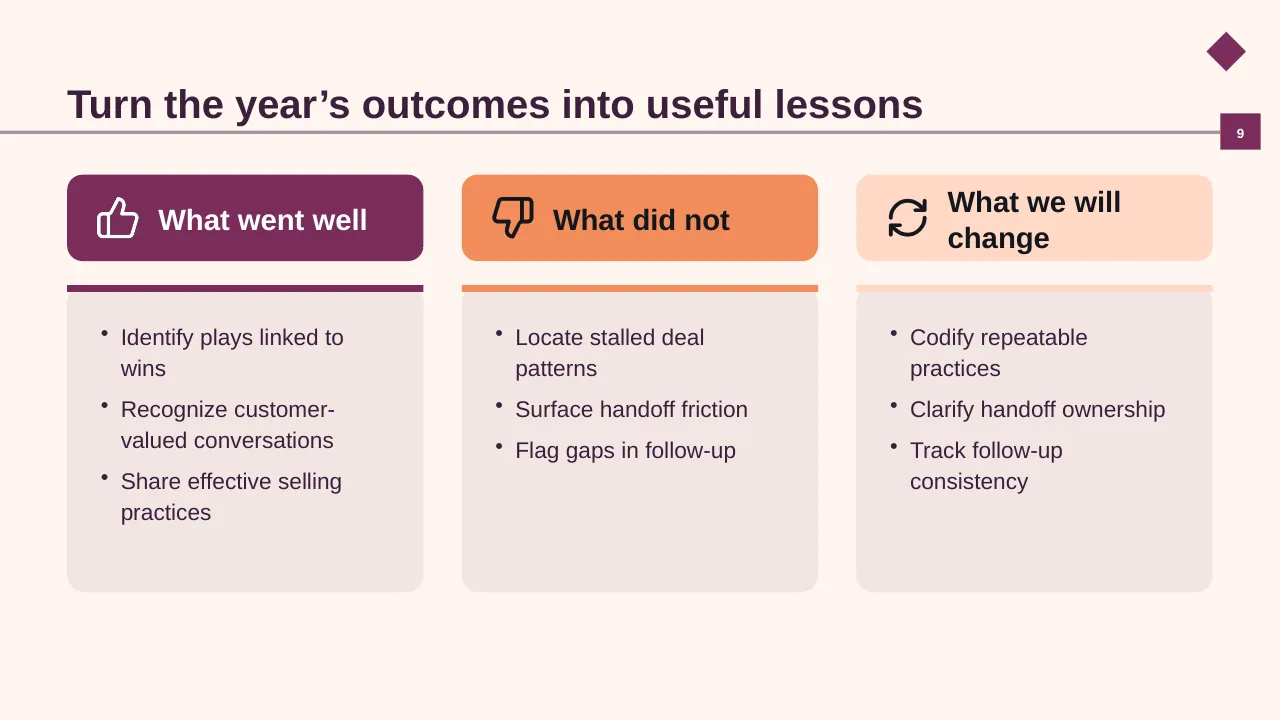
| 9 | Identify plays linked to wins Recognize customer-valued conversations Share effective selling practices |
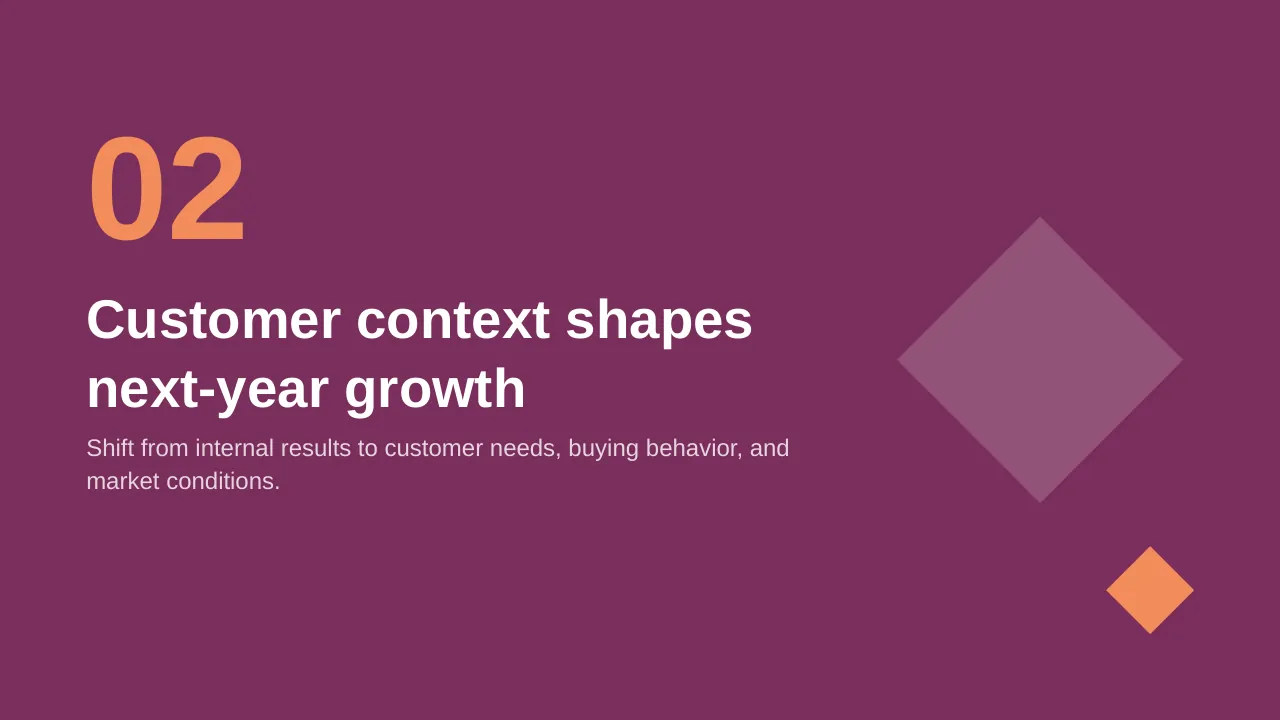
| 10 | Shift from internal results to customer needs, buying behavior, and market conditions. |
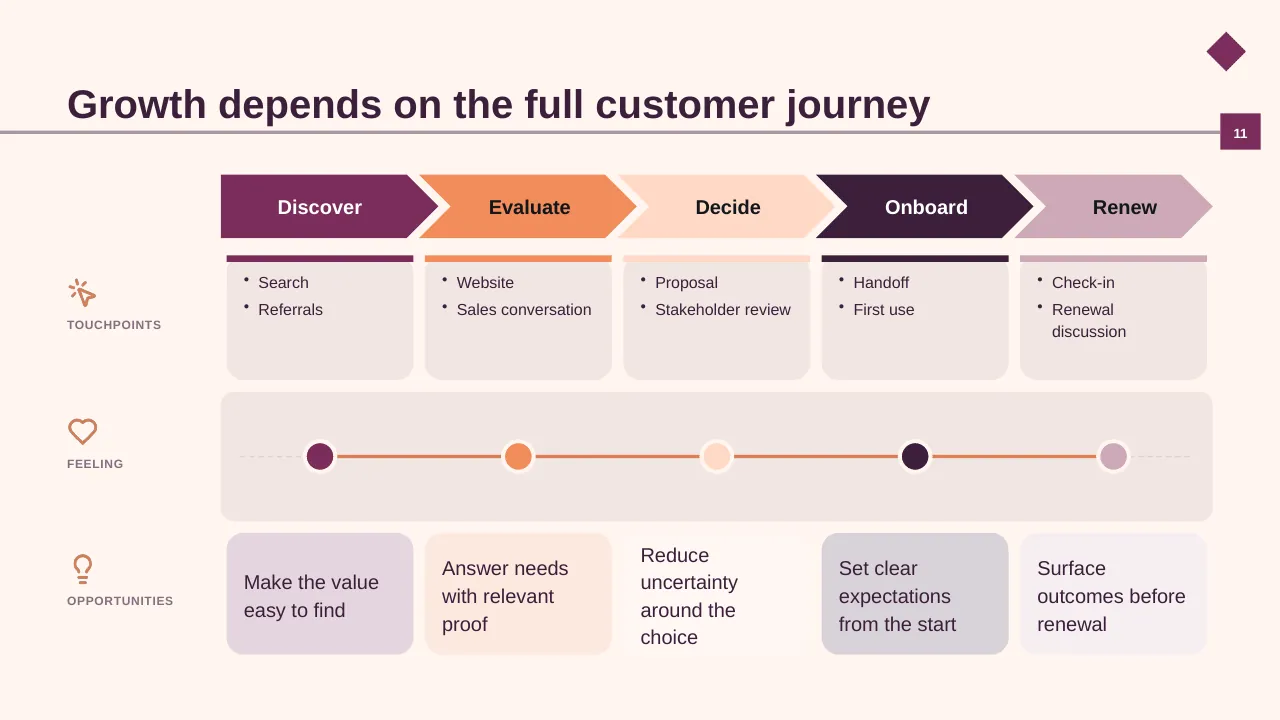
| 11 | Growth depends on the full customer journey |
| 12 | A clear value proposition strengthens sales conversations |
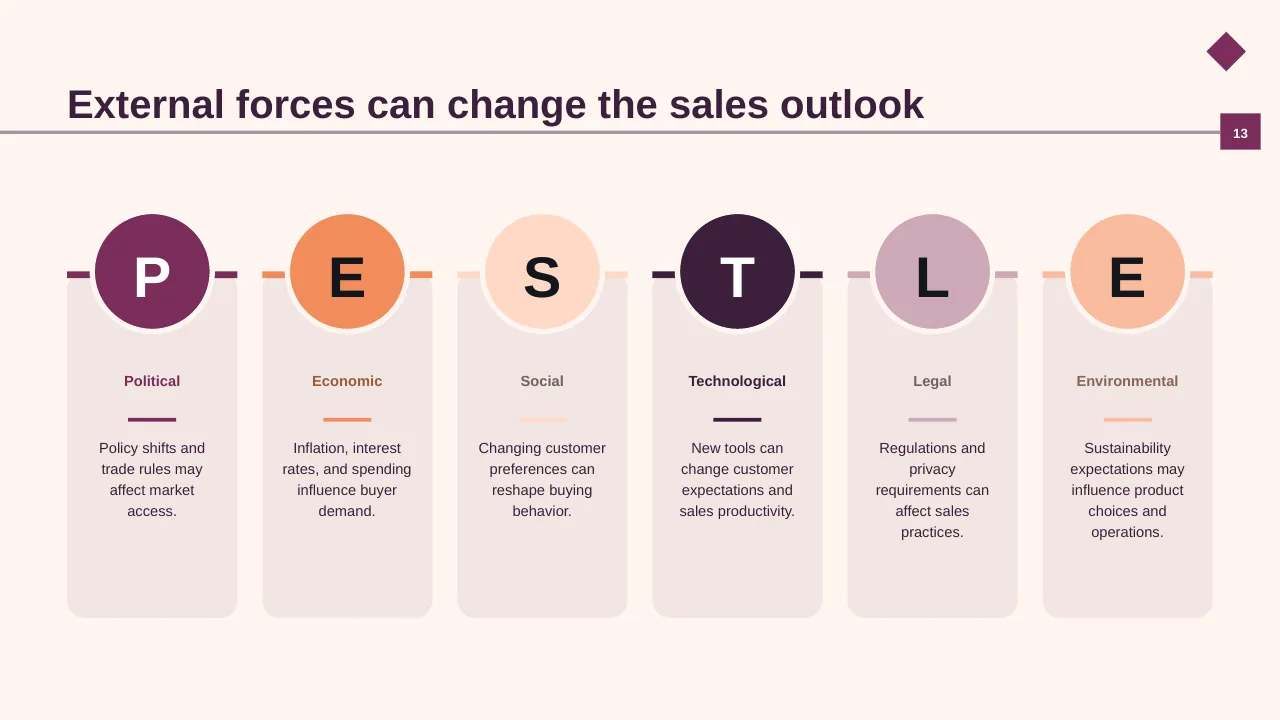
| 13 | External forces can change the sales outlook |
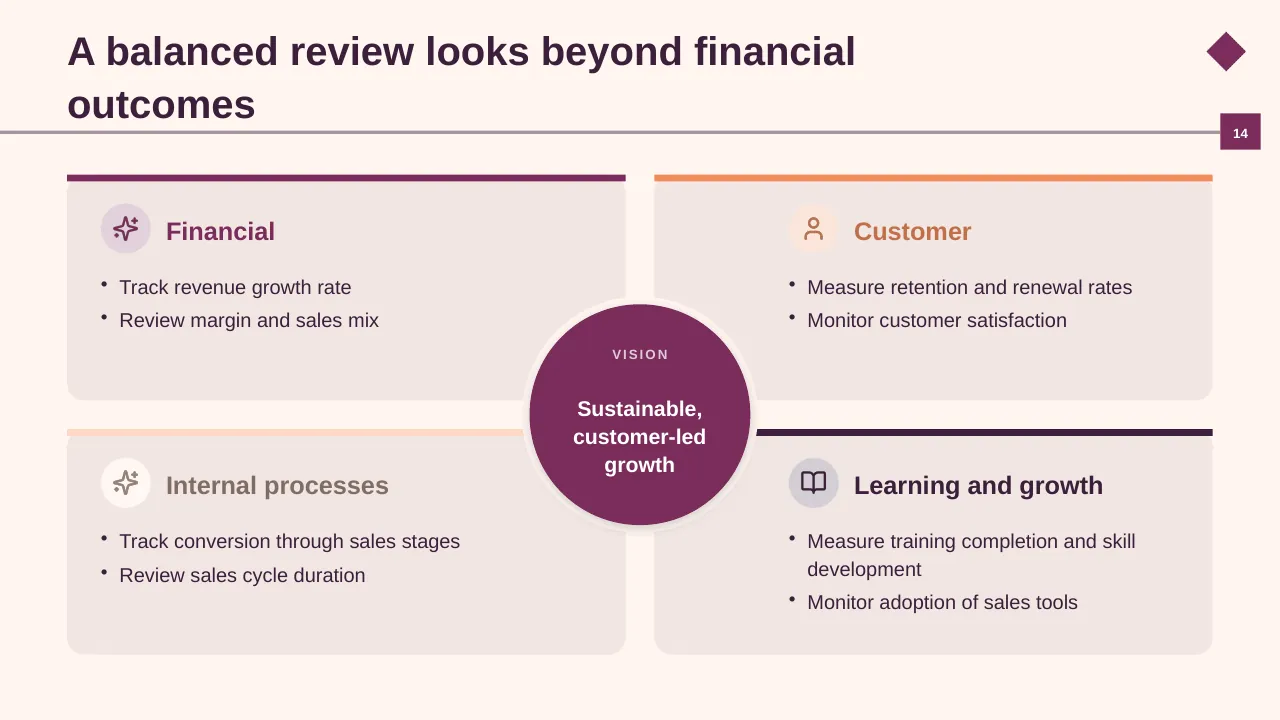
| 14 | Track revenue growth rate Review margin and sales mix |
| 15 | Compare ways to deepen current markets, expand reach, and develop offers. |
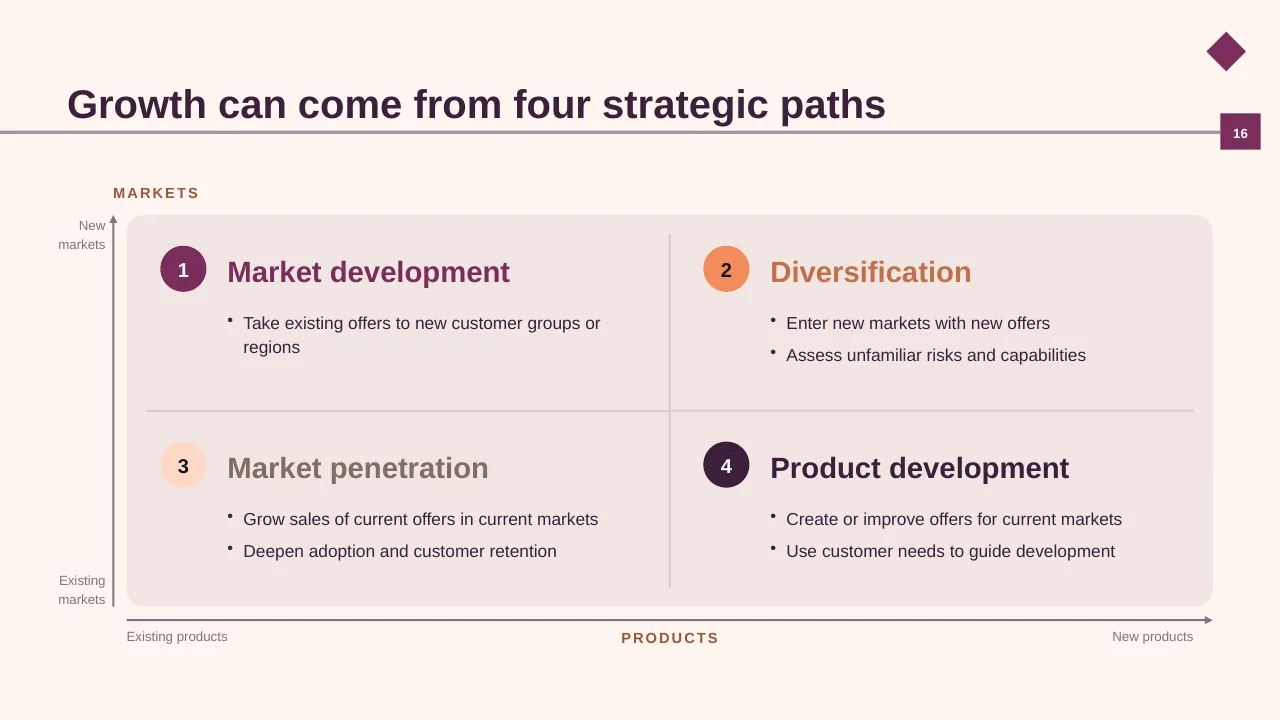
| 16 | Growth can come from four strategic paths |
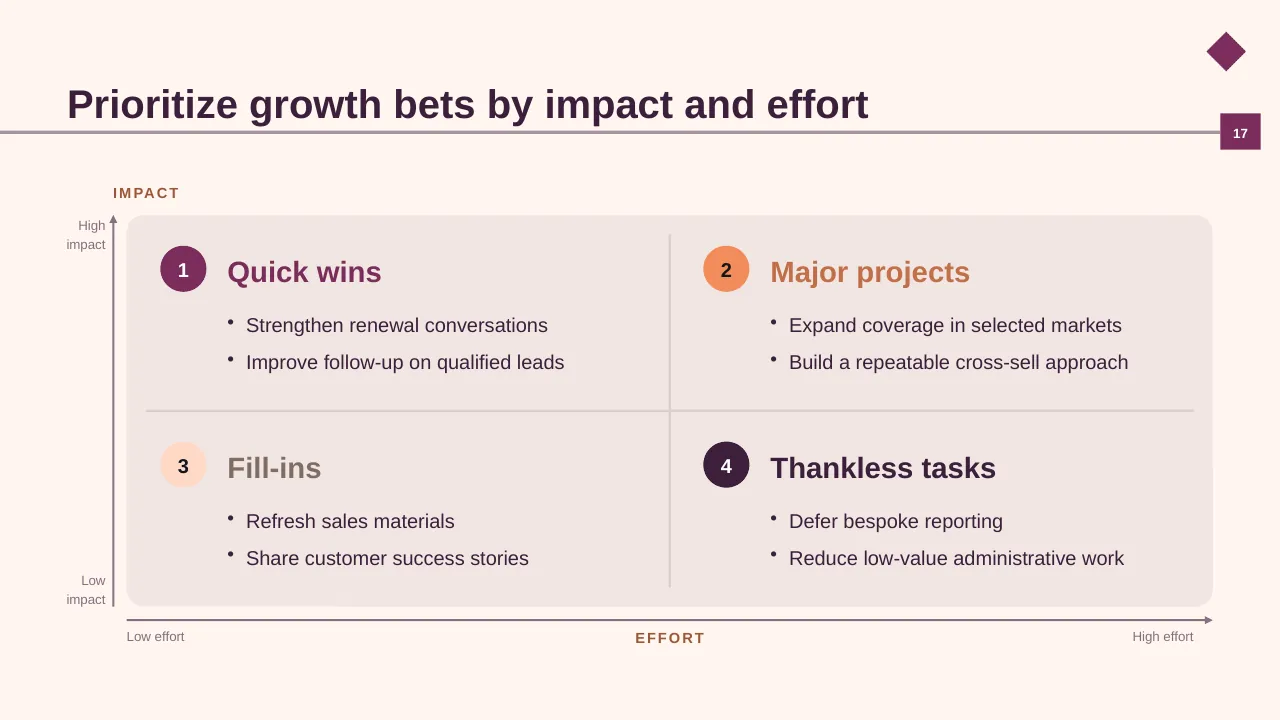
| 17 | Prioritize growth bets by impact and effort |
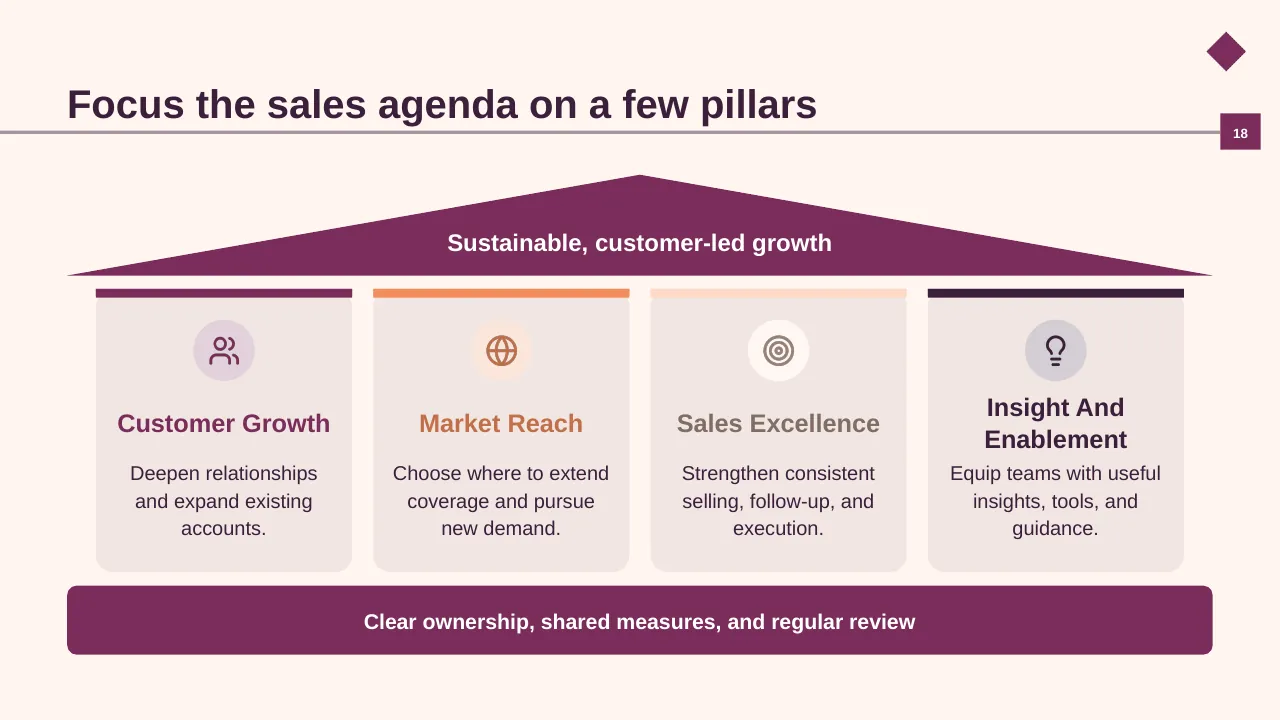
| 18 | Focus the sales agenda on a few pillars |
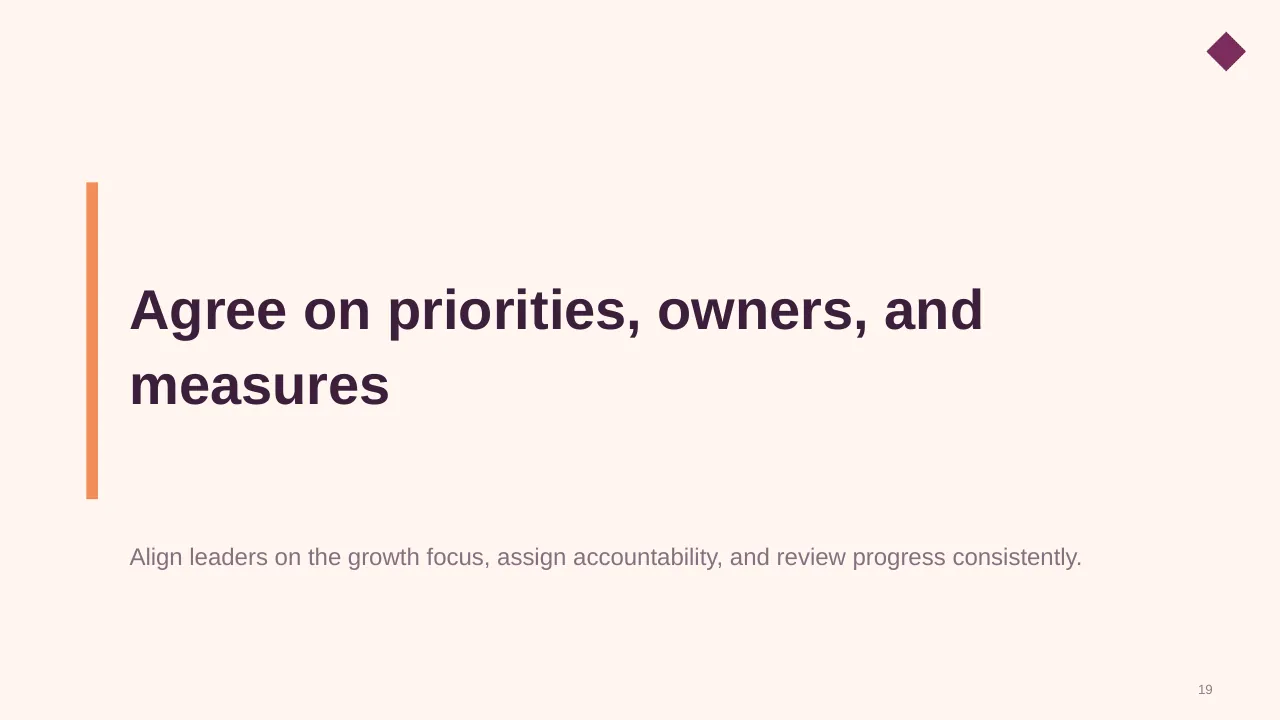
| 19 | Align leaders on the growth focus, assign accountability, and review progress consistently. |
| 20 | Align on next-year priorities and the actions needed to deliver them. |
Tips for a sales presentation
- Lead with the number vs target and the forecast.
- Salesforce found reps spend only about 28% of their week selling; show what you will remove to free up time.
- Explain variances by driver: volume, price, mix.
- Put the ask (resources, decisions) on its own slide.
Mistakes to avoid
- Charts with no comparison to target
- Pipeline without stage conversion
- No plan for next period
Checklist before you present
- Is revenue shown vs target and last period?
- Is pipeline coverage clear?
- Are variances explained?
- Are next-period targets set?
- Is the ask explicit?
Great for
- Sales reviews and forecasts
- Marketing and launch plans
- Customer experience programmes
- Competitive and market analysis
How to customise it
- Download the ZIP file and unzip it to get the .pptx presentation.
- Open it in PowerPoint, or upload it to Google Drive and open it with Google Slides.
- Replace the sample text and numbers with your own; charts update from their data sheets.
- Change the theme colours once to recolour the whole deck, then delete any slides you don't need.
Questions about a sales presentation
What is pipeline coverage?
The value of open pipeline divided by the remaining target. Many teams aim for 3x, but the right ratio depends on your win rate.
How should a quarterly sales review be structured?
Results vs target, pipeline and forecast, performance by segment, wins and losses, and the plan for next quarter.
Related presentations
- Monthly Sales Review PowerPoint Presentation
- Business Product Launch PowerPoint Presentation
- Building an Actionable Sales Plan PowerPoint Presentation
- Customer Segmentation PowerPoint Presentation
Browse all Sales, Marketing & Customer presentations or more business PowerPoint templates.
Template details
| Template | Annual Sales Review PowerPoint Presentation |
|---|---|
| Categories | Business PowerPoint Templates, Sales, Marketing & Customer |
| File format | PowerPoint (.pptx), delivered as a .zip file |
| Number of slides | 20 fully editable slides |
| File size | 1.7 MB |
| Slide size | 16:9 widescreen |
| Preview images | 20 |
| Editable | Yes: text, colours, shapes, icons and charts |
| Works with | PowerPoint 2010 and later, PowerPoint for Mac, Google Slides |
| Licence | Royalty-free, yours to keep using after your plan ends (terms of use apply) |
| Price | Included in every SlideVilla plan |
| Added | 24 Dec 2024 |
Questions about this template
Can I edit the Annual Sales Review PowerPoint Presentation?
Yes. Every part of the Annual Sales Review PowerPoint Presentation is made with native PowerPoint shapes and text boxes, so you can change the wording, colours, fonts and sizes, move or delete elements, and swap icons without losing quality.
Does the Annual Sales Review PowerPoint Presentation work in Google Slides?
Yes. Download the .zip file, unzip it to get the .pptx, upload it to Google Drive and open it with Google Slides. The layout, shapes and text stay editable there too.
Is the Annual Sales Review PowerPoint Presentation free?
It is a premium template, included in every SlideVilla plan together with the rest of the library. See plans and pricing.
What size and format is it?
It is a PPTX file in 16:9 widescreen format with 20 slides, 1.7 MB (downloaded as a .zip; unzip it to get the presentation), with 20 preview images shown above.
How to use this template
- Step 1DownloadClick Download, then unzip the .zip file to get the .pptx presentation.
- Step 2OpenOpen it in PowerPoint, or upload it to Google Slides from your Drive.
- Step 3Make it yoursChange text, colours, icons and charts. Every element is fully editable.
Related PowerPoint templates
More designs like this one, ready to edit.