About this PowerPoint template
The Technical Project Org Chart PowerPoint Template is a professional and visually appealing presentation tool designed to help users effectively showcase the organizational structure of technical projects within their company. This template is ideal for project managers, team leaders, and HR professionals who need to communicate complex hierarchies and reporting relationships in a clear and concise manner.
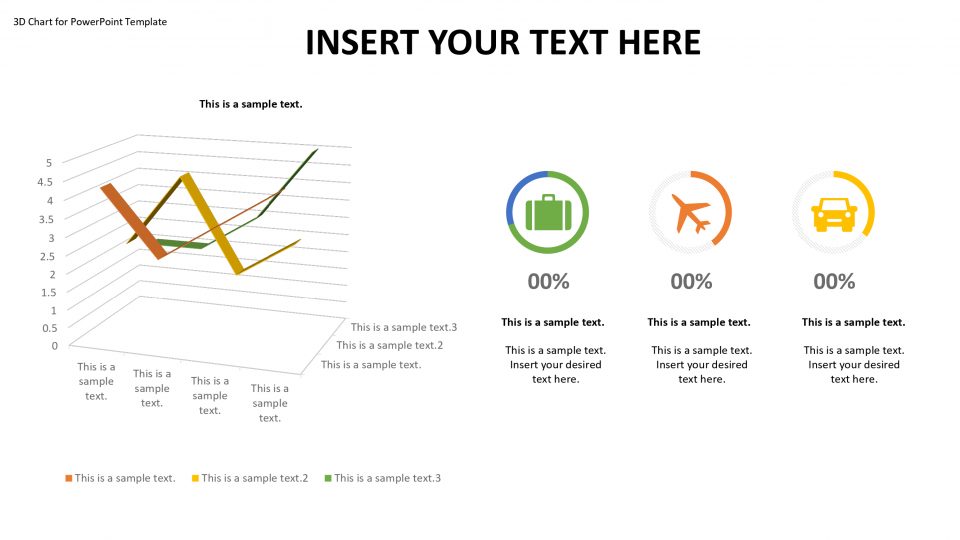
This template features a clean and modern design with easy-to-read text boxes, icons, and color-coded shapes that can be easily customized to fit your company's branding. The layout is structured in a hierarchical format, making it easy for viewers to understand the chain of command and the roles and responsibilities of each team member. The template also includes placeholders for employee names, job titles, and contact information, allowing you to personalize the org chart to reflect the actual structure of your project team.
With fully editable templates, users have the flexibility to tailor the org chart to their specific needs. You can easily add or remove positions, change the colors and fonts to match your brand guidelines, and rearrange the layout to better represent your project team's structure. This level of customization allows you to create a professional and polished presentation that effectively communicates the project's organizational hierarchy to stakeholders, team members, and other key audiences.
In addition to its customizable features, the Technical Project Org Chart PowerPoint Template also offers compatibility with both PC and Mac systems, ensuring that users can easily access and modify the presentation on their preferred platform. Whether you are presenting to senior management, collaborating with cross-functional teams, or training new hires, this template provides a versatile and user-friendly solution for visualizing the technical project organization in a clear and concise manner.
Template details
| Template | Technical Project Org Chart PowerPoint Template |
|---|---|
| Category | PowerPoint Templates |
| File format | PowerPoint (.pptx) |
| Slide size | 16:9 widescreen |
| Preview images | 1 |
| Editable | Yes: text, colours, shapes, icons and charts |
| Works with | PowerPoint 2010 and later, PowerPoint for Mac, Google Slides |
| Licence | Royalty-free, yours to keep using after your plan ends (terms of use apply) |
| Price | Included in every SlideVilla plan |
| Added | 2 Oct 2024 |
Questions about this template
Can I edit the Technical Project Org Chart PowerPoint Template?
Yes. Every part of the Technical Project Org Chart PowerPoint Template is made with native PowerPoint shapes and text boxes, so you can change the wording, colours, fonts and sizes, move or delete elements, and swap icons without losing quality.
Does the Technical Project Org Chart PowerPoint Template work in Google Slides?
Yes. Download the .pptx file, upload it to Google Drive and open it with Google Slides. The layout, shapes and text stay editable there too.
Is the Technical Project Org Chart PowerPoint Template free?
It is a premium template, included in every SlideVilla plan together with the rest of the library. See plans and pricing.
What size and format is it?
It is a PPTX file in 16:9 widescreen format, with 1 preview image shown above.
How to use this template
- Step 1DownloadClick Download and the .pptx file saves straight to your computer.
- Step 2OpenOpen it in PowerPoint, or upload it to Google Slides from your Drive.
- Step 3Make it yoursChange text, colours, icons and charts. Every element is fully editable.
Categories
Related PowerPoint templates
More designs like this one, ready to edit.