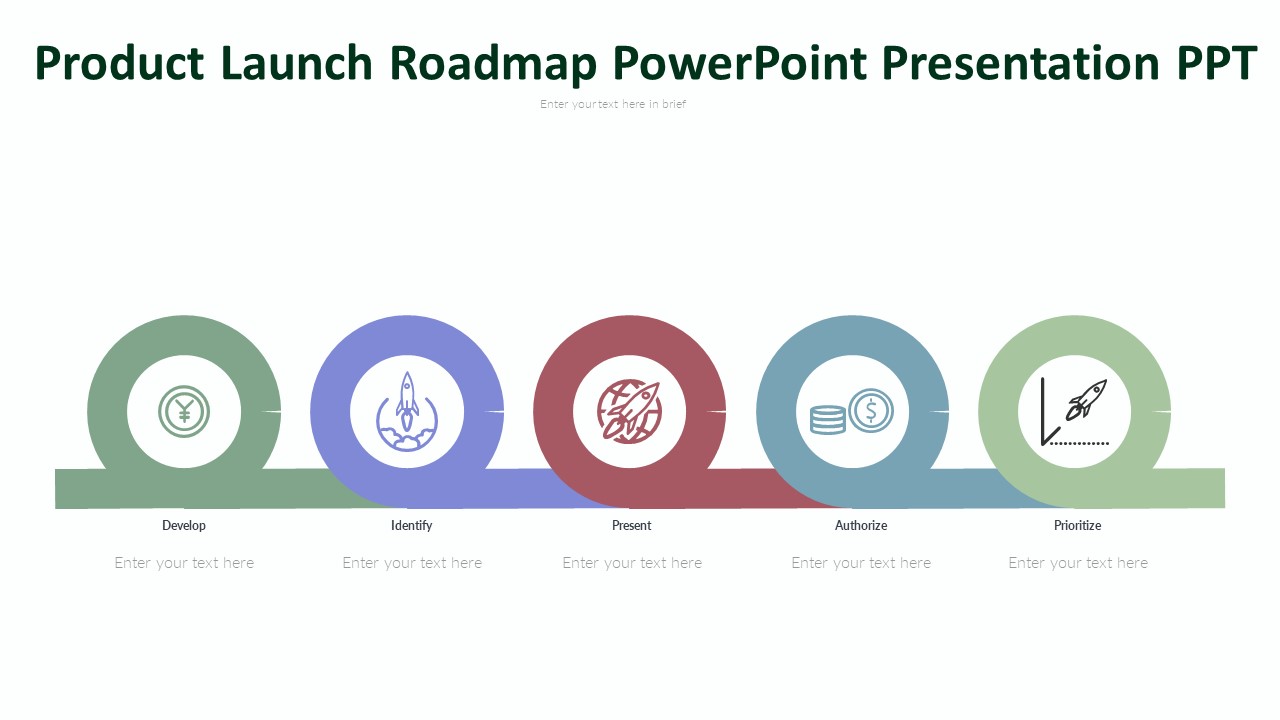
About this PowerPoint template
In the dynamic landscape of product launches, strategic planning is key. Introducing our "Roadmap For Successful Product Launch PowerPoint Presentation" – your ultimate toolkit for navigating the complexities of launching a product. Crafted with precision and expertise, this comprehensive presentation template empowers you to streamline your launch process, saving valuable time and resources.
Featuring a meticulously designed layout, our PowerPoint presentation offers unparalleled flexibility. Every element is fully editable, allowing you to customize shapes, colors, sizes, and text to suit your unique requirements. With a built-in color theme that remains consistent even after copy-pasting, maintaining brand coherence has never been easier.
Gone are the days of cumbersome image insertion – our template simplifies the process with drag-and-drop image placeholders. Plus, with completely editable vector graphics, you have the freedom to refine every detail until perfection is achieved.
Whether you're in the tech sector, consumer goods industry, or any other field requiring product launches, our presentation template is your indispensable ally. From startups to established enterprises, marketing teams, project managers, and entrepreneurs alike can harness its power to orchestrate seamless product launches that captivate audiences and drive success.
Unlock the pathway to triumph with our Roadmap For Successful Product Launch PowerPoint Presentation – your gateway to achieving excellence in product launches.
Features:
- Fully Customizable: Edit every aspect of the presentation to align with your vision, from shapes and colors to text and sizes.
- Time-Saving: Streamline your launch process and allocate resources more efficiently, saving valuable time for other critical tasks.
- Consistent Branding: Built-in color themes ensure that your brand's identity remains intact across all slides, even after copying and pasting.
- Effortless Image Integration: Simply drag and drop images into designated placeholders, eliminating the hassle of manual insertion.
- Editable Vector Graphics: Enjoy the freedom to refine and adjust vector graphics to achieve the perfect look for your presentation.
Template details
| Template | Roadmap For Successful Product Launch PowerPoint Presentation |
|---|---|
| Category | Roadmap |
| File format | PowerPoint (.pptx) |
| Slide size | 16:9 widescreen |
| Preview images | 1 |
| Editable | Yes: text, colours, shapes, icons and charts |
| Works with | PowerPoint 2010 and later, PowerPoint for Mac, Google Slides |
| Licence | Royalty-free, yours to keep using after your plan ends (terms of use apply) |
| Price | Included in every SlideVilla plan |
| Added | 13 Mar 2024 |
| Last updated | 16 Mar 2024 |
Questions about this template
Can I edit the Roadmap For Successful Product Launch PowerPoint Presentation?
Yes. Every part of the Roadmap For Successful Product Launch PowerPoint Presentation is made with native PowerPoint shapes and text boxes, so you can change the wording, colours, fonts and sizes, move or delete elements, and swap icons without losing quality.
Does the Roadmap For Successful Product Launch PowerPoint Presentation work in Google Slides?
Yes. Download the .pptx file, upload it to Google Drive and open it with Google Slides. The layout, shapes and text stay editable there too.
Is the Roadmap For Successful Product Launch PowerPoint Presentation free?
It is a premium template, included in every SlideVilla plan together with the rest of the library. See plans and pricing.
What size and format is it?
It is a PPTX file in 16:9 widescreen format, with 1 preview image shown above.
How to use this template
- Step 1DownloadClick Download and the .pptx file saves straight to your computer.
- Step 2OpenOpen it in PowerPoint, or upload it to Google Slides from your Drive.
- Step 3Make it yoursChange text, colours, icons and charts. Every element is fully editable.
Categories
Related PowerPoint templates
More designs like this one, ready to edit.