About this PowerPoint template
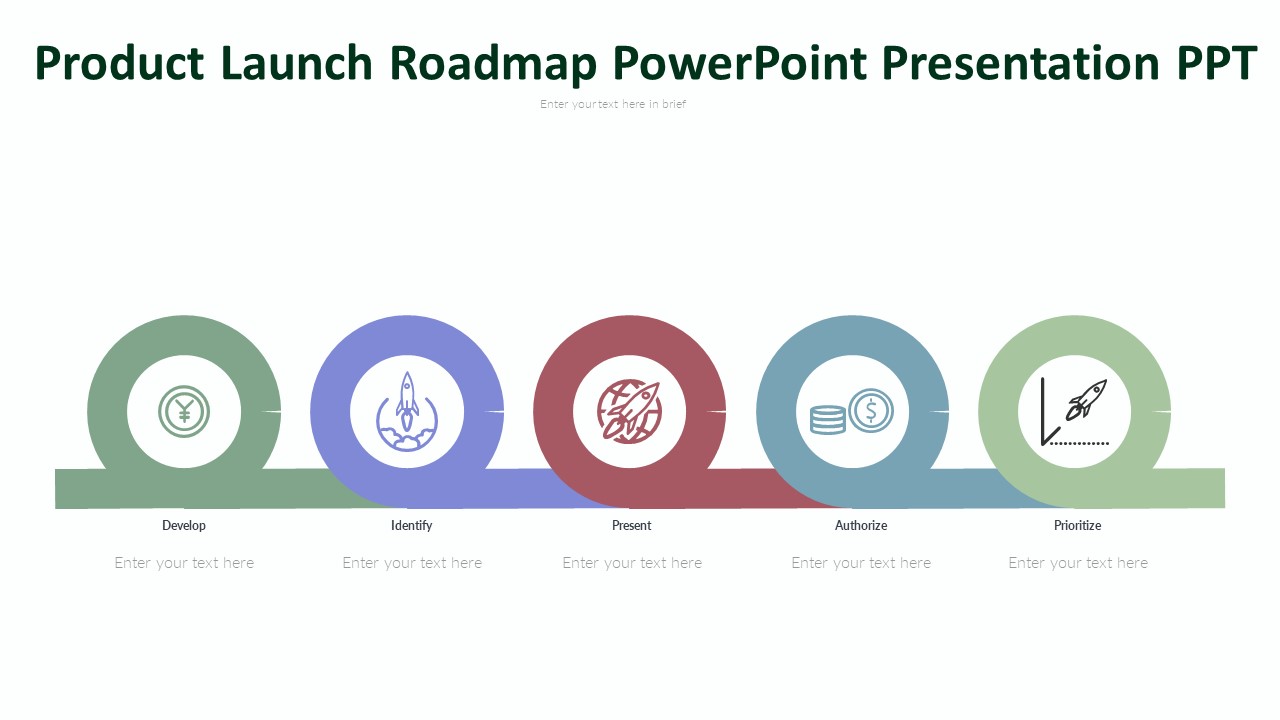
Introducing the Product Launch Roadmap PowerPoint Presentation – your ultimate solution for seamless product launches. This fully editable presentation template is designed to save you time and effort while ensuring maximum customization. With its intuitive features, including drag-and-drop image placeholders and editable vector graphics, crafting compelling presentations has never been easier. Say goodbye to tedious formatting and hello to a streamlined product launch process. Whether you're in tech, marketing, or any industry, this tool is your key to success.
Features:
- Streamlined Product Launch: Effortlessly plan and execute product launches with this fully editable PowerPoint presentation.
- Customizable Design: Tailor your presentations to perfection with complete control over shapes, colors, sizes, and text.
- Time-Saving Efficiency: Save valuable time with pre-designed templates and intuitive features, allowing you to focus on strategy and execution.
- Consistent Branding: Maintain brand consistency with built-in color themes that remain intact even after copy-pasting content.
- Visual Excellence: Enhance your presentations with drag-and-drop image placeholders and high-quality, editable vector graphics.
- Technology: Streamline product launches for software, hardware, apps, and other tech products.
- Marketing: Craft impactful product launch strategies for consumer goods, digital products, and services.
- Retail: Optimize the introduction of new products into the market, ensuring maximum impact and sales.
- Healthcare: Plan and execute the launch of new medical devices, pharmaceuticals, and healthcare solutions.
- Finance: Present innovative financial products and services to stakeholders and clients with clarity and precision.
- Product Managers: Efficiently plan and execute product launches while maintaining control over every aspect of the presentation.
- Marketing Teams: Create compelling presentations to communicate product features, benefits, and launch strategies effectively.
- Sales Professionals: Showcase new products to clients and prospects with visually appealing and informative presentations.
- Business Owners: Drive business growth by effectively introducing new products to the market with professional presentations.
- Consultants: Provide value to clients by offering expertly crafted product launch strategies and presentations.
Template details
| Template | Product Launch Roadmap PowerPoint Presentation |
|---|---|
| Category | Roadmap |
| File format | PowerPoint (.pptx) |
| Slide size | 16:9 widescreen |
| Preview images | 1 |
| Editable | Yes: text, colours, shapes, icons and charts |
| Works with | PowerPoint 2010 and later, PowerPoint for Mac, Google Slides |
| Licence | Royalty-free, yours to keep using after your plan ends (terms of use apply) |
| Price | Included in every SlideVilla plan |
| Added | 13 Mar 2024 |
| Last updated | 16 Mar 2024 |
Questions about this template
Can I edit the Product Launch Roadmap PowerPoint Presentation?
Yes. Every part of the Product Launch Roadmap PowerPoint Presentation is made with native PowerPoint shapes and text boxes, so you can change the wording, colours, fonts and sizes, move or delete elements, and swap icons without losing quality.
Does the Product Launch Roadmap PowerPoint Presentation work in Google Slides?
Yes. Download the .pptx file, upload it to Google Drive and open it with Google Slides. The layout, shapes and text stay editable there too.
Is the Product Launch Roadmap PowerPoint Presentation free?
It is a premium template, included in every SlideVilla plan together with the rest of the library. See plans and pricing.
What size and format is it?
It is a PPTX file in 16:9 widescreen format, with 1 preview image shown above.
How to use this template
- Step 1DownloadClick Download and the .pptx file saves straight to your computer.
- Step 2OpenOpen it in PowerPoint, or upload it to Google Slides from your Drive.
- Step 3Make it yoursChange text, colours, icons and charts. Every element is fully editable.
Categories
Related PowerPoint templates
More designs like this one, ready to edit.