About this PowerPoint template
The Project Management Steps and Process PowerPoint Template is a complete 20-slide presentation: a practical guide to aligning people, work, decisions, and outcomes. Every slide is fully editable in PowerPoint and Google Slides, so you can change the text, colours, charts and icons to fit your brand in minutes.
Inside, the slides walk through topics such as “A project plan is a guide, not a guarantee”, “Prioritize work by impact and effort” and “Outcomes achieved Practices that helped delivery”, with ready-made layouts for each step. It is part of our Project Management presentations.
On this page
What's included
- 20 professionally designed 16:9 widescreen slides
- 100% editable text, shapes, icons, tables and charts (no flat images)
- Works in Microsoft PowerPoint (Windows and Mac) and Google Slides
- Clean, consistent layout that follows your theme colours and fonts
- Delivered as a single ZIP file containing the .pptx presentation
What to include in a project management presentation
A simple structure that works for most audiences, mapped to the slides in this deck:
| Part | What goes there | Slide in this deck |
|---|---|---|
| Objectives and scope | What the project delivers, what is in and out of scope | Slides 2, 3, 10 |
| Success criteria | How you will know the project worked, agreed upfront | Slides 6, 9 |
| Plan and timeline | Phases, milestones and the critical path | Slides 4, 6 |
| Team and roles | Who does what, with a RACI if needed | Slides 8, 11, 12 |
| Budget and resources | Cost, people and tools | Slide 8 |
| Risks and issues | Top risks, owners and responses | Slides 13, 15 |
Key numbers: Project management
Research figures you can quote on your slides. Each one names the study it comes from, so your audience can check it.
| Finding | Figure | Source |
|---|---|---|
| Average project performance rate (completed projects that met business goals) | 73.8% | PMI Pulse of the Profession (2025) |
| Success rate of projects that navigate complexity well vs poorly | 88% vs 14% | PMI Pulse of the Profession (2026) |
| Success rate with a structured framework vs without | 72% vs 61% | PMI Pulse of the Profession (2026) |
| Projects that define success criteria upfront succeed at | nearly 2× the rate | PMI Pulse of the Profession (2025) |
Sources: PMI Pulse of the Profession 2026 (press release) · PMI report coverage, PM Global · Project statistics summary (PMI 2025), Breeze. Figures are from the editions named; check for a newer edition before you present.
Slide-by-slide outline
| Slide | What it covers |
|---|---|
| 1 | Title slide: Project Management Steps and Process |
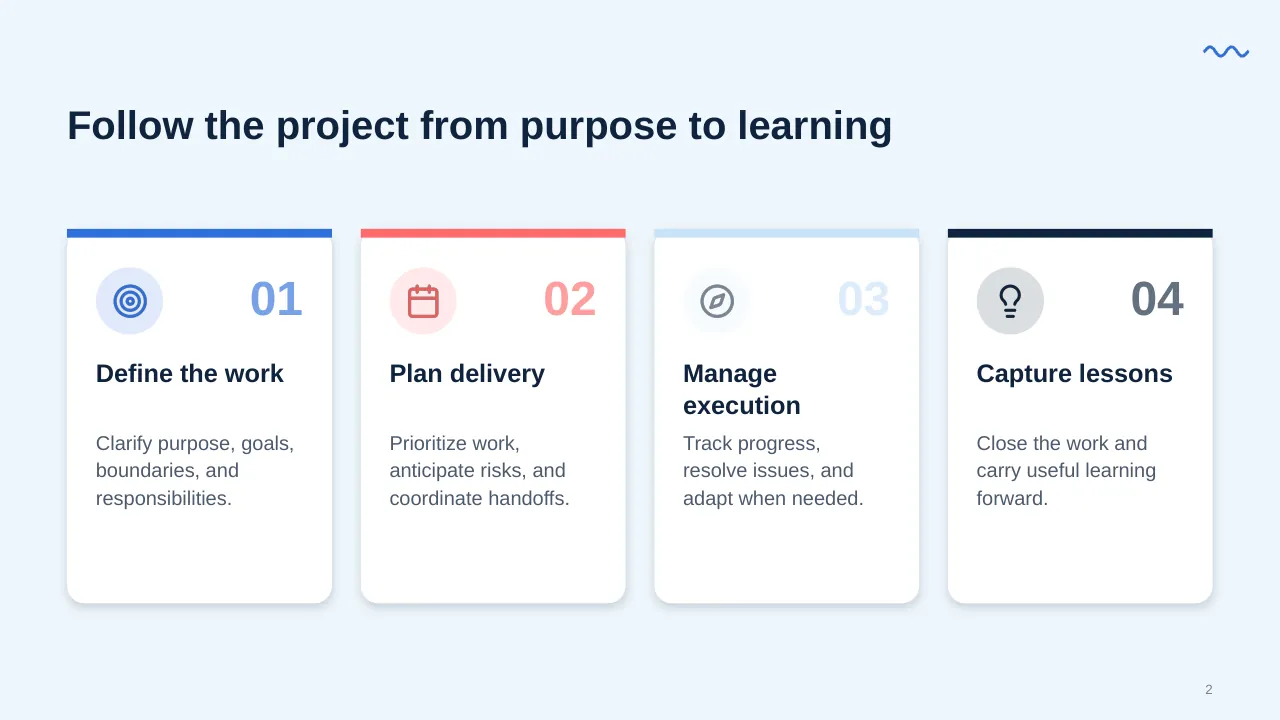
| 2 | Follow the project from purpose to learning |
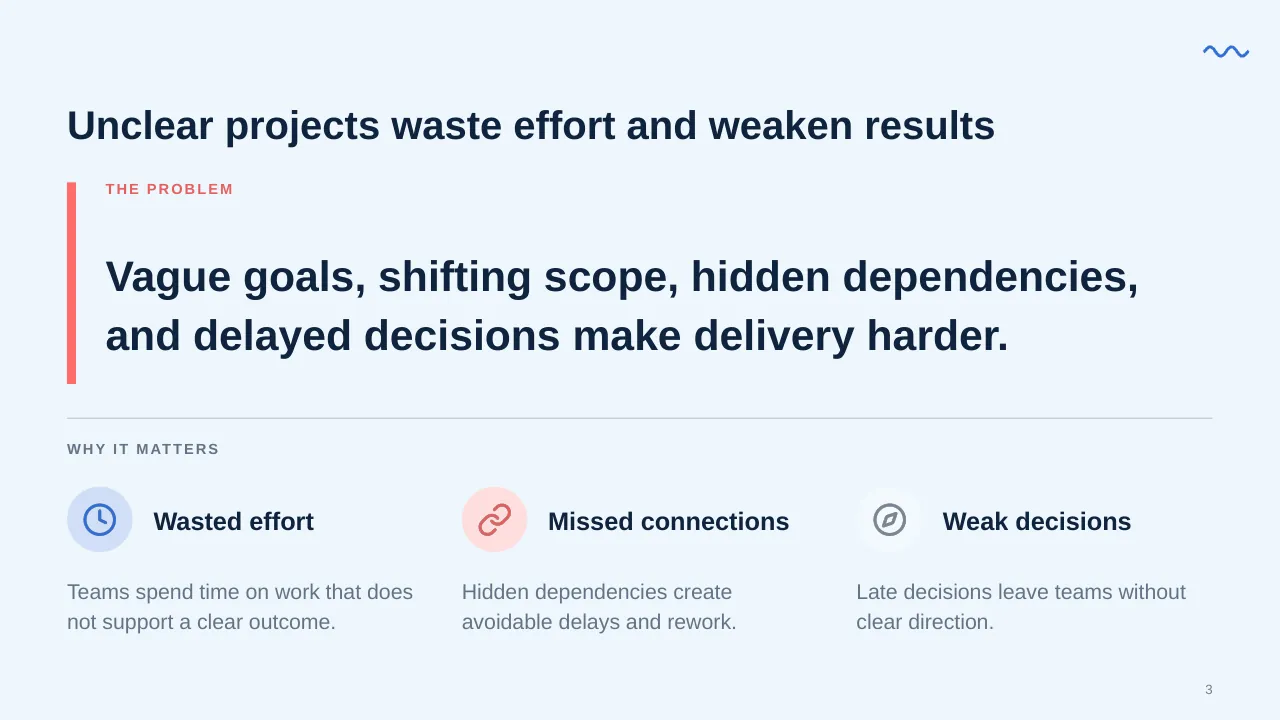
| 3 | Vague goals, shifting scope, hidden dependencies, and delayed decisions make delivery harder. |
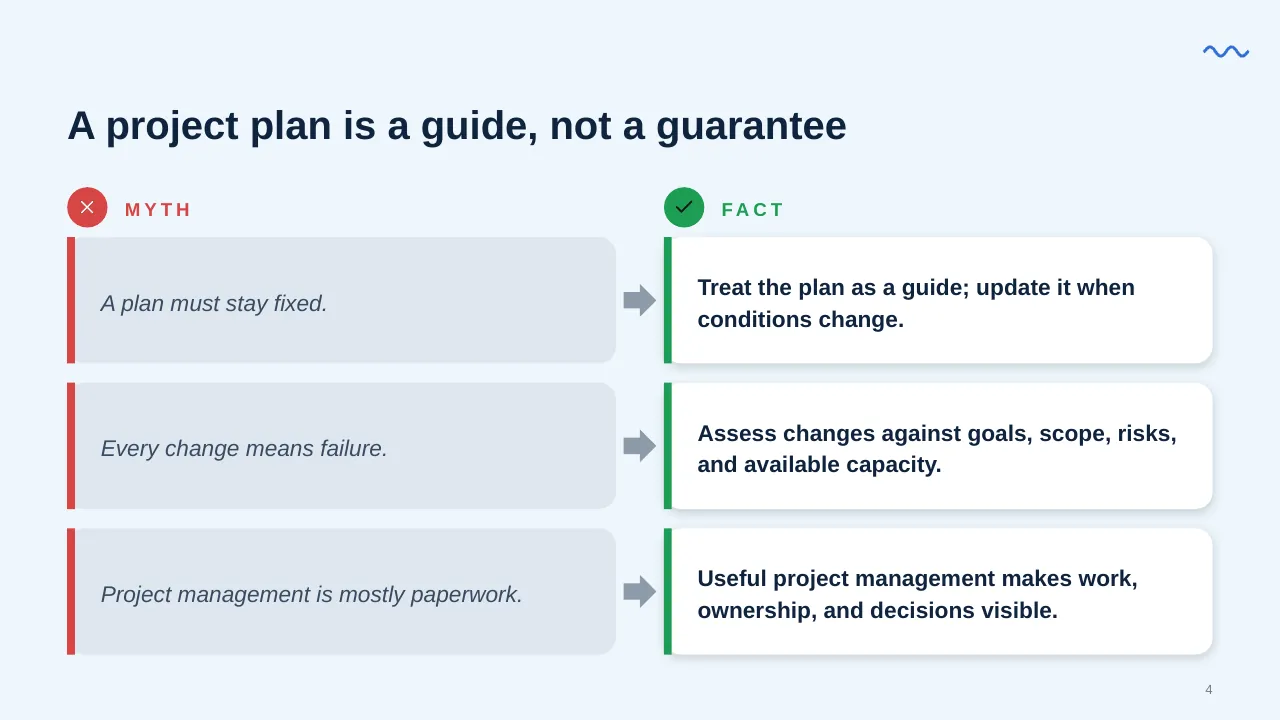
| 4 | A project plan is a guide, not a guarantee |
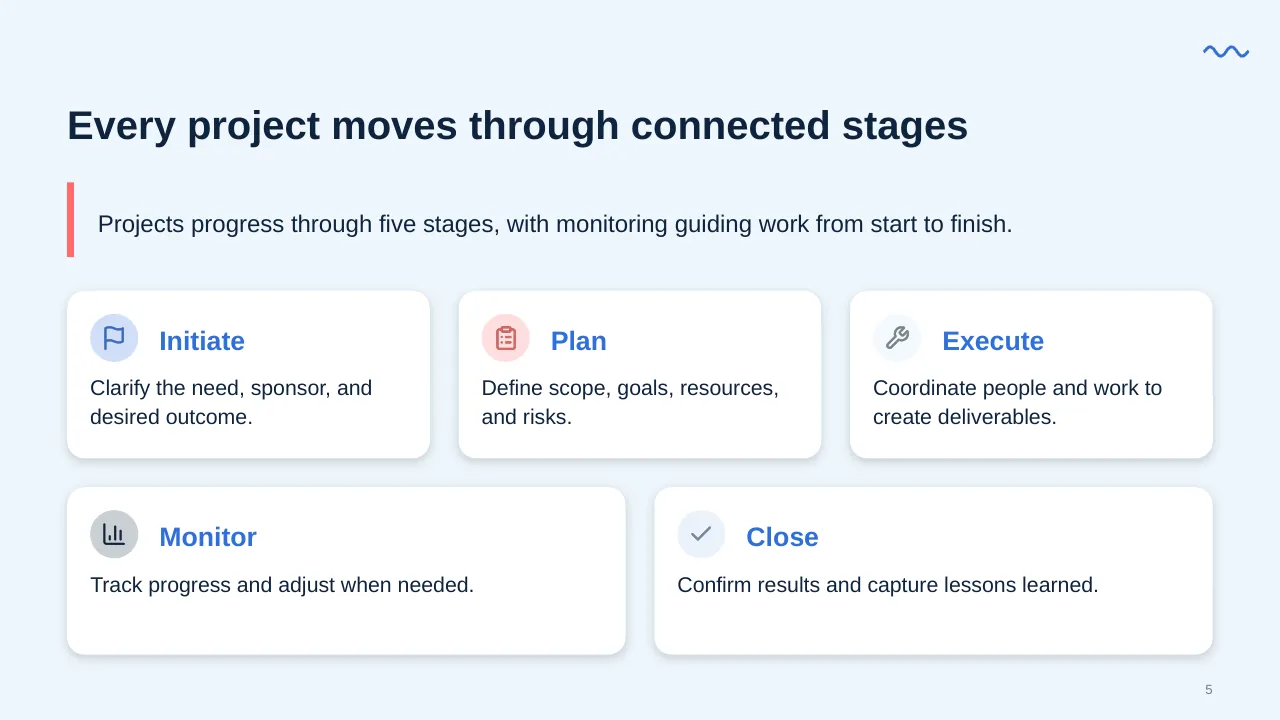
| 5 | Projects progress through five stages, with monitoring guiding work from start to finish. |
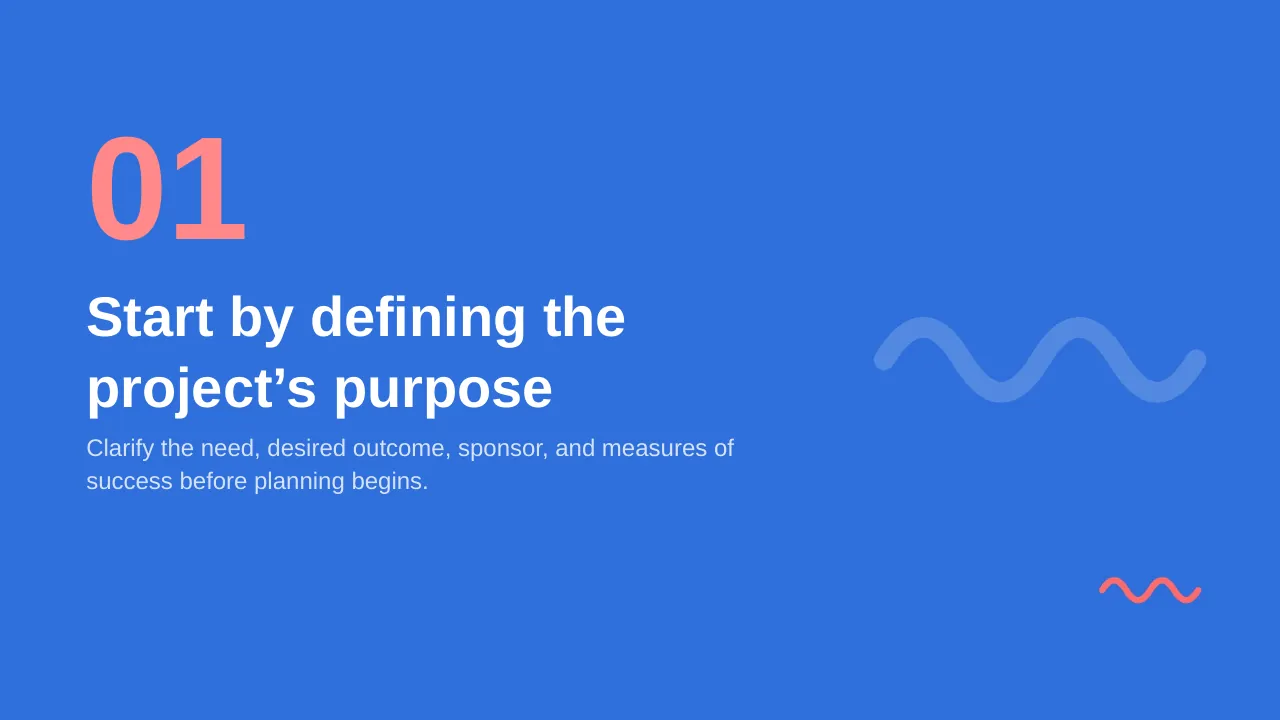
| 6 | Clarify the need, desired outcome, sponsor, and measures of success before planning begins. |
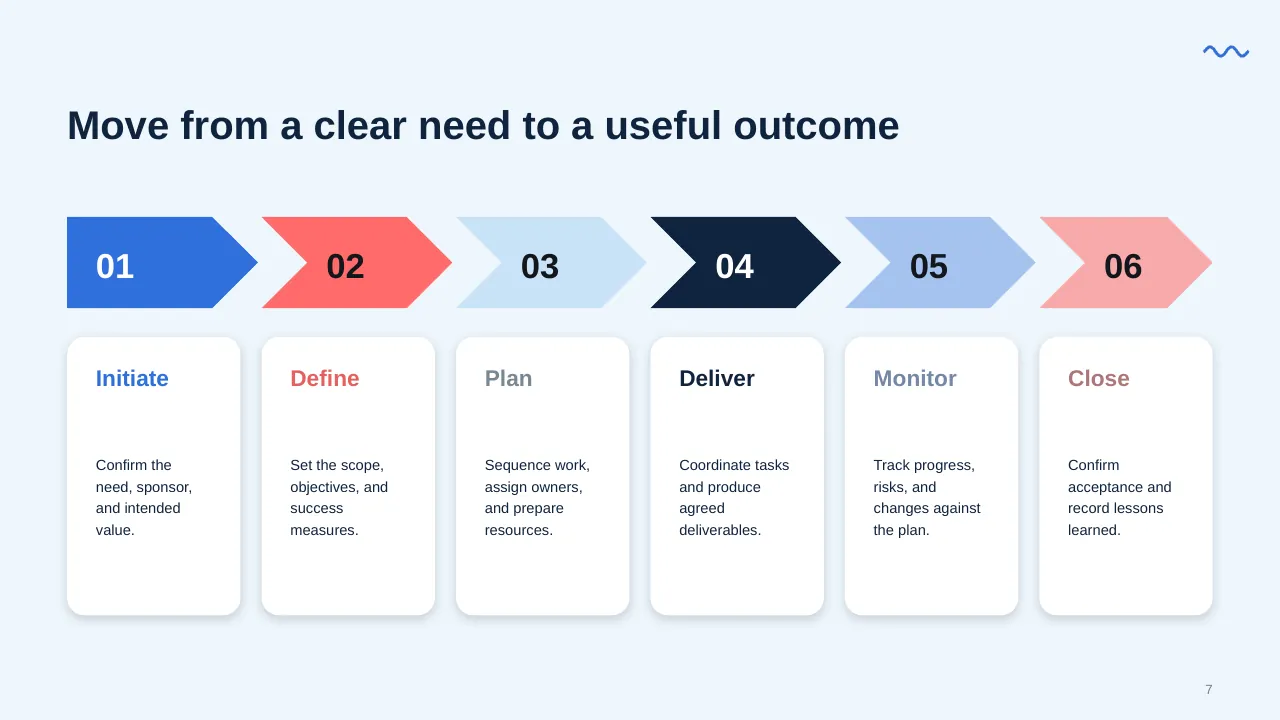
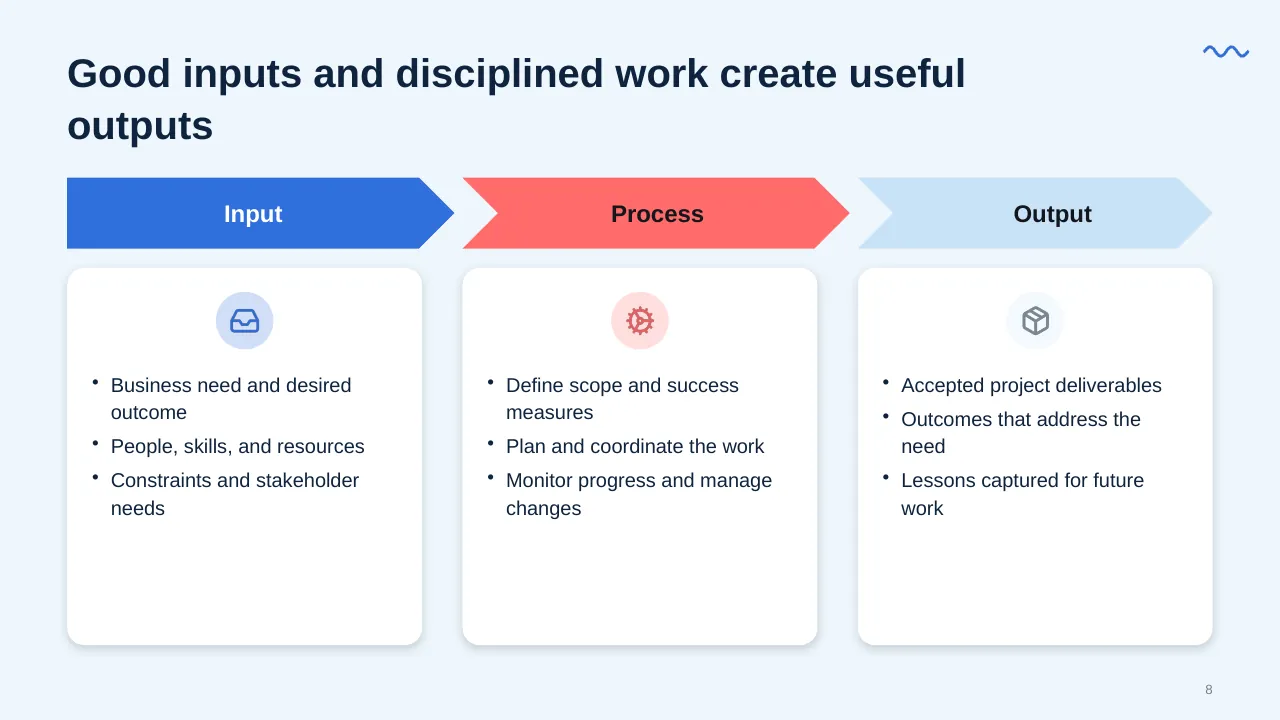
| 7 | Move from a clear need to a useful outcome |
| 8 | Business need and desired outcome People, skills, and resources Constraints and stakeholder needs |
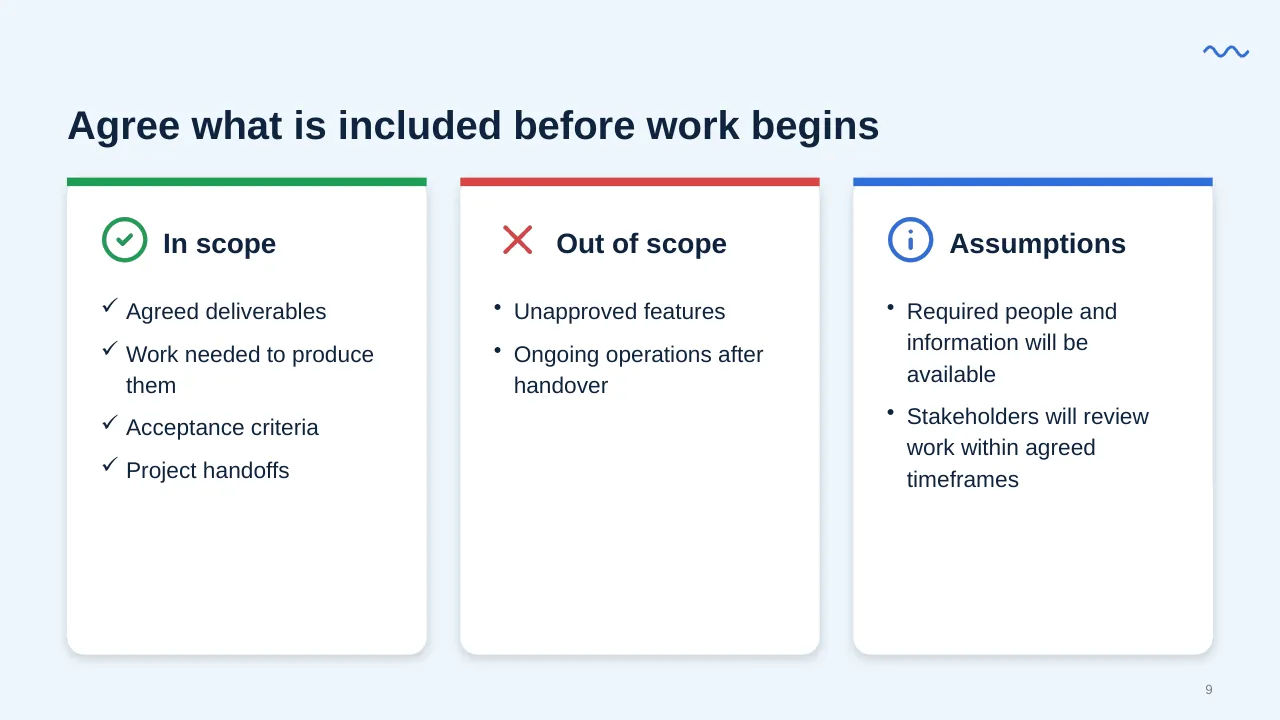
| 9 | Agreed deliverables Work needed to produce them Acceptance criteria Project handoffs |
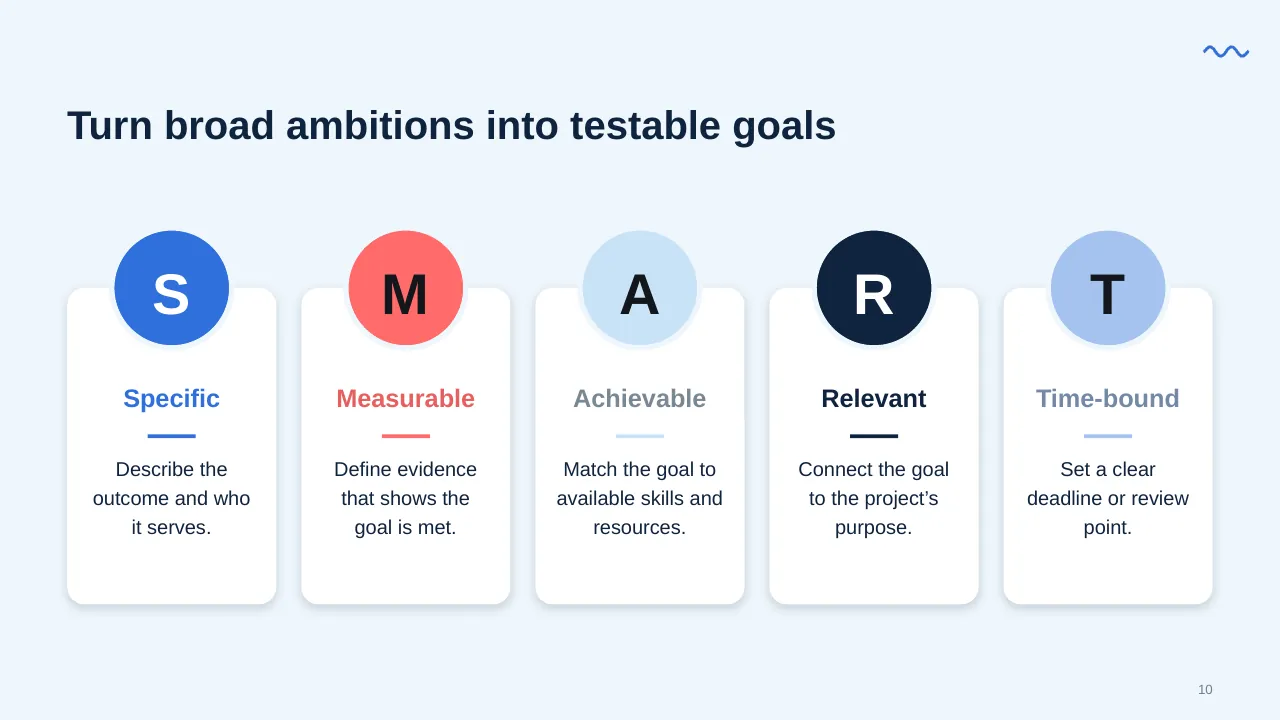
| 10 | Turn broad ambitions into testable goals |
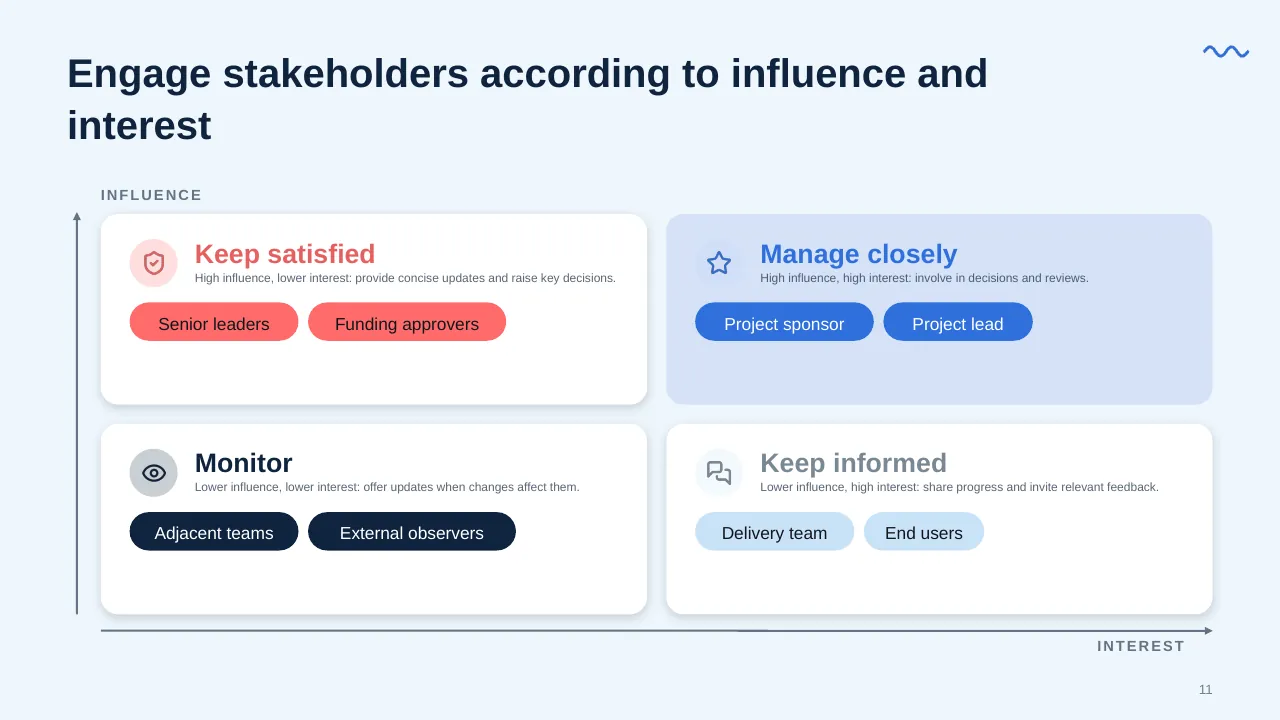
| 11 | Engage stakeholders according to influence and interest |
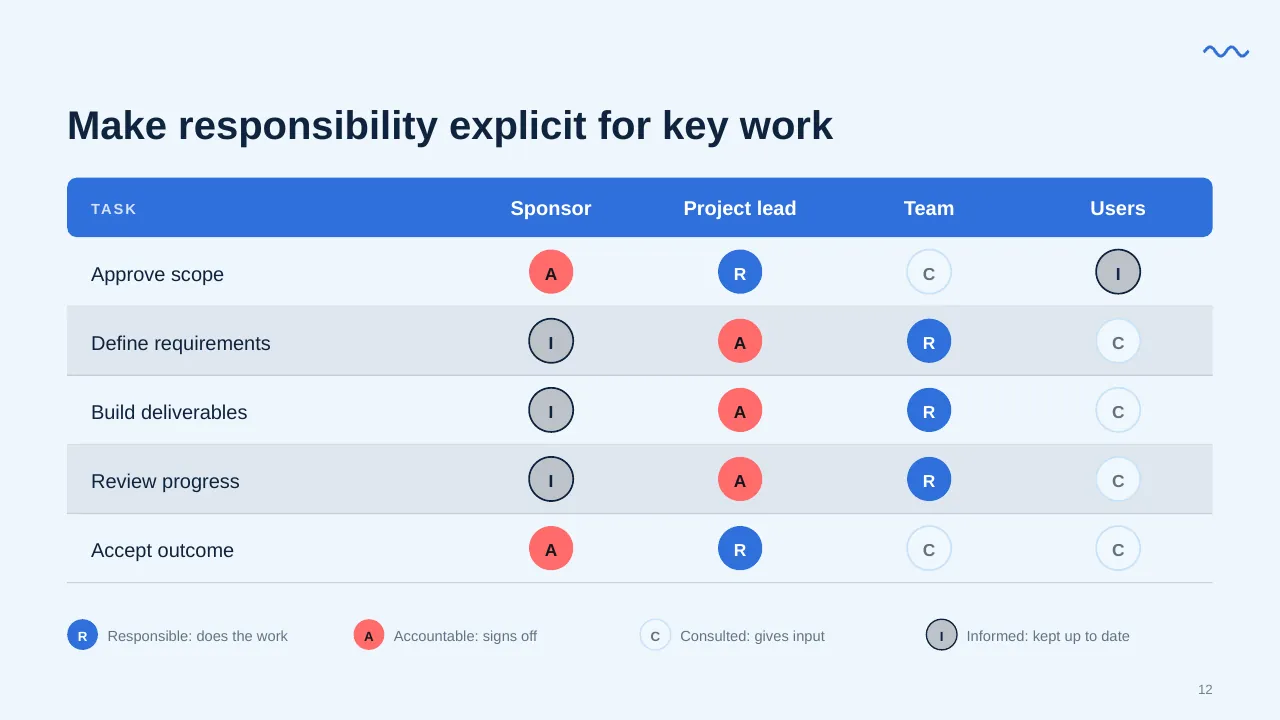
| 12 | Make responsibility explicit for key work |
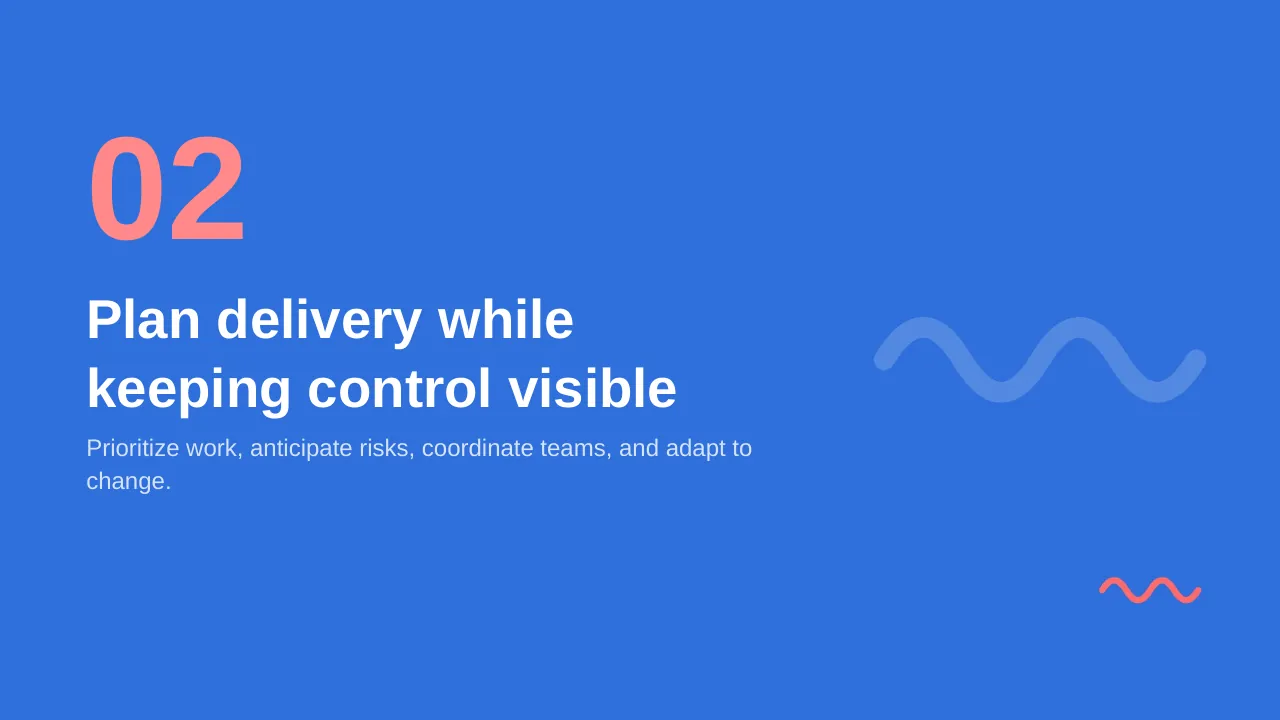
| 13 | Prioritize work, anticipate risks, coordinate teams, and adapt to change. |
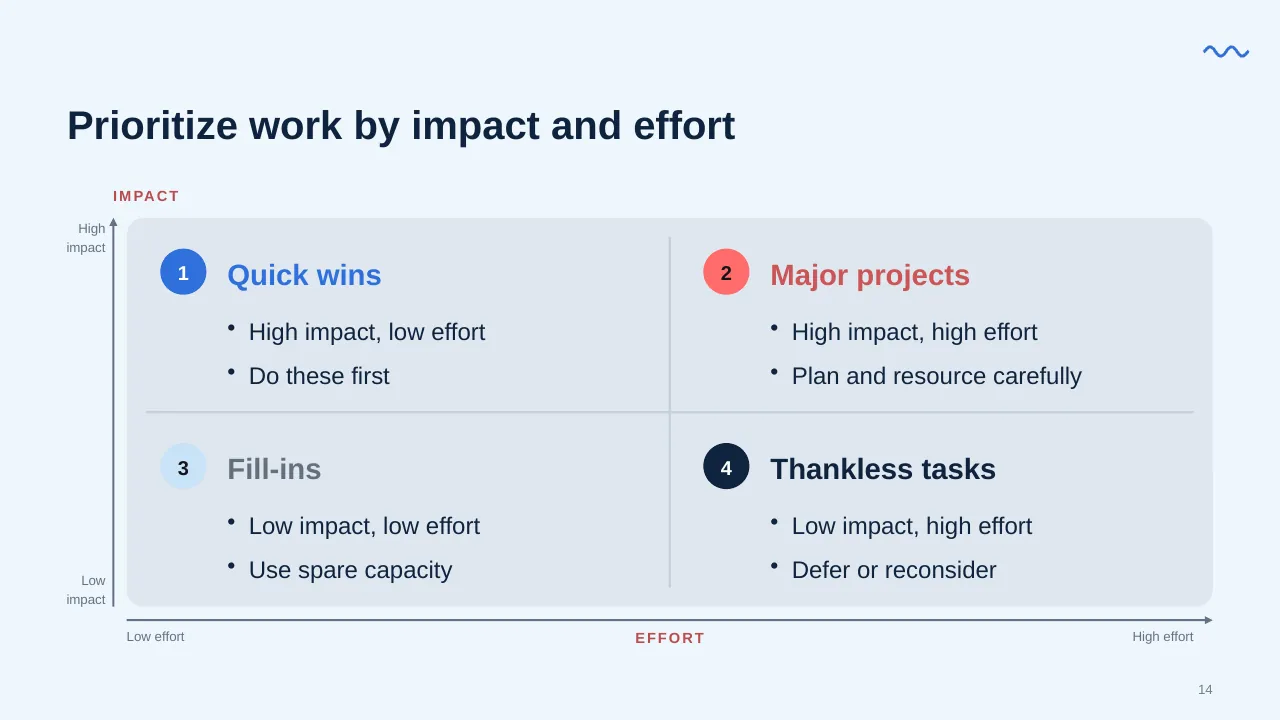
| 14 | Prioritize work by impact and effort |
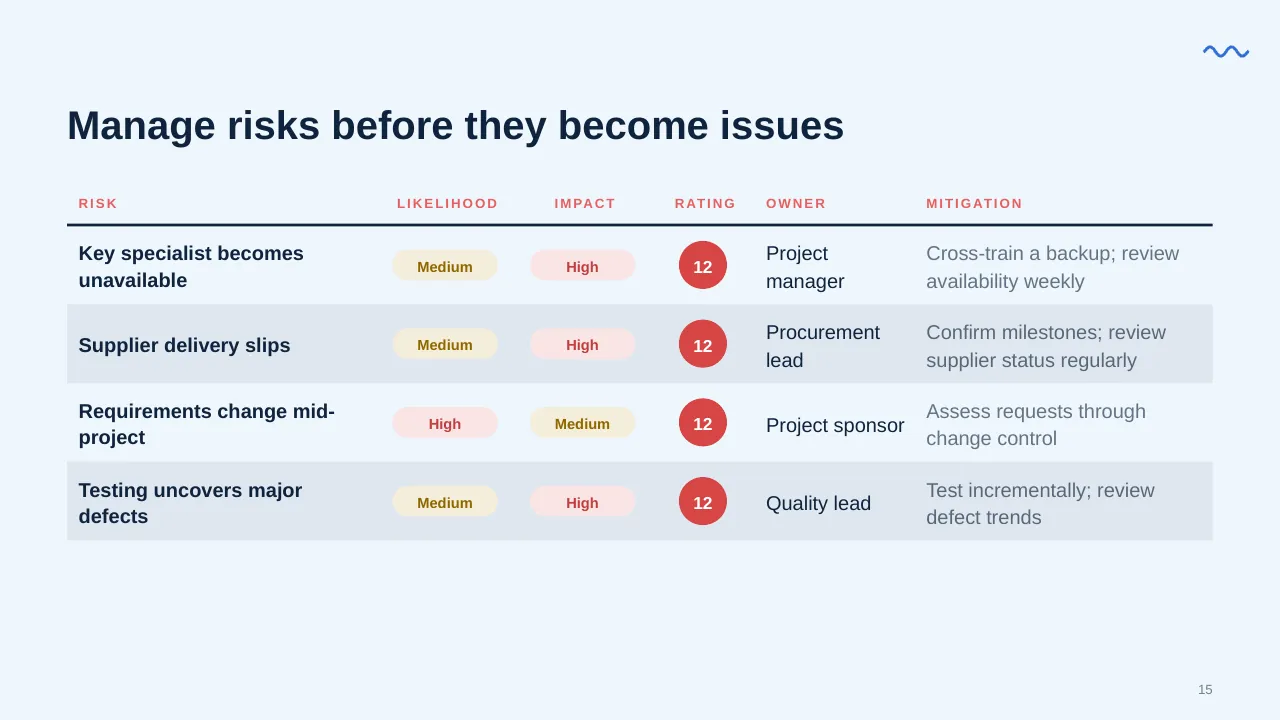
| 15 | Manage risks before they become issues |
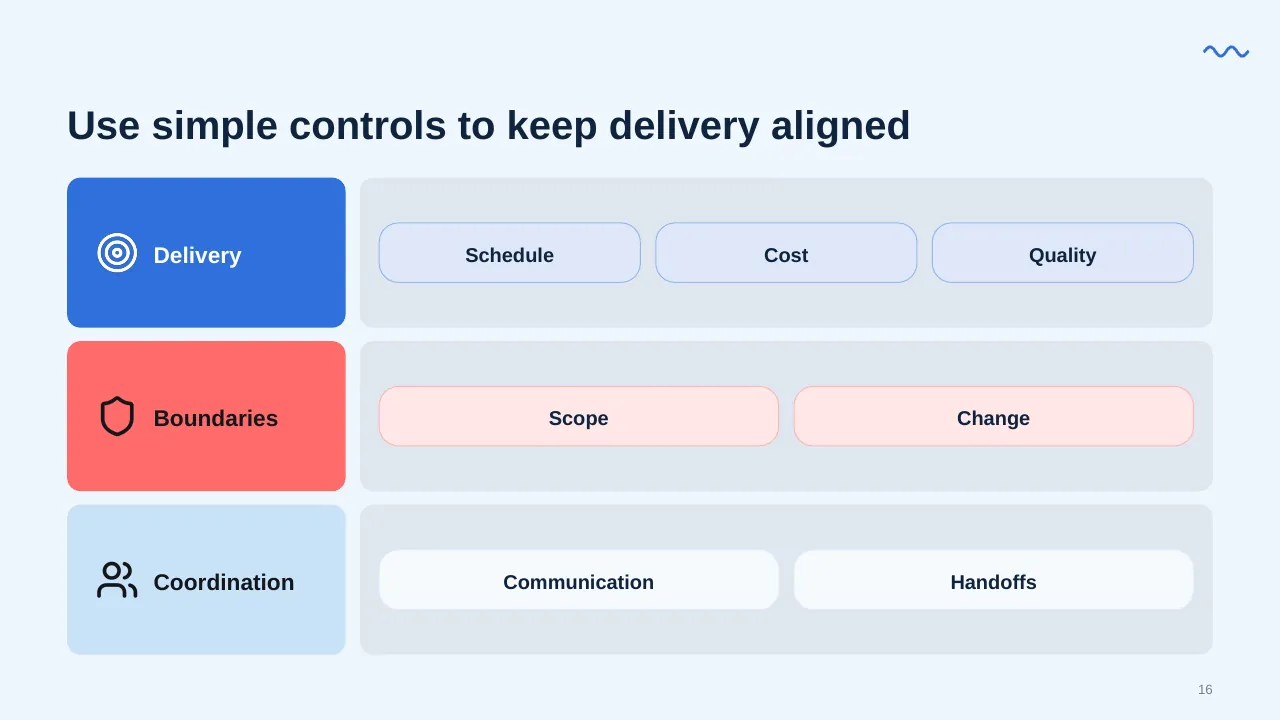
| 16 | Use simple controls to keep delivery aligned |
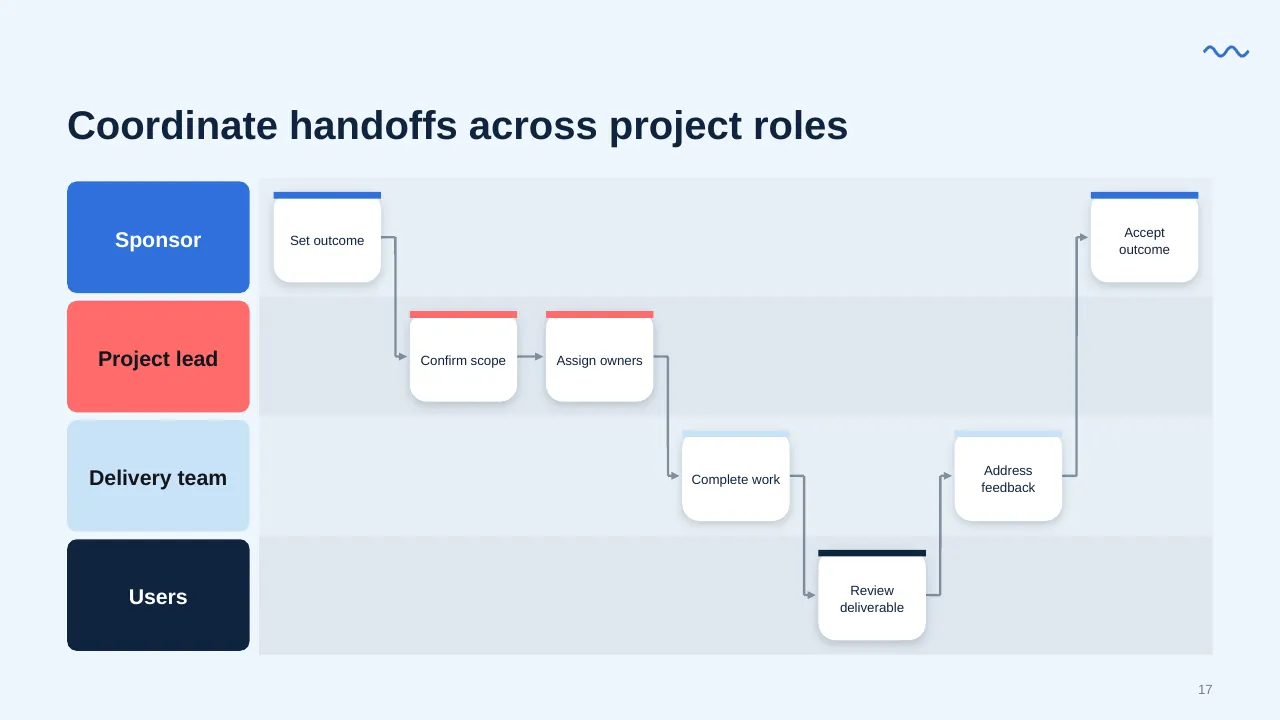
| 17 | Coordinate handoffs across project roles |
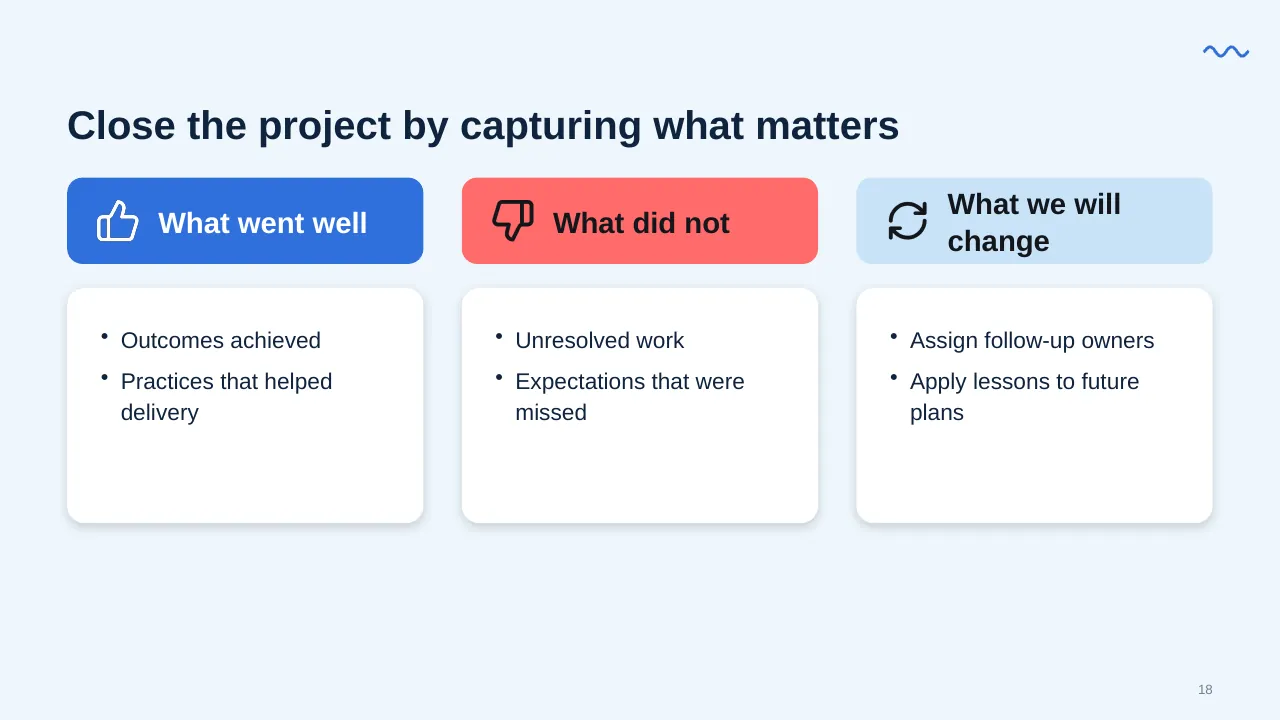
| 18 | Outcomes achieved Practices that helped delivery |
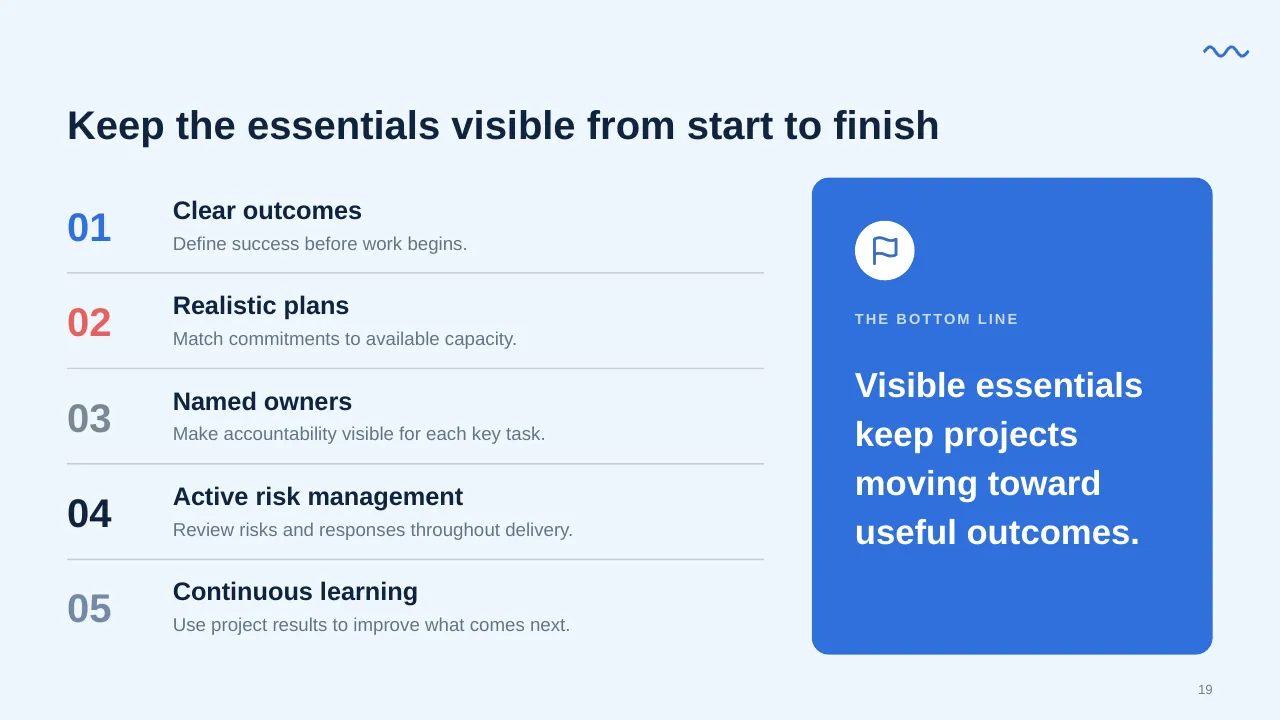
| 19 | Keep the essentials visible from start to finish |
| 20 | Define the outcome, make ownership visible, and review progress regularly. |
Tips for a project management presentation
- Agree success criteria before kickoff; PMI found projects that do this succeed at nearly twice the rate.
- Show the critical path, not every task.
- Give each risk a named owner and a next step.
- Use one slide per decision you need from the audience.
Mistakes to avoid
- Too much task detail for an executive audience
- No clear owner for risks
- Scope that is never written down
Checklist before you present
- Are objectives and scope stated clearly?
- Are success criteria agreed?
- Are milestones and dates realistic?
- Are roles and owners named?
- Are top risks listed with responses?
Great for
- Project kickoff meetings
- Weekly and monthly status reports
- Steering committee and governance updates
- Agile sprint planning and reviews
How to customise it
- Download the ZIP file and unzip it to get the .pptx presentation.
- Open it in PowerPoint, or upload it to Google Drive and open it with Google Slides.
- Replace the sample text and numbers with your own; charts update from their data sheets.
- Change the theme colours once to recolour the whole deck, then delete any slides you don't need.
Questions about a project management presentation
What should a project kickoff deck include?
Objectives, scope, success criteria, timeline, team roles, ways of working and the first decisions or actions needed.
How many slides is right for a project update?
For executives, 5 to 8 slides is usually enough: status, milestones, risks, decisions needed and next steps.
Related presentations
- Project Progress Status Report PowerPoint Template
- Agile Development PowerPoint Template
- Weekly Status Report PowerPoint Template
- Project Management PowerPoint Template
Browse all Project Management presentations or more business PowerPoint templates.
Template details
| Template | Project Management Steps and Process PowerPoint Template |
|---|---|
| Categories | Business PowerPoint Templates, Project Management |
| File format | PowerPoint (.pptx), delivered as a .zip file |
| Number of slides | 20 fully editable slides |
| File size | 2.5 MB |
| Slide size | 16:9 widescreen |
| Preview images | 20 |
| Editable | Yes: text, colours, shapes, icons and charts |
| Works with | PowerPoint 2010 and later, PowerPoint for Mac, Google Slides |
| Licence | Royalty-free, yours to keep using after your plan ends (terms of use apply) |
| Price | Included in every SlideVilla plan |
| Added | 7 Mar 2025 |
Questions about this template
Can I edit the Project Management Steps and Process PowerPoint Template?
Yes. Every part of the Project Management Steps and Process PowerPoint Template is made with native PowerPoint shapes and text boxes, so you can change the wording, colours, fonts and sizes, move or delete elements, and swap icons without losing quality.
Does the Project Management Steps and Process PowerPoint Template work in Google Slides?
Yes. Download the .zip file, unzip it to get the .pptx, upload it to Google Drive and open it with Google Slides. The layout, shapes and text stay editable there too.
Is the Project Management Steps and Process PowerPoint Template free?
It is a premium template, included in every SlideVilla plan together with the rest of the library. See plans and pricing.
What size and format is it?
It is a PPTX file in 16:9 widescreen format with 20 slides, 2.5 MB (downloaded as a .zip; unzip it to get the presentation), with 20 preview images shown above.
How to use this template
- Step 1DownloadClick Download, then unzip the .zip file to get the .pptx presentation.
- Step 2OpenOpen it in PowerPoint, or upload it to Google Slides from your Drive.
- Step 3Make it yoursChange text, colours, icons and charts. Every element is fully editable.
Related PowerPoint templates
More designs like this one, ready to edit.