About this PowerPoint template
The Agile Development PowerPoint Template is a complete 25-slide presentation: a practical guide to mindset, methods, and team habits. Every slide is fully editable in PowerPoint and Google Slides, so you can change the text, colours, charts and icons to fit your brand in minutes.
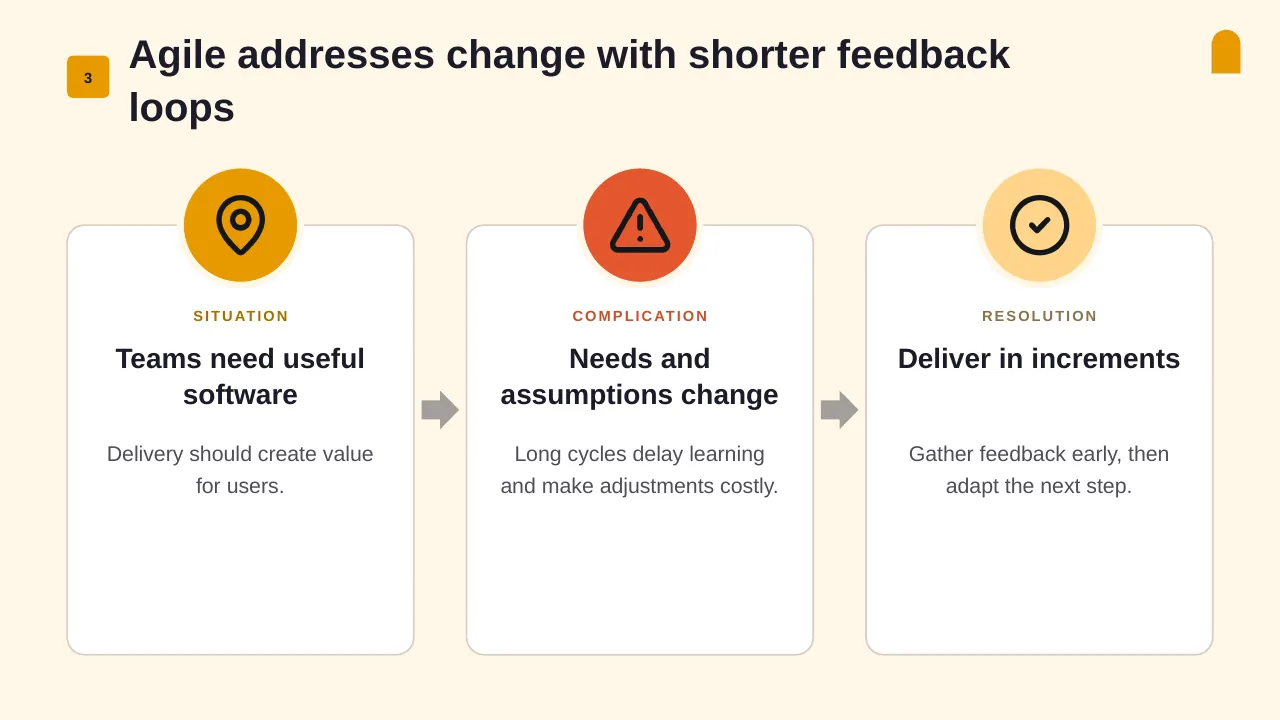
Inside, the slides walk through topics such as “Agile addresses change with shorter feedback loops”, “Show work items and each stage of the workflow” and “Keep the principles stronger than the rituals”, with ready-made layouts for each step. It is part of our Project Management presentations.
On this page
What's included
- 25 professionally designed 16:9 widescreen slides
- 100% editable text, shapes, icons, tables and charts (no flat images)
- Works in Microsoft PowerPoint (Windows and Mac) and Google Slides
- Clean, consistent layout that follows your theme colours and fonts
- Delivered as a single ZIP file containing the .pptx presentation
What to include in an Agile presentation
A simple structure that works for most audiences, mapped to the slides in this deck:
| Part | What goes there | Slide in this deck |
|---|---|---|
| Goal | The sprint or release goal in one sentence | Use any content slide |
| Backlog and scope | Committed stories or features and priorities | Slide 11 |
| Cadence and ceremonies | Sprint length, planning, reviews and retros | Slides 8, 9, 13 |
| Team and roles | Product owner, Scrum Master, team | Slides 4, 7, 12 |
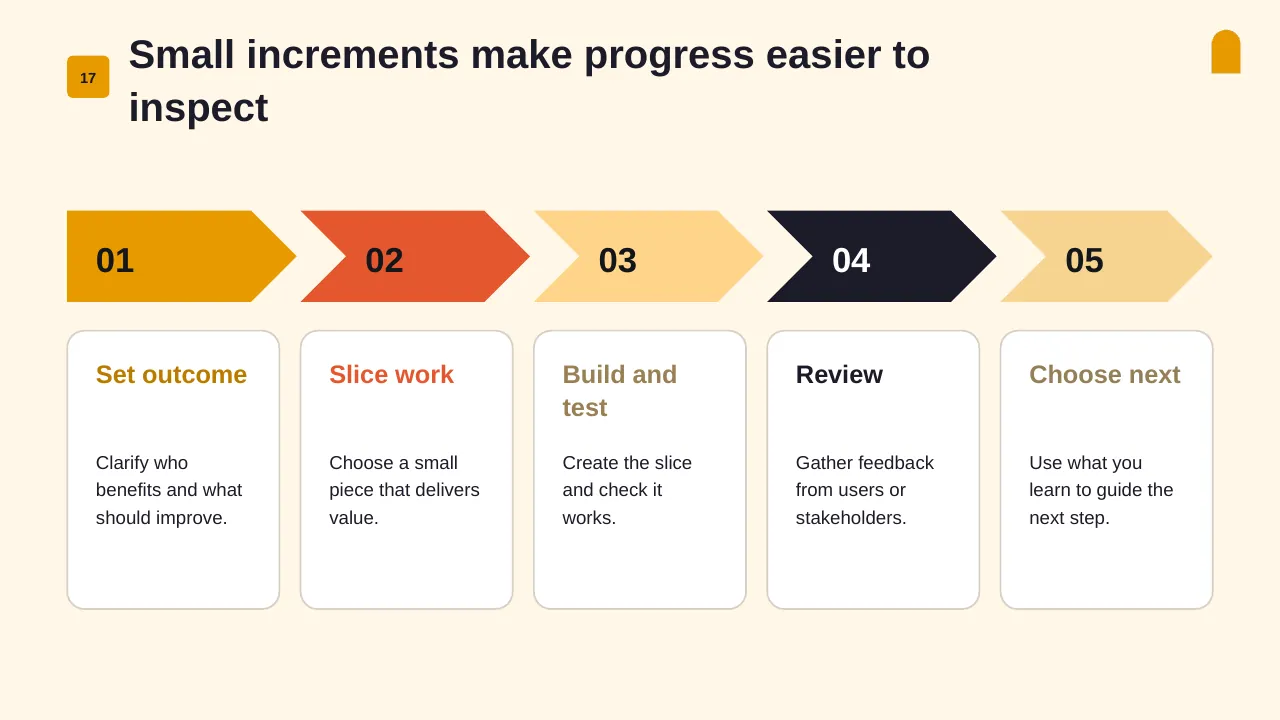
| Progress | Velocity, burndown and done items | Slide 17 |
| Impediments | Blockers and help needed | Use any content slide |
Key numbers: Agile
Research figures you can quote on your slides. Each one names the study it comes from, so your audience can check it.
| Finding | Figure | Source |
|---|---|---|
| Respondents using Agile in their software development life cycle | 71% | Digital.ai, 17th State of Agile (2024) |
| Small organisations saying Agile works very or somewhat well | 52% (vs 43% at medium and large firms) | Digital.ai, 17th State of Agile (2024) |
| Top barrier to Agile: resistance to change or culture clash | 47% | Digital.ai, 17th State of Agile (2024) |
| Agile teams using Scrum | 63% | Digital.ai, 17th State of Agile (2024) |
Sources: Digital.ai 17th State of Agile (press release) · Agile statistics summary, Plaky · Why Agile transformations fail, Cprime. Figures are from the editions named; check for a newer edition before you present.
Slide-by-slide outline
| Slide | What it covers |
|---|---|
| 1 | Title slide: Agile Development |
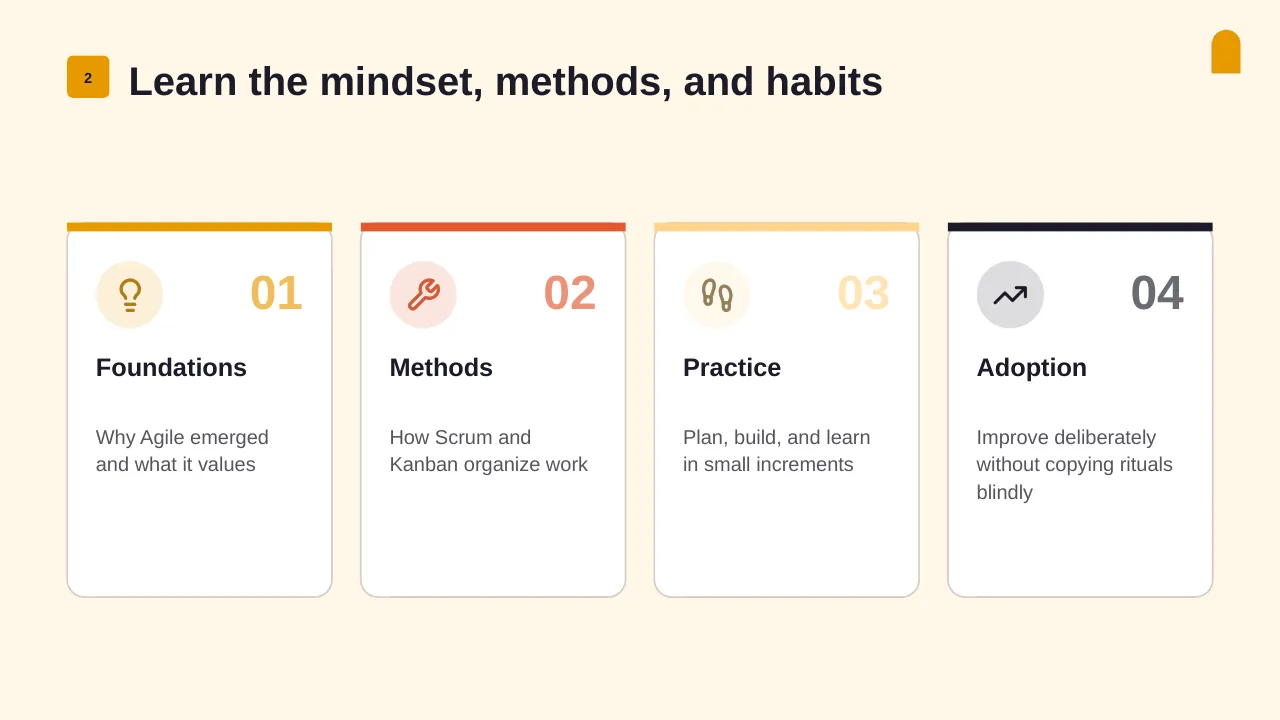
| 2 | Learn the mindset, methods, and habits |
| 3 | Agile addresses change with shorter feedback loops |
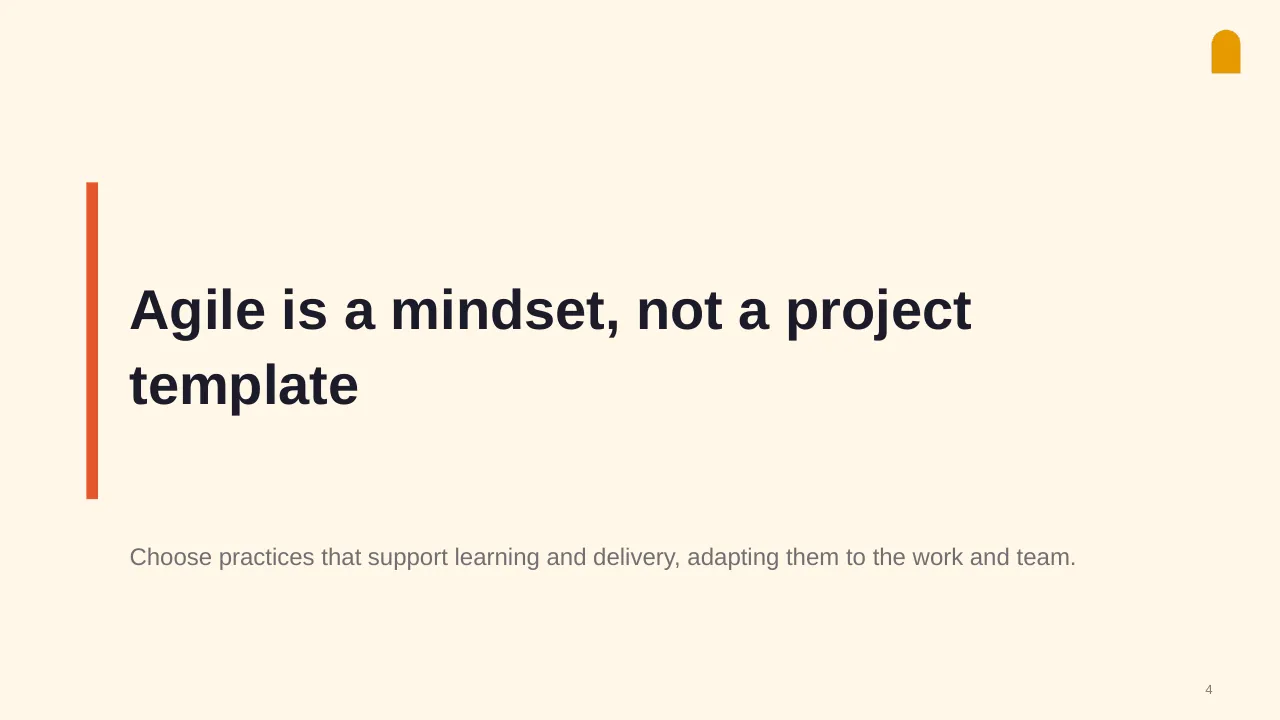
| 4 | Choose practices that support learning and delivery, adapting them to the work and team. |
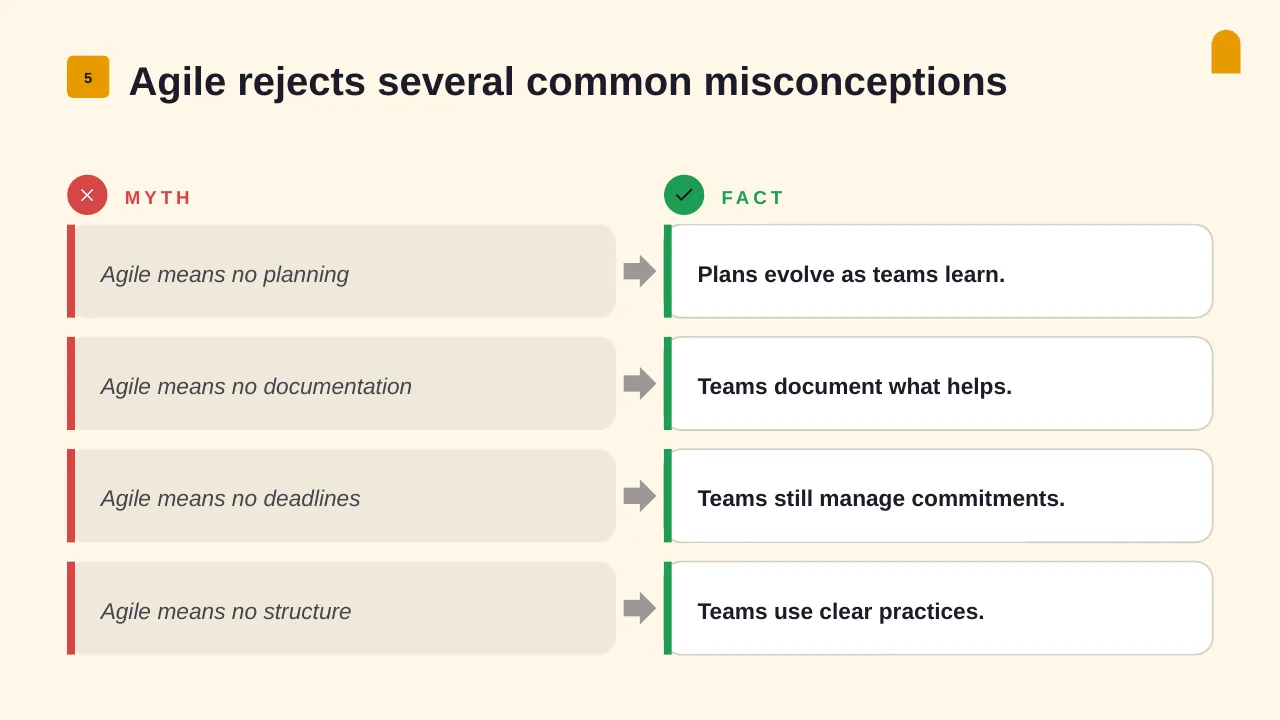
| 5 | Agile rejects several common misconceptions |
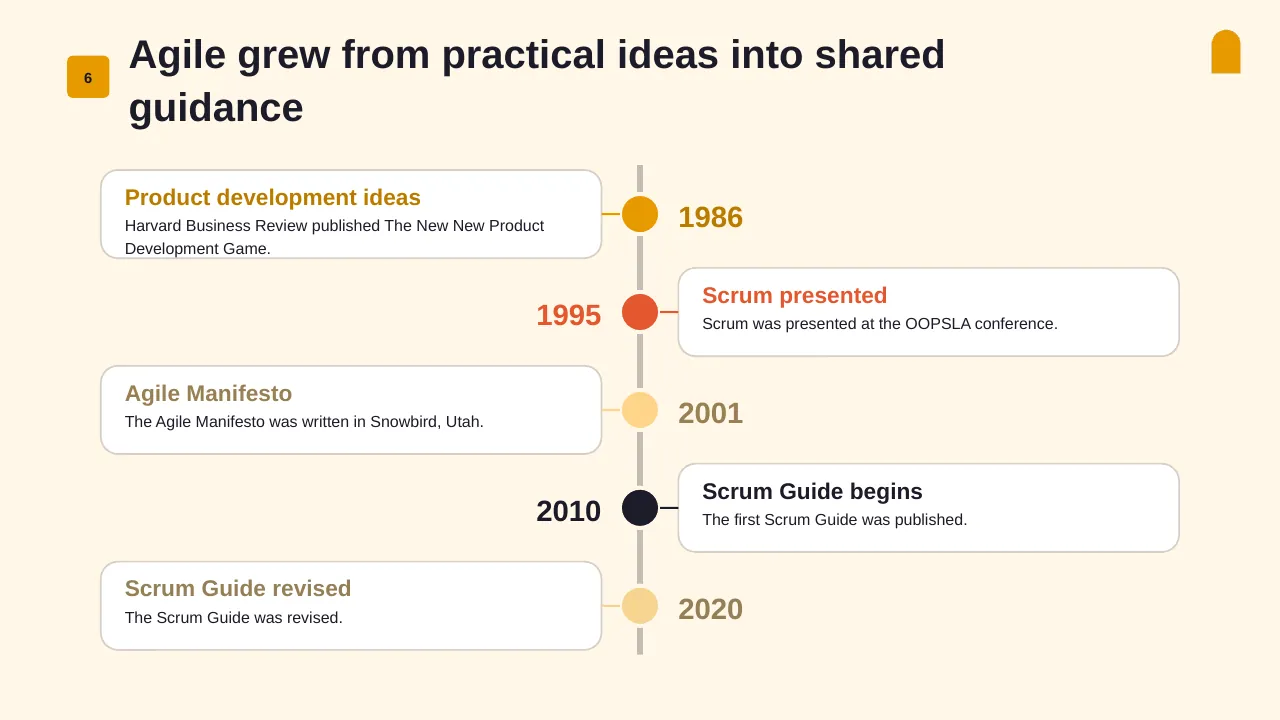
| 6 | Agile grew from practical ideas into shared guidance |
| 7 | Use Agile values to guide the practices teams choose. |
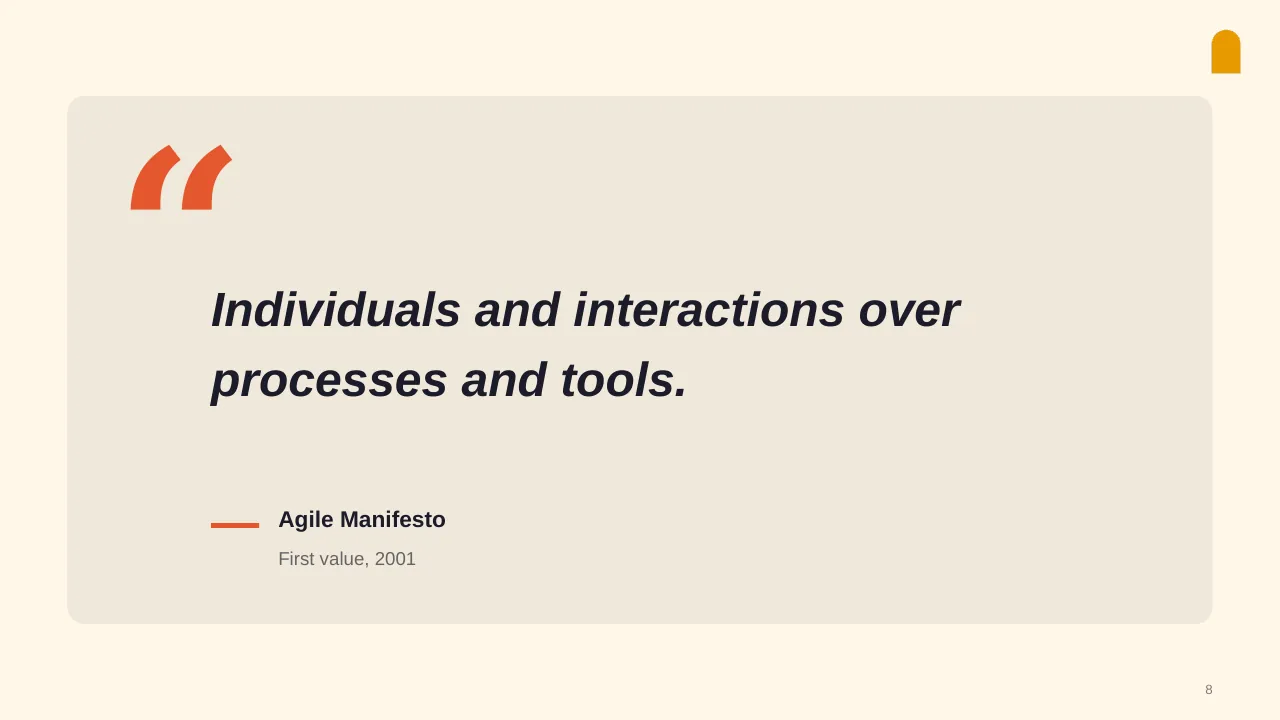
| 8 | Individuals and interactions over processes and tools. |
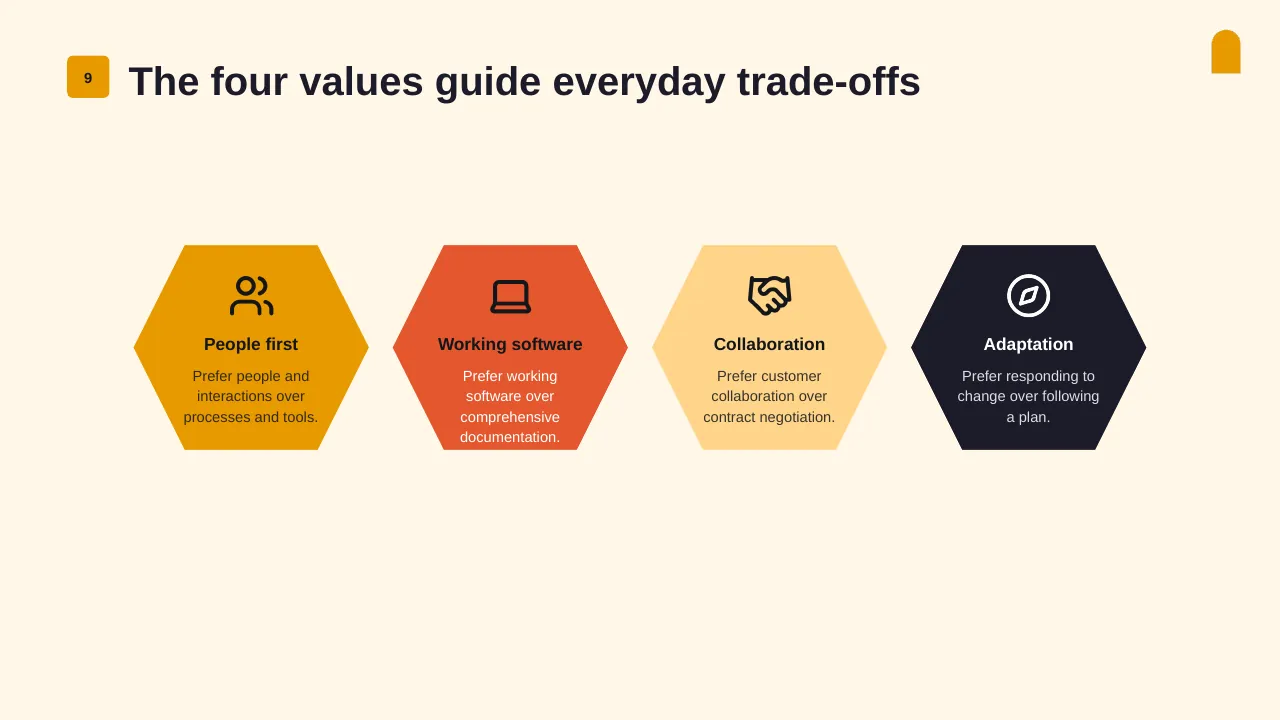
| 9 | Prefer people and interactions over processes and tools. |
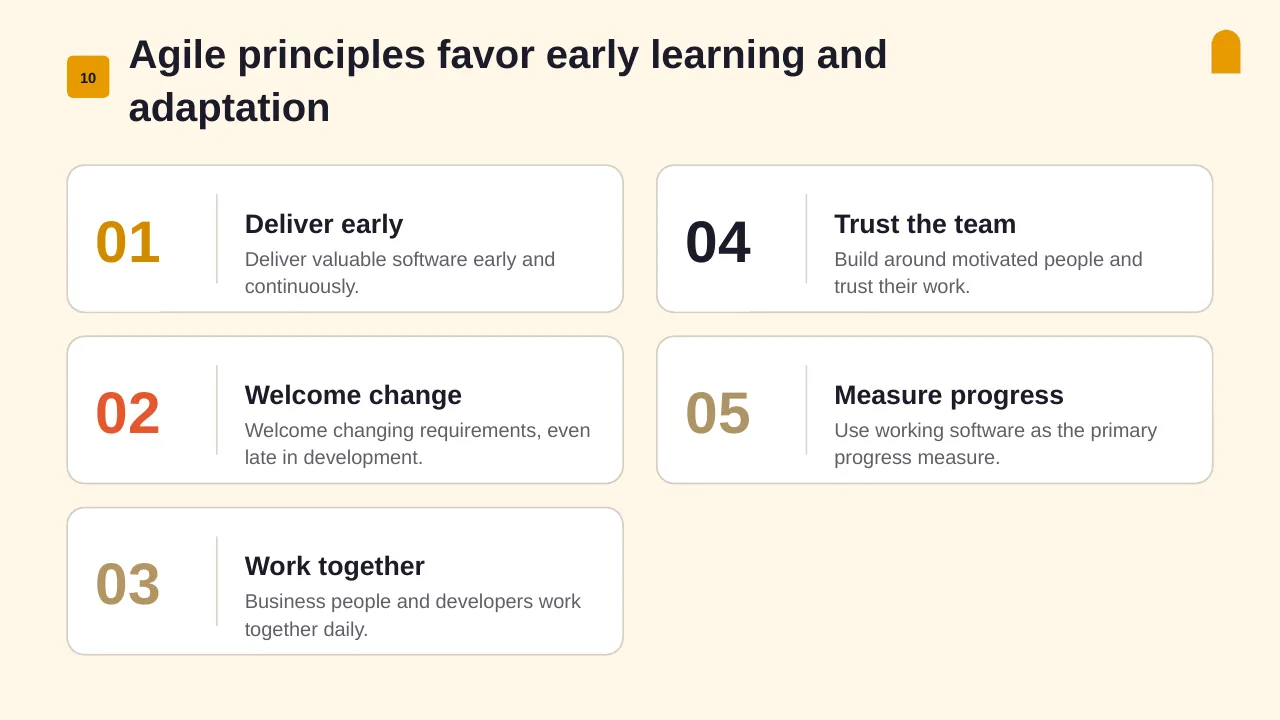
| 10 | Agile principles favor early learning and adaptation |
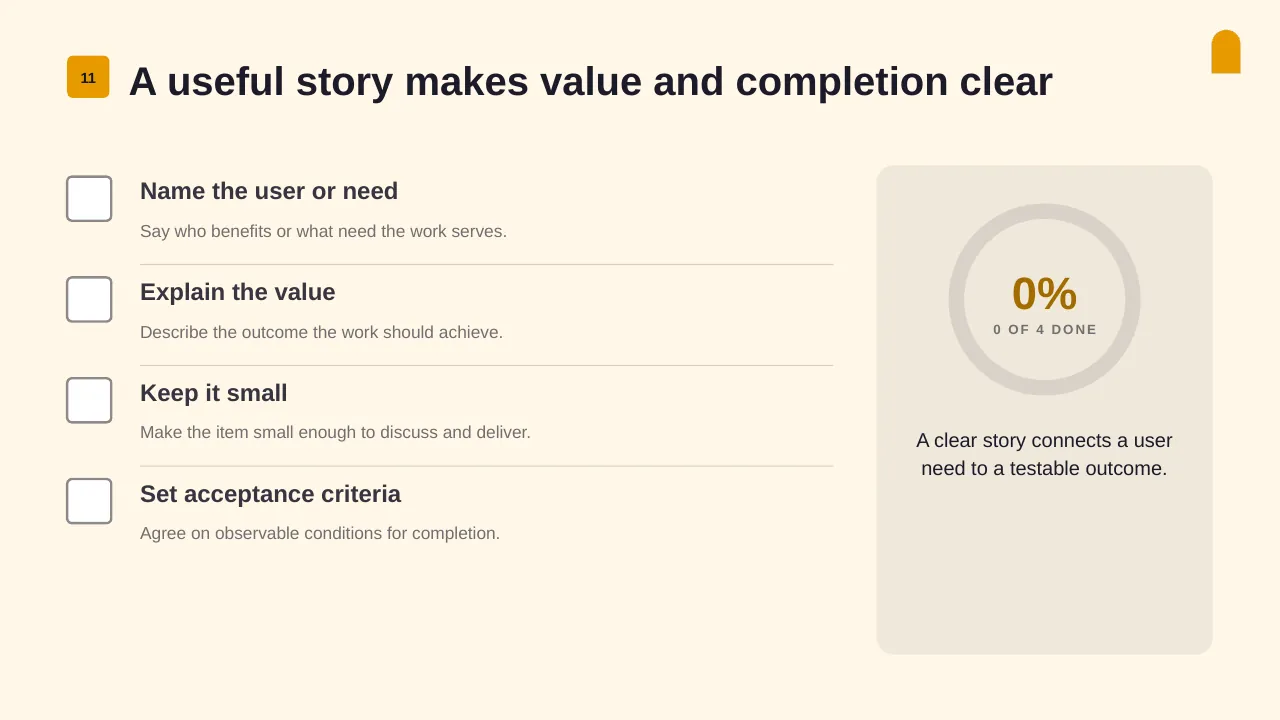
| 11 | A useful story makes value and completion clear |
| 12 | Turn Agile foundations into delivery habits that suit the team and its work. |
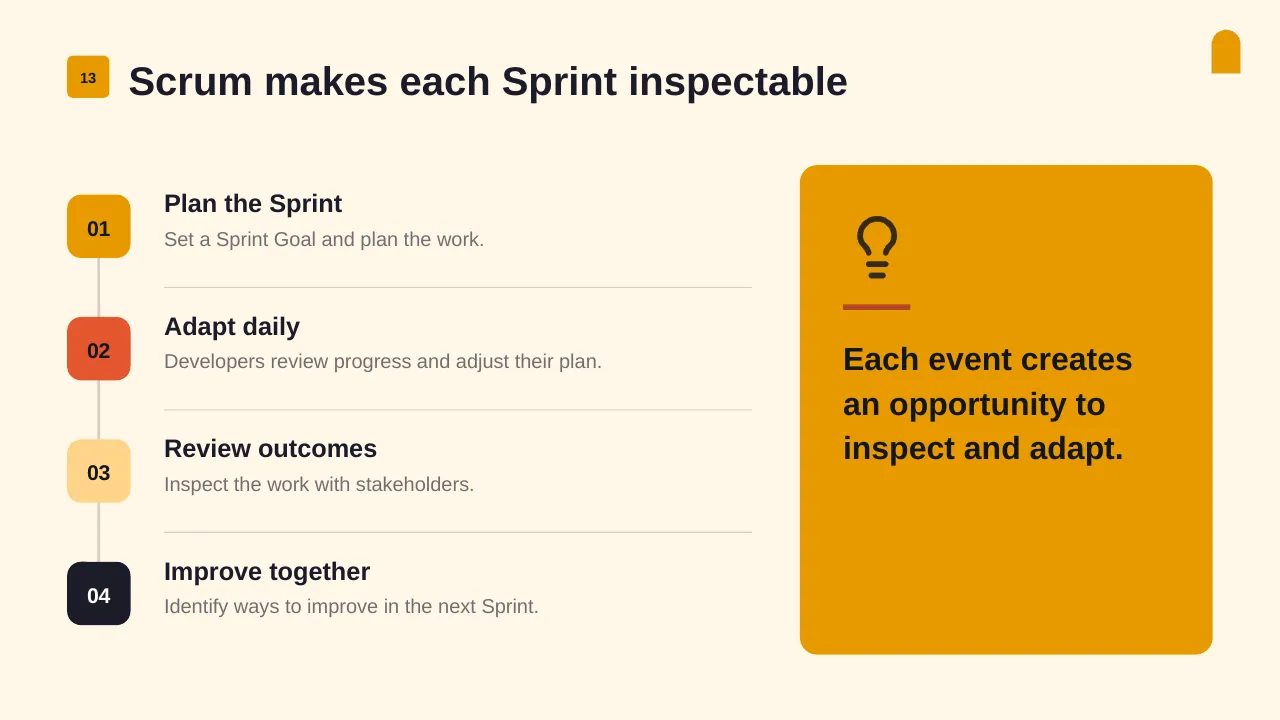
| 13 | Scrum makes each Sprint inspectable |
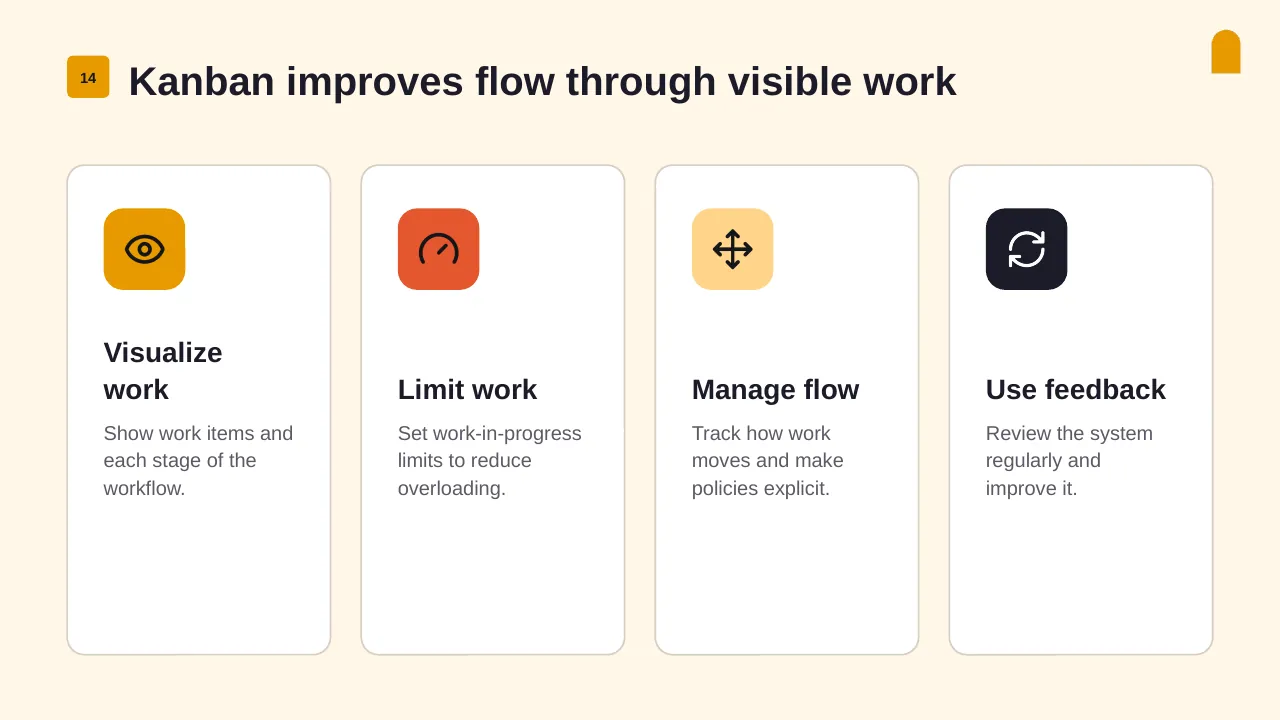
| 14 | Show work items and each stage of the workflow. |
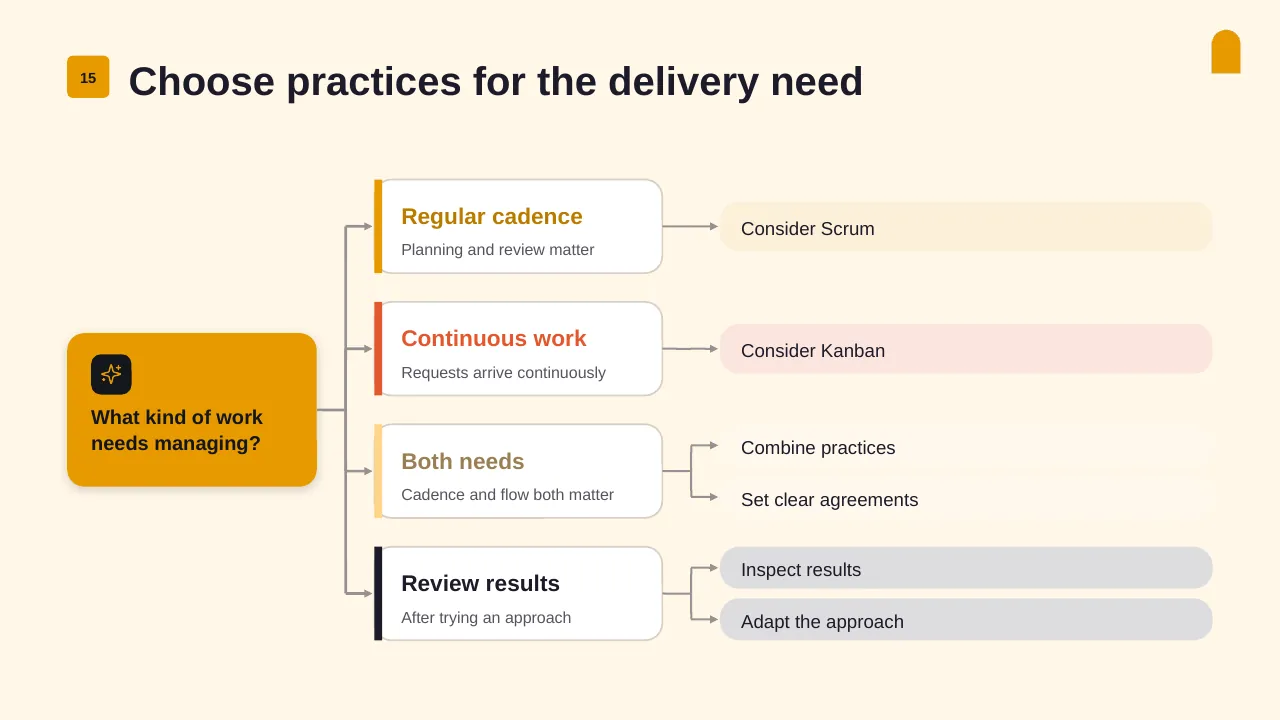
| 15 | Choose practices for the delivery need |
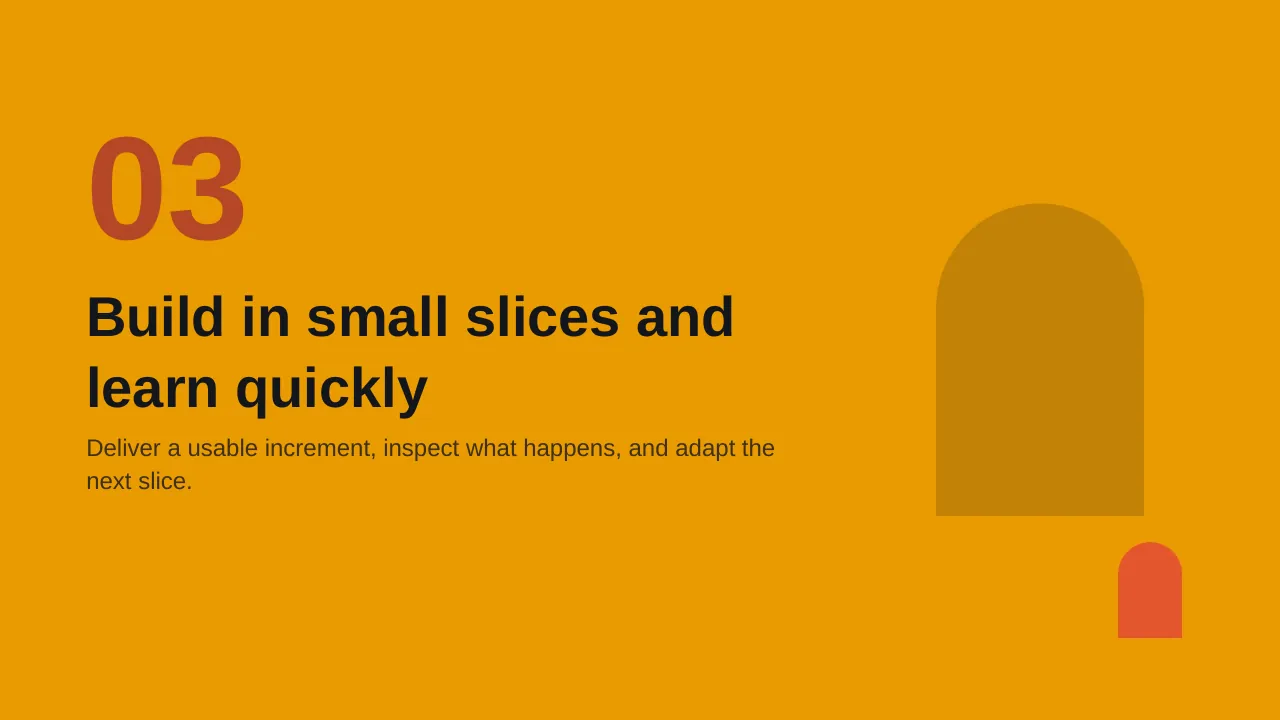
| 16 | Deliver a usable increment, inspect what happens, and adapt the next slice. |
| 17 | Small increments make progress easier to inspect |
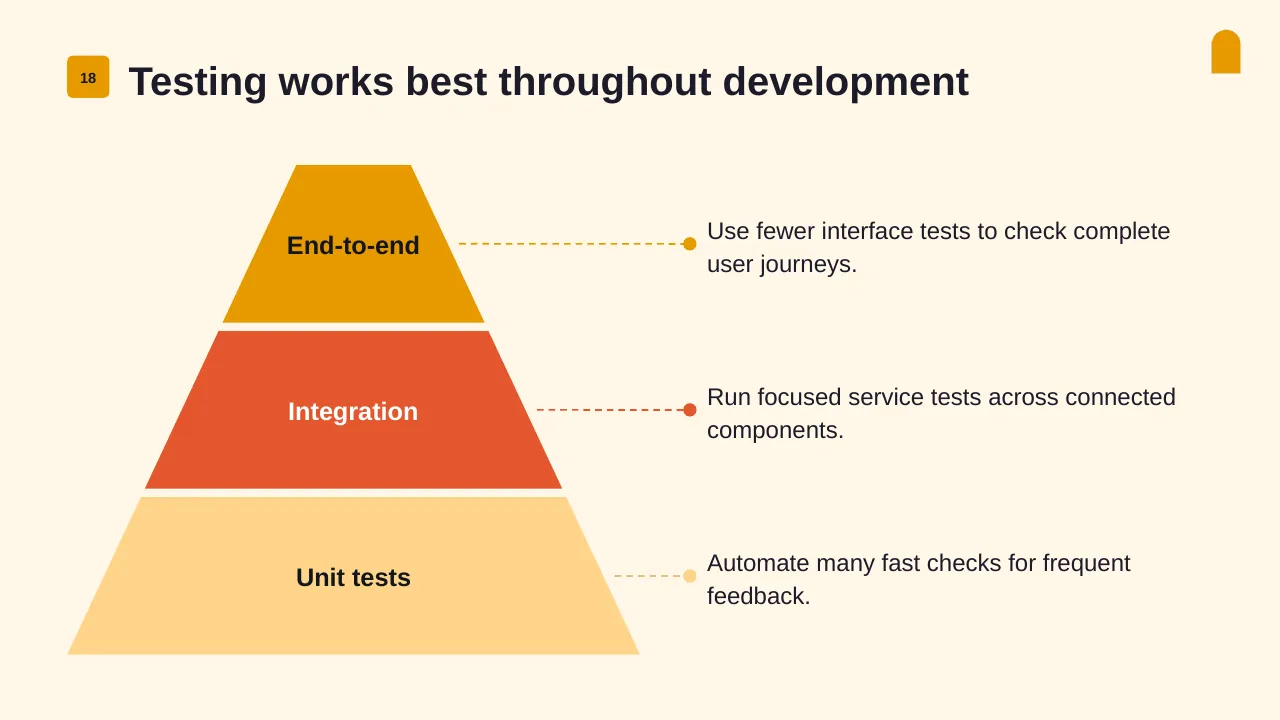
| 18 | Use fewer interface tests to check complete user journeys. |
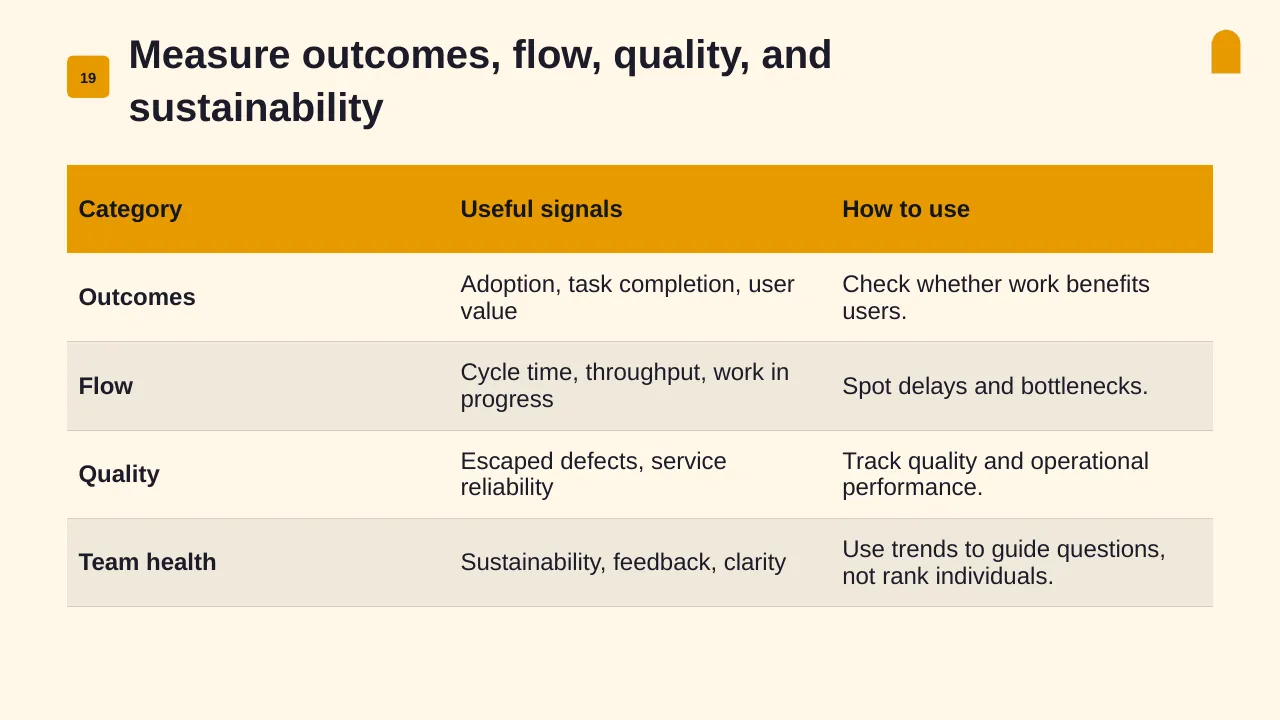
| 19 | Measure outcomes, flow, quality, and sustainability |
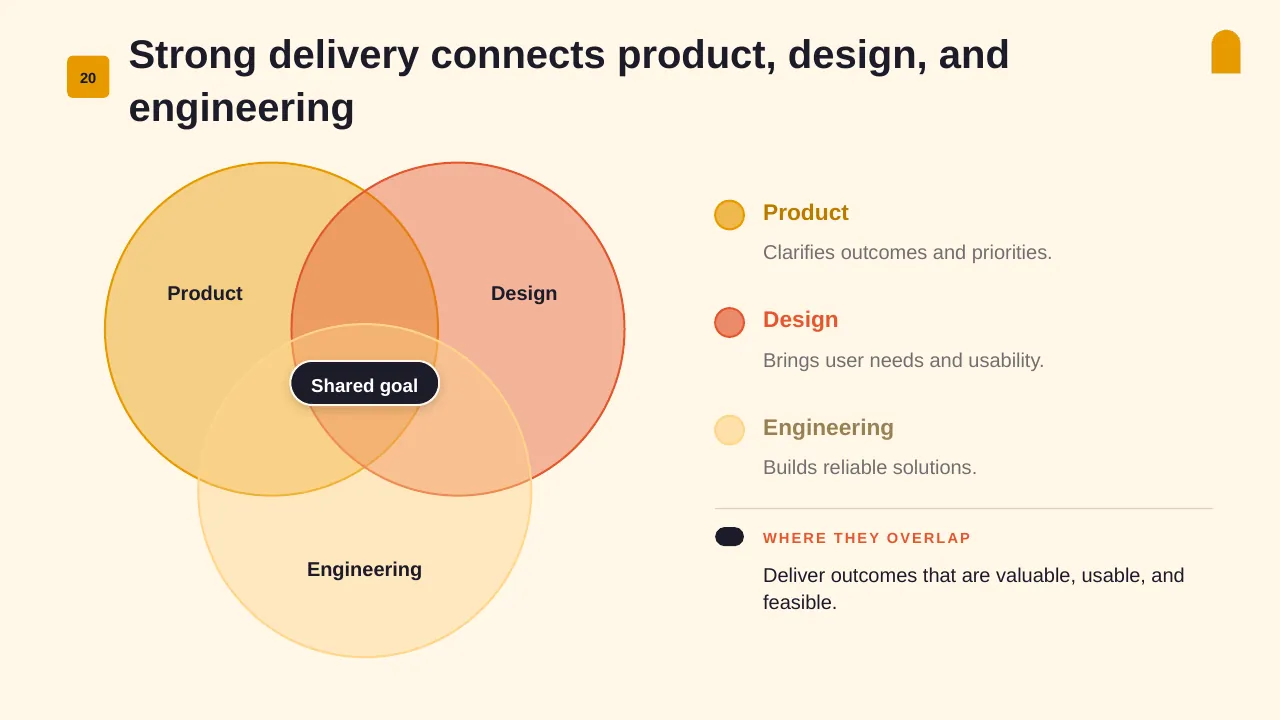
| 20 | Strong delivery connects product, design, and engineering |
| 21 | Lasting adoption depends on shared learning, supportive habits, and steady improvement. |
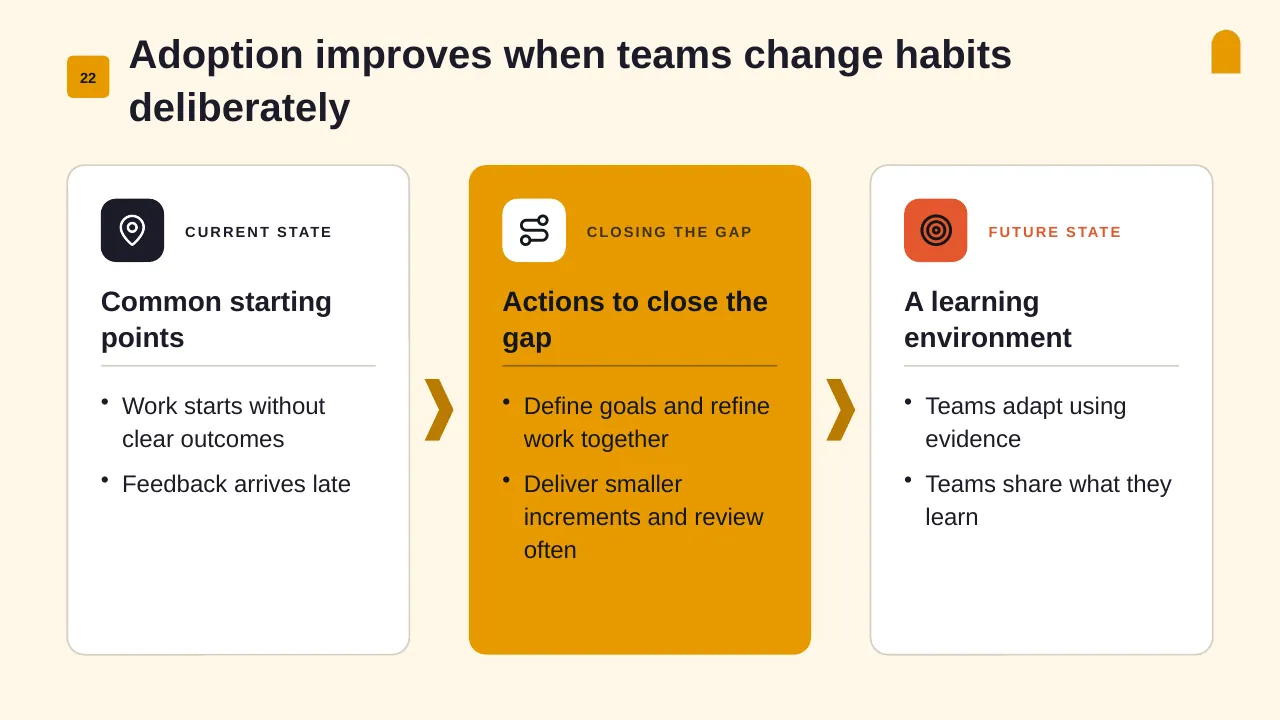
| 22 | Adoption improves when teams change habits deliberately |
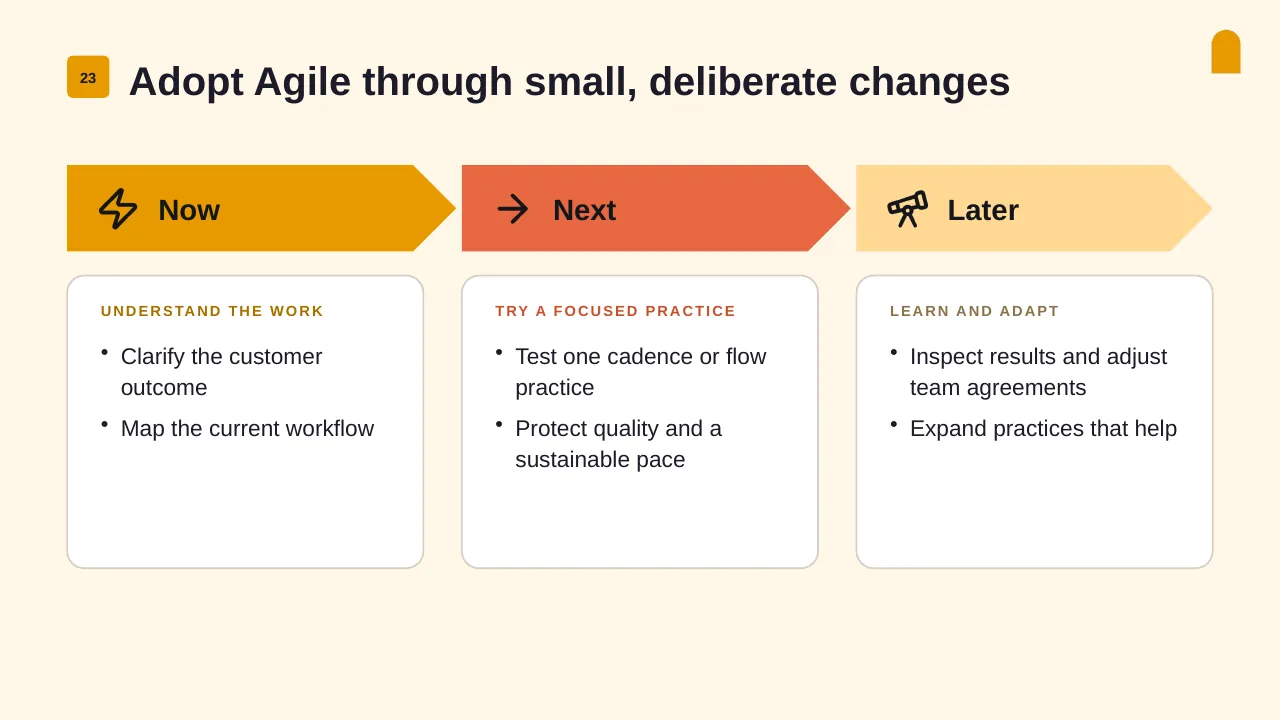
| 23 | Adopt Agile through small, deliberate changes |
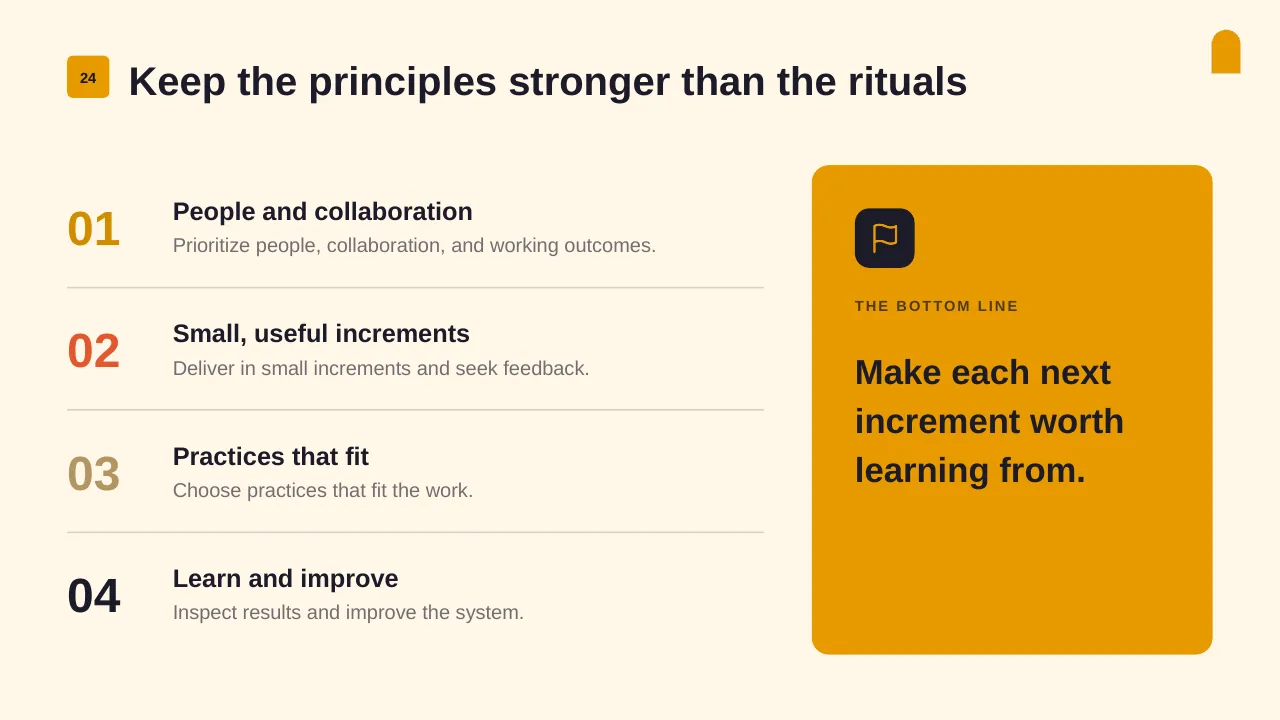
| 24 | Keep the principles stronger than the rituals |
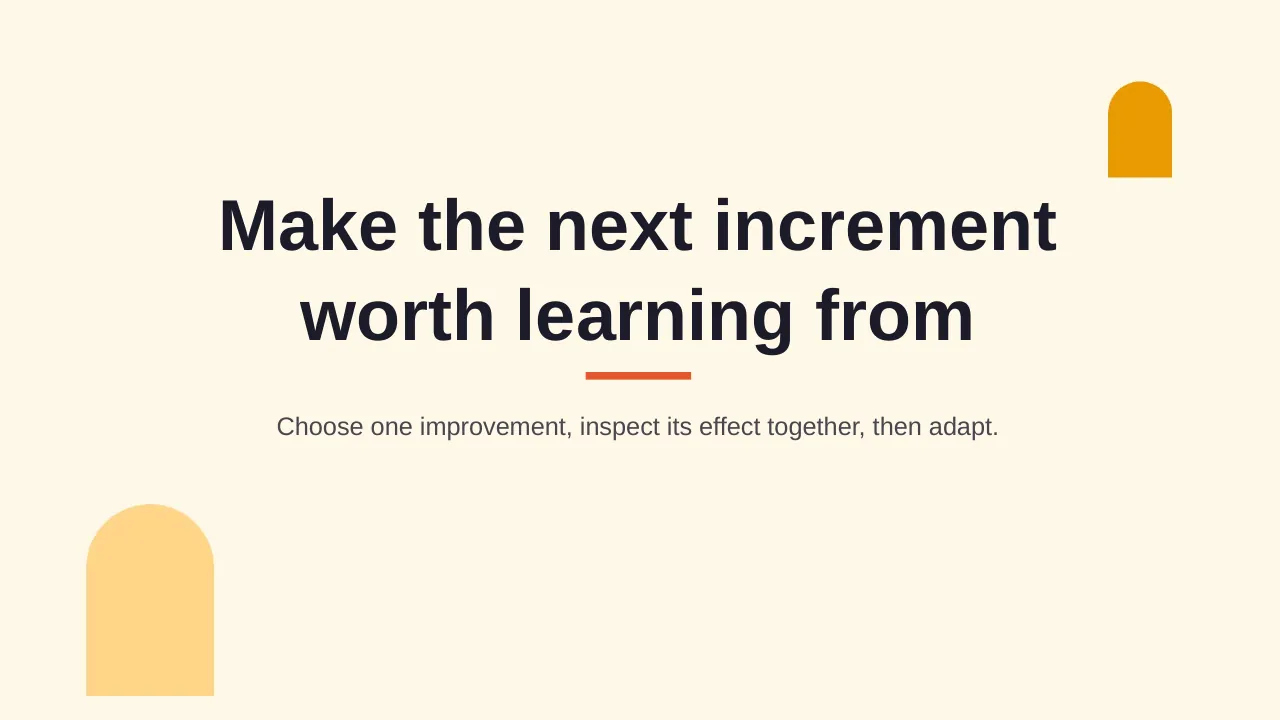
| 25 | Choose one improvement, inspect its effect together, then adapt. |
Tips for an Agile presentation
- Show the goal, not a long list of tickets.
- Use a burndown or burnup chart so progress is visible at a glance.
- Name the top blocker and who can remove it.
- Culture is the most cited barrier in the State of Agile report, so show how the team works, not just what it ships.
Mistakes to avoid
- Reporting velocity as a target
- Too many ceremonies with no outcomes
- Hiding carry-over work
Checklist before you present
- Is the sprint or release goal clear?
- Are priorities ordered?
- Is progress shown visually?
- Are blockers named with owners?
- Is the next review date shown?
Great for
- Project kickoff meetings
- Weekly and monthly status reports
- Steering committee and governance updates
- Agile sprint planning and reviews
How to customise it
- Download the ZIP file and unzip it to get the .pptx presentation.
- Open it in PowerPoint, or upload it to Google Drive and open it with Google Slides.
- Replace the sample text and numbers with your own; charts update from their data sheets.
- Change the theme colours once to recolour the whole deck, then delete any slides you don't need.
Questions about an Agile presentation
What is the difference between a burndown and a burnup chart?
A burndown shows work left over time; a burnup shows work completed against total scope, so scope changes are easier to see.
How long should a sprint be?
Most Scrum teams use one or two weeks. Shorter sprints give faster feedback; longer ones suit work with longer lead times.
Related presentations
- Office Governance Model PowerPoint Template
- Project Team Management PowerPoint Template
- Intake Process Flow and Deliverables PowerPoint Template
- Project Management Report PowerPoint Template
Browse all Project Management presentations or more business PowerPoint templates.
Template details
| Template | Agile Development PowerPoint Template |
|---|---|
| Categories | Business PowerPoint Templates, Agile, Project Management |
| File format | PowerPoint (.pptx), delivered as a .zip file |
| Number of slides | 25 fully editable slides |
| File size | 2.4 MB |
| Slide size | 16:9 widescreen |
| Preview images | 25 |
| Editable | Yes: text, colours, shapes, icons and charts |
| Works with | PowerPoint 2010 and later, PowerPoint for Mac, Google Slides |
| Licence | Royalty-free, yours to keep using after your plan ends (terms of use apply) |
| Price | Included in every SlideVilla plan |
| Added | 3 Feb 2025 |
Questions about this template
Can I edit the Agile Development PowerPoint Template?
Yes. Every part of the Agile Development PowerPoint Template is made with native PowerPoint shapes and text boxes, so you can change the wording, colours, fonts and sizes, move or delete elements, and swap icons without losing quality.
Does the Agile Development PowerPoint Template work in Google Slides?
Yes. Download the .zip file, unzip it to get the .pptx, upload it to Google Drive and open it with Google Slides. The layout, shapes and text stay editable there too.
Is the Agile Development PowerPoint Template free?
It is a premium template, included in every SlideVilla plan together with the rest of the library. See plans and pricing.
What size and format is it?
It is a PPTX file in 16:9 widescreen format with 25 slides, 2.4 MB (downloaded as a .zip; unzip it to get the presentation), with 25 preview images shown above.
How to use this template
- Step 1DownloadClick Download, then unzip the .zip file to get the .pptx presentation.
- Step 2OpenOpen it in PowerPoint, or upload it to Google Slides from your Drive.
- Step 3Make it yoursChange text, colours, icons and charts. Every element is fully editable.
Tags
Related PowerPoint templates
More designs like this one, ready to edit.


