About this PowerPoint template
The Population Analysis PowerPoint Presentation is a comprehensive and visually engaging tool that allows users to effectively analyze and present demographic data. This presentation template is designed to help researchers, analysts, educators, and professionals in various fields to explore population trends, patterns, and statistics with ease.
With a clean and modern design, the Population Analysis PowerPoint Presentation offers a range of professionally designed slides that cover various aspects of population analysis. From population distribution and growth to demographic indicators and projections, this template provides a structured and organized framework for presenting complex information in a clear and concise manner.
Key features of the Population Analysis PowerPoint Presentation include:
- Fully Editable Slides: The template includes fully editable slides that can be easily customized to suit specific data requirements and presentation preferences. Users can change colors, fonts, images, and text to create a unique and personalized presentation.
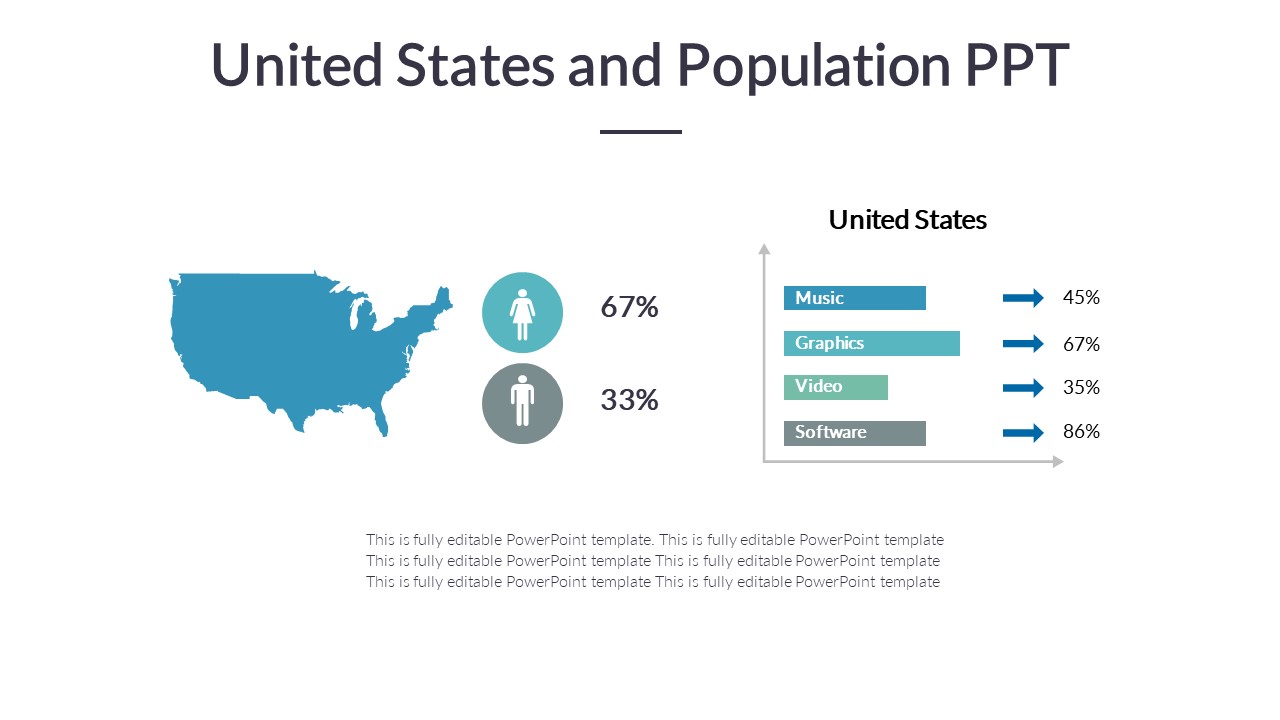
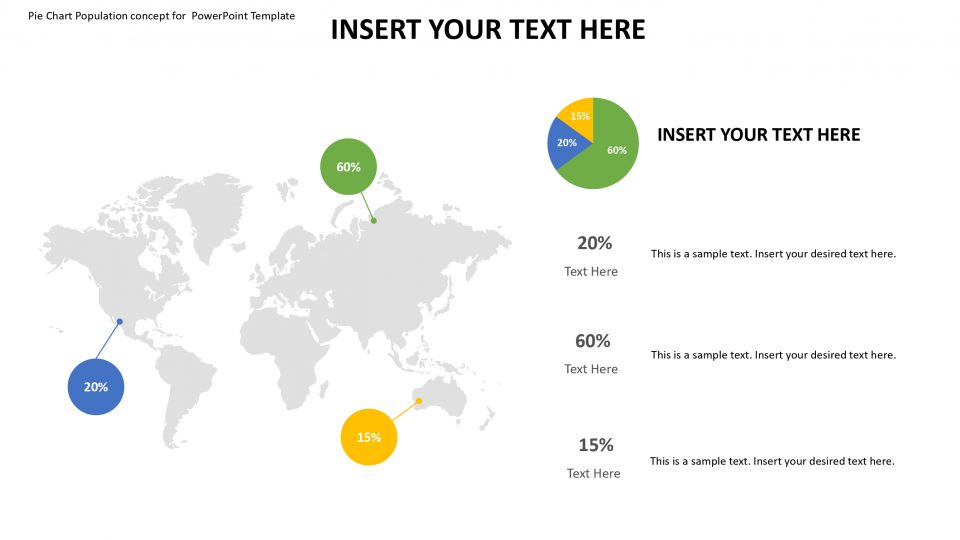
- Data Visualization Tools: The Population Analysis PowerPoint Presentation includes a variety of data visualization tools such as charts, graphs, and diagrams to help users illustrate population trends and statistics effectively. These visual aids enhance understanding and engagement among viewers.
- Comprehensive Content: The template covers a wide range of population analysis topics, including population pyramids, demographic transition models, population density maps, and more. Users can leverage this content to create informative and insightful presentations.
- Easy-to-Use Layout: The slides are designed with a user-friendly layout that ensures seamless navigation and easy content placement. Users can add, delete, or rearrange slides to structure their presentation flow according to their needs.
- Professional Design: The Population Analysis PowerPoint Presentation features a professional and modern design that lends credibility and sophistication to the presentation. The clean and visually appealing layout enhances the overall impact of the content.
Overall, the Population Analysis PowerPoint Presentation is a valuable resource for anyone looking to analyze and present population data effectively. With its versatile features and customizable options, this template is an essential tool for professionals working in demographics, sociology, market research, and related fields.
Template details
| Template | Population Analysis PowerPoint Presentation |
|---|---|
| Category | PowerPoint Templates |
| File format | PowerPoint (.pptx) |
| Slide size | 16:9 widescreen |
| Preview images | 1 |
| Editable | Yes: text, colours, shapes, icons and charts |
| Works with | PowerPoint 2010 and later, PowerPoint for Mac, Google Slides |
| Licence | Royalty-free, yours to keep using after your plan ends (terms of use apply) |
| Price | Included in every SlideVilla plan |
| Added | 18 May 2024 |
Questions about this template
Can I edit the Population Analysis PowerPoint Presentation?
Yes. Every part of the Population Analysis PowerPoint Presentation is made with native PowerPoint shapes and text boxes, so you can change the wording, colours, fonts and sizes, move or delete elements, and swap icons without losing quality.
Does the Population Analysis PowerPoint Presentation work in Google Slides?
Yes. Download the .pptx file, upload it to Google Drive and open it with Google Slides. The layout, shapes and text stay editable there too.
Is the Population Analysis PowerPoint Presentation free?
It is a premium template, included in every SlideVilla plan together with the rest of the library. See plans and pricing.
What size and format is it?
It is a PPTX file in 16:9 widescreen format, with 1 preview image shown above.
How to use this template
- Step 1DownloadClick Download and the .pptx file saves straight to your computer.
- Step 2OpenOpen it in PowerPoint, or upload it to Google Slides from your Drive.
- Step 3Make it yoursChange text, colours, icons and charts. Every element is fully editable.
Categories
Related PowerPoint templates
More designs like this one, ready to edit.