About this PowerPoint template
Elevate Your Presentation Game with the Light PowerPoint Presentation Template
In the world of presentations, first impressions are everything. Captivate your audience with the Light PowerPoint Presentation Template, designed to illuminate your ideas and bring clarity to your message. Whether you're pitching to potential investors, presenting at a conference, or conducting a workshop, this template ensures that your presentation not only looks professional but also resonates with your audience.
Sleek, Modern Design
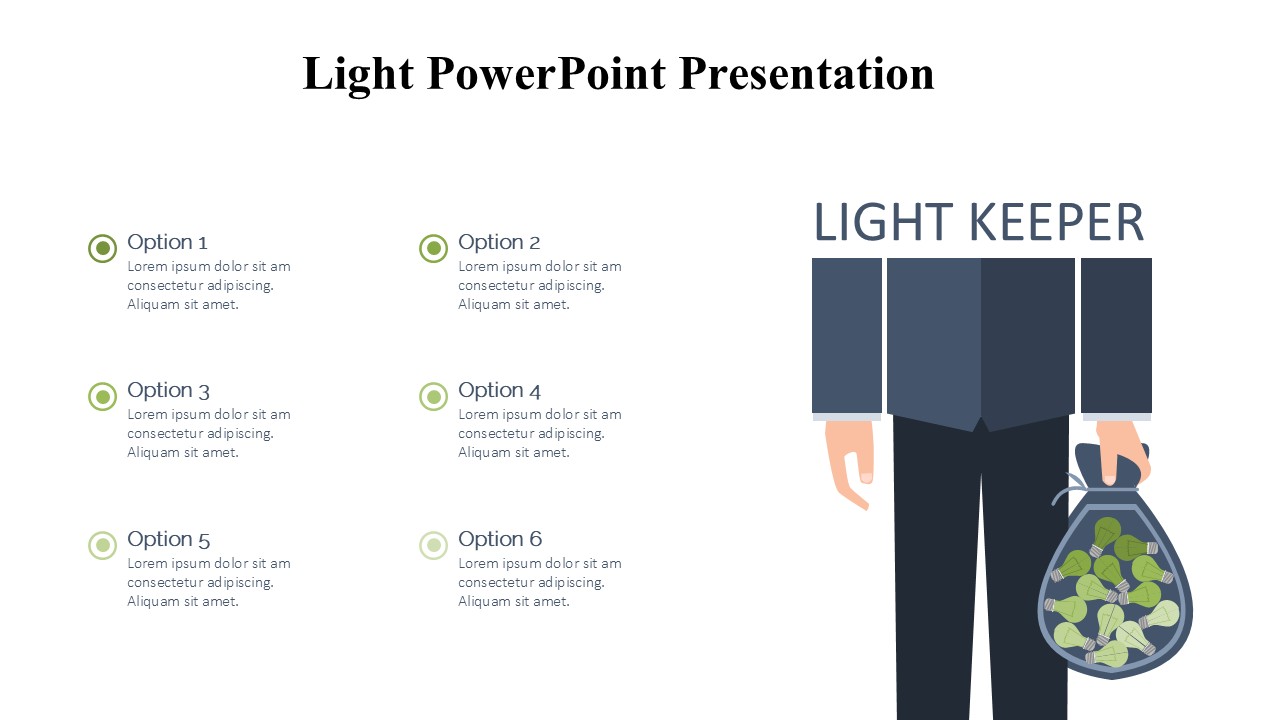
The Light PowerPoint Presentation Template stands out with its clean, minimalist design that emphasizes clarity and readability. The aesthetic is modern yet timeless, ensuring that it suits various presentation contexts, from business meetings to academic conferences. The use of light backgrounds with contrasting text enhances visibility and ensures that your audience stays focused on your key points.
Versatile Slide Layouts
This template offers a wide range of slide layouts, each thoughtfully designed to accommodate different types of content and storytelling approaches. From engaging title slides, compelling section breaks, detailed charts and graphs, to graceful image placeholders, the Light Template provides all the tools you need to create a comprehensive and compelling presentation.
Seamless Integration of Multimedia
Incorporating multimedia elements into your presentation can significantly increase engagement. The Light PowerPoint Presentation Template supports seamless integration of images, videos, and audio, allowing you to create a multi-sensory experience that captivates and informs. Whether it's a poignant image or a crucial video snippet, this template ensures that your media enhances your narrative without overshadowing it.
Fully Customizable
Every presenter has unique needs, and the Light Template is built to accommodate them. Each slide is fully editable, enabling you to tweak colors, fonts, and layouts to match your brand or personal style. Whether you prefer a subdued palette or vibrant tones, this template allows you to tailor every element to your preference.
Features:
1. Support for PowerPoint and Google Slides: The Light PowerPoint Presentation Template is compatible with both Microsoft PowerPoint and Google Slides, offering flexibility no matter which platform you prefer. This compatibility ensures that you can access and edit your presentation from any device, anywhere, without worrying about software constraints.
- Fully Editable Templates: Every aspect of the template is customizable. Adjust the text, change the colors, resize elements, and move slides around without losing quality. This feature is particularly useful for those who need to align a presentation with specific branding guidelines or personal aesthetic preferences.
- Dynamic Content Integration: Easily drag and drop multimedia elements into your slides. The template supports various formats, ensuring that your images, videos, and audio files look and sound great during your presentation.
- Professional Typography: The template includes a selection of professional and modern fonts that enhance readability and aesthetic appeal. You can also integrate your own fonts to maintain consistency with your brand's typography.
- Help and Support: Included with the Light PowerPoint Presentation Template is a detailed help file, ensuring that you can make the most out of every feature. Additionally, customer support is readily available to assist with any queries or issues that may arise.
Whether you're a seasoned professional or a first-time presenter, the Light PowerPoint Presentation Template is designed to elevate your presentation and leave a lasting impression on your audience. Unlock the power of your ideas with a template that's as bright and engaging as the content you create.
Template details
| Template | Light PowerPoint Presentation |
|---|---|
| Category | PowerPoint Templates |
| File format | PowerPoint (.pptx) |
| Slide size | 16:9 widescreen |
| Preview images | 1 |
| Editable | Yes: text, colours, shapes, icons and charts |
| Works with | PowerPoint 2010 and later, PowerPoint for Mac, Google Slides |
| Licence | Royalty-free, yours to keep using after your plan ends (terms of use apply) |
| Price | Included in every SlideVilla plan |
| Added | 11 May 2025 |
Questions about this template
Can I edit the Light PowerPoint Presentation?
Yes. Every part of the Light PowerPoint Presentation is made with native PowerPoint shapes and text boxes, so you can change the wording, colours, fonts and sizes, move or delete elements, and swap icons without losing quality.
Does the Light PowerPoint Presentation work in Google Slides?
Yes. Download the .pptx file, upload it to Google Drive and open it with Google Slides. The layout, shapes and text stay editable there too.
Is the Light PowerPoint Presentation free?
It is a premium template, included in every SlideVilla plan together with the rest of the library. See plans and pricing.
What size and format is it?
It is a PPTX file in 16:9 widescreen format, with 1 preview image shown above.
How to use this template
- Step 1DownloadClick Download and the .pptx file saves straight to your computer.
- Step 2OpenOpen it in PowerPoint, or upload it to Google Slides from your Drive.
- Step 3Make it yoursChange text, colours, icons and charts. Every element is fully editable.
Categories
Related PowerPoint templates
More designs like this one, ready to edit.