About this PowerPoint template
Product Description:
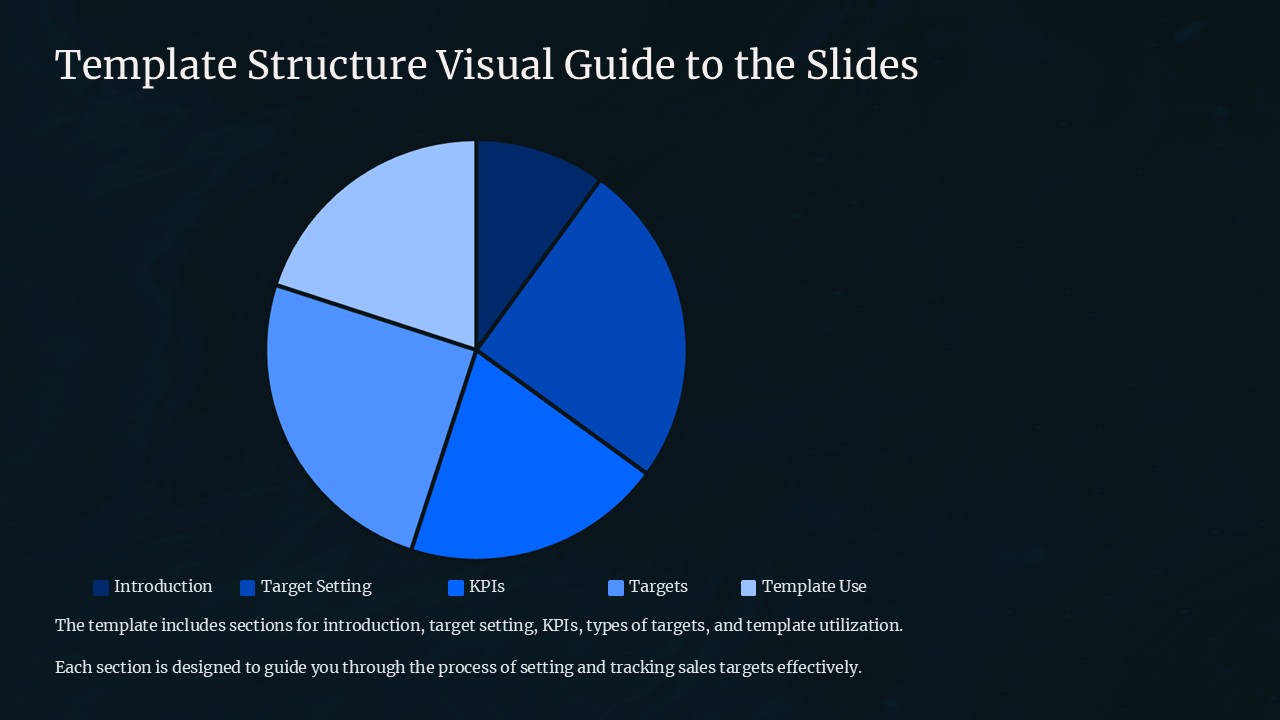
Introducing the Template Structure Visual Guide to the Slides PowerPoint Presentation – your ultimate solution for creating impactful and professionally structured presentations. Whether you're a business professional, educator, student, or anyone needing to present information clearly and effectively, this tool is designed to streamline your presentation creation process and enhance your delivery.
This comprehensive guide comes packed with a variety of pre-designed slides, each tailored to different presentation needs. From introductory slides to detailed analytical reports, the Template Structure Visual Guide offers a wide range of options to choose from. This versatility makes it an invaluable asset for anyone looking to improve their presentation skills or simplify the preparation process.
What sets this PowerPoint presentation guide apart is its focus on structure and design. Each template is crafted with attention to the flow of information, ensuring that your content is presented in a logical, engaging, and visually appealing manner. The use of modern graphics, coherent color schemes, and professional layouts helps in maintaining the audience's interest and facilitates better understanding of the presented material.
The Template Structure Visual Guide is incredibly user-friendly. It offers intuitive navigation through various sections, making it easy for users of all skill levels to find the perfect slide for any part of their presentation. This means less time spent on trying to figure out the right format and more time to focus on the content that matters.
Features:
Fully Editable Templates:
The templates included in the Template Structure Visual Guide are fully editable. Users can customize each slide according to their specific needs. Whether it's changing the color palette to match your company’s branding or altering the text size for better readability, these templates are designed to be adaptable. This feature ensures that each presentation you create can be unique and tailored specifically to your audience.
Supports PowerPoint and Google Slides:
Flexibility is key in today’s digital age, and the Template Structure Visual Guide excels in this area by supporting both PowerPoint and Google Slides. This compatibility allows users to work on their presentations in their preferred platform without worrying about file conversions. Whether you are working from your office computer or editing on the go with Google Slides, this guide ensures your presentations look consistent and professional across all platforms.
In conclusion, the Template Structure Visual Guide to the Slides PowerPoint Presentation is more than just a collection of templates—it is a comprehensive tool that empowers you to create effective, engaging, and professional presentations with ease. Its user-friendly design, combined with powerful customization features and cross-platform compatibility, makes it an essential tool for anyone serious about presenting their ideas in the most impactful way possible.
Template details
| Template | Template Structure Visual Guide to the Slides PowerPoint Presentation |
|---|---|
| Category | PowerPoint Presentations |
| File format | PowerPoint (.pptx) |
| Slide size | 16:9 widescreen |
| Preview images | 1 |
| Editable | Yes: text, colours, shapes, icons and charts |
| Works with | PowerPoint 2010 and later, PowerPoint for Mac, Google Slides |
| Licence | Royalty-free, yours to keep using after your plan ends (terms of use apply) |
| Price | Included in every SlideVilla plan |
| Added | 27 Apr 2025 |
Questions about this template
Can I edit the Template Structure Visual Guide to the Slides PowerPoint Presentation?
Yes. Every part of the Template Structure Visual Guide to the Slides PowerPoint Presentation is made with native PowerPoint shapes and text boxes, so you can change the wording, colours, fonts and sizes, move or delete elements, and swap icons without losing quality.
Does the Template Structure Visual Guide to the Slides PowerPoint Presentation work in Google Slides?
Yes. Download the .pptx file, upload it to Google Drive and open it with Google Slides. The layout, shapes and text stay editable there too.
Is the Template Structure Visual Guide to the Slides PowerPoint Presentation free?
It is a premium template, included in every SlideVilla plan together with the rest of the library. See plans and pricing.
What size and format is it?
It is a PPTX file in 16:9 widescreen format, with 1 preview image shown above.
How to use this template
- Step 1DownloadClick Download and the .pptx file saves straight to your computer.
- Step 2OpenOpen it in PowerPoint, or upload it to Google Slides from your Drive.
- Step 3Make it yoursChange text, colours, icons and charts. Every element is fully editable.
Categories
Related PowerPoint templates
More designs like this one, ready to edit.