About this PowerPoint template
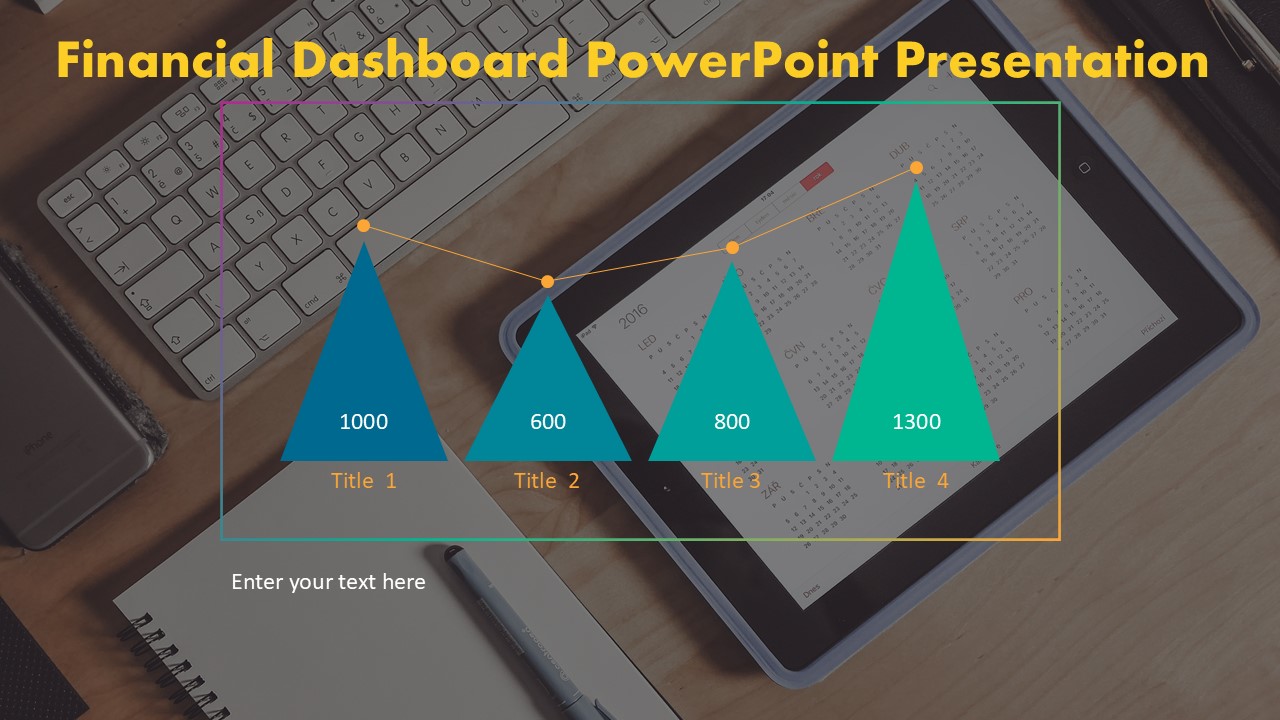
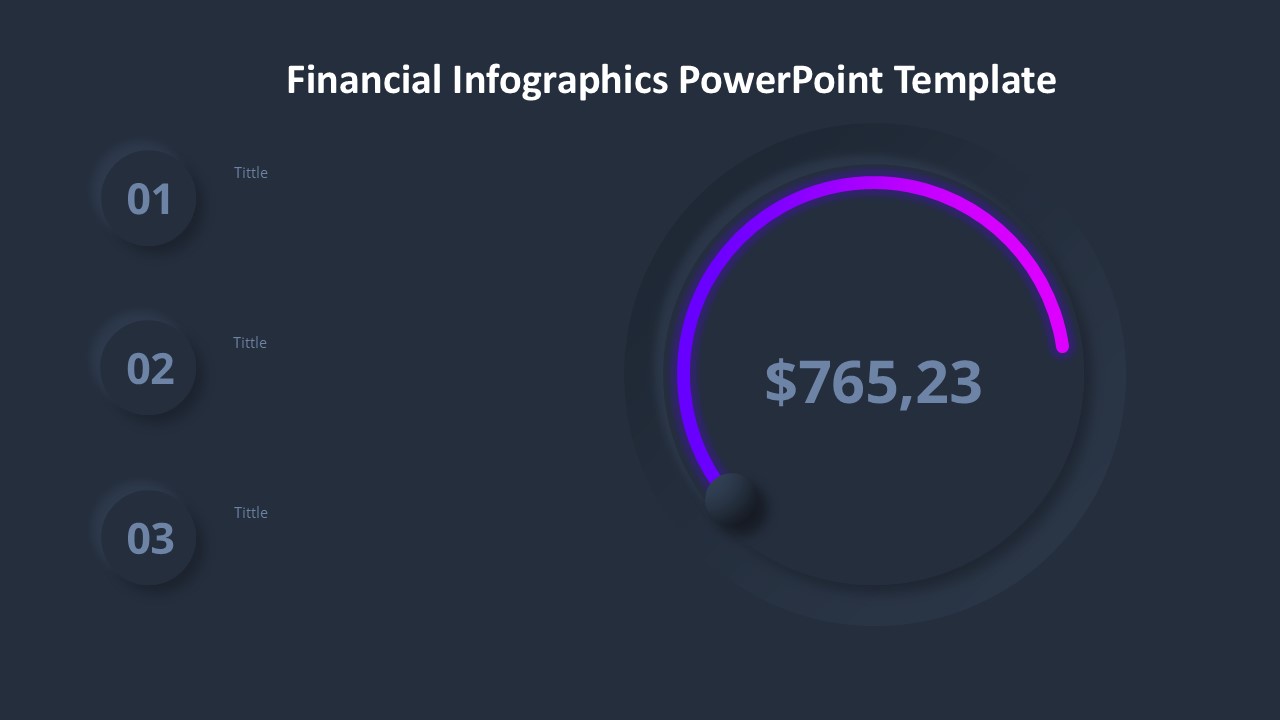
The Financial Report PowerPoint Template is a professional and sleek presentation design that is perfect for showcasing financial data in a clear and visually appealing way. Whether you are presenting quarterly earnings, budget projections, or financial performance analysis, this template has all the tools you need to create a compelling and informative presentation.
This template includes a variety of slide layouts, including charts, graphs, tables, and infographics, all designed to help you communicate complex financial information effectively. The color scheme is modern and clean, with a focus on blue and green tones that convey professionalism and trustworthiness.
One of the key features of this template is its fully editable design. You can easily customize the colors, fonts, and layout to suit your brand and presentation style. Additionally, all charts and graphs are created using PowerPoint's built-in tools, so you can easily update the data and values without needing to use external software.
Another great feature of this template is its compatibility with both PC and Mac devices, so you can seamlessly edit and present your financial reports no matter what platform you are using. The template also comes with detailed instructions and tips on how to best utilize the design elements, making it easy for even beginners to create professional-looking presentations.
In conclusion, the Financial Report PowerPoint Template is a powerful and versatile tool for anyone looking to create impactful financial presentations. With its fully editable templates and user-friendly design, you can confidently present your data and analysis to colleagues, clients, or stakeholders with ease.
Template details
| Template | Financial Report PowerPoint Template |
|---|---|
| Category | PowerPoint Templates |
| File format | PowerPoint (.pptx) |
| Slide size | 16:9 widescreen |
| Preview images | 1 |
| Editable | Yes: text, colours, shapes, icons and charts |
| Works with | PowerPoint 2010 and later, PowerPoint for Mac, Google Slides |
| Licence | Royalty-free, yours to keep using after your plan ends (terms of use apply) |
| Price | Included in every SlideVilla plan |
| Added | 29 Dec 2024 |
Questions about this template
Can I edit the Financial Report PowerPoint Template?
Yes. Every part of the Financial Report PowerPoint Template is made with native PowerPoint shapes and text boxes, so you can change the wording, colours, fonts and sizes, move or delete elements, and swap icons without losing quality.
Does the Financial Report PowerPoint Template work in Google Slides?
Yes. Download the .pptx file, upload it to Google Drive and open it with Google Slides. The layout, shapes and text stay editable there too.
Is the Financial Report PowerPoint Template free?
It is a premium template, included in every SlideVilla plan together with the rest of the library. See plans and pricing.
What size and format is it?
It is a PPTX file in 16:9 widescreen format, with 1 preview image shown above.
How to use this template
- Step 1DownloadClick Download and the .pptx file saves straight to your computer.
- Step 2OpenOpen it in PowerPoint, or upload it to Google Slides from your Drive.
- Step 3Make it yoursChange text, colours, icons and charts. Every element is fully editable.
Categories
Related PowerPoint templates
More designs like this one, ready to edit.