About this PowerPoint template
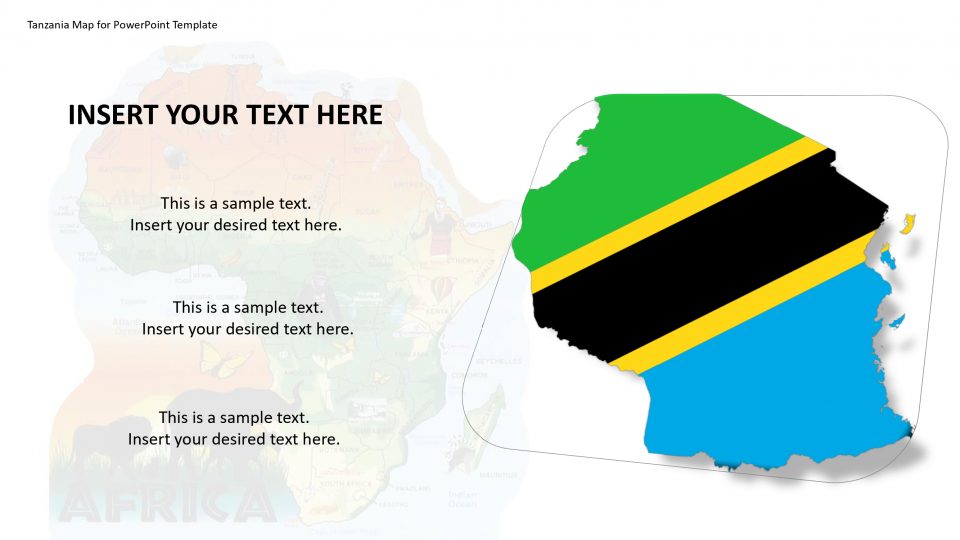
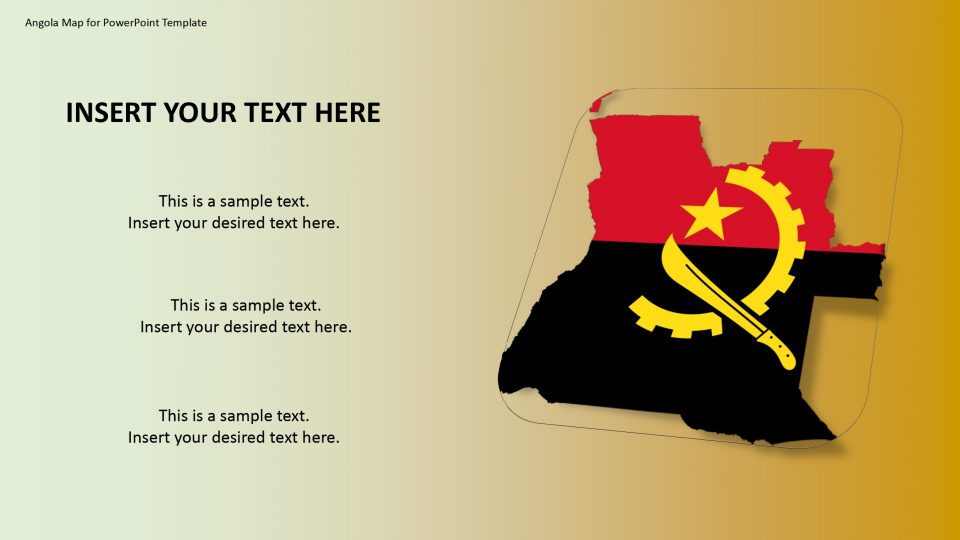
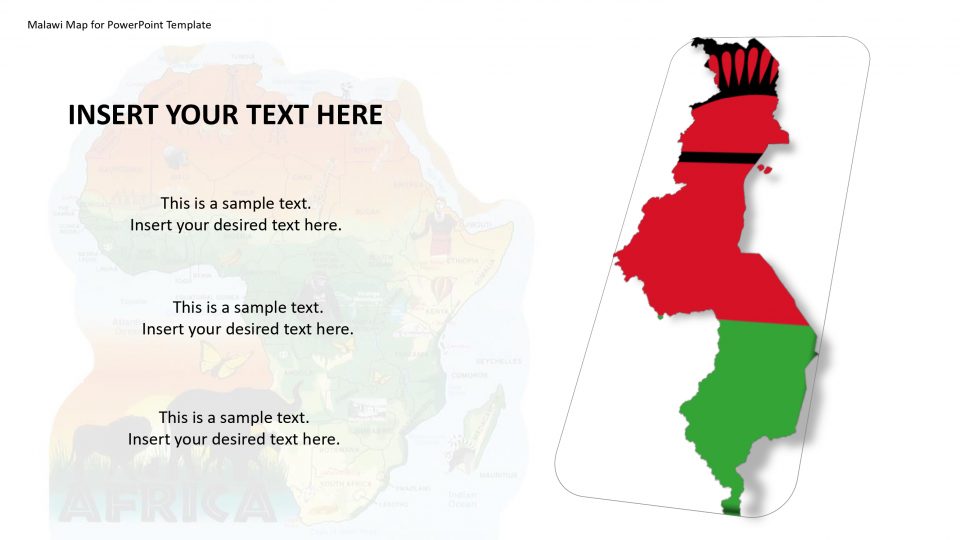
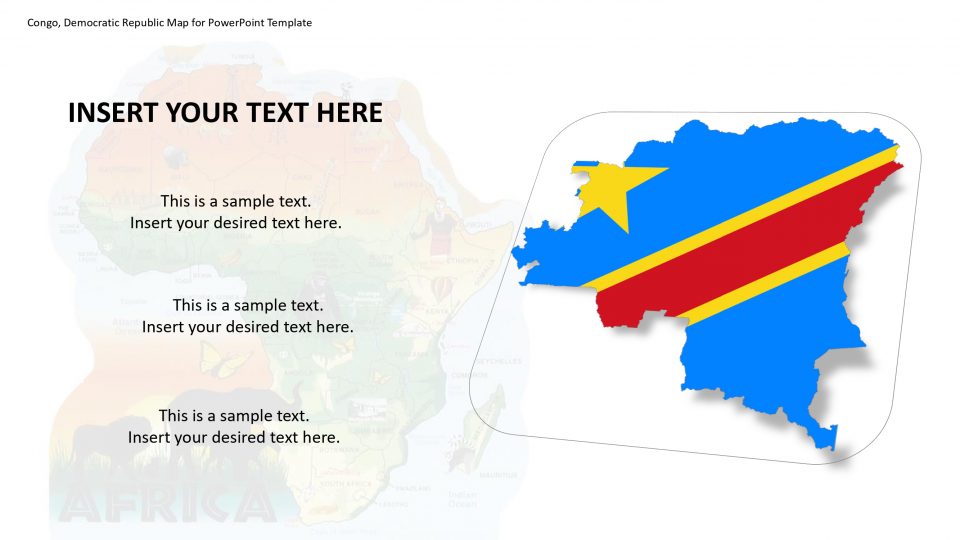
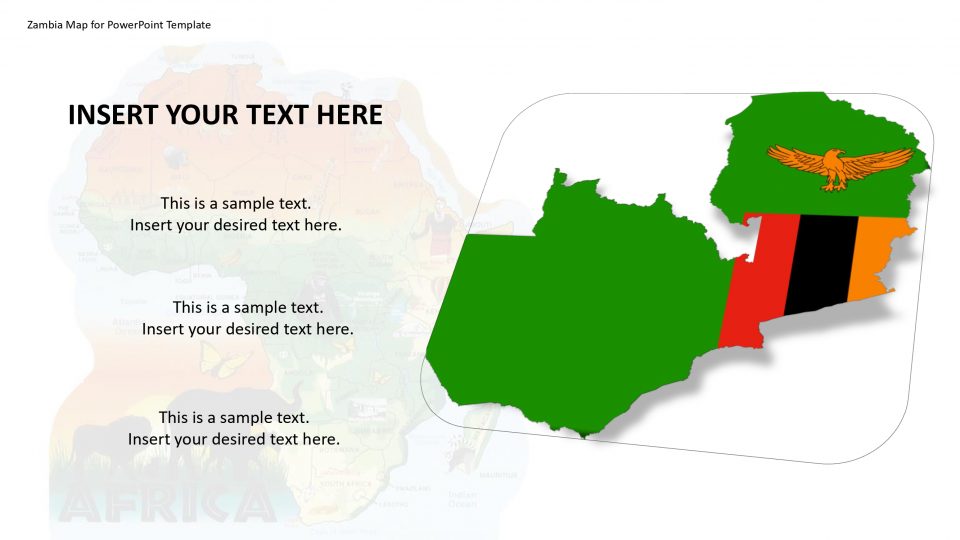
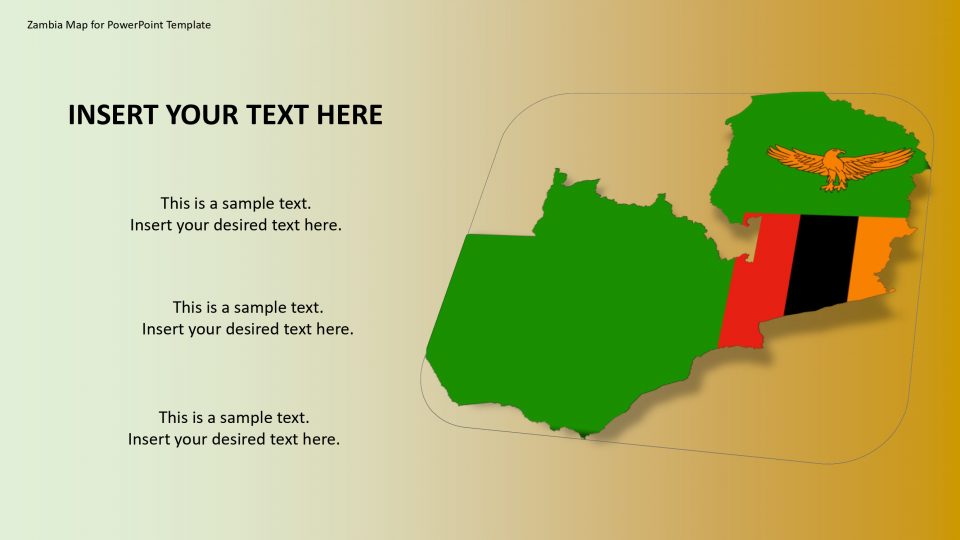
This template design is to show Zambia during a PowerPoint presentation which is a nation situated in Southern Africa. Each slide in the map includes bold graphics which can be used thoroughly to make your presentation effective.
One can edit and customize the slide’s text, color, and graphics. One can add their organization logo and add animation in this map. Zambia is partitioned in ten regions and has democratic neighbors, hence one can show the areas in detail with the use of this map. The Zambia Map for PowerPoint template is made as a conglomeration of the individual districts of Zambia. One can utilize the total guide, or rearrange the shapes and can operate different functions with the individual states. One can gain an audience with this high impact of these designs.
Features:
- Completely editable in terms of shape, color, size and text
- This template has a built in color theme which is unaffected by copy-pasting
- Includes an icon family with 135 unique completely editable icons
- Drag and drop image placeholder
- Completely editable (using spreadsheet) data-driven charts for displaying statistics
- Completely editable vector graphics
Supports
Microsoft PowerPoint 2010, 2011, 2013, 2016
MacOffice 2016, MacOffice 365
Template details
| Template | Zambia Map for PowerPoint Template |
|---|---|
| Categories | PowerPoint Backgrounds, Power Point Maps, Creative Layouts, 3D Shapes for PowerPoint, Africa |
| File format | PowerPoint (.pptx) |
| Slide size | 16:9 widescreen |
| Preview images | 2 |
| Editable | Yes: text, colours, shapes, icons and charts |
| Works with | PowerPoint 2010 and later, PowerPoint for Mac, Google Slides |
| Licence | Royalty-free, yours to keep using after your plan ends (terms of use apply) |
| Price | Included in every SlideVilla plan |
| Added | 4 Jun 2019 |
| Last updated | 12 Apr 2021 |
Questions about this template
Can I edit the Zambia Map for PowerPoint Template?
Yes. Every part of the Zambia Map for PowerPoint Template is made with native PowerPoint shapes and text boxes, so you can change the wording, colours, fonts and sizes, move or delete elements, and swap icons without losing quality.
Does the Zambia Map for PowerPoint Template work in Google Slides?
Yes. Download the .pptx file, upload it to Google Drive and open it with Google Slides. The layout, shapes and text stay editable there too.
Is the Zambia Map for PowerPoint Template free?
It is a premium template, included in every SlideVilla plan together with the rest of the library. See plans and pricing.
What size and format is it?
It is a PPTX file in 16:9 widescreen format, with 2 preview images shown above.
How to use this template
- Step 1DownloadClick Download and the .pptx file saves straight to your computer.
- Step 2OpenOpen it in PowerPoint, or upload it to Google Slides from your Drive.
- Step 3Make it yoursChange text, colours, icons and charts. Every element is fully editable.
Related PowerPoint templates
More designs like this one, ready to edit.