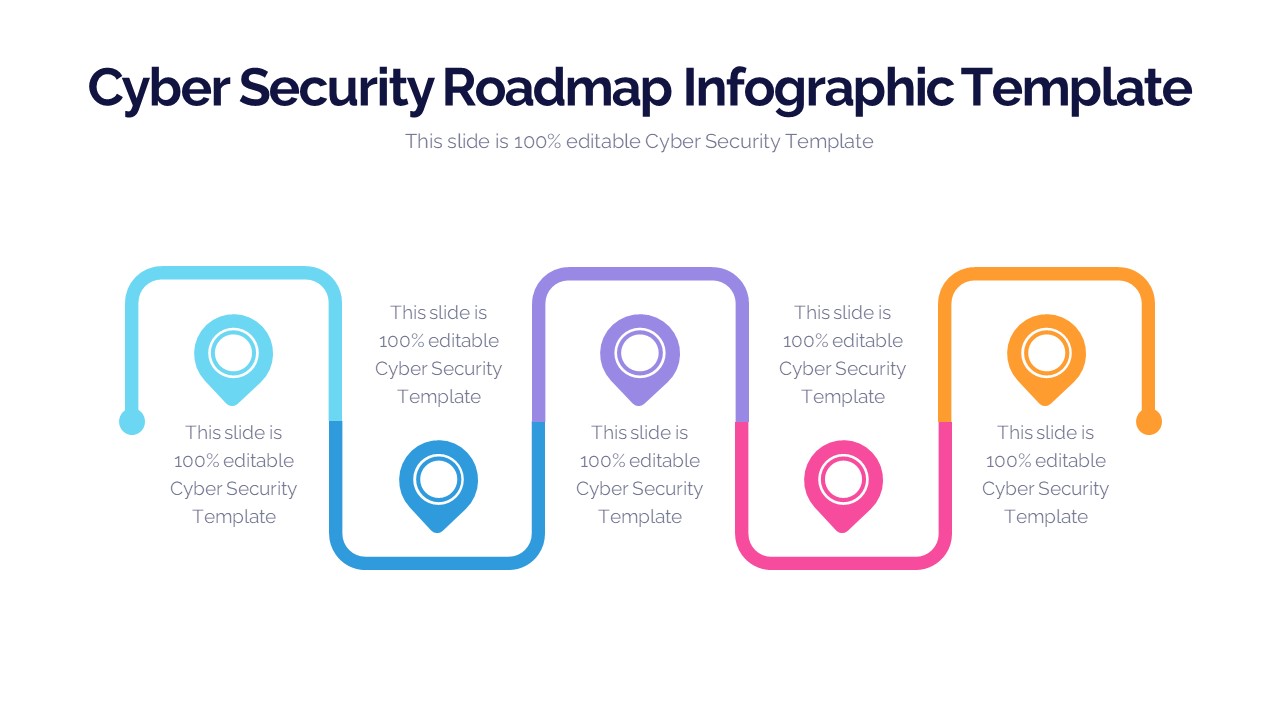
About this PowerPoint template
The Cyber Security Roadmap Infographic Template is your ultimate ppt for conveying a robust cybersecurity strategy with clarity and impact. In today's digital landscape, safeguarding sensitive information is paramount, and this template empowers you to do just that.
This template category offers a comprehensive set of professionally designed infographic slides tailored to the specific needs of cybersecurity professionals, IT managers, and executives. It allows you to visualize your cybersecurity plan, highlight key milestones, outline threat landscapes, and communicate proactive measures effectively.
The Cyber Security Roadmap Infographic Template is fully customizable, enabling you to personalize color schemes, fonts, and content to align with your organization's branding and messaging. With editable vector graphics, your presentations will maintain a sharp, professional look, whether projected on a screen or printed.
Enhance your cybersecurity strategy discussions with visually compelling graphics that simplify complex concepts, making it easier for stakeholders to grasp the importance of your security initiatives. Stay ahead of evolving threats and protect your digital assets by presenting a clear and concise roadmap with this template.
- Completely editable in terms of shape, color, size and text
- This template has a built in color theme which is unaffected by copy-pasting
- Includes an icon family with 135 unique completely editable icons
- Drag and drop image placeholder
- Completely editable (using spreadsheet) data-driven charts for displaying statistics
- Completely editable vector graphics
Supports
Microsoft PowerPoint 2010, 2011, 2013, 2016
MacOffice 2016, MacOffice 365, Keynote, Google Slides
Use Cases For Cyber Security Roadmap Infographic Template
- Threat Landscape Analysis: Visualize the evolving threat landscape and identify potential vulnerabilities and attack vectors. Analyze past incidents and anticipate future threats to enhance proactive security measures and risk mitigation strategies.
- Security Policy Implementation: Outline the implementation of security policies and procedures across the organization. Communicate policy changes, compliance requirements, and enforcement mechanisms to ensure consistent adherence to security best practices.
- Incident Response Planning: Develop a comprehensive incident response plan to effectively detect, contain, and mitigate security incidents. Highlight key response steps, roles, and escalation procedures to minimize the impact of breaches and ensure timely resolution.
- Security Awareness Training: Create an educational roadmap for security awareness training programs. Outline training modules, topics, and delivery methods to educate employees about common cyber threats, phishing attacks, and best practices for data protection.
- Technology Integration: Map out the integration of security technologies and solutions into the existing IT infrastructure. Identify deployment phases, integration points, and dependencies to enhance security posture and strengthen defense capabilities.
- Compliance Roadmap: Navigate regulatory compliance requirements and industry standards with a compliance roadmap. Illustrate compliance milestones, audit schedules, and remediation efforts to ensure alignment with legal and regulatory obligations.
- Data Protection Strategy: Develop a roadmap for implementing data protection measures and securing sensitive information. Define data classification policies, encryption protocols, and access controls to safeguard critical assets and mitigate data breaches.
- Cloud Security Deployment: Plan the deployment of security controls and safeguards for cloud-based services and infrastructure. Visualize the migration process, security configurations, and monitoring mechanisms to ensure cloud security and compliance.
- Third-Party Risk Management: Manage third-party risks by outlining vendor risk assessment processes and due diligence activities. Highlight vendor onboarding, contract negotiations, and ongoing monitoring efforts to mitigate supply chain risks.
- Security Incident Simulation: Conduct security incident simulation exercises to test incident response capabilities and preparedness. Simulate various attack scenarios, assess response effectiveness, and identify areas for improvement to enhance incident response readiness.
- Business Continuity Planning: Develop a business continuity and disaster recovery roadmap to ensure resilience against cyber threats and disruptions. Define recovery objectives, backup strategies, and recovery timelines to minimize downtime and mitigate financial losses.
Template details
| Template | Cyber Security Roadmap Infographic Template |
|---|---|
| Categories | PowerPoint Templates, Roadmap |
| File format | PowerPoint (.pptx) |
| Slide size | 16:9 widescreen |
| Preview images | 1 |
| Editable | Yes: text, colours, shapes, icons and charts |
| Works with | PowerPoint 2010 and later, PowerPoint for Mac, Google Slides |
| Licence | Royalty-free, yours to keep using after your plan ends (terms of use apply) |
| Price | Included in every SlideVilla plan |
| Added | 9 Sept 2023 |
| Last updated | 19 Feb 2024 |
Questions about this template
Can I edit the Cyber Security Roadmap Infographic Template?
Yes. Every part of the Cyber Security Roadmap Infographic Template is made with native PowerPoint shapes and text boxes, so you can change the wording, colours, fonts and sizes, move or delete elements, and swap icons without losing quality.
Does the Cyber Security Roadmap Infographic Template work in Google Slides?
Yes. Download the .pptx file, upload it to Google Drive and open it with Google Slides. The layout, shapes and text stay editable there too.
Is the Cyber Security Roadmap Infographic Template free?
It is a premium template, included in every SlideVilla plan together with the rest of the library. See plans and pricing.
What size and format is it?
It is a PPTX file in 16:9 widescreen format, with 1 preview image shown above.
How to use this template
- Step 1DownloadClick Download and the .pptx file saves straight to your computer.
- Step 2OpenOpen it in PowerPoint, or upload it to Google Slides from your Drive.
- Step 3Make it yoursChange text, colours, icons and charts. Every element is fully editable.
Categories
Related PowerPoint templates
More designs like this one, ready to edit.