About this PowerPoint template
Free Google Slides theme and PowerPoint template
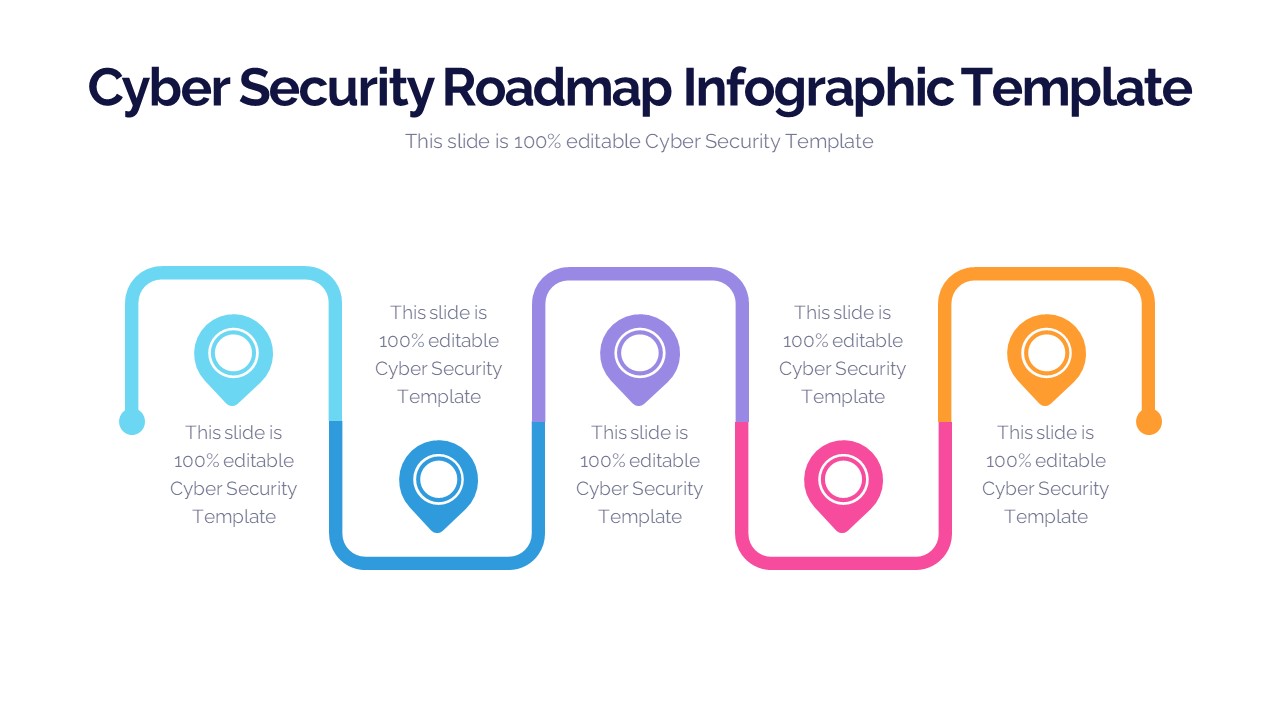
Cyber Security PowerPoint Template (Cyber Security) is a professional template with a modern design, featuring an accompanying image. This PPT template slide presentation can be used as a starting point to create a more polished and professional slide presentation in minutes. Use professionally designed templates that are brief, informative, and easy to edit.Features:
- Completely editable in terms of shape, color, size and text
- This template has a built in color theme which is unaffected by copy-pasting
- Includes an icon family with 135 unique completely editable icons
- Drag and drop image placeholder
- Completely editable (using spreadsheet) data-driven charts for displaying statistics
- Completely editable vector graphics
Supports
Microsoft PowerPoint 2010, 2011, 2013, 2016
MacOffice 2016, MacOffice 365, Google Slides
Use Cases For Cyber Security PowerPoint Template
- Cyber Security Awareness Training: Develop and deliver engaging cyber security awareness training sessions for employees. Use the template to educate staff about cyber threats, best practices for data protection, and how to recognize and respond to security incidents.
- Security Breach Incident Response: Prepare and present incident response plans for security breaches or cyber attacks. Use the template to outline the steps to take in the event of a breach, including communication protocols, containment strategies, and recovery procedures.
- Security Risk Assessment: Conduct security risk assessments and present findings to stakeholders. Use the template to identify potential vulnerabilities, assess the likelihood and impact of security risks, and recommend mitigation measures to protect against cyber threats.
- Compliance and Regulatory Reporting: Create compliance reports for regulatory requirements such as GDPR, HIPAA, or PCI DSS. Use the template to demonstrate compliance with security standards, document security controls, and report on audit findings to regulatory authorities.
- Cyber Threat Intelligence Briefings: Provide cyber threat intelligence briefings to executives or board members. Use the template to present analysis of current cyber threats, emerging trends, and potential impacts on the organization, enabling informed decision-making and resource allocation.
- Security Awareness Campaigns: Launch and promote security awareness campaigns to encourage safe online behaviors. Use the template to create visually appealing posters, infographics, and presentations that communicate key security messages and reinforce the importance of cyber hygiene.
- Security Policy and Procedure Documentation: Develop and communicate security policies and procedures to employees. Use the template to outline acceptable use policies, password guidelines, incident reporting procedures, and other security-related policies to promote a culture of security awareness.
- Cyber Security Incident Simulation Exercises: Conduct cyber security incident simulation exercises to test incident response capabilities. Use the template to simulate various cyber attack scenarios, evaluate response procedures, and identify areas for improvement in the organization's cyber security posture.
- Vendor Security Assessments: Assess the security posture of third-party vendors and service providers. Use the template to document vendor security assessments, evaluate security controls and practices, and communicate findings and recommendations to internal stakeholders.
- Security Awareness Workshops: Facilitate interactive security awareness workshops for employees. Use the template to create engaging presentations, group activities, and discussions that raise awareness of common cyber threats, promote security best practices, and empower employees to become cyber-aware ambassadors.
- Cyber Security Budget Presentations: Present cyber security budget proposals to senior management or finance teams. Use the template to outline budget requirements for security investments, justify spending based on risk analysis and compliance requirements, and demonstrate the return on investment in cyber security initiatives.
Template details
| Template | Cyber Security PowerPoint Template |
|---|---|
| Categories | PowerPoint Templates, PowerPoint Shapes, Business PowerPoint Templates, Strategy, 3D Shapes for PowerPoint, Creative |
| File format | PowerPoint (.pptx) |
| Slide size | 16:9 widescreen |
| Preview images | 2 |
| Editable | Yes: text, colours, shapes, icons and charts |
| Works with | PowerPoint 2010 and later, PowerPoint for Mac, Google Slides |
| Licence | Royalty-free, yours to keep using after your plan ends (terms of use apply) |
| Price | Included in every SlideVilla plan |
| Added | 28 May 2020 |
| Last updated | 19 Feb 2024 |
Questions about this template
Can I edit the Cyber Security PowerPoint Template?
Yes. Every part of the Cyber Security PowerPoint Template is made with native PowerPoint shapes and text boxes, so you can change the wording, colours, fonts and sizes, move or delete elements, and swap icons without losing quality.
Does the Cyber Security PowerPoint Template work in Google Slides?
Yes. Download the .pptx file, upload it to Google Drive and open it with Google Slides. The layout, shapes and text stay editable there too.
Is the Cyber Security PowerPoint Template free?
It is a premium template, included in every SlideVilla plan together with the rest of the library. See plans and pricing.
What size and format is it?
It is a PPTX file in 16:9 widescreen format, with 2 preview images shown above.
How to use this template
- Step 1DownloadClick Download and the .pptx file saves straight to your computer.
- Step 2OpenOpen it in PowerPoint, or upload it to Google Slides from your Drive.
- Step 3Make it yoursChange text, colours, icons and charts. Every element is fully editable.
Categories
Tags
Related PowerPoint templates
More designs like this one, ready to edit.