About this PowerPoint template
The Daily Project Status Report for Software Development PowerPoint Template is a complete 25-slide presentation: a practical approach to communicating project health each day. Every slide is fully editable in PowerPoint and Google Slides, so you can change the text, colours, charts and icons to fit your brand in minutes.
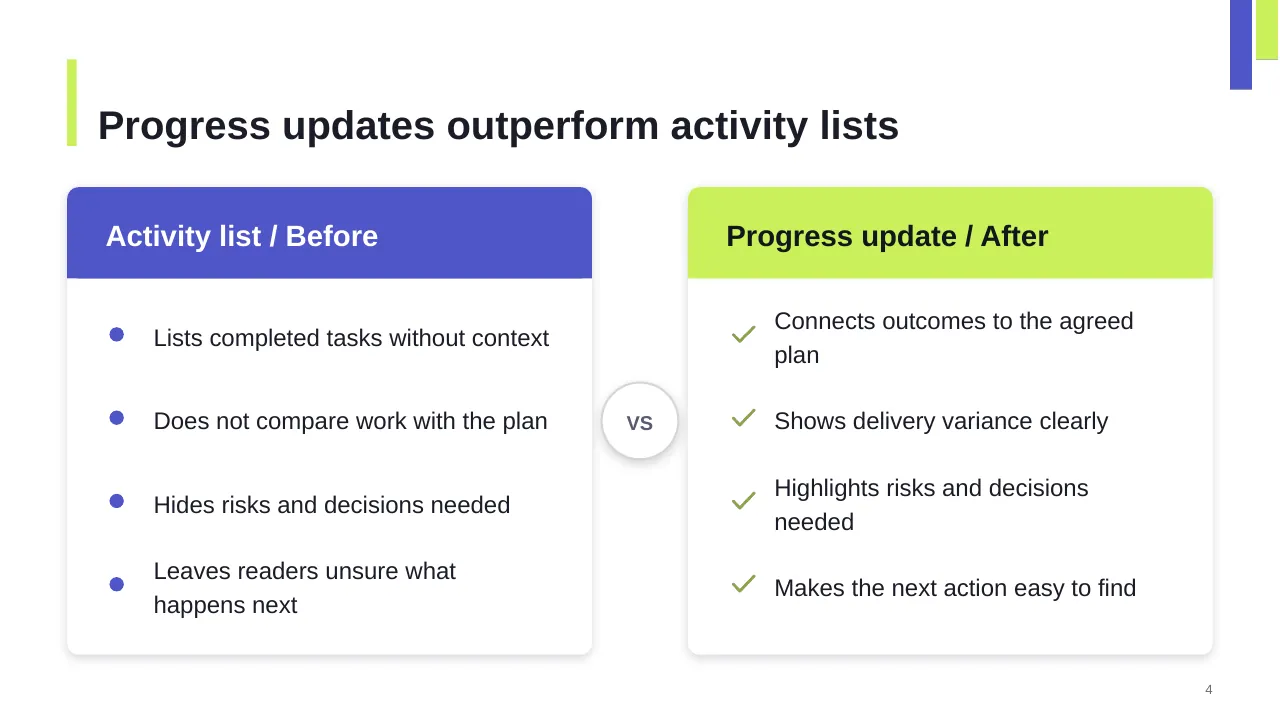
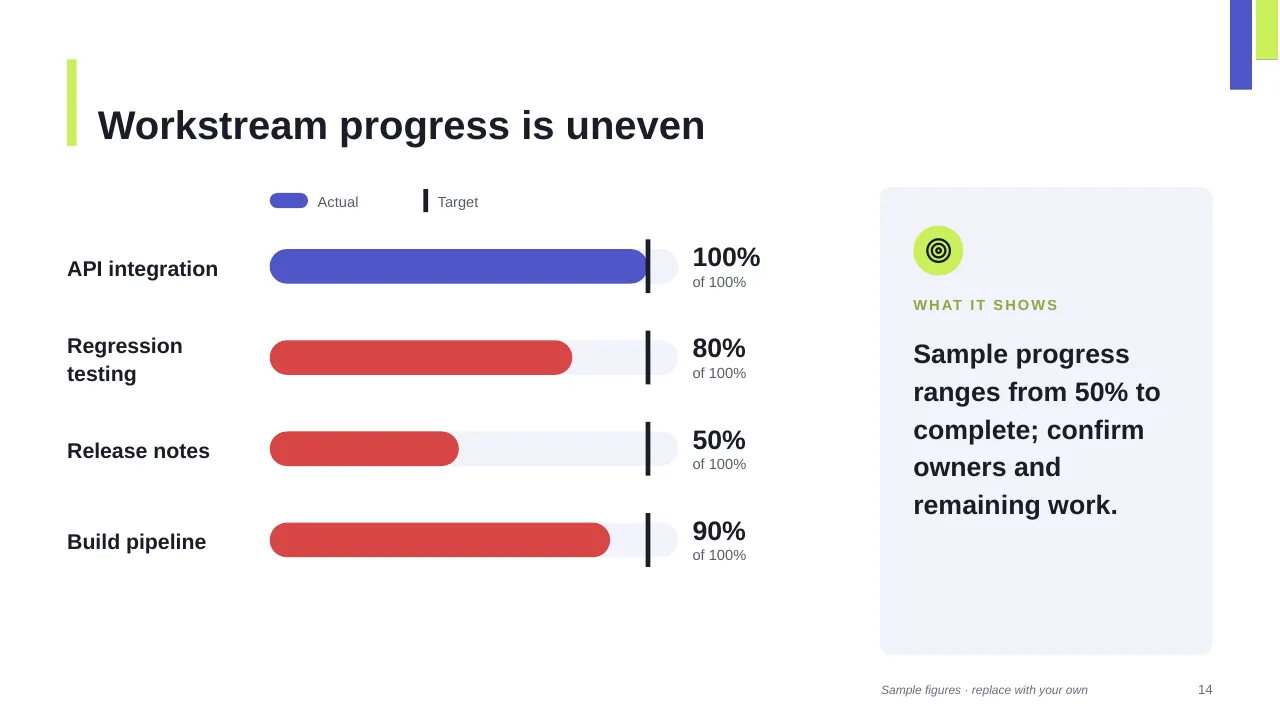
Inside, the slides walk through topics such as “Progress updates outperform activity lists”, “Workstream progress is uneven” and “Compare completed work with the current plan”, with ready-made layouts for each step. It is part of our Project Management presentations.
On this page
What's included
- 25 professionally designed 16:9 widescreen slides
- 100% editable text, shapes, icons, tables and charts (no flat images)
- Works in Microsoft PowerPoint (Windows and Mac) and Google Slides
- Clean, consistent layout that follows your theme colours and fonts
- Delivered as a single ZIP file containing the .pptx presentation
What to include in a project status report
A simple structure that works for most audiences, mapped to the slides in this deck:
| Part | What goes there | Slide in this deck |
|---|---|---|
| Overall status | RAG status for scope, schedule, budget and quality | Slides 3, 7, 9 |
| Progress | What was completed since the last report | Slides 3, 4, 6 |
| Milestones | Upcoming dates and whether they are on track | Slides 3, 22 |
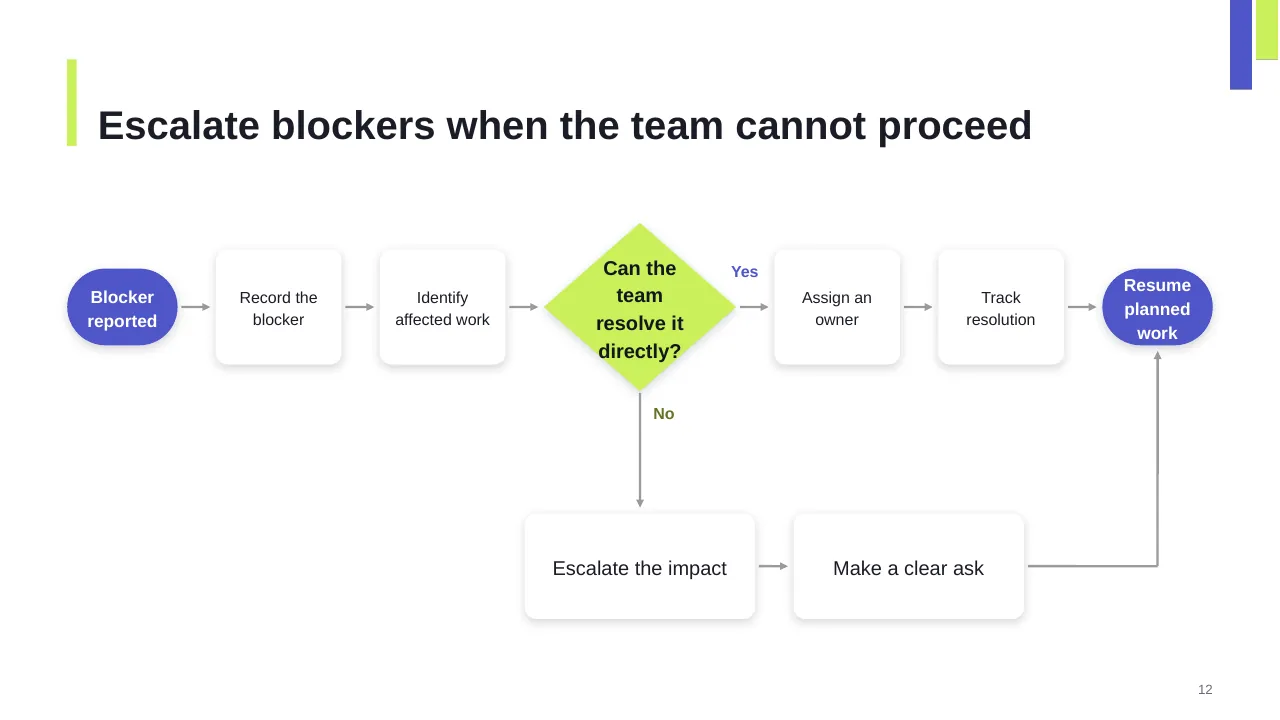
| Risks and issues | New or escalated items, with owners | Slides 12, 16, 23 |
| Decisions needed | What you need from the audience, and by when | Slides 2, 3, 7 |
Key numbers: Project management
Research figures you can quote on your slides. Each one names the study it comes from, so your audience can check it.
| Finding | Figure | Source |
|---|---|---|
| Average project performance rate (completed projects that met business goals) | 73.8% | PMI Pulse of the Profession (2025) |
| Success rate of projects that navigate complexity well vs poorly | 88% vs 14% | PMI Pulse of the Profession (2026) |
| Success rate with a structured framework vs without | 72% vs 61% | PMI Pulse of the Profession (2026) |
| Projects that define success criteria upfront succeed at | nearly 2× the rate | PMI Pulse of the Profession (2025) |
Sources: PMI Pulse of the Profession 2026 (press release) · PMI report coverage, PM Global · Project statistics summary (PMI 2025), Breeze. Figures are from the editions named; check for a newer edition before you present.
Slide-by-slide outline
| Slide | What it covers |
|---|---|
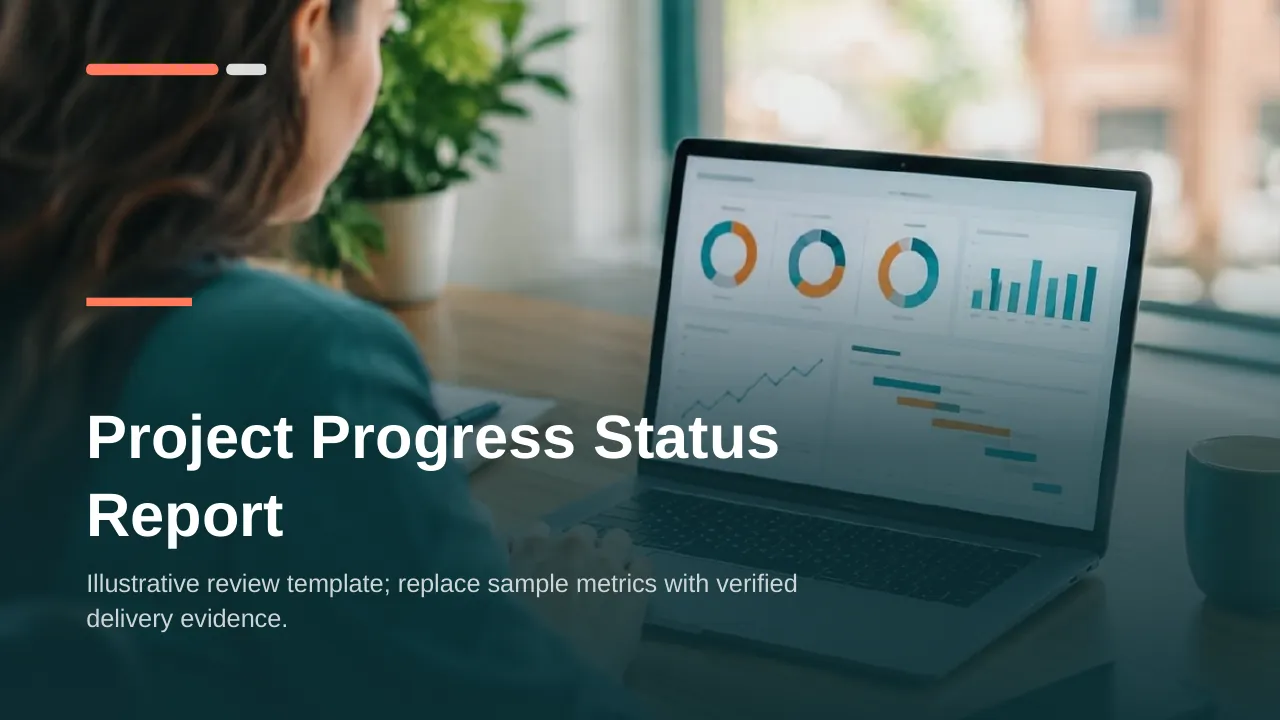
| 1 | Title slide: Daily Project Status Report for Software Development |
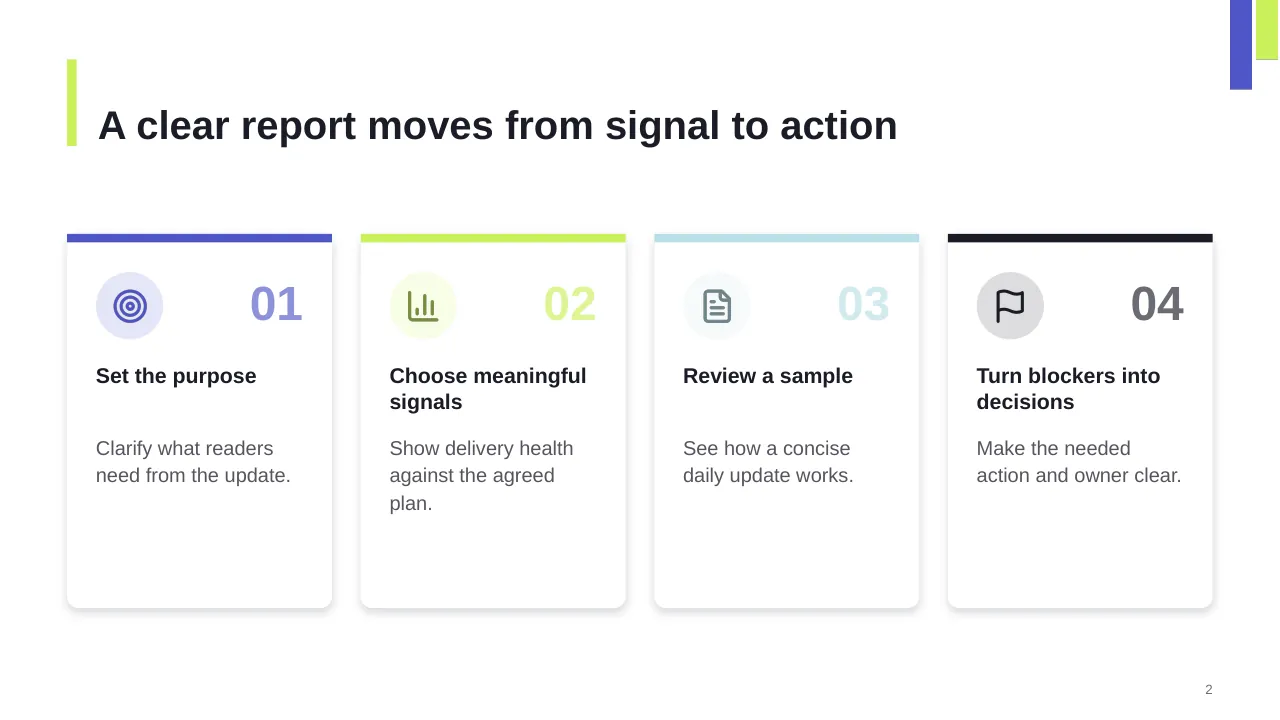
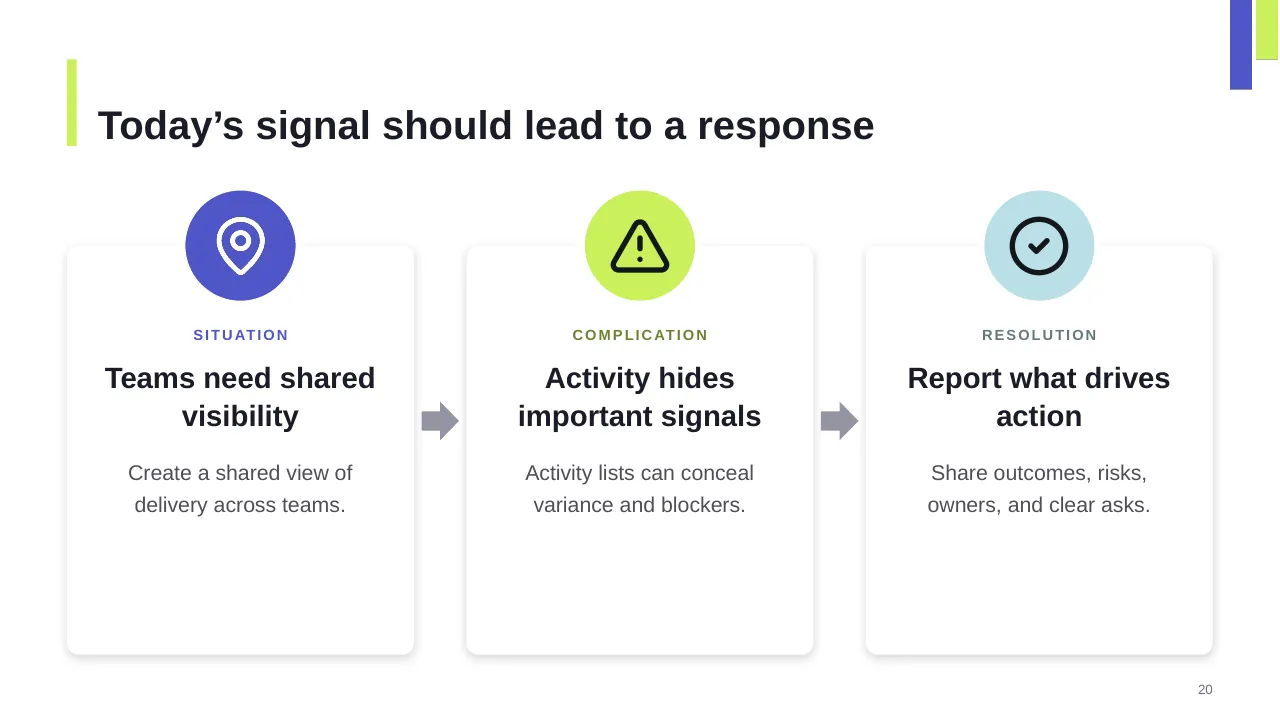
| 2 | A clear report moves from signal to action |
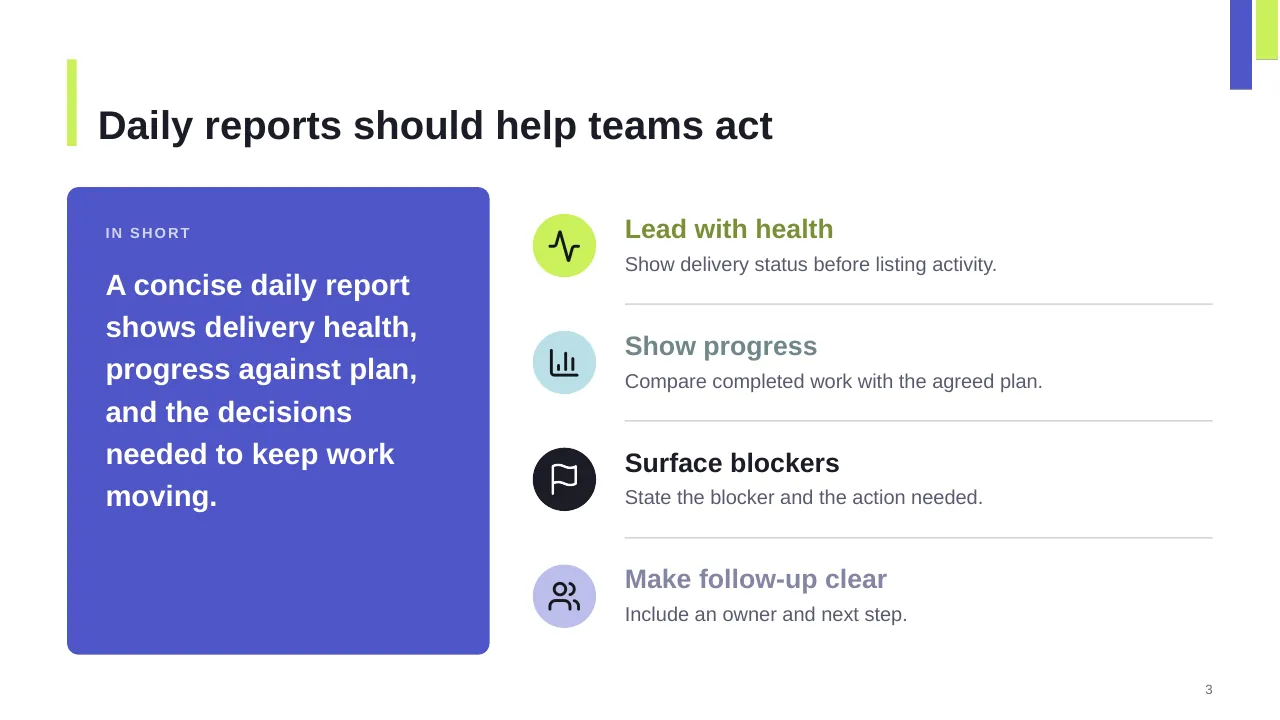
| 3 | A concise daily report shows delivery health, progress against plan, and the decisions needed to keep work… |
| 4 | Progress updates outperform activity lists |
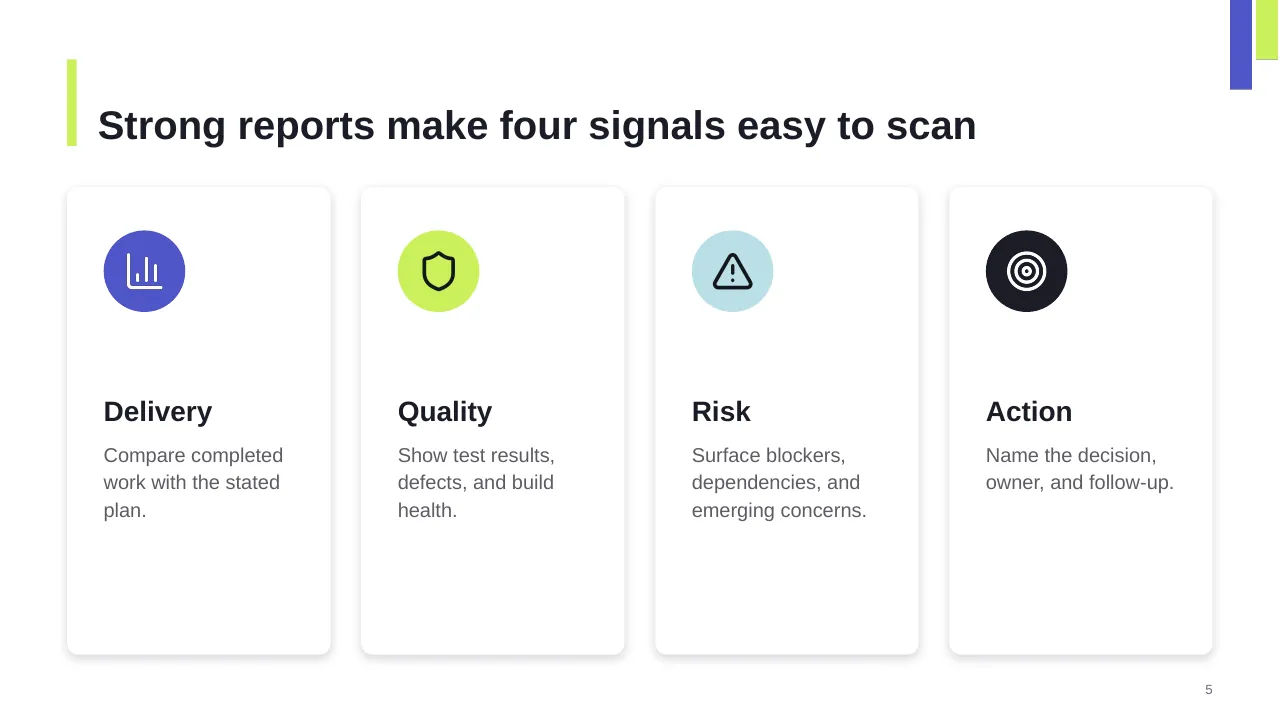
| 5 | Strong reports make four signals easy to scan |
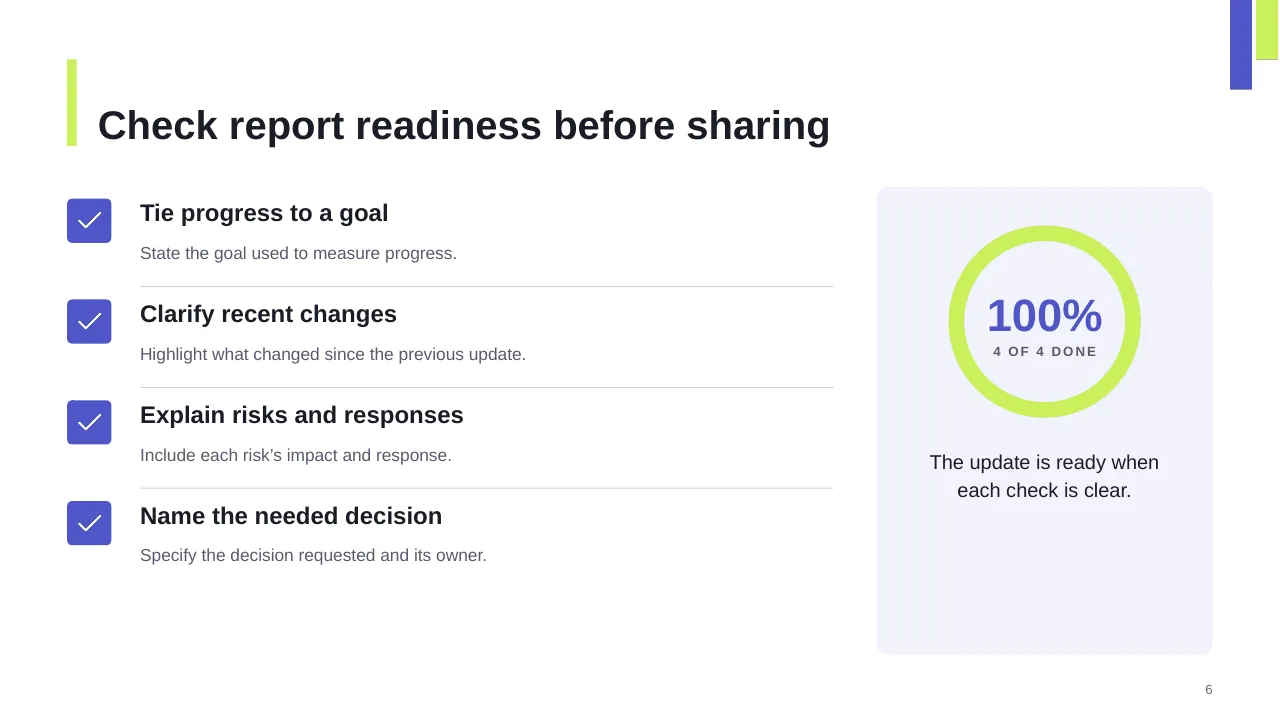
| 6 | State the goal used to measure progress. |
| 7 | Lead with delivery health, support it with evidence, and surface the decision that matters. |
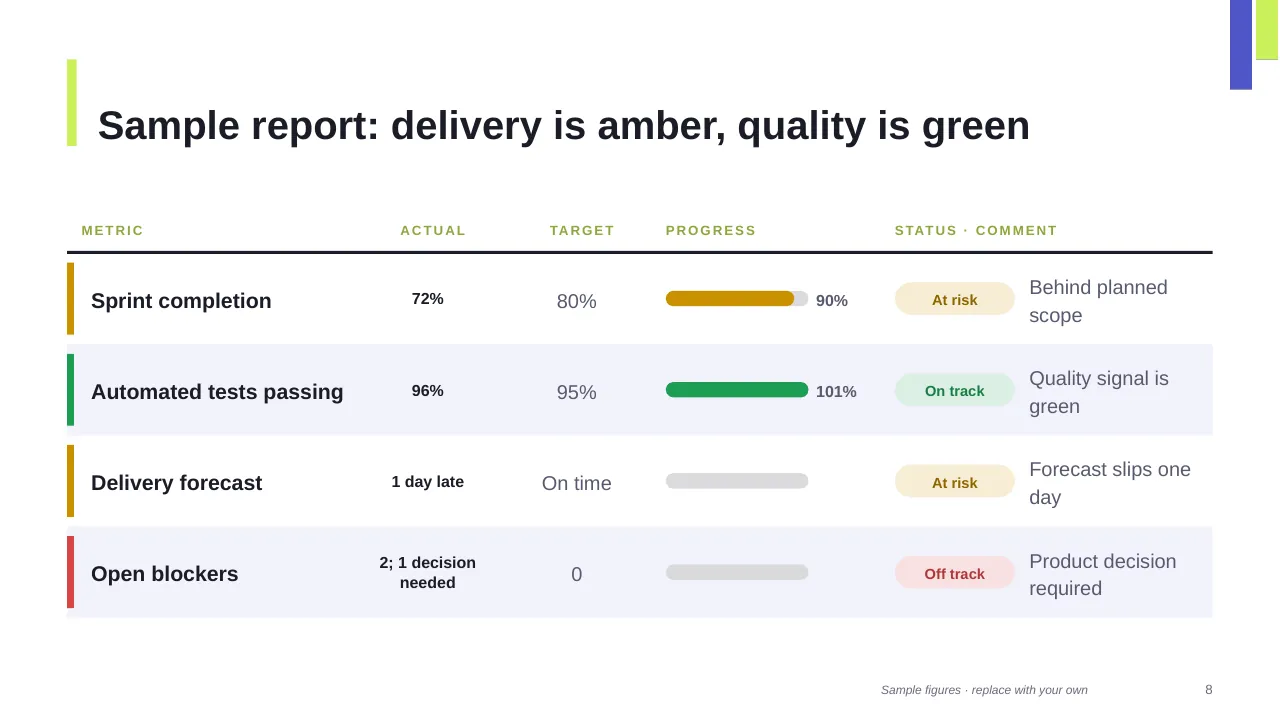
| 8 | Sample report: delivery is amber, quality is green |
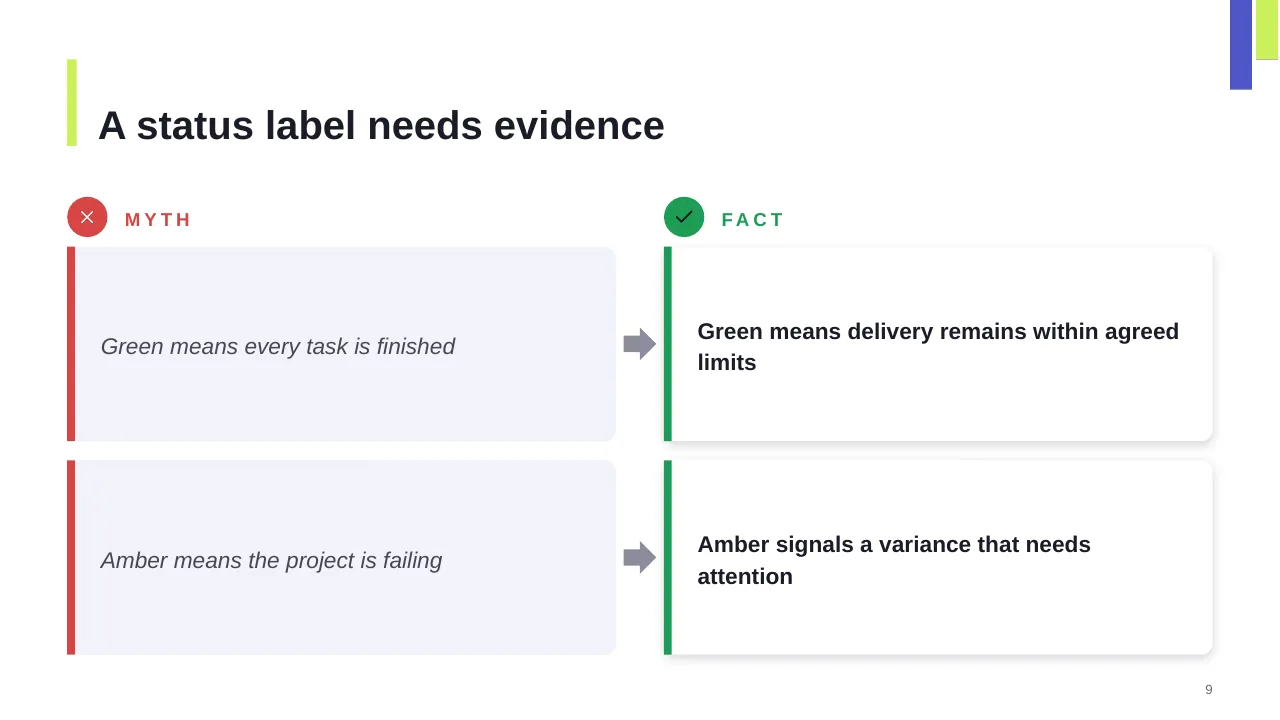
| 9 | A status label needs evidence |
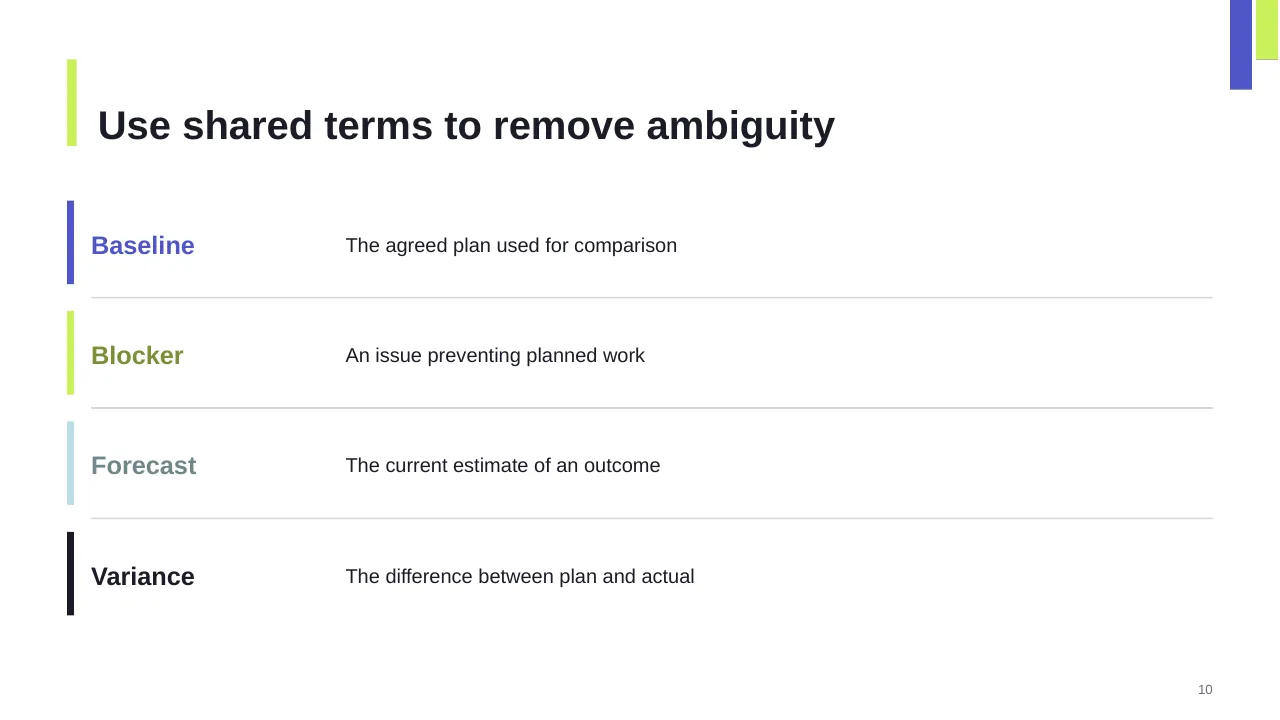
| 10 | Use shared terms to remove ambiguity |
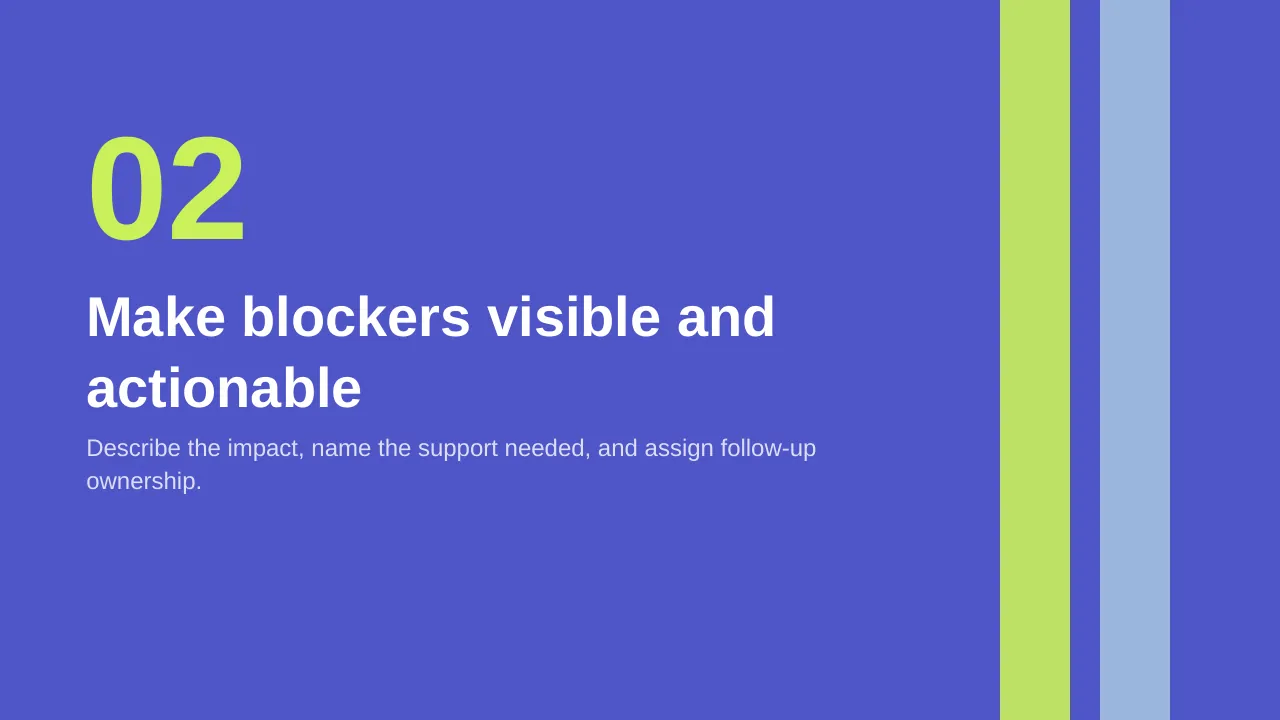
| 11 | Describe the impact, name the support needed, and assign follow-up ownership. |
| 12 | Escalate blockers when the team cannot proceed |
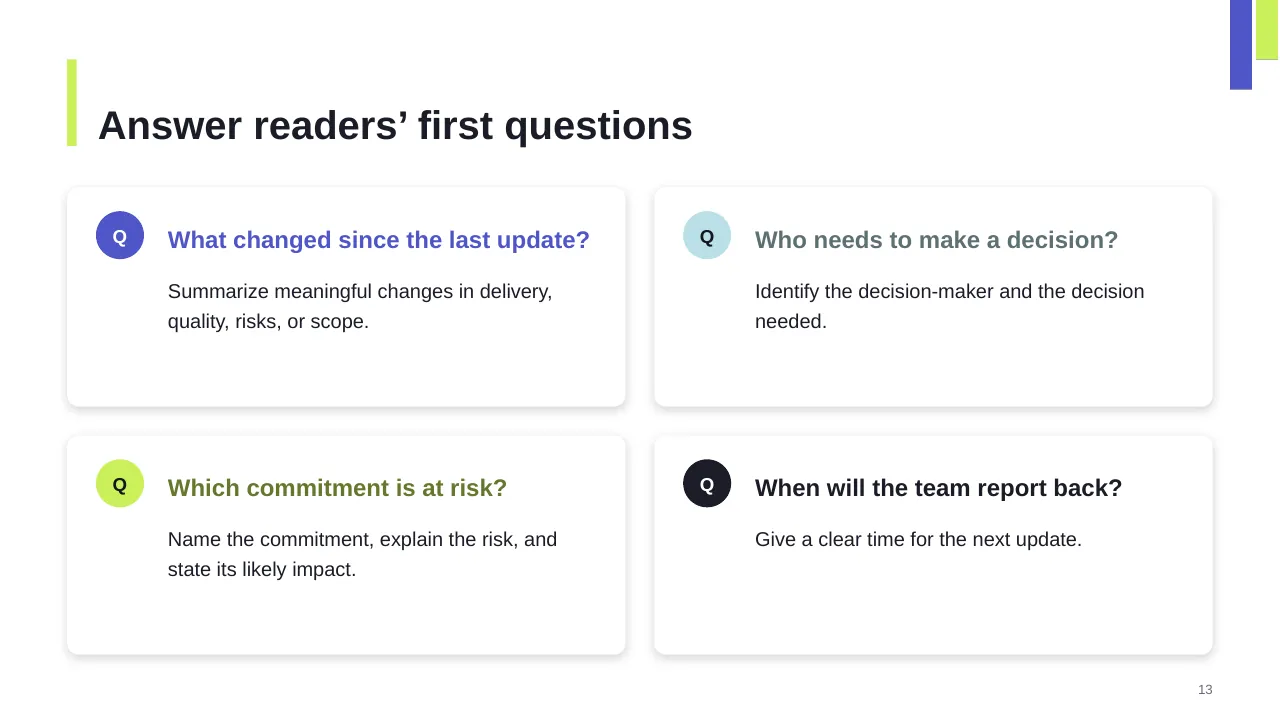
| 13 | What changed since the last update? |
| 14 | Workstream progress is uneven |
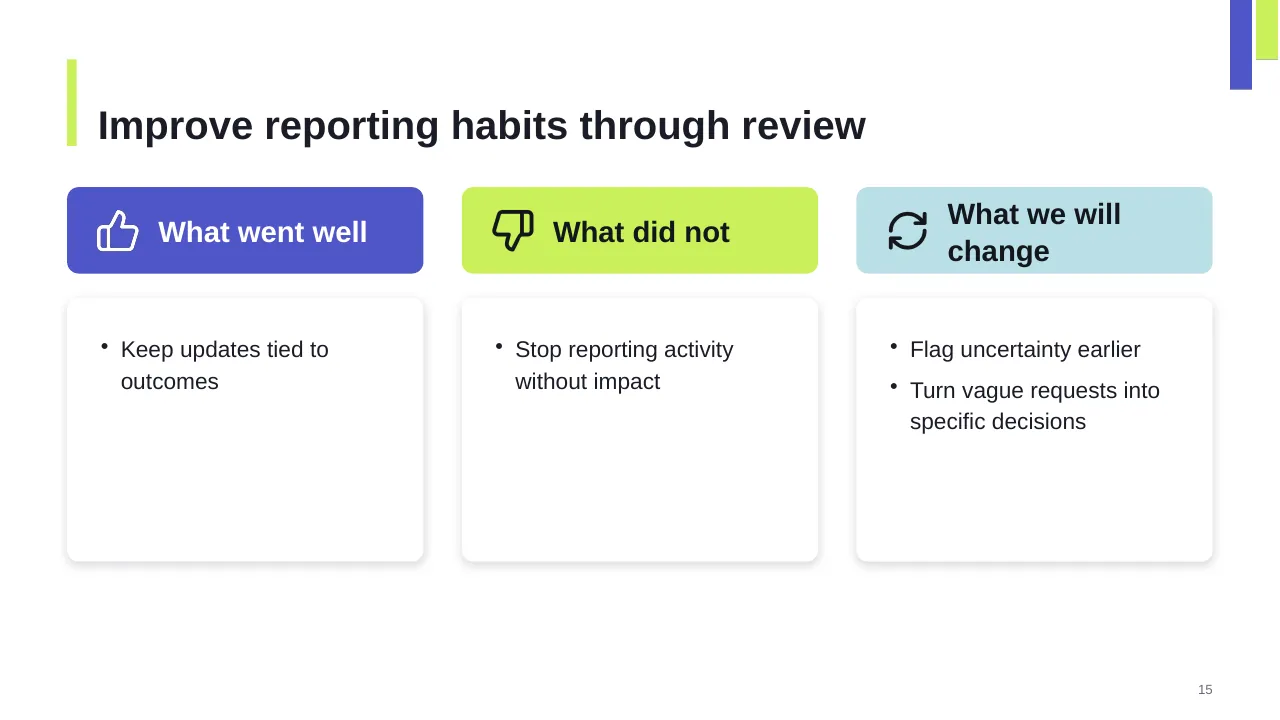
| 15 | Improve reporting habits through review |
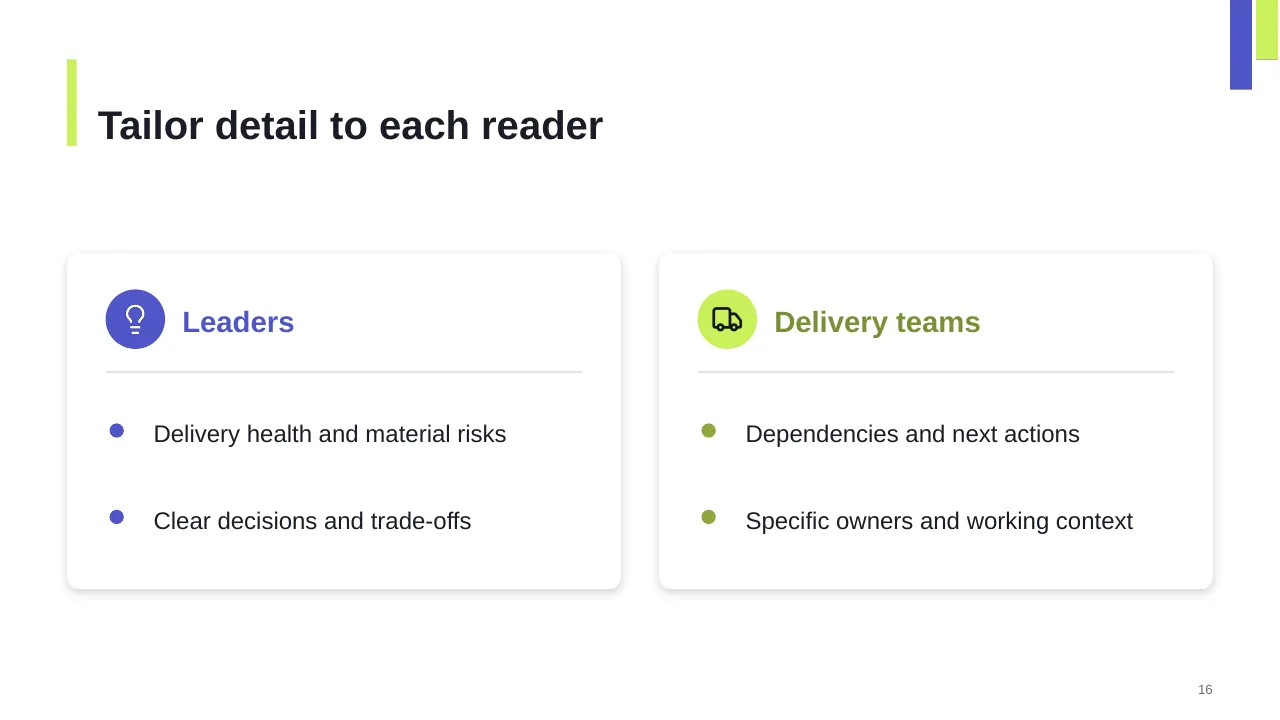
| 16 | Delivery health and material risks |
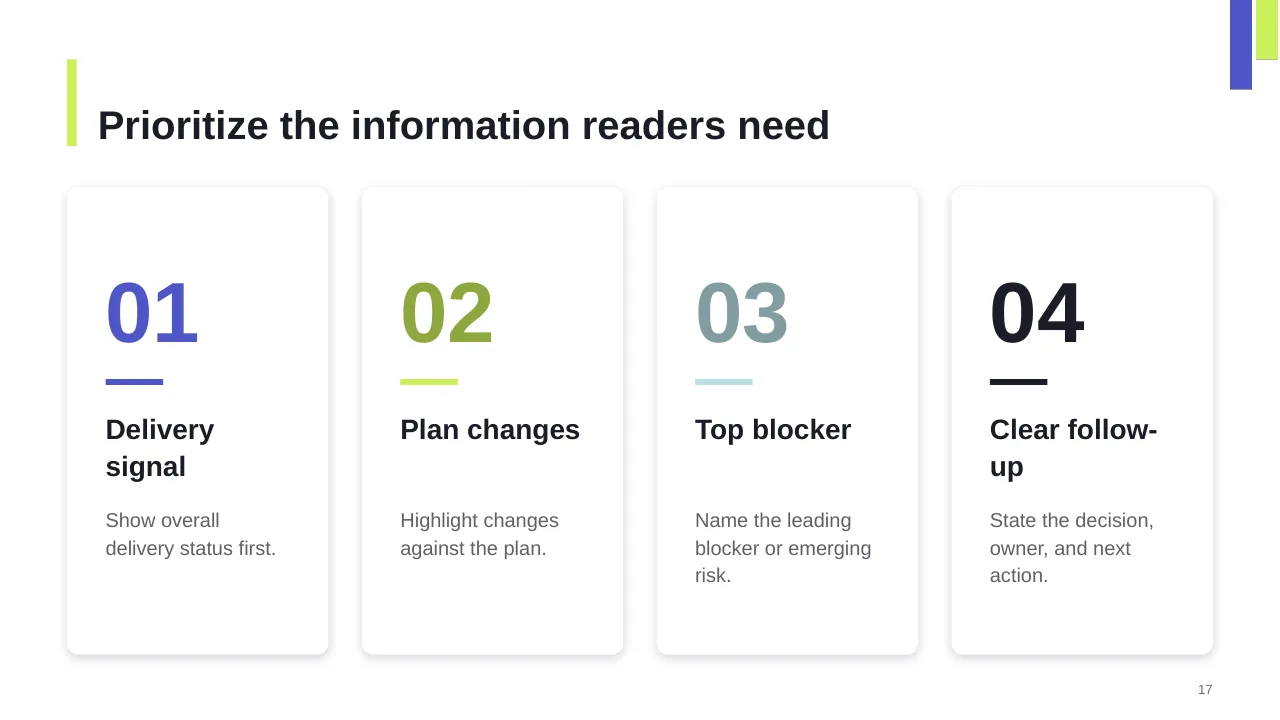
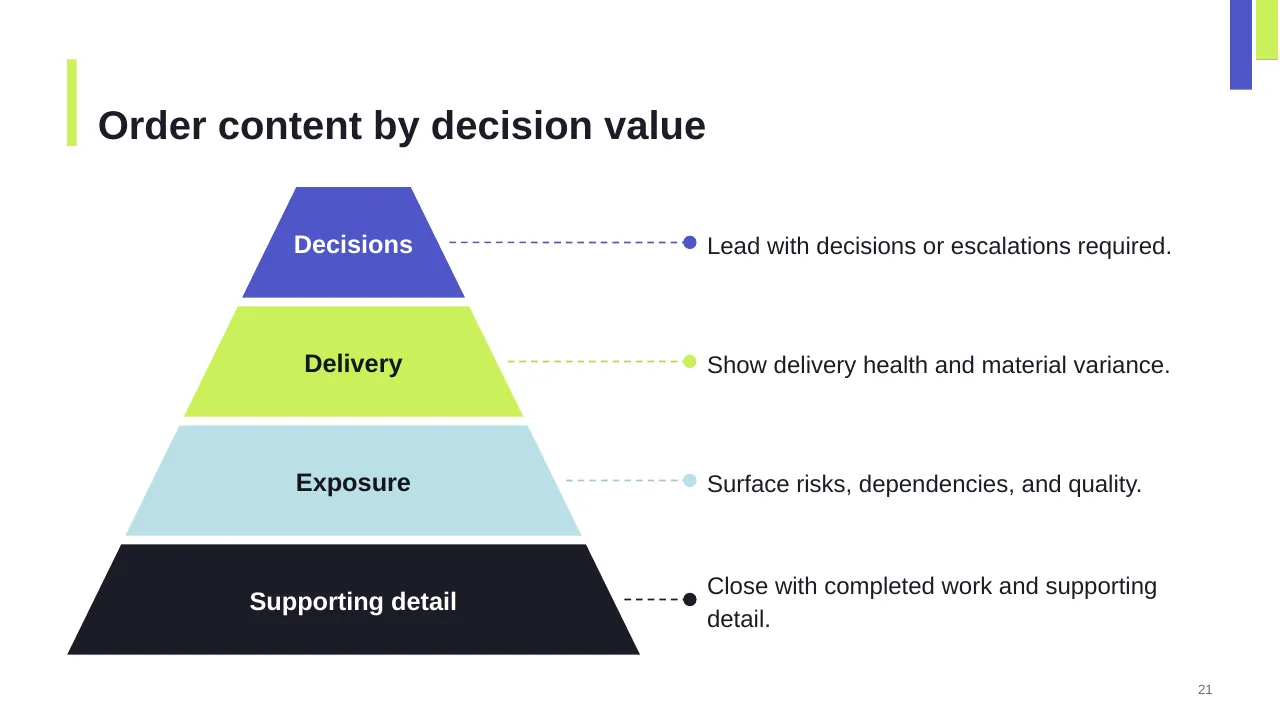
| 17 | Prioritize the information readers need |
| 18 | Use shared evidence, consistent language, and follow through on yesterday’s requests. |
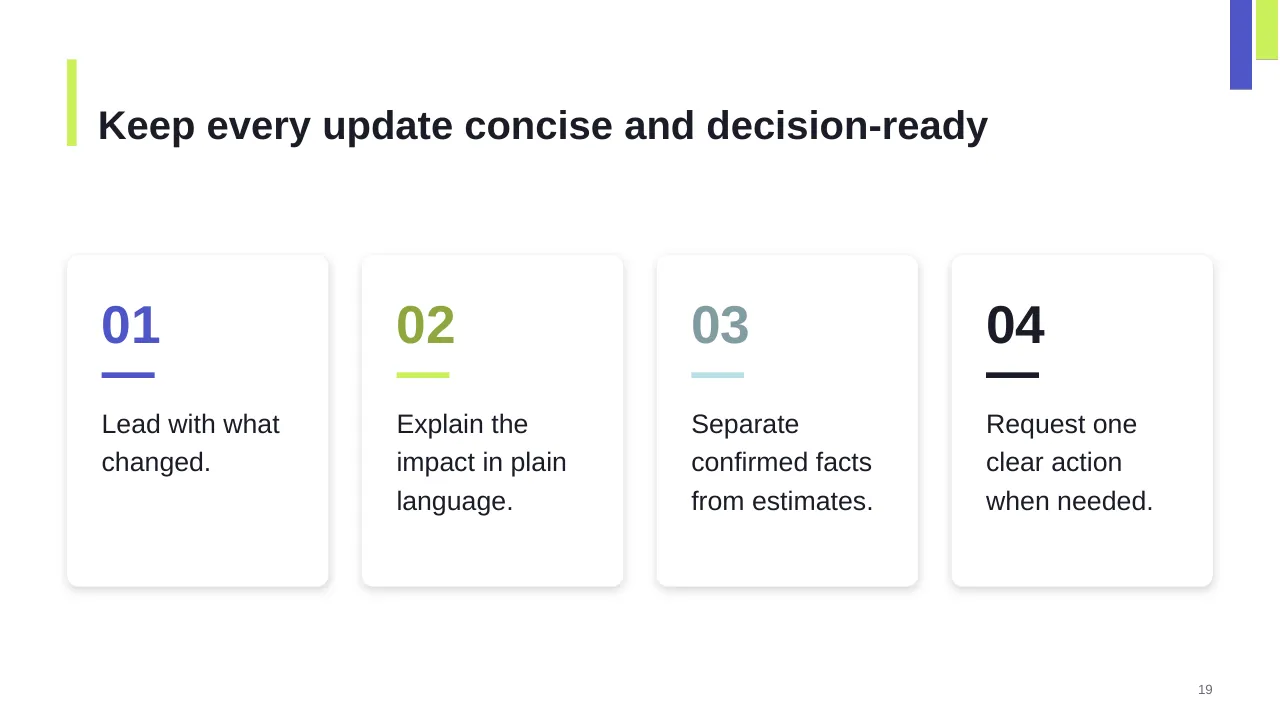
| 19 | Keep every update concise and decision-ready |
| 20 | Today’s signal should lead to a response |
| 21 | Lead with decisions or escalations required. |
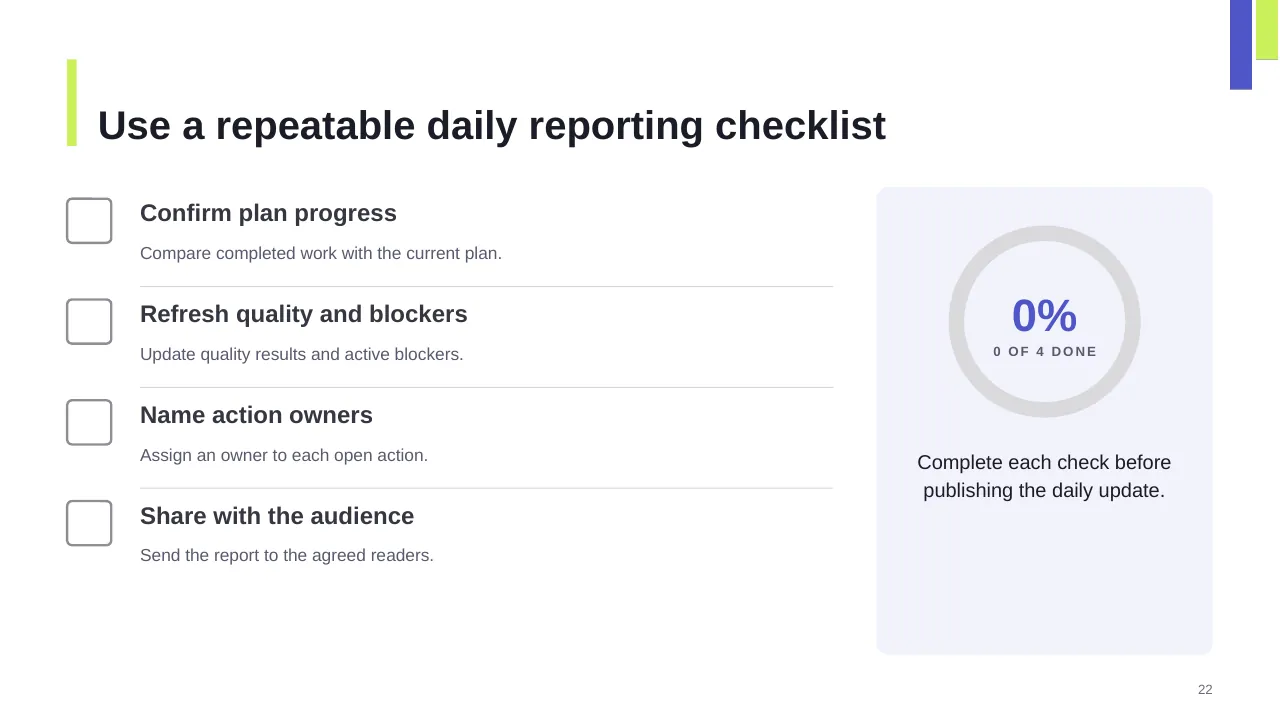
| 22 | Compare completed work with the current plan. |
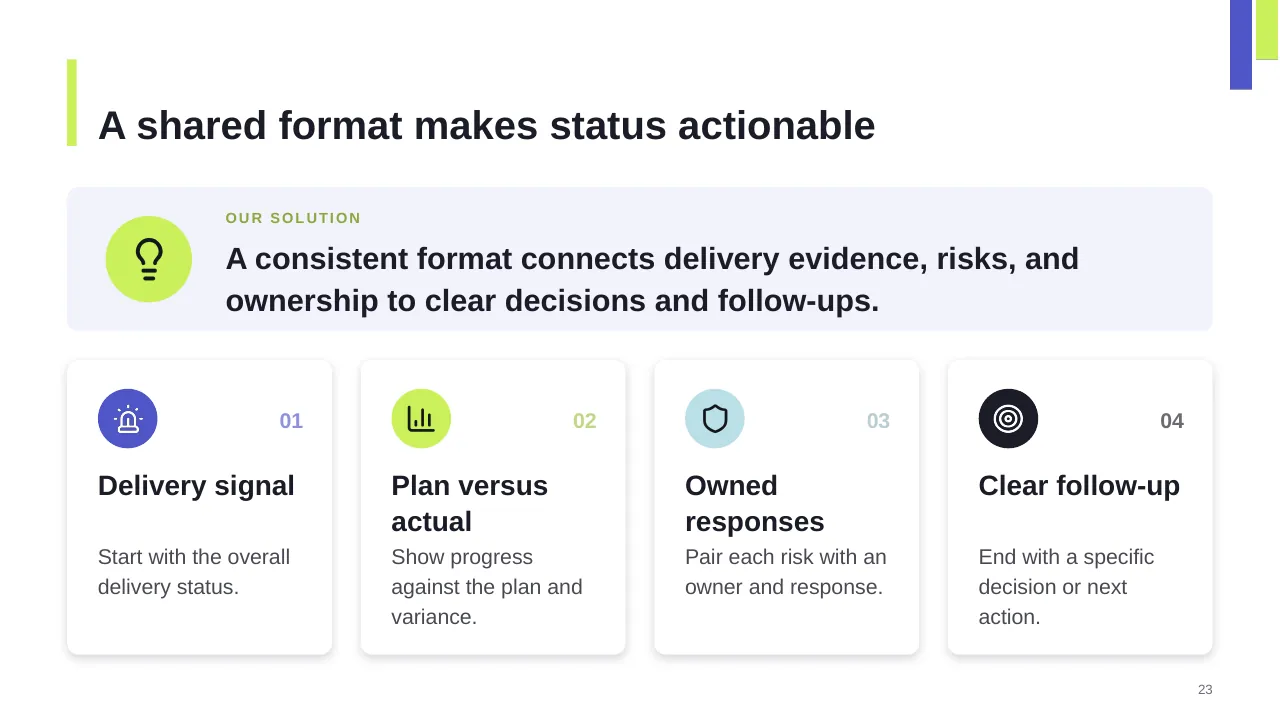
| 23 | A consistent format connects delivery evidence, risks, and ownership to clear decisions and follow-ups. |
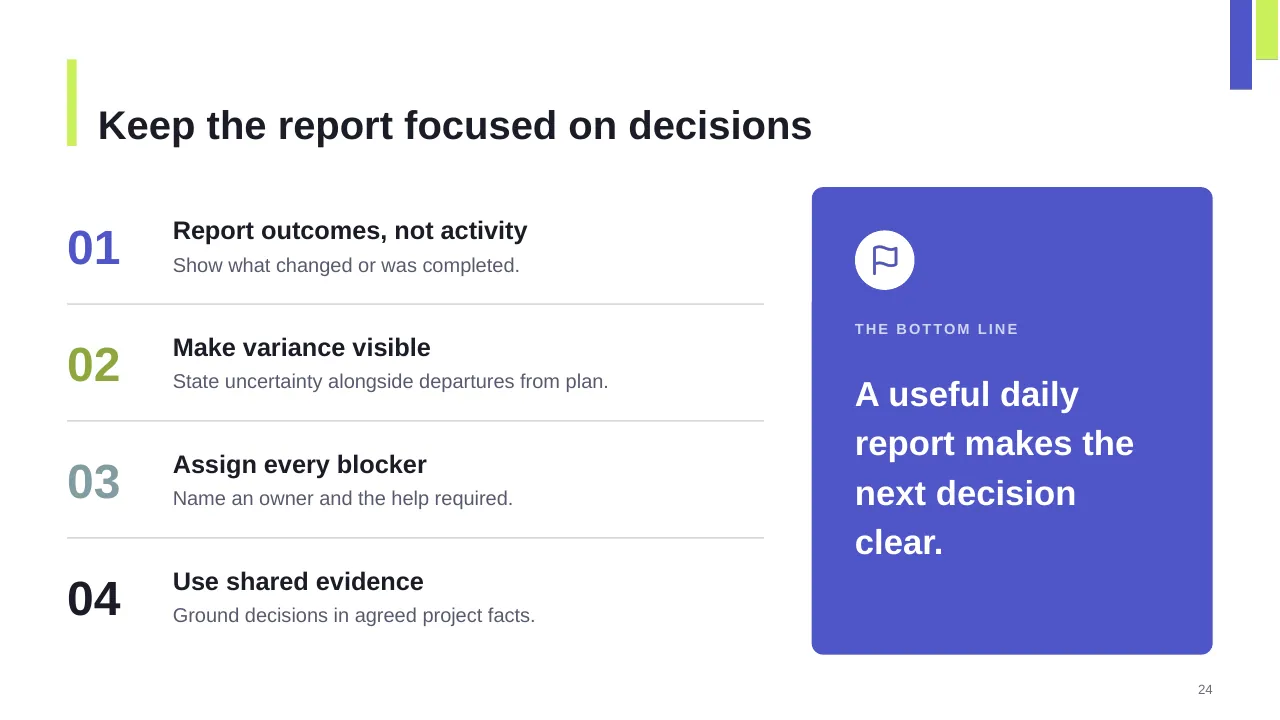
| 24 | Keep the report focused on decisions |
| 25 | Use one shared format, highlight the key change, and close the loop on actions. |
Tips for a project status report
- Put the overall status and the ask on the first slide.
- Explain every amber or red with one line: cause, impact, fix.
- Keep the format the same every week so changes stand out.
- Show trends (last 4 reports), not just today's colour.
Mistakes to avoid
- Everything green until it suddenly turns red
- Long task lists instead of exceptions
- No clear ask
Checklist before you present
- Is the overall RAG status explained?
- Are milestones shown against the baseline?
- Are new risks flagged?
- Is there a clear decision or ask?
- Is the date of the report on the slide?
Great for
- Project kickoff meetings
- Weekly and monthly status reports
- Steering committee and governance updates
- Agile sprint planning and reviews
How to customise it
- Download the ZIP file and unzip it to get the .pptx presentation.
- Open it in PowerPoint, or upload it to Google Drive and open it with Google Slides.
- Replace the sample text and numbers with your own; charts update from their data sheets.
- Change the theme colours once to recolour the whole deck, then delete any slides you don't need.
Questions about a project status report
What does RAG mean in a status report?
Red, Amber, Green. Green is on track, amber is at risk but recoverable, and red needs help or a decision to recover.
How often should project status be reported?
Weekly for the project team and sponsor is common; monthly for steering committees and portfolio reviews.
Related presentations
- Project Progress Status Report PowerPoint Template
- Intake Process Flow and Deliverables PowerPoint Template
- Kickoff Meeting PowerPoint Presentation
- Team Governance Meeting Plan PowerPoint Template
Browse all Project Management presentations or more business PowerPoint templates.
Template details
| Template | Daily Project Status Report for Software Development PowerPoint Template |
|---|---|
| Categories | Business PowerPoint Templates, Project Management |
| File format | PowerPoint (.pptx), delivered as a .zip file |
| Number of slides | 25 fully editable slides |
| File size | 1.8 MB |
| Slide size | 16:9 widescreen |
| Preview images | 25 |
| Editable | Yes: text, colours, shapes, icons and charts |
| Works with | PowerPoint 2010 and later, PowerPoint for Mac, Google Slides |
| Licence | Royalty-free, yours to keep using after your plan ends (terms of use apply) |
| Price | Included in every SlideVilla plan |
| Added | 3 Jul 2025 |
Questions about this template
Can I edit the Daily Project Status Report for Software Development PowerPoint Template?
Yes. Every part of the Daily Project Status Report for Software Development PowerPoint Template is made with native PowerPoint shapes and text boxes, so you can change the wording, colours, fonts and sizes, move or delete elements, and swap icons without losing quality.
Does the Daily Project Status Report for Software Development PowerPoint Template work in Google Slides?
Yes. Download the .zip file, unzip it to get the .pptx, upload it to Google Drive and open it with Google Slides. The layout, shapes and text stay editable there too.
Is the Daily Project Status Report for Software Development PowerPoint Template free?
It is a premium template, included in every SlideVilla plan together with the rest of the library. See plans and pricing.
What size and format is it?
It is a PPTX file in 16:9 widescreen format with 25 slides, 1.8 MB (downloaded as a .zip; unzip it to get the presentation), with 25 preview images shown above.
How to use this template
- Step 1DownloadClick Download, then unzip the .zip file to get the .pptx presentation.
- Step 2OpenOpen it in PowerPoint, or upload it to Google Slides from your Drive.
- Step 3Make it yoursChange text, colours, icons and charts. Every element is fully editable.
Related PowerPoint templates
More designs like this one, ready to edit.