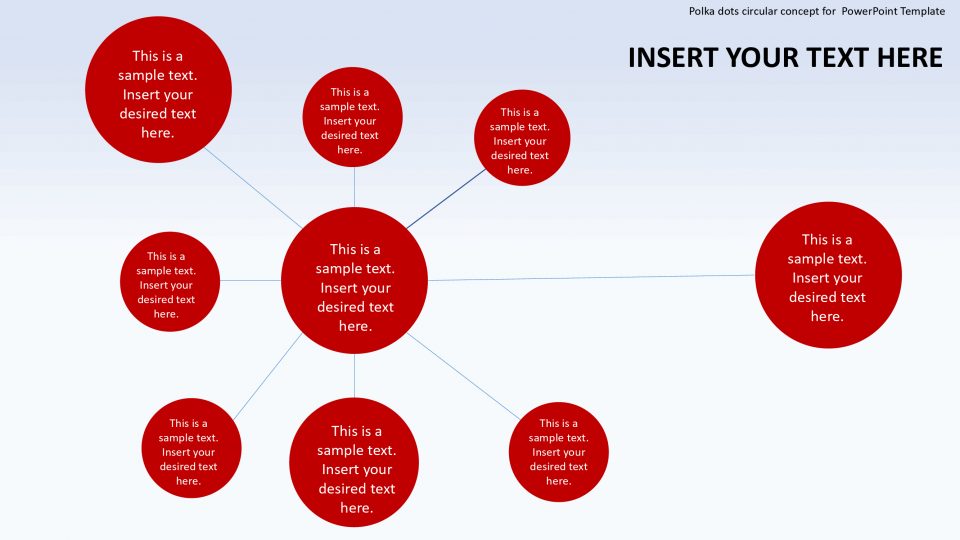
About this PowerPoint template
Creative process infographics are a versatile tool that can be used by professionals in various industries to visually represent the steps involved in a creative project or process. These infographics are designed to be visually appealing, easy to understand, and engaging for the audience. They can be used in presentations, reports, websites, or social media posts to help communicate complex ideas in a simple and effective manner.
One of the main benefits of using creative process infographics is that they can help streamline communication and facilitate a better understanding of the creative process. By breaking down complex concepts into simple visual elements, these infographics make it easier for viewers to grasp the key points and follow the logical sequence of steps involved in a creative project.
Additionally, creative process infographics can help enhance creativity and innovation within a team or organization. By visualizing the creative process in a clear and concise manner, team members can better understand how their individual contributions fit into the larger context of the project. This can help inspire new ideas, foster collaboration, and lead to more innovative outcomes.
Features of Creative Process Infographics with Fully Editable Templates:
- Fully Customizable: Our creative process infographics come with fully editable templates, allowing you to easily customize the colors, fonts, shapes, and sizes to suit your specific needs. This flexibility ensures that you can create a unique and visually stunning infographic that aligns with your brand identity.
- Easy to Use: With user-friendly design tools and drag-and-drop functionality, our templates make it easy for you to quickly create professional-looking infographics without any design experience. Simply choose a template, add your content, and customize the design to create a polished and engaging visual representation of your creative process.
- Versatile Applications: Our creative process infographics can be used in a variety of settings, including presentations, reports, websites, social media, and more. Whether you're presenting a project update to stakeholders, outlining a new creative strategy to your team, or sharing insights with your audience online, these infographics are a versatile tool that can help you effectively communicate your ideas.
- High-Quality Graphics: Our templates are designed with high-quality graphics and attention to detail, ensuring that your creative process infographics look professional and visually appealing. Whether you're showcasing a linear process, a branching decision tree, or a cyclical workflow, our templates provide you with the visual elements you need to effectively convey your message.
Overall, creative process infographics with fully editable templates are a valuable asset for professionals looking to enhance communication, stimulate creativity, and showcase their creative projects in a visually engaging way. With their user-friendly design tools, versatile applications, and high-quality graphics, these infographics can help you effectively communicate your ideas and inspire innovation within your team or organization.
Template details
| Template | Creative Process Infographics |
|---|---|
| Category | PowerPoint Templates |
| File format | PowerPoint (.pptx) |
| Slide size | 16:9 widescreen |
| Preview images | 1 |
| Editable | Yes: text, colours, shapes, icons and charts |
| Works with | PowerPoint 2010 and later, PowerPoint for Mac, Google Slides |
| Licence | Royalty-free, yours to keep using after your plan ends (terms of use apply) |
| Price | Included in every SlideVilla plan |
| Added | 2 Oct 2024 |
Questions about this template
Can I edit the Creative Process Infographics?
Yes. Every part of the Creative Process Infographics is made with native PowerPoint shapes and text boxes, so you can change the wording, colours, fonts and sizes, move or delete elements, and swap icons without losing quality.
Does the Creative Process Infographics work in Google Slides?
Yes. Download the .pptx file, upload it to Google Drive and open it with Google Slides. The layout, shapes and text stay editable there too.
Is the Creative Process Infographics free?
It is a premium template, included in every SlideVilla plan together with the rest of the library. See plans and pricing.
What size and format is it?
It is a PPTX file in 16:9 widescreen format, with 1 preview image shown above.
How to use this template
- Step 1DownloadClick Download and the .pptx file saves straight to your computer.
- Step 2OpenOpen it in PowerPoint, or upload it to Google Slides from your Drive.
- Step 3Make it yoursChange text, colours, icons and charts. Every element is fully editable.
Categories
Related PowerPoint templates
More designs like this one, ready to edit.