

About this PowerPoint template
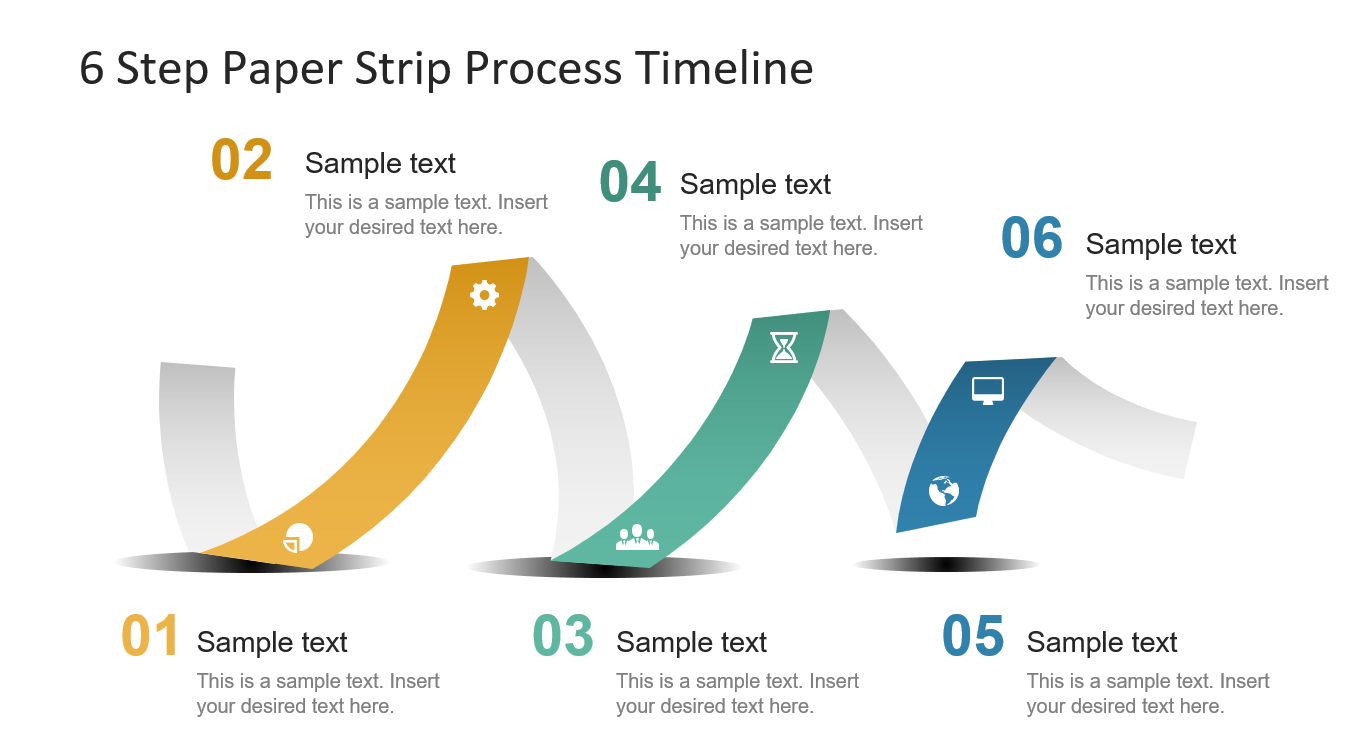
The paper strip process timeline is a remarkable structure of procedure stages for an undertaking or occasion course of events introduction. It is a great 6 arrange PowerPoint in a paper strip style. In spite of the fact that is a helpful for business experts, the inventive plan of this format makes it advantageous for everybody. In this manner, chiefs, laborers, understudies, educators, or open speakers, all can exploit these slides. Nonetheless, it is perfect for showing new pursuits and present numerous procedures. For example, disclosure driven arranging, client venture, an advancement model and that's just the beginning. The innovative shapes help group of spectators comprehend the essential business approach model or course of events. In addition, rather than experiencing total documentation, this PowerPoint course of events layout gives a perspective on the master plan. Additionally, helps center around applicable area of the course of events.
The 6 Step Creative Process Timeline is arranging and guaging PowerPoint. There are two slides of white and dark foundation varieties. The structure of paper strips demonstrates an association between 6 phases. Further, the begin and end state of paper strips delineates the congruity. Subsequently, it is usable to clarify sub process exercises of a principle model. It is a level structure vector PowerPoint containing infographics to speak to 6 stages of a procedure timetable. These incorporate pie diagram, gear, group, hour glass, globe and PC screen. The double tap the editable content placeholders for each progression to include the basic data. Further, select the longing respectable textual style for the literary substance.
This PowerPoint of procedure stream is an imaginative 6 stages course of events and arranging format which gives clients a chance to modify the structure. Moreover, embed articles like brand logo or organization contact subtleties and so forth. Likewise, duplicate sides to an authoritative portfolio introduction to have a solid effect on group of spectators. Further, utilize 6 stages for guide achievements or show complex idea. Timetables are a standout amongst the most often use outline for business introductions.
Features:
- Completely editable in terms of shape, color, size and text
- This template has a built in color theme which is unaffected by copy-pasting
- Includes an icon family with 135 unique completely editable icons
- Drag and drop image placeholder
- Completely editable (using spreadsheet) data-driven charts for displaying statistics
- Completely editable vector graphics
Supports Microsoft PowerPoint 2010, 2011, 2013, 2016 MacOffice 2016, MacOffice 365
Template details
| Template | Paper Strip Process Timeline |
|---|---|
| Categories | PowerPoint Templates, PowerPoint Diagrams, Business PowerPoint Templates, Process Flow Diagrams |
| File format | PowerPoint (.pptx) |
| Slide size | 16:9 widescreen |
| Preview images | 4 |
| Editable | Yes: text, colours, shapes, icons and charts |
| Works with | PowerPoint 2010 and later, PowerPoint for Mac, Google Slides |
| Licence | Royalty-free, yours to keep using after your plan ends (terms of use apply) |
| Price | Included in every SlideVilla plan |
| Added | 14 Mar 2019 |
| Last updated | 9 Sept 2022 |
Questions about this template
Can I edit the Paper Strip Process Timeline?
Yes. Every part of the Paper Strip Process Timeline is made with native PowerPoint shapes and text boxes, so you can change the wording, colours, fonts and sizes, move or delete elements, and swap icons without losing quality.
Does the Paper Strip Process Timeline work in Google Slides?
Yes. Download the .pptx file, upload it to Google Drive and open it with Google Slides. The layout, shapes and text stay editable there too.
Is the Paper Strip Process Timeline free?
It is a premium template, included in every SlideVilla plan together with the rest of the library. See plans and pricing.
What size and format is it?
It is a PPTX file in 16:9 widescreen format, with 4 preview images shown above.
How to use this template
- Step 1DownloadClick Download and the .pptx file saves straight to your computer.
- Step 2OpenOpen it in PowerPoint, or upload it to Google Slides from your Drive.
- Step 3Make it yoursChange text, colours, icons and charts. Every element is fully editable.
Related PowerPoint templates
More designs like this one, ready to edit.