About this PowerPoint template
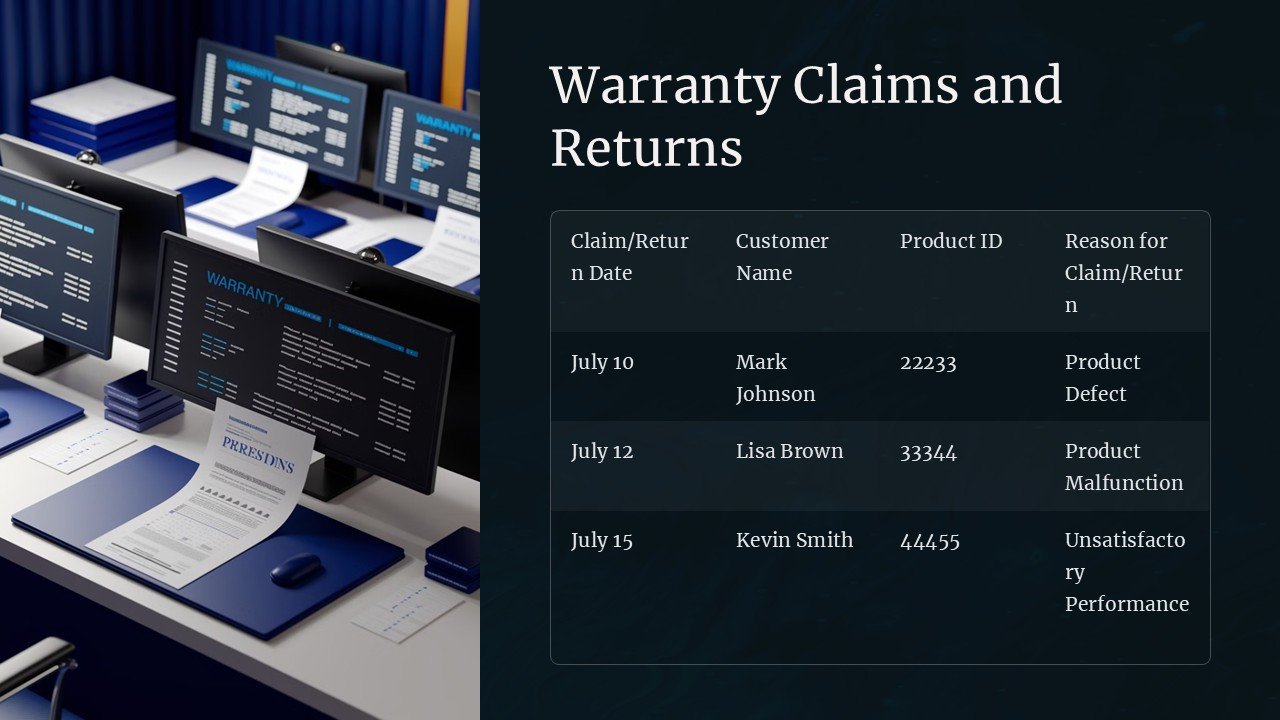
Are you looking for ways to reduce warranty claims and improve customer satisfaction? Look no further than our Warranty Claim Reduction PowerPoint Presentation. This professionally designed deck offers a comprehensive overview of strategies and best practices to minimize warranty claims and enhance product quality.
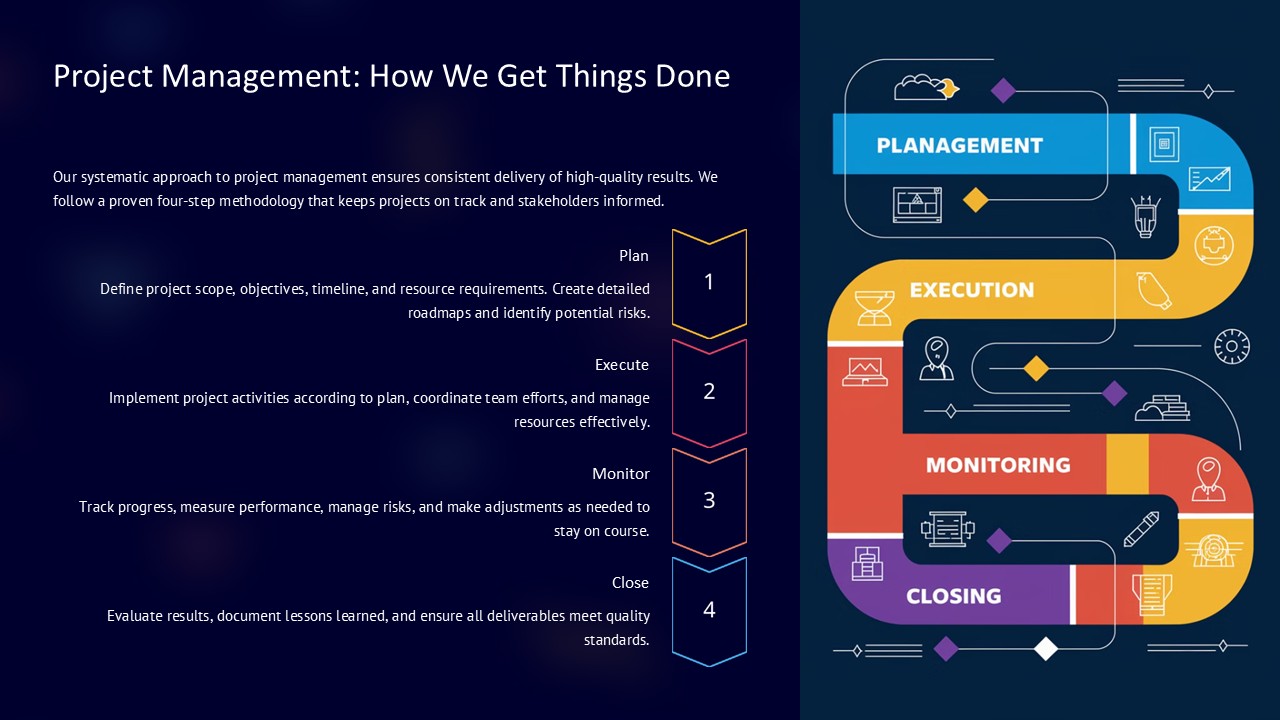
The presentation covers a wide range of topics, including understanding the root causes of warranty claims, implementing effective quality control measures, and leveraging customer feedback to identify potential issues early on. It also provides practical tips for streamlining the claims process, reducing costs, and ultimately boosting customer loyalty.
With crisp visuals, engaging content, and easy-to-follow guidelines, this PowerPoint presentation is the perfect tool for training sessions, team meetings, or executive briefings. Whether you are a manufacturer, service provider, or retailer, this deck will equip you with the knowledge and tools necessary to drive down warranty claims and deliver a superior customer experience.
Features:
1. Fully Editable Templates: Customize the content, colors, and layouts to suit your brand and specific requirements.
2. Eye-Catching Graphics: High-quality graphics and icons enhance the visual appeal and clarity of your presentation.
3. Easy-to-Use Design: Intuitive design elements make it simple to navigate the slides and create a professional-looking presentation.
4. Comprehensive Coverage: From root cause analysis to preventive strategies, this deck covers all aspects of warranty claim reduction.
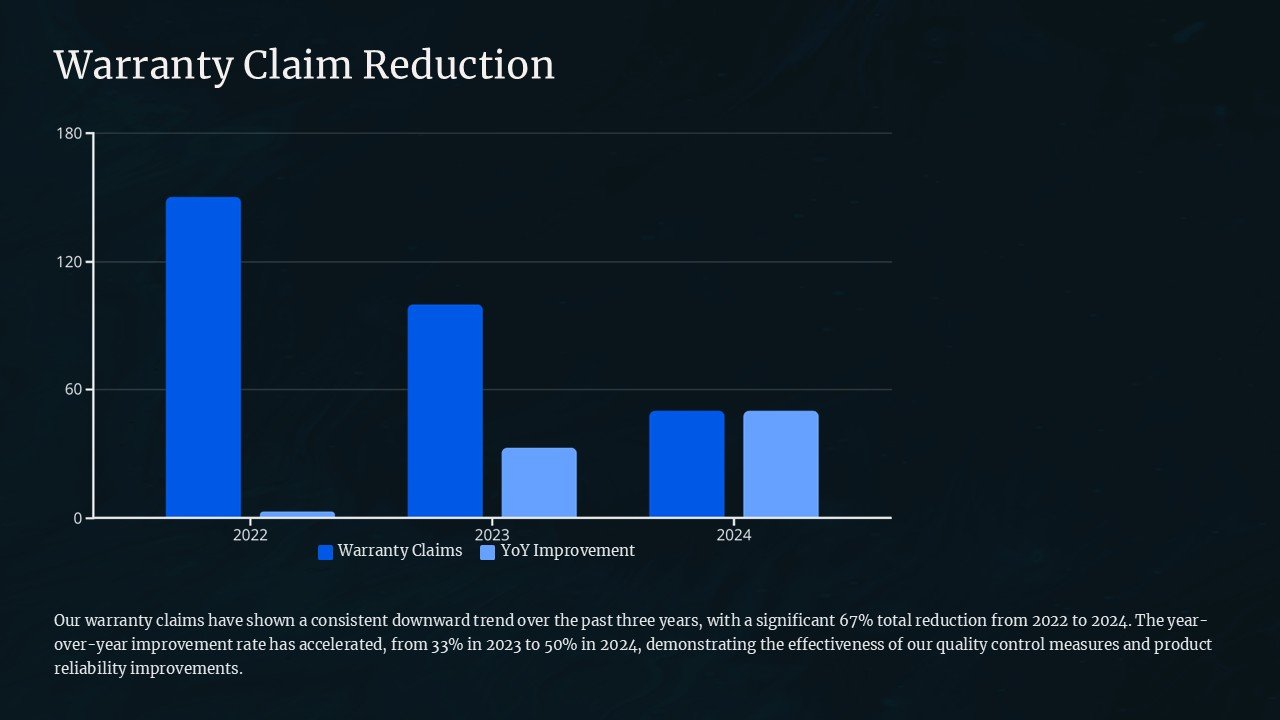
5. Data-Driven Insights: Use data charts and graphs to showcase key metrics and trends, making complex information easier to understand.
6. Expert Guidance: Benefit from expert advice and best practices distilled into a concise and actionable format.
Take your warranty claim reduction efforts to the next level with our PowerPoint presentation. Empower your team, impress your clients, and drive lasting improvements in product quality and customer satisfaction.
Template details
| Template | Warranty Claim Reduction PowerPoint Presentation |
|---|---|
| Category | PowerPoint Presentations |
| File format | PowerPoint (.pptx) |
| Slide size | 16:9 widescreen |
| Preview images | 1 |
| Editable | Yes: text, colours, shapes, icons and charts |
| Works with | PowerPoint 2010 and later, PowerPoint for Mac, Google Slides |
| Licence | Royalty-free, yours to keep using after your plan ends (terms of use apply) |
| Price | Included in every SlideVilla plan |
| Added | 9 Feb 2025 |
Questions about this template
Can I edit the Warranty Claim Reduction PowerPoint Presentation?
Yes. Every part of the Warranty Claim Reduction PowerPoint Presentation is made with native PowerPoint shapes and text boxes, so you can change the wording, colours, fonts and sizes, move or delete elements, and swap icons without losing quality.
Does the Warranty Claim Reduction PowerPoint Presentation work in Google Slides?
Yes. Download the .pptx file, upload it to Google Drive and open it with Google Slides. The layout, shapes and text stay editable there too.
Is the Warranty Claim Reduction PowerPoint Presentation free?
It is a premium template, included in every SlideVilla plan together with the rest of the library. See plans and pricing.
What size and format is it?
It is a PPTX file in 16:9 widescreen format, with 1 preview image shown above.
How to use this template
- Step 1DownloadClick Download and the .pptx file saves straight to your computer.
- Step 2OpenOpen it in PowerPoint, or upload it to Google Slides from your Drive.
- Step 3Make it yoursChange text, colours, icons and charts. Every element is fully editable.
Categories
Related PowerPoint templates
More designs like this one, ready to edit.