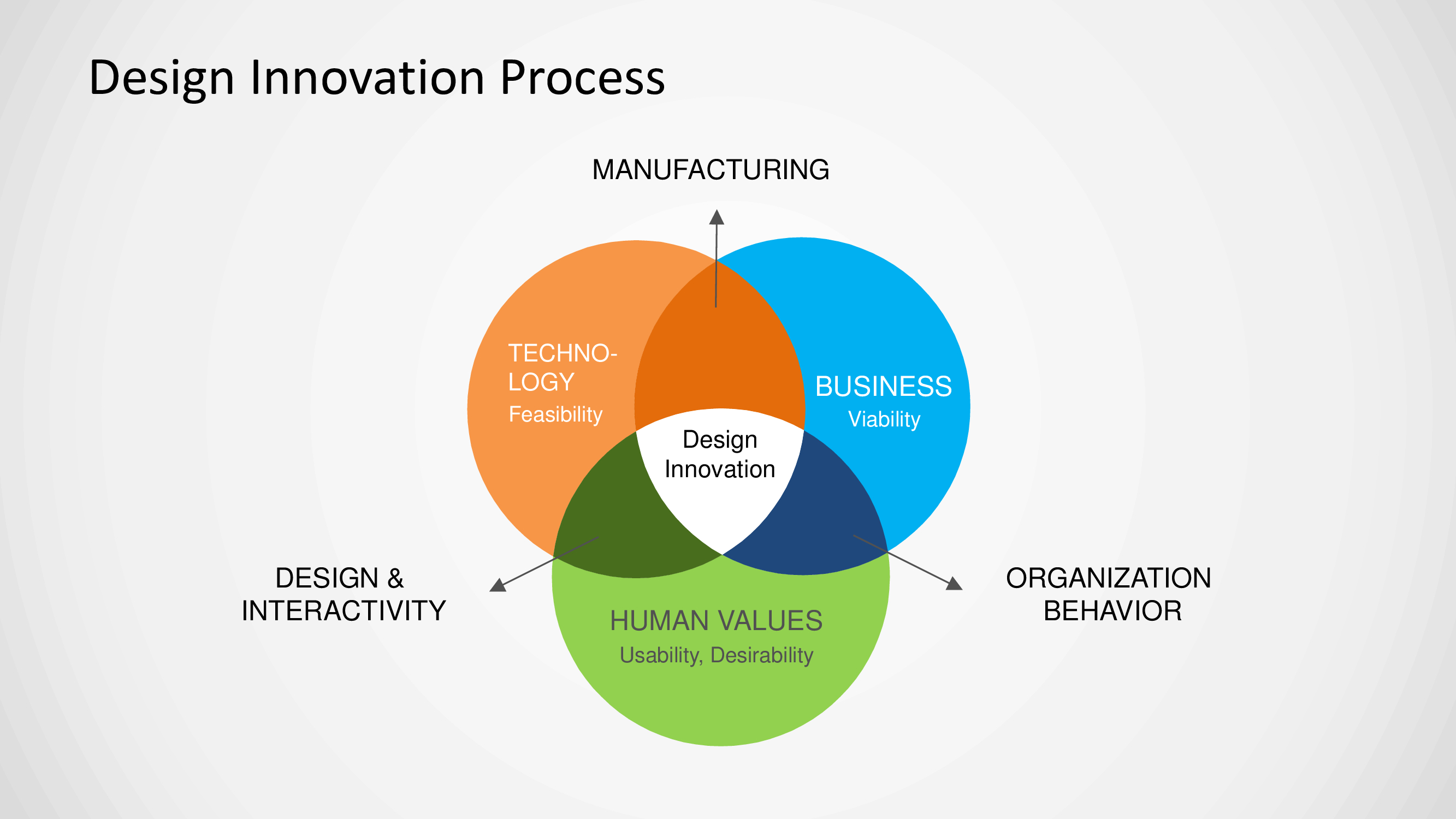
About this PowerPoint template
The Venn Diagram PowerPoint Template is a versatile tool that allows users to create visually appealing diagrams to showcase relationships, comparisons, and intersections between different sets of data. This template is perfect for professionals, educators, and students who need to present information in a clear and organized manner.
With this template, users can easily customize the size, color, and shape of the circles and text within the Venn diagram to suit their specific needs. The drag-and-drop functionality makes it simple to add or remove elements, making it easy to create a professional-looking diagram in just a few clicks.
One of the key features of the Venn Diagram PowerPoint Template is its fully editable nature. Users can customize every aspect of the diagram, including the colors, fonts, and sizes of the text and circles. This allows for endless possibilities in terms of design and ensures that the final product perfectly fits the user's preferences.
Another important feature of this template is its compatibility with all versions of Microsoft PowerPoint. Whether you're using an older version of the software or the latest release, you can be confident that the Venn Diagram PowerPoint Template will work seamlessly and without any compatibility issues.
Overall, the Venn Diagram PowerPoint Template is a must-have tool for anyone looking to create visually striking and informative diagrams in their presentations. Its user-friendly interface, fully editable templates, and compatibility with all versions of PowerPoint make it a valuable resource for professionals in any industry.
Template details
| Template | Venn Diagram PowerPoint Template |
|---|---|
| Category | PowerPoint Templates |
| File format | PowerPoint (.pptx) |
| Slide size | 16:9 widescreen |
| Preview images | 1 |
| Editable | Yes: text, colours, shapes, icons and charts |
| Works with | PowerPoint 2010 and later, PowerPoint for Mac, Google Slides |
| Licence | Royalty-free, yours to keep using after your plan ends (terms of use apply) |
| Price | Included in every SlideVilla plan |
| Added | 2 Oct 2024 |
Questions about this template
Can I edit the Venn Diagram PowerPoint Template?
Yes. Every part of the Venn Diagram PowerPoint Template is made with native PowerPoint shapes and text boxes, so you can change the wording, colours, fonts and sizes, move or delete elements, and swap icons without losing quality.
Does the Venn Diagram PowerPoint Template work in Google Slides?
Yes. Download the .pptx file, upload it to Google Drive and open it with Google Slides. The layout, shapes and text stay editable there too.
Is the Venn Diagram PowerPoint Template free?
It is a premium template, included in every SlideVilla plan together with the rest of the library. See plans and pricing.
What size and format is it?
It is a PPTX file in 16:9 widescreen format, with 1 preview image shown above.
How to use this template
- Step 1DownloadClick Download and the .pptx file saves straight to your computer.
- Step 2OpenOpen it in PowerPoint, or upload it to Google Slides from your Drive.
- Step 3Make it yoursChange text, colours, icons and charts. Every element is fully editable.
Categories
Related PowerPoint templates
More designs like this one, ready to edit.