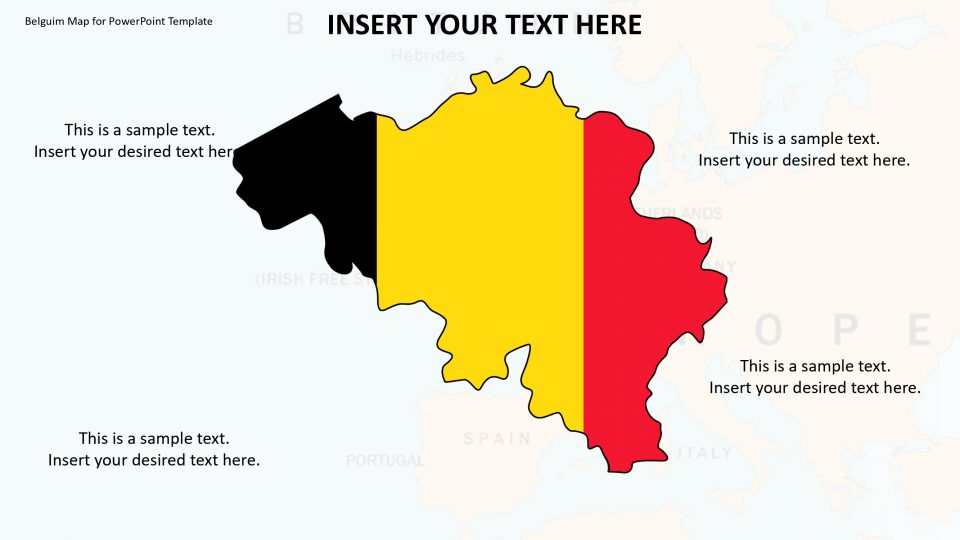
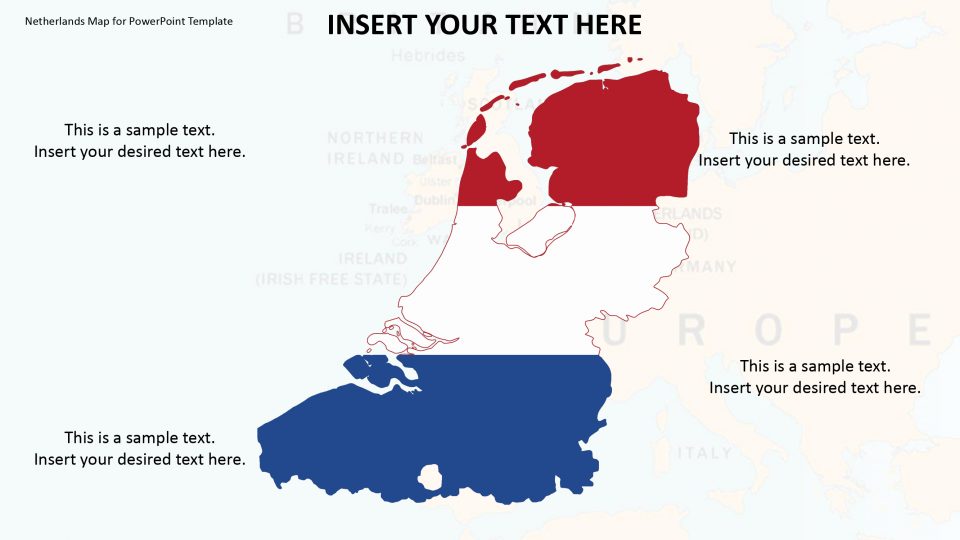
About this PowerPoint template
Ukraine map template is an editable and customizable presentation for a learning, business, and marketing purposes which is a country present in Eastern Europe and it is bordered by Moldova, Poland, Slovakia, Russia, Romania, Belarus, and Hungary. The Google slides in the map template enables the presenters to either choose layout designs or complete presentation.
It depends on the geographical details of the included contents. For example, if the user wants to give a regional overview or describe the political views of Ukraine, they can use specific selective slides and can utilize a complete template for presentation in brief. The PowerPoint template provides an outline of Ukraine’s important districts. This template can also present headquarters, sales, and marketing regions, traveling, locations, etc.
Features:
- Completely editable in terms of shape, color, size and text
- This template has a built in color theme which is unaffected by copy-pasting
- Includes an icon family with 135 unique completely editable icons
- Drag and drop image placeholder
- Completely editable (using spreadsheet) data-driven charts for displaying statistics
- Completely editable vector graphics
Supports
Microsoft PowerPoint 2010, 2011, 2013, 2016
MacOffice 2016, MacOffice 365
Template details
| Template | Ukraine Map for PowerPoint Template |
|---|---|
| Categories | PowerPoint Backgrounds, Power Point Maps, Creative Layouts, 3D Shapes for PowerPoint, Europe |
| File format | PowerPoint (.pptx) |
| Slide size | 16:9 widescreen |
| Preview images | 2 |
| Editable | Yes: text, colours, shapes, icons and charts |
| Works with | PowerPoint 2010 and later, PowerPoint for Mac, Google Slides |
| Licence | Royalty-free, yours to keep using after your plan ends (terms of use apply) |
| Price | Included in every SlideVilla plan |
| Added | 20 May 2019 |
| Last updated | 13 Feb 2025 |
Questions about this template
Can I edit the Ukraine Map for PowerPoint Template?
Yes. Every part of the Ukraine Map for PowerPoint Template is made with native PowerPoint shapes and text boxes, so you can change the wording, colours, fonts and sizes, move or delete elements, and swap icons without losing quality.
Does the Ukraine Map for PowerPoint Template work in Google Slides?
Yes. Download the .pptx file, upload it to Google Drive and open it with Google Slides. The layout, shapes and text stay editable there too.
Is the Ukraine Map for PowerPoint Template free?
It is a premium template, included in every SlideVilla plan together with the rest of the library. See plans and pricing.
What size and format is it?
It is a PPTX file in 16:9 widescreen format, with 2 preview images shown above.
How to use this template
- Step 1DownloadClick Download and the .pptx file saves straight to your computer.
- Step 2OpenOpen it in PowerPoint, or upload it to Google Slides from your Drive.
- Step 3Make it yoursChange text, colours, icons and charts. Every element is fully editable.
Related PowerPoint templates
More designs like this one, ready to edit.