About this PowerPoint template
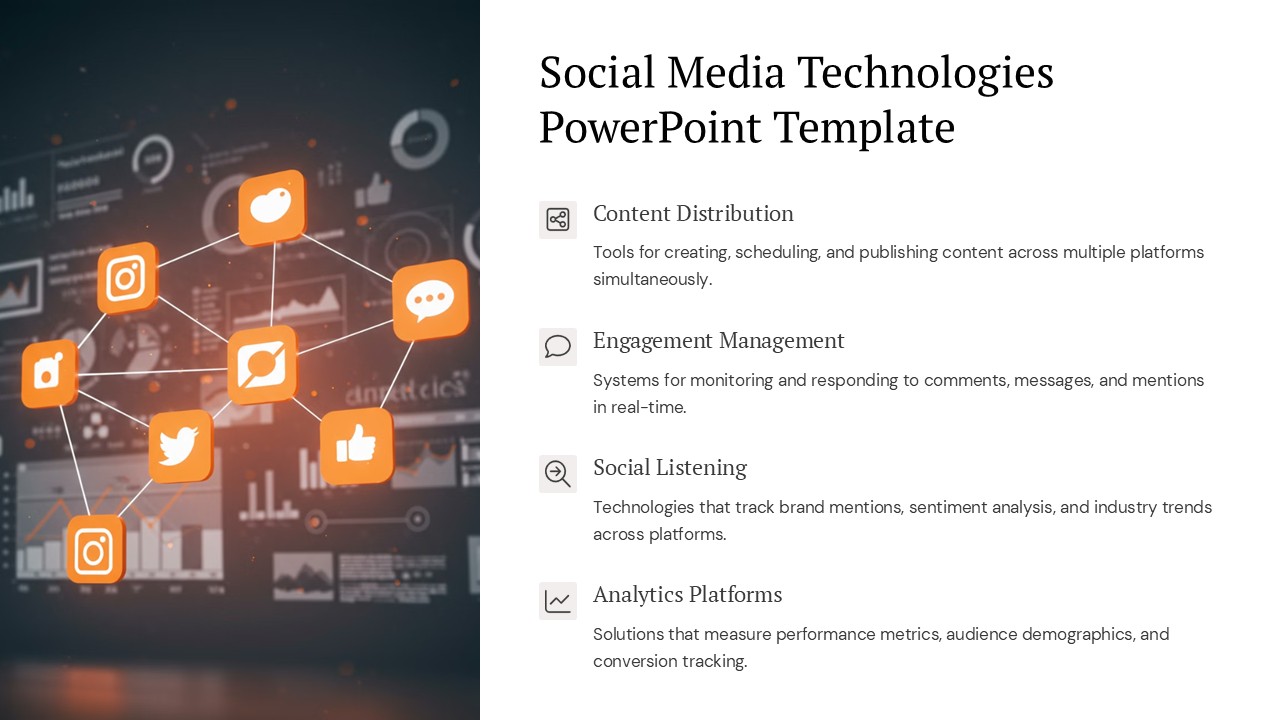
Social media has undoubtedly changed the way we connect, communicate, and engage with the world around us. The Positive Impacts Of Social Media PowerPoint Template is designed to showcase the many benefits and advantages that social media platforms have brought to our lives.
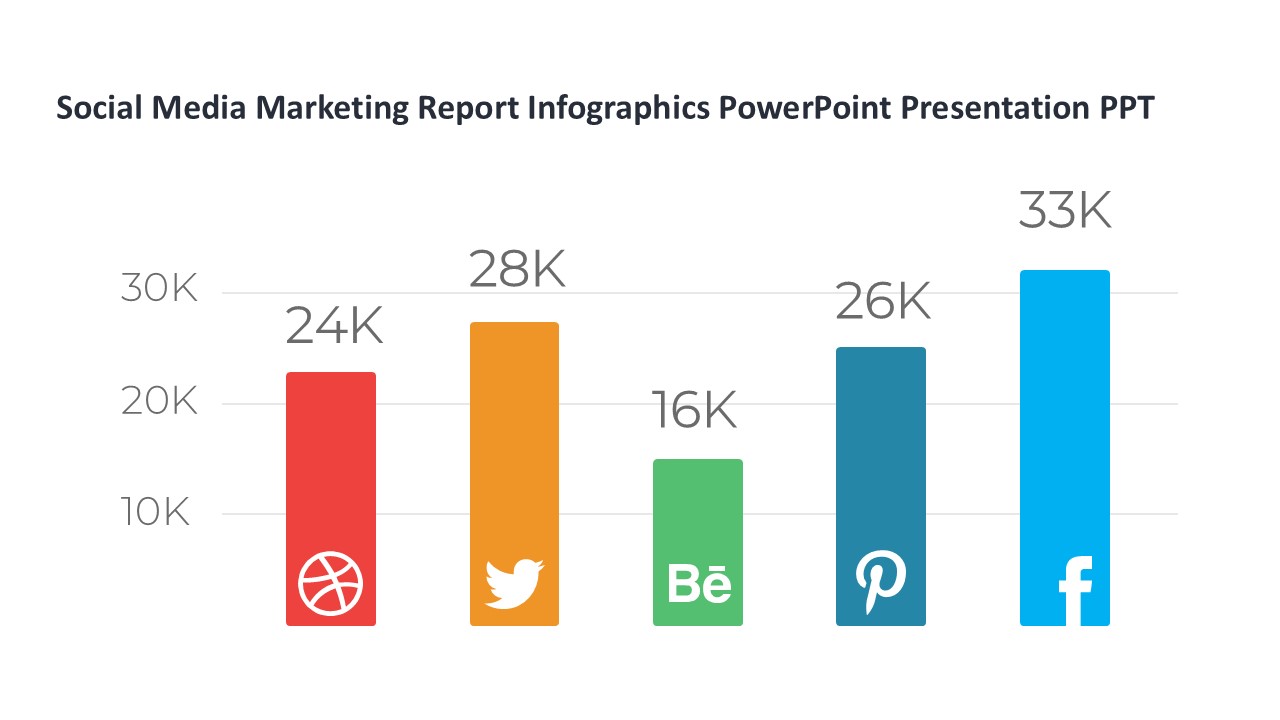
This professionally crafted PowerPoint template features a modern and sleek design, with vivid colors and eye-catching graphics that will captivate your audience. Whether you are presenting to colleagues, clients, or students, this template will help you effectively communicate the positive impacts of social media in a visually appealing way.
Some of the key benefits highlighted in this template include:
- Increased Connectivity: Social media has made it easier than ever to stay connected with friends and family, no matter where they are in the world. This template showcases the power of social media in bringing people together and fostering strong relationships.
- Enhanced Communication: With social media, people can communicate instantly and effortlessly through messaging, comments, and posts. The template demonstrates how social media has revolutionized the way we interact and share information with others.
- Amplified Visibility: Social media provides a platform for individuals and businesses to showcase their talents, products, and services to a global audience. This template illustrates how social media can help increase visibility and reach a wider demographic.
- Community Building: Social media has enabled the formation of online communities based on shared interests, beliefs, and goals. The template highlights the importance of community building and the sense of belonging that social media platforms can create.
The Positive Impacts Of Social Media PowerPoint Template comes with fully editable templates, allowing you to customize the content, graphics, and layout to suit your specific needs. Whether you want to add your own data, images, or branding elements, this template provides the flexibility to make it your own.
With its compelling design and informative content, The Positive Impacts Of Social Media PowerPoint Template is the perfect tool for presenting the many advantages of social media in a clear and engaging manner. Whether you are discussing the benefits of social media in a business context or exploring its impact on society as a whole, this template will help you deliver a powerful and persuasive presentation.
Template details
| Template | The Positive Impacts Of Social Media PowerPoint Template |
|---|---|
| Category | PowerPoint Templates |
| File format | PowerPoint (.pptx) |
| Slide size | 16:9 widescreen |
| Preview images | 1 |
| Editable | Yes: text, colours, shapes, icons and charts |
| Works with | PowerPoint 2010 and later, PowerPoint for Mac, Google Slides |
| Licence | Royalty-free, yours to keep using after your plan ends (terms of use apply) |
| Price | Included in every SlideVilla plan |
| Added | 2 Oct 2024 |
Questions about this template
Can I edit the The Positive Impacts Of Social Media PowerPoint Template?
Yes. Every part of the The Positive Impacts Of Social Media PowerPoint Template is made with native PowerPoint shapes and text boxes, so you can change the wording, colours, fonts and sizes, move or delete elements, and swap icons without losing quality.
Does the The Positive Impacts Of Social Media PowerPoint Template work in Google Slides?
Yes. Download the .pptx file, upload it to Google Drive and open it with Google Slides. The layout, shapes and text stay editable there too.
Is the The Positive Impacts Of Social Media PowerPoint Template free?
It is a premium template, included in every SlideVilla plan together with the rest of the library. See plans and pricing.
What size and format is it?
It is a PPTX file in 16:9 widescreen format, with 1 preview image shown above.
How to use this template
- Step 1DownloadClick Download and the .pptx file saves straight to your computer.
- Step 2OpenOpen it in PowerPoint, or upload it to Google Slides from your Drive.
- Step 3Make it yoursChange text, colours, icons and charts. Every element is fully editable.
Categories
Related PowerPoint templates
More designs like this one, ready to edit.