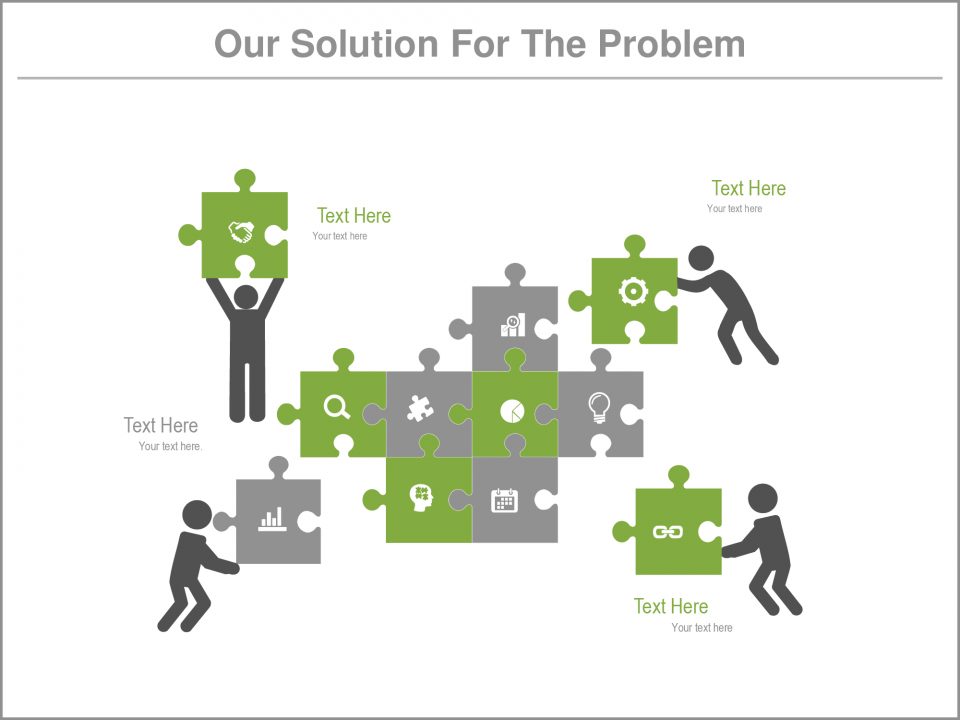
About this PowerPoint template
The template background template is a spread slide can be found toward the start of an expert PowerPoint introduction. It goes about as a prologue to the report, by giving the title and other important subtleties of the occasion. By giving this data, the group of spectators can be educated regarding what the introduction is about, so they can appropriately feature significant focuses and certainties for discourse. A spread slide is another type of giving a decent initial introduction of the succeeding reports.
This PowerPoint format is a helpful hotspot for different spread slide varieties in a steady structure. The slides can be utilized as a spread slide, to show the theme. The moderator can accept the open door to give a short diagram of the introduction, and enable the crowd to settle down before starting the report. Another utilization for the slides is as backups during the inquiry and answer session. During this period, the moderator can guarantee that the screen does not stay clear, while helping the group of spectators to remember the key point.
This beautiful looking pattern is meant to encompass the background of your presentation which will inevitably enhance the aesthetic quality of your work. Pattern will also adapt to layout of each slide such that it doesn't intrude the material of your slide. What else can you ask for? Well, you may ask for customizability, we've got you there too. Customize colours, texts, graphics and content on whichever way you want. Best of luck for your presentation!
Features:
- Completely editable in terms of shape, color, size and text
- This template has a built in color theme which is unaffected by copy-pasting
- Includes an icon family with 135 unique completely editable icons
- Drag and drop image placeholder
- Completely editable (using spreadsheet) data-driven charts for displaying statistics
- Completely editable vector graphics
Supports Microsoft PowerPoint 2010, 2011, 2013, 2016 MacOffice 2016, MacOffice 365
Template details
| Template | Template Background |
|---|---|
| Category | PowerPoint Templates |
| File format | PowerPoint (.pptx) |
| Slide size | 16:9 widescreen |
| Preview images | 6 |
| Editable | Yes: text, colours, shapes, icons and charts |
| Works with | PowerPoint 2010 and later, PowerPoint for Mac, Google Slides |
| Licence | Royalty-free, yours to keep using after your plan ends (terms of use apply) |
| Price | Included in every SlideVilla plan |
| Added | 14 Mar 2019 |
| Last updated | 9 Sept 2022 |
Questions about this template
Can I edit the Template Background?
Yes. Every part of the Template Background is made with native PowerPoint shapes and text boxes, so you can change the wording, colours, fonts and sizes, move or delete elements, and swap icons without losing quality.
Does the Template Background work in Google Slides?
Yes. Download the .pptx file, upload it to Google Drive and open it with Google Slides. The layout, shapes and text stay editable there too.
Is the Template Background free?
It is a premium template, included in every SlideVilla plan together with the rest of the library. See plans and pricing.
What size and format is it?
It is a PPTX file in 16:9 widescreen format, with 6 preview images shown above.
How to use this template
- Step 1DownloadClick Download and the .pptx file saves straight to your computer.
- Step 2OpenOpen it in PowerPoint, or upload it to Google Slides from your Drive.
- Step 3Make it yoursChange text, colours, icons and charts. Every element is fully editable.
Categories
Related PowerPoint templates
More designs like this one, ready to edit.