About this PowerPoint template
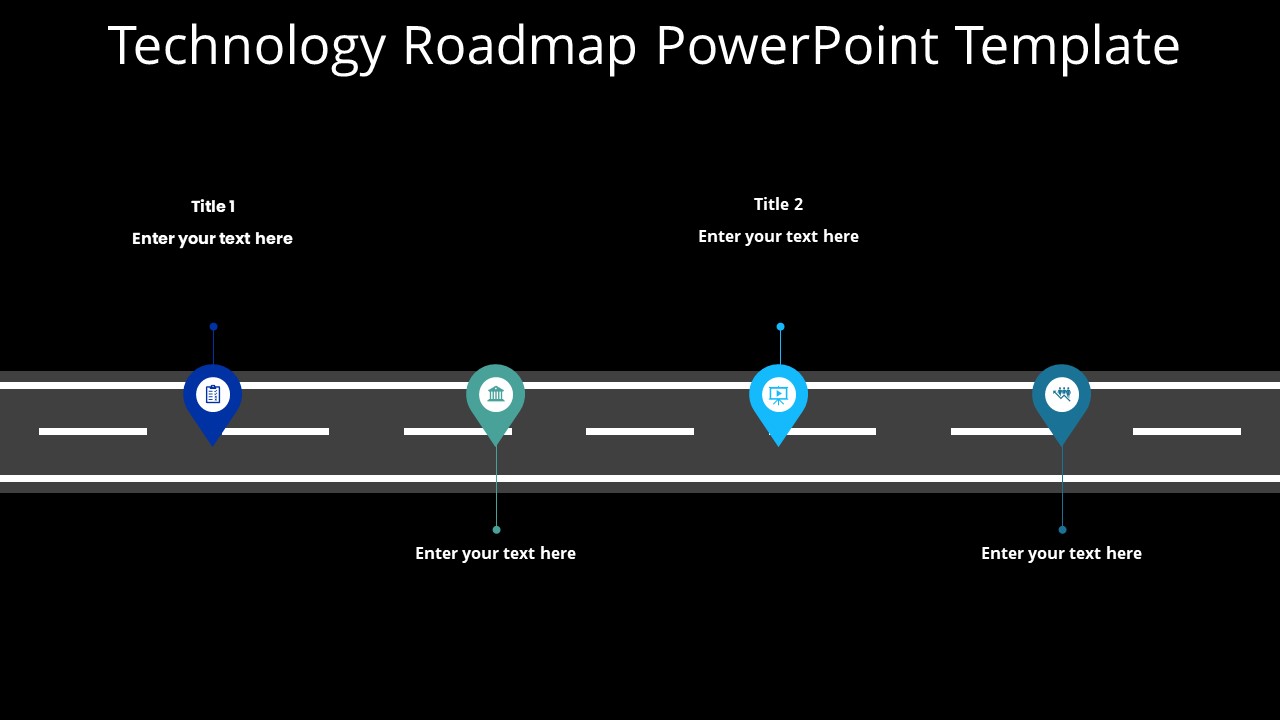
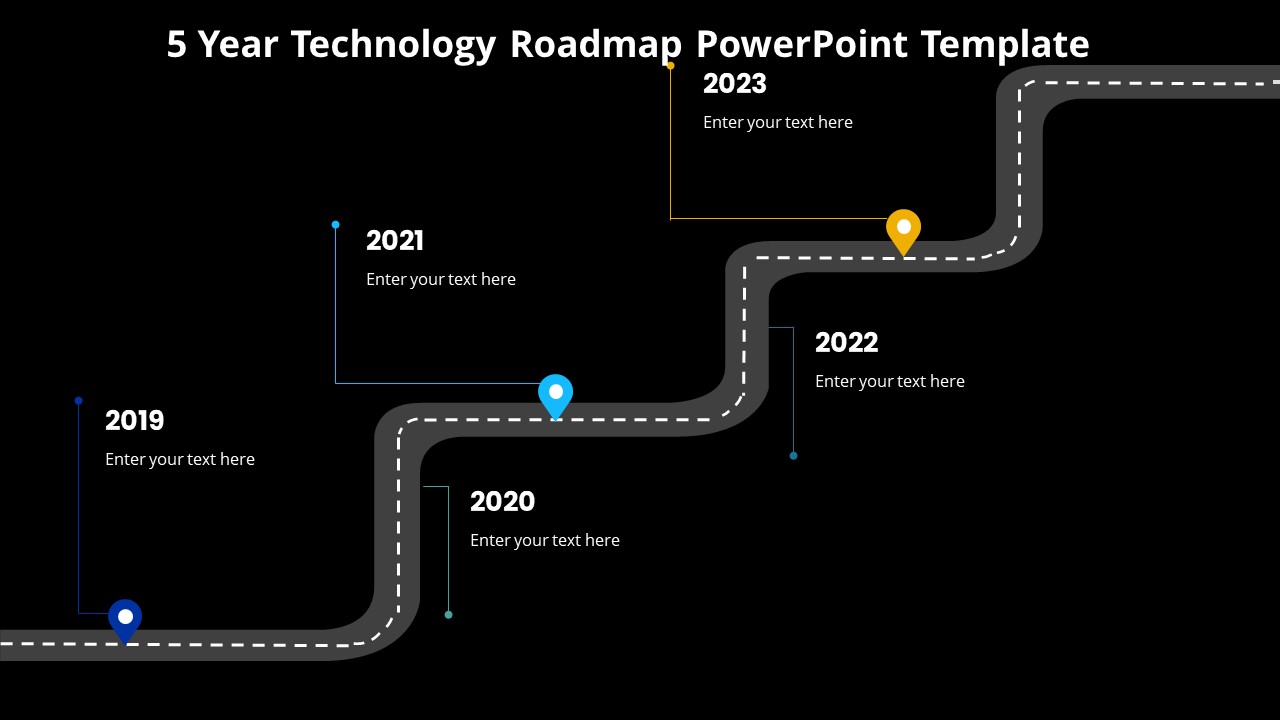
In the dynamic landscape of modern business, strategic planning has become more crucial than ever before. To navigate the complexities of technological evolution and innovation, businesses require a robust tool that not only outlines their current technological landscape but also maps the path to future advancements. Introducing the Technology Roadmap PowerPoint Presentation – your indispensable guide to charting a course towards sustainable growth and competitive advantage.
Problem Solving Features:
- Strategic Alignment: In today's fast-paced world, staying aligned with your organization's strategic goals is paramount. Our Technology Roadmap Presentation empowers you to visually align your technology initiatives with your overarching business objectives. By clearly articulating how each technological advancement contributes to your long-term goals, you can ensure that every investment moves you closer to success.
- Time Efficiency: Time is a precious commodity in the corporate world, and wasted time equates to lost opportunities. With our fully editable PowerPoint template, you can save countless hours that would otherwise be spent on creating a roadmap from scratch. The intuitive drag-and-drop functionality, coupled with editable vector graphics, allows you to customize your presentation swiftly and efficiently, freeing up valuable time for strategic decision-making.
- Flexibility and Customization: One size rarely fits all, especially in the realm of technology. Our presentation template offers unparalleled flexibility and customization options, enabling you to tailor your roadmap to suit the unique needs and preferences of your organization. Whether it's adjusting shapes, colors, sizes, or text, you have complete control over every aspect of your presentation, ensuring that it resonates with your audience and effectively communicates your vision.
- Consistency in Design: Maintaining consistency in design is essential for ensuring professionalism and coherence in your presentations. Our template comes with a built-in color theme that remains unaffected by copy-pasting, guaranteeing uniformity across all slides. This not only enhances the visual appeal of your presentation but also reinforces your brand identity, instilling confidence and trust in your stakeholders.
- Technology Sector: Technology companies can leverage this presentation to outline their product development roadmap, highlight key milestones, and demonstrate their commitment to innovation. Whether you're a startup looking to secure funding or an established player seeking to align your R&D efforts with market trends, our template provides the perfect platform to showcase your technological prowess.
- Manufacturing: In the manufacturing industry, technology plays a pivotal role in driving efficiency, quality, and sustainability. Manufacturers can utilize our presentation to map out their digital transformation journey, identify areas for process optimization, and showcase their adoption of cutting-edge technologies such as IoT, AI, and automation.
- Healthcare: The healthcare sector is undergoing a rapid digital transformation, with technology revolutionizing patient care, medical research, and administrative operations. Hospitals, clinics, and healthcare organizations can utilize our template to visualize their IT roadmap, highlight investments in electronic health records (EHR) systems, telemedicine platforms, and data analytics solutions, and demonstrate their commitment to delivering superior patient outcomes.
- Financial Services: In the highly regulated and competitive world of finance, technology serves as a catalyst for innovation and differentiation. Banks, insurance companies, and financial institutions can leverage our presentation to articulate their fintech strategy, showcase investments in blockchain technology, digital banking platforms, and cybersecurity measures, and reassure investors and customers alike of their readiness to embrace the digital future.
Template details
| Template | Technology Roadmap PowerPoint Presentation |
|---|---|
| Category | Roadmap |
| File format | PowerPoint (.pptx) |
| Slide size | 16:9 widescreen |
| Preview images | 1 |
| Editable | Yes: text, colours, shapes, icons and charts |
| Works with | PowerPoint 2010 and later, PowerPoint for Mac, Google Slides |
| Licence | Royalty-free, yours to keep using after your plan ends (terms of use apply) |
| Price | Included in every SlideVilla plan |
| Added | 13 Mar 2024 |
| Last updated | 16 Mar 2024 |
Questions about this template
Can I edit the Technology Roadmap PowerPoint Presentation?
Yes. Every part of the Technology Roadmap PowerPoint Presentation is made with native PowerPoint shapes and text boxes, so you can change the wording, colours, fonts and sizes, move or delete elements, and swap icons without losing quality.
Does the Technology Roadmap PowerPoint Presentation work in Google Slides?
Yes. Download the .pptx file, upload it to Google Drive and open it with Google Slides. The layout, shapes and text stay editable there too.
Is the Technology Roadmap PowerPoint Presentation free?
It is a premium template, included in every SlideVilla plan together with the rest of the library. See plans and pricing.
What size and format is it?
It is a PPTX file in 16:9 widescreen format, with 1 preview image shown above.
How to use this template
- Step 1DownloadClick Download and the .pptx file saves straight to your computer.
- Step 2OpenOpen it in PowerPoint, or upload it to Google Slides from your Drive.
- Step 3Make it yoursChange text, colours, icons and charts. Every element is fully editable.
Categories
Related PowerPoint templates
More designs like this one, ready to edit.