About this PowerPoint template
Introducing the Team Profile PowerPoint Presentation, the ultimate solution for crafting engaging and professional team introduction slides. Whether you're presenting to stakeholders, new clients, or at company meetings, this PowerPoint template is designed to help you showcase your team's expertise and personalities in the most impactful way.
This Team Profile PowerPoint Presentation is meticulously tailored to meet the needs of modern businesses and organizations. It features a sleek, professional design that can be adapted to fit any corporate style or brand identity. The layout is intuitive and easy to navigate, ensuring that your audience remains captivated and informed throughout your presentation.
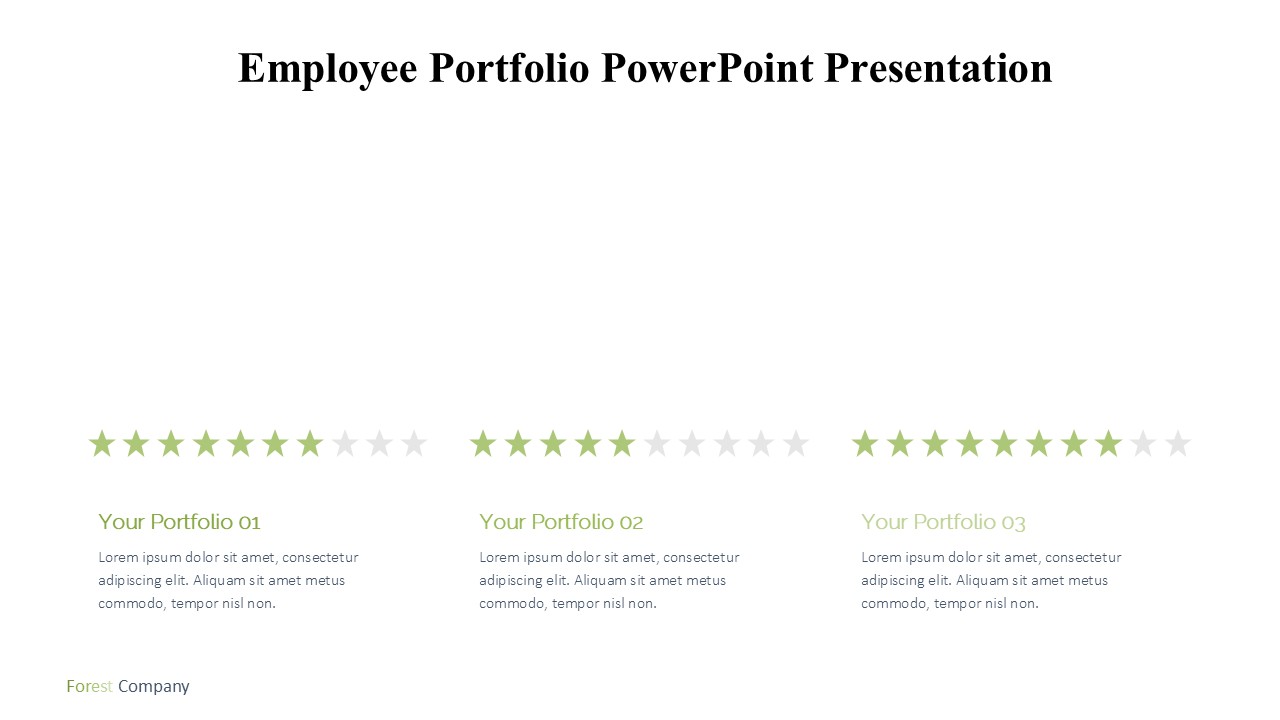
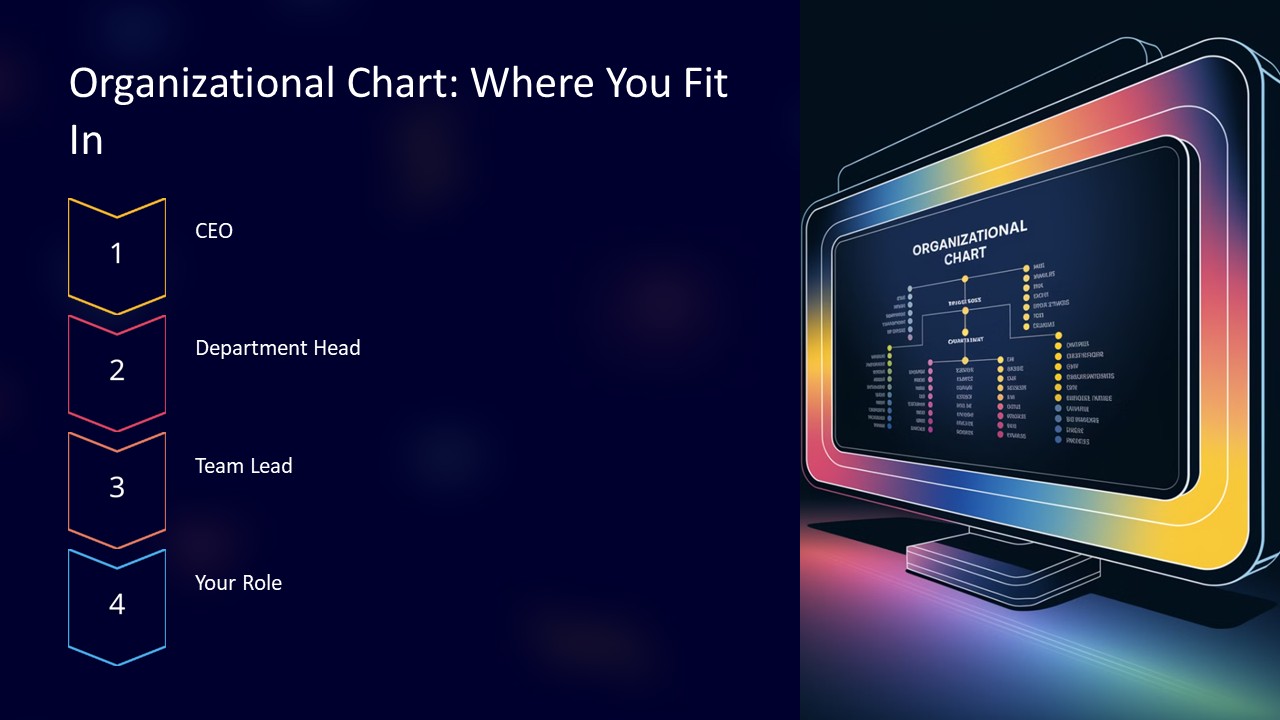
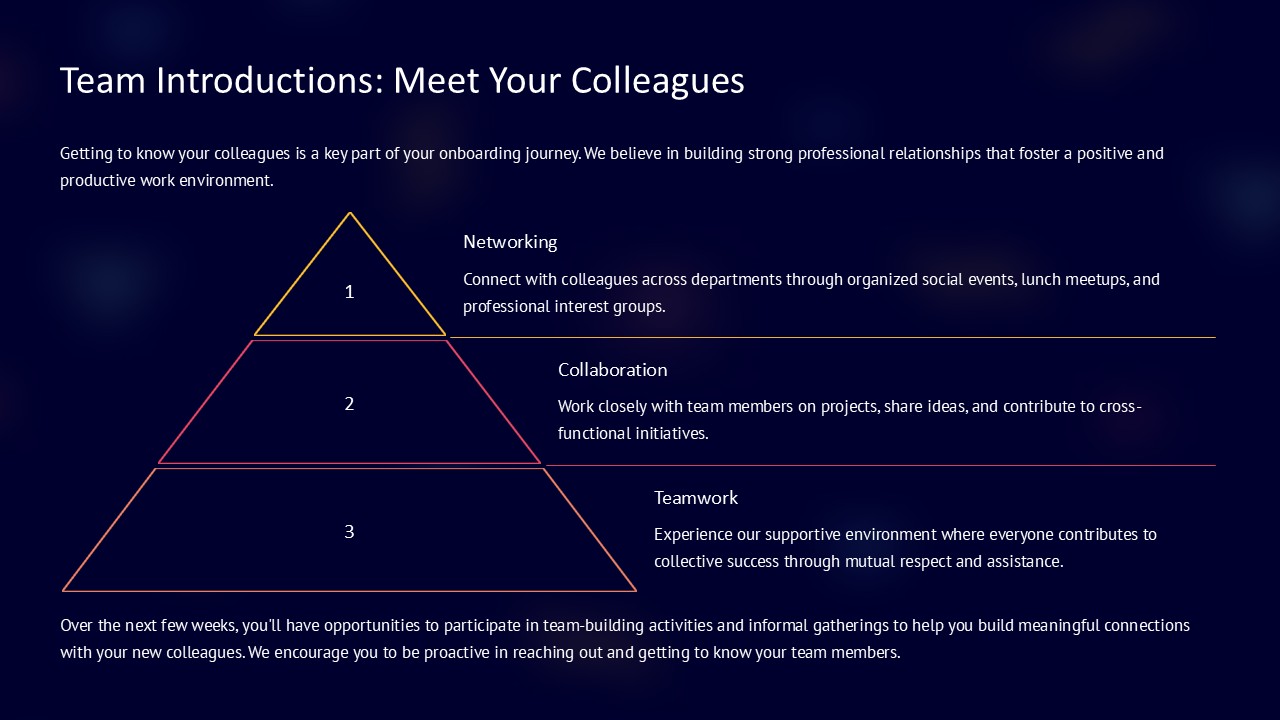
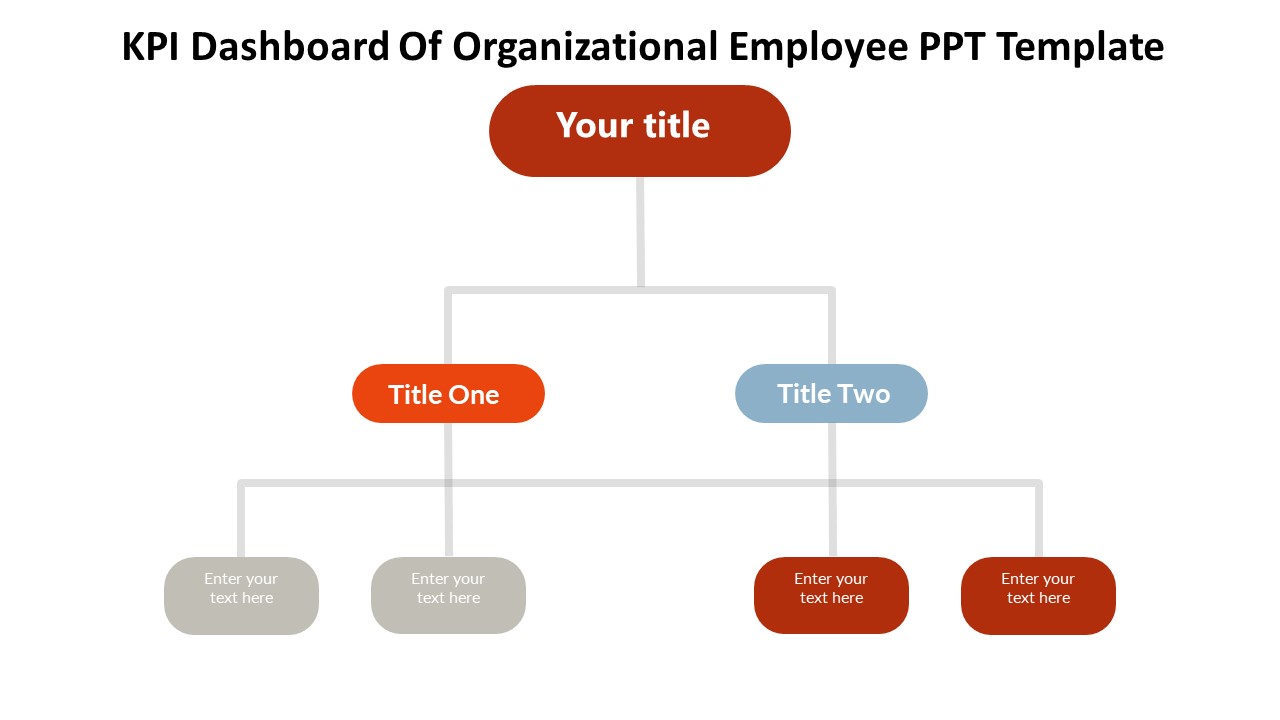
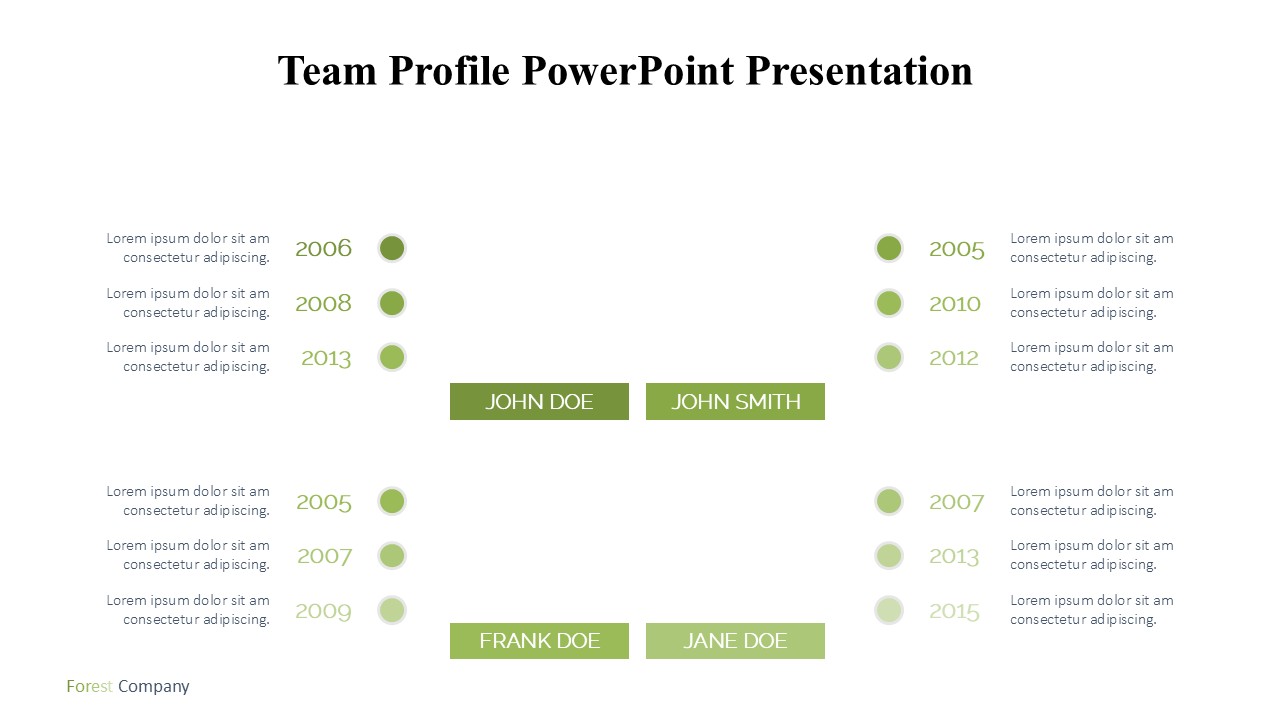
The template includes several slide designs to accommodate different information needs, such as individual team member introductions, role descriptions, professional achievements, skills, and contact information. Each slide is crafted with attention to detail, combining visual elements like icons, photo placeholders, and elegant typography to enhance readability and engagement.
What sets this Team Profile PowerPoint Presentation apart is its versatility and customization options. It is not just a static template but a dynamic toolkit designed to convey the unique strengths and personalities of your team members. Whether you need to highlight the expertise of a senior executive or the skills of your technical staff, this template makes it easy to adjust content to suit your specific requirements.
Features:
Fully Editable Templates:
The Team Profile PowerPoint Presentation is fully editable, allowing you to tweak fonts, colors, and graphics to align with your company's branding guidelines. This feature ensures that every slide can be personalized to reflect your brand's identity and communication style.
Supports PowerPoint and Google Slides:
Flexibility is key in today's fast-paced business environment. This template supports both PowerPoint and Google Slides, offering you the convenience of choosing your preferred platform. Whether you're working from the office or collaborating remotely, you can access and edit your presentation effortlessly.
Easy Photo Insertion:
Personalize your presentation with easy-to-insert photo placeholders. These are designed to make it simple to add images of your team members, creating a more personal and relatable presentation. Just drag and drop images into the placeholders, and you're set.
Dynamic Content Blocks:
Organize information beautifully with dynamic content blocks that are designed to make your text and visuals stand out. These blocks help in maintaining a clean and organized look, making your key points easy to follow.
Compatibility and Convenience:
Designed to be user-friendly, the Team Profile PowerPoint Presentation is compatible with all major operating systems and can be edited on both Mac and Windows computers. Its plug-and-play functionality means minimal setup time, so you can focus on creating a compelling presentation.
In conclusion, the Team Profile PowerPoint Presentation template is a powerful tool for any business aiming to introduce its team with professionalism and style. With its fully editable features, compatibility with popular presentation platforms, and elegant design, it empowers you to create a memorable and effective introduction to your team's core competencies and dynamic personalities.
Template details
| Template | Team Profile PowerPoint Presentation |
|---|---|
| Category | PowerPoint Templates |
| File format | PowerPoint (.pptx) |
| Slide size | 16:9 widescreen |
| Preview images | 1 |
| Editable | Yes: text, colours, shapes, icons and charts |
| Works with | PowerPoint 2010 and later, PowerPoint for Mac, Google Slides |
| Licence | Royalty-free, yours to keep using after your plan ends (terms of use apply) |
| Price | Included in every SlideVilla plan |
| Added | 11 May 2025 |
Questions about this template
Can I edit the Team Profile PowerPoint Presentation?
Yes. Every part of the Team Profile PowerPoint Presentation is made with native PowerPoint shapes and text boxes, so you can change the wording, colours, fonts and sizes, move or delete elements, and swap icons without losing quality.
Does the Team Profile PowerPoint Presentation work in Google Slides?
Yes. Download the .pptx file, upload it to Google Drive and open it with Google Slides. The layout, shapes and text stay editable there too.
Is the Team Profile PowerPoint Presentation free?
It is a premium template, included in every SlideVilla plan together with the rest of the library. See plans and pricing.
What size and format is it?
It is a PPTX file in 16:9 widescreen format, with 1 preview image shown above.
How to use this template
- Step 1DownloadClick Download and the .pptx file saves straight to your computer.
- Step 2OpenOpen it in PowerPoint, or upload it to Google Slides from your Drive.
- Step 3Make it yoursChange text, colours, icons and charts. Every element is fully editable.
Categories
Related PowerPoint templates
More designs like this one, ready to edit.