About this PowerPoint template
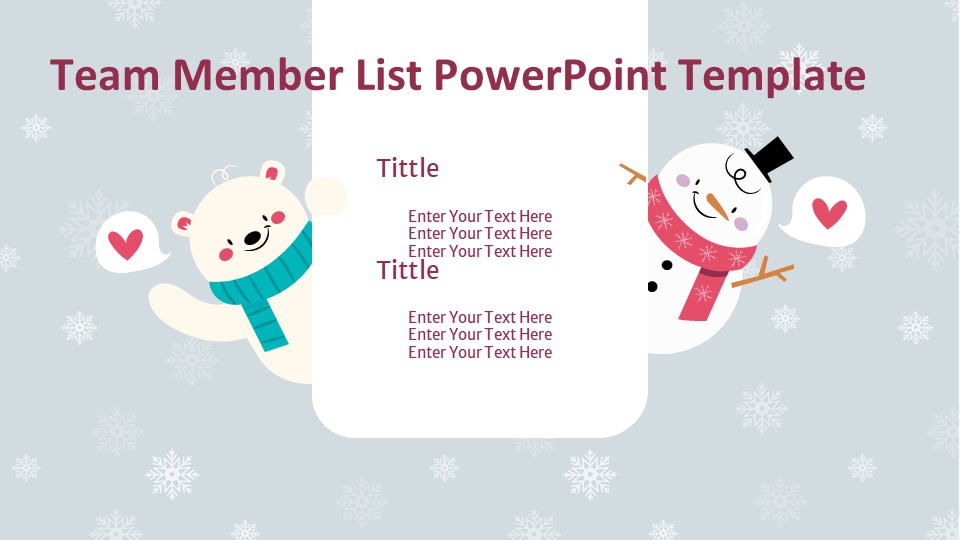
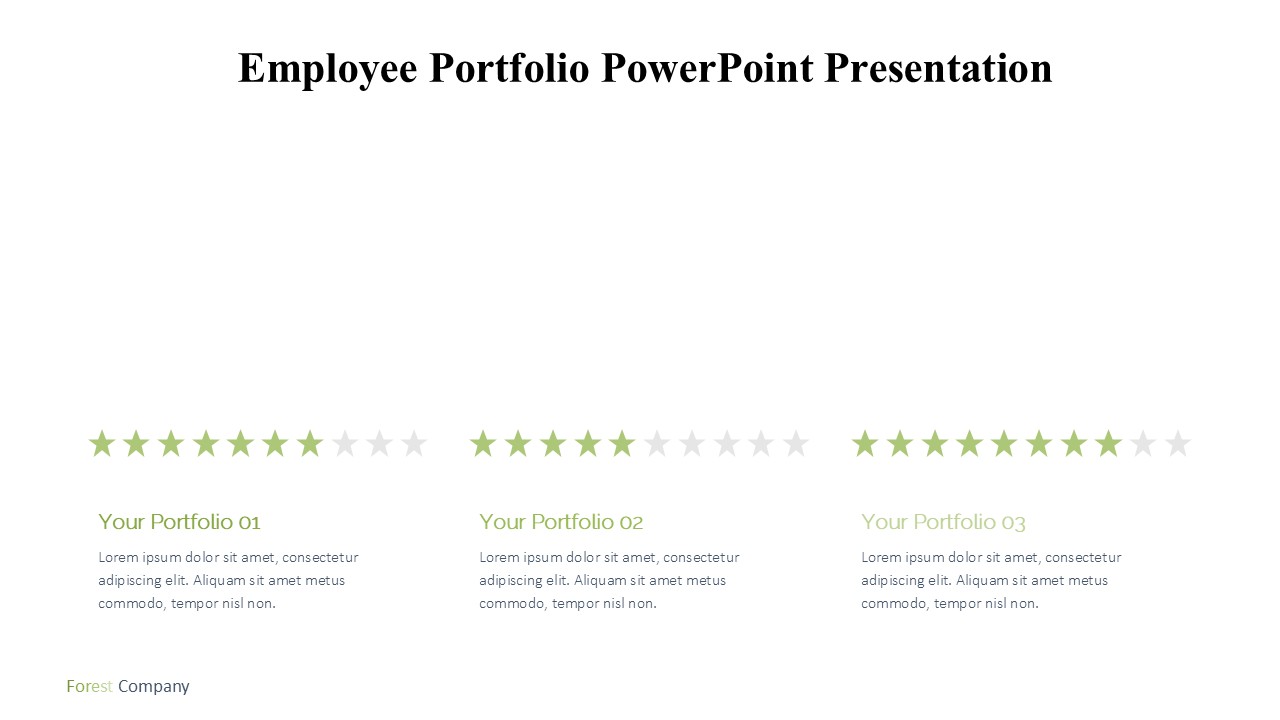
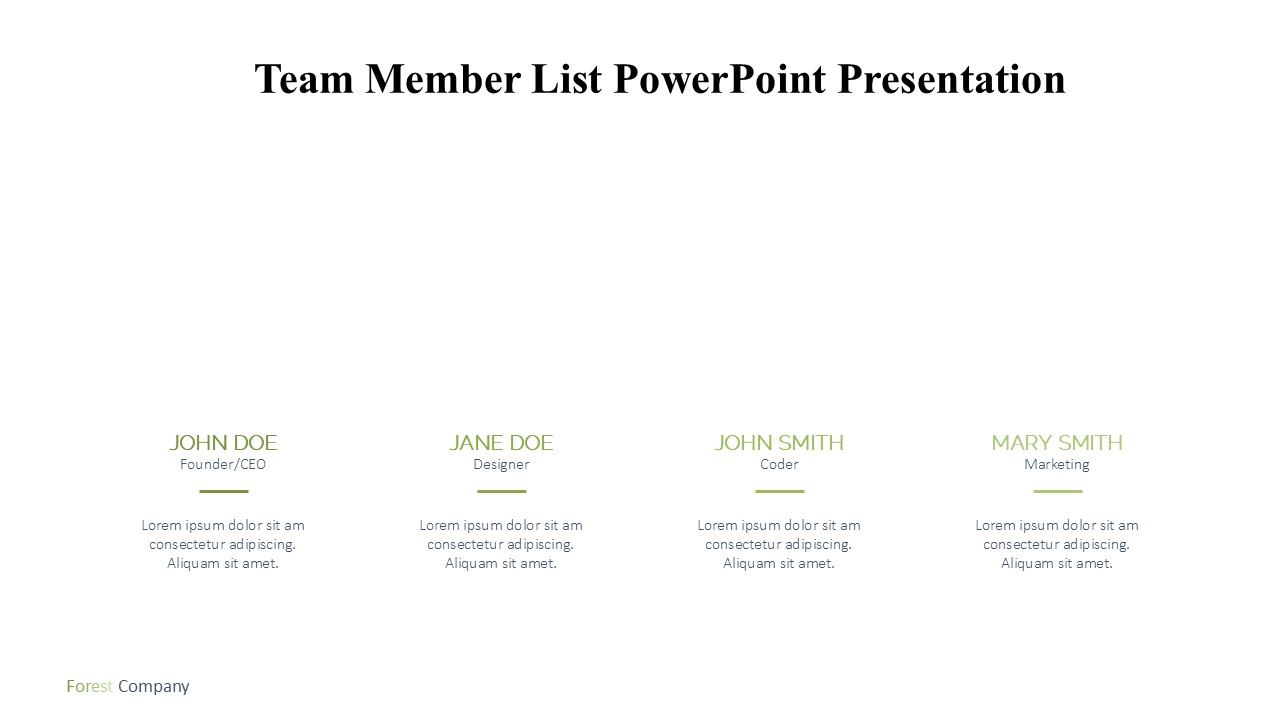
Introducing the Team Member List PowerPoint Presentation – a meticulously designed tool that empowers you to craft a compelling and visually stunning introduction of your team to stakeholders, clients, and internal audiences. Whether you're presenting in a corporate setting, at a conference, or during an internal meeting, this presentation template ensures that your team's profile captures attention and conveys professionalism.
This PowerPoint presentation template is perfect for managers, team leaders, HR professionals, and business owners who want to showcase their team's expertise, roles, and individual contributions in a cohesive and attractive format. It is designed to elevate your team's introduction beyond mere names and titles, turning what is typically a routine overview into an engaging experience for your audience.
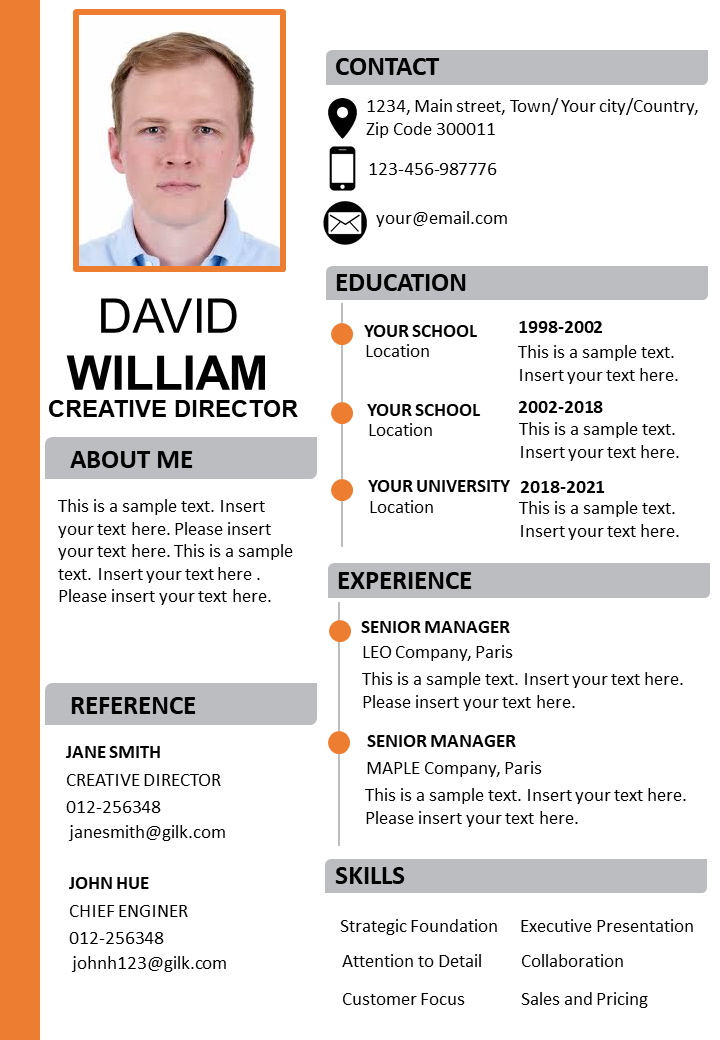
The Team Member List PowerPoint Presentation comes equipped with a series of beautifully designed slides, each tailored to represent individual team members or groups within your organization. Each slide includes dedicated space for photographs, making it easier to put faces to names, alongside text areas for detailing qualifications, roles, experience, and interesting facts. This personal touch not only enhances memorability but also fosters a sense of connection between your team and the audience.
The layout is clean and professional, with a choice of aesthetic themes that can be customized to align with your company’s branding. The color schemes, fonts, and design elements are all adjustable, ensuring your presentation remains consistent with your corporate identity. This level of customization promotes brand recognition and keeps your presentation looking sharp and polished.
Features:
Fully Editable Templates: The Team Member List PowerPoint Presentation template is entirely editable. Each element, from text boxes and fonts to images and color schemes, can be customized to meet your specific needs. This flexibility allows for a high degree of personalization, ensuring that the final product not only meets but exceeds your presentation goals.
Supports PowerPoint and Google Slides: Compatibility is key for seamless presentation preparation and delivery. This template is designed to support both PowerPoint and Google Slides, giving you the freedom to choose your preferred platform. Whether you are working from a PC, a Mac, or even on the go, you can easily access and edit your presentation.
Visual Appeal: With professional design and aesthetic layouts, the visual appeal of your presentation is guaranteed. The use of high-quality graphics and a coherent color palette ensures that your presentation is always eye-catching and effective in communicating your message.
Easy to Use: The Team Member List PowerPoint Presentation is user-friendly, designed for ease of use regardless of your level of expertise in presentation design. It comes with instructions and tips for customization, making it accessible even for those who are new to using presentation templates.
Versatile: This template is not only for introducing team members but can also be adapted for various other purposes such as project team introductions, workshop participant introductions, or even educational class presentations.
Elevate your team introductions with the Team Member List PowerPoint Presentation, and deliver a memorable, impactful, and visually captivating presentation that stands out. Whether it's setting the stage at a conference or fostering team spirit in a company meeting, this tool is your go-to for creating a professional impression.
Template details
| Template | Team Member List PowerPoint Presentation |
|---|---|
| Category | PowerPoint Templates |
| File format | PowerPoint (.pptx) |
| Slide size | 16:9 widescreen |
| Preview images | 1 |
| Editable | Yes: text, colours, shapes, icons and charts |
| Works with | PowerPoint 2010 and later, PowerPoint for Mac, Google Slides |
| Licence | Royalty-free, yours to keep using after your plan ends (terms of use apply) |
| Price | Included in every SlideVilla plan |
| Added | 11 May 2025 |
Questions about this template
Can I edit the Team Member List PowerPoint Presentation?
Yes. Every part of the Team Member List PowerPoint Presentation is made with native PowerPoint shapes and text boxes, so you can change the wording, colours, fonts and sizes, move or delete elements, and swap icons without losing quality.
Does the Team Member List PowerPoint Presentation work in Google Slides?
Yes. Download the .pptx file, upload it to Google Drive and open it with Google Slides. The layout, shapes and text stay editable there too.
Is the Team Member List PowerPoint Presentation free?
It is a premium template, included in every SlideVilla plan together with the rest of the library. See plans and pricing.
What size and format is it?
It is a PPTX file in 16:9 widescreen format, with 1 preview image shown above.
How to use this template
- Step 1DownloadClick Download and the .pptx file saves straight to your computer.
- Step 2OpenOpen it in PowerPoint, or upload it to Google Slides from your Drive.
- Step 3Make it yoursChange text, colours, icons and charts. Every element is fully editable.
Categories
Related PowerPoint templates
More designs like this one, ready to edit.