About this PowerPoint template
Are you looking to enhance the impact of your organizational PowerPoint presentations? Look no further as we have curated a list of effective strategies to improve your slides and captivate your audience.
- Simplify your content: Clear and concise slides are key to keeping your audience engaged. Avoid cluttering slides with too much text or complicated graphics. Focus on conveying your message effectively and efficiently.
- Use visuals: Incorporating relevant visuals such as images, diagrams, and charts can help convey your message more effectively than text alone. Visuals can also help break up the monotony of text-heavy slides.
- Choose a cohesive design: A consistent design theme throughout your presentation can help create a professional and cohesive look. Use the same color scheme, fonts, and layout for a polished finish.
- Utilize animations and transitions: Strategic use of animations and transitions can make your presentation more dynamic and engaging. However, use them sparingly to avoid overwhelming your audience.
- Practice and prepare: Rehearsing your presentation multiple times can help you feel more confident and polished during the actual delivery. Familiarize yourself with the content and pacing to ensure a smooth delivery.
- Engage with your audience: Encourage interaction with your audience by asking questions, inviting feedback, or incorporating polls and quizzes into your presentation. Engaging your audience can help maintain their interest and participation.
Now, when it comes to applying these strategies using PowerPoint presentations, having fully editable templates can be a game-changer. These templates offer the following features:
- Customizability: Fully editable templates allow you to easily customize the content, design, and layout to suit your specific needs. You can add, remove, or rearrange elements as required.
- Efficiency: Templates save time by providing pre-designed slides that you can simply fill in with your content. This streamlines the presentation creation process and ensures a consistent look throughout.
- Professionalism: Utilizing professionally designed templates can elevate the visual appeal of your presentation, giving it a polished and professional look without the need for graphic design skills.
- Flexibility: With fully editable templates, you have the flexibility to tailor your presentation to different audiences or purposes. You can easily adjust the content and design elements to suit the context of your presentation.
In conclusion, incorporating these strategies and utilizing fully editable templates can help you create impactful organizational PowerPoint presentations that effectively communicate your message and leave a lasting impression on your audience.
Template details
| Template | Strategies To Improve Organizational Powerpoint Presentation |
|---|---|
| Category | PowerPoint Templates |
| File format | PowerPoint (.pptx) |
| Slide size | 16:9 widescreen |
| Preview images | 1 |
| Editable | Yes: text, colours, shapes, icons and charts |
| Works with | PowerPoint 2010 and later, PowerPoint for Mac, Google Slides |
| Licence | Royalty-free, yours to keep using after your plan ends (terms of use apply) |
| Price | Included in every SlideVilla plan |
| Added | 30 Aug 2024 |
Questions about this template
Can I edit the Strategies To Improve Organizational Powerpoint Presentation?
Yes. Every part of the Strategies To Improve Organizational Powerpoint Presentation is made with native PowerPoint shapes and text boxes, so you can change the wording, colours, fonts and sizes, move or delete elements, and swap icons without losing quality.
Does the Strategies To Improve Organizational Powerpoint Presentation work in Google Slides?
Yes. Download the .pptx file, upload it to Google Drive and open it with Google Slides. The layout, shapes and text stay editable there too.
Is the Strategies To Improve Organizational Powerpoint Presentation free?
It is a premium template, included in every SlideVilla plan together with the rest of the library. See plans and pricing.
What size and format is it?
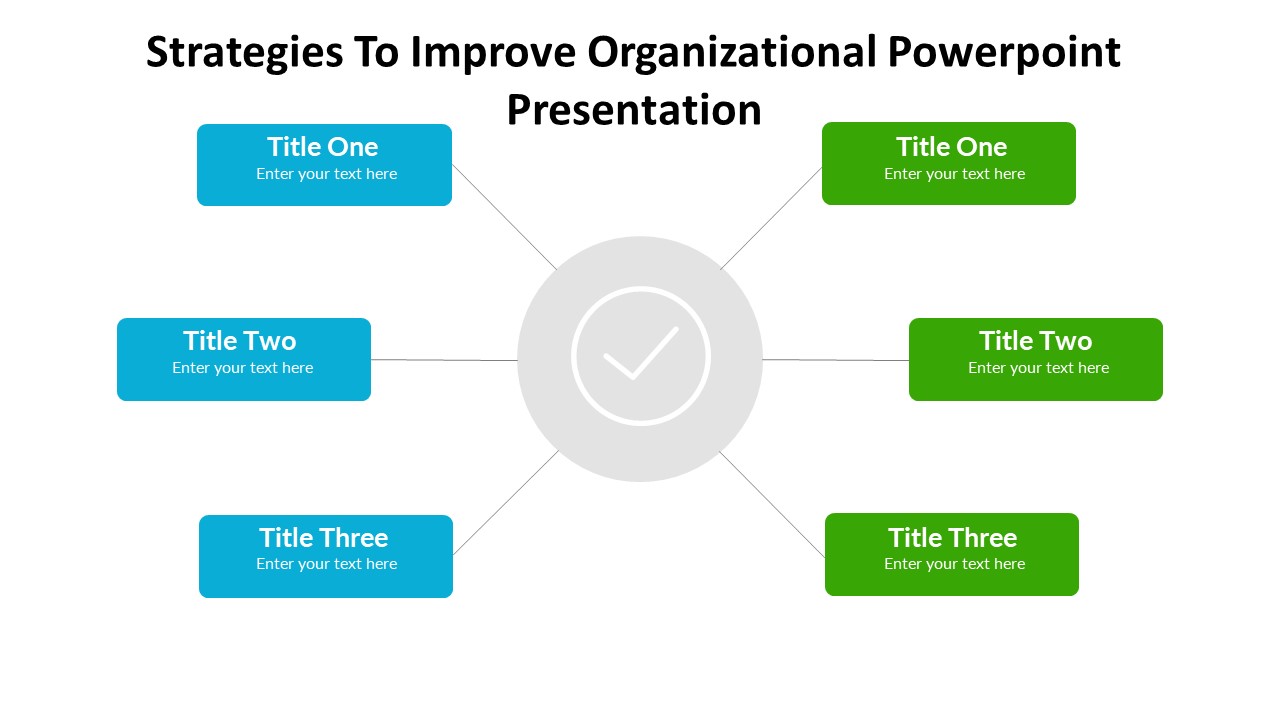
It is a PPTX file in 16:9 widescreen format, with 1 preview image shown above.
How to use this template
- Step 1DownloadClick Download and the .pptx file saves straight to your computer.
- Step 2OpenOpen it in PowerPoint, or upload it to Google Slides from your Drive.
- Step 3Make it yoursChange text, colours, icons and charts. Every element is fully editable.
Categories
Related PowerPoint templates
More designs like this one, ready to edit.