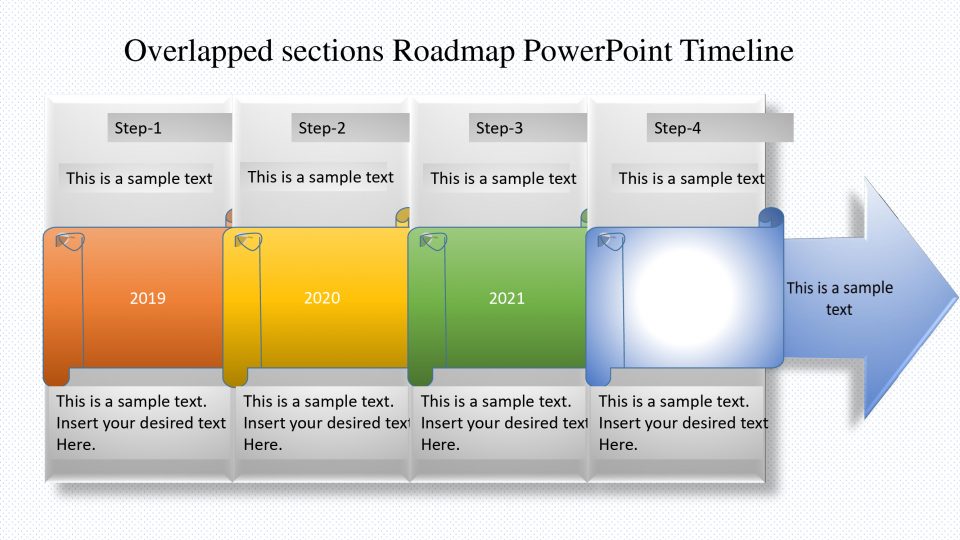
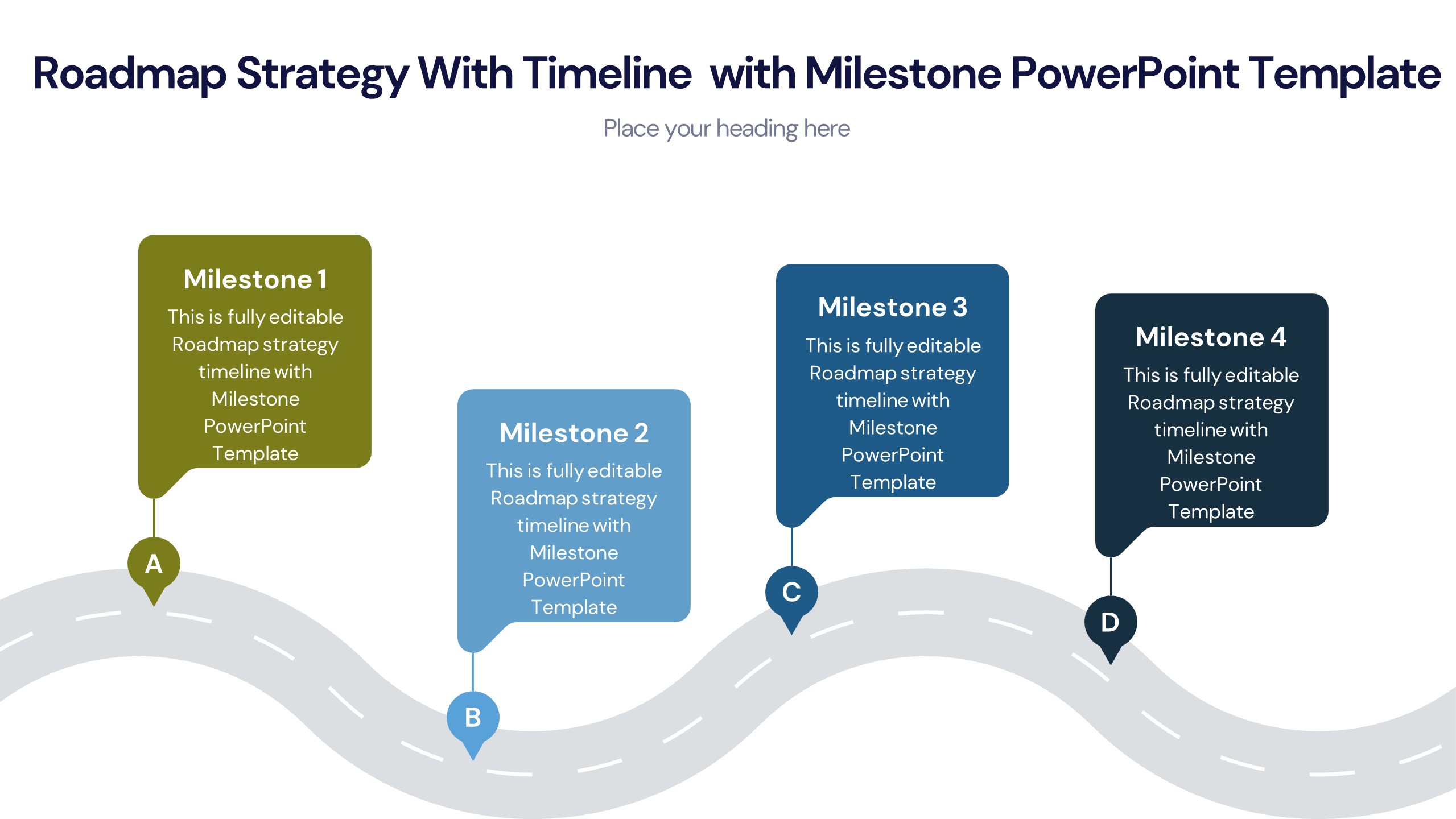
About this PowerPoint template
In the fast-paced landscape of business, a well-crafted strategic roadmap is your compass. Introducing our Strategic Roadmap PowerPoint Presentation, a dynamic tool designed to navigate the complexities of planning and execution with ease. This fully editable presentation empowers you to visualize your goals, chart your course, and communicate your strategy effectively. Say goodbye to time-consuming manual adjustments; our template allows you to effortlessly tailor every aspect to suit your needs, from shapes and colors to text and imagery. With a built-in color theme that remains consistent even after copy-pasting, seamless integration of drag-and-drop image placeholders, and editable vector graphics, this presentation is the ultimate solution for professionals across various industries. Whether you're in technology, finance, marketing, or beyond, harness the power of strategic planning to drive success in your organization.
Key Features:
- Customizable Flexibility: Tailor every element to perfection with complete editability in shape, color, size, and text, ensuring your presentation aligns precisely with your vision.
- Time-saving Efficiency: Say goodbye to manual adjustments and tedious formatting tasks; our template streamlines the process, allowing you to focus on refining your strategy instead of wrestling with design elements.
- Consistent Visual Identity: Maintain a professional and cohesive look throughout your presentation with a built-in color theme that remains intact even when copying and pasting slides.
- Intuitive Design Elements: Effortlessly integrate visuals into your roadmap with drag-and-drop image placeholders, simplifying the process of adding relevant illustrations to enhance understanding and engagement.
- Scalable Vector Graphics: Ensure crisp, clear visuals at any size with editable vector graphics, providing flexibility and quality assurance for your presentations.
- Technology: Tech companies can utilize this roadmap to outline product development strategies, software release timelines, and innovation trajectories.
- Finance: Financial institutions can map out investment strategies, market analysis, and risk management plans for informed decision-making.
- Marketing: Marketing professionals can craft comprehensive campaigns, brand strategies, and market expansion initiatives with clarity and precision.
- Consulting: Consulting firms can use this tool to guide clients through strategic planning processes, offering visual clarity and actionable insights.
Template details
| Template | Strategic Roadmap PowerPoint Presentation |
|---|---|
| Category | Roadmap |
| File format | PowerPoint (.pptx) |
| Slide size | 16:9 widescreen |
| Preview images | 1 |
| Editable | Yes: text, colours, shapes, icons and charts |
| Works with | PowerPoint 2010 and later, PowerPoint for Mac, Google Slides |
| Licence | Royalty-free, yours to keep using after your plan ends (terms of use apply) |
| Price | Included in every SlideVilla plan |
| Added | 13 Mar 2024 |
| Last updated | 16 Mar 2024 |
Questions about this template
Can I edit the Strategic Roadmap PowerPoint Presentation?
Yes. Every part of the Strategic Roadmap PowerPoint Presentation is made with native PowerPoint shapes and text boxes, so you can change the wording, colours, fonts and sizes, move or delete elements, and swap icons without losing quality.
Does the Strategic Roadmap PowerPoint Presentation work in Google Slides?
Yes. Download the .pptx file, upload it to Google Drive and open it with Google Slides. The layout, shapes and text stay editable there too.
Is the Strategic Roadmap PowerPoint Presentation free?
It is a premium template, included in every SlideVilla plan together with the rest of the library. See plans and pricing.
What size and format is it?
It is a PPTX file in 16:9 widescreen format, with 1 preview image shown above.
How to use this template
- Step 1DownloadClick Download and the .pptx file saves straight to your computer.
- Step 2OpenOpen it in PowerPoint, or upload it to Google Slides from your Drive.
- Step 3Make it yoursChange text, colours, icons and charts. Every element is fully editable.
Categories
Related PowerPoint templates
More designs like this one, ready to edit.