About this PowerPoint template
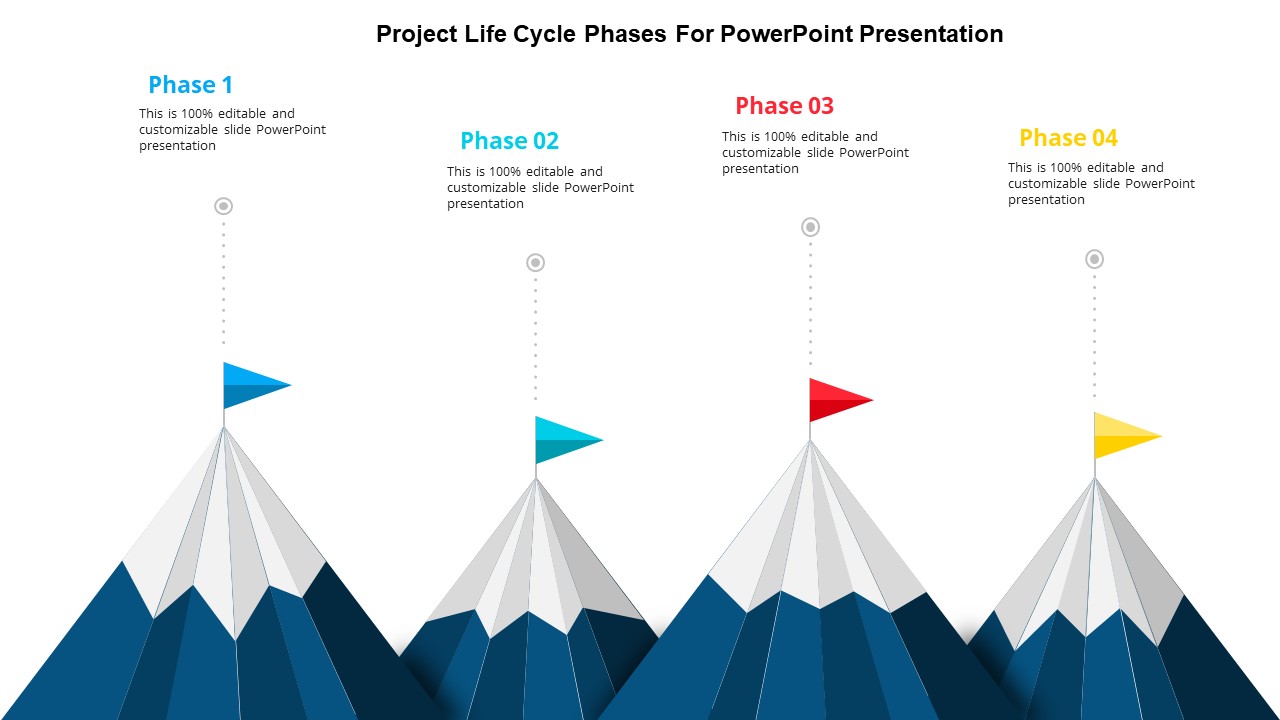
The project life cycle is a key concept in project management that defines the stages a project goes through from initiation to completion. Understanding the stages of the project life cycle helps project managers effectively plan, execute, and evaluate their projects.
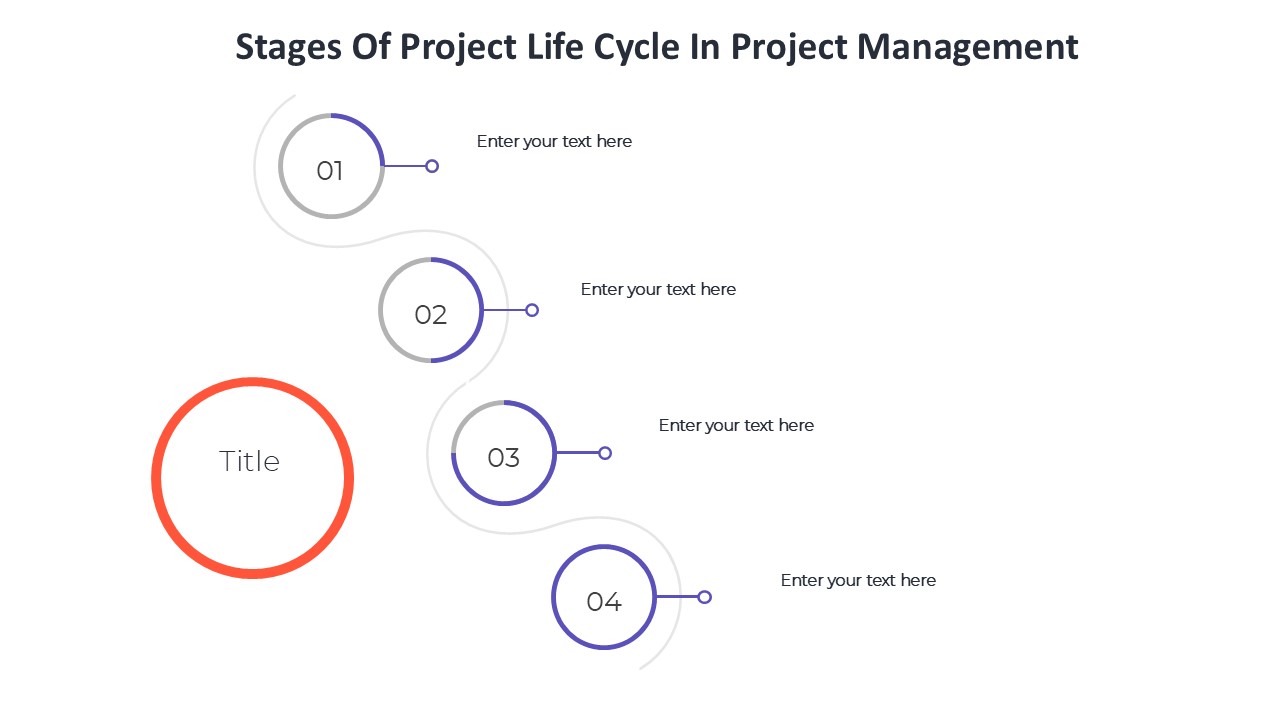
- Initiation: This is the first phase of the project life cycle, where the project is defined at a broad level. Project stakeholders are identified, and the project’s feasibility is determined. This stage sets the foundation for the project and involves creating a project charter.
- Planning: In this stage, the project scope is defined in detail, objectives are established, and a detailed project plan is developed. The project plan includes a schedule, budget, resource allocation, and risk management strategy.
- Execution: This is the phase where the project plan is put into action. Tasks are assigned, resources are mobilized, and the project team starts working towards achieving the project goals.
- Monitoring and Controlling: In this stage, project progress is monitored, and any deviations from the project plan are addressed. Project managers track performance, manage changes, and ensure that the project stays on track.
- Closing: The final stage of the project life cycle involves formally closing out the project. This includes delivering the final product to the customer, obtaining project acceptance, and releasing project resources. A project post-mortem may also be conducted to evaluate the project’s success and identify lessons learned.
Features of fully editable templates related to stages of project life cycle in project management:
- Customizable templates for each stage of the project life cycle, from initiation to closing
- Easy-to-use design with clearly defined sections for project planning, execution, monitoring, and closing
- Templates include space for documenting project objectives, timelines, budgets, and resource allocations
- Editable fields for updating project progress, tracking milestones, and managing risks
- Interactive features like progress trackers, Gantt charts, and task lists for efficient project management
- Ability to export and share templates in various formats for collaboration with project stakeholders
With fully editable templates tailored to the stages of the project life cycle, project managers can streamline their project planning process, improve communication with team members, and ensure successful project delivery.
Template details
| Template | Stages Of Project Life Cycle In Project Management |
|---|---|
| Category | PowerPoint Templates |
| File format | PowerPoint (.pptx) |
| Slide size | 16:9 widescreen |
| Preview images | 1 |
| Editable | Yes: text, colours, shapes, icons and charts |
| Works with | PowerPoint 2010 and later, PowerPoint for Mac, Google Slides |
| Licence | Royalty-free, yours to keep using after your plan ends (terms of use apply) |
| Price | Included in every SlideVilla plan |
| Added | 2 Oct 2024 |
Questions about this template
Can I edit the Stages Of Project Life Cycle In Project Management?
Yes. Every part of the Stages Of Project Life Cycle In Project Management is made with native PowerPoint shapes and text boxes, so you can change the wording, colours, fonts and sizes, move or delete elements, and swap icons without losing quality.
Does the Stages Of Project Life Cycle In Project Management work in Google Slides?
Yes. Download the .pptx file, upload it to Google Drive and open it with Google Slides. The layout, shapes and text stay editable there too.
Is the Stages Of Project Life Cycle In Project Management free?
It is a premium template, included in every SlideVilla plan together with the rest of the library. See plans and pricing.
What size and format is it?
It is a PPTX file in 16:9 widescreen format, with 1 preview image shown above.
How to use this template
- Step 1DownloadClick Download and the .pptx file saves straight to your computer.
- Step 2OpenOpen it in PowerPoint, or upload it to Google Slides from your Drive.
- Step 3Make it yoursChange text, colours, icons and charts. Every element is fully editable.
Categories
Related PowerPoint templates
More designs like this one, ready to edit.