About this PowerPoint template
Introducing the Smart Chart Template, a versatile tool designed to streamline your data visualization and presentation needs. This user-friendly template is perfect for professionals across various industries who want to create impactful charts and graphs with ease.
The Smart Chart Template is packed with a range of features that make it stand out from traditional chart templates. With fully editable elements, users can customize every aspect of the chart to suit their specific requirements. From changing colors and fonts to adjusting data points and labels, the template offers unparalleled flexibility in design.
One of the key benefits of the Smart Chart Template is its compatibility with popular presentation software such as Microsoft PowerPoint and Google Slides. This seamless integration allows users to easily import their charts into existing presentations or create new slides from scratch. The template is also compatible with both Windows and Mac operating systems, making it accessible to a wide range of users.
Whether you're visualizing sales data, financial projections, or marketing trends, the Smart Chart Template has you covered. Its intuitive interface and drag-and-drop functionality make creating professional-looking charts a breeze. With a variety of chart types to choose from, including bar graphs, pie charts, line graphs, and more, you can find the perfect style to showcase your data effectively.
In addition to its user-friendly design, the Smart Chart Template also offers a range of advanced features for power users. These include interactive elements, animation effects, and data linking capabilities, allowing you to create dynamic and engaging presentations that captivate your audience.
With the Smart Chart Template, you no longer have to settle for basic, static charts. Take your data visualization to the next level with this innovative and feature-rich template that empowers you to create stunning charts and graphs that leave a lasting impression. Elevate your presentations and make your data come to life with the Smart Chart Template.
Template details
| Template | Smart Chart Template |
|---|---|
| Category | PowerPoint Templates |
| File format | PowerPoint (.pptx) |
| Slide size | 16:9 widescreen |
| Preview images | 1 |
| Editable | Yes: text, colours, shapes, icons and charts |
| Works with | PowerPoint 2010 and later, PowerPoint for Mac, Google Slides |
| Licence | Royalty-free, yours to keep using after your plan ends (terms of use apply) |
| Price | Included in every SlideVilla plan |
| Added | 2 Nov 2024 |
Questions about this template
Can I edit the Smart Chart Template?
Yes. Every part of the Smart Chart Template is made with native PowerPoint shapes and text boxes, so you can change the wording, colours, fonts and sizes, move or delete elements, and swap icons without losing quality.
Does the Smart Chart Template work in Google Slides?
Yes. Download the .pptx file, upload it to Google Drive and open it with Google Slides. The layout, shapes and text stay editable there too.
Is the Smart Chart Template free?
It is a premium template, included in every SlideVilla plan together with the rest of the library. See plans and pricing.
What size and format is it?
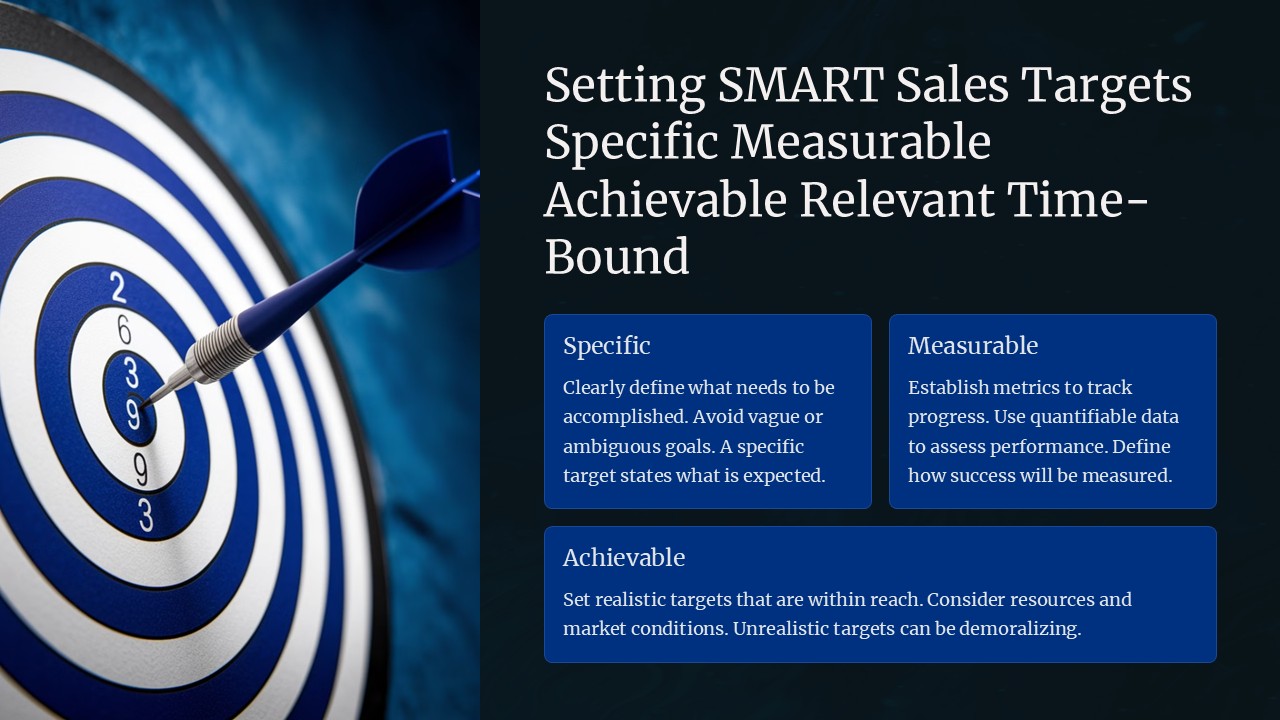
It is a PPTX file in 16:9 widescreen format, with 1 preview image shown above.
How to use this template
- Step 1DownloadClick Download and the .pptx file saves straight to your computer.
- Step 2OpenOpen it in PowerPoint, or upload it to Google Slides from your Drive.
- Step 3Make it yoursChange text, colours, icons and charts. Every element is fully editable.
Categories
Related PowerPoint templates
More designs like this one, ready to edit.