About this PowerPoint template
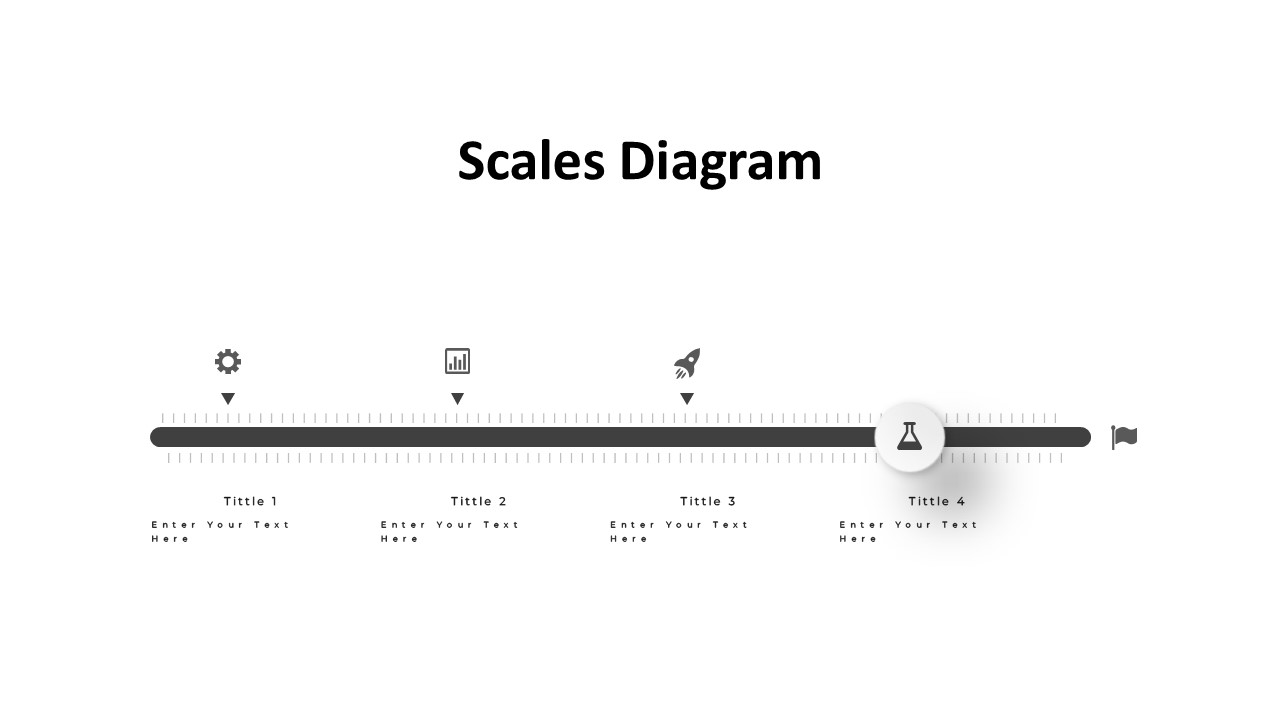
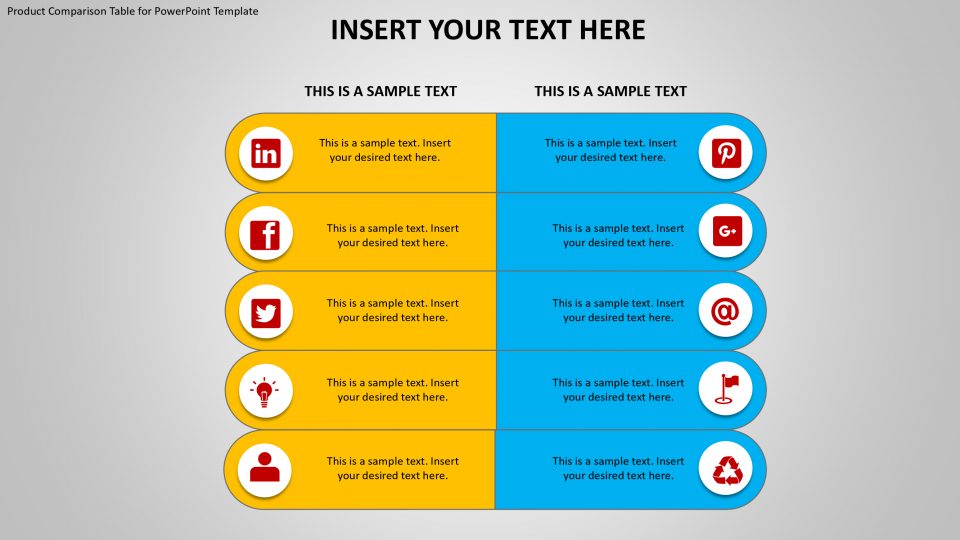
The Sliding Scale PowerPoint Template is a versatile and professional presentation design that is perfect for showcasing data, charts, and infographics in a dynamic and engaging way. This template features a sleek and modern design with a sliding scale graphic element that can be easily customized to fit your specific needs.
With a clean and minimalist layout, this PowerPoint template allows you to present your information clearly and effectively. The color scheme is easy on the eyes and can be adjusted to match your branding or personal preferences. The slides are fully editable, allowing you to easily add your own content, change colors, and rearrange elements to create a unique and personalized presentation.
Whether you are giving a business presentation, a sales pitch, or a project update, the Sliding Scale PowerPoint Template will help you captivate your audience and make a lasting impression. Impress your colleagues, clients, or stakeholders with a professional and polished presentation that stands out from the rest.
Key Features:
- Fully editable slides: Easily customize the content, colors, and layout to suit your needs.
- Professional design: Impress your audience with a sleek and modern presentation design.
- Data visualization: Use the sliding scale graphic to present data and information in an engaging way.
- Easy to use: Even if you're not a PowerPoint expert, you can quickly and easily create a professional presentation.
- Versatile: Suitable for a wide range of presentations, from business meetings to academic lectures.
- Time-saving: Skip the hassle of creating a presentation from scratch and focus on delivering your message effectively.
Take your presentations to the next level with the Sliding Scale PowerPoint Template. With its fully editable templates and professional design, you can create stunning and impactful presentations that leave a lasting impression on your audience.
Template details
| Template | Sliding Scale PowerPoint Template |
|---|---|
| Category | PowerPoint Templates |
| File format | PowerPoint (.pptx) |
| Slide size | 16:9 widescreen |
| Preview images | 1 |
| Editable | Yes: text, colours, shapes, icons and charts |
| Works with | PowerPoint 2010 and later, PowerPoint for Mac, Google Slides |
| Licence | Royalty-free, yours to keep using after your plan ends (terms of use apply) |
| Price | Included in every SlideVilla plan |
| Added | 2 Nov 2024 |
Questions about this template
Can I edit the Sliding Scale PowerPoint Template?
Yes. Every part of the Sliding Scale PowerPoint Template is made with native PowerPoint shapes and text boxes, so you can change the wording, colours, fonts and sizes, move or delete elements, and swap icons without losing quality.
Does the Sliding Scale PowerPoint Template work in Google Slides?
Yes. Download the .pptx file, upload it to Google Drive and open it with Google Slides. The layout, shapes and text stay editable there too.
Is the Sliding Scale PowerPoint Template free?
It is a premium template, included in every SlideVilla plan together with the rest of the library. See plans and pricing.
What size and format is it?
It is a PPTX file in 16:9 widescreen format, with 1 preview image shown above.
How to use this template
- Step 1DownloadClick Download and the .pptx file saves straight to your computer.
- Step 2OpenOpen it in PowerPoint, or upload it to Google Slides from your Drive.
- Step 3Make it yoursChange text, colours, icons and charts. Every element is fully editable.
Categories
Related PowerPoint templates
More designs like this one, ready to edit.